
Model
Prompt
Translate PromptReference image (optional)
Style
Advanced
Public Visibility
When this option is enabled, your output image and its unprotected prompt may be selected by Jitura for the community gallery. Reference photos are not included. Visit the gallery for more info.
AI Sketch Generator
Turn your text prompts into detailed hand-drawn sketches in seconds, from pencil portraits to charcoal scenes and clean line art.
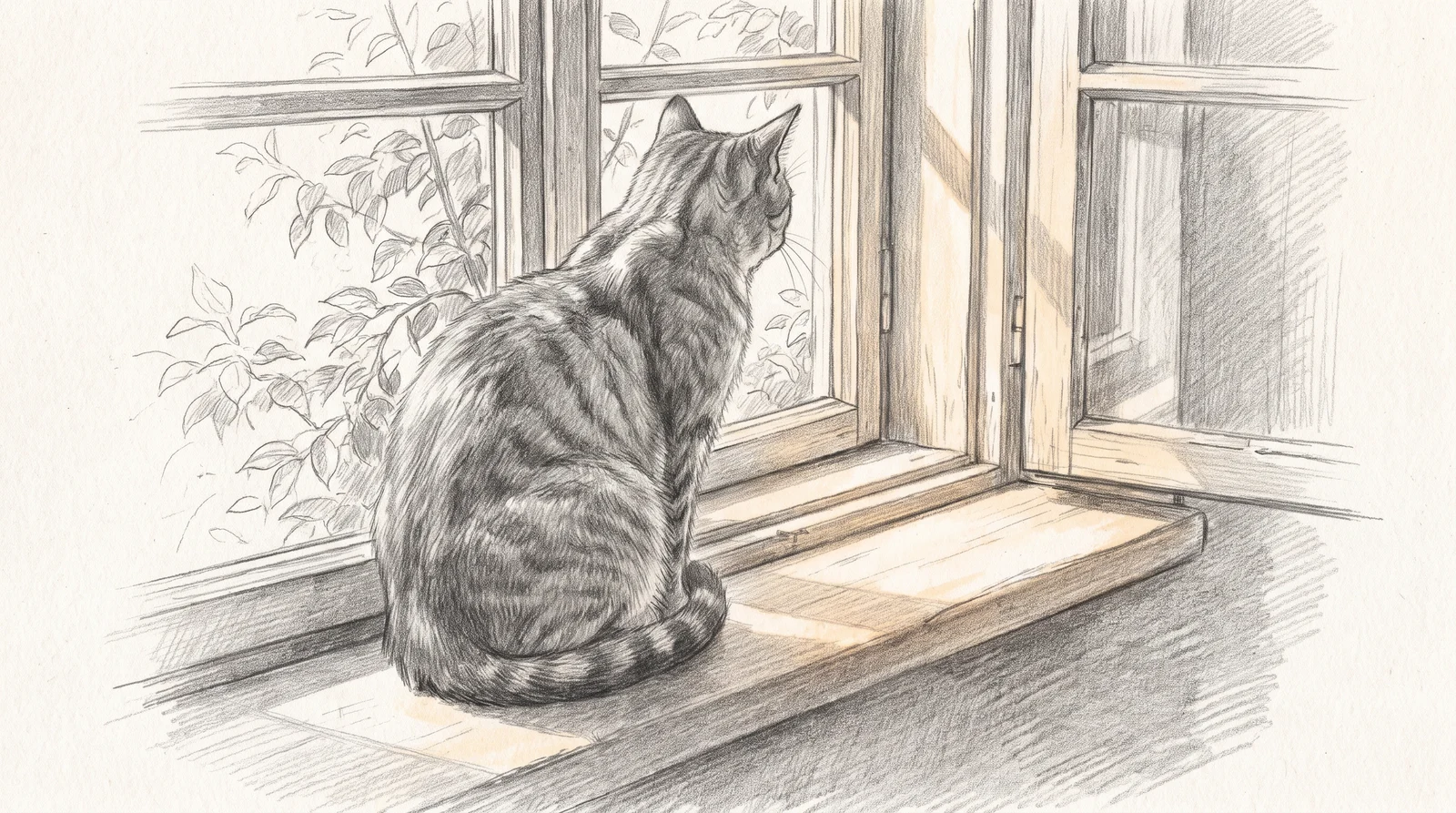
Turn Text into Beautiful Sketches in Seconds
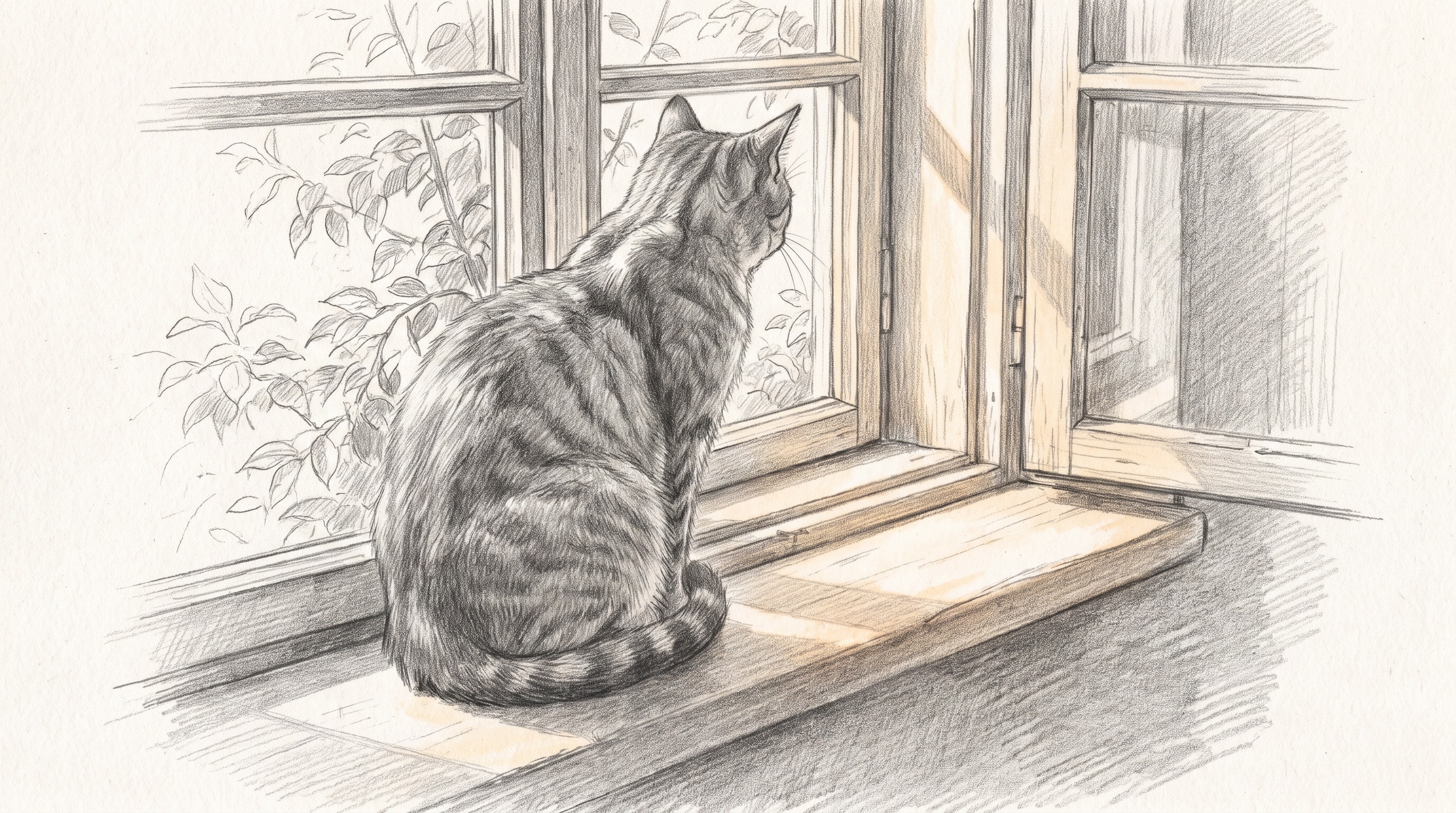
Describe what you want to see and the AI sketch generator draws it as a detailed, hand-drawn pencil sketch. Portraits, objects, animals and whole scenes all start from a single sentence.
Create a sketch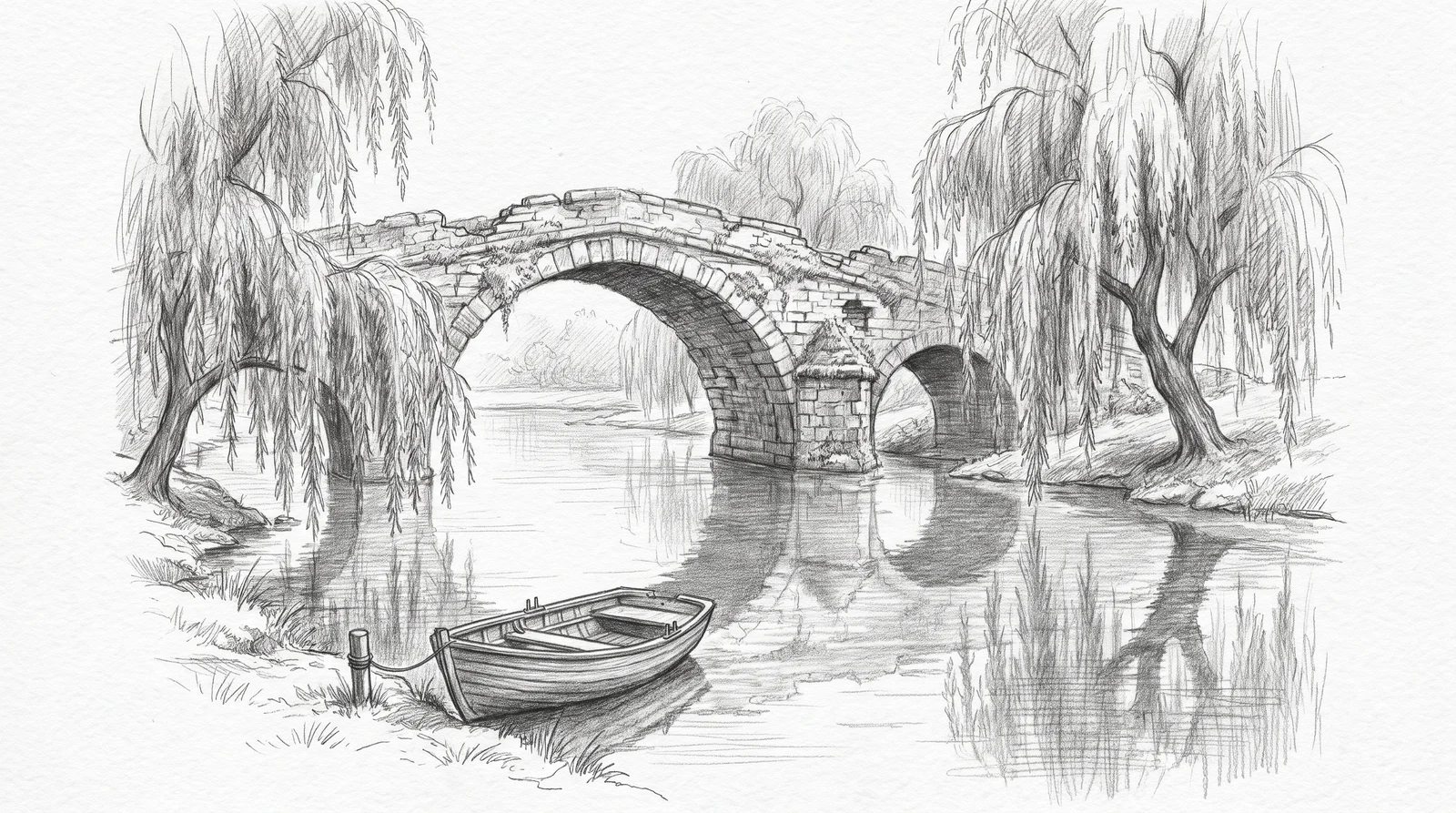
Generate Sketches in Any Style
Keep Pencil Sketch selected and describe soft graphite shading, charcoal, clean line art or detailed cross-hatching in your prompt. The Style gallery also offers other available looks without replacing your description.
Try the AI Sketch Generator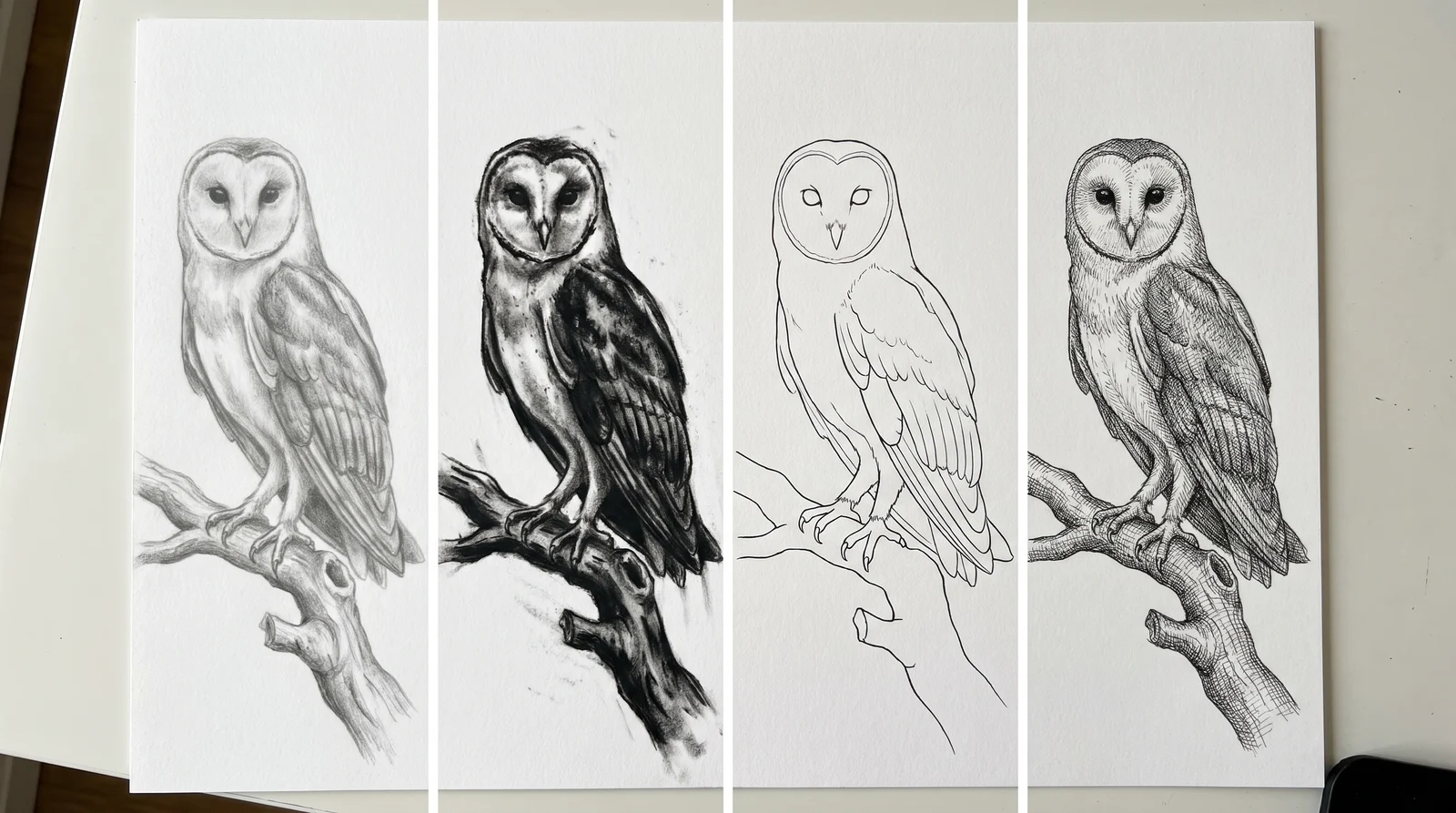
Fast, Accurate Sketch Creation from Text
The generator follows the subject, pose, setting and lighting in your prompt, so the drawing matches the picture in your head. Add a reference image when you want to guide the composition.
Try the AI Sketch Generator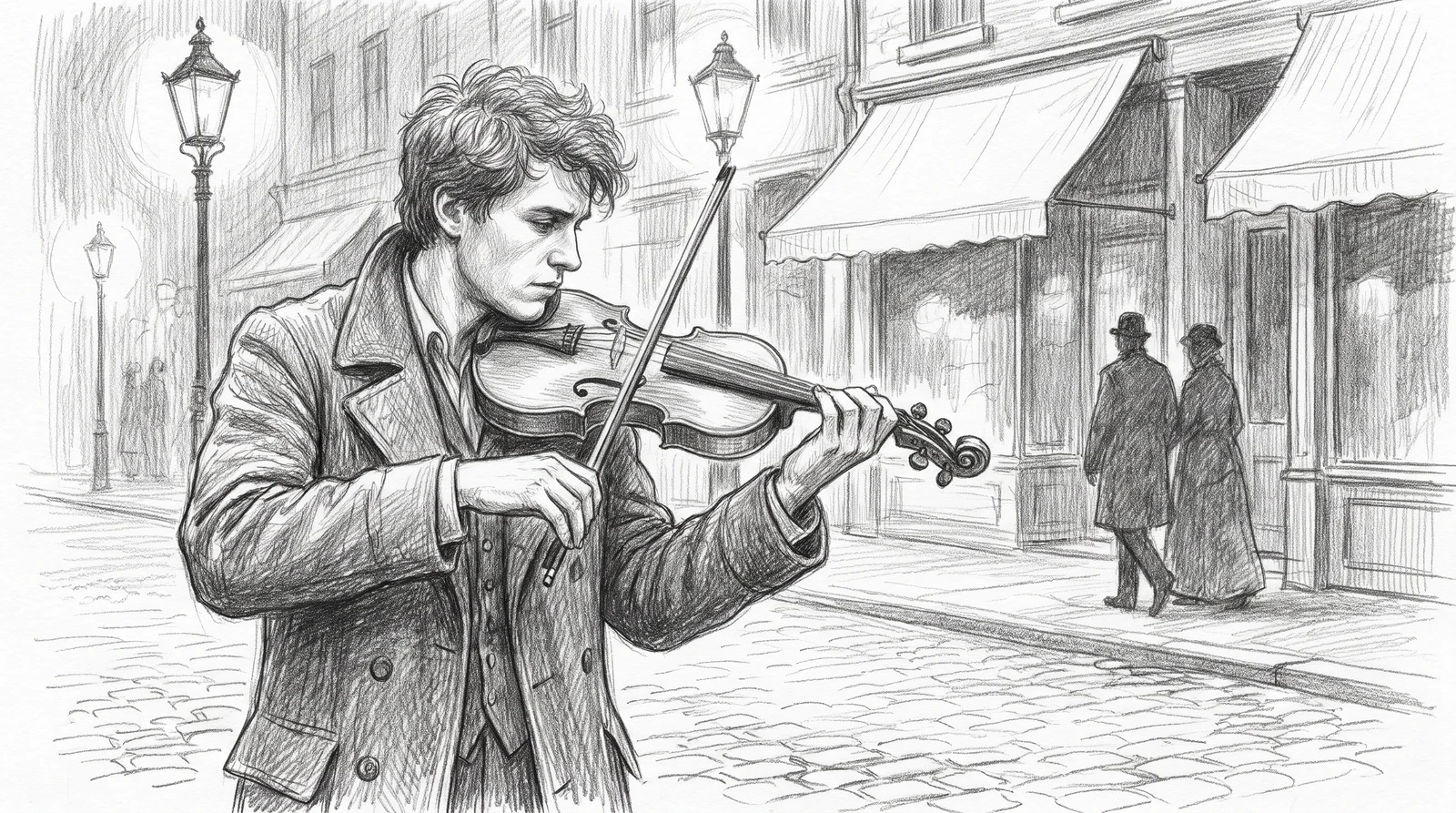
Jumpstart Your Creativity Instantly
Stuck on a blank page? Create several sketch ideas in seconds and use them as visual references for paintings, comics, tattoos, storyboards or school projects.
Try the AI Sketch Generator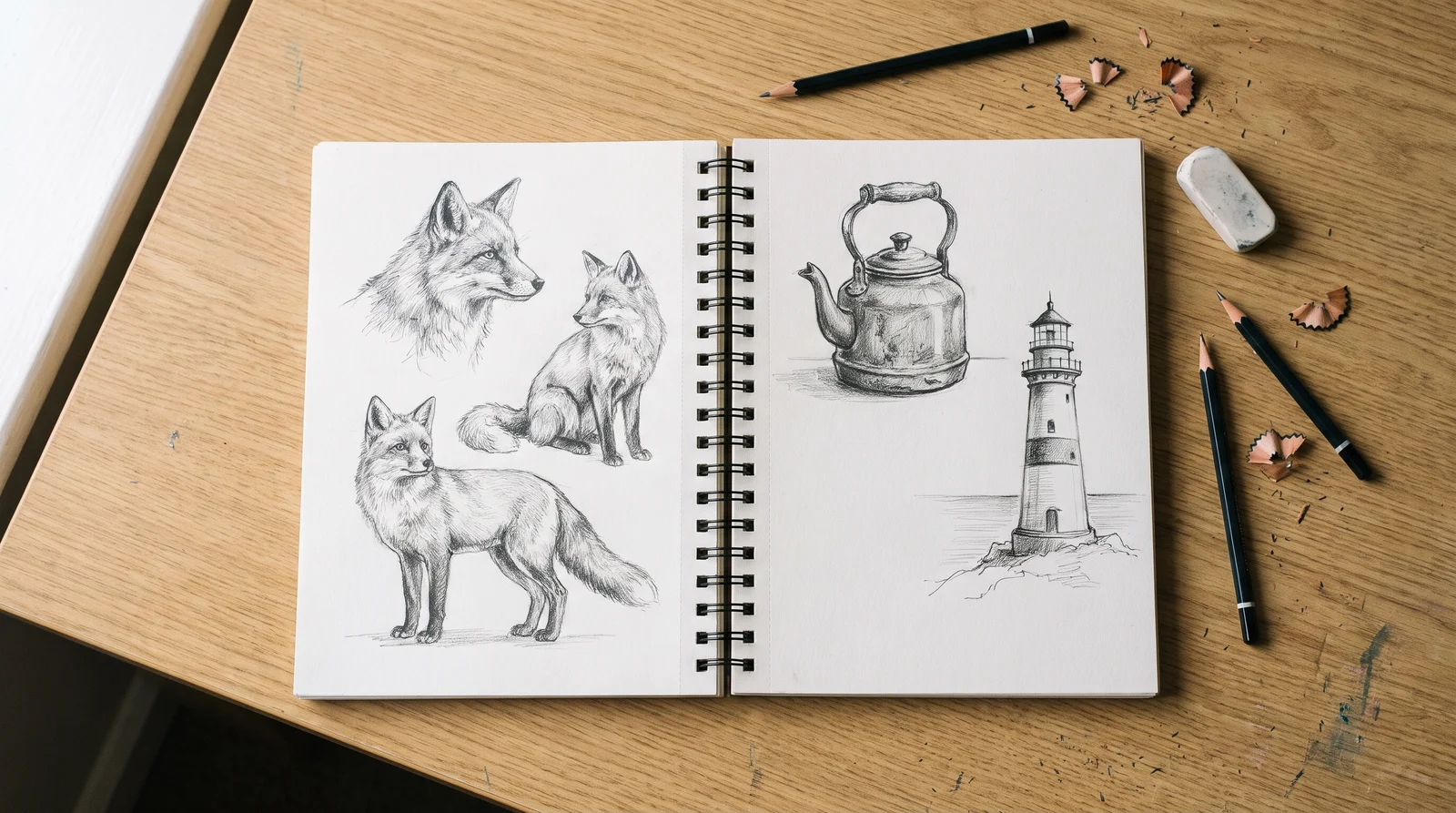
Save Time and Cut Costs
Get a finished hand-drawn look without hours at the drawing desk or a commission fee. Download the full-size image and use it for prints, cards, posts and presentations.
Try the AI Sketch Generator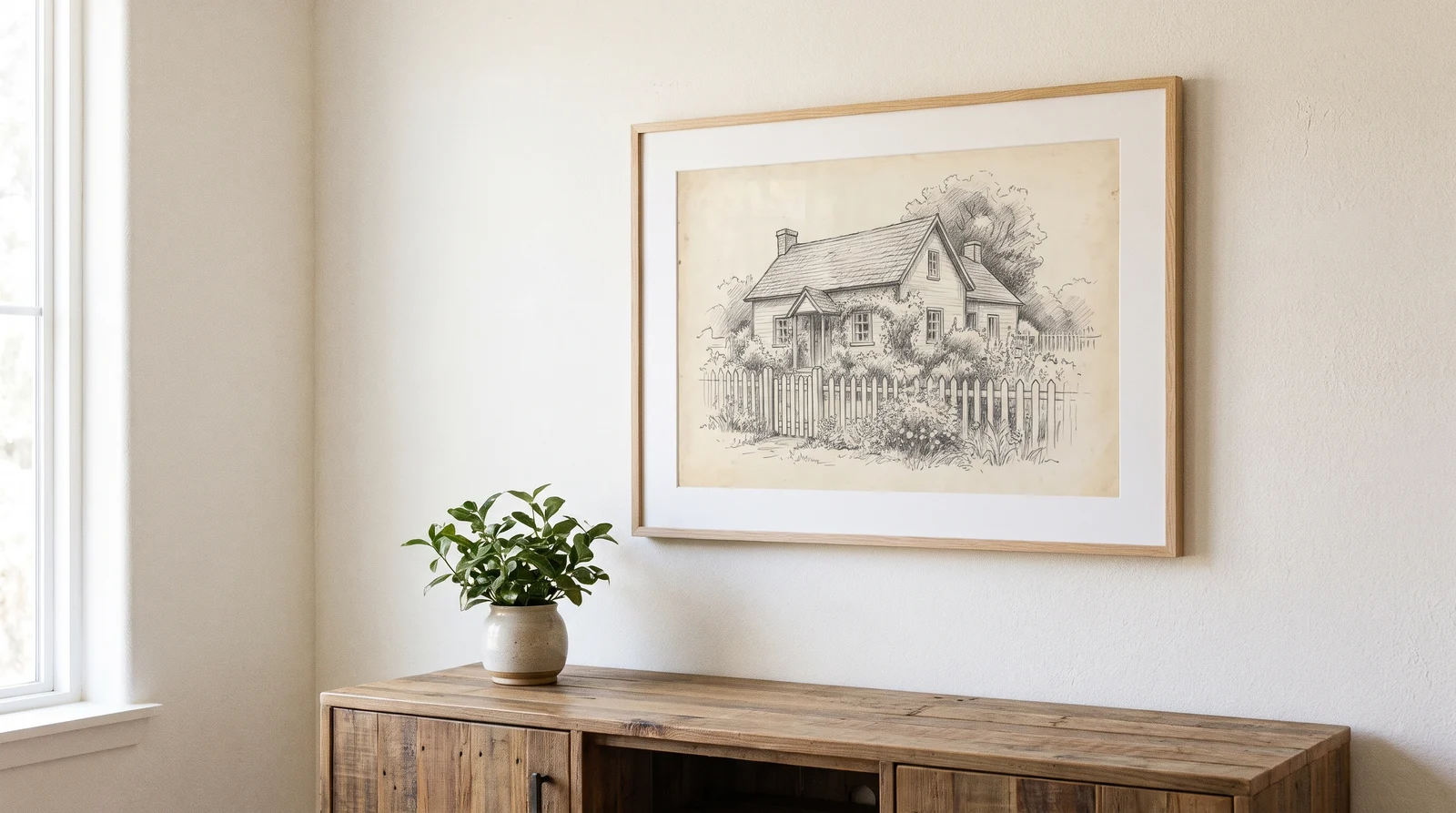
How to Use the Jitura AI Sketch Generator
- 1
Step 1: Describe your sketch
Type a short prompt for the subject and scene, or pick one of the Ideas under the prompt box.
- 2
Step 2: Click Create
Keep the Pencil Sketch style or pick another, choose the shape, number of images and resolution, then press Create.
- 3
Step 3: Download or share
Preview the result, open it at full size and download the original image to share or print.
Discover Other AI Image Generators
FAQs
How does the AI Sketch Generator work?+
You describe a subject in words. The generator sends your description and the chosen style to the selected image model, which draws it as a hand-drawn sketch. Results usually appear within a minute.
Can I create sketches in different styles?+
Pencil Sketch is selected by default. Describe charcoal, ink or line art in your prompt, or choose another available look in the Style gallery without retyping your description.
Is the AI sketch generator free to use?+
Available generations depend on your account's credits and the selected model. Check Pricing for current allowances and supported models. Downloads keep the original resolution returned by the model.
How accurate are the generated sketches?+
A clear prompt that names the subject, pose, setting and lighting gives the closest match. Results vary between runs, so create a few versions and keep the one you like best.
Can I use the sketches for commercial purposes?+
Check the usage terms of your plan and the model you chose, and review each result for unintended logos, trademarks or likenesses before using it commercially.
Bring Your Ideas to Life with the AI Sketch Generator
Type a sentence and get a detailed pencil sketch in seconds.
Start sketching