
Your AI creative studio for
Creators & Marketers
Create images, edit photos and build better prompts.
Free outputs may appear in the public gallery. Learn more
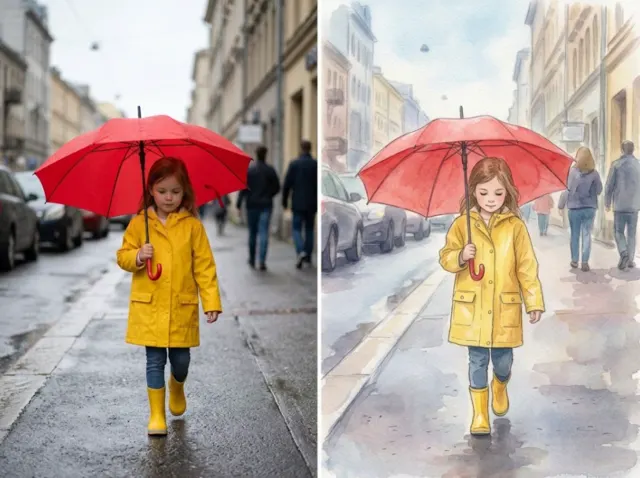


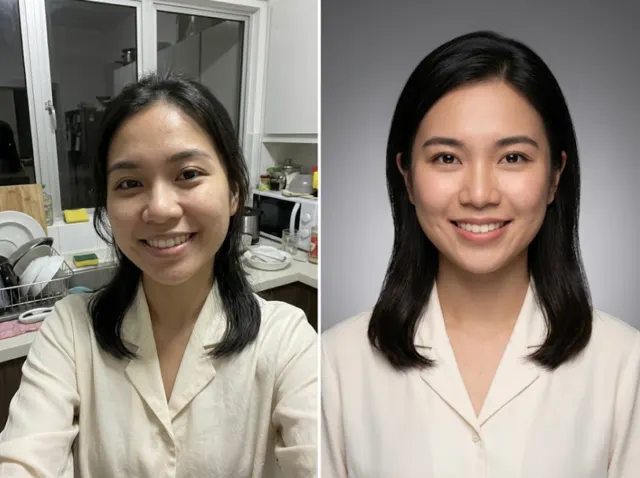
What you can make
An idea worth seeing.
From your first product photo to your next creative obsession.

Your creative studio
Bring the photo.
Make it your own.
Product images, new outfits, fresh backgrounds and polished edits. Start with the job you have in mind.


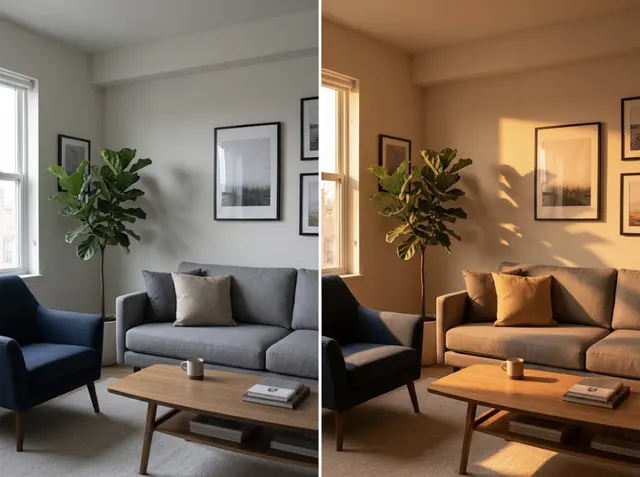
One creative workspace
Images. Prompts. Possibilities.
Create the visual, shape the story and find the words to bring it together.

Picture something different.
Create images and transform photos with the models available in Jitura.
Create an imageSet the scene.
Turn text, images and references into moving stories. Choose a video tool to see its models and output options.
Explore video toolsGive your idea direction.
Turn a rough brief into a structured prompt with guided frameworks.
Build your promptQuick Edit
Name the edit.
There’s a template for it.

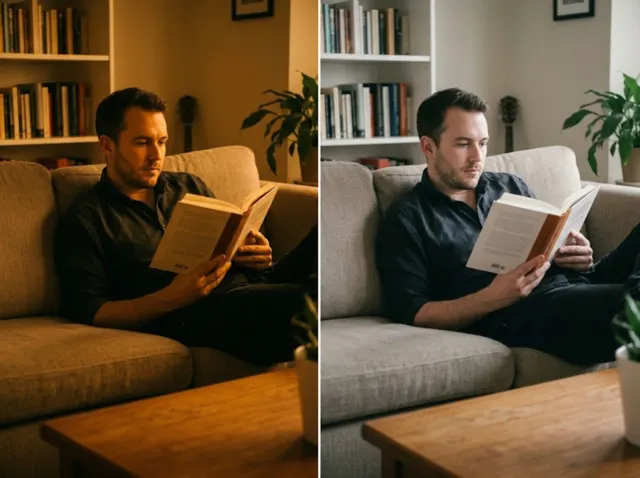
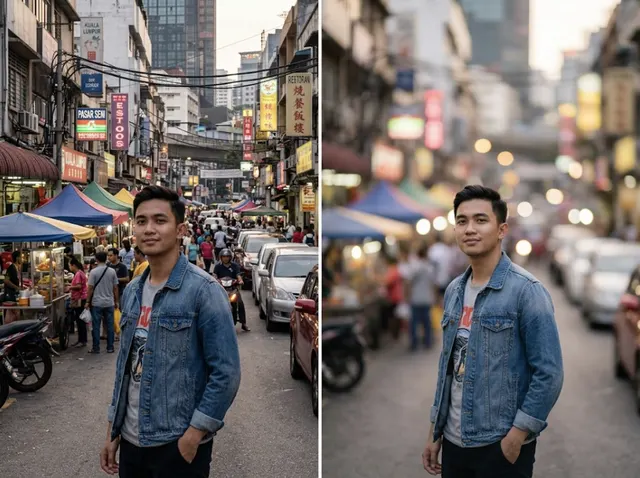


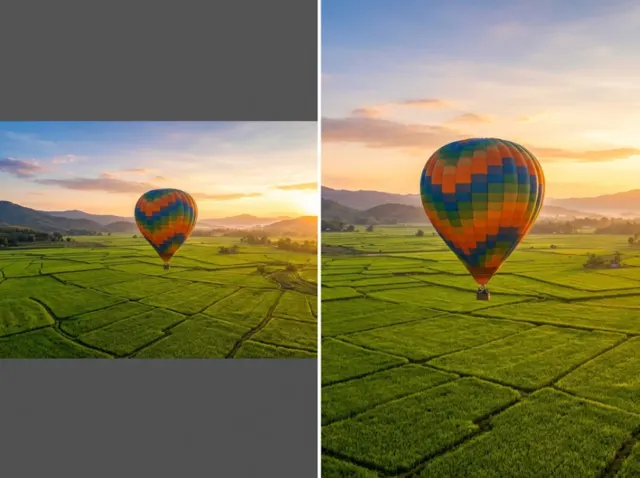
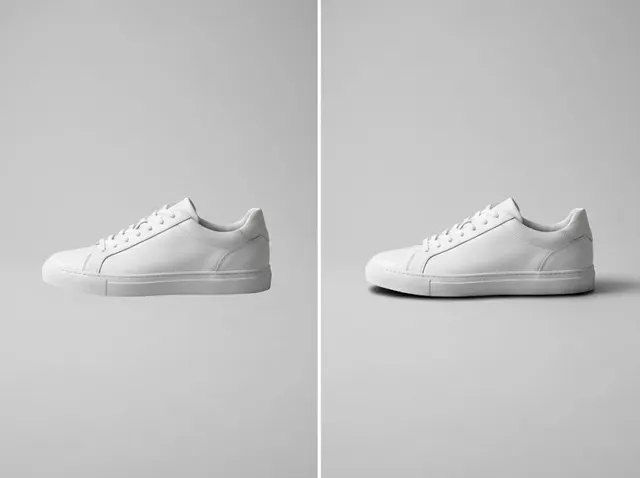
Your favourite image models.
One place to create.
Choose the right model for your image, then keep creating in the same workspace.
What is Jitura?
Jitura brings AI image creation, photo editing, product visuals and structured prompts into one creative studio. Start with an idea, a photo or a ready-made template.
Can I start for free?
Yes. Sign in with Google to use the Free plan, with 5 shared AI operations each day for eligible images, image tools and prompts. Some models and advanced features require a paid plan.
Does Jitura generate videos?
Yes. The AI Video workspace supports video creation from text, images and references. VideoPrompt also helps you prepare cinematic prompts. Model availability, credits and output options depend on the selected tool and plan.
Does it support Bahasa Melayu?
Yes. You can build prompts in Bahasa Melayu or English. AudioPrompt also turns text into speech in both languages.
Do I need to know how to write prompts?
No. Start with a guided tool or a template. Describe the result you want, then adjust the prompt and settings to suit your project.
Where can I manage my subscription?
Visit Pricing to compare plans. Existing subscribers can manage their subscription through the billing portal. The refund policy explains payment and cancellation terms.
Your next creation starts here
Make something
worth sharing.
Start creating freeFree daily AI operations. No credit card required.