Online store owners
Make products easier to buy
Clean product cut-outs make your listings easier to read, so shoppers focus on the details that matter and buy with more confidence.
Upload Image*
Click to upload an image
We accept JPEG, PNG, or WEBP formats up to 10MB.
Uses 1 daily image generation.
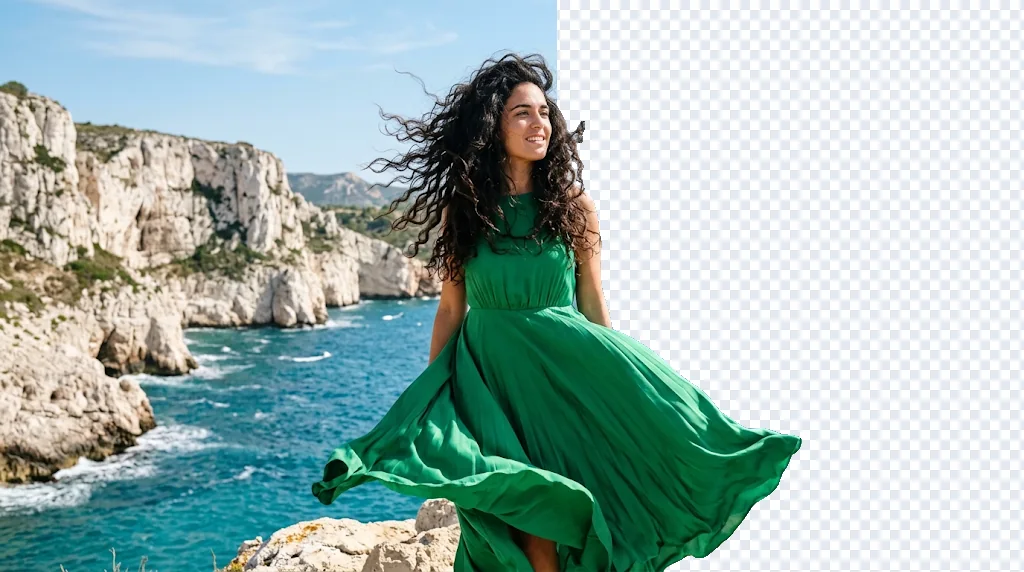
Clear away busy scenes and clutter in one click. Jitura's AI background remover finds your subject precisely and cuts it out cleanly, ready for professional headshots, product photos and creative designs.
Remove backgrounds freeTake distracting backgrounds out of product photos for clean, professional images that catch the eye, build shoppers' trust and help turn views into sales.
Remove backgrounds free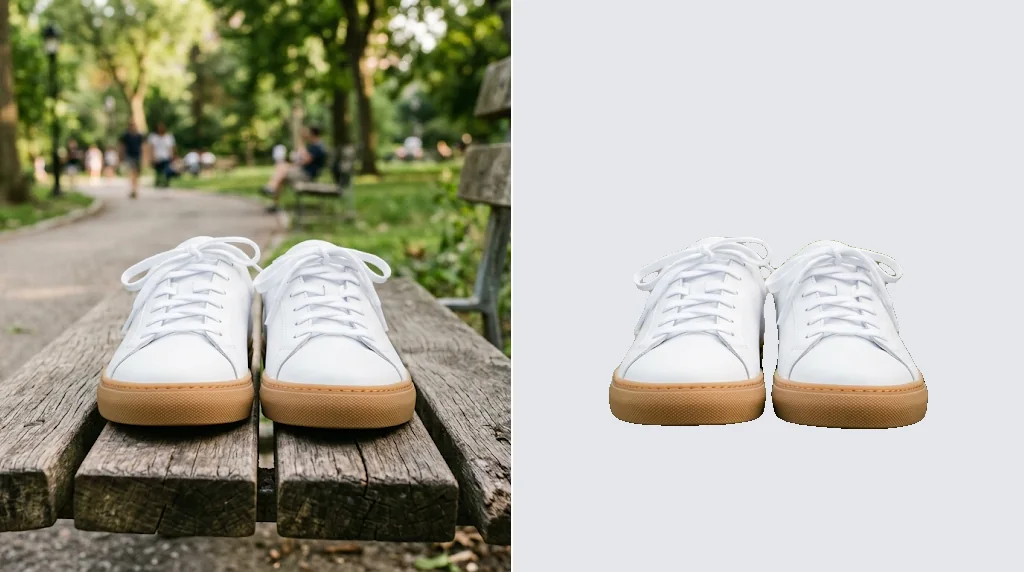
Remove the background from a photo of yourself and get a clean, professional headshot for your CV, portfolio or profile in seconds.
Remove background now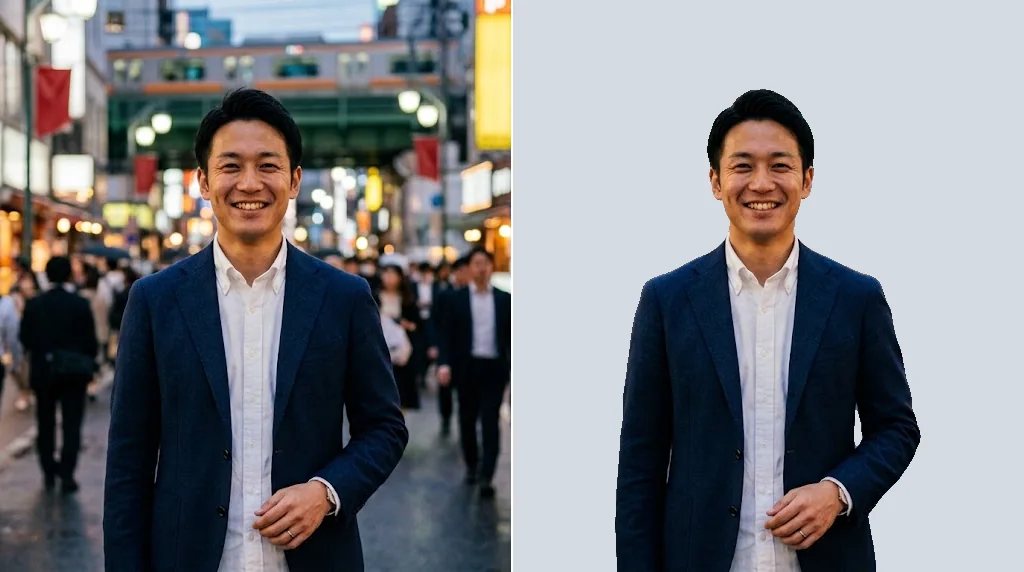
Isolate people and products so they fit straight into your own backgrounds and layouts, for posts and ads that look designed rather than snapped.
Try the background remover free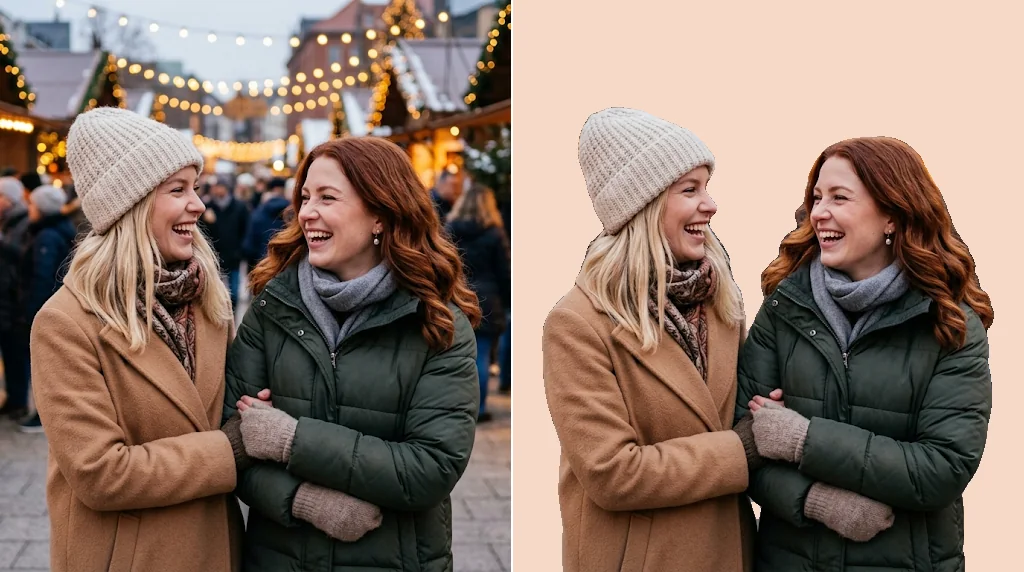
Skip the fiddly masking and get straight to the creative part. Cut out objects in seconds, then build new scenes around them with the AI Image Generator.
Try the background remover free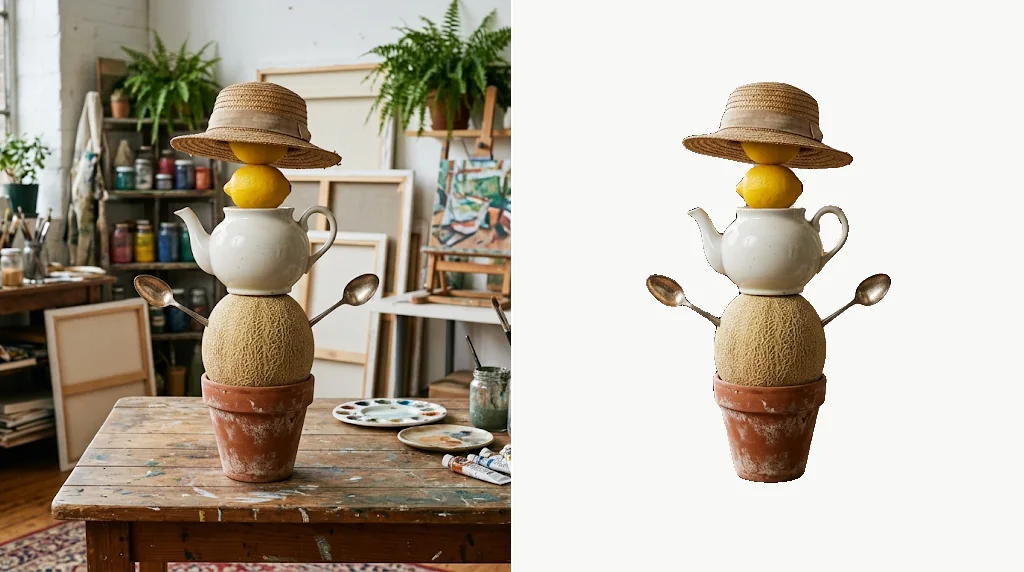
Clean product cut-outs make your listings easier to read, so shoppers focus on the details that matter and buy with more confidence.
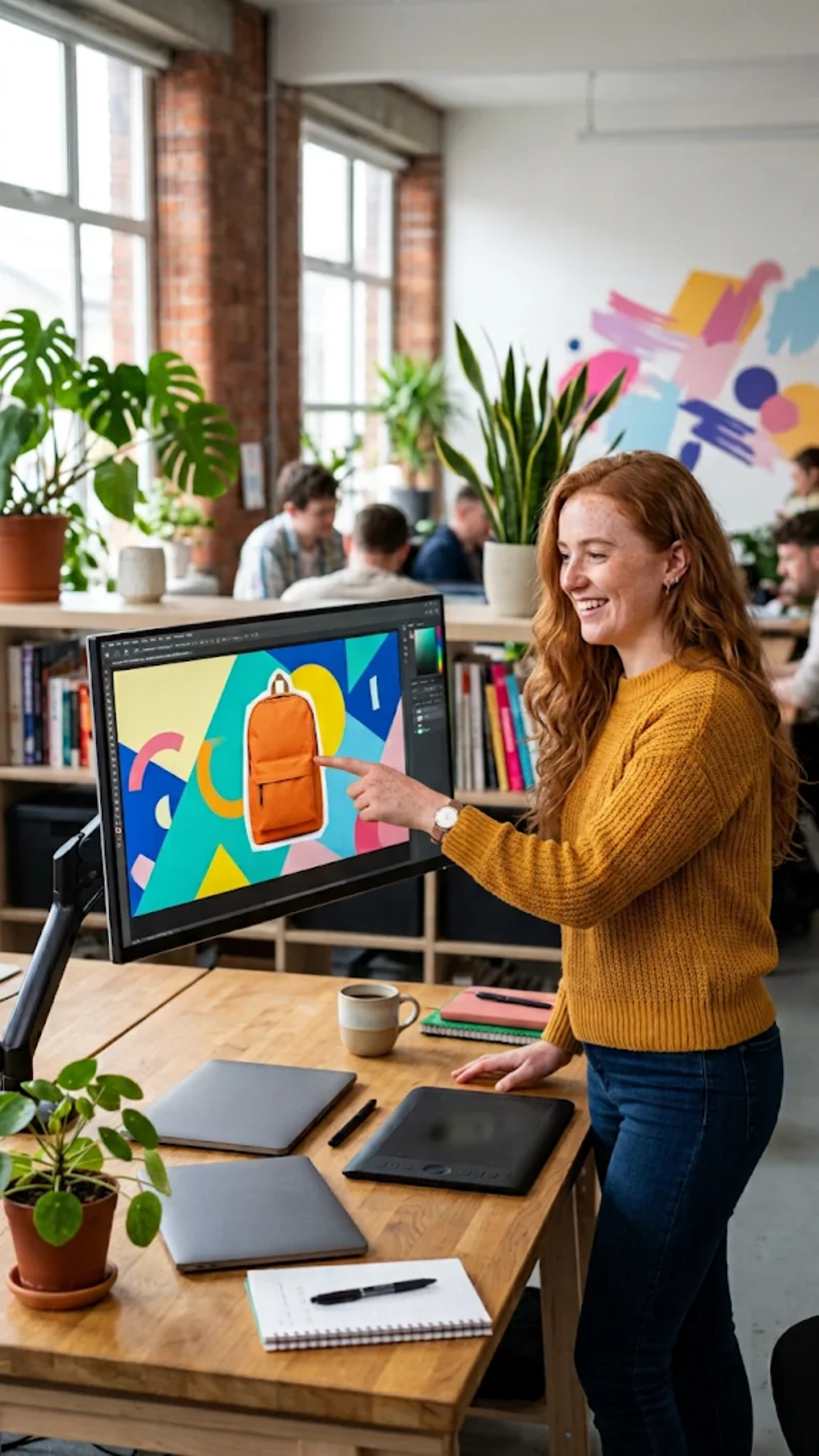
Isolate products, models and key visuals for banners, landing pages and promo graphics, so your team makes polished assets with far less manual editing.
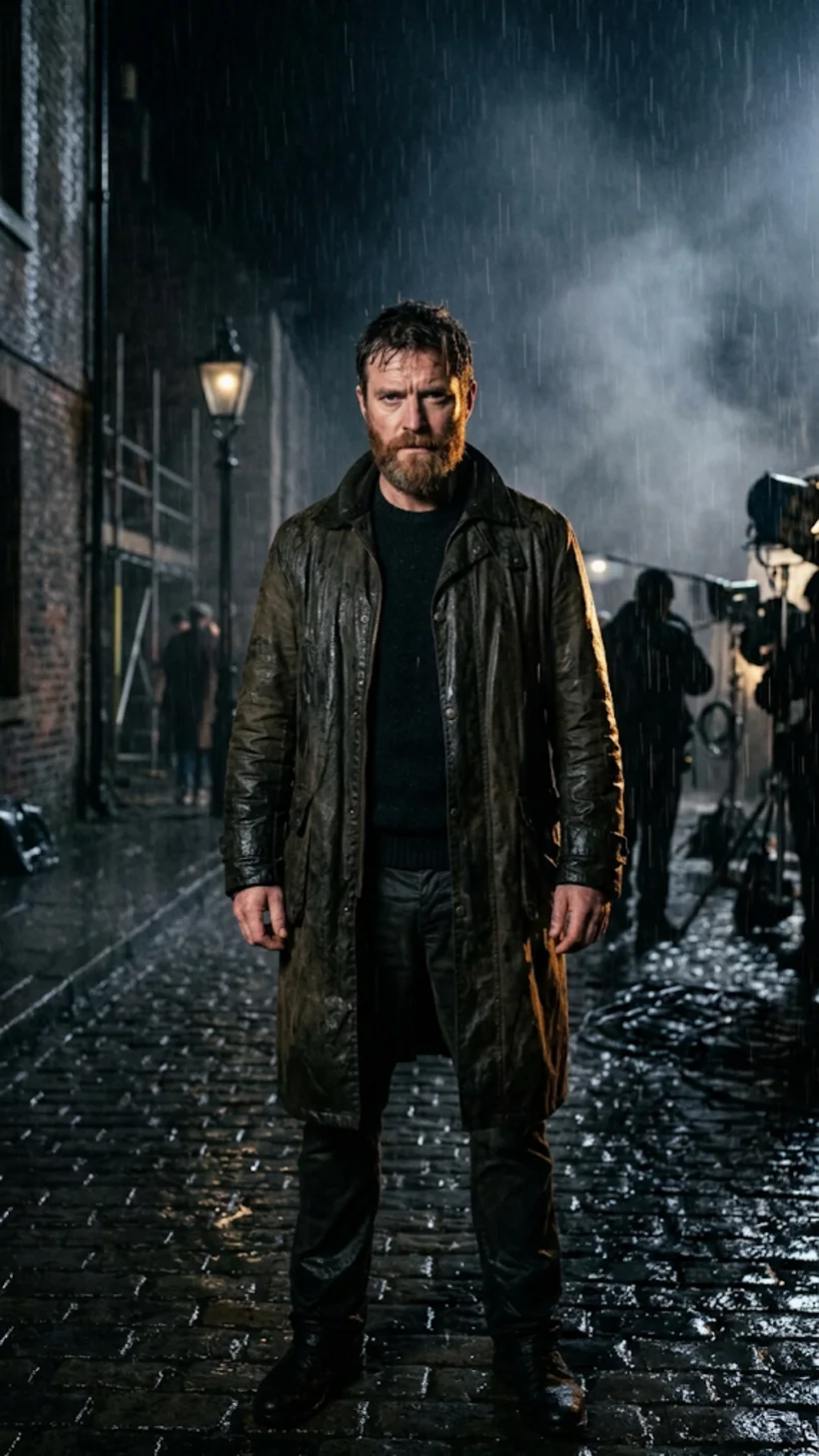
Cut actors and characters out of their photos for posters, teaser art and promo designs, so your subject stands out with real impact.
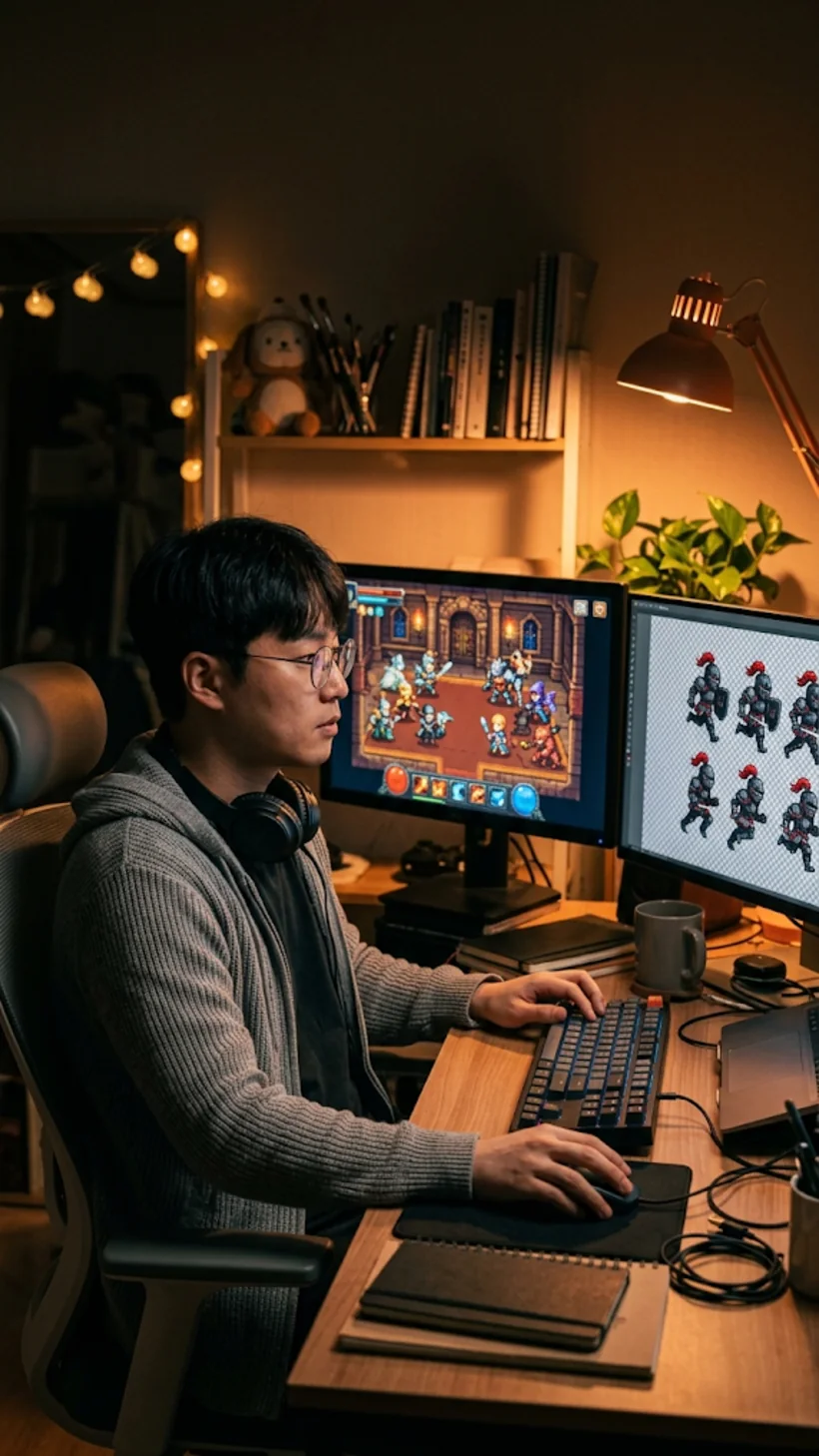
Prepare character frames, props and motion assets for sprite sheets with clean cut-outs, so asset prep is faster and your game visuals stay tidy.
Step 1: Upload your image
Upload or drag and drop your image into the background remover.
Step 2: Let the AI work
Press Create and wait a moment while the AI finds and clears the background.
Step 3: Download your cut-out
In seconds, download your subject as a PNG with a transparent background.
Go from a rough idea to a finished asset in one place: generate, edit, enhance and animate with tools built for real creative work.
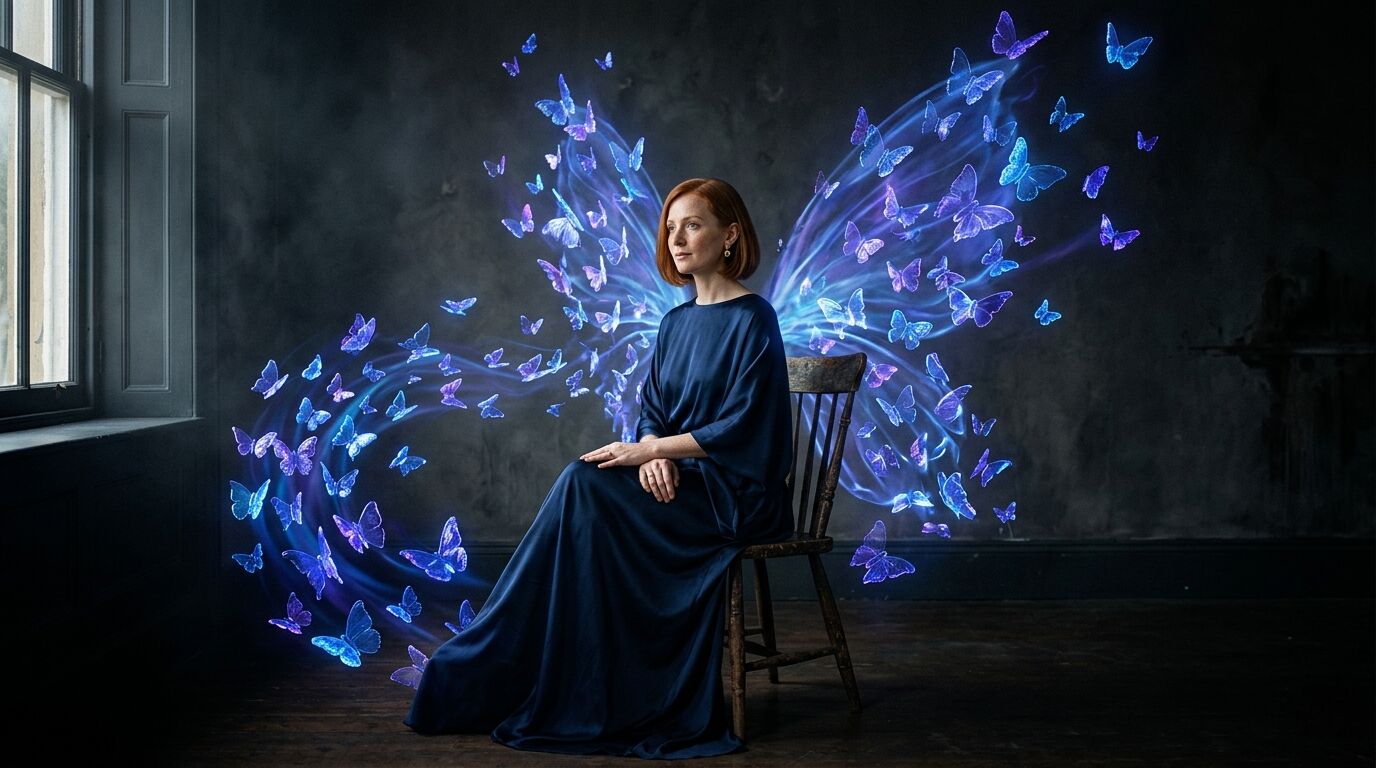
Turn text into images
Describe a scene and get photorealistic or illustrated results in seconds.
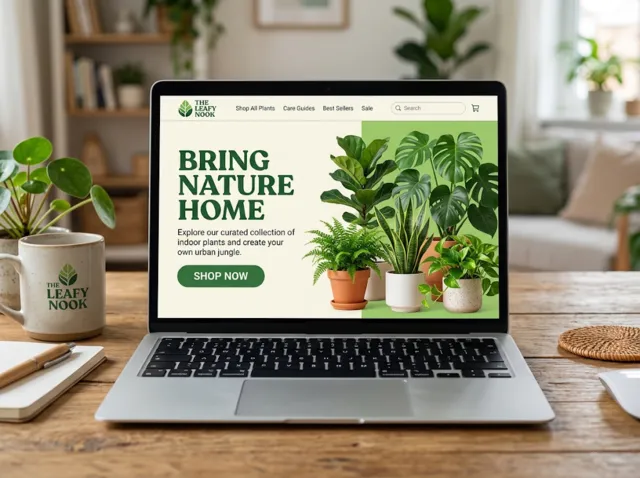
Make platform-ready assets
Posters, banners and flyers sized for social posts, ads and print.
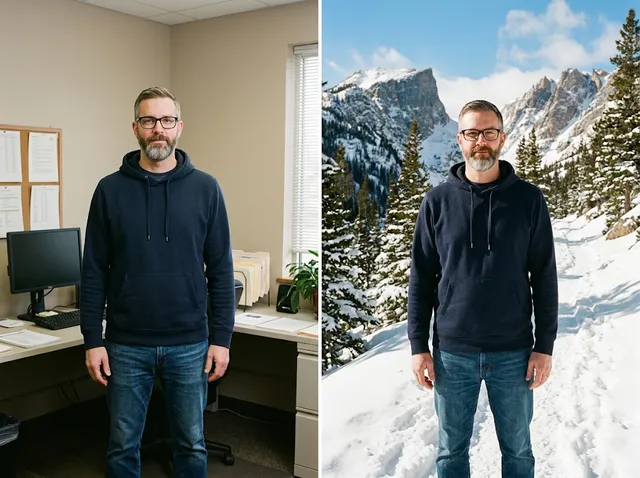
Transform photos
Restyle or change the background of a photo you already have.
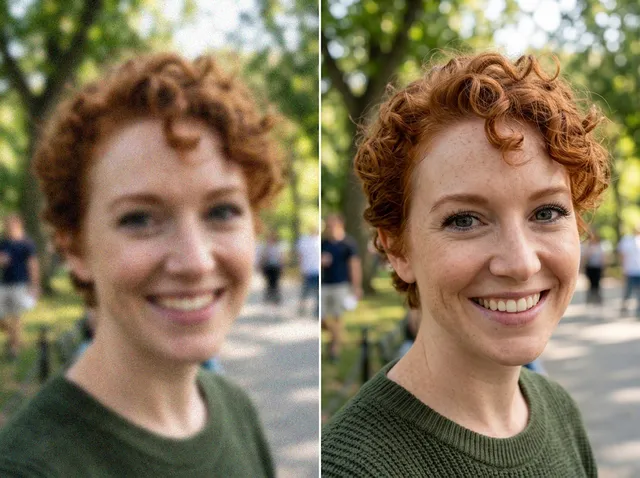
Retouch and enhance
Sharpen faces, remove clutter and upscale images for print.
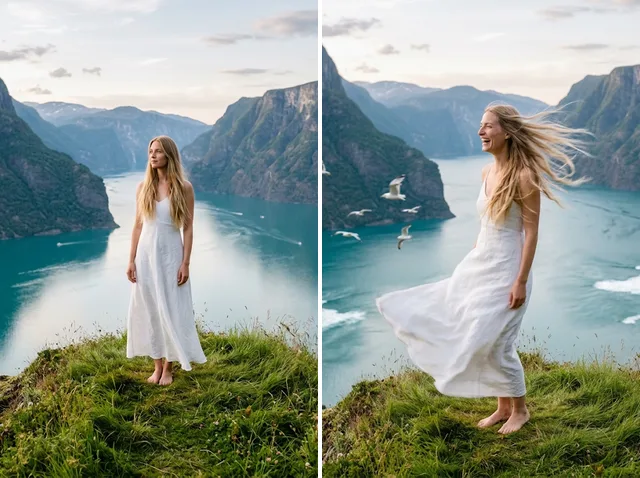
Bring stills to motion
Animate a finished artwork into a short video clip.

From brief to final asset
Chat with the image, one change at a time, until it is right.
It is a tool that takes the background out of a photo for you. The AI works out which part of the picture is the subject and which part is background, then clears the background away and leaves the subject untouched on a transparent canvas.
It separates people, products, pets and objects from busy scenes with clean edges, keeps fine detail such as hair and fur, and gives you a transparent PNG you can drop onto any new background in seconds.
Clean, accurate edges on any kind of photo: large or small files, sharp or slightly soft shots, simple or cluttered backgrounds. Jitura's remover is built on a high-accuracy segmentation model and removes the whole background in one pass.
Upload or drag in your image and press Create. The AI finds the background and removes it in seconds. Download the transparent PNG, or keep editing: place the subject on a new backdrop with the AI Background Changer or a plain studio look with White Background.
Yes. Every signed-in account gets free daily operations, and removing a background uses one. You do not need a credit card to try it; paid plans add more operations.
JPEG, PNG and WebP up to 10MB. The result is always a PNG with a real transparent background.
Usually a few seconds. The exact time depends on the size of the image and your connection.
Yes. The page works in any modern mobile browser. The controls stack above the preview, so you can upload a photo straight from your camera roll and download the cut-out on the go.
Your photo is sent to the background removal model only to make your result, and the result is kept in your browser for you to download. See the Privacy Policy for what Jitura stores and for how long.
Yes, it works on any image, whatever its age or size, but it does best when the subject stands out clearly from the background. For a faded or blurry old photo, run it through the Image Enhancer first for a cleaner cut-out.
Remove backgrounds from your images in seconds with Jitura.
Remove backgrounds free