
Chat to Image
Simply chat with our AI and get images that match your vision, one message at a time.
Free outputs may appear in the public gallery. Learn more
Your ideas, brought to life through conversation
Experience chat-based image generation that is fast, smart and fully interactive. Describe your idea, then keep the conversation going to create and refine the picture in real time. No complex settings and no guesswork: it is like working with a creative partner who gets your vision.
Try Chat to Image freeRefine images iteratively
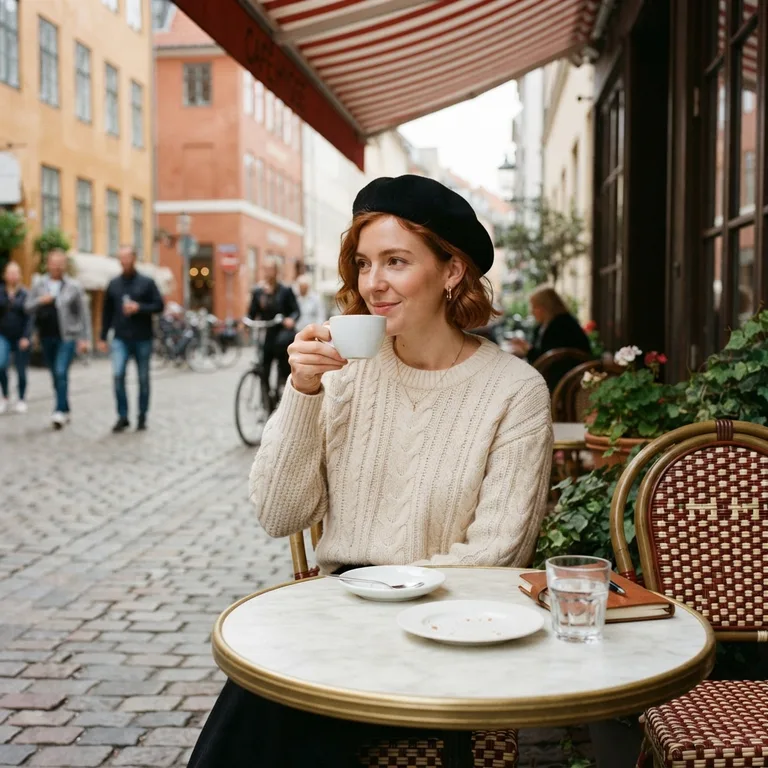
Improve a generated or uploaded image step by step across a back-and-forth chat. Every message builds on the last result, so you get exactly the picture you want.
Understand contextual prompts
Chat to Image follows detailed, multi-part instructions. Customise a scene, change a style or add readable text, and it knows which image you are talking about.
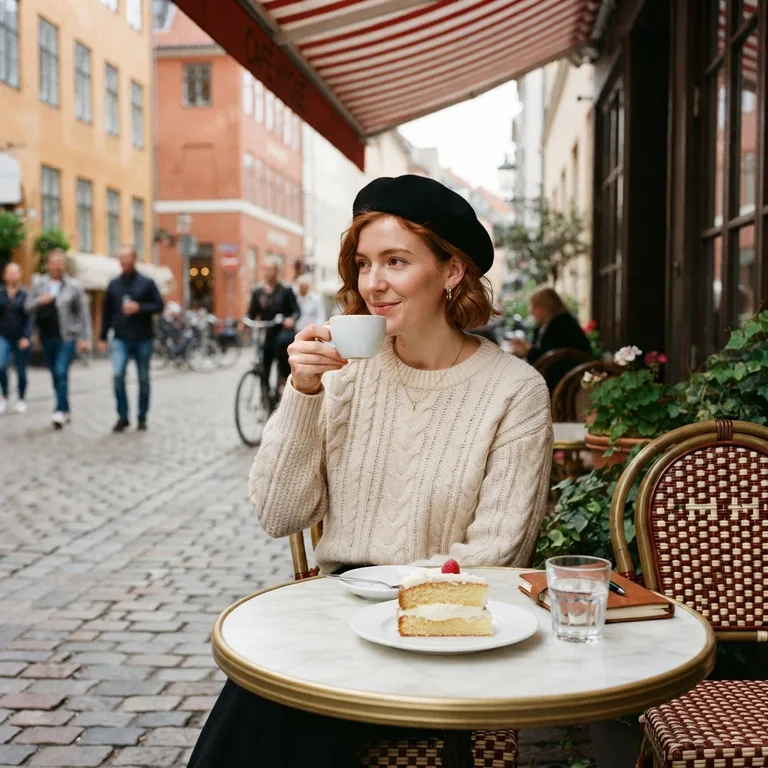
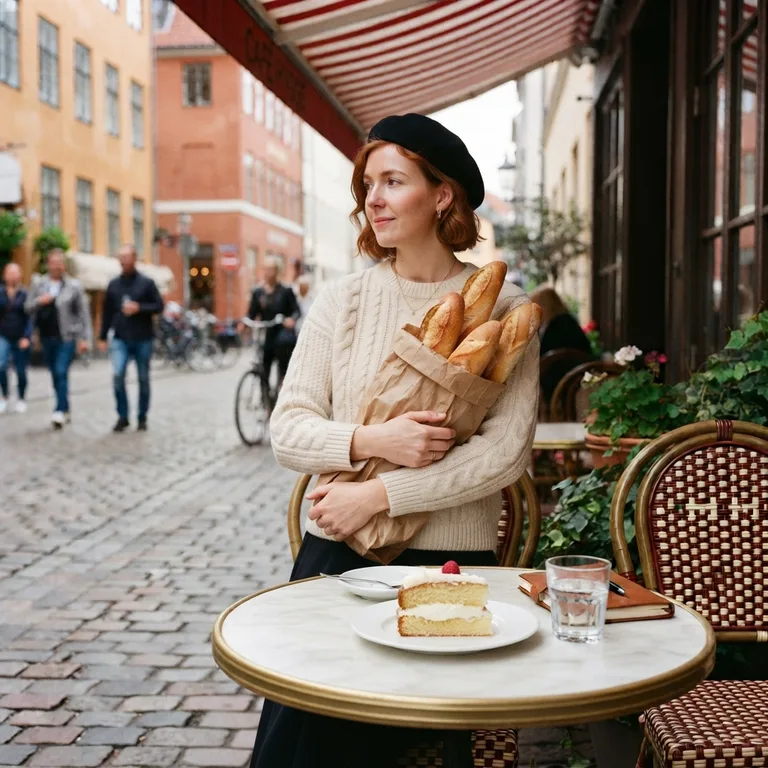
Keep visual consistency
Create variations naturally through chat while the core stays the same: the same person, outfit, place, light and art style from one message to the next.
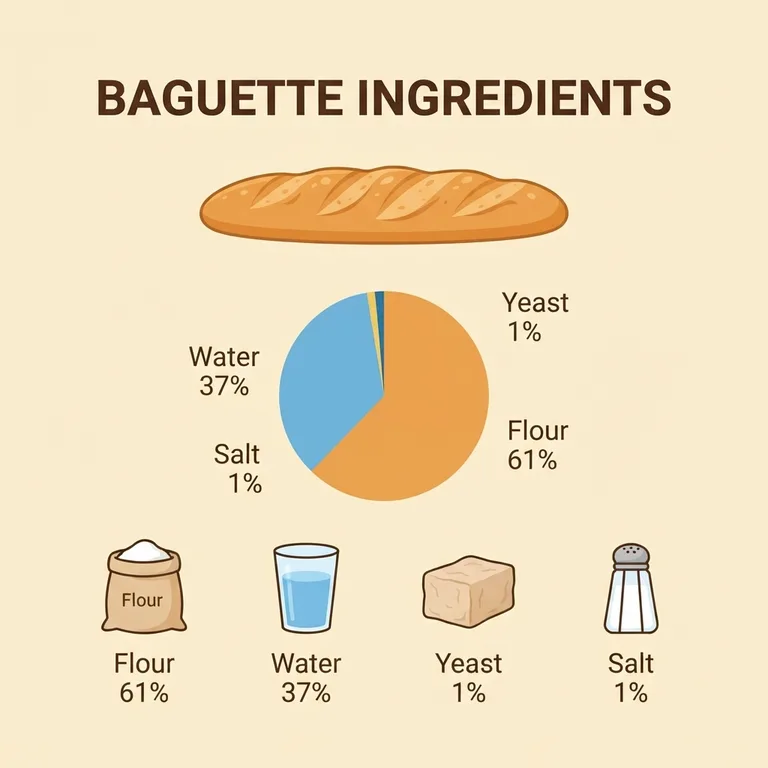
Make professional visuals
Ask for clear diagrams, product mockups and text-rich infographics in plain words. Turn ideas and figures into polished visuals in seconds.
Power your creativity with Chat to Image
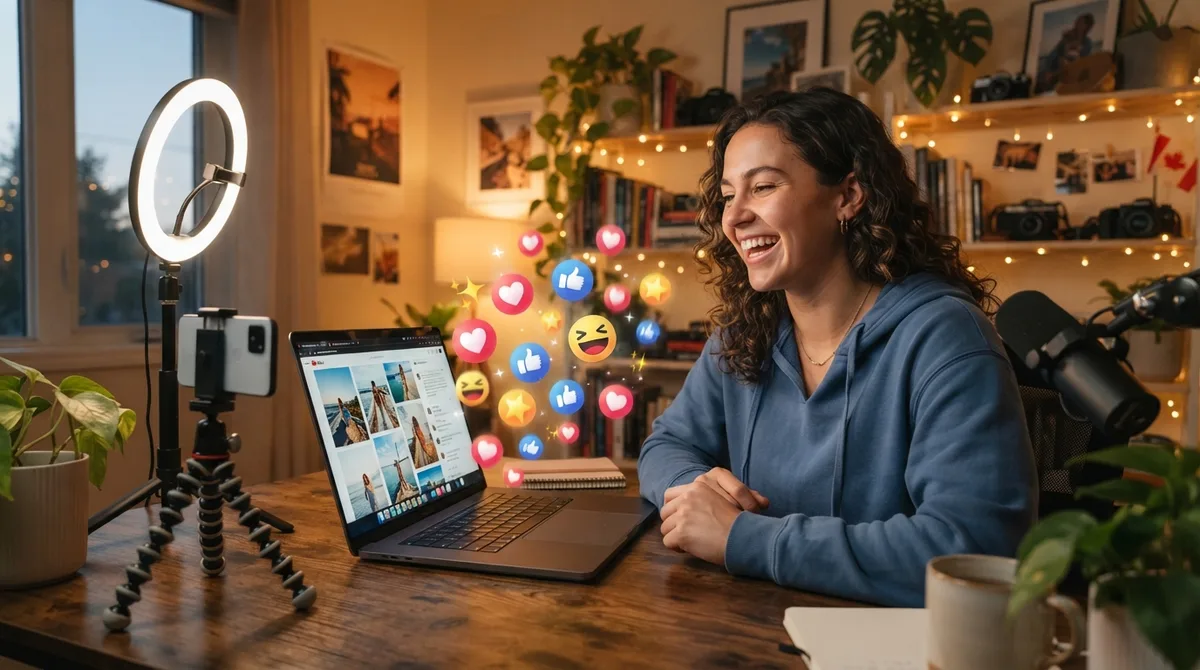 Influencers
Brainstorm scroll-stopping posts
Talk through ideas and generate eye-catching images for every post, then tweak them message by message until they feel like you.
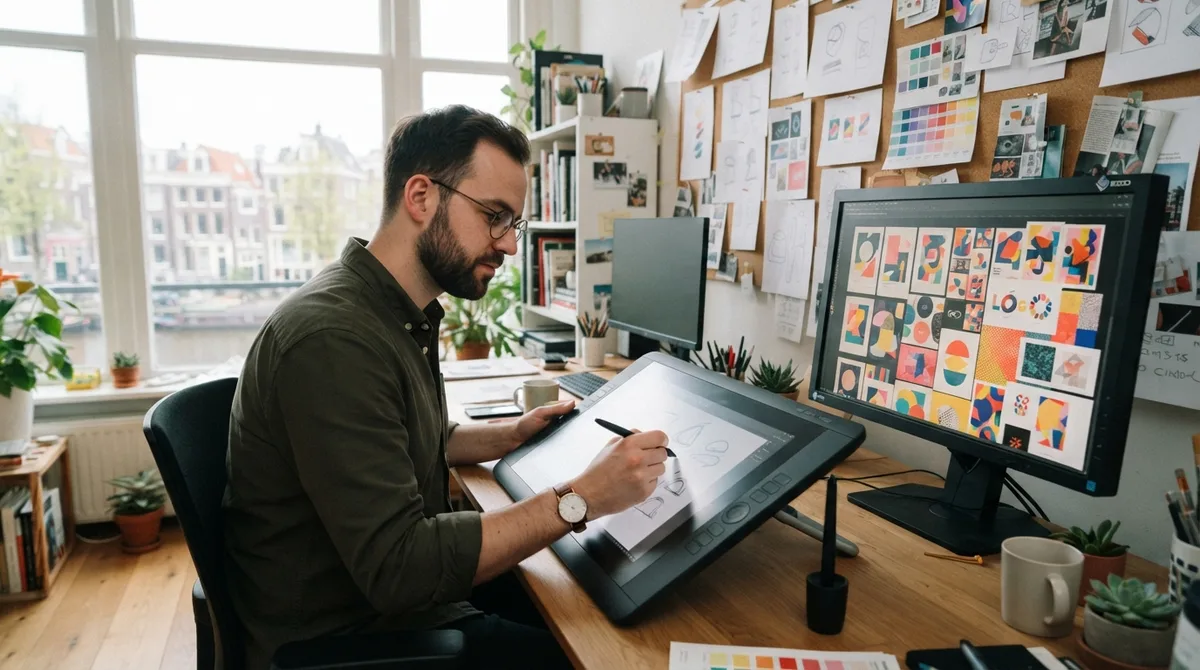
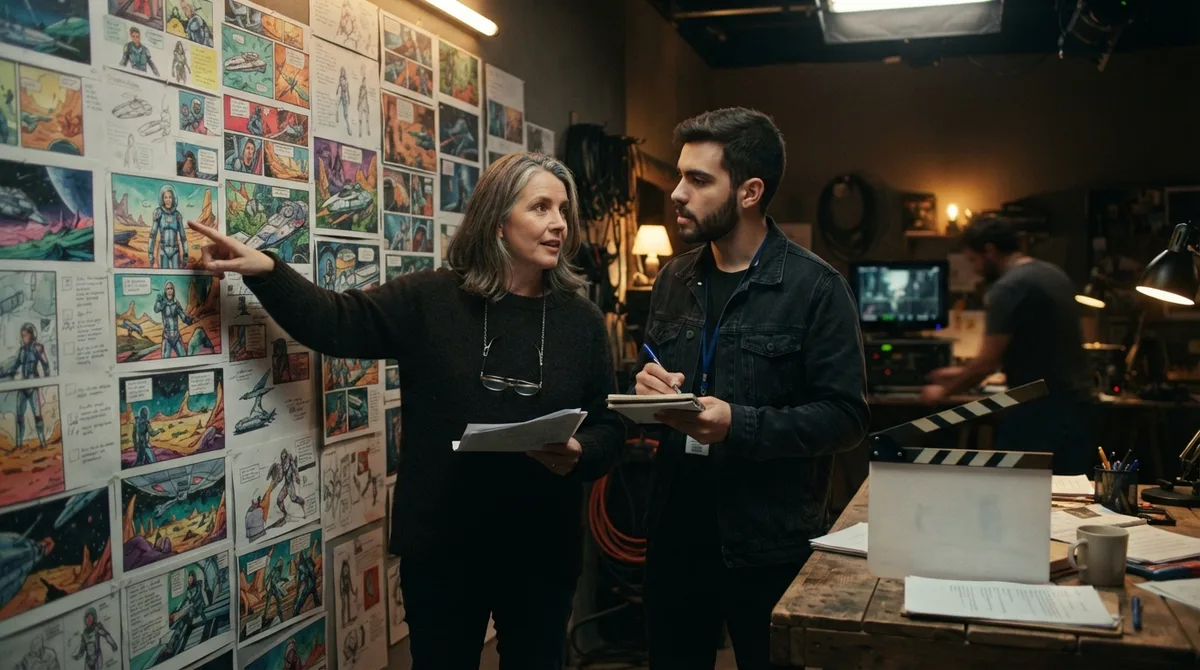

Create naturally, create fast with Chat to Image
Step 1
Type a description of the image you want in the Chat to Image box.
Step 2
Wait a few seconds for your generated image.
Step 3
Want changes? Just keep the conversation going.
Experience the full power of other AI image generators
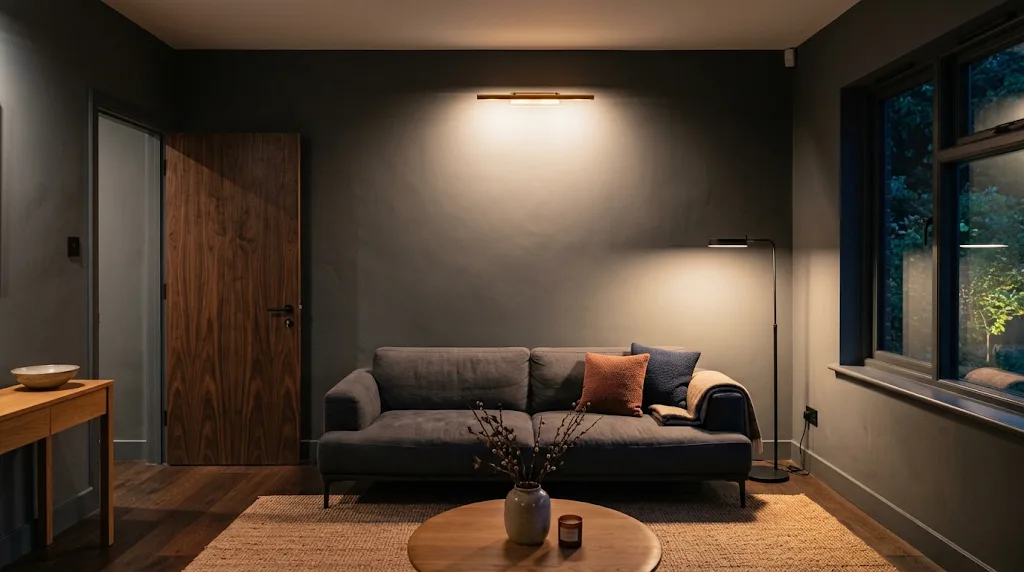
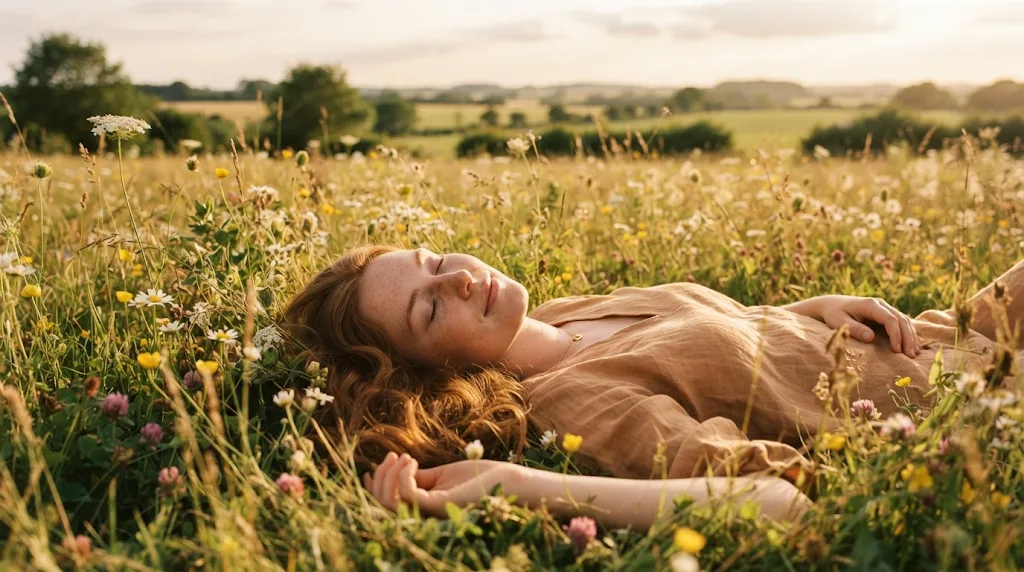
Discover our advanced AI image tools
FAQs
What is Chat to Image?
Chat to Image lets you create and edit pictures inside a chat. Describe an image, then send follow-up messages such as "add a small cake to the plate" and each reply revises the latest picture, so it works like a design assistant that understands conversation.
Why use Chat to Image?
It keeps the context for you. Instead of rewriting a long prompt every time, you ask for one change at a time and the next image builds on the previous one, keeping the people, places and style you already like.
Is Chat to Image free to use?
Yes. Every account gets free daily operations, and each image in the chat uses one operation (4K uses two). Paid plans add more operations, higher resolutions and private outputs.
Are there any editing limits?
You can ask for changes to style, size, characters, colour, lighting, camera angle, contrast, background and added text. Results depend on the model you pick, and prompts must follow our content rules.
Can I upload my own images to edit or use as a reference?
Yes. Press + to add photos to any message. They can be the picture you want to edit or a reference for a style, product or character that is hard to describe in words.
How many images can I add to one message?
Up to four, depending on the model. In a chat the previous result counts as one of them, so a model that takes four images leaves room for three of your own. Each message returns one image; press New chat to start again from text.