
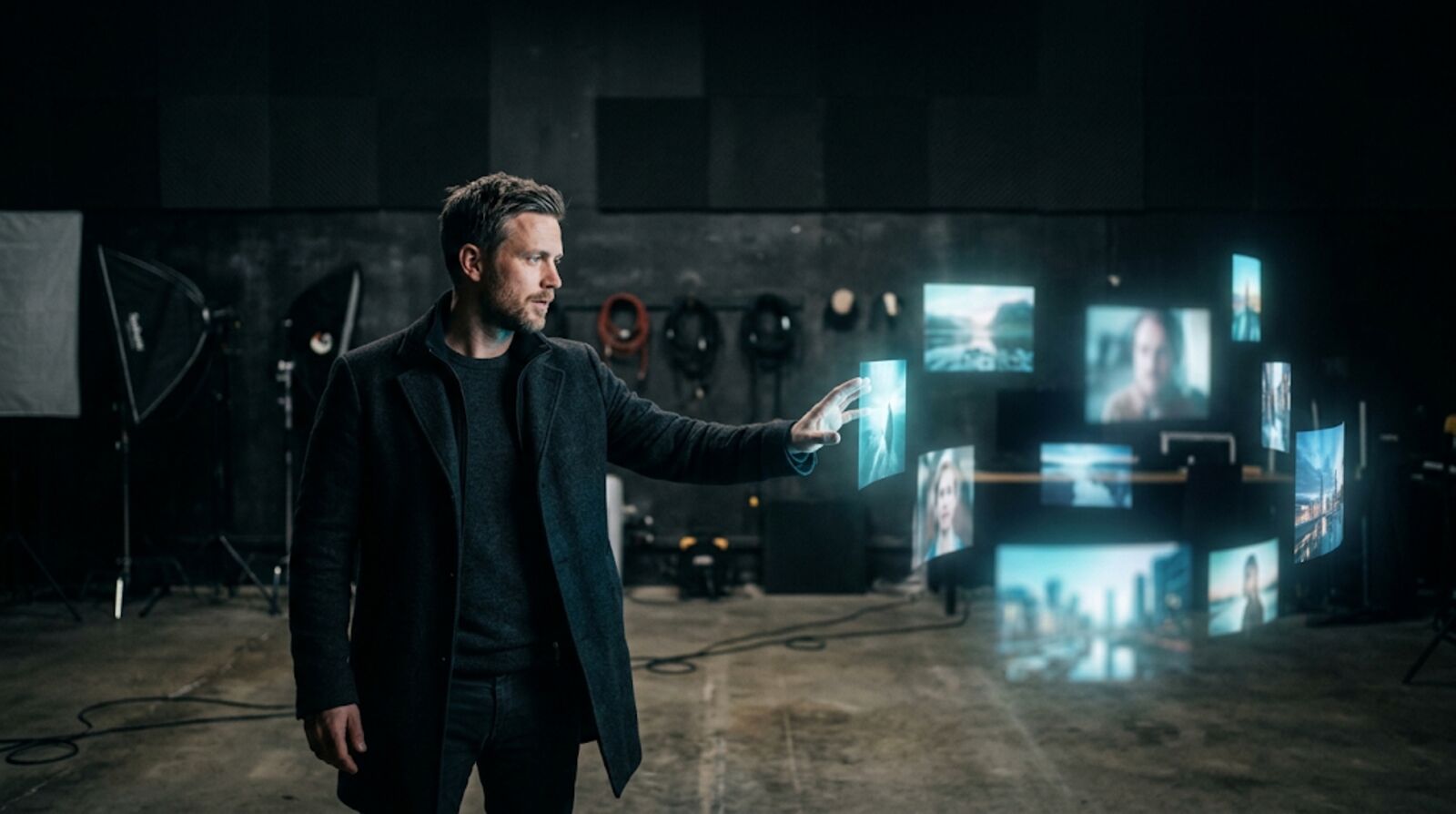
AI Photo Editor
Edit any image with a text prompt. Enhance your e-commerce shots, social posts, ad creatives and more in seconds.
Free outputs may appear in the public gallery. Learn more
Edit, enhance and reimagine your images with our AI photo editor
Turn rough images into ready-to-use visuals with simple text prompts. Enhance product shots, personalise social content, refine campaign images or improve personal photos in seconds. Just type what you want to change and get a high-quality result.
Try the AI photo editor free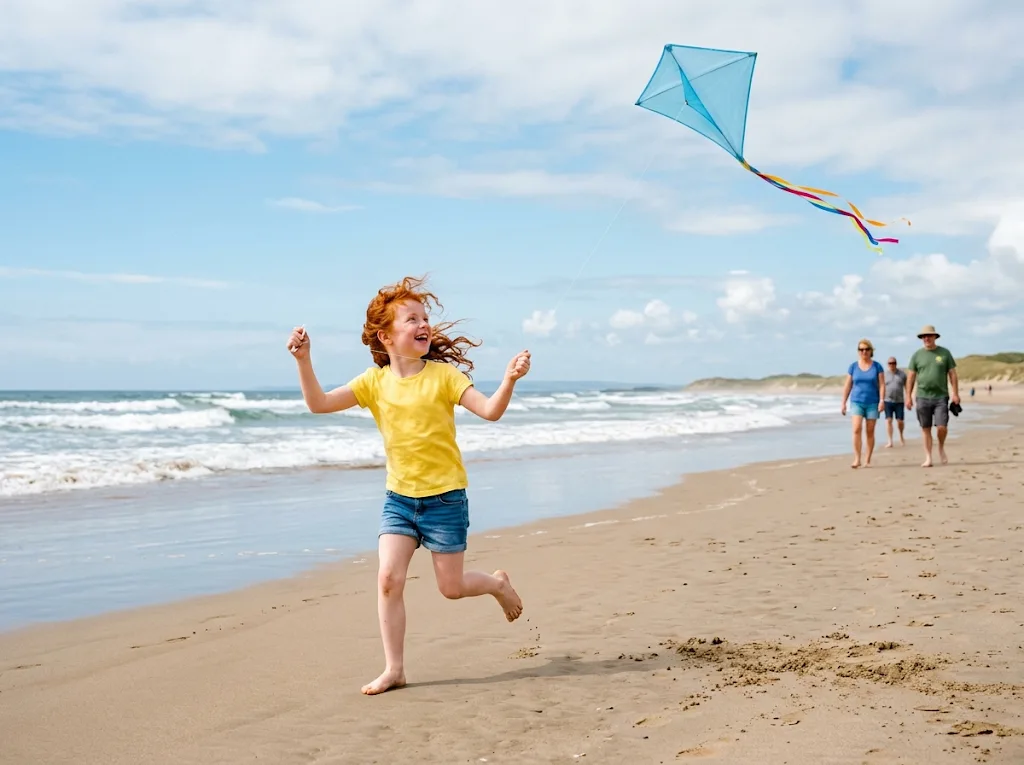
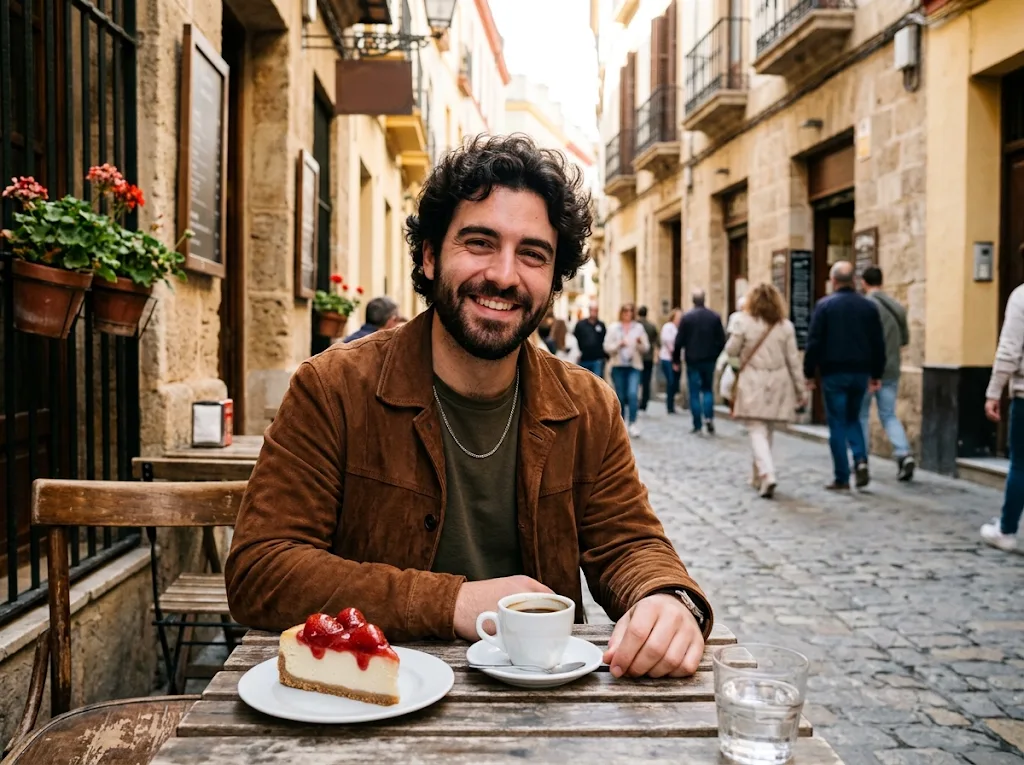
All the edits you need, in one place
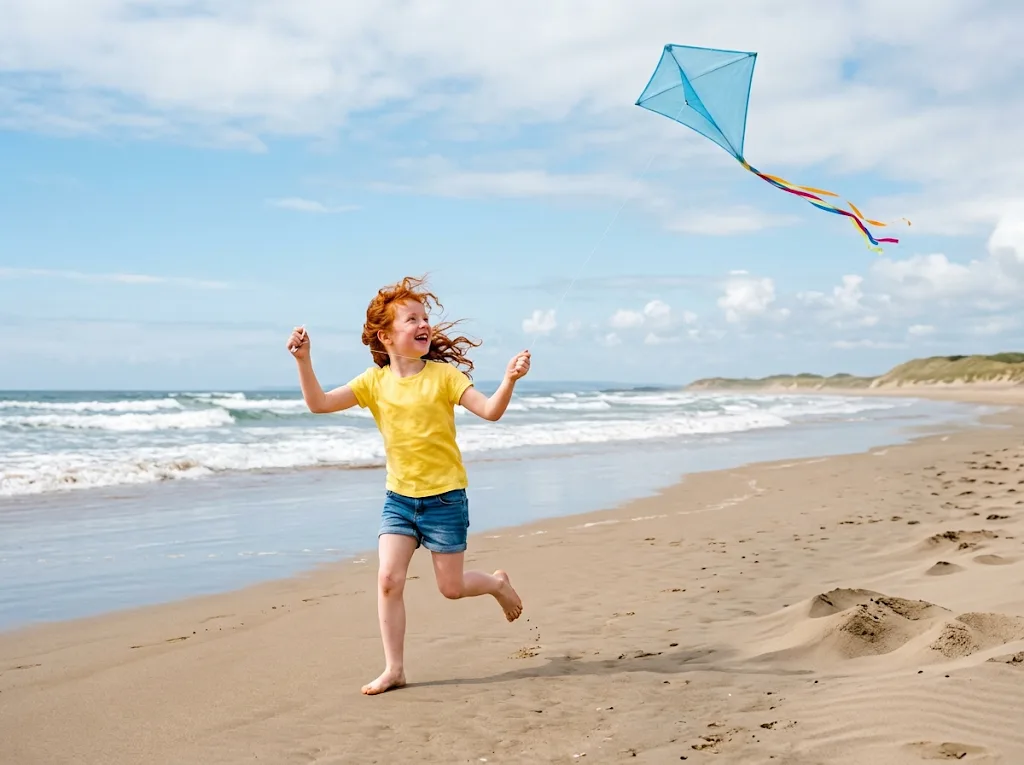
Remove backgrounds for clean product shots, erase distractions, add effects for social posts and ads, change styles from casual to pro, and enhance quality: sharpen, relight and refine with our AI photo editor.
Try our AI photo editor free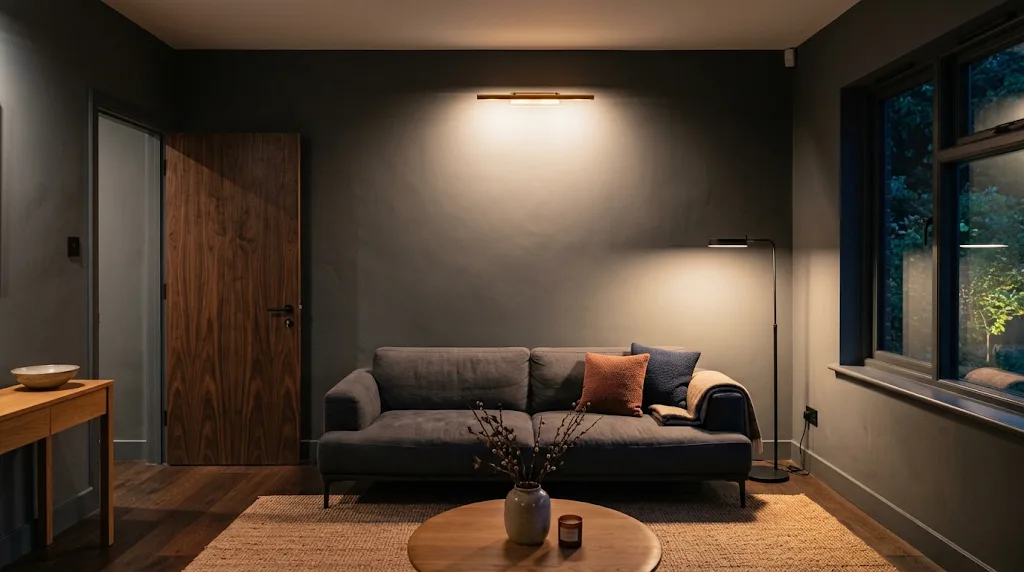
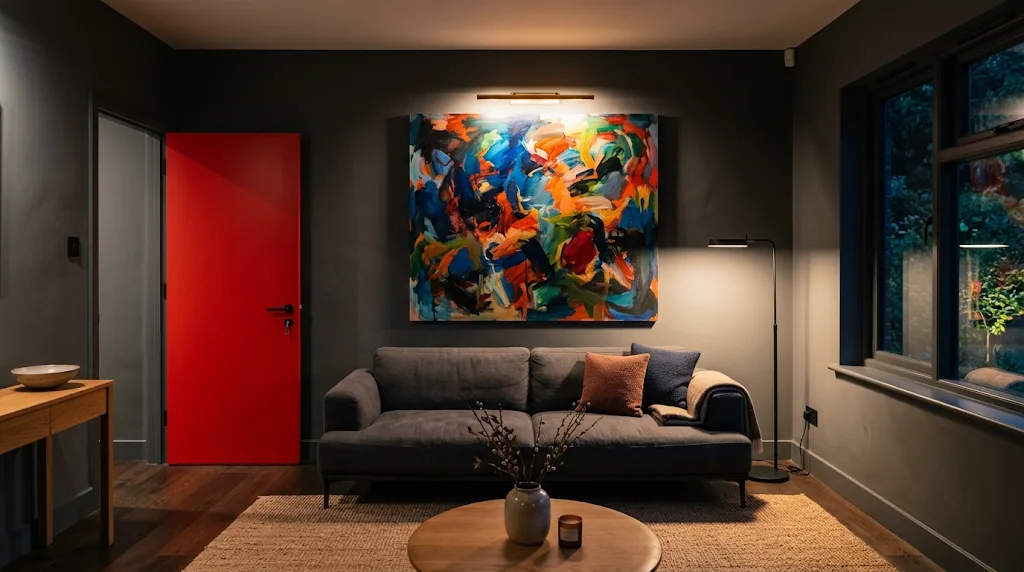 BeforeAfter
Edit several images the same way
Stop starting from scratch for every photo. Add up to four photos to one prompt, get up to four results at a time, and reuse the same prompt and settings on the next product shot, portrait or campaign picture with one click.
Try our free AI photo editor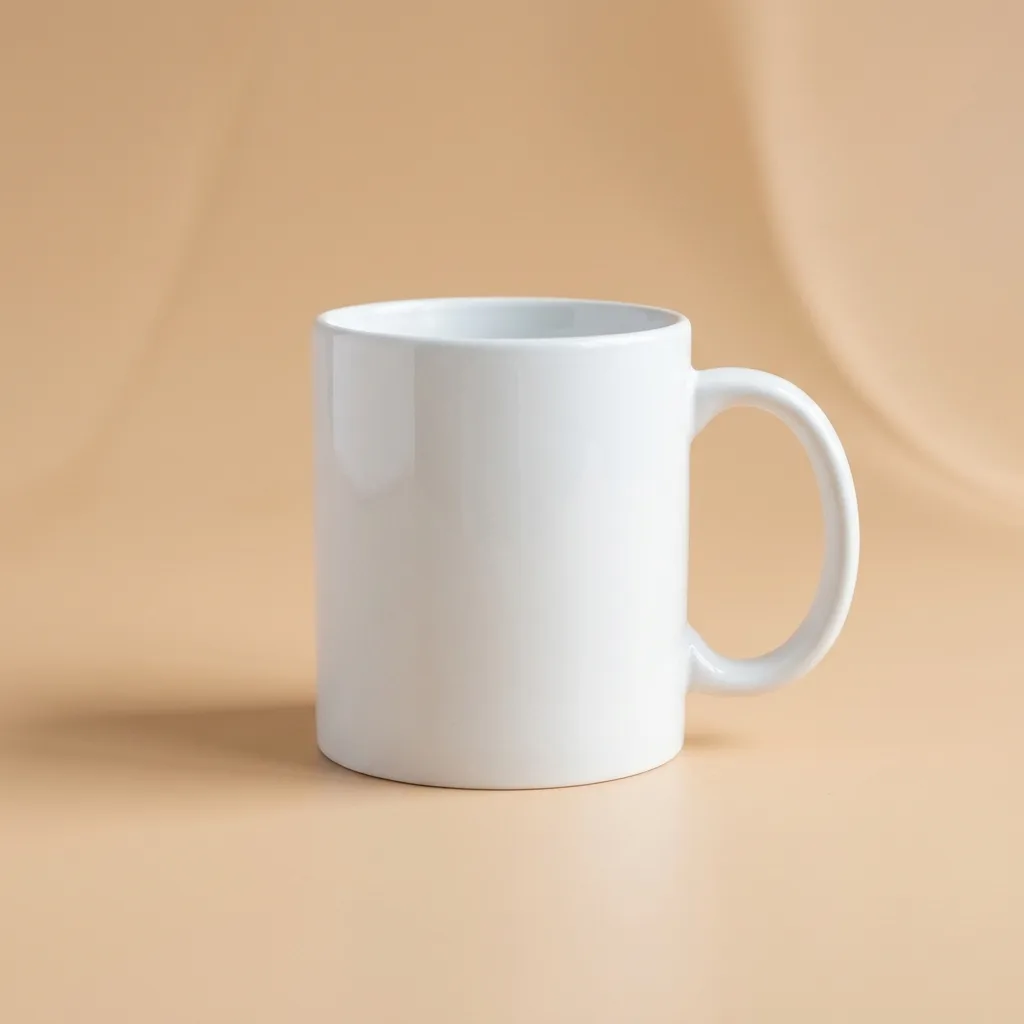
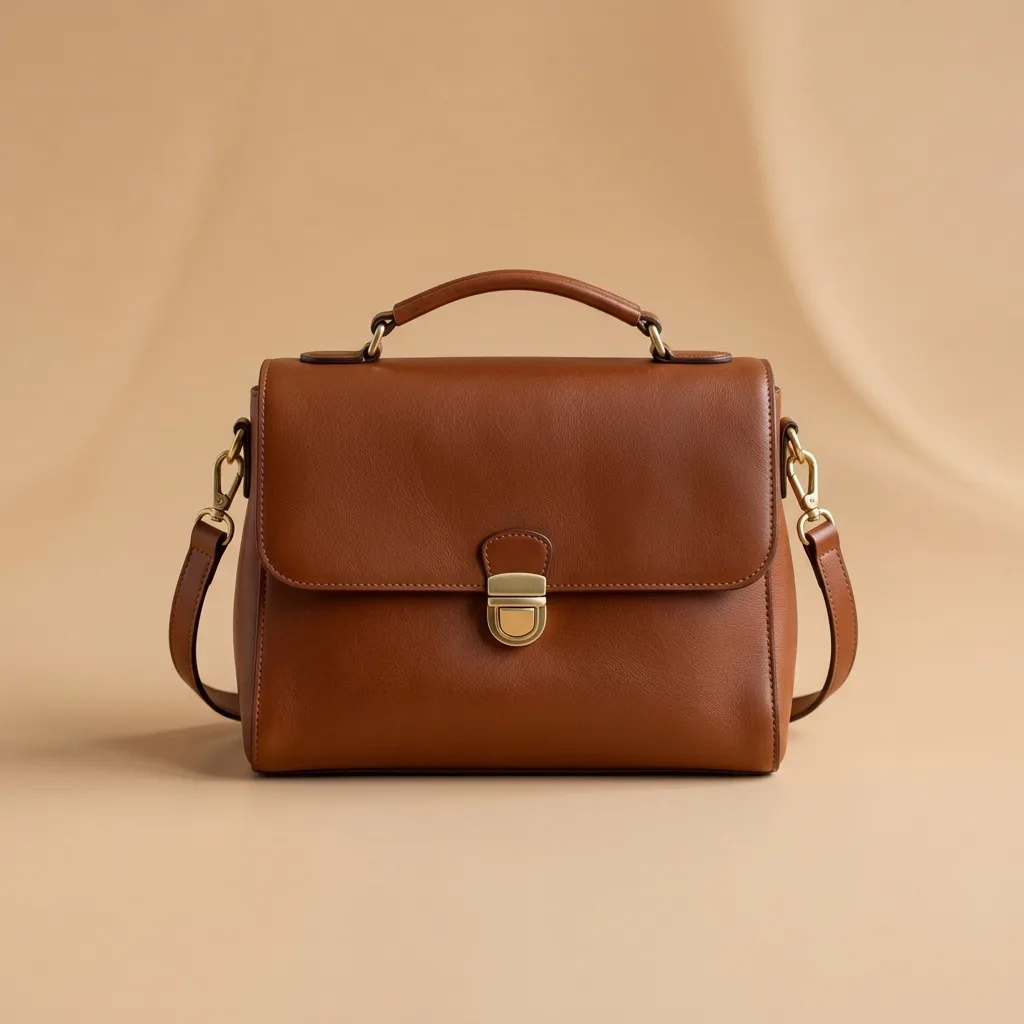
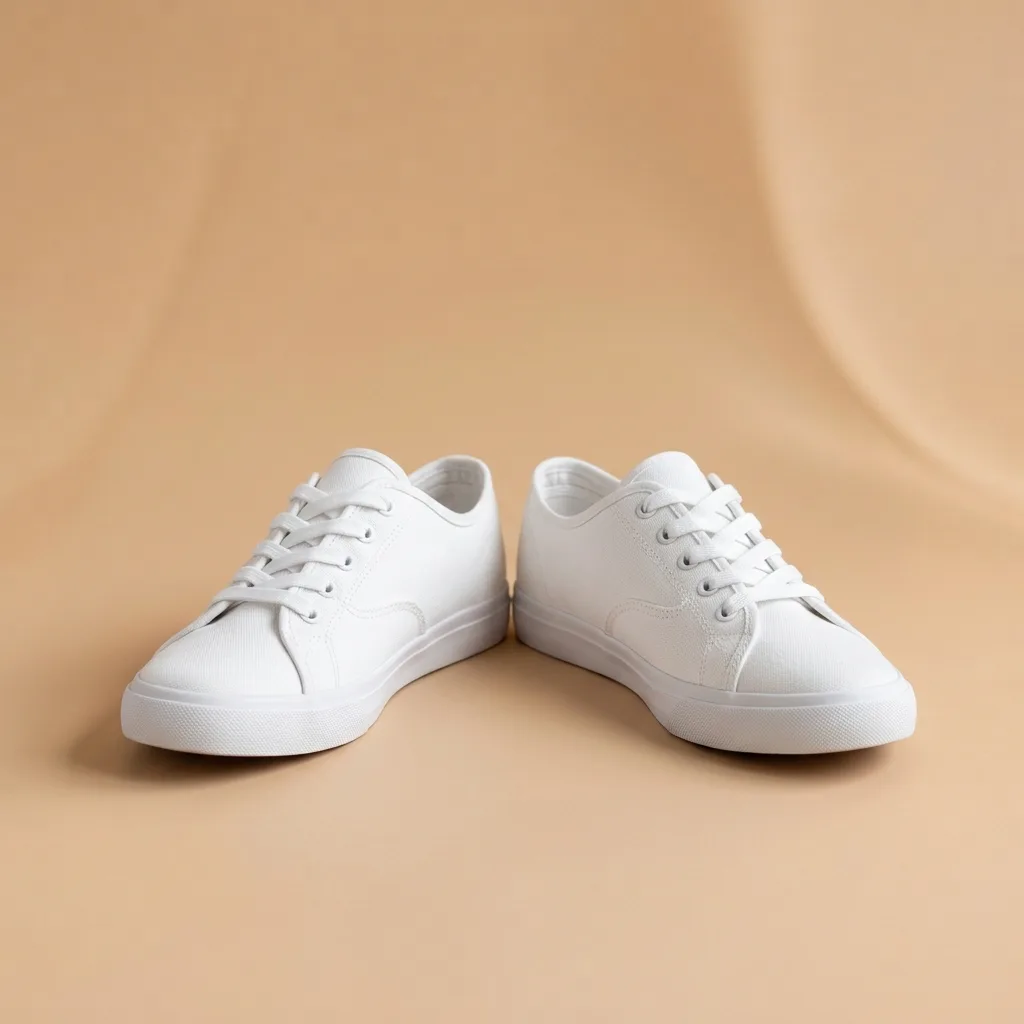 Same beige studio set for every product
Stay consistent across every edit
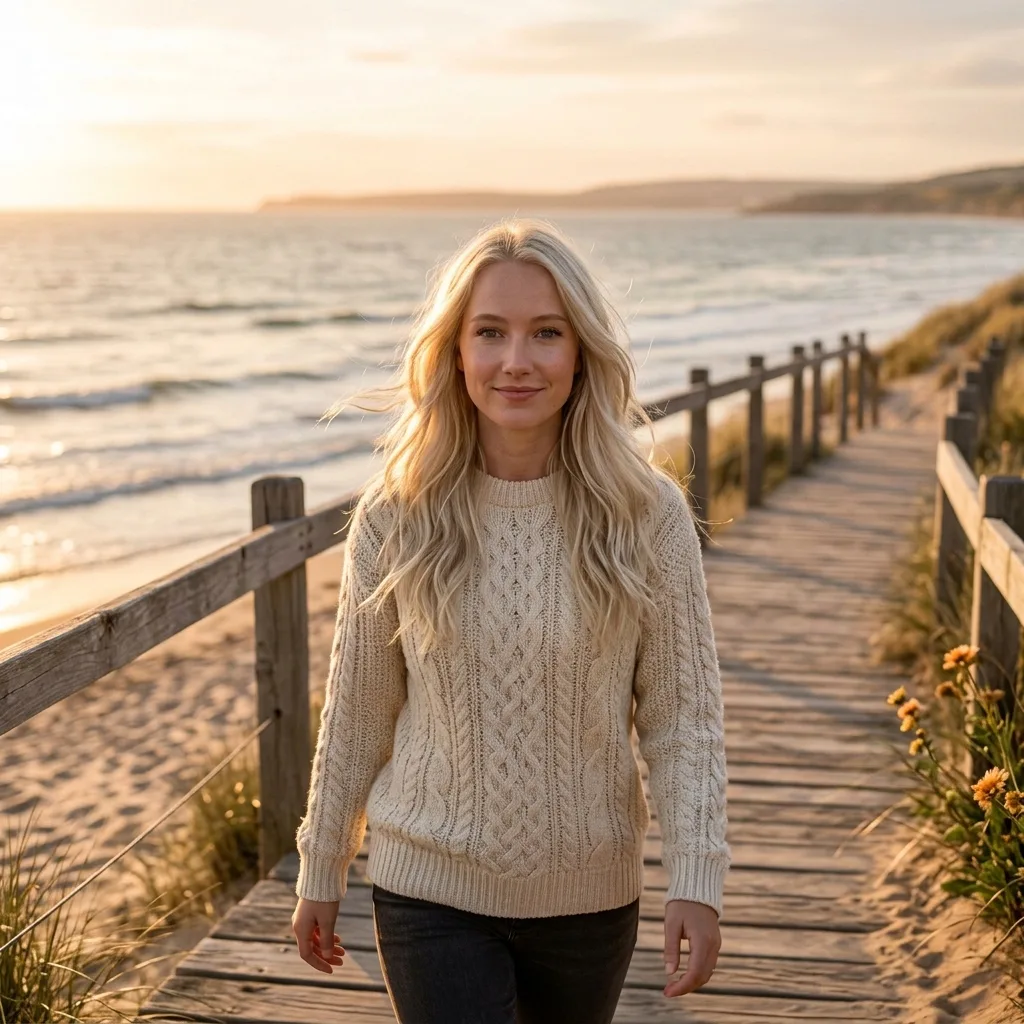
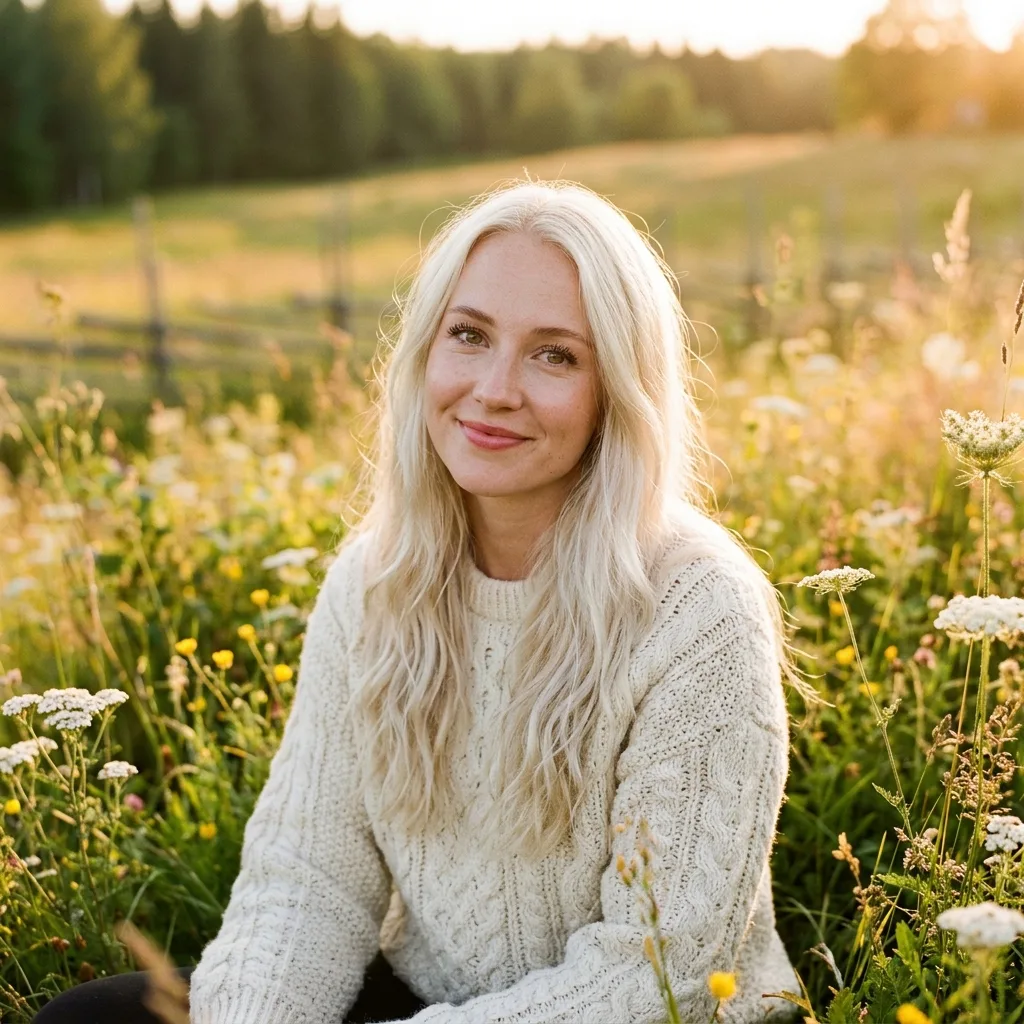
Keep your images looking cohesive from start to finish. Hold the same person, background, lighting, colours and style across product photos, social posts, ads and branded visuals.
Try our free AI image editor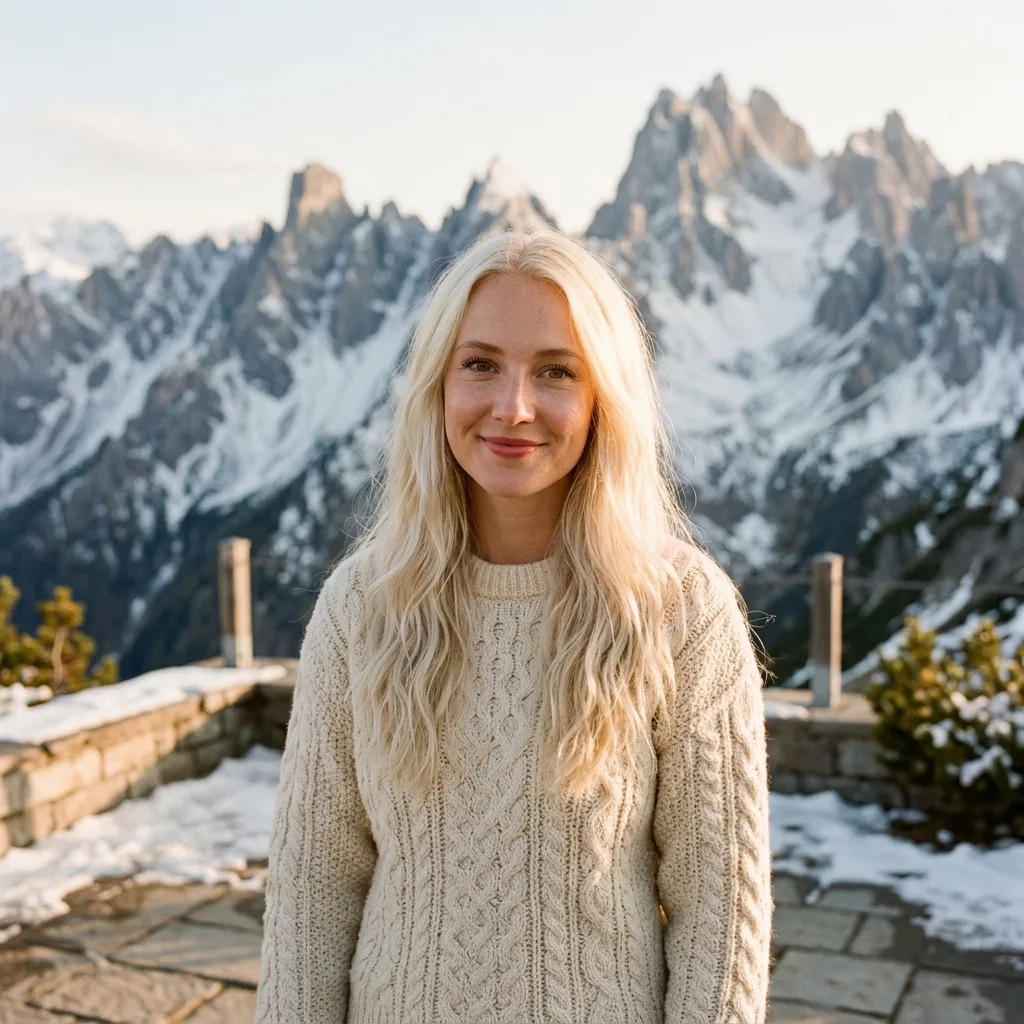
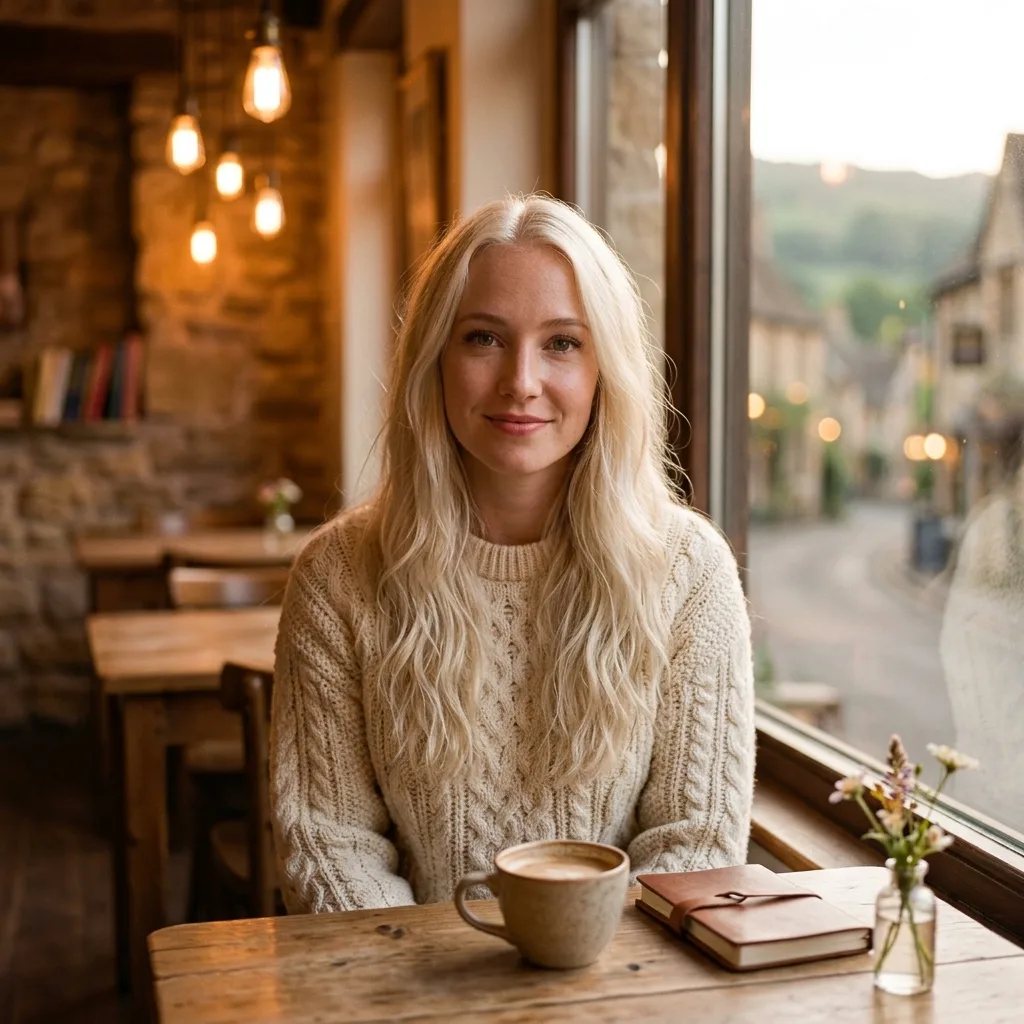
 your.brand
Built for every creator, from every industry
Ship listings faster. Sell more.
Turn raw product photos into sales-ready listings. Remove cluttered backgrounds, improve the lighting and keep the same look across your whole catalogue.
Try the AI photo editor free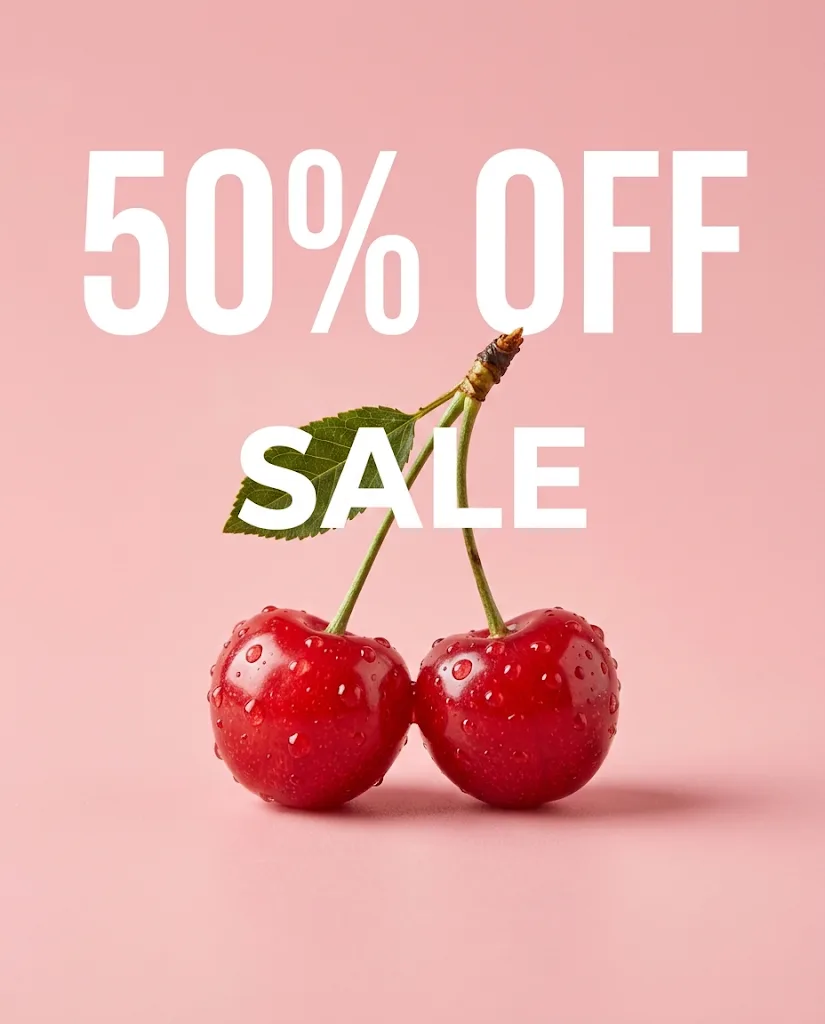 Create a product poster with glossy cherries and the text 50% OFF SALE
Post more. Edit less. Get more engagement.
Stop posting flat phone shots. Apply trending styles, swap backgrounds or turn casual photos into eye-catching content for Instagram, TikTok and YouTube.
Try the AI image editor free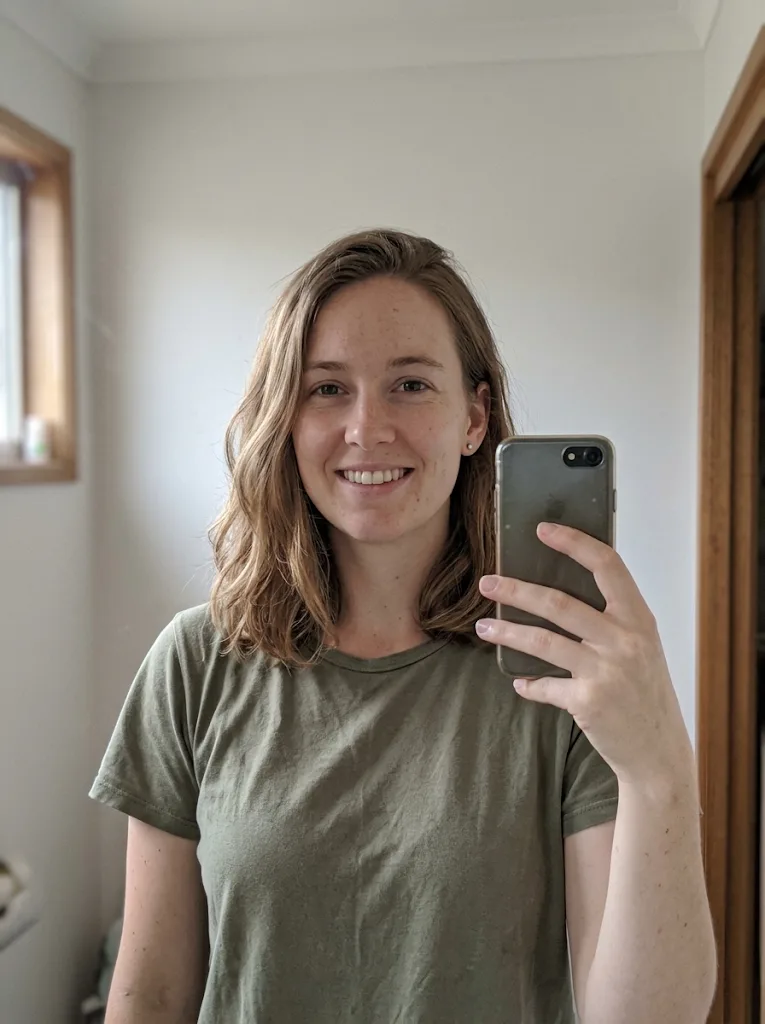
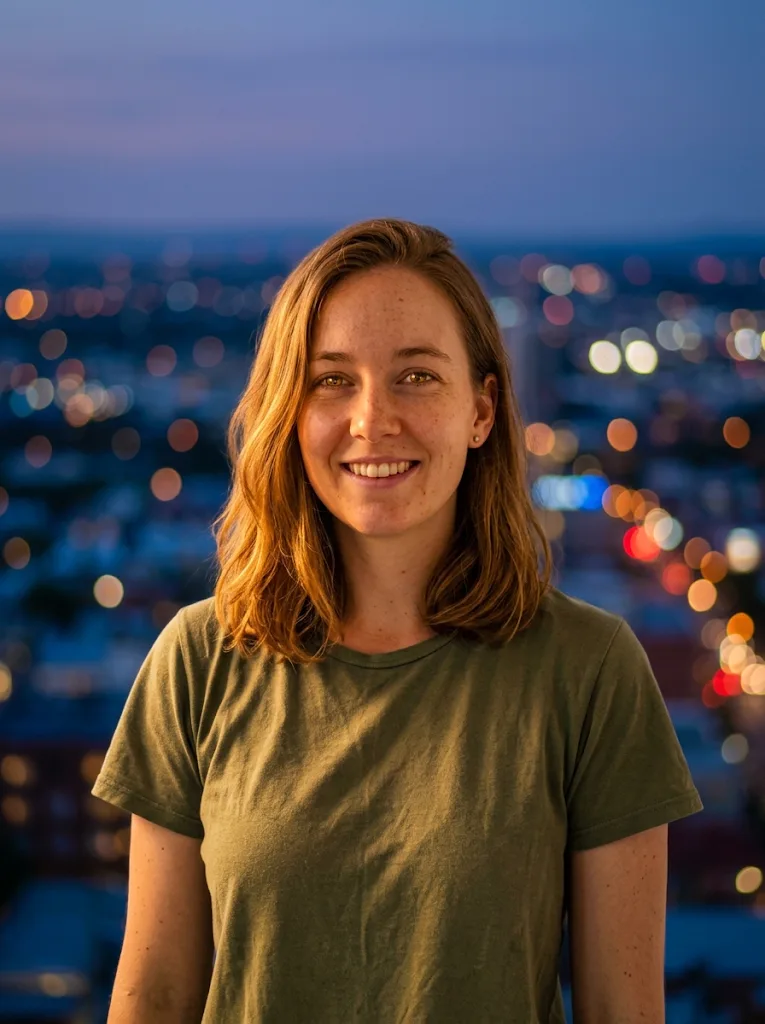
More creatives. Less budget. No bottlenecks.
Scale campaigns without scaling costs. Create ad creatives, banners and marketing visuals on demand, without waiting on a design team or paying agency fees.
Try the AI photo editor free
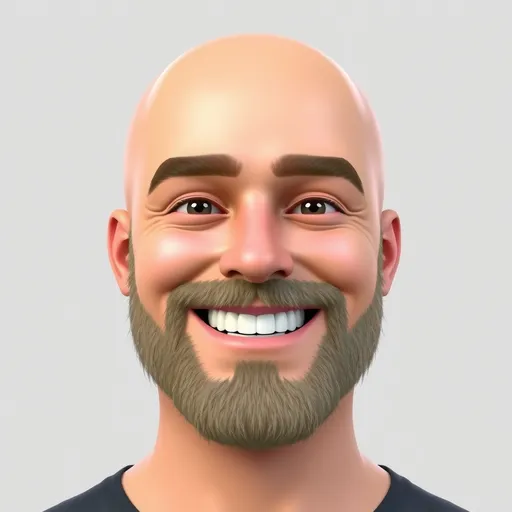
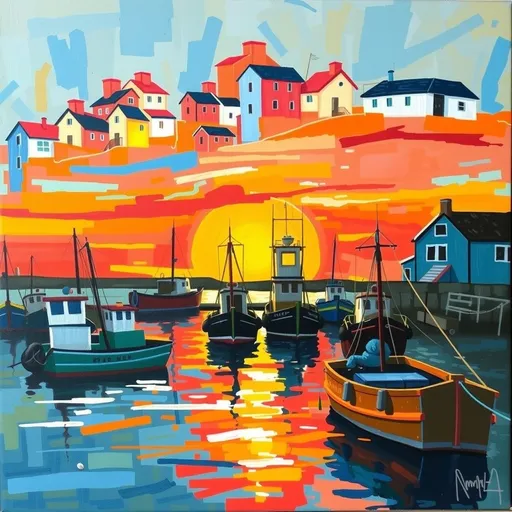
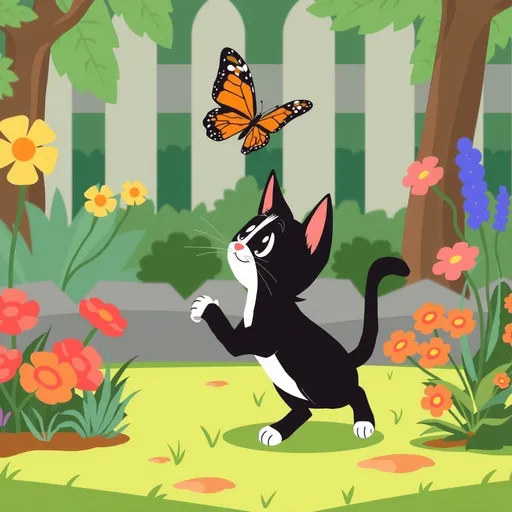
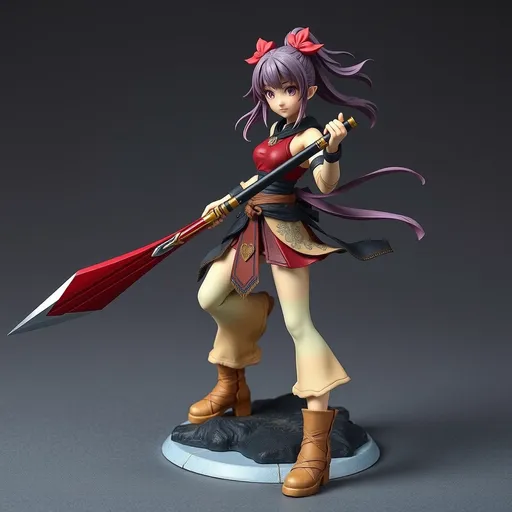
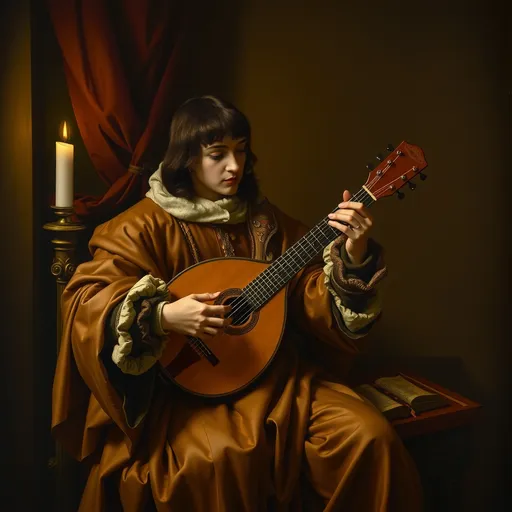
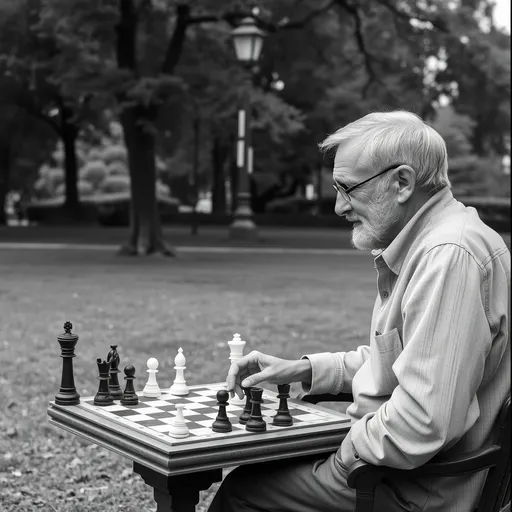
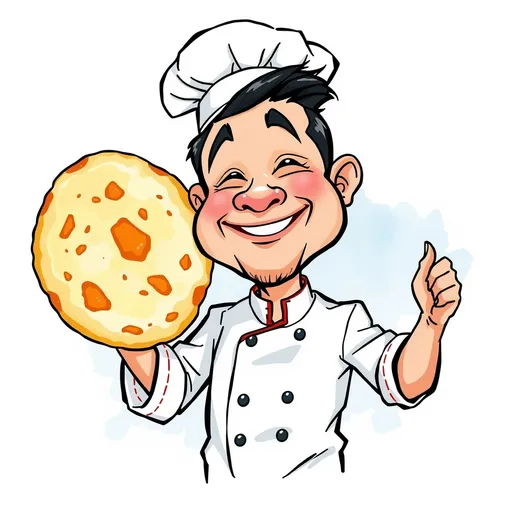
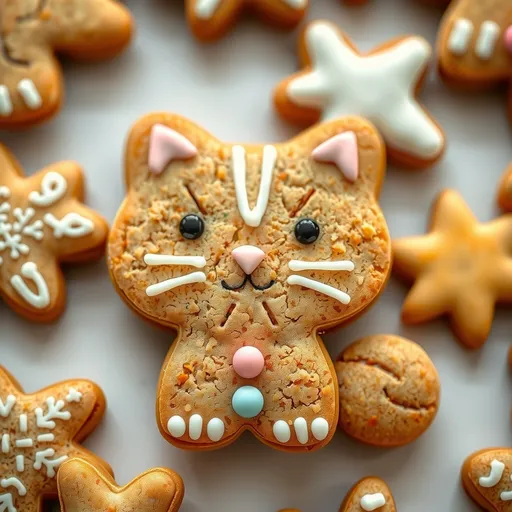
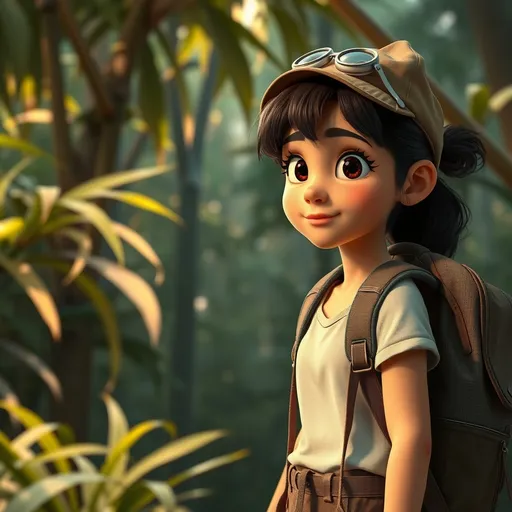
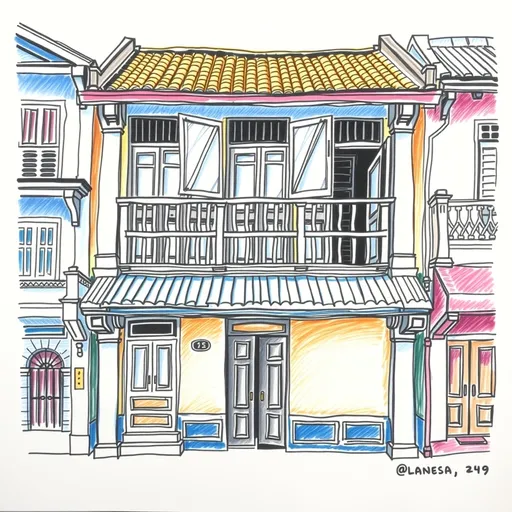
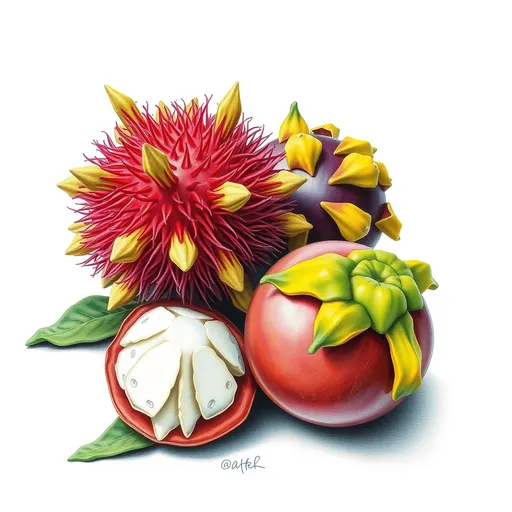
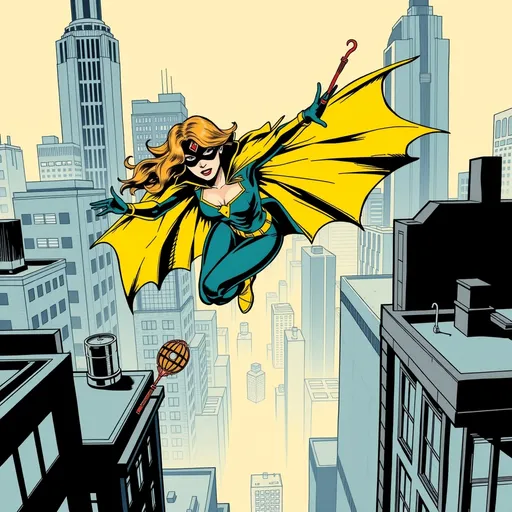
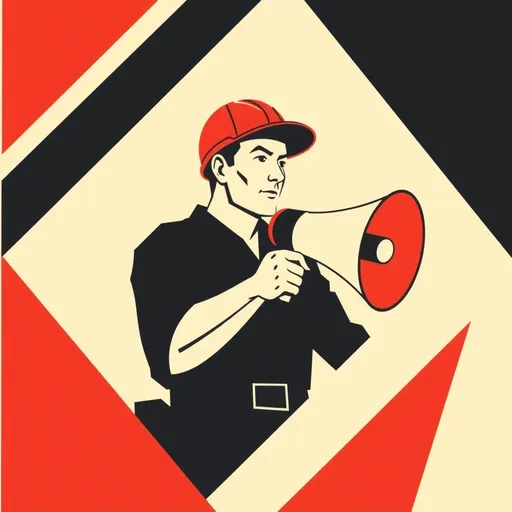
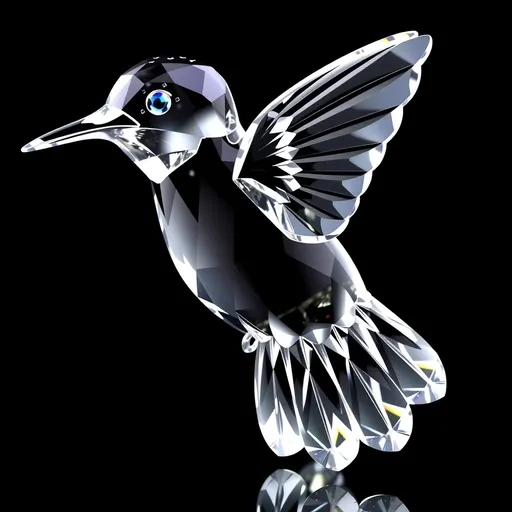
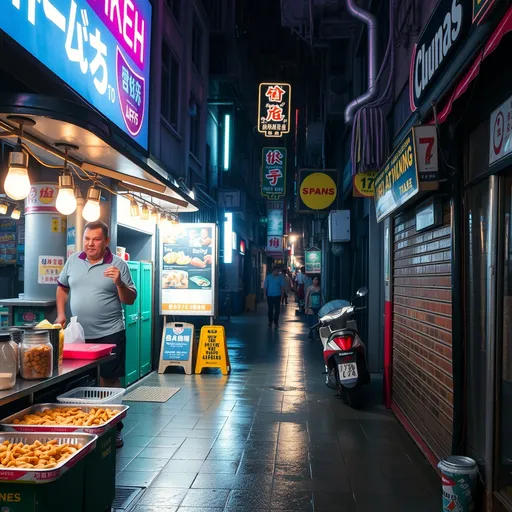
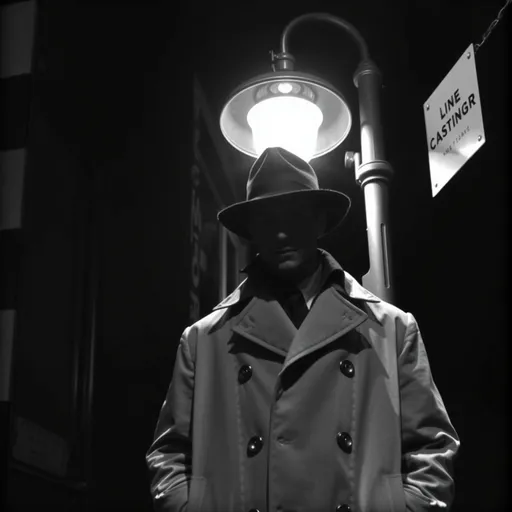
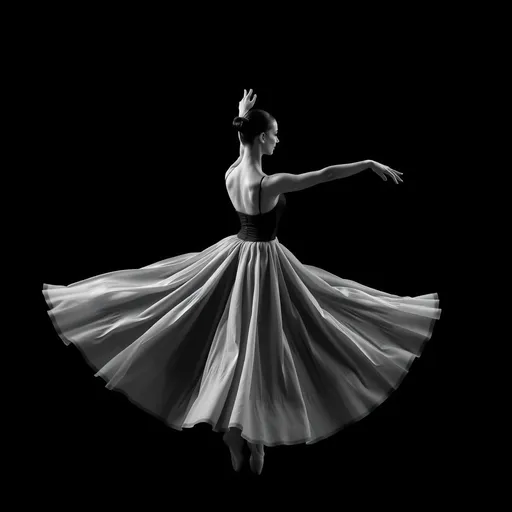
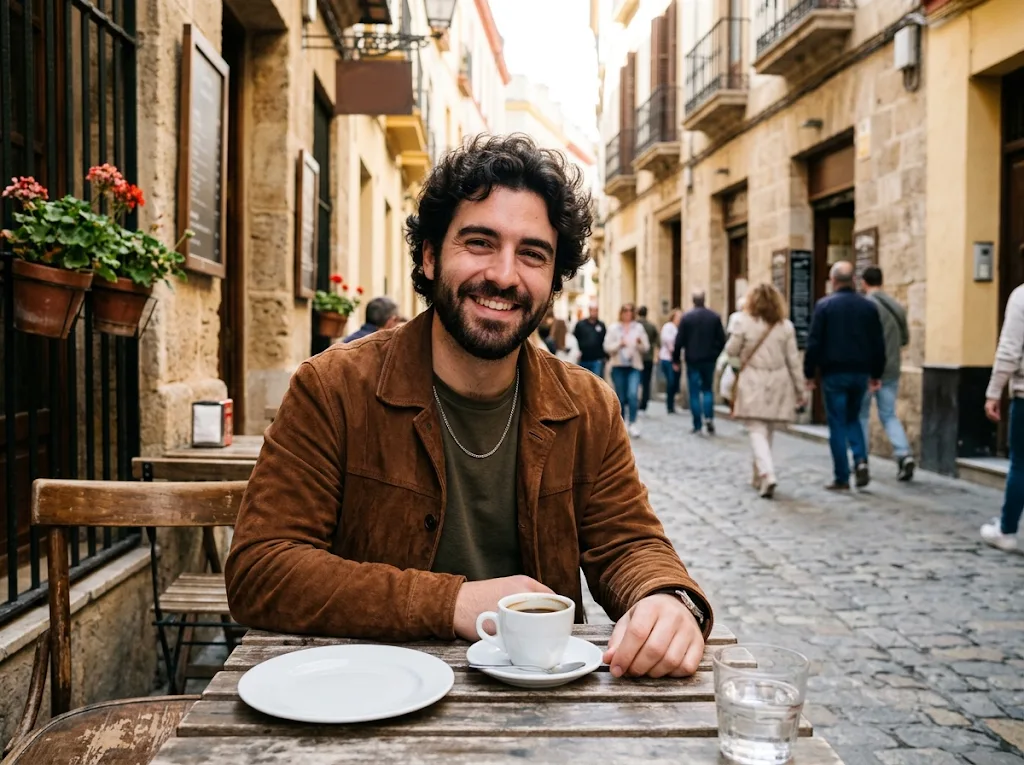
Your best shots, made even better.
Restore old family photos, retouch portraits or enhance travel memories. Professional-grade editing without the steep learning curve.
Try the AI image editor free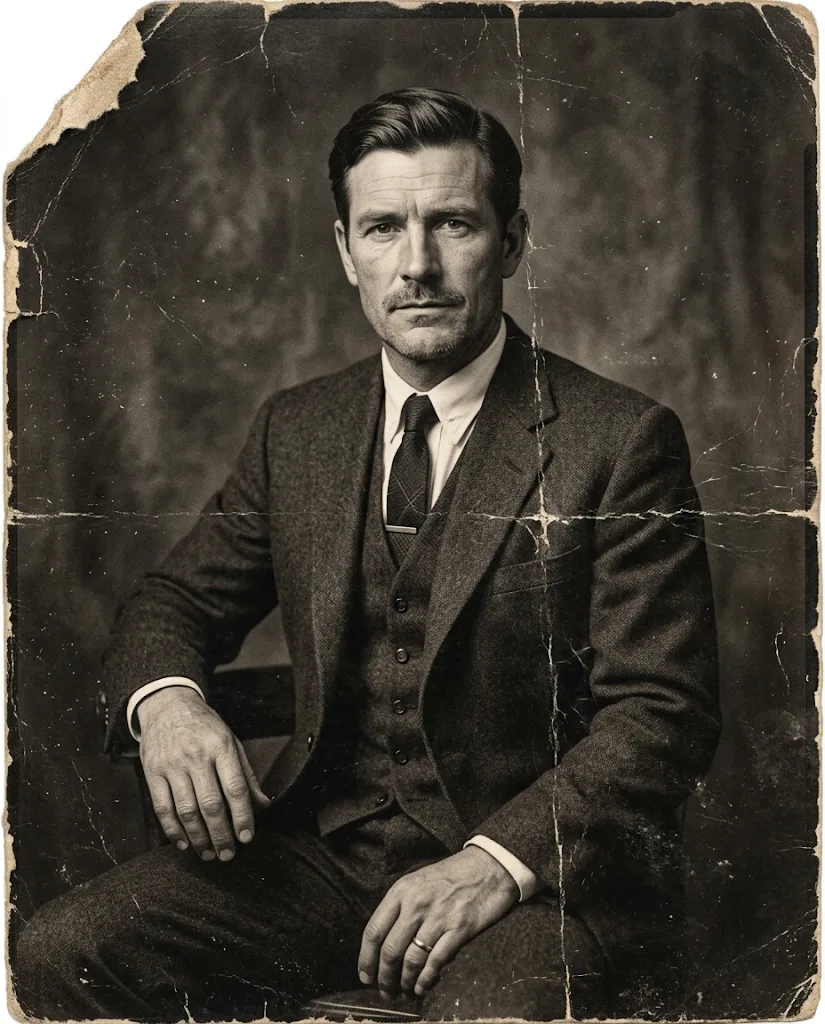
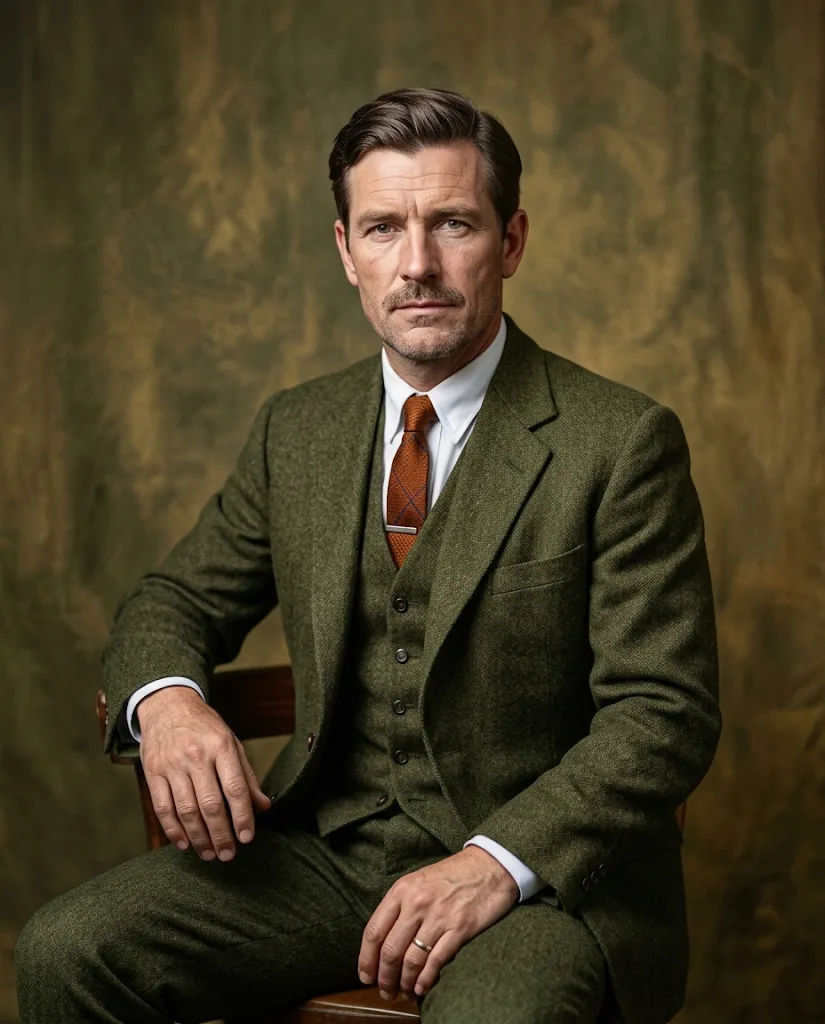 Restore and colourise this old portrait
How to use the Jitura AI photo editor
Three steps to edit and enhance your images.
Step 1: Upload & describe
Add your photo with + and type what you want to change.
Step 2: Choose & customise
Pick a model, the aspect ratio and how many results you want.
Step 3: Create & download
Watch the edit appear in seconds, then download it in high resolution.
Experience the full power of other AI image generators
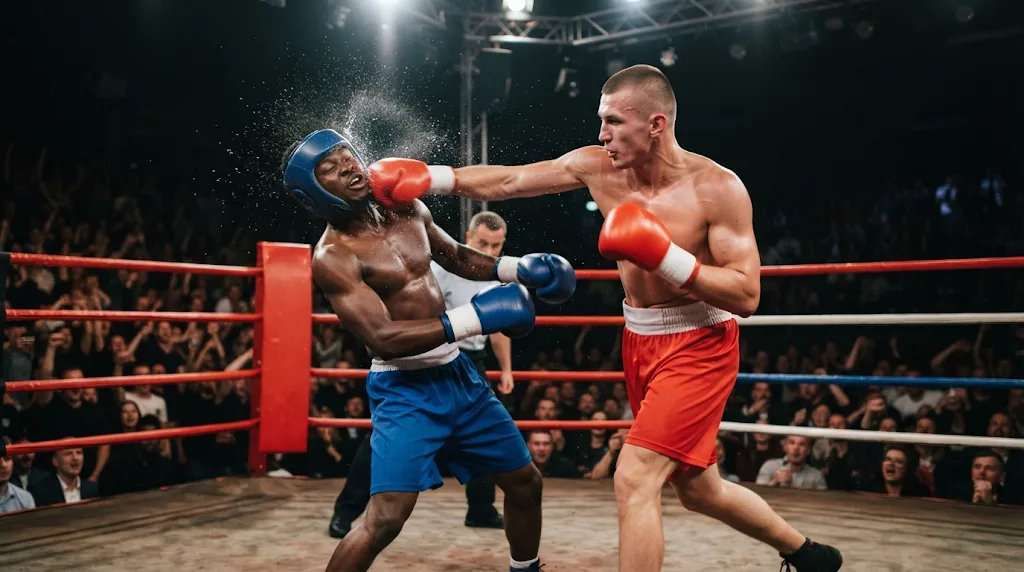
Discover our advanced AI image tools
FAQs
What is an AI photo editor, and how does it work?
An AI photo editor changes images from a text description. Instead of adjusting sliders and layers, you type what you want, such as "remove the background" or "add warm lighting", and the AI applies the edit.
Is the Jitura AI photo editor free?
Yes. Every account gets free daily operations, so you can try background changes, object removal, style changes and enhancements before choosing a paid plan. Each output image uses one operation.
What makes this AI photo editor stand out?
It is built around text-to-edit: describe the change in plain words and the AI keeps the rest of the photo as it was. You can also switch between top models such as Nano Banana, Seedream and GPT Image from the same prompt box.
What kinds of edits can I make?
You can erase unwanted objects, remove or replace backgrounds, sharpen and relight photos, adjust colours, apply artistic styles, add text and add new elements to a scene, all with simple prompts.
How is an AI photo editor different from Photoshop or other software?
Traditional software needs technical skills and manual adjustments. With an AI photo editor you work with descriptions rather than pixels and layers, so you get professional results even with no design experience.
Can I edit product photos for e-commerce?
Yes. Remove backgrounds, improve the lighting and create clean, consistent catalogue images without a design team. For full product scenes, also try AI Product Shot and Product Image Set in the same Mode menu.
Do I need design or editing skills?
No. If you can type what you want to change, the AI does the rest.
Can I edit several images consistently?
Yes. Add up to four photos to one prompt, or use Reuse settings on a result to run the same prompt, model and options on your next photo, so backgrounds, light and style stay consistent.
Which image formats can I upload?
JPEG, PNG and WebP up to 10 MB. Results download as high-resolution images ready for any platform.
Can I use the edited images commercially?
Yes, you can use your results for personal and commercial projects, as long as you have the rights to the photos you upload and your prompt does not copy someone else's artwork or trademark. Free outputs may appear in the public gallery; paid plans can keep them private.
Ready to edit smarter? Try the Jitura AI photo editor free
Stop wrestling with clunky software. Turn your images into ready-to-use visuals with simple text prompts.
Try our AI image editor free