
Model
Upload Image*
Click to upload an image
We accept JPEG, PNG, or WEBP formats up to 10MB.
Scale
Same size as your photo, with sharper detail.
Uses 1 daily image generation.
Image Enhancer
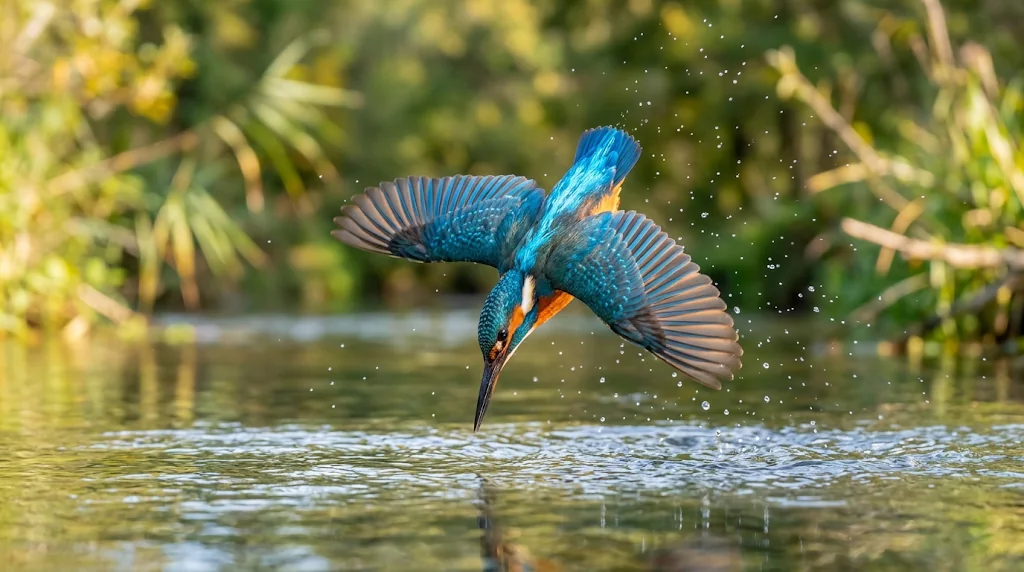
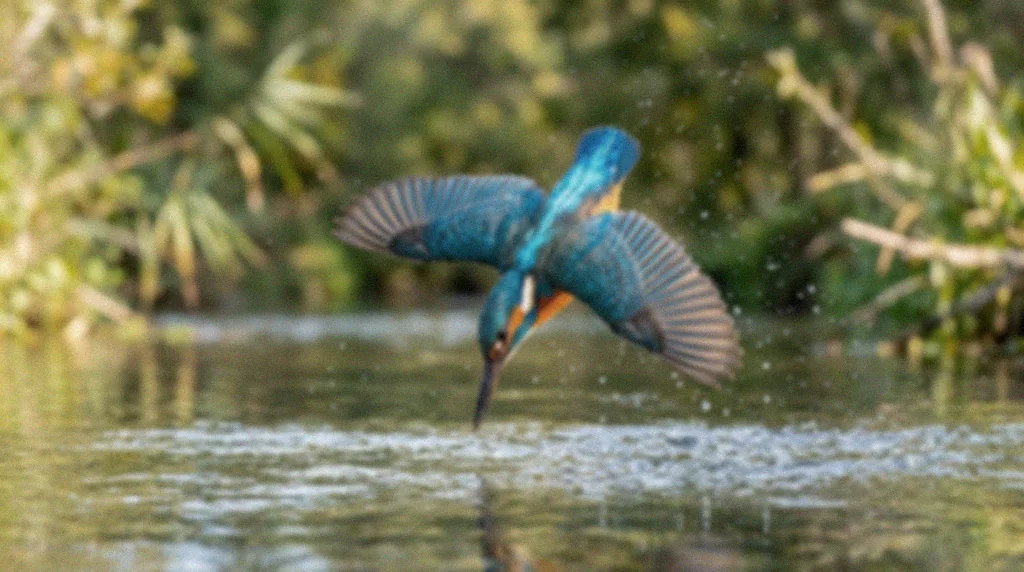
Instant AI image enhancer with stunning results
Bring weak photos back to life with sharper detail and better colour. Jitura's AI image enhancer removes blur and grain, cleans up compression and enlarges your image in seconds, so every little detail stands out.
Try our photo enhancer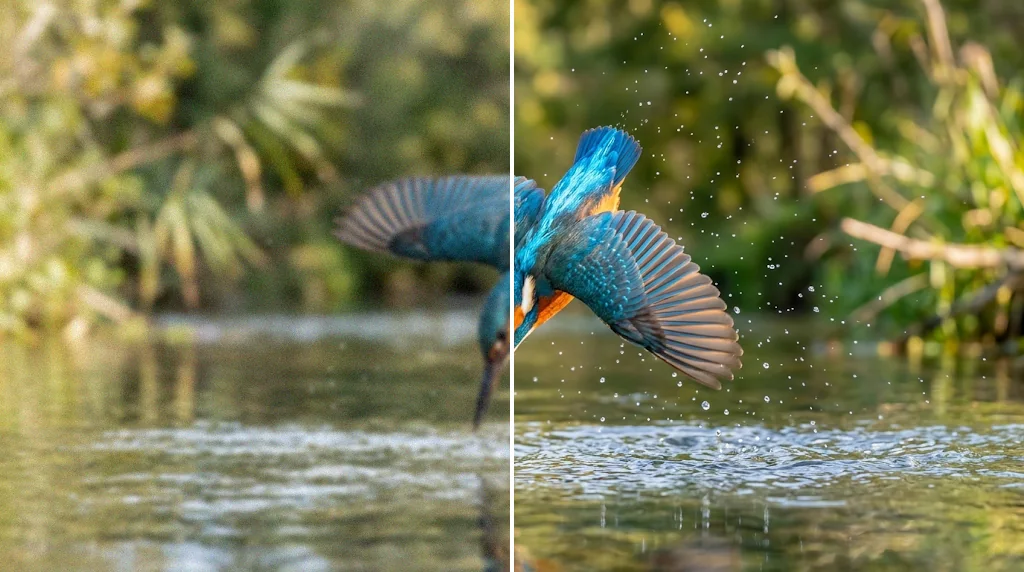
Boost image quality and resolution for any project
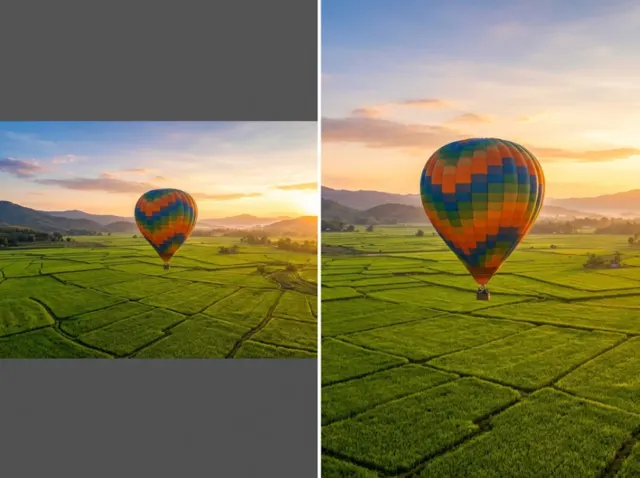
Turn low-resolution photos into HD images with crisp edges and real texture for design and marketing work. Enlarge up to 16X instead of settling for pixelated pictures.
Try our photo enhancer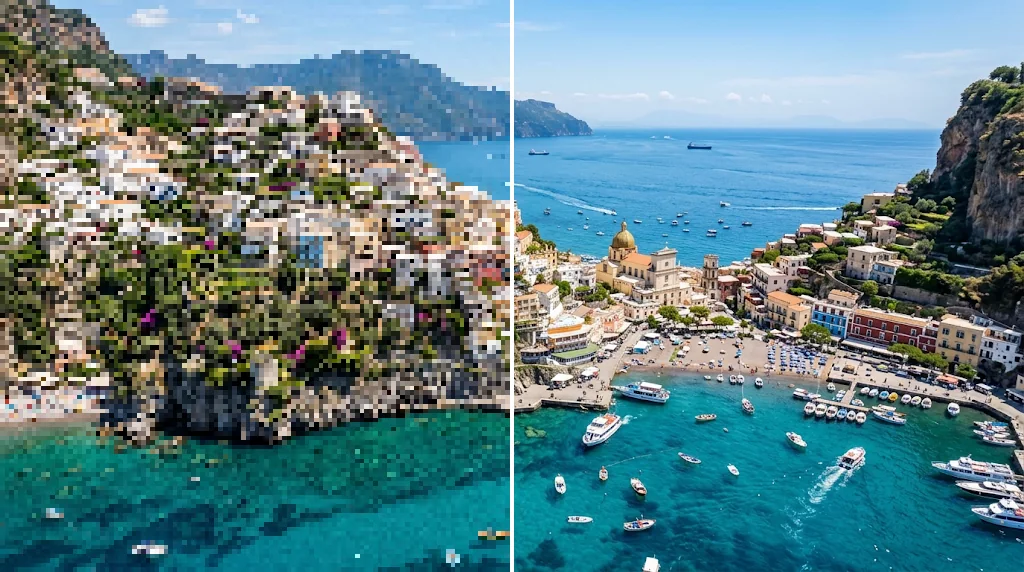
Eliminate blurriness and grain
Bring clarity back to blurry or grainy shots. Recover detail lost to low light, a slow shutter or missed focus, without any complicated editing.
Try our image enhancer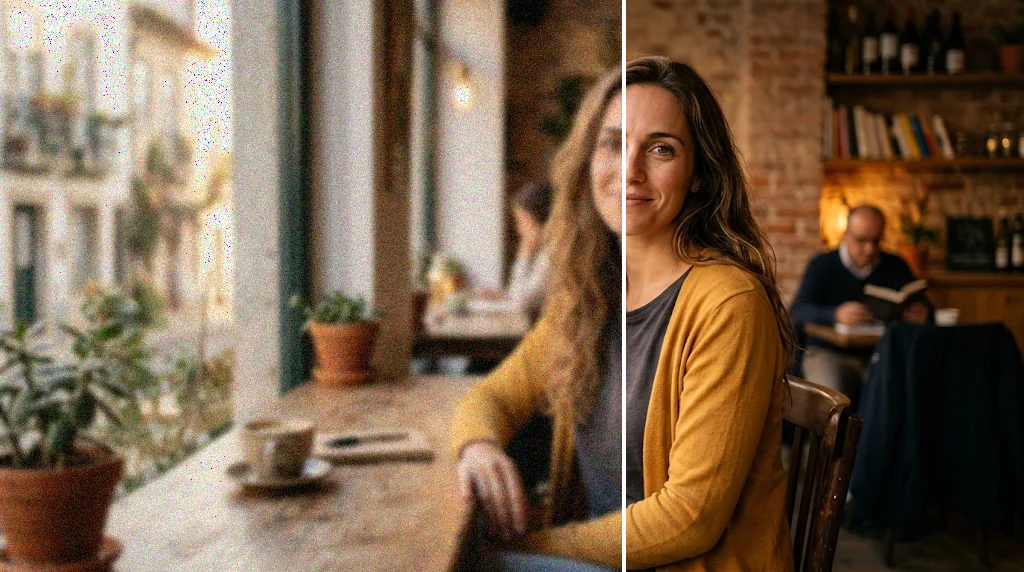
Improve colour vibrancy
Polish flat, washed-out photos. The enhancer lifts colour, contrast and depth in one click so your pictures look rich and lively again.
Enhance image colours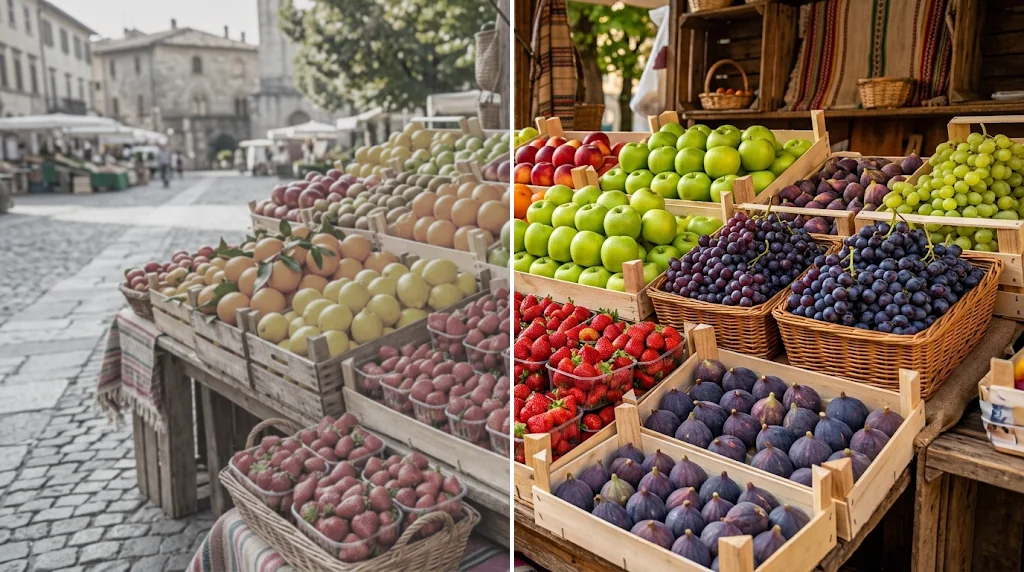
Revitalise old photos
Give faded, soft family prints a new life. Restore clarity and detail to vintage images in seconds and keep the memories they hold.
Enhance old photos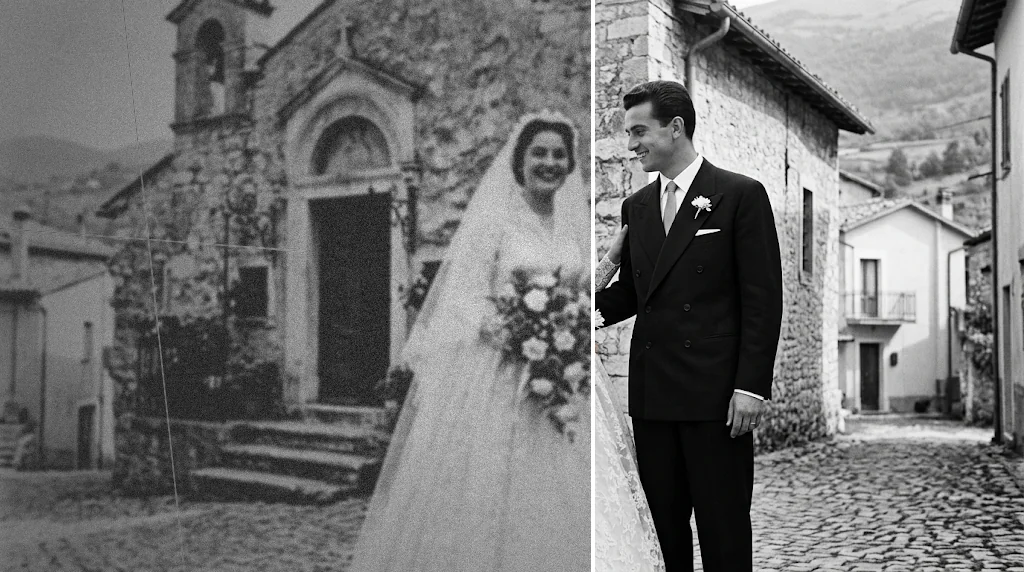
Use the image enhancer to create better visuals
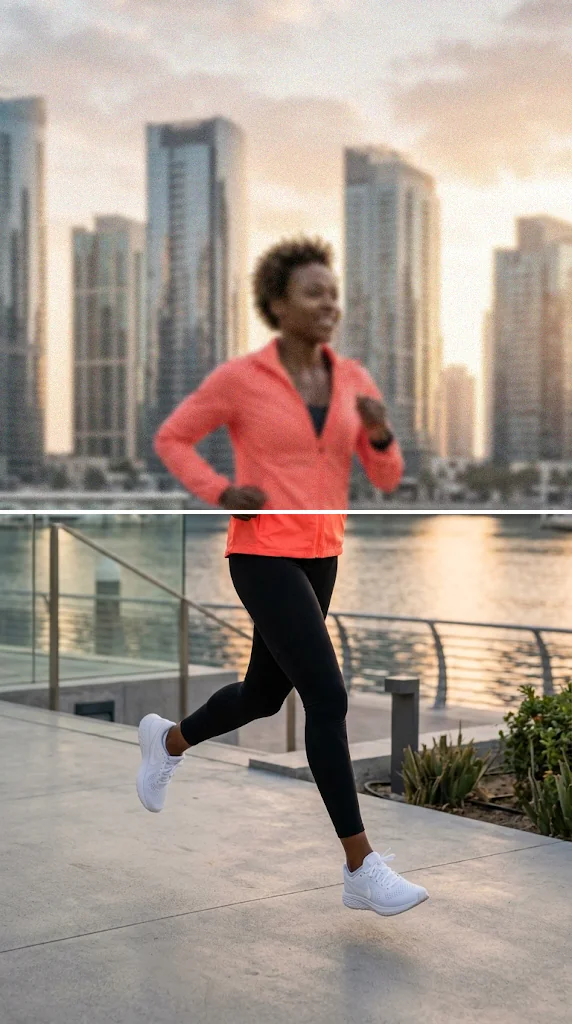
Produce campaign visuals faster
Upgrade rough images for banners, ads, emails and landing pages, so your campaigns look sharper and win more attention.
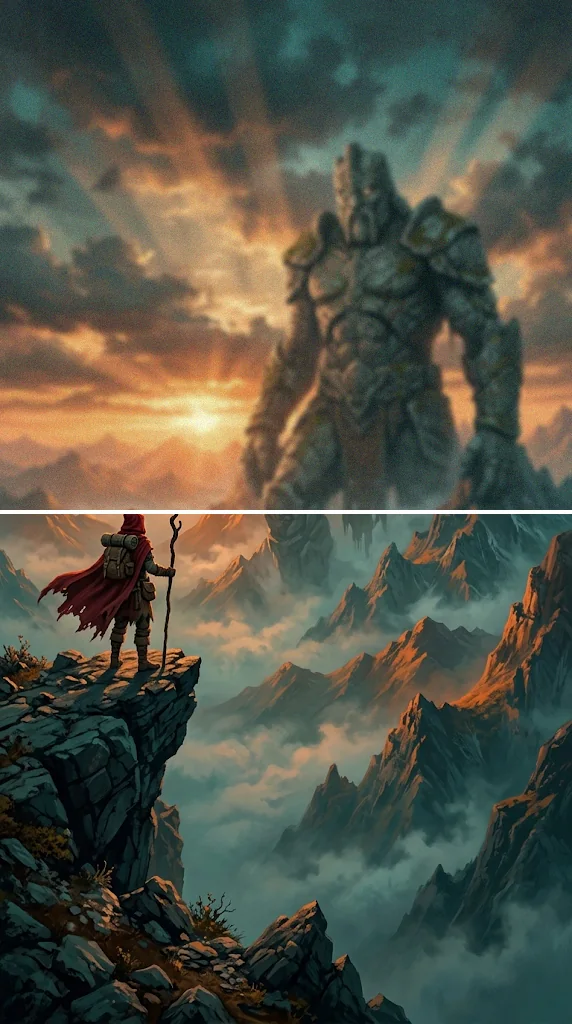
Create more polished poster visuals
Restore blur, colour and detail in posters, concept art and promotional visuals for a more cinematic finish.
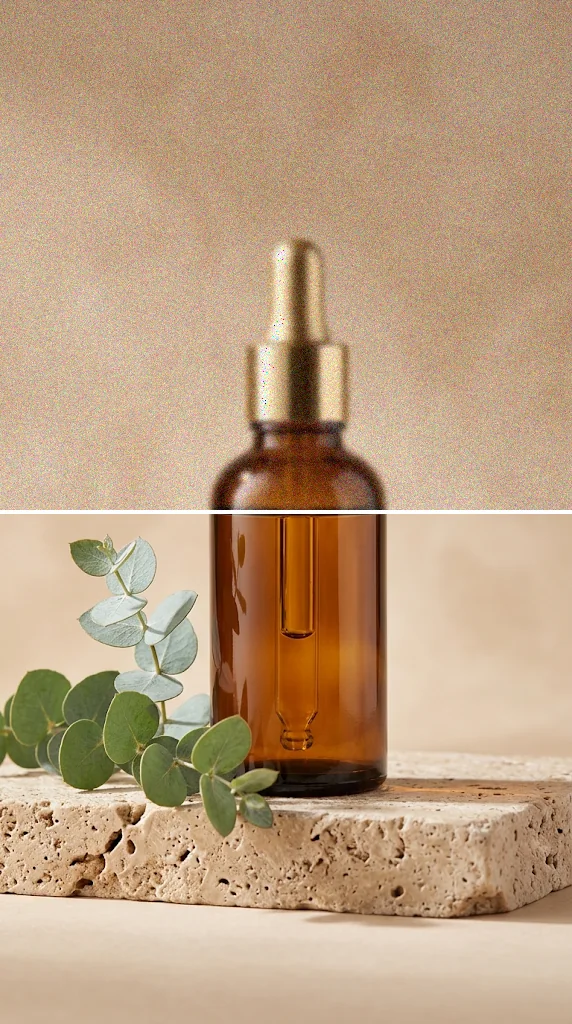
Improve product photos quickly
Clean up product shots with sharper edges and clearer textures, so shoppers can judge quality and buy with confidence.
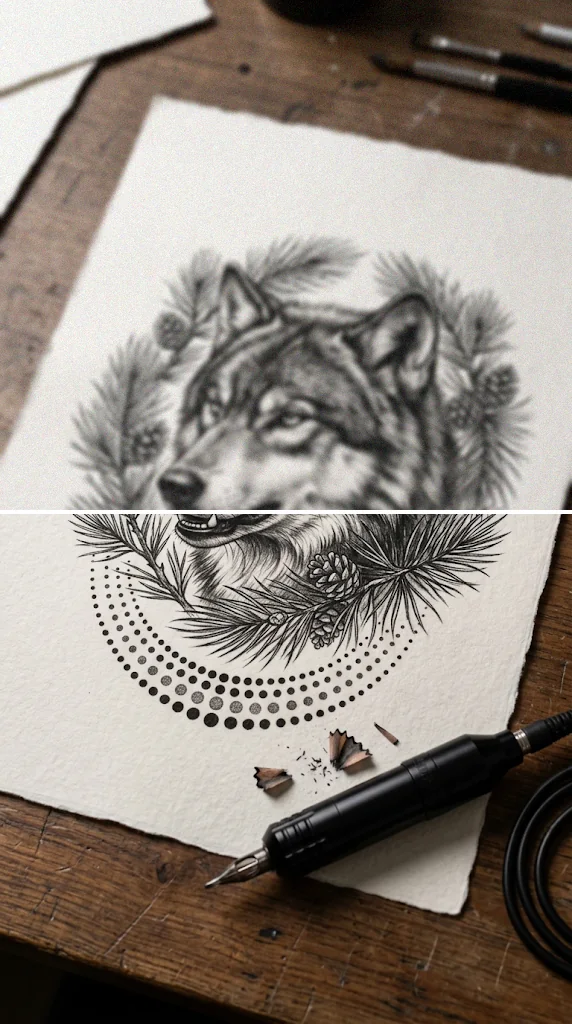
Refine tattoo designs clearly
Sharpen tattoo sketches, reference images and design previews for client approval, portfolios and stencils.
How does our AI image enhancer work?
- 1
Step 1: Upload your image
Upload the low-resolution or blurry photo you want to improve.
- 2
Step 2: Choose and create
Pick a model and a scale, then press Create. The enhancer works in seconds.
- 3
Step 3: Download or share
Download the higher-quality image or share it online.
Your all-in-one AI image studio
Go from a rough idea to a finished asset in one place: generate, edit, enhance and animate with tools built for real creative work.
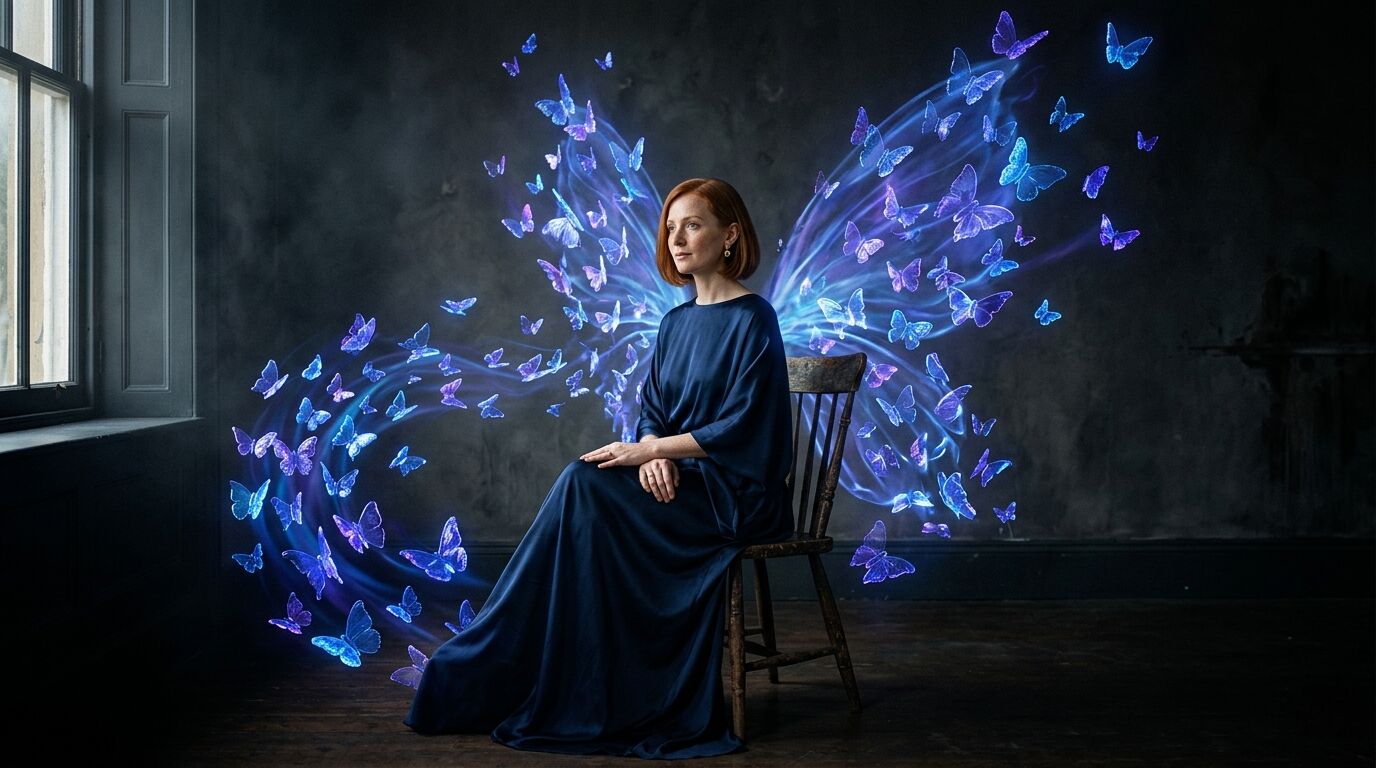
Turn text into images
Describe a scene and get photorealistic or illustrated results in seconds.
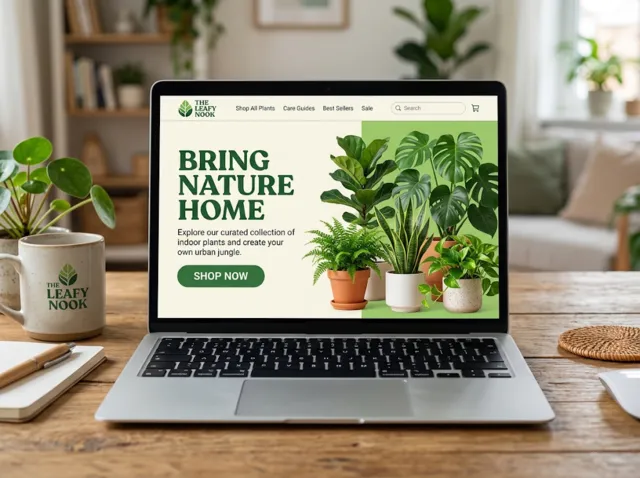
Make platform-ready assets
Posters, banners and flyers sized for social posts, ads and print.
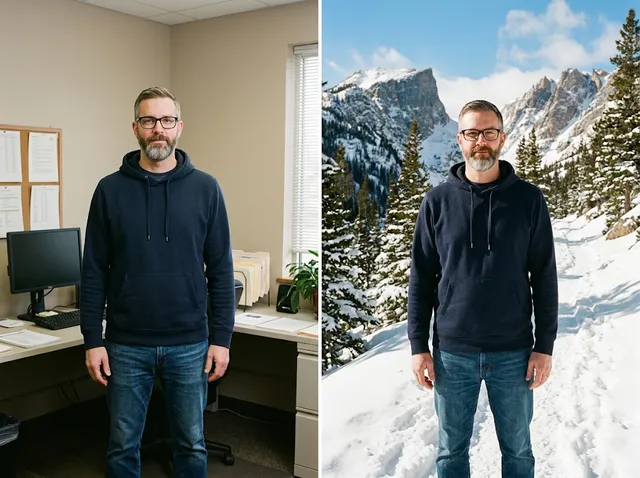
Transform photos
Restyle or change the background of a photo you already have.
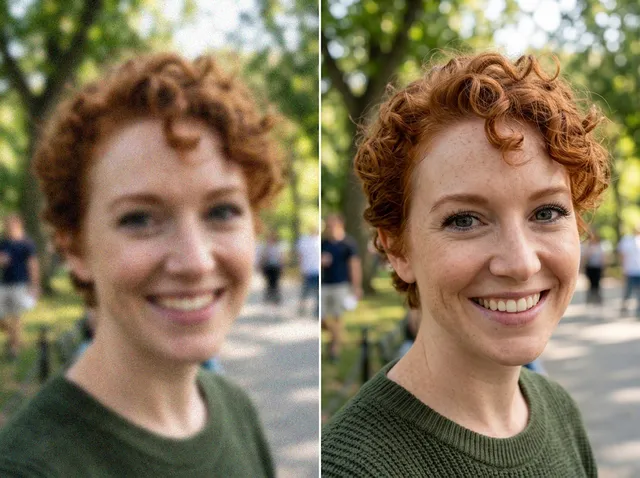
Retouch and enhance
Sharpen faces, remove clutter and upscale images for print.
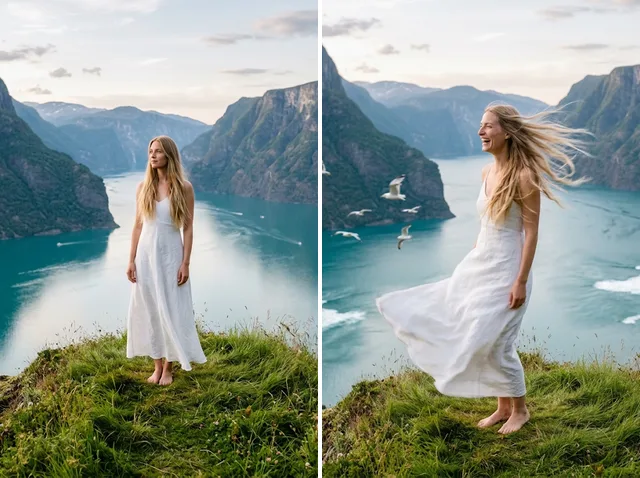
Bring stills to motion
Animate a finished artwork into a short video clip.
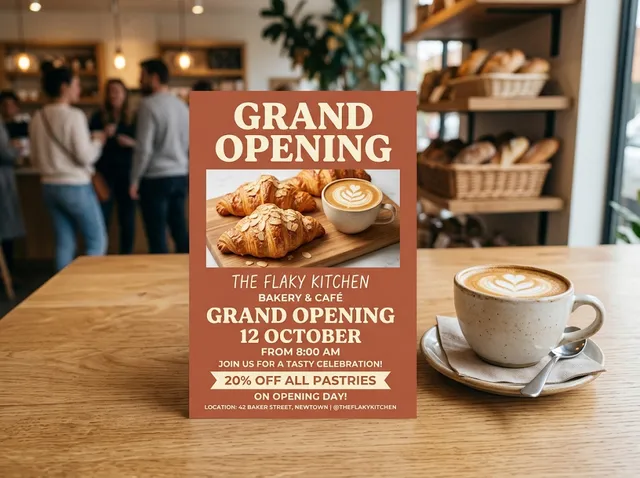
From brief to final asset
Chat with the image, one change at a time, until it is right.
Discover other AI image editing tools

FAQs
What is an AI image enhancer?+
It is a tool that improves the quality of a photo for you. Upload an image and the AI sharpens soft detail, cleans up noise and compression blocks, and can enlarge it, so the result looks clearer than the original.
What can Jitura's AI image enhancer do?+
It restores detail in blurry or grainy photos, removes JPEG artefacts, brings back crisp edges and texture, and can enlarge the image 2X to 16X. Choose Jitura Enhance for fast everyday restoration or Topaz Enhance for professional-grade detail.
Is the AI image enhancer free?+
Yes. Every signed-in account gets free daily operations. A Jitura Enhance run at Original, 2X or 4X uses one; Topaz Enhance and 8X or 16X runs use two because they cost more to process. Paid plans add more operations.
Can I use the AI photo enhancer on my phone?+
Yes. The page works in any modern mobile browser. The controls stack above the preview, so you can upload a photo, pick a scale and download the result on a small screen.
Does it work with every kind of image?+
It works with photos, portraits, product shots, old scanned prints, screenshots and digital art in JPEG, PNG or WebP. For brand-new images instead of improved ones, try the AI Art Generator or Image to Image.
Will enhancement change my image's size or shape?+
The aspect ratio always stays the same. At Original the size stays the same; 2X to 16X make it larger. Results are capped at 8,192 pixels on the long side, and the panel shows the exact output size before you start.
How long does enhancing an image take?+
Most images are ready in 10 to 60 seconds. Very large results at 8X or 16X, and Topaz Enhance, can take up to a few minutes.
Which model should I choose?+
Start with Jitura Enhance: it is fast and uses one operation. Switch to Topaz Enhance for faces, fine textures and professional photos where you want the most natural detail, up to 4X.
Do I need editing skills to use it?+
No. Upload a photo, choose a model and a scale, and press Create. The AI handles sharpening, noise and detail for you, with no sliders to learn.
What happens to the photos I upload?+
Your photo is sent to the enhancement model only to make your result, and the result is kept in your browser for you to download. See the Privacy Policy for what Jitura stores and for how long.
Elevate your image quality with our photo enhancer
Your sharpest version of every photo is one upload away.
Try our AI image enhancer free