Profile pictures and social posts
Clean selfies and avatars
Fix cropped selfies, old avatars and compressed uploads so faces, outfits and details look clean before you publish.
Turn a pixelated photo into a cleaner, sharper image.
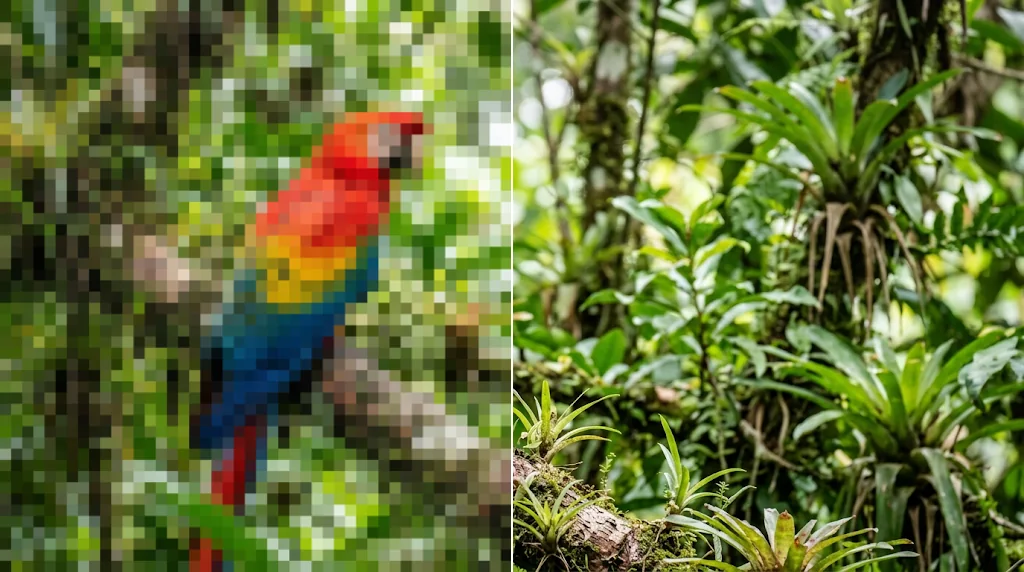
Tired of fixing pixelated photos by hand? Clean up pictures damaged by cropping, screenshots, old downloads or heavy compression. Upload your image and get smoother blocks, clearer edges and sharper subjects in seconds for product pages, posts, profiles and reports.
Fix pixelated images nowReduce blocky edges, rough texture and compression marks so pictures are ready for social media and stores.
Improve faces, products, text, edges and backgrounds where pixelation looks worst.
Prepare cleaner pictures for posts, listings, profile photos, blog graphics, thumbnails and slides.
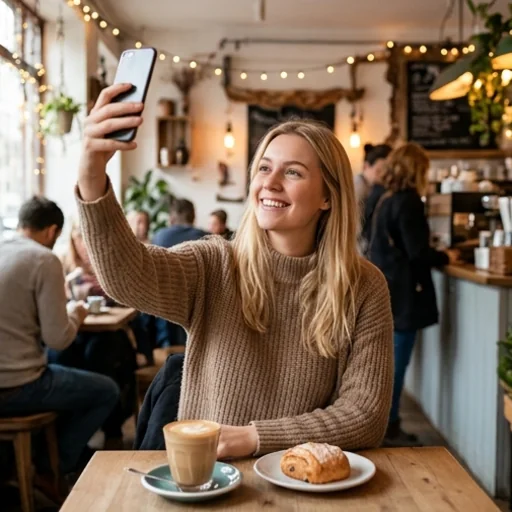
Remove blocky noise around faces, pets, clothing and objects in selfies, portraits and snapshots, with smoother edges and a natural finish.
Clean up a pixelated photo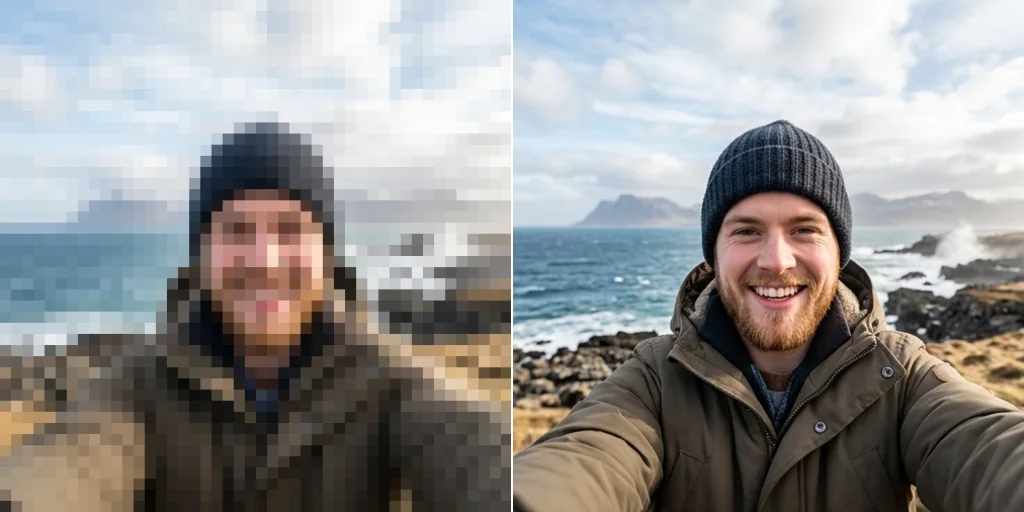
Reduce pixel blocks around texture, edges, shapes and small text in product photos, labels and packaging, where buyers look closest.
Depixelate images online free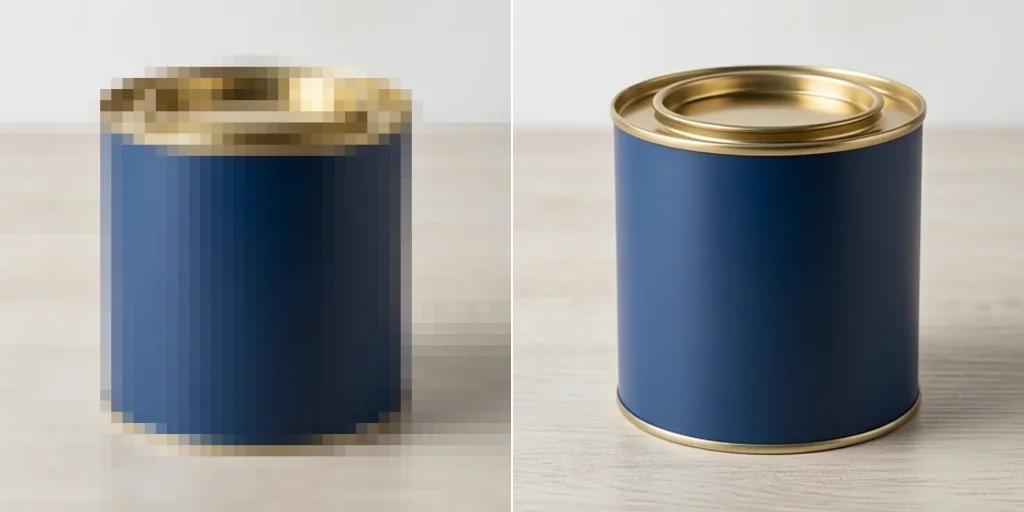
Chat apps, screenshots and social platforms squash detail into squares. Get a cleaner photo you can repost, save or present.
Try unpixelate image free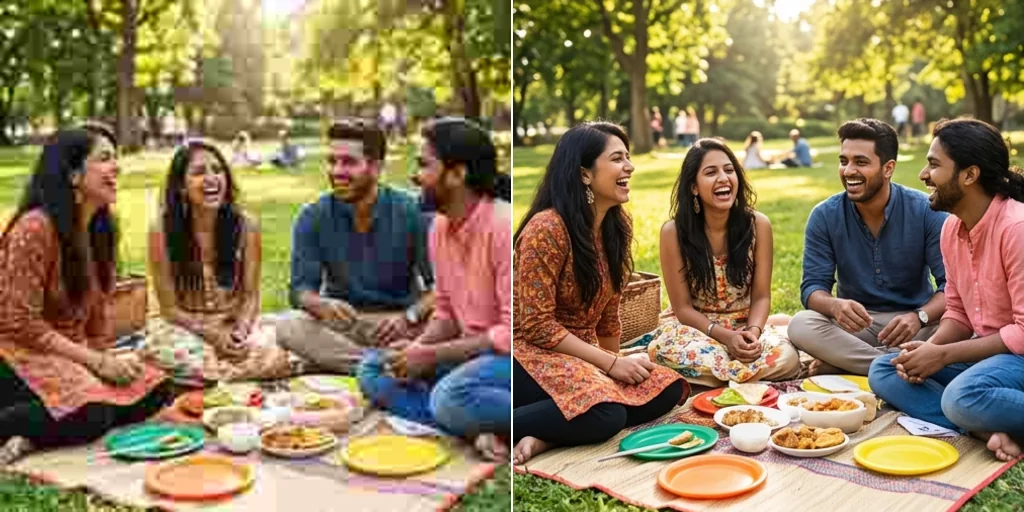
Clear up childhood photos, reunion slides and album pictures where pixelation hides faces, clothes or small details.
Depixelate images with Jitura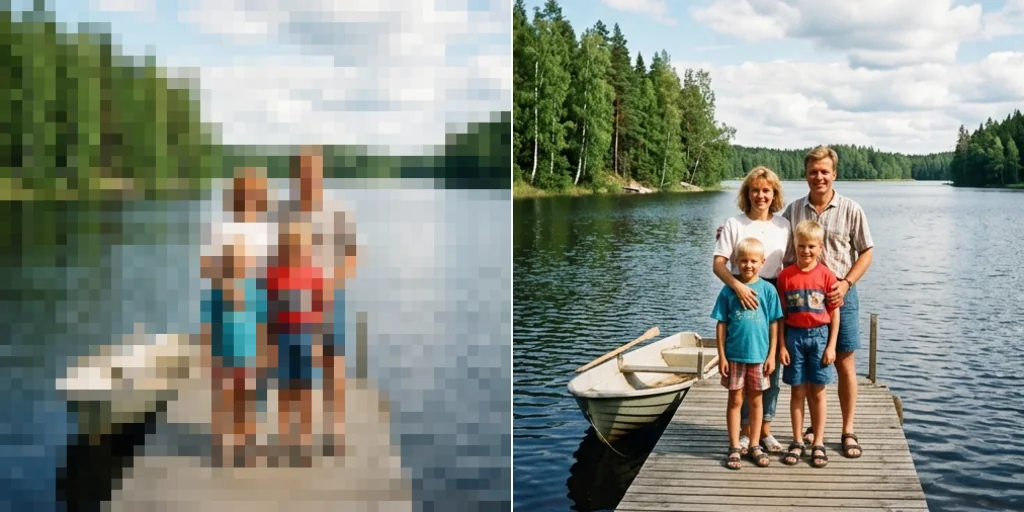
Fix cropped selfies, old avatars and compressed uploads so faces, outfits and details look clean before you publish.
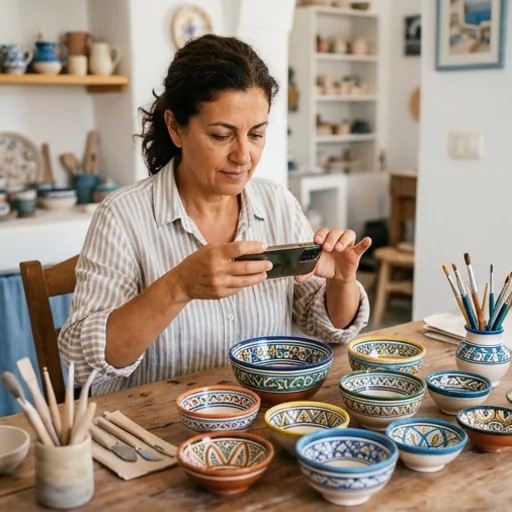
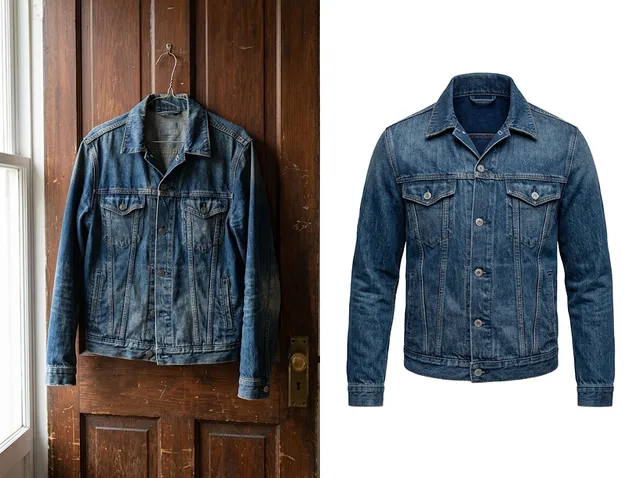
Depixelate product photos, labels and packaging so buyers can judge texture, condition and detail.
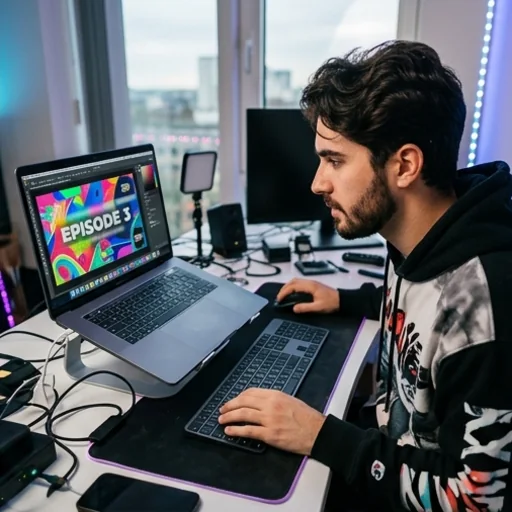
Clean up screenshots, tutorial images, covers and thumbnails so your content feels credible.
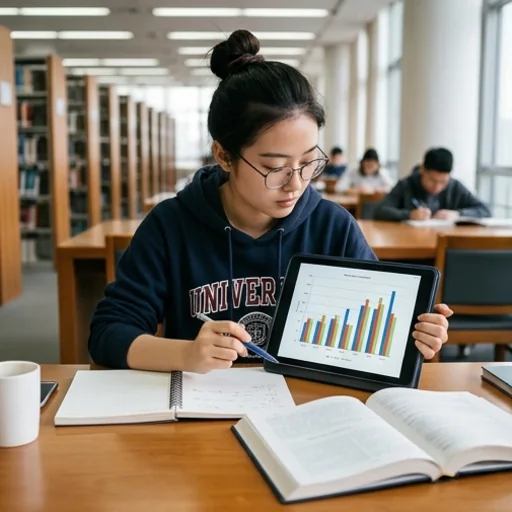
Improve pixelated charts, scanned notes and report visuals so text, lines and shapes are easy to read.
Step 1: Add your image
Upload or drop your pixelated image. Local restoration starts automatically.
Step 2: Pick the fix
Adjust the pixel size, edge detail and output resolution. The local preview updates automatically.
Step 3: Compare and download
Slide between the original and restored result, then download in PNG, JPG or WebP.
Go from a rough idea to a finished asset in one place: generate, edit, enhance and animate with tools built for real creative work.
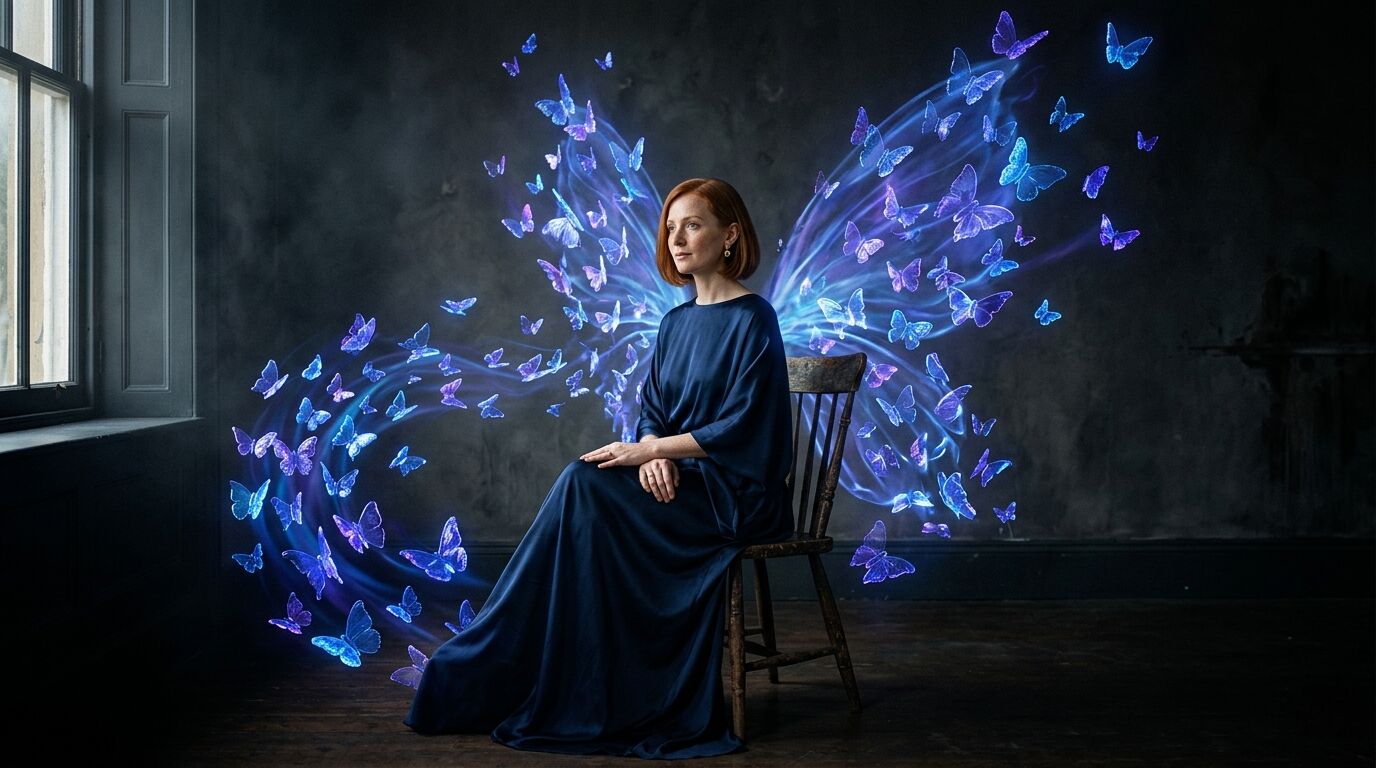
Turn text into images
Describe a scene and get photorealistic or illustrated results in seconds.

Make platform-ready assets
Posters, banners and flyers sized for social posts, ads and print.
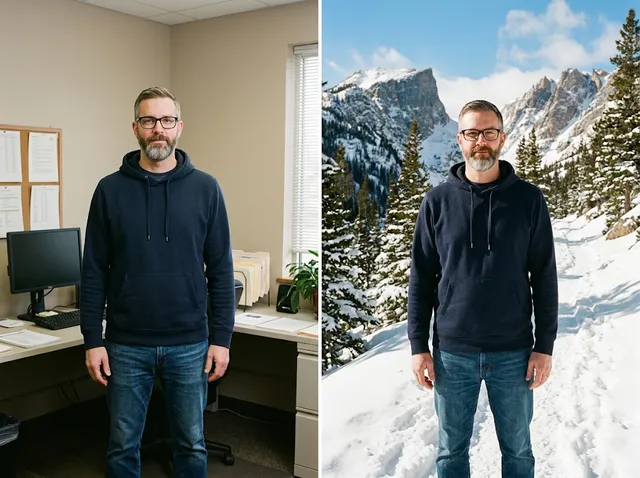
Transform photos
Restyle or change the background of a photo you already have.
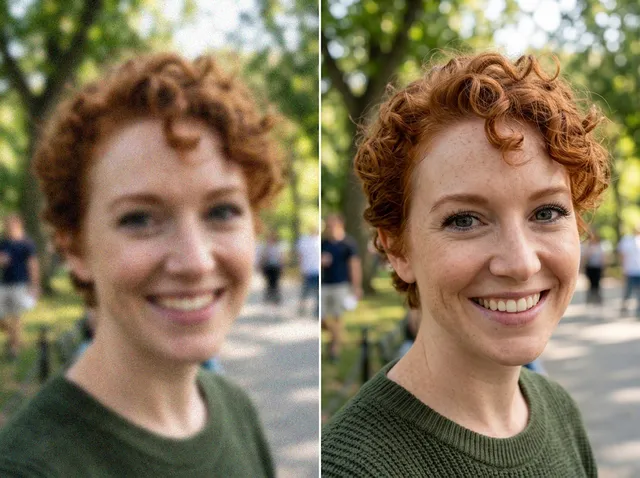
Retouch and enhance
Sharpen faces, remove clutter and upscale images for print.
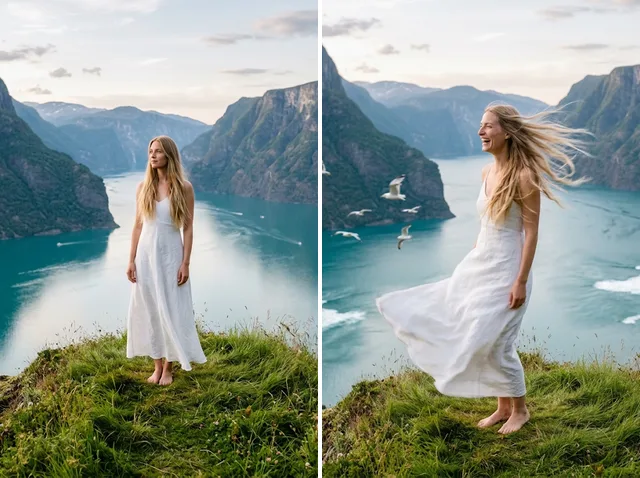
Bring stills to motion
Animate a finished artwork into a short video clip.
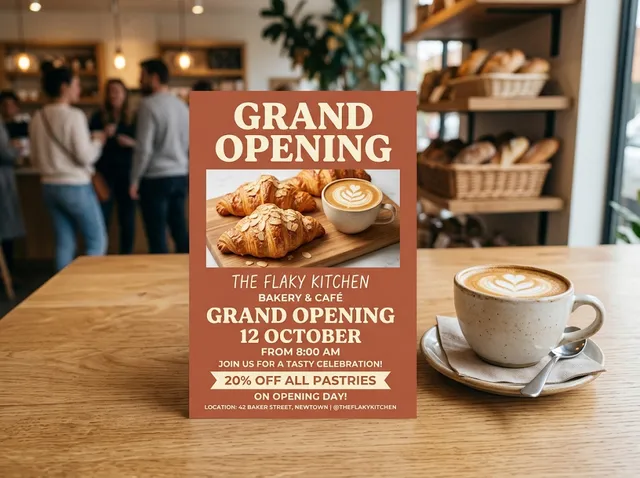
From brief to final asset
Chat with the image, one change at a time, until it is right.
An AI tool that reduces pixel blocks, compression marks, jagged edges and blurry-looking detail so a photo looks cleaner and easier to use.
Upload an image to smooth pixel blocks automatically on your device. Compare before and after, or choose AI restore and run it separately for AI reconstruction. No text instructions are needed.
Photos with visible faces, products, text, edges or object shapes, because the AI has clear areas to rebuild.
Yes. Clean up product listings, packaging shots and store visuals before you publish them.
Instant restoration is free, runs on your device and needs no sign-in. Optional AI restore requires sign-in and confirms applicable usage before running.
One that reduces blockiness while keeping the picture recognisable. Compare the local result with your original, adjust the controls or choose optional AI restore.
Upload your image, reduce blocky detail and download a clearer photo for posting, selling or sharing.
Try unpixelate image free