
Model
Upload Image*
Click to upload an image
We accept JPEG, PNG, or WEBP formats up to 10MB.
Scale
Same size as your photo, with sharper detail.
Uses 1 daily image generation.
Anime Upscaler
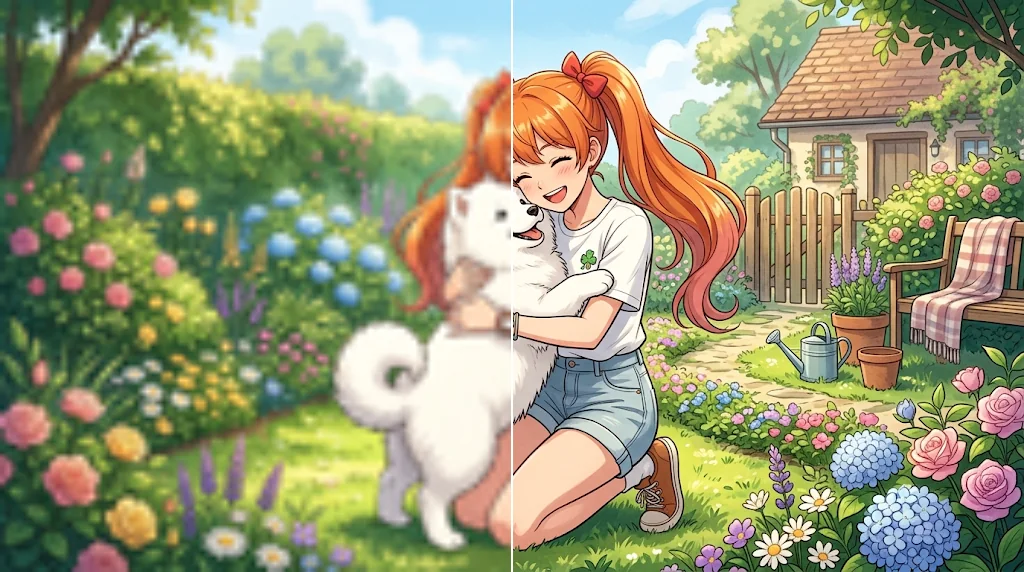
AI anime upscaler for crystal-clear images
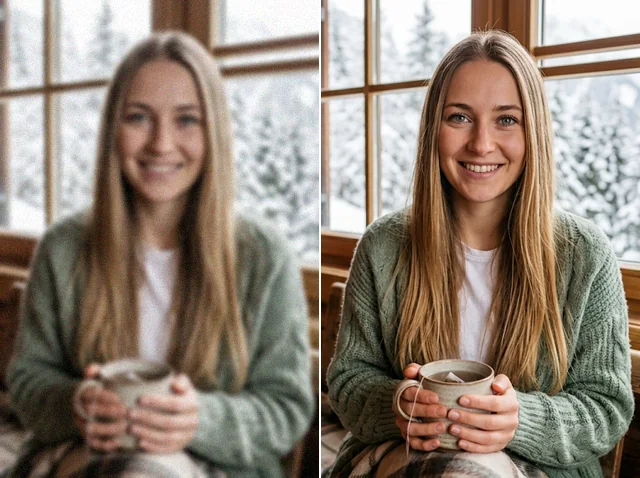
Bring soft, low-quality anime pictures back to life. Jitura's anime upscaler restores clarity, sharp line art and detail in seconds, so posters, wallpapers, avatars and manga panels look clean instead of blurry, blocky or noisy.
Try the anime upscaler free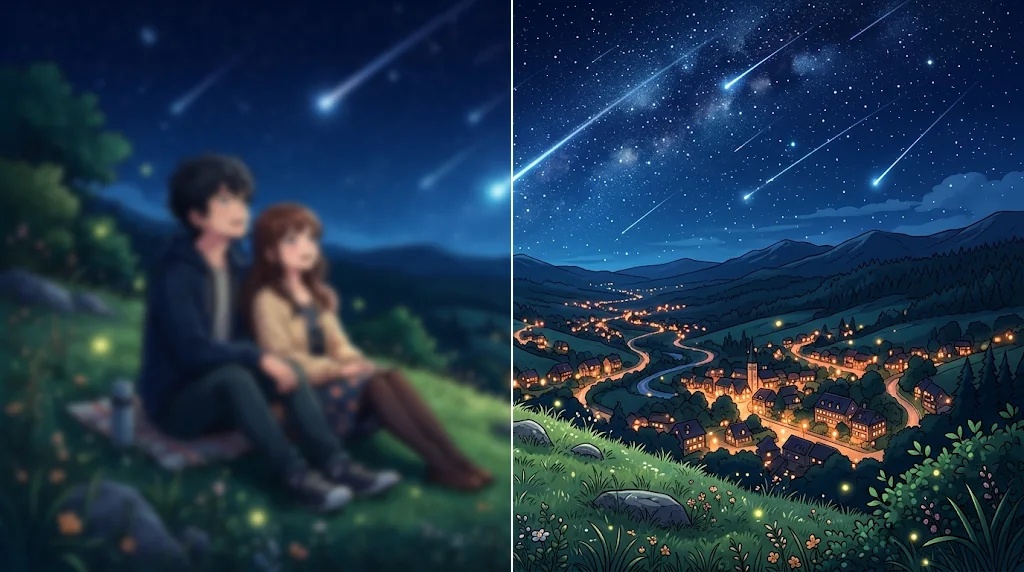
Higher resolution without the blur
Enlarge any low-resolution anime image up to 16X, capped at 8,192 pixels on the long side, and keep the line work clean. Give favourite posters, stickers, avatars and wallpapers a new life at full screen size.
Upscale anime to 4K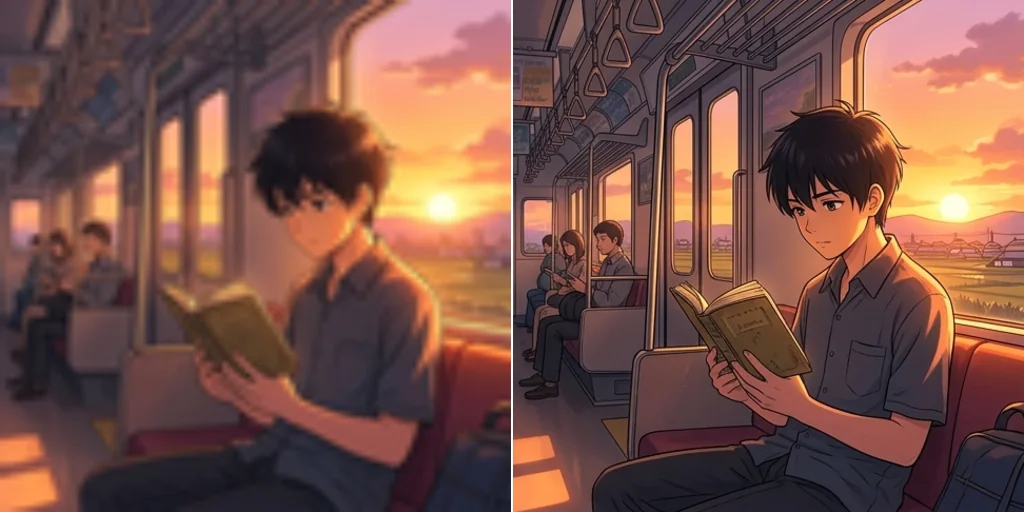
Cleaner colour and contrast
Flat, washed-out frames come back with richer colour and cleaner gradients. The upscaler restores the bright, even colour fills anime is known for while it rebuilds detail.
Improve image quality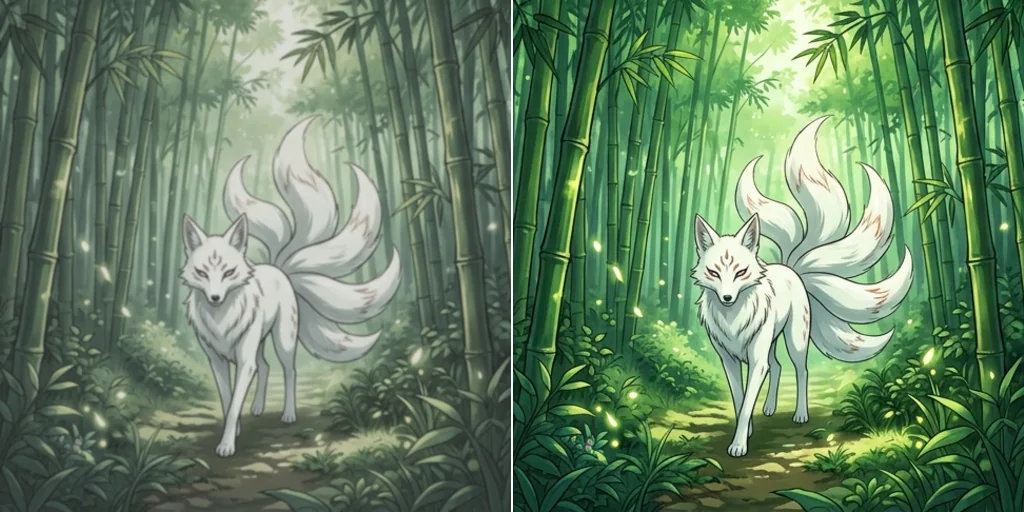
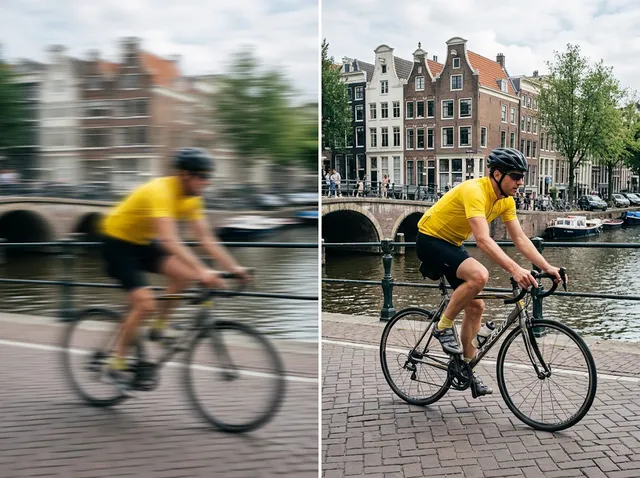
Fix blur and noise for social media
Screenshots and reposted art pick up blur, noise and compression blocks. Clean them up and share crisp anime images on Instagram, X, Facebook and your community servers.
Unblur anime images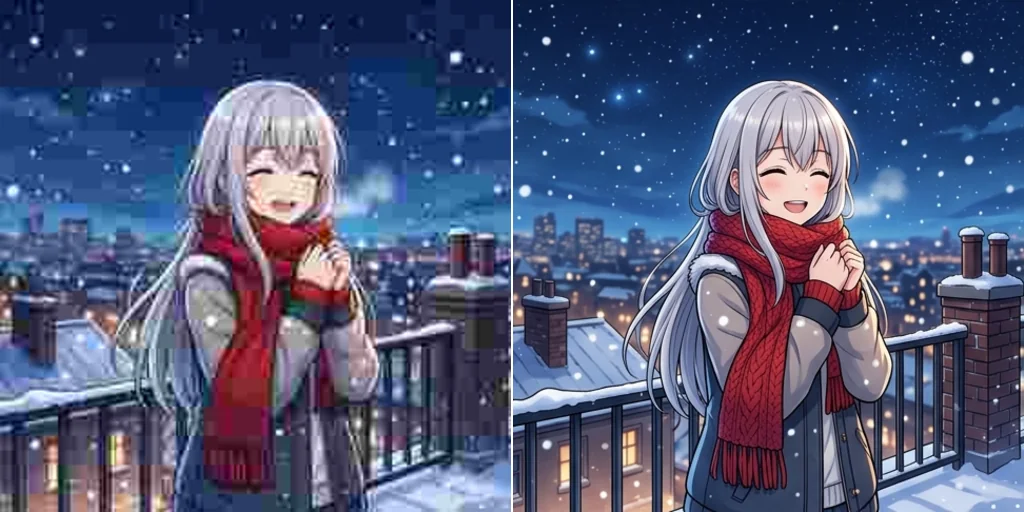
Upscale manga panels
Bring more clarity to manga and comic pages: speech bubbles, screentone shading and fine line art stay readable when the page gets bigger, for readers and creators alike.
Improve manga clarity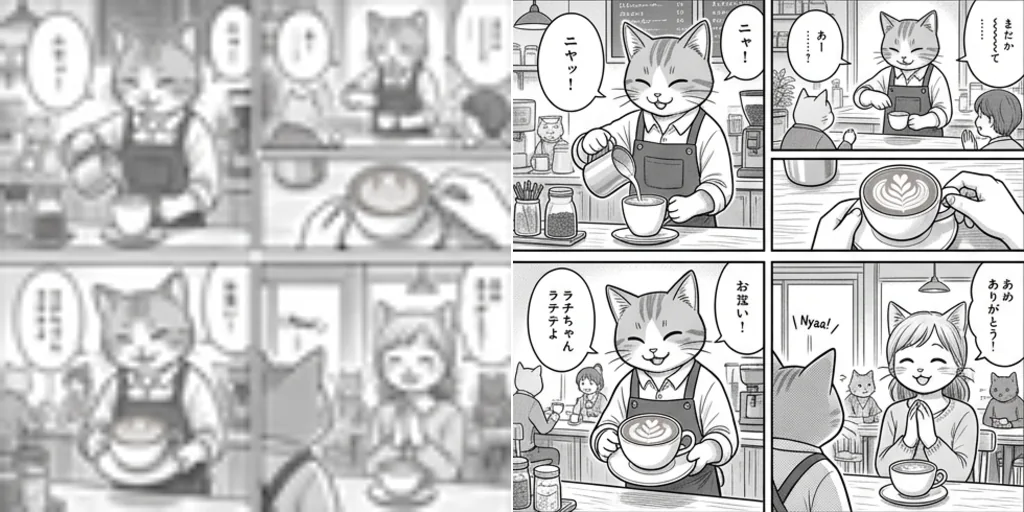
Who can benefit from the anime upscaler
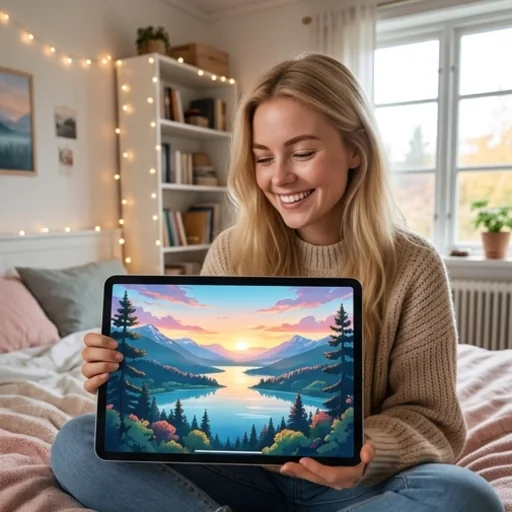
Restore favourite anime images
Turn screenshots, wallpapers, cartoon avatars and fan images into sharper pictures for your collection and profiles.
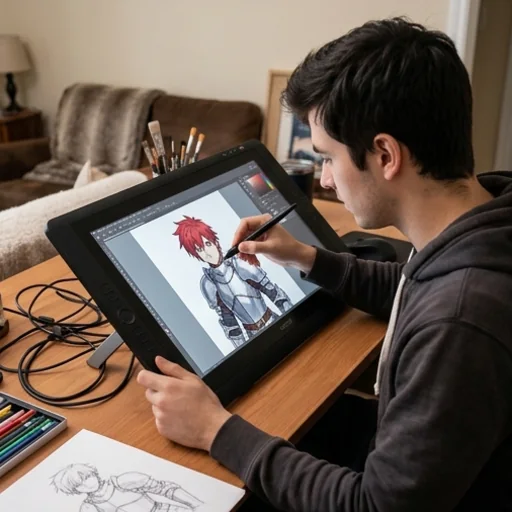
Polish anime art for display
Refine sketches, character art and portfolio pieces with clearer lines and richer detail before you post them.
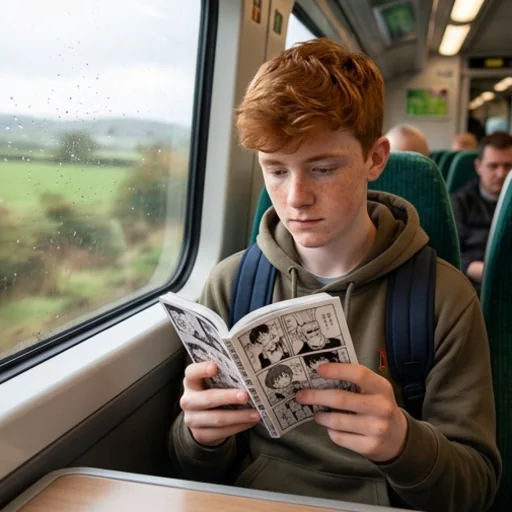
Make manga panels easier to read
Sharpen comic pages and line art so text and small details are easy to follow on any screen.
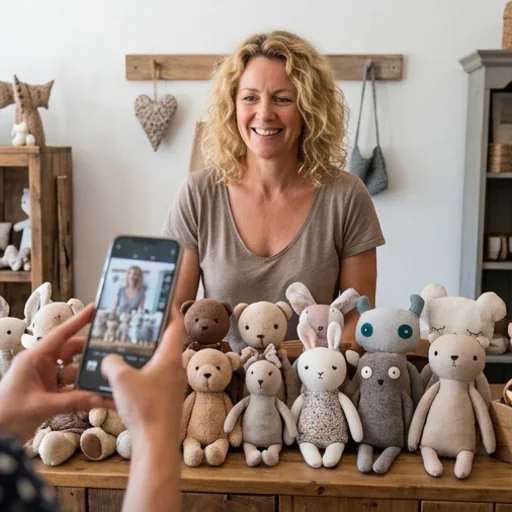
Make anime products sell better
Upgrade anime-style product photos, posters and merch previews so shoppers can see every detail.
How does the anime upscaler work?
- 1
Step 1: Upload your anime image
Upload the low-resolution anime picture, wallpaper or manga page you want to improve.
- 2
Step 2: Choose and create
Pick a model and a scale, then press Create. Most images are ready in seconds.
- 3
Step 3: Download or share
Download the upscaled image or share it online.
Discover other image tools on Jitura

FAQs
What is an anime upscaler?+
An AI tool that improves low-resolution anime images. It cleans up blur and pixelation and rebuilds line art and detail automatically, so you need no design skills. For a brand-new picture instead, try the AI Art Generator.
What makes Jitura's anime upscaler special?+
It runs on two strong restoration models, Jitura Enhance and Topaz Enhance, that rebuild edges and texture instead of stretching pixels, and it shows the exact output size before you start.
Is the anime upscaler free?+
Yes. Every signed-in account gets free daily operations. A Jitura Enhance run at Original, 2X or 4X uses one; Topaz Enhance and 8X or 16X runs use two. You do not need a credit card to start.
Does the anime upscaler work on mobile?+
Yes. The page works in any modern mobile browser. The controls stack above the preview, so you can upload a photo, run the tool and download the result on a small screen.
Why upscale anime images?+
Upscaling gets the most out of pictures that are too small or soft to use, so wallpapers fill the screen, prints stay sharp and posts look clean.
Does upscaling change the image's shape?+
No. The aspect ratio always stays the same. At Original the size stays the same; 2X to 16X make it larger, capped at 8,192 pixels on the long side.
Which kinds of anime images does it support?+
Avatars, illustrations, landscapes, wallpapers, portraits, sketches and manga pages in JPEG, PNG or WebP up to 10MB. To change a background afterwards, open the result in the AI Background Changer.
Can I upscale an image that is already HD?+
Yes. HD images can still carry blur or compression; run them at Original to clean up detail, or enlarge them further.
Is my uploaded anime image secure?+
Your photo is sent to the model only to make your result, and the result is kept in your browser for you to download. See the Privacy Policy for what Jitura stores and for how long.
Will my upscaled anime images have watermarks?+
No. Jitura does not add a watermark to upscaled images.
Upscale anime images to HD quality now
Turn blurry anime pictures into sharp, clean images in seconds.
Try the anime upscaler free