
Uses 1 daily image generation.
Denoise AI
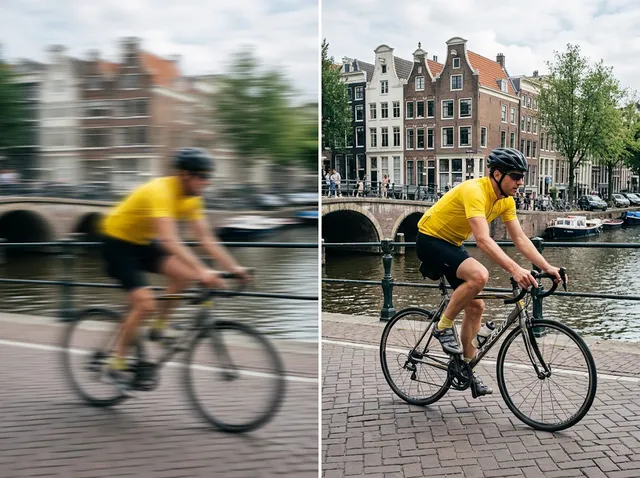
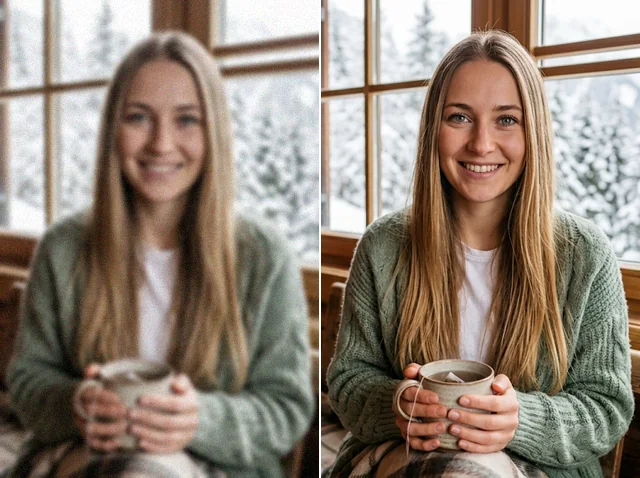
Remove grain from night shots and high-ISO photos while keeping detail.
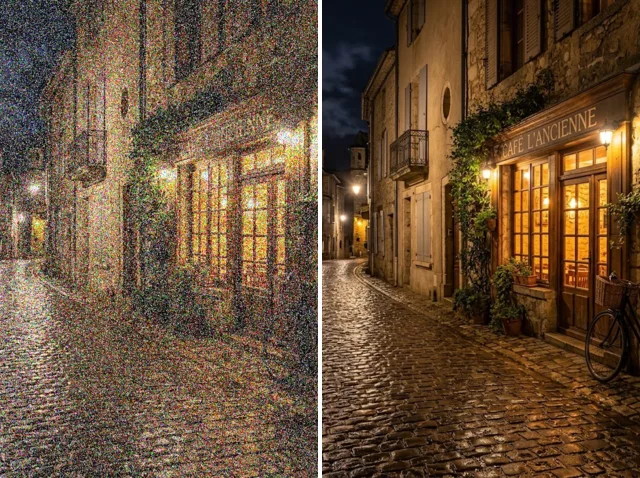 BeforeAfter
Denoise AI for crystal-clear results
Say goodbye to grainy, noisy photos. Jitura's AI image denoiser analyses your picture and removes grain automatically while keeping the detail, so your images look clean and professional without expensive software.
Denoise your photos instantly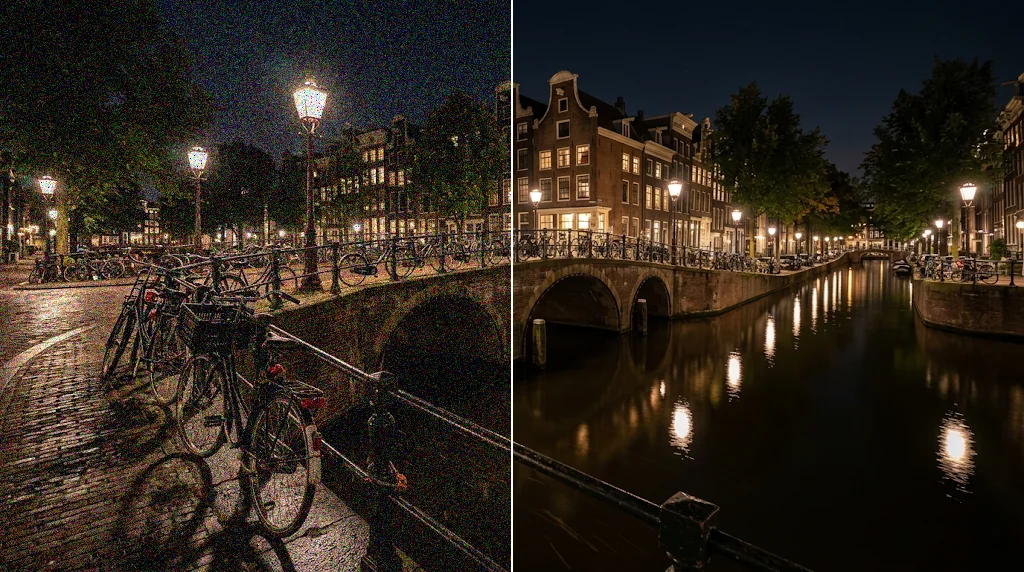
For low-light and professional photography
Clean up low-light, long-exposure and high-ISO shots while the important detail stays intact.
Denoise your photos instantly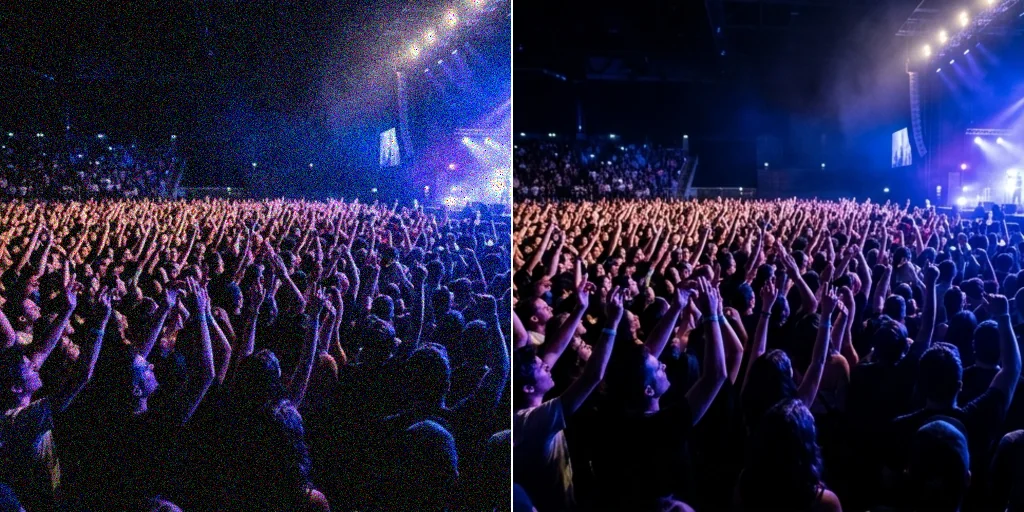
Better e-commerce product images
Grainy product photos turn buyers away. Denoise them for cleaner listings that customers trust.
Remove grain from photos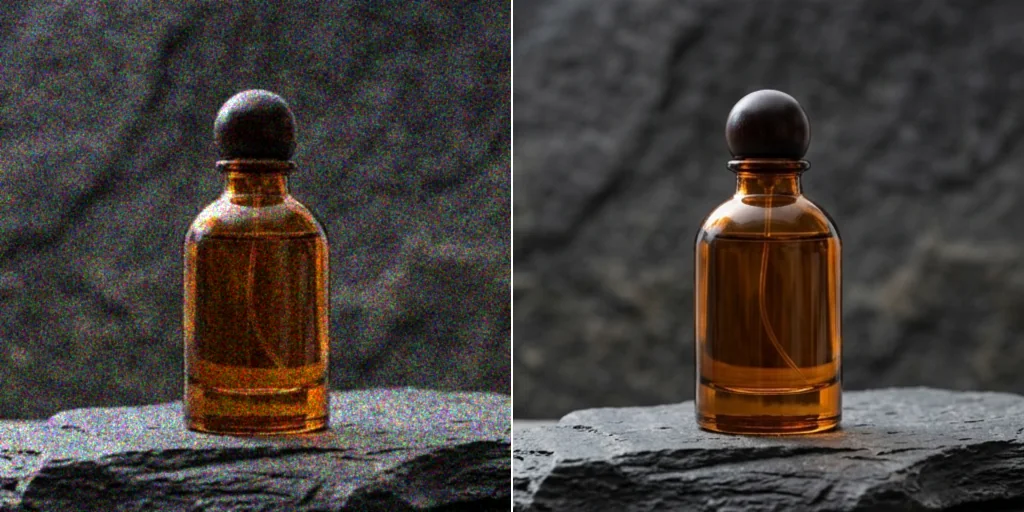
Clarity for social media and print
Make pictures ready for Instagram, posters and marketing materials; the model separates real detail from noise for a refined result.
Get noise-free images now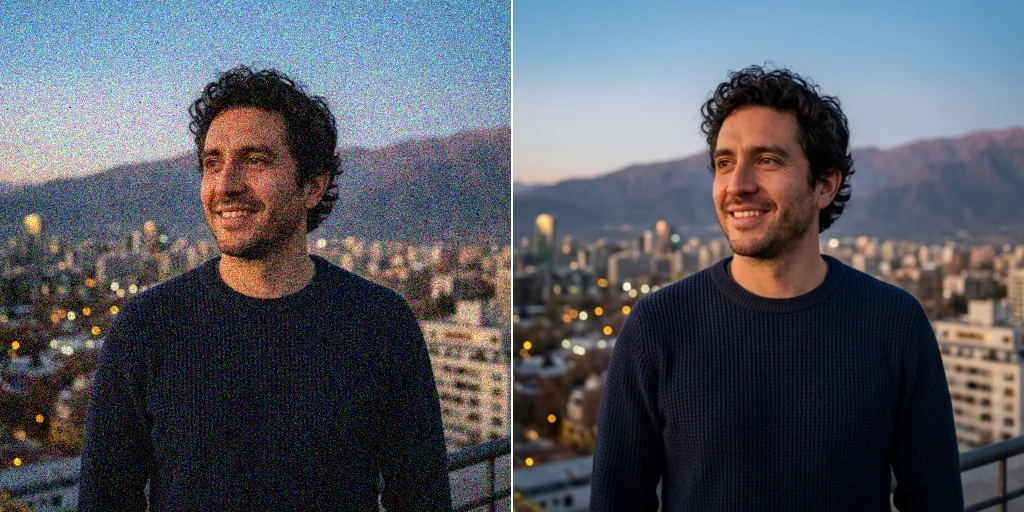
Restore old and scanned photos
Scans and film photos collect grain over time. Remove it and keep the details that matter.
Try the AI image denoiser now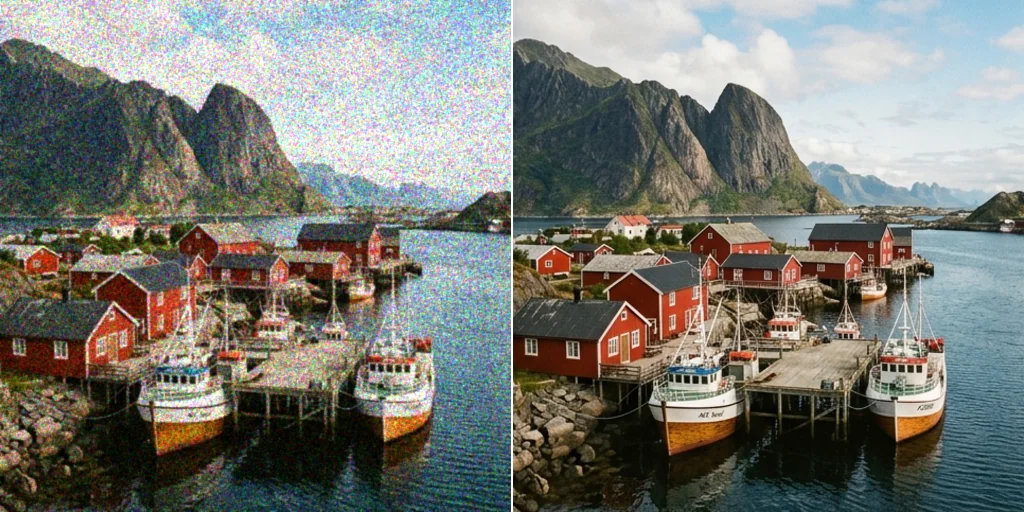
How to denoise an image
- 1
Step 1: Upload a noisy image
Drag in or select the noisy photo you want to clean.
- 2
Step 2: Create
Press Create; Denoise AI analyses the image and removes the noise.
- 3
Step 3: Save
Download your crisp, clean image.
Your all-in-one AI image studio
Go from a rough idea to a finished asset in one place: generate, edit, enhance and animate with tools built for real creative work.
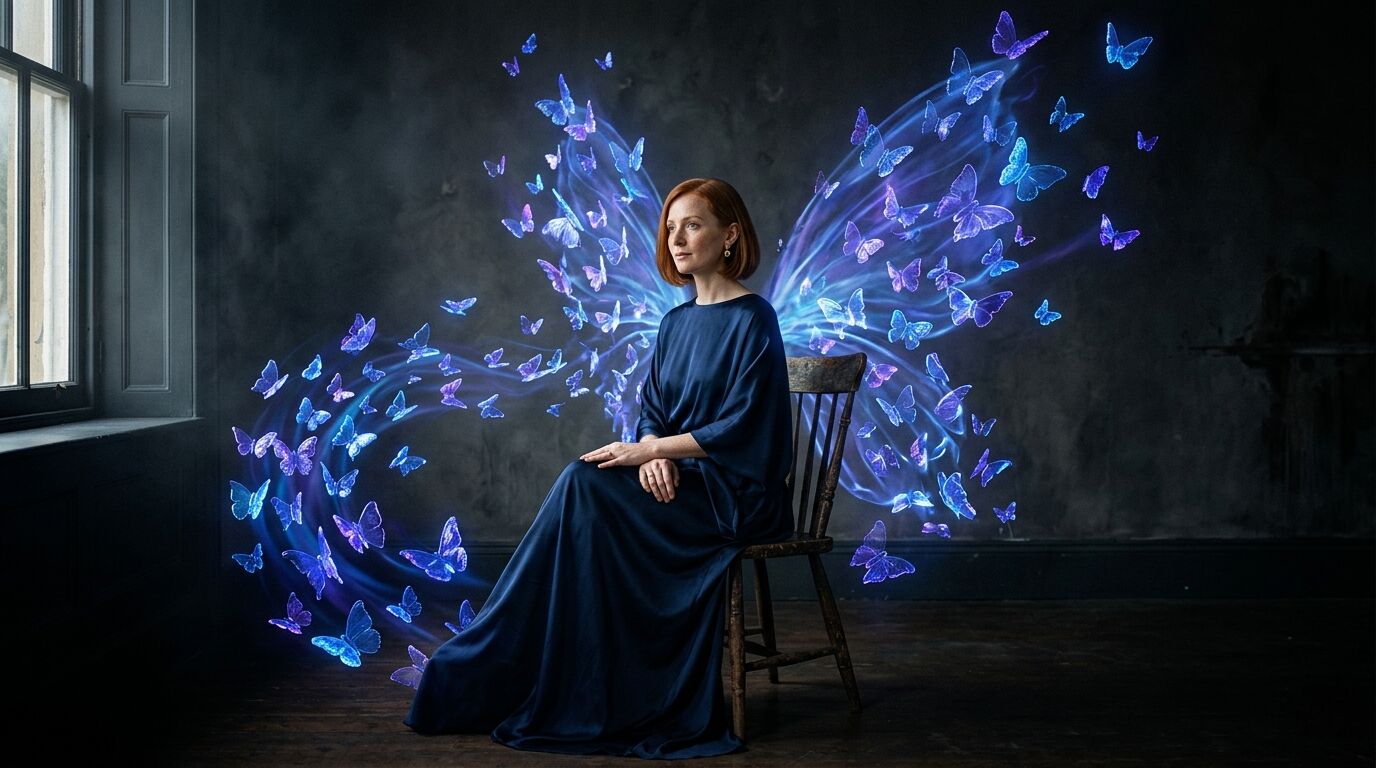
Turn text into images
Describe a scene and get photorealistic or illustrated results in seconds.

Make platform-ready assets
Posters, banners and flyers sized for social posts, ads and print.
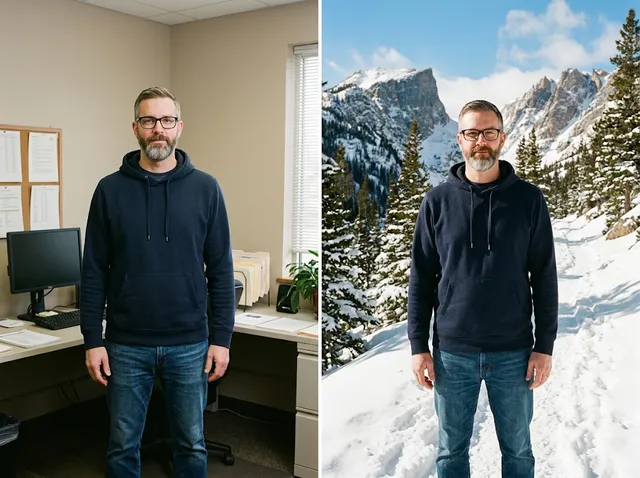
Transform photos
Restyle or change the background of a photo you already have.
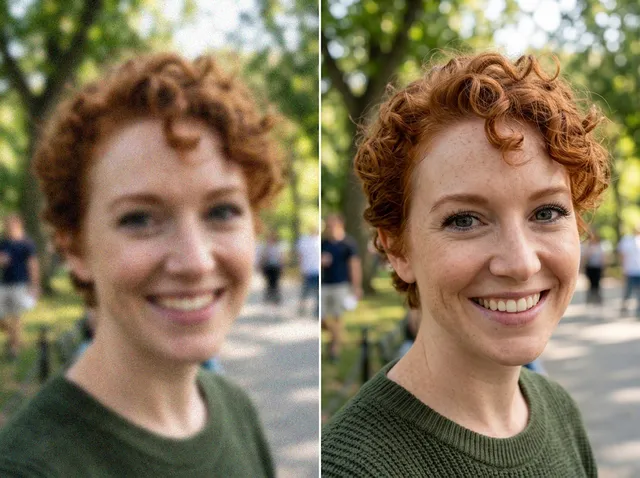
Retouch and enhance
Sharpen faces, remove clutter and upscale images for print.
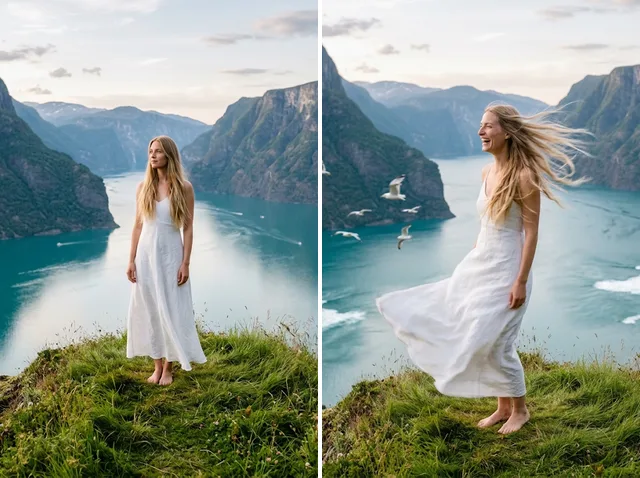
Bring stills to motion
Animate a finished artwork into a short video clip.
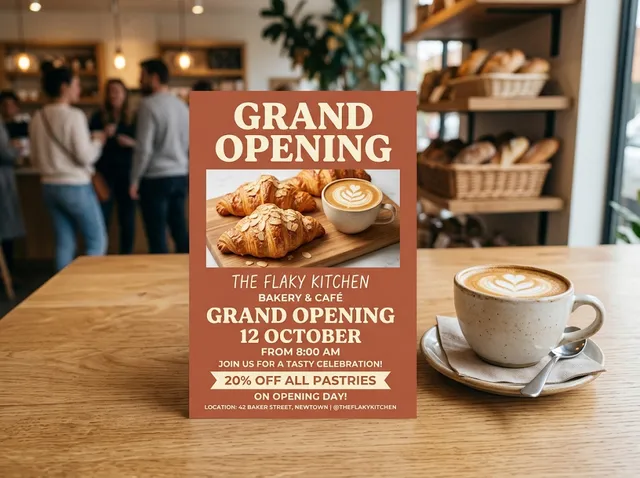
From brief to final asset
Chat with the image, one change at a time, until it is right.
Explore more image editing tools

FAQs
What is Denoise AI?+
An AI image denoiser that removes low-light noise, high-ISO grain and compression distortion. A deep-learning model separates detail from noise for a refined result.
Can I remove grain from old photos?+
Yes. It works well on old, scanned and low-resolution photos and removes the grain they collect over time while keeping the detail.
Is the AI image denoiser free?+
Yes. Every signed-in account gets free daily operations, and each image uses one. Paid plans add more operations.
Will denoising affect my image's detail?+
It removes noise carefully and keeps the essential detail for a balanced, natural look.
What kinds of images can I denoise?+
Phone and camera photos, scanned prints and documents, and AI-generated artwork.
Can I denoise several photos at once?+
One image at a time for now.
Does it work on JPG and PNG?+
Yes. JPEG, PNG and WebP up to 10MB are supported.
How do I get the best results?+
Upload the largest, least-compressed version of the photo you have. If it is also blurry, run it through Unblur Image afterwards.
Can I use Denoise AI for professional photography?+
Yes. Photographers, designers and creators use it to clean up images for client work, portfolios and print.
How do I download my denoised image?+
Compare the before and after, then press Download to save it.