
Model
Upload Image*
Click to upload an image
We accept JPEG, PNG, or WEBP formats up to 10MB.
Scale
Same size as your photo, with sharper detail.
Uses 1 daily image generation.
AI Face Enhancer
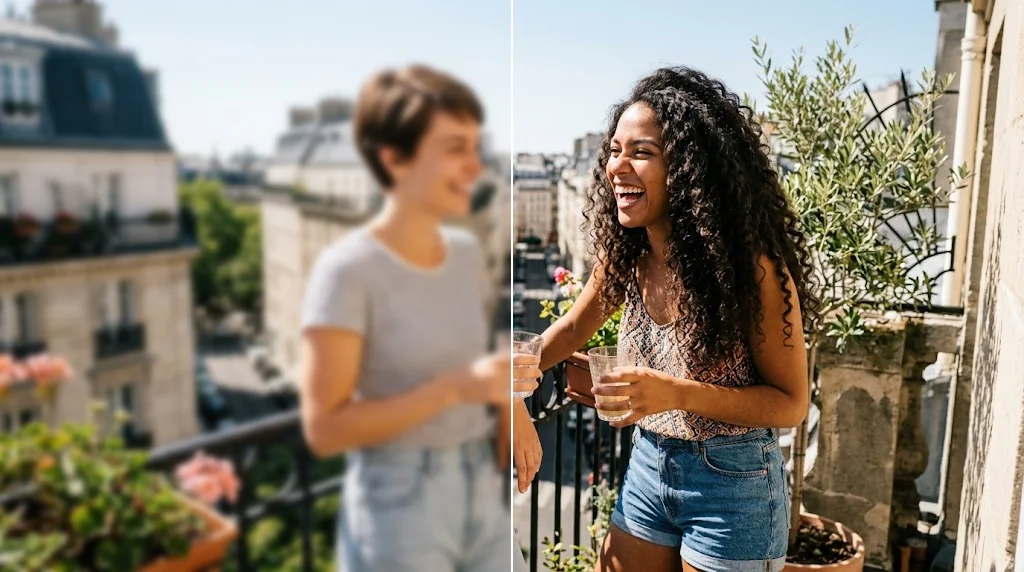
Fast and accurate face enhancer
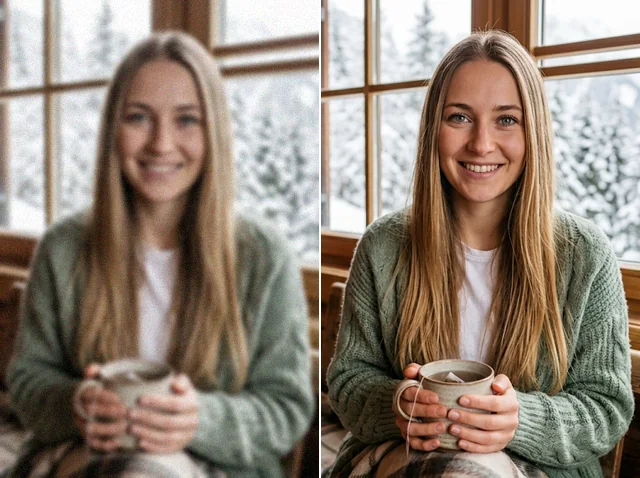
Enhance faces with an AI tool that improves clarity, refines detail and fixes imperfections while keeping natural skin texture and the person's identity. Ideal for social media, posters and old photos.
Enhance your selfie now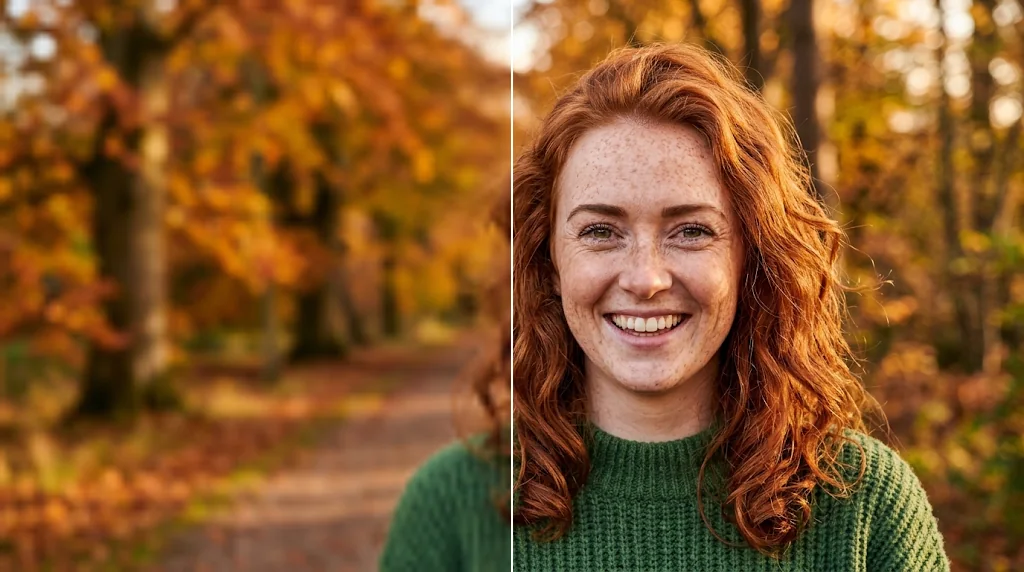
Sharpen low-resolution portraits
Upgrade blurry or small photos with sharper eyes, lashes, lips and hair, so portraits are clear and ready to share.
Try the AI face enhancer now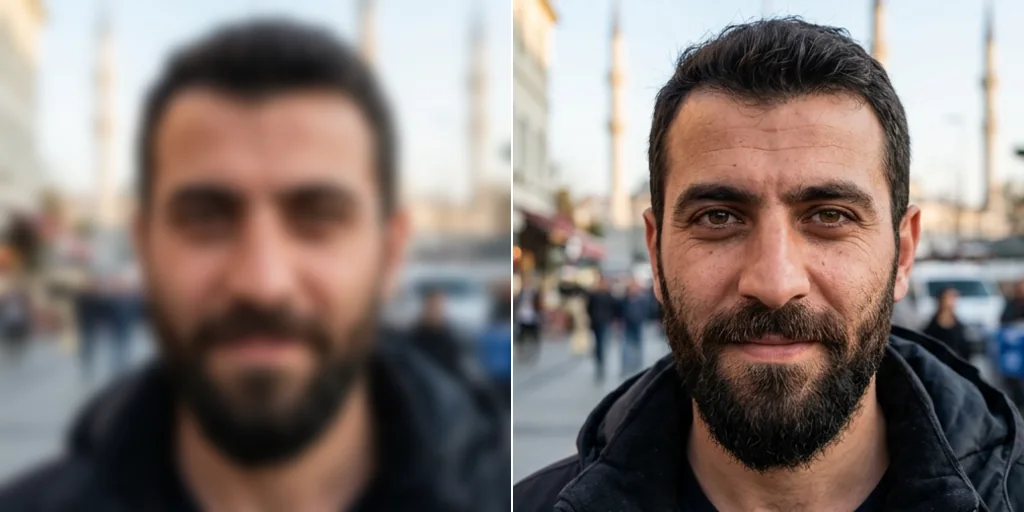
Restore faded and vintage photos
Bring old portraits back with better brightness, colour and facial detail while the tones stay natural.
Try the AI face enhancer instantly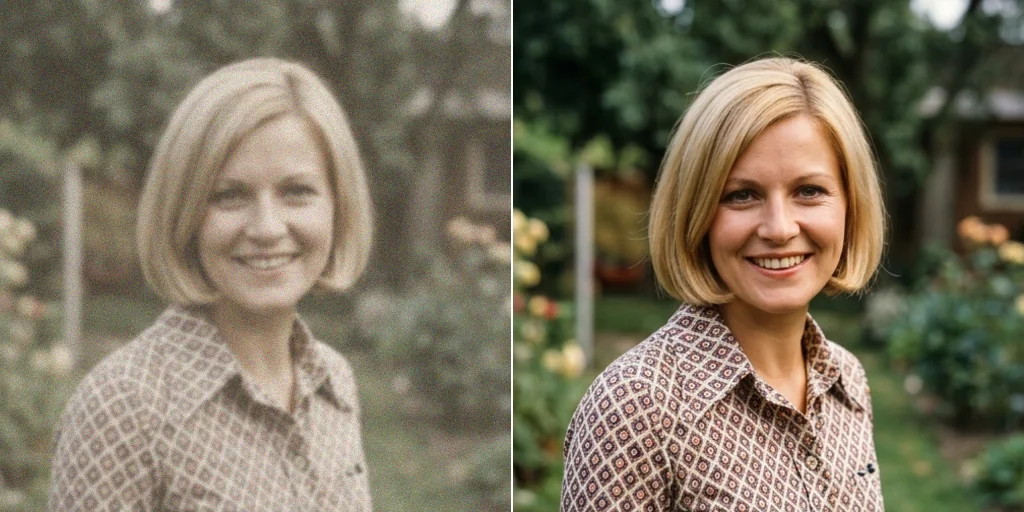
Remove imperfections and artefacts
Clean up compression blocks and noise on faces and refine detail for clean results that do not look over-edited.
Try the AI face enhancer free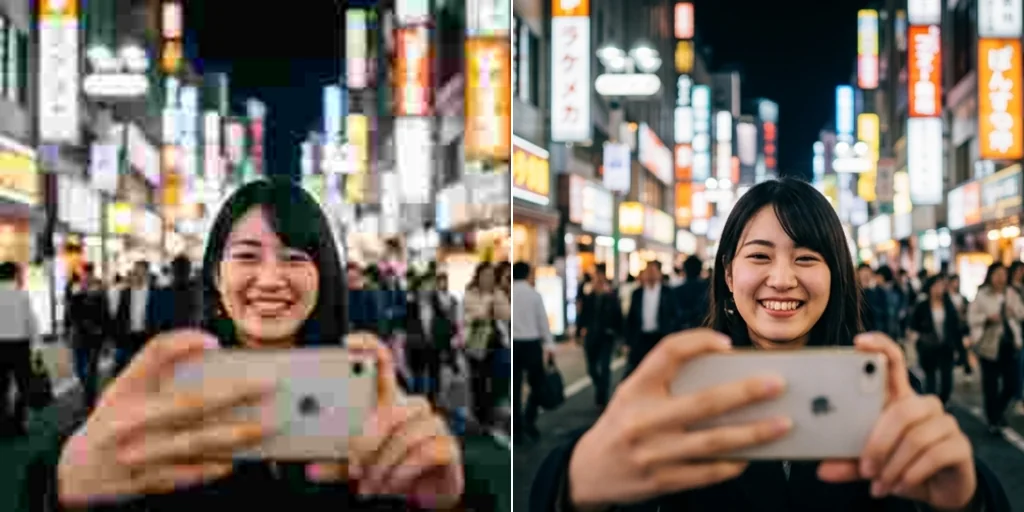
Natural skin tone and colour
Faces come back with even tone, balanced light and natural contrast, so portraits look smooth and true to life.
Start using the AI face enhancer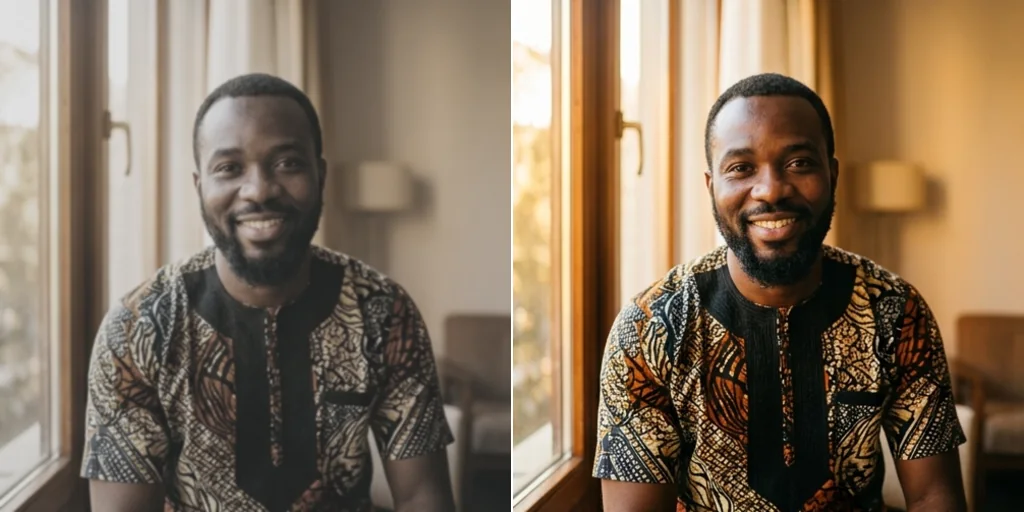
Who can use face enhancement
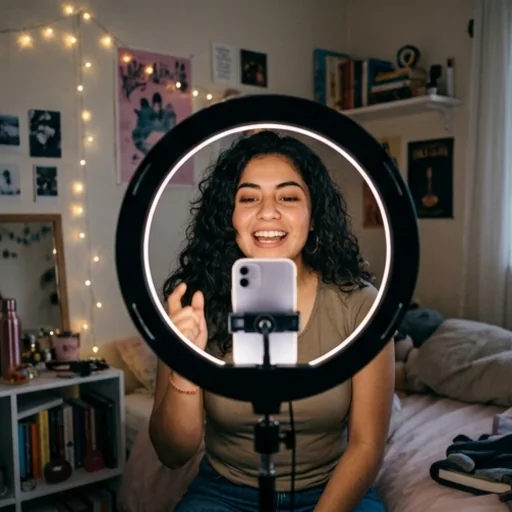
Make portraits camera-ready
Enhance selfies, profile photos and close-up creator shots for thumbnails, posts and personal branding.
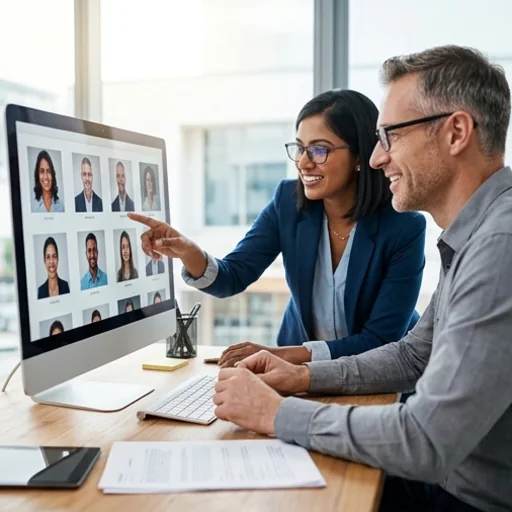
Polish campaign-ready faces
Keep headshots, testimonial images and campaign portraits clean and natural so ads and landing pages feel trustworthy.
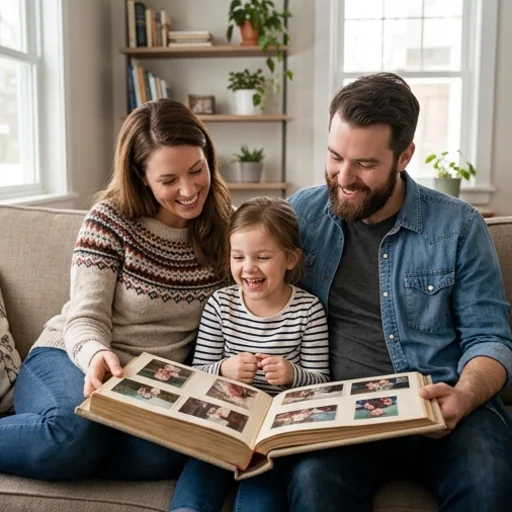
Refresh meaningful memories
Bring clarity back to soft family portraits, birthday photos and old pictures you want to keep and share.
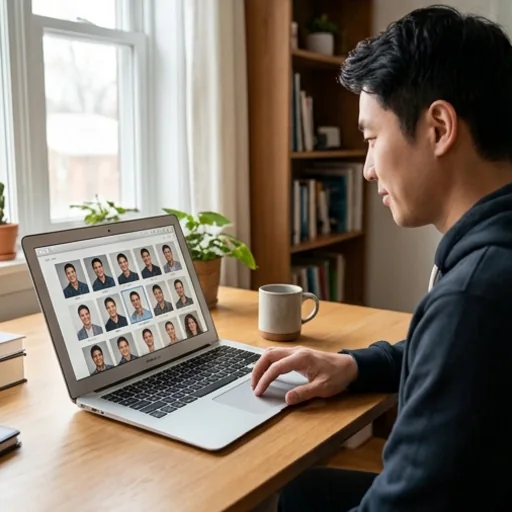
Refine profile-ready portraits
Clearer faces help LinkedIn photos, portfolio bios and author pictures look polished while expressions stay natural.
How to make your face look better in photos
- 1
Step 1: Upload your photo
Upload a photo with one or more faces.
- 2
Step 2: Choose and create
Pick a model and a scale and press Create; the AI enhances the facial detail.
- 3
Step 3: Download or share
Download the enhanced image or share it online.
Other AI image editing features
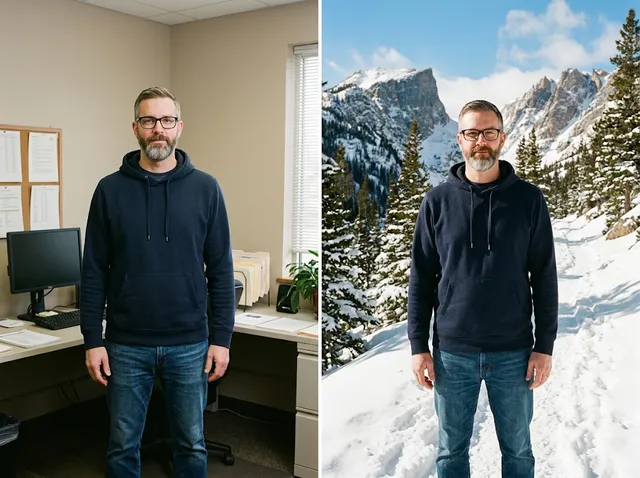
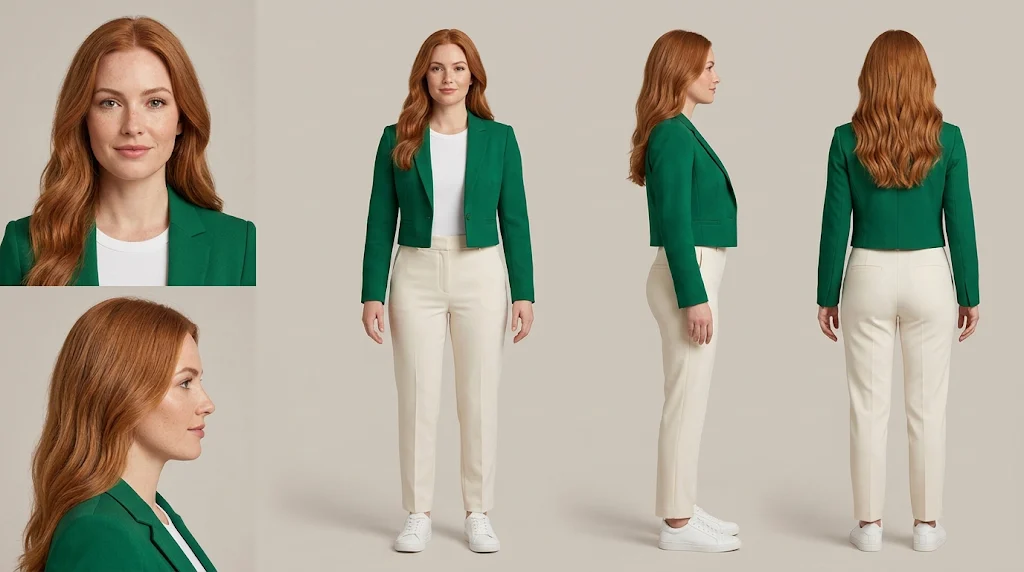
FAQs
What is an AI face enhancer?+
A tool that improves image quality where it matters most: on faces. It restores sharp eyes, skin and hair detail and removes blur and compression for natural, polished results.
What makes Jitura's face enhancer special?+
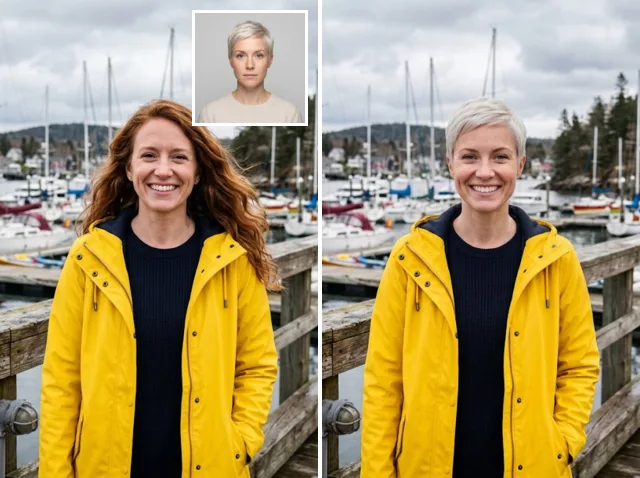
It uses restoration models with face enhancement, so detail comes back without changing who the person is. Choose Jitura Enhance for speed or Topaz Enhance for the most natural skin texture.
Is the AI face enhancer free?+
Yes. Every signed-in account gets free daily operations. A Jitura Enhance run at Original, 2X or 4X uses one; Topaz Enhance and 8X or 16X runs use two.
What can I do with the AI face enhancer?+
Enhance portraits and selfies, restore faces in old photos, and prepare clearer pictures for social media, profiles, print and video thumbnails.
Do I need any skills to use it?+
No. Upload a photo, press Create and the AI handles the enhancement.
Does it really improve results?+
Yes, most soft or compressed faces come back much clearer. Very small or heavily damaged faces have less detail to work from, so some features may look slightly different.
Try Jitura's AI face enhancer now
Turn soft faces into clear, natural-looking portraits that keep their real skin texture.
Make your face look better free