
Uses 1 daily image generation.
Face Swap Photo
Add a destination photo and a face reference to replace the face in the photo.
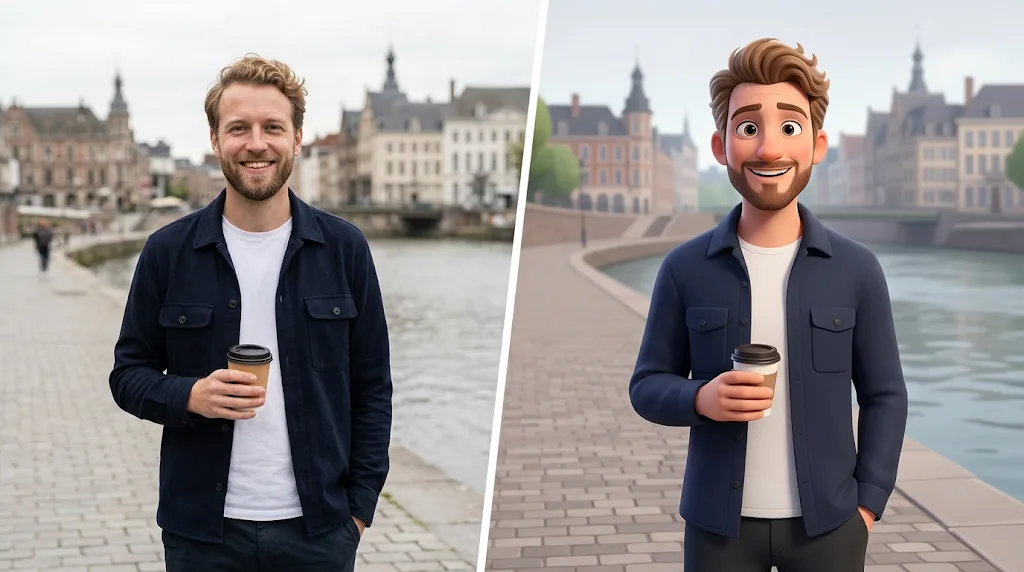
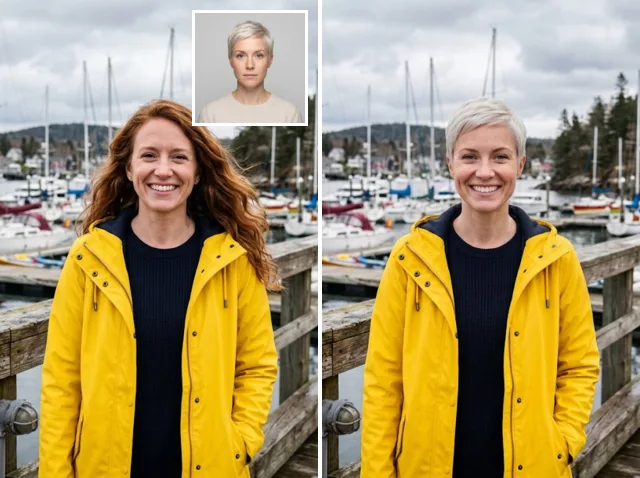 Destination + face referenceResult
Make attention-grabbing face swap photos in seconds
Create convincing face swaps in seconds. Upload a target photo and a clear face, and the AI blends the face into the photo's pose, expression and lighting.
Swap faces free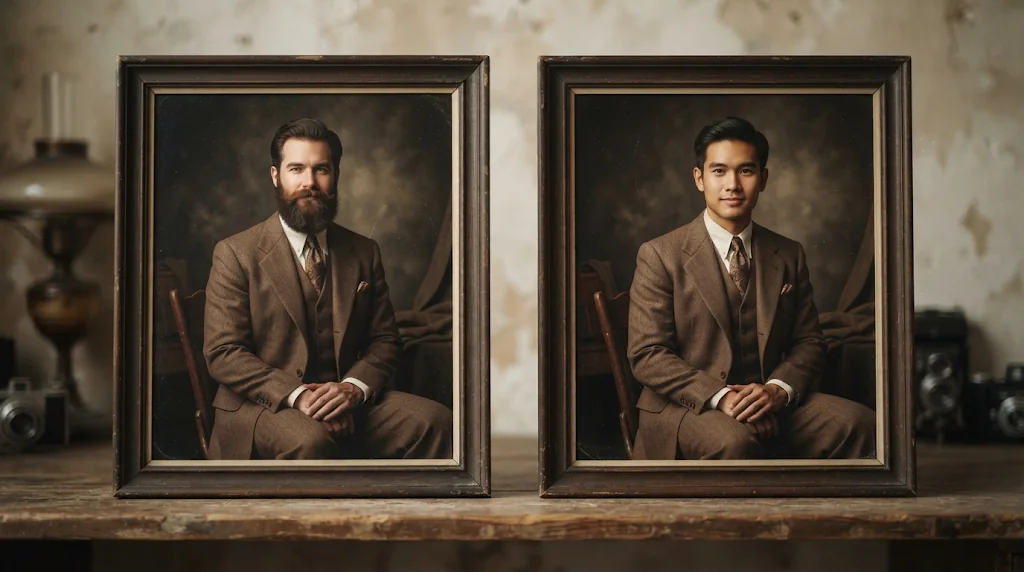
Natural face integration
The new face follows the photo's pose, expression and light.
Simple two-image workflow
One target photo and one clear face are all you need.
Faster creative experiments
Try portraits, characters and concepts without manual editing.
Make every post more shareable
Put your own face into fun scenes for posts and stories.
Swap faces free
Perfect for social media and fun
Try different hairstyles, outfits and eras with your face.
Swap faces free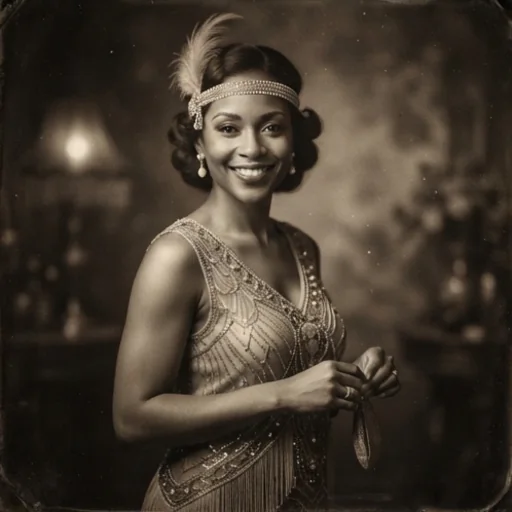
Enhance digital art and design
Place approved faces into fashion and lifestyle visuals.
Swap faces free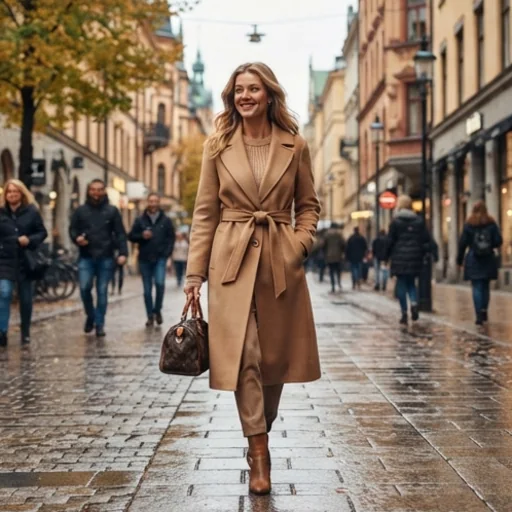
See character ideas before production
Preview shortlisted, consenting talent in costume or period roles.
Swap faces free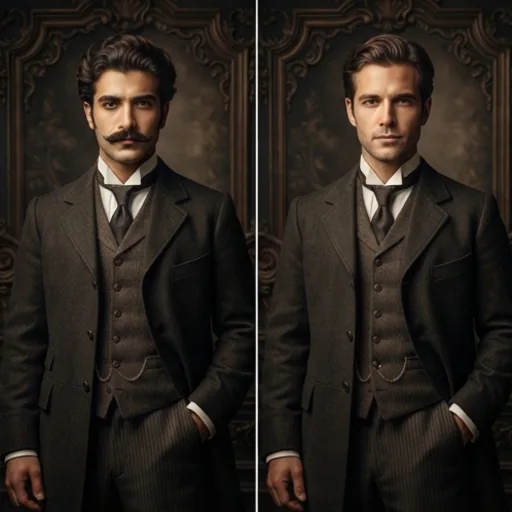
Discover more ways to use photo face swap
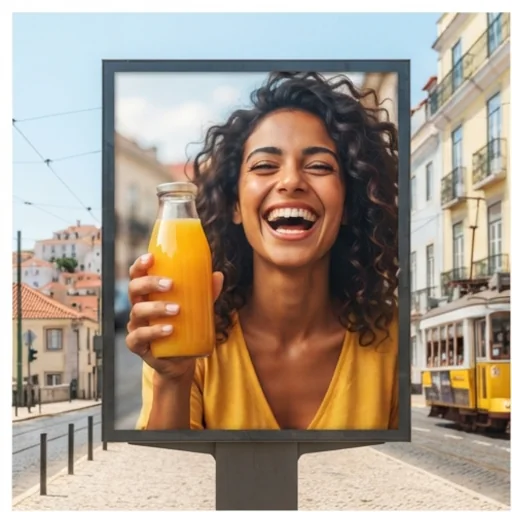
Adapt campaigns for more audiences
Approved faces in existing campaign photos.
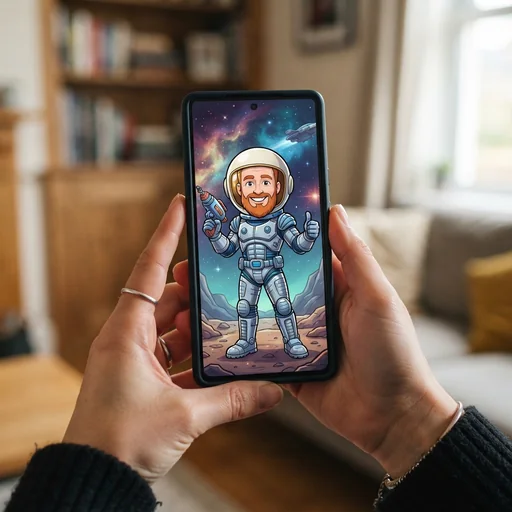
Personalise memes and profiles
Your face in fun scenes.
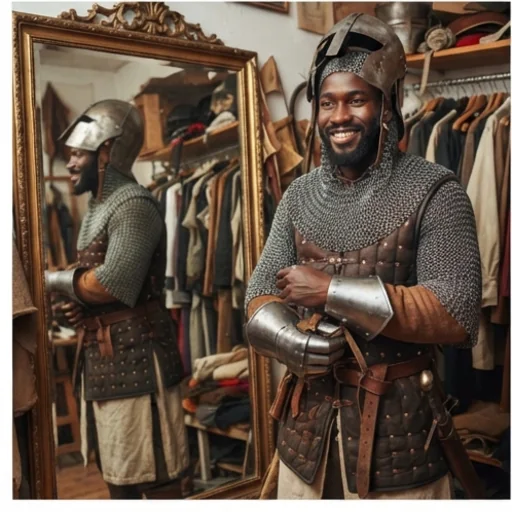
Lock in the right character look
Preview approved faces in costume.
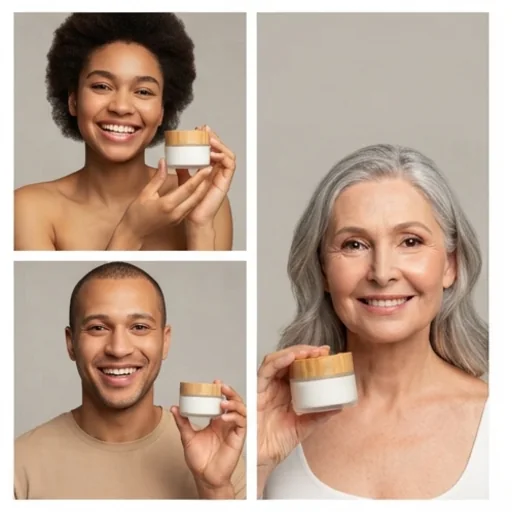
Make product visuals relatable
Different approved faces without reshooting.
How to use the photo face swap tool
- 1
Step 1: Upload two images
Upload the photo to change and a clear photo of the new face.
- 2
Step 2: Create
The AI swaps the face and keeps the expression and lighting natural.
- 3
Step 3: Save
Download your face swap photo.
Discover other AI image tools on Jitura
FAQs
What is the photo face swap tool?+
A tool that replaces the face in one photo with the face from another photo while keeping the scene.
Is the face swap tool free?+
Yes. Every signed-in account gets free daily operations, and each run uses one. Paid plans add more operations.
How does it work?+
Upload the original photo and the new face; the model detects both and blends the new face into the pose, expression and light.
Can I swap several faces in one photo?+
No. It swaps the main face with one new face.
Which formats are supported?+
JPEG, PNG and WebP up to 10MB.
Will the swap look natural?+
Usually yes, with a clear, front-facing face in similar light. Side views and covered faces are less reliable.
Can I use it commercially?+
Only with the consent of everyone whose face appears. Never use it to impersonate, deceive or harass anyone.
How fast is it?+
A few seconds.
Can I swap faces on mobile?+
Yes. The page works in any modern mobile browser; upload from your camera roll and download the result on your phone.
How do I download my photo?+
Press Download under the result.
Create face swap photos that spark engagement
Convincing face swaps in seconds, with consent.
Try photo face swap