
AI Face Editor
Retouch portraits, selfies, headshots and profile photos with natural facial editing. No manual work needed.
Free outputs may appear in the public gallery. Learn more
Make every face photo look naturally polished
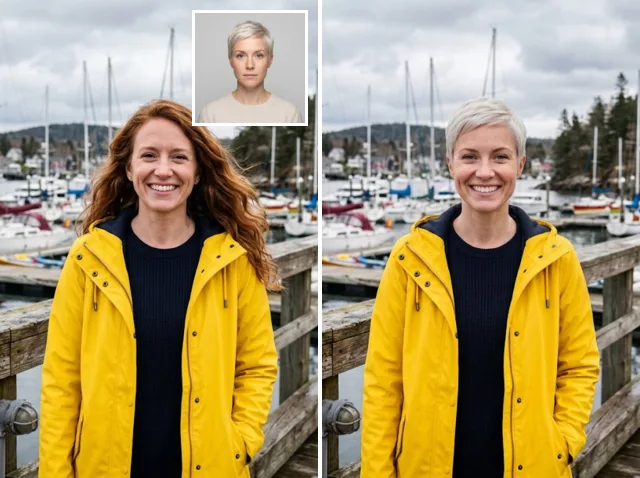
Why let small facial flaws distract? Describe the edit and the AI refines skin, light, expression and details while keeping the face people recognise.
Edit a face free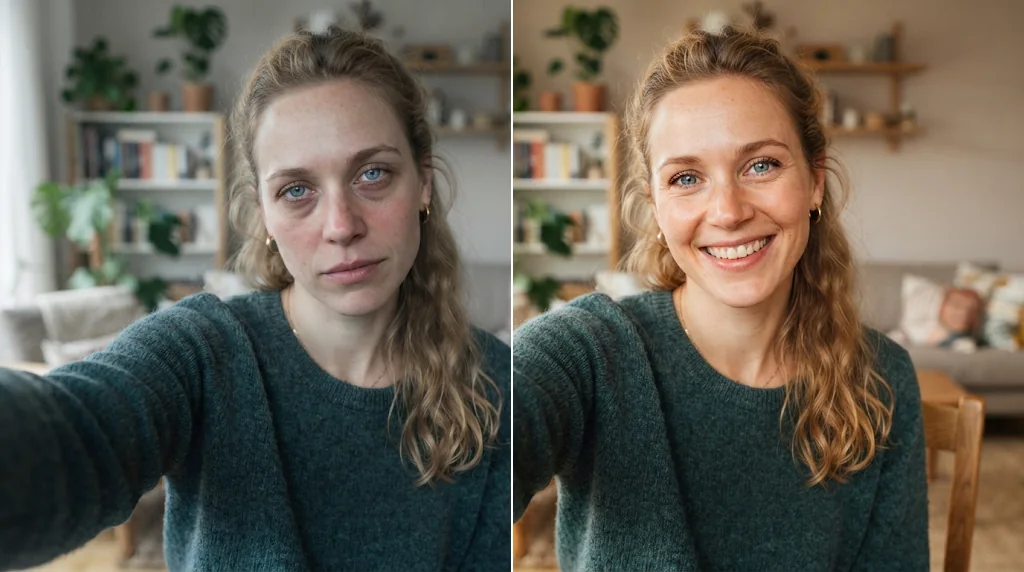
Studio-quality portraits
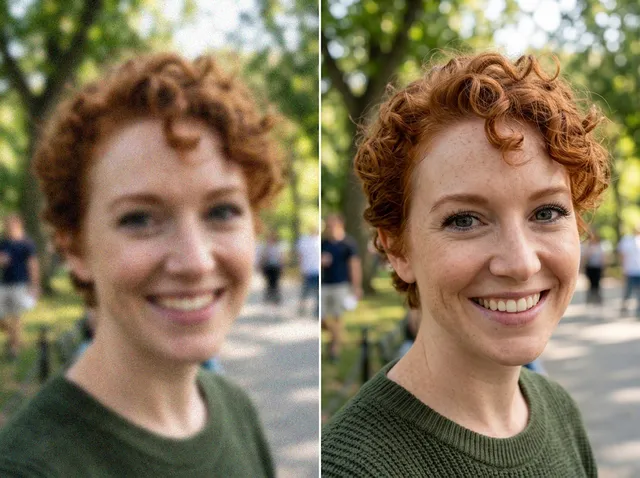
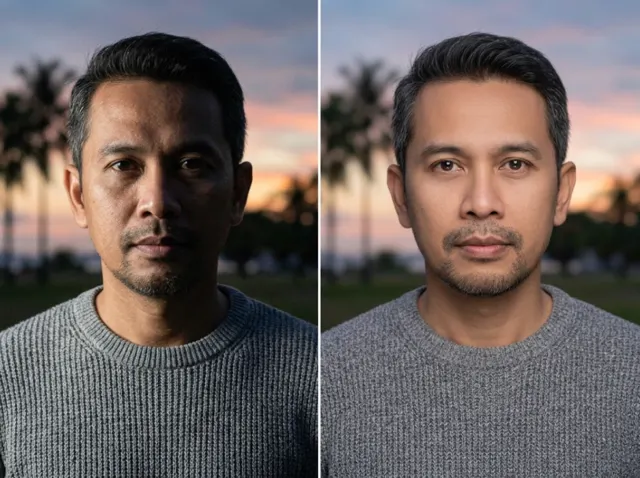
Cleaner, brighter, sharper portraits.
Natural face edits
Refined skin and light that keep real texture.
Quick retouching
Selfies and headshots cleaned up in one step.
Keep your real look while retouching
Refine portraits without changing the face people recognise.
Edit faces free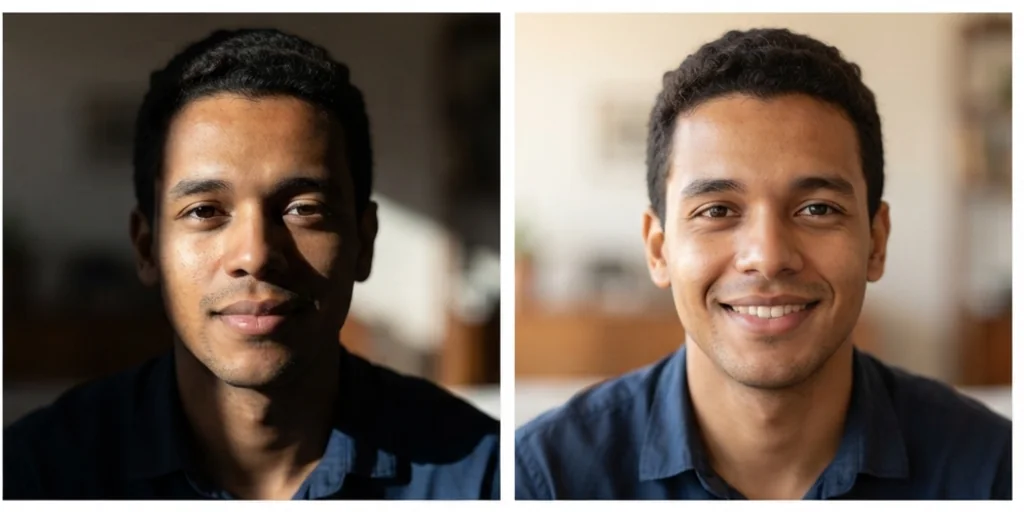
Fix distracting details fast
Under-eye shadows, shine, redness and stray hairs, cleaned up.
Edit faces free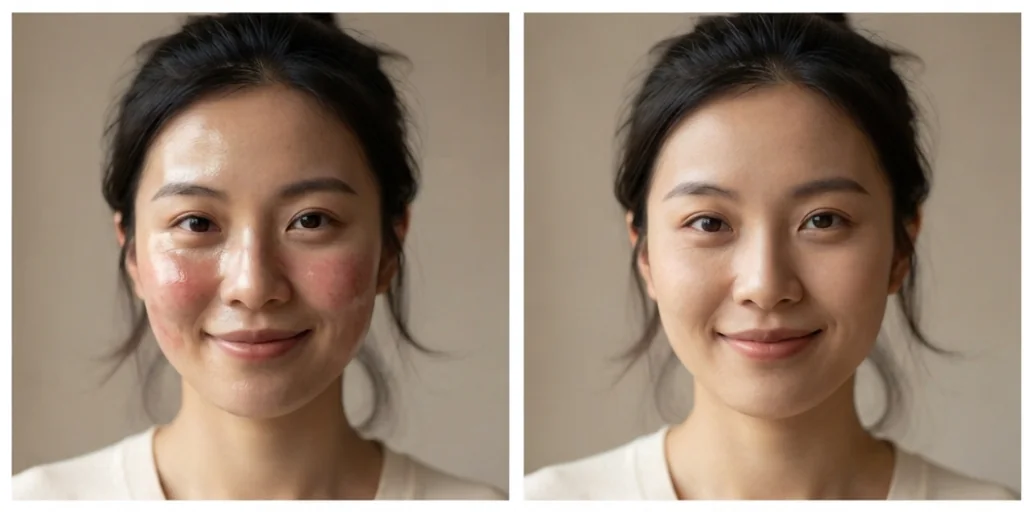
Everyday photos that feel professional
Casual pictures become sharper, brighter and more polished.
Edit faces free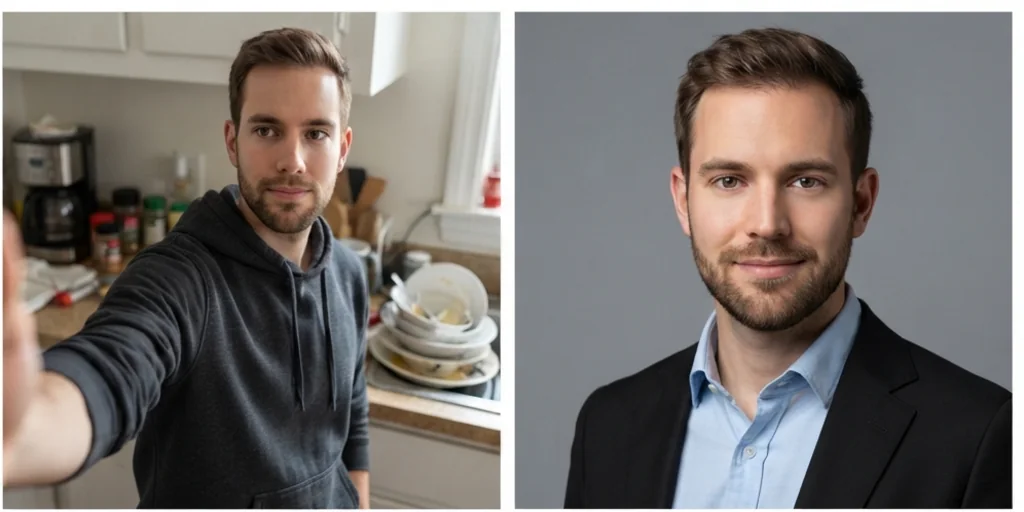
No design tools to learn
Skip layers, brushes and masks: describe the edit and create.
Edit faces free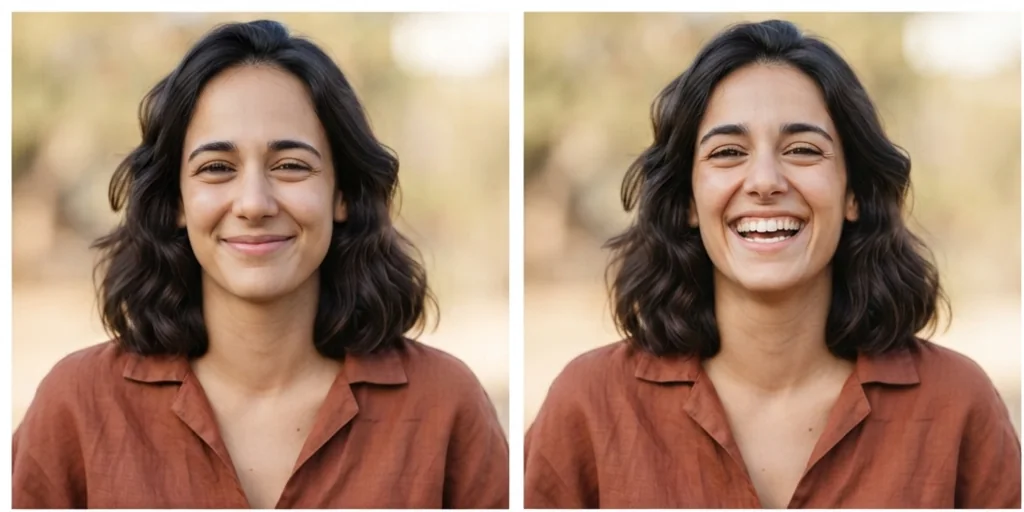
Create better photos with the AI face editor
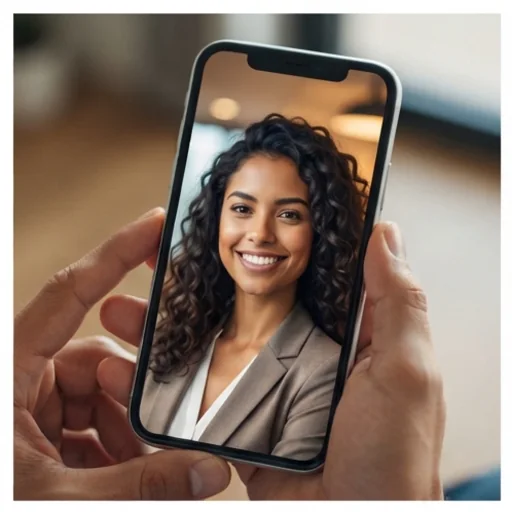
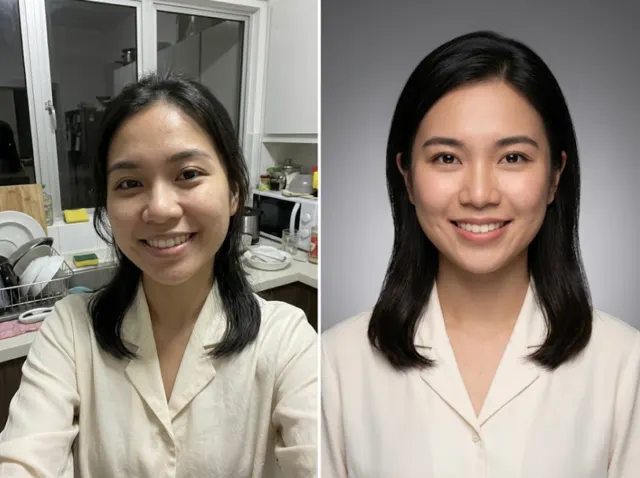
Profile photos ready for every channel
Retouched selfies and headshots.
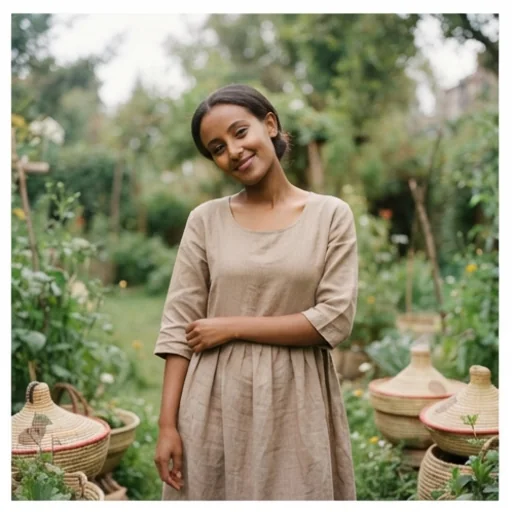
Trustworthy model photos
Natural retouching for try-on and lifestyle photos.
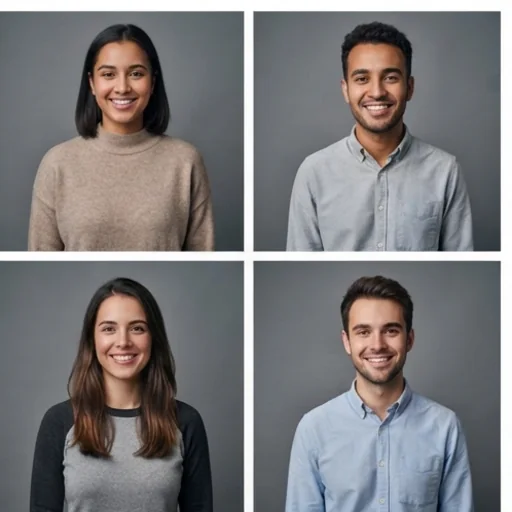
Consistent people-focused visuals
Polished founder, team and creator portraits.
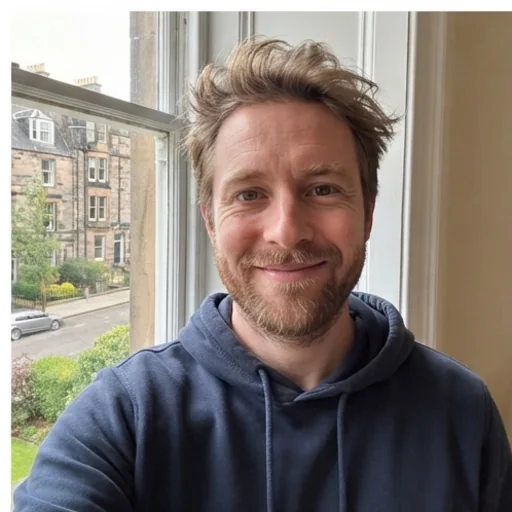
Everyday photos more put together
Fix tired eyes and uneven light.
How to use the AI face editor online
- 1
Step 1: Add a portrait
Add a selfie, headshot or face photo with +.
- 2
Step 2: Describe the edit
Write what to refine, such as shadows, light or expression.
- 3
Step 3: Create and download
Create the natural edit and download it.
Discover other AI image tools on Jitura
FAQs
What is the best AI face editor?+
One that refines without changing who you are. Jitura's face editor keeps identity, skin texture and hair while it fixes what you describe.
How do I edit a face photo online?+
Add the portrait, describe the edits and create.
Will my edited portrait still look like me?+
Yes. It is told to keep your identity; describe small, specific edits for the most natural result.
Can I use edited photos as profile pictures?+
Yes. For a fully new profile portrait, try the AI Profile Picture Generator.
What kinds of face photos can I improve?+
Selfies, headshots, profile photos, CV photos and portraits of people who agreed.
What if I need to edit more than the face?+
Use the AI Photo Editor in Image to Image for broader changes to the scene.
Make your face photos look naturally better
Retouch selfies and portraits in seconds.
Try the AI face editor