
Upload Image*
Click to upload an image
We accept JPEG, PNG, or WEBP formats up to 10MB.
Uses 1 daily image generation.
AI Photo Retouching
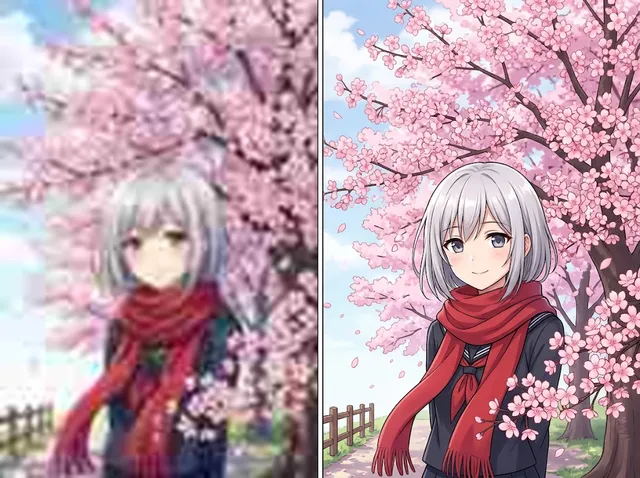
Even out skin, soften blemishes and balance colour like a photo editor.
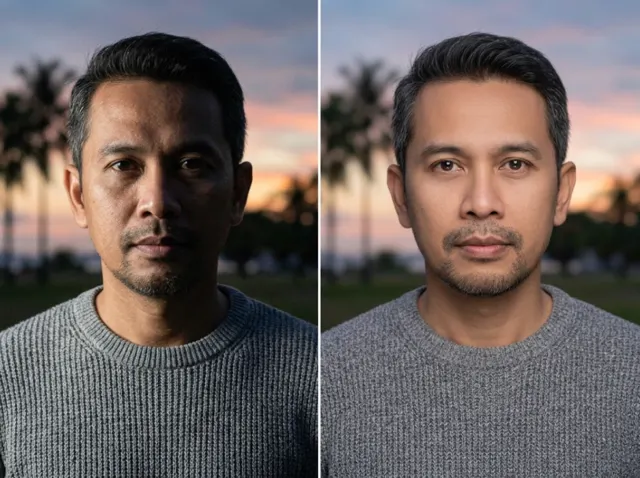 BeforeAfter
Powerful AI photo retouching for natural, vivid images
Jitura's AI photo retoucher refines portraits, nature and product shots and even old, damaged photos. Cleaner pictures look better on social media, and better product images build trust and sales.
Touch up your pictures now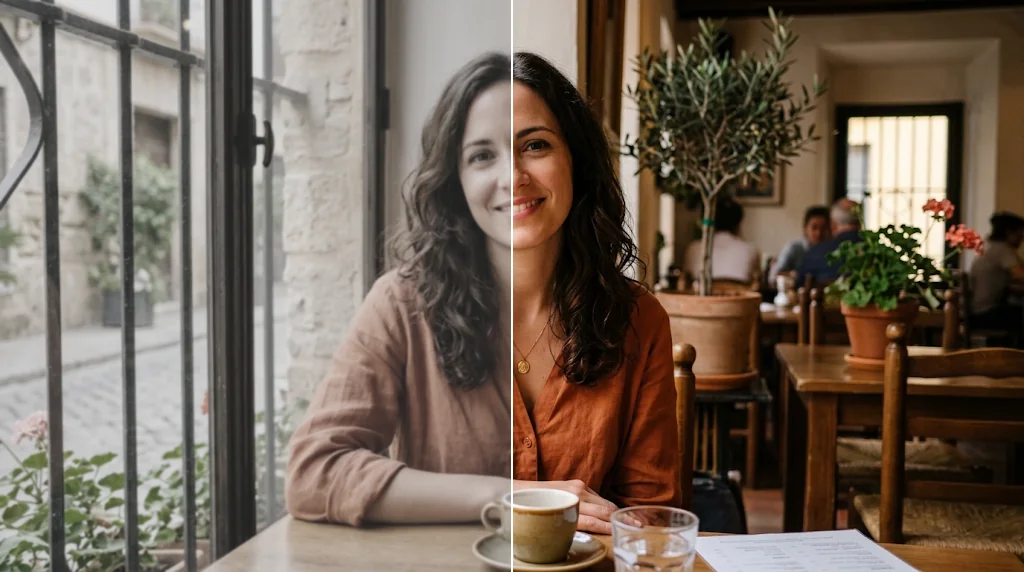
Portrait photo retouching
Improve facial detail, skin texture, hair, tone and lighting. Your portraits get a soft, polished finish without looking over-edited.
Retouch your pictures free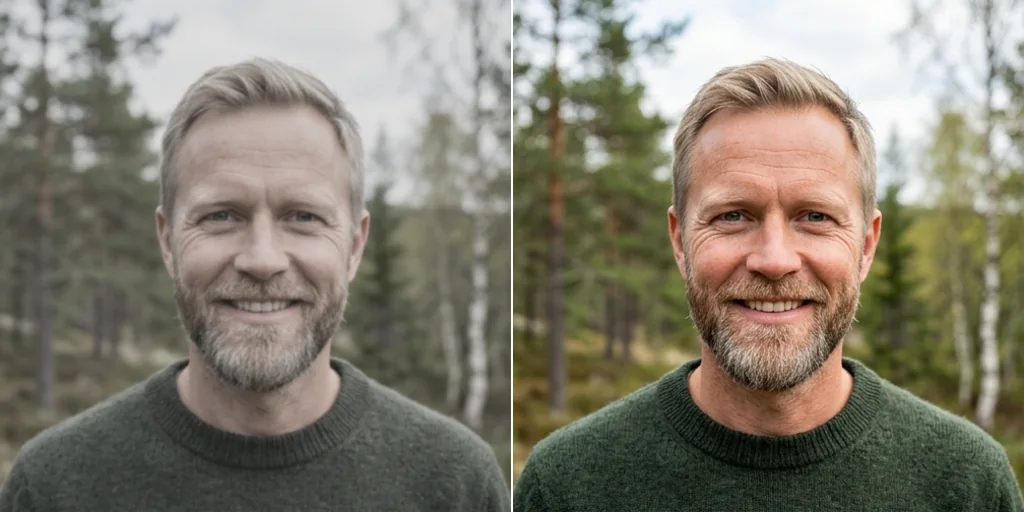
Colour correction and adjustment
Fix vibrance, saturation, contrast and tonal balance automatically, and turn dull pictures into clearer, richer results.
Touch up your photos free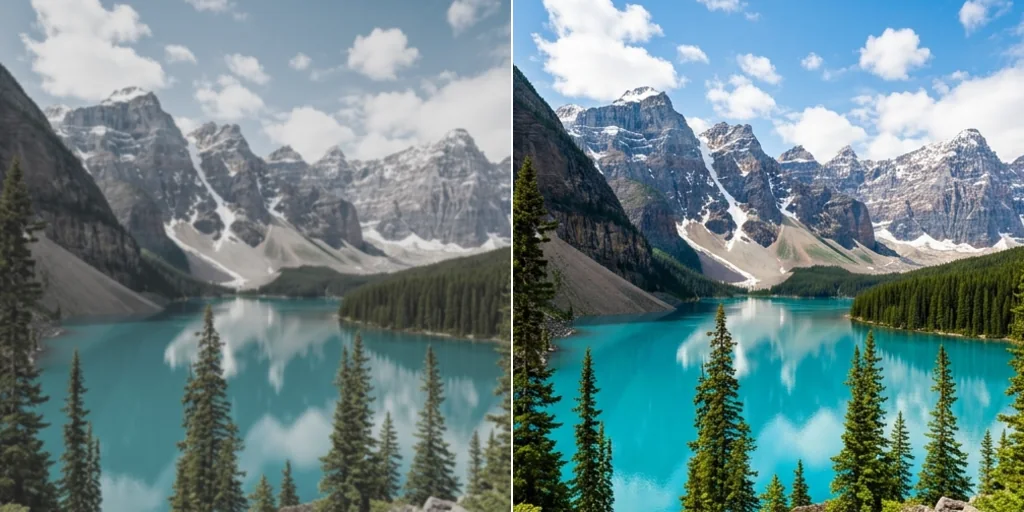
Remove flaws from images
Clear away blemishes, spots, dust and small imperfections so selfies, fashion shots and product images look neat and professional.
Touch up your photos free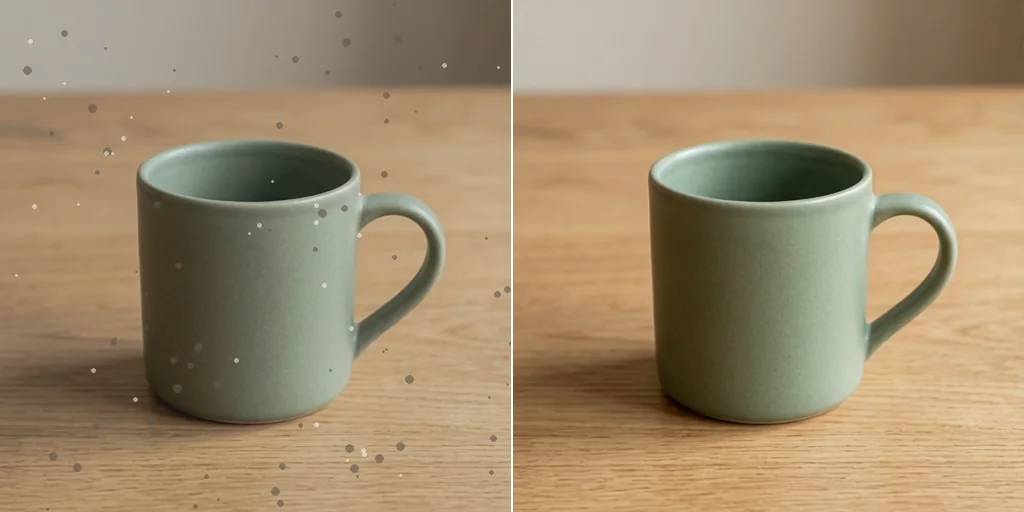
Restore life to old photos
Sharpen blurry areas, restore colour and lift overall quality, so old memories look brighter and clearer.
Retouch your pictures free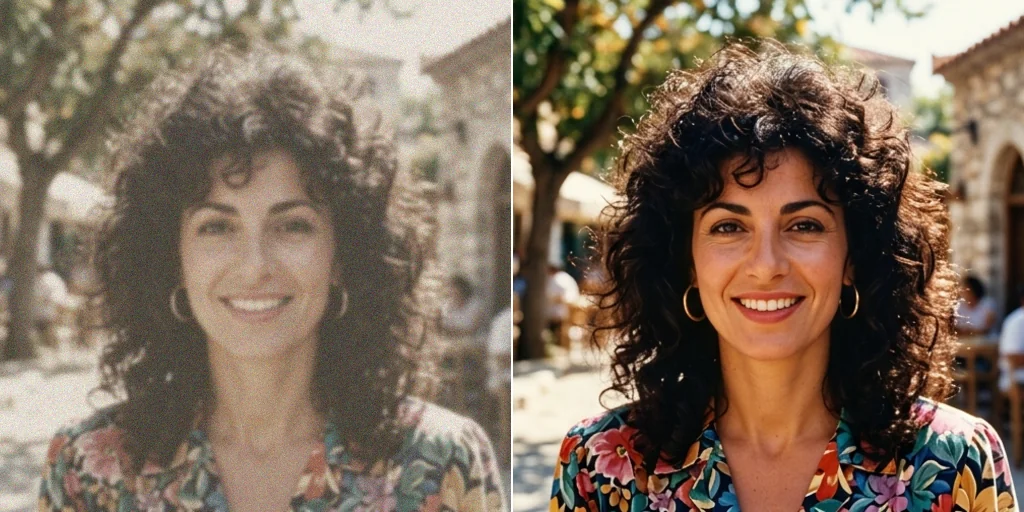
How to touch up photos with Jitura
- 1
Step 1: Upload your photo
Upload the photo you want to retouch in JPEG, PNG or WebP.
- 2
Step 2: Create
Press Create. The retoucher refines the photo in seconds and keeps it true to life.
- 3
Step 3: Download
Save the refined photo and use it wherever you need.
Explore other AI creation tools
FAQs
What is photo retouching?+
Correcting defects and imperfections to improve a photo: colour correction, skin smoothing and removing blemishes or small distractions, for polished but natural-looking pictures.
Why choose Jitura's AI photo retoucher?+
Upload a photo and the model evens out skin, balances light and colour and removes small flaws automatically, with no editing skills needed and no change to the person's identity.
What is the best photo retouching tool?+
The one that gives natural results quickly. Jitura's retoucher keeps real skin texture and the original face while it improves light, colour and small flaws.
Is the AI photo retouching tool free?+
Yes. Every signed-in account gets free daily operations, and each retouch uses one. Paid plans add more operations.
How long does retouching take?+
Usually 10 to 30 seconds after you press Create.
What can I use the AI photo retoucher for?+
Creator content, fashion portraits, online shop photos, campaign visuals and everyday photos before you share them.
Which file formats are supported?+
JPEG, PNG and WebP up to 10MB. Save other formats such as TIFF or BMP as JPEG or PNG first.
Can I retouch photos on my phone?+
Yes. The page works in any modern mobile browser. The controls stack above the preview, so you can upload a photo, run the tool and download the result on a small screen.
Is it safe to use the AI photo retoucher?+
Your photo is sent to the model only to make your result, and the result is kept in your browser for you to download. See the Privacy Policy for what Jitura stores and for how long.
Get your retouched photos now
Touch up your pictures with Jitura's photo retoucher. Try it free today.
Try the AI photo retoucher free