
Model
Upload Image*
Click to upload an image
We accept JPEG, PNG, or WEBP formats up to 10MB.
Uses 1 daily image generation.
Image Sharpener
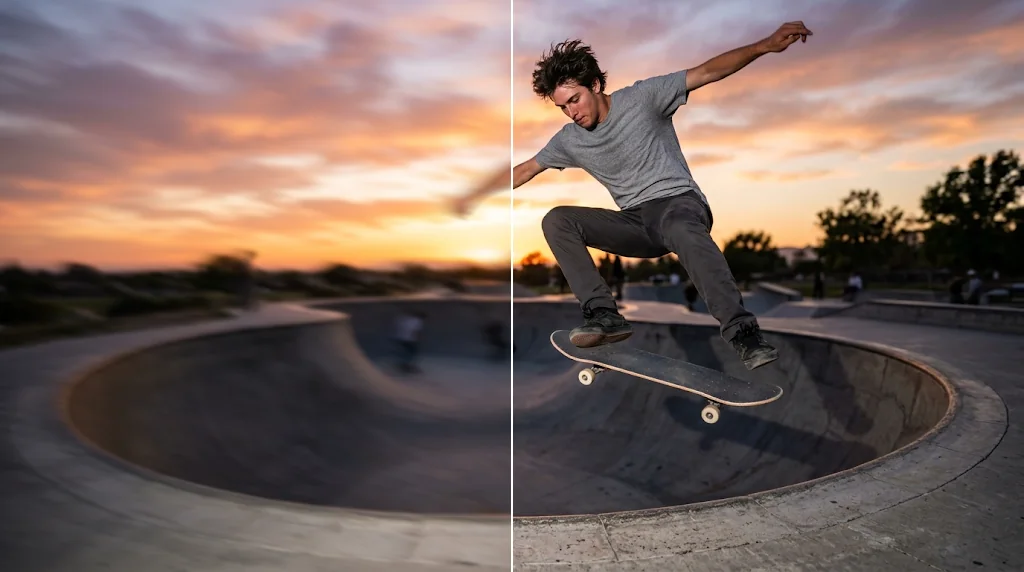
Sharpen images to make pictures clearer
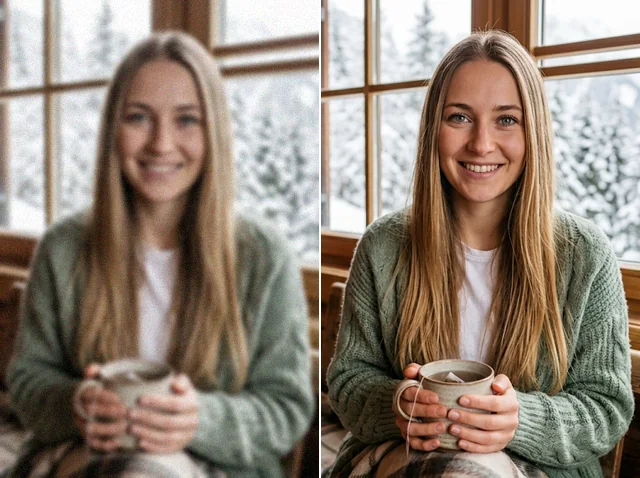
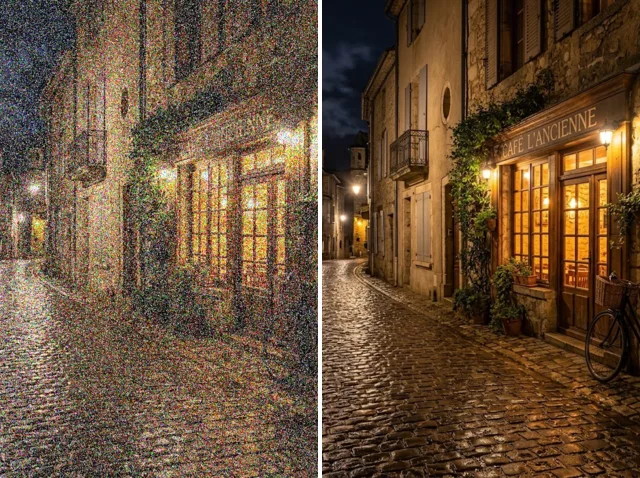
Say goodbye to soft, blurry photos. Jitura's AI image sharpener uncovers hidden detail and crisp edges in seconds, so your pictures look polished wherever you post them.
Try the free image sharpener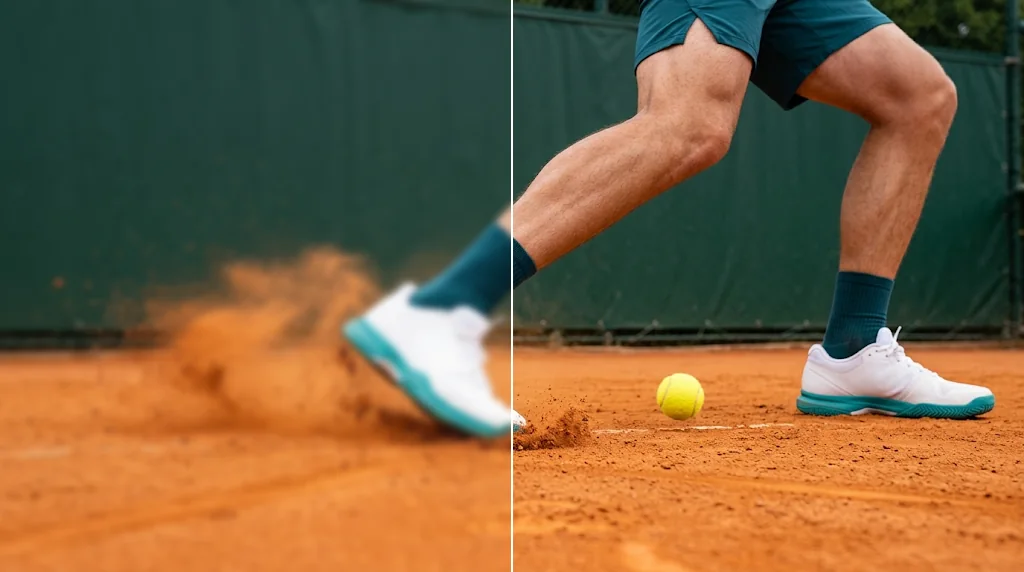
Effortless image enhancement
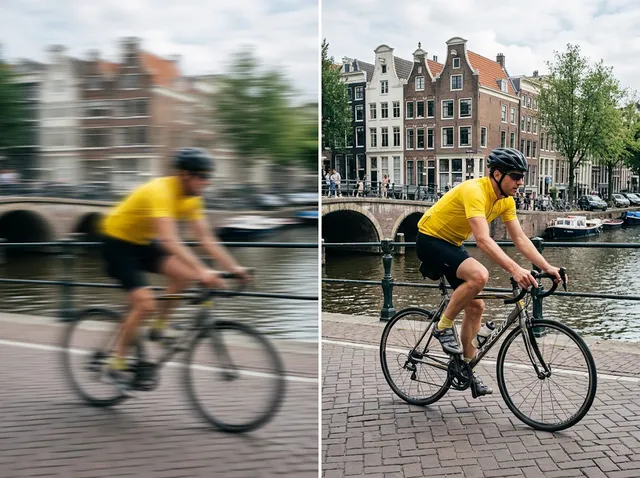
The AI finds soft areas and sharpens them automatically, with no sliders to learn, making up for camera shake, missed focus or a small lens.
Try the free image sharpener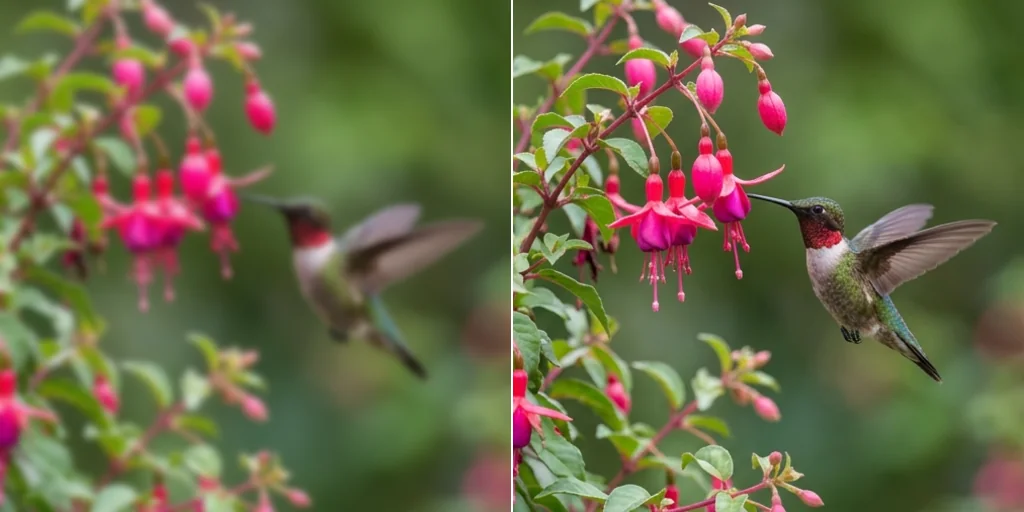
Revitalise low-res pictures
Precise improvements where clarity is missing: crisper edges, more depth and finer detail in every part of the photo.
Try the free image sharpener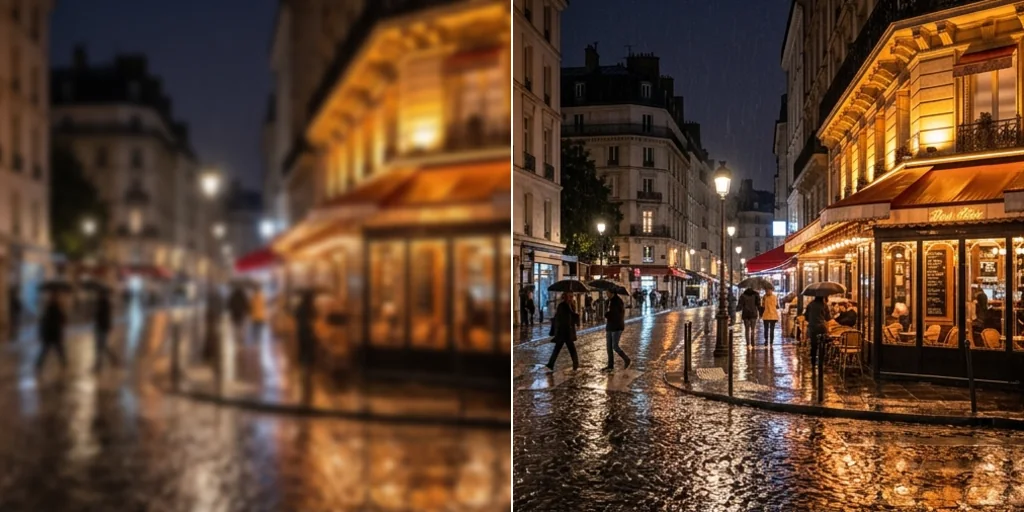
Better e-commerce images
In a crowded marketplace, sharp product photos win clicks. Sharpen listing images so they look professional and trustworthy.
Try the free image sharpener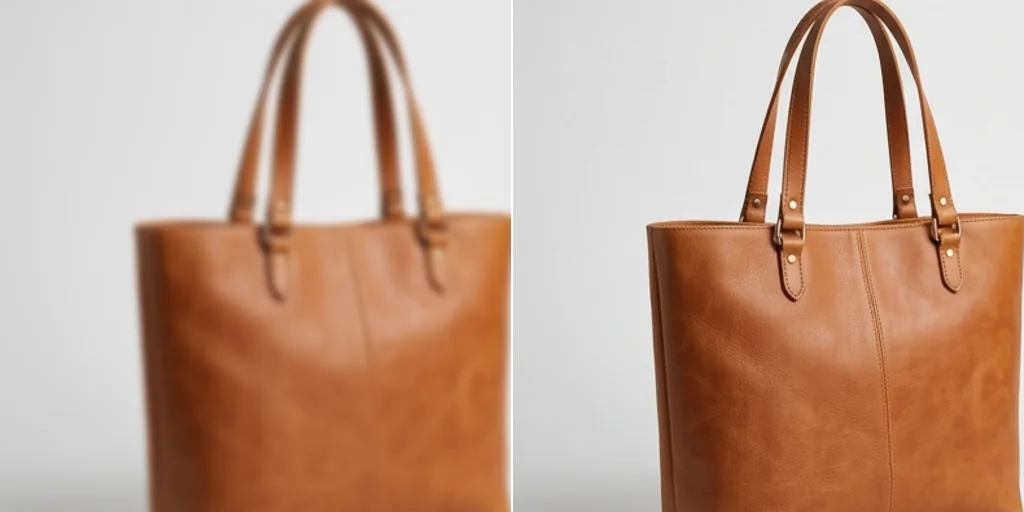
Polish any photo
Get a crisp finish without changing the original look and feel of the picture, for portraits, travel shots and everyday photos.
Try the free image sharpener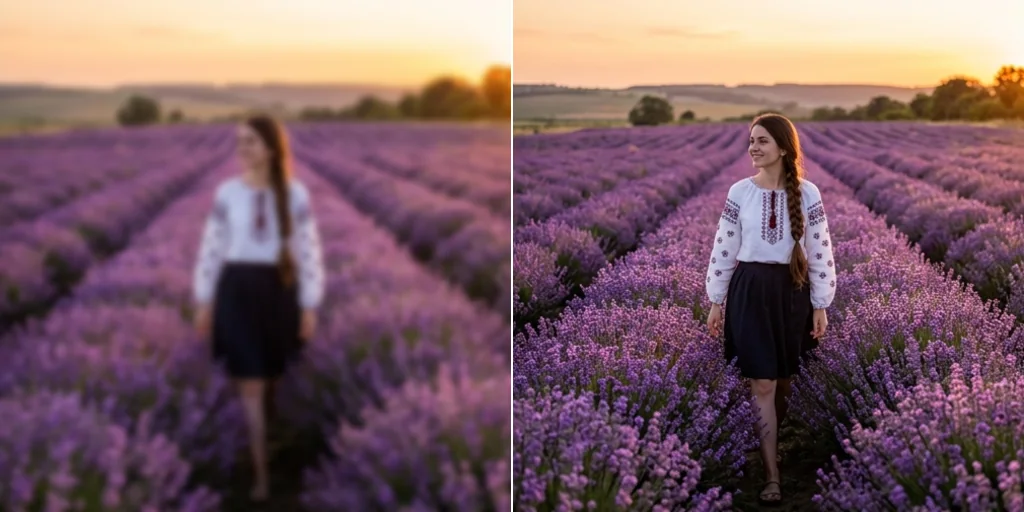
How to sharpen an image
- 1
Step 1: Upload your image
Click to upload or drag in the photo you want to sharpen.
- 2
Step 2: Choose a model
Pick Jitura Enhance or Topaz Enhance and press Create.
- 3
Step 3: Download
Download the sharpened image when it is ready.
Your all-in-one AI image studio
Go from a rough idea to a finished asset in one place: generate, edit, enhance and animate with tools built for real creative work.
Turn text into images
Describe a scene and get photorealistic or illustrated results in seconds.

Make platform-ready assets
Posters, banners and flyers sized for social posts, ads and print.
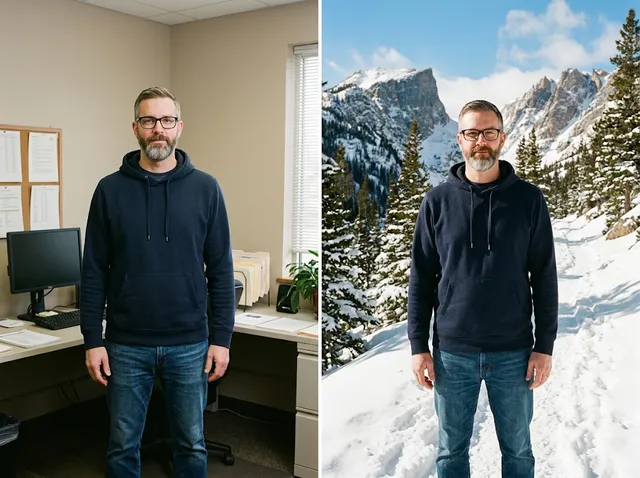
Transform photos
Restyle or change the background of a photo you already have.
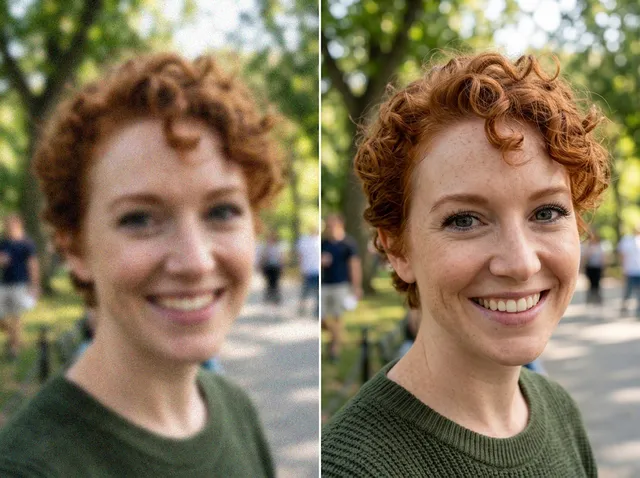
Retouch and enhance
Sharpen faces, remove clutter and upscale images for print.
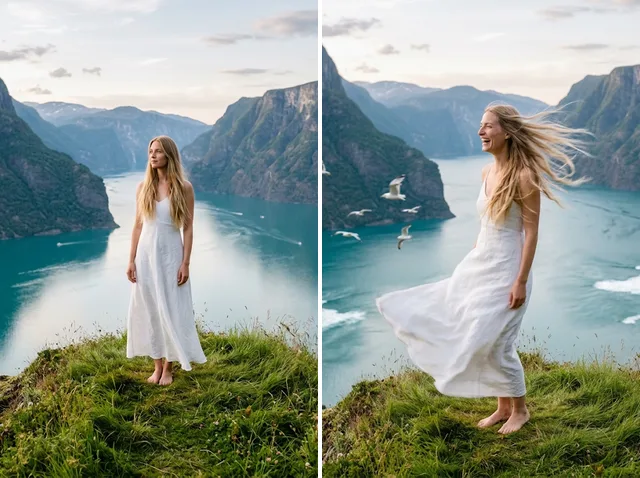
Bring stills to motion
Animate a finished artwork into a short video clip.

From brief to final asset
Chat with the image, one change at a time, until it is right.
Explore other image editing tools

FAQs
What is an image sharpener?+
A tool that makes a photo sharper by defining edges and recovering fine detail, so the whole picture looks clearer and more vivid.
How do I sharpen an image with Jitura?+
Upload your photo, pick a model and press Create. The AI sharpens it automatically with no manual editing.
Does the image sharpener cost anything?+
Every signed-in account gets free daily operations. Jitura Enhance uses one per photo and Topaz Enhance uses two; paid plans add more operations.
Which file formats can I upload?+
JPEG, PNG and WebP up to 10MB.
Can I sharpen several images at once?+
One image at a time, so you can check each result before you download it.
Will sharpening affect image quality?+
It improves detail without changing the picture, and it keeps the original size. Very blurry photos may not recover every detail; try the Image Upscaler if you also need a bigger file.
How do I download the sharpened image?+
Press Download under the result. You can also keep editing it with another Jitura tool.