
Upload Image*
Click to upload an image
We accept JPEG, PNG, or WEBP formats up to 10MB.
Aspect Ratio
Uses 1 daily image generation.
Photo Restoration
Repair scratches, creases and fading in old family photos.
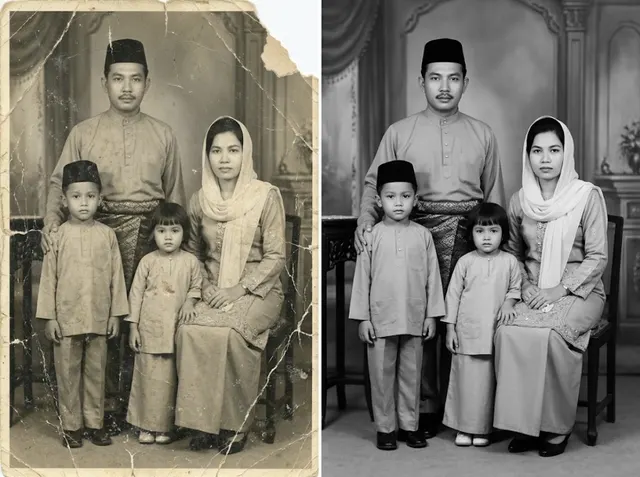 BeforeAfter
Powerful AI photo restoration
Bring old photos back to life with Jitura's free AI photo restoration tool. Repair worn, faded and low-resolution prints and get a clearer, more detailed picture in just a few clicks.
Restore old photos now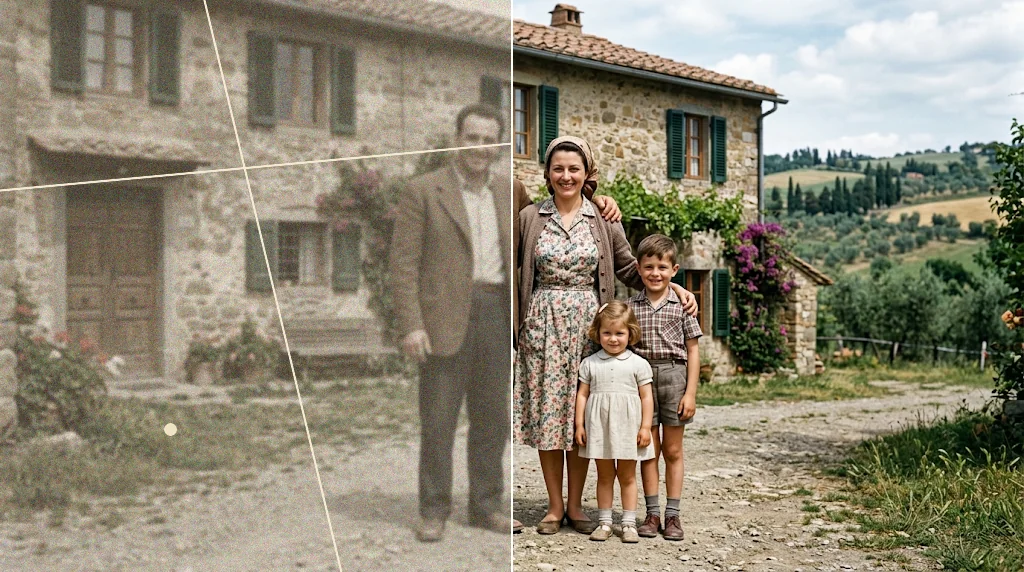
Repair damaged photos
Stains, scratches, spots and creases build up over the years. The restoration model removes them and brings clarity and detail back to the picture.
Restore old photos now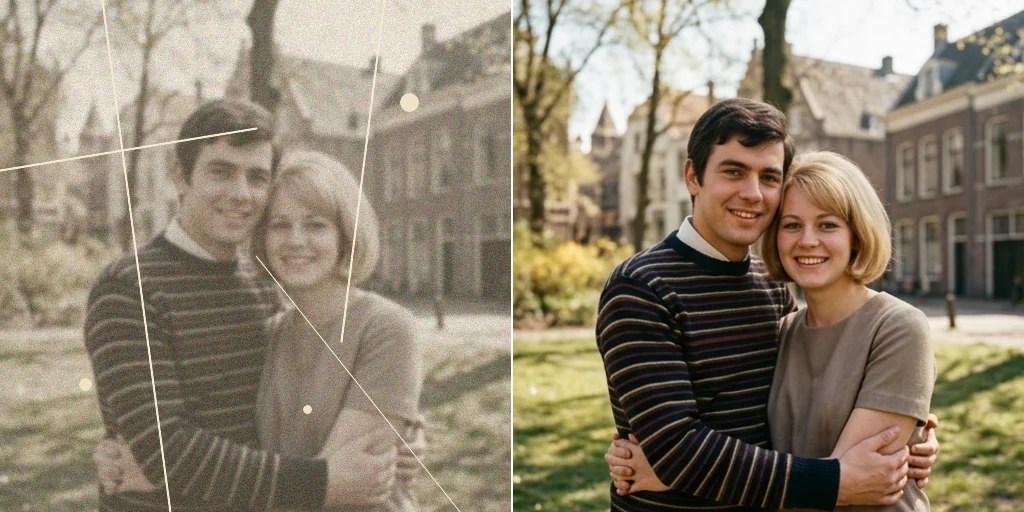
Enhance visual appeal
Give family portraits, historical pictures and any vintage image a fresh look, with better detail, tone and sharpness while the people and the moment stay the same.
Restore photos free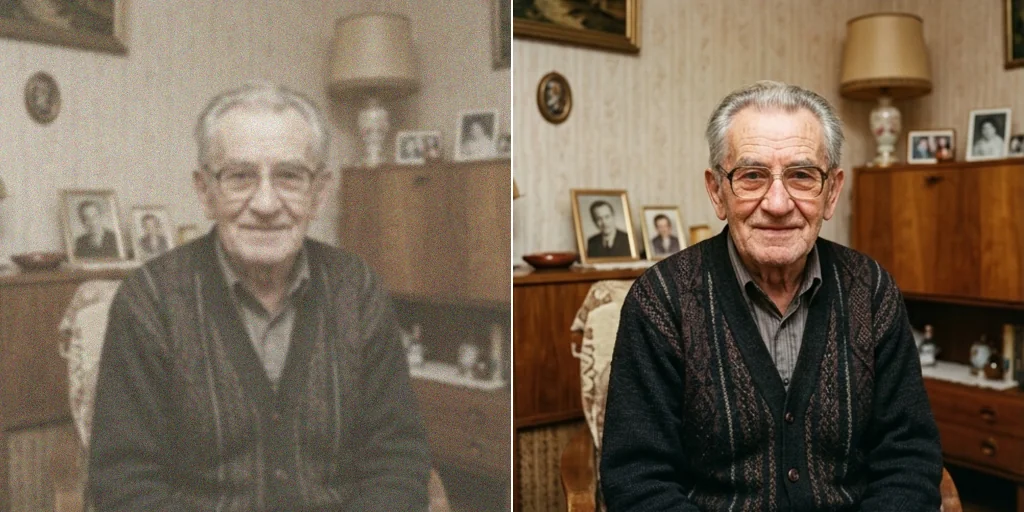
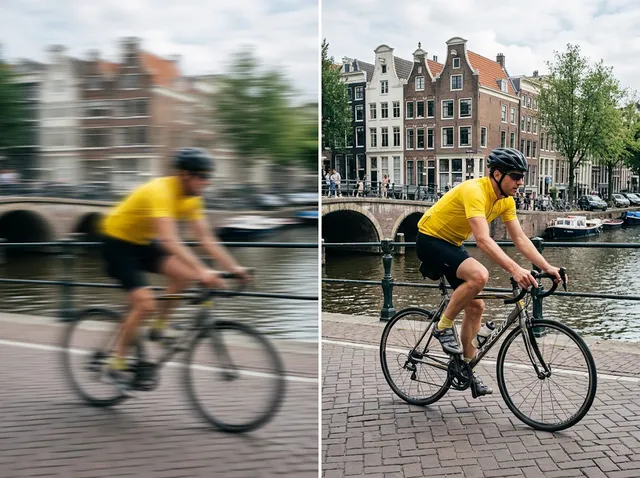
Eliminate blurriness
Sharpen soft old prints and bring back facial detail in portraits so the restored photo looks clear and real.
Restore photos free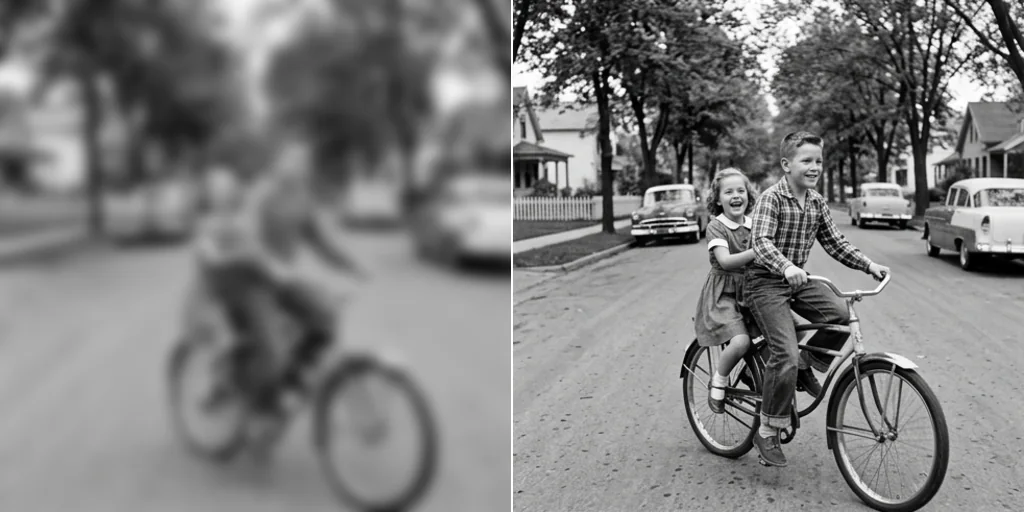
Restore colour details
Faded prints lose their colour. The tool brings back natural, balanced colour and contrast so the photo looks vivid again instead of yellow or washed out.
Restore photos free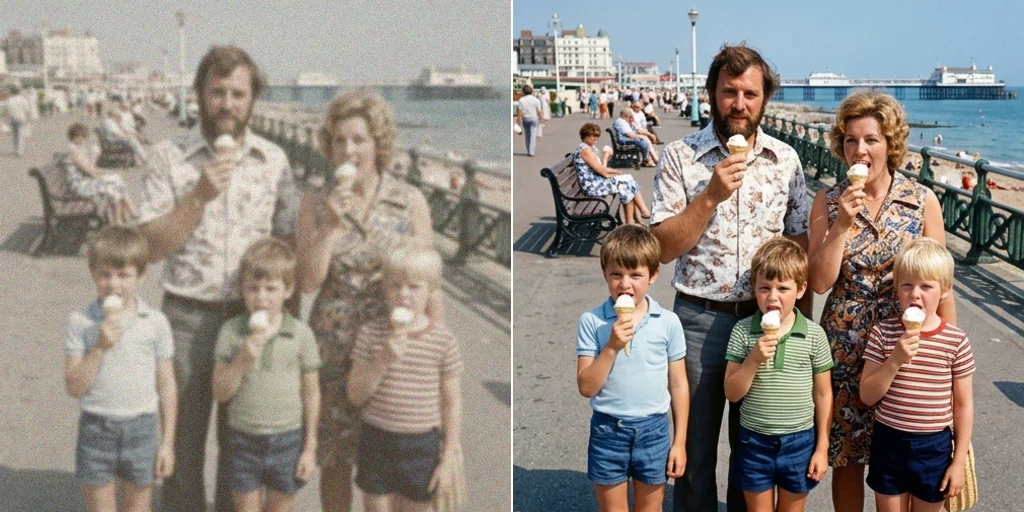
How to use the photo restoration tool
- 1
Step 1: Upload your photo
Upload or drag in the old, damaged or low-quality photo you want to restore.
- 2
Step 2: Choose and create
Pick an aspect ratio and press Create. The photo is restored in seconds.
- 3
Step 3: Download or share
Download the restored photo or share it online.
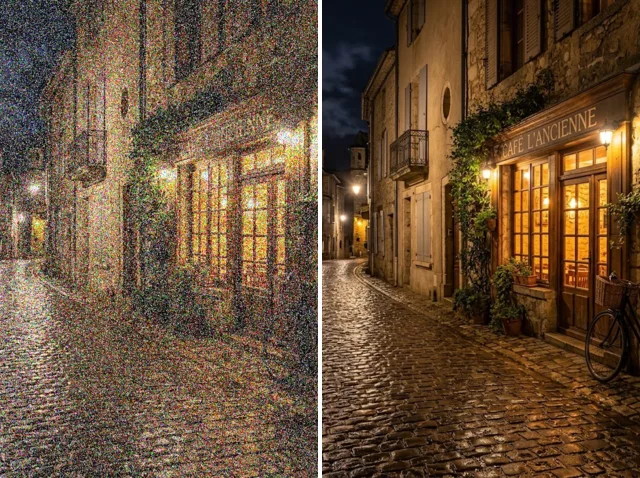
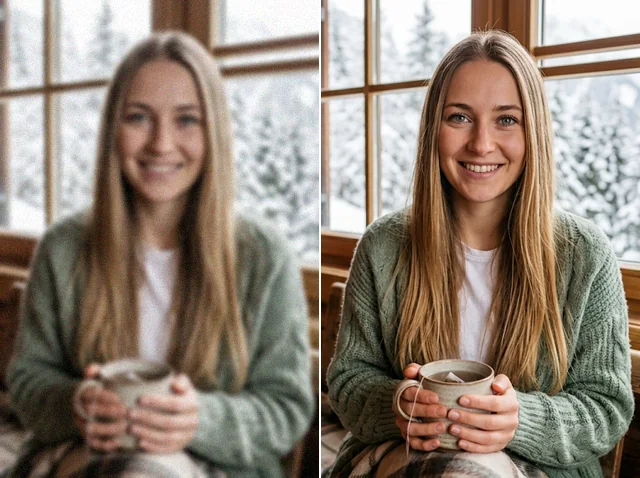
Discover other AI image editing tools

FAQs
What is a photo restoration tool?+
An AI tool that revives old and damaged photos automatically. It makes a worn or low-quality picture clearer, sharper and more detailed without any editing skills.
Why use Jitura's photo restoration tool?+
It repairs blurry, faded, old or damaged photos in one click: the model removes scratches and stains, recovers detail and corrects faded colour while keeping every face and the composition the same.
Is the photo restoration tool free?+
Yes. Every signed-in account gets free daily operations, and each restoration uses one. You do not need a credit card to start.
Can it fix any photo damage?+
It restores most pixelated, blurred, faded and damaged photos well, but results depend on the damage. The more of the picture that is missing, the harder it is to rebuild.
Can I restore photos on my phone?+
Yes. The page works in any modern mobile browser. The controls stack above the preview, so you can upload a photo, run the tool and download the result on a small screen.
Which image formats are supported?+
JPEG, PNG and WebP up to 10MB. Scan or photograph the print first, then upload the file.
Will the file size change after restoring?+
It can. The restored photo is a new image at the aspect ratio you pick, so its file size may be larger or smaller than the original.
Is this the best way to restore old photos?+
It is the quickest. Manual retouching takes hours and skill; the restoration model gives a much better photo in seconds, and you can run it again or touch it up further.
Do I own the restored photo?+
The photos you upload stay yours, and you can use the restored versions in personal and commercial projects as long as the original is yours to use.
Use the photo restoration tool free today
Restore any old photo and bring back its clarity in seconds.
Restore photos free