
Color Inverter
Flip every colour in a picture into its opposite for a bold negative look.
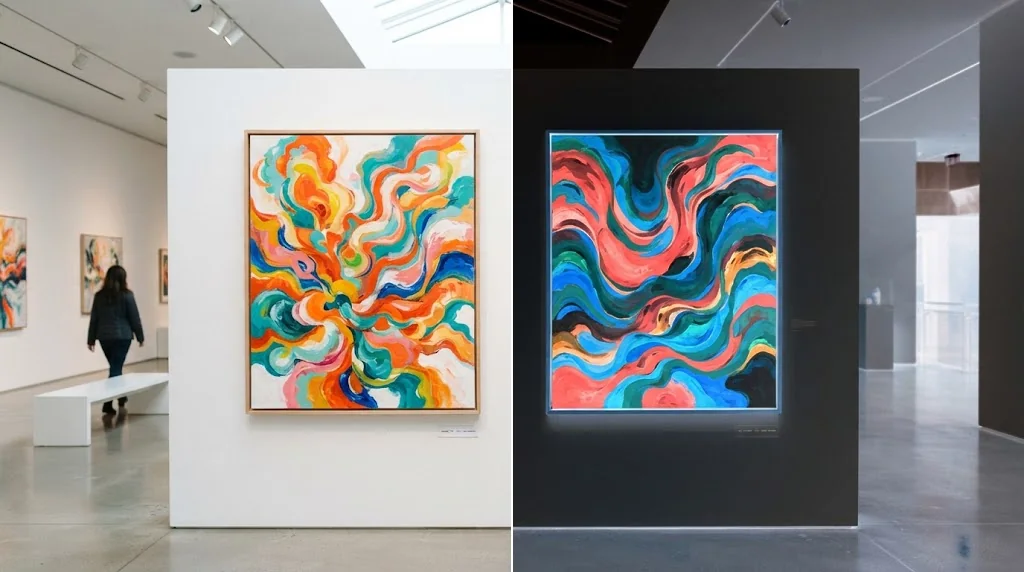
Turn any picture into bold new artwork
Want a fresh look without redesigning anything? Jitura's color inverter reverses every colour in a photo, graphic or illustration in seconds. Use it for surreal posts, cover art, design studies or visual references, then download the result without learning complicated software.
Try the color inverter freeNo design skills
Upload, invert and download without layers, curves or settings.
Instant inversion
Every hue flips while the composition stays intact.
Striking negatives
Familiar photos and graphics suddenly feel brand new.
Invert photos without design experience
No layers or technical settings to learn. Add your own photo or one you created on Jitura, invert it, preview the result and download it.
Invert colors free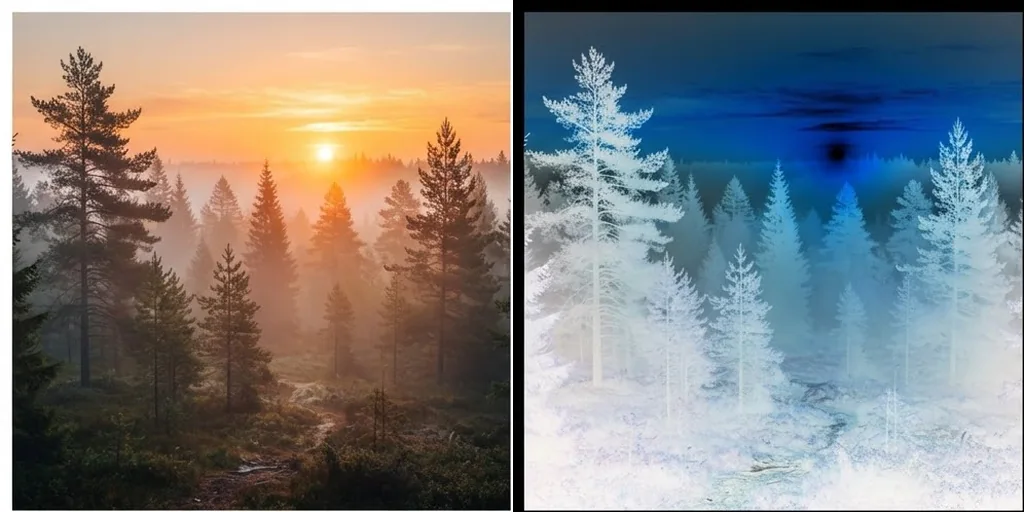
Every colour becomes its opposite at once
The whole palette flips in one pass, so blues turn orange and darks turn light, giving the picture a dramatic high-contrast look.
Invert colors free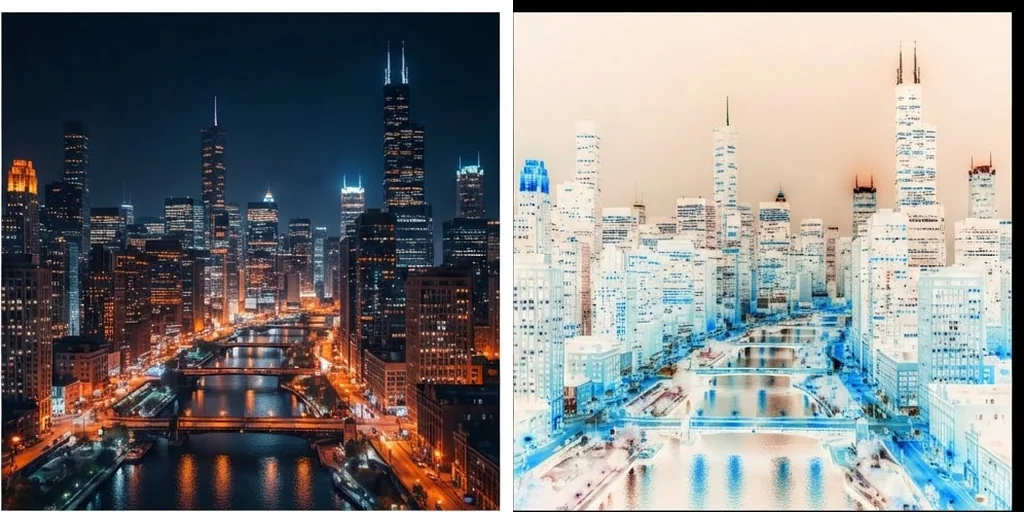
Details stay clear and in place
Only the colour values change. Subjects, edges, textures and layout stay exactly where they were, so the inverted image is still easy to read.
Invert colors free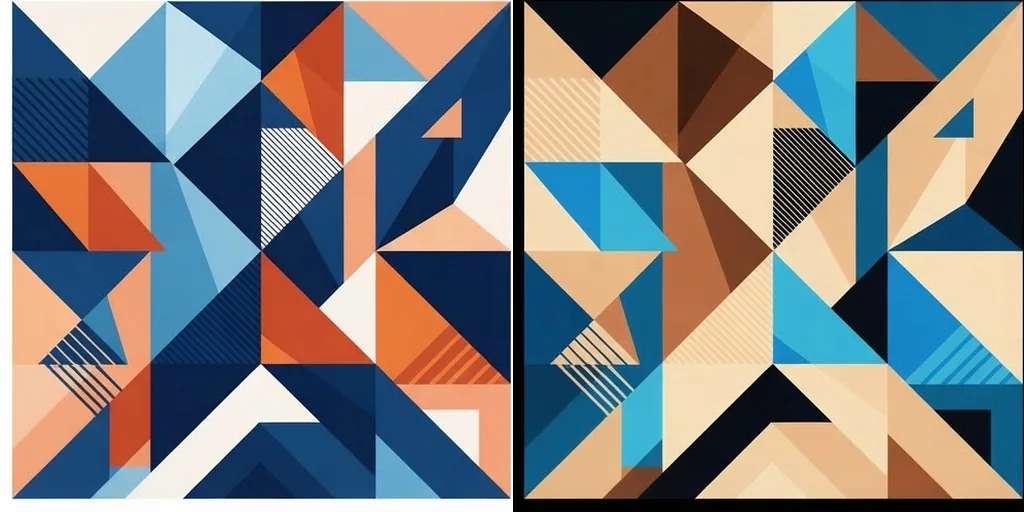
Give familiar photos a striking new mood
Invert portraits, landscapes, product shots and illustrations for posters, covers, mood boards and social graphics, then refine contrast or crop with other Jitura tools.
Invert colors free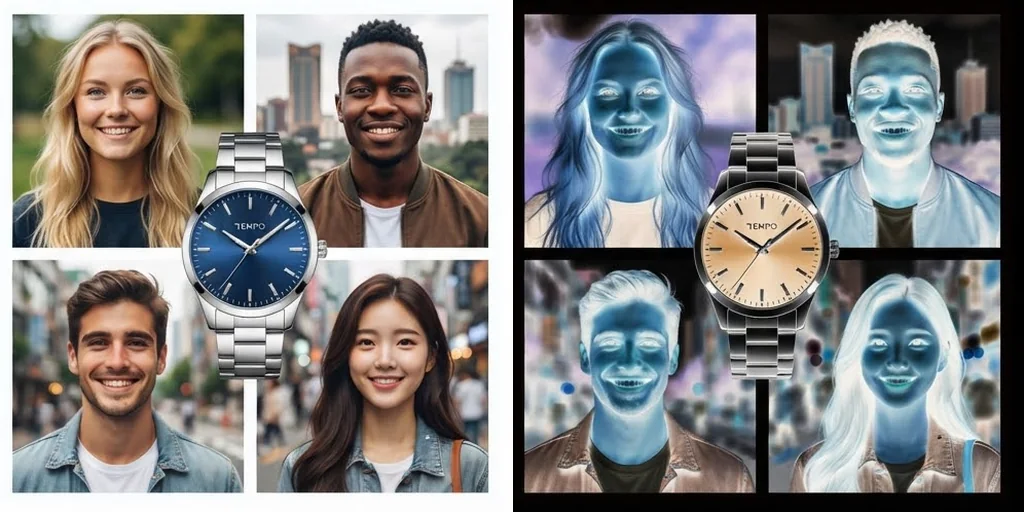
More ways to use inverted colours
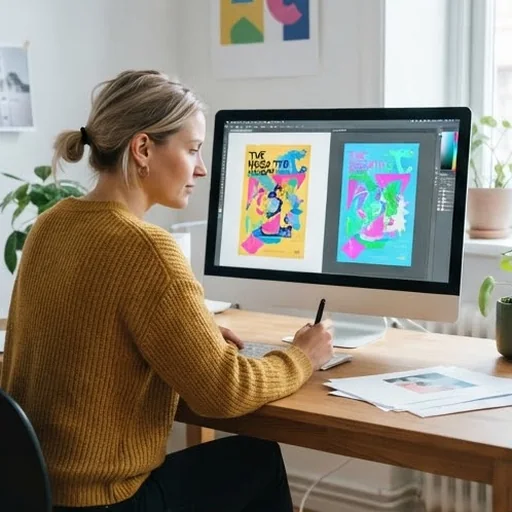
Find unexpected palette directions
Designers invert artwork to discover complementary colours and fresh contrast ideas for posters and branding concepts.
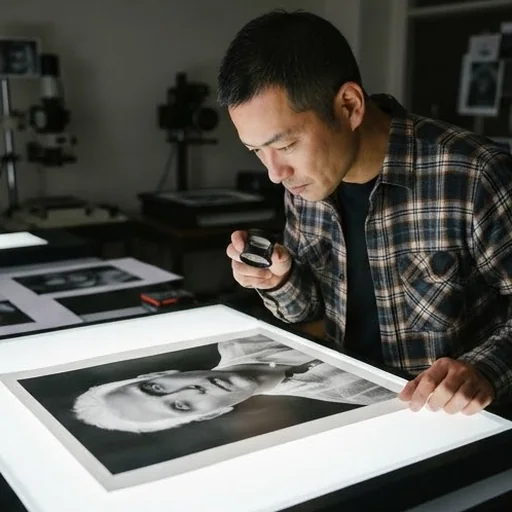
Turn ordinary shots into art
Photographers turn portraits, street scenes and landscapes into negative-style pieces without reshooting.
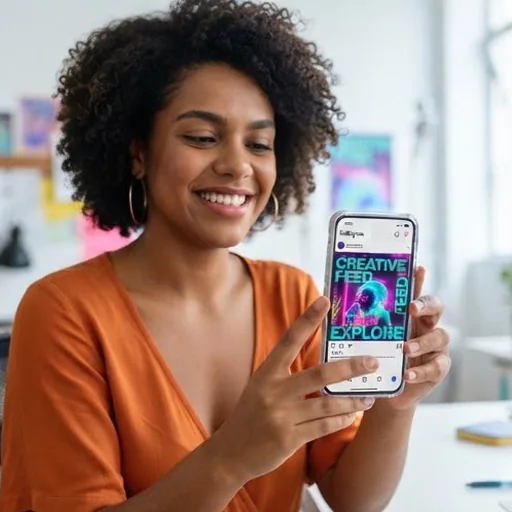
Refresh a social feed
Creators make thumbnails, posts and teasers stand out with an inverted version of a familiar image.
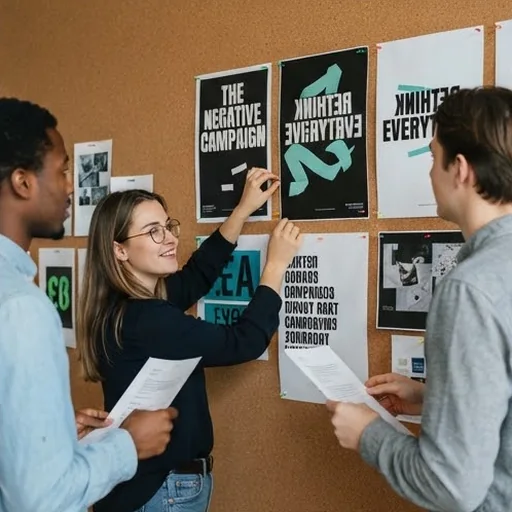
Bolder campaign graphics
Brands invert product and lifestyle images to build high-contrast visuals for launches and promotions.
How to invert colors with Jitura
- 1
Step 1: Upload your image
Add the photo, artwork or graphic you want to transform.
- 2
Step 2: Invert the colours
Colours invert automatically as soon as your image opens. Adjust the strength or colour channels if you wish.
- 3
Step 3: Preview and download
Check the result and download your inverted picture.
Your all-in-one AI image studio
Go from a rough idea to a finished asset in one place: generate, edit, enhance and animate with tools built for real creative work.
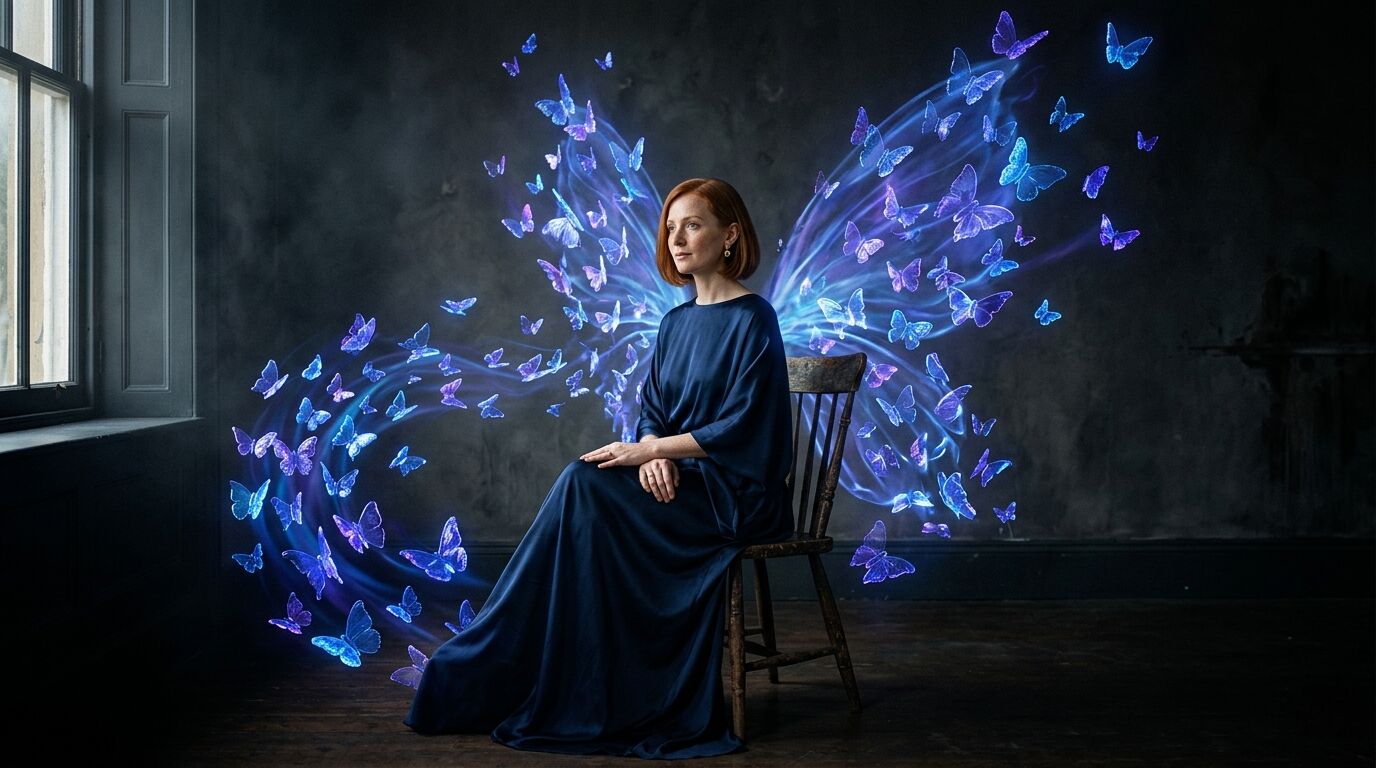
Turn text into images
Describe a scene and get photorealistic or illustrated results in seconds.
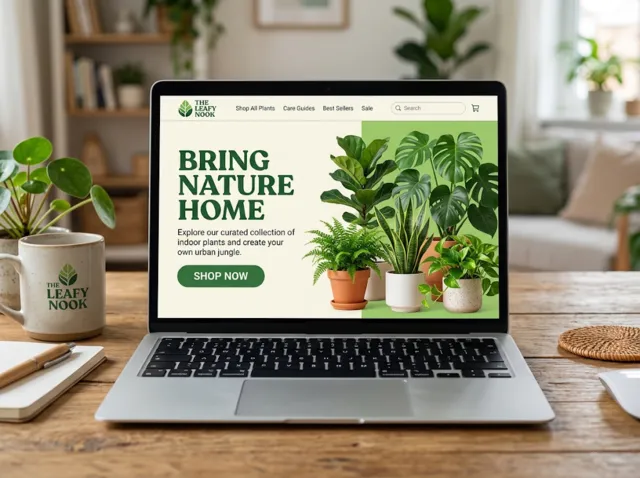
Make platform-ready assets
Posters, banners and flyers sized for social posts, ads and print.
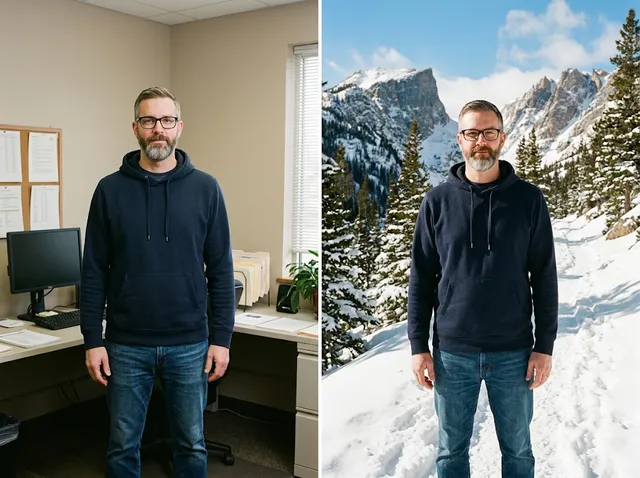
Transform photos
Restyle or change the background of a photo you already have.
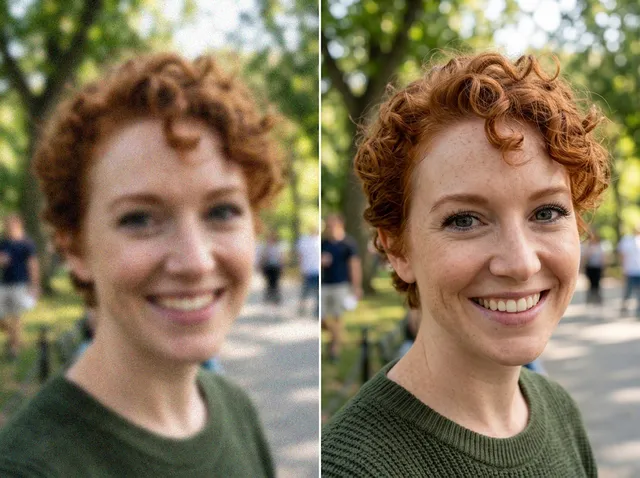
Retouch and enhance
Sharpen faces, remove clutter and upscale images for print.
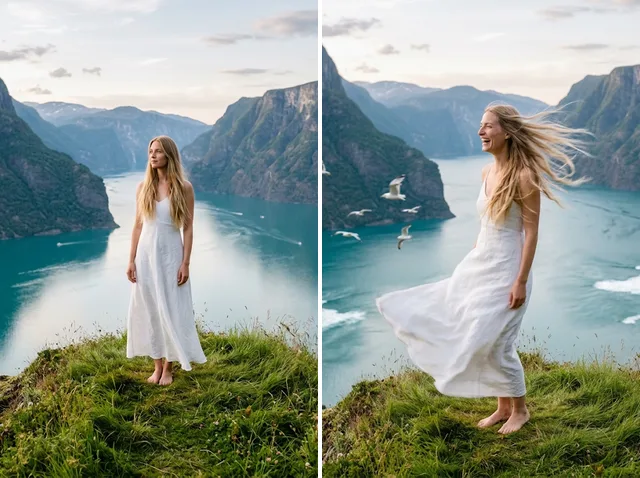
Bring stills to motion
Animate a finished artwork into a short video clip.
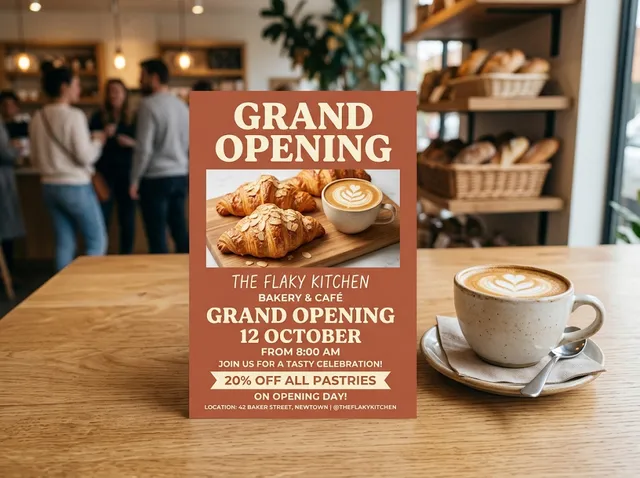
From brief to final asset
Chat with the image, one change at a time, until it is right.
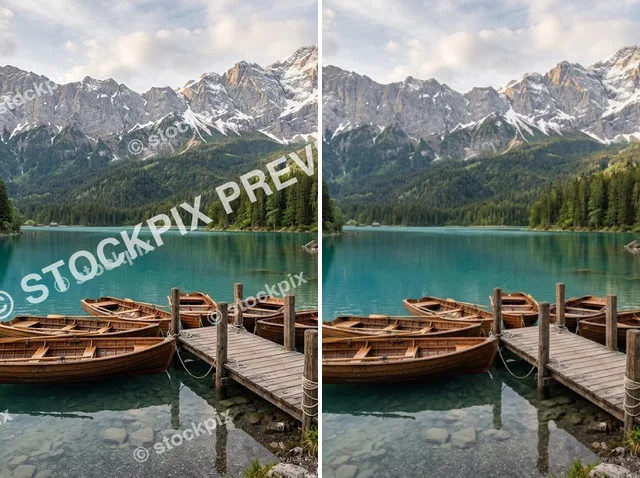
Discover other AI image tools on Jitura

FAQs
What is a color inverter?+
A tool that reverses every colour in an image, so each shade becomes its opposite and the picture looks like a bold photographic negative.
How do I invert the colours of an image?+
Upload an image to invert its colours automatically. Adjust the strength or colour channels, preview the result and download it.
Why use Jitura's color inverter?+
It gives you a striking negative effect in seconds, keeps the composition and detail intact and needs no editing software or experience.
Can I improve an inverted image afterwards?+
Yes. Open it in the Image Enhancer to sharpen detail and clean up softness, or use other Jitura tools to crop and refine it.
What can I make with inverted colours?+
Posters, album covers, social graphics, thumbnails, digital art and colour studies.
Create bold colour inversions today
Invert colours in one click and turn an ordinary image into eye-catching artwork.
Try the color inverter free