
Upload Image*
Click to upload an image
We accept JPEG, PNG, or WEBP formats up to 10MB.
Aspect ratio
Uses 1 daily image generation.
Uncrop & Expand
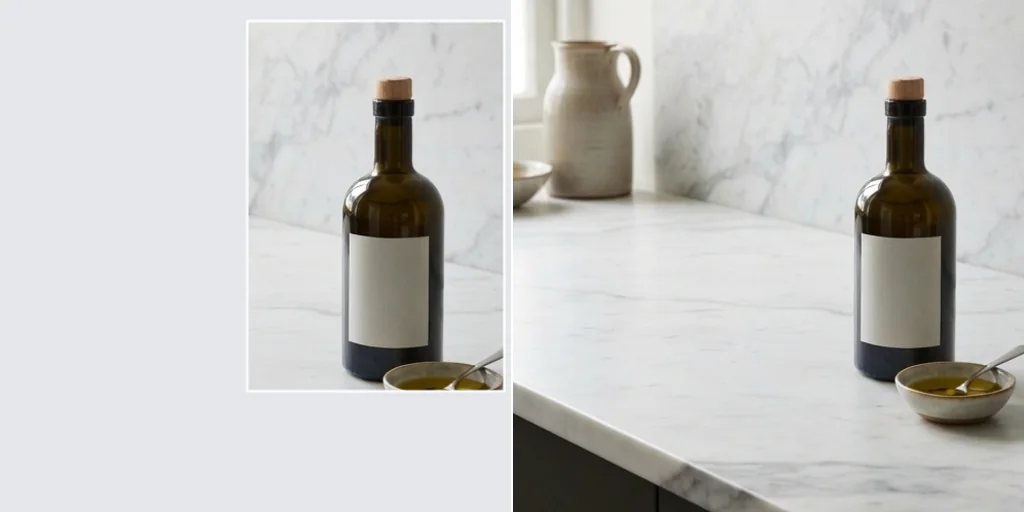
Extend the edges of a photo to a new aspect ratio with AI-generated surroundings.
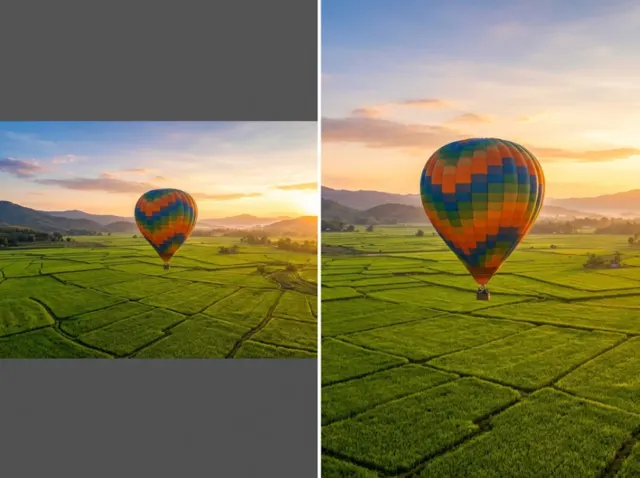 BeforeAfter
Uncrop and expand images with AI precision
Expand images in seconds. Pick a new shape and the AI continues the scene beyond the original edges, matching textures, light and perspective.
Expand an image free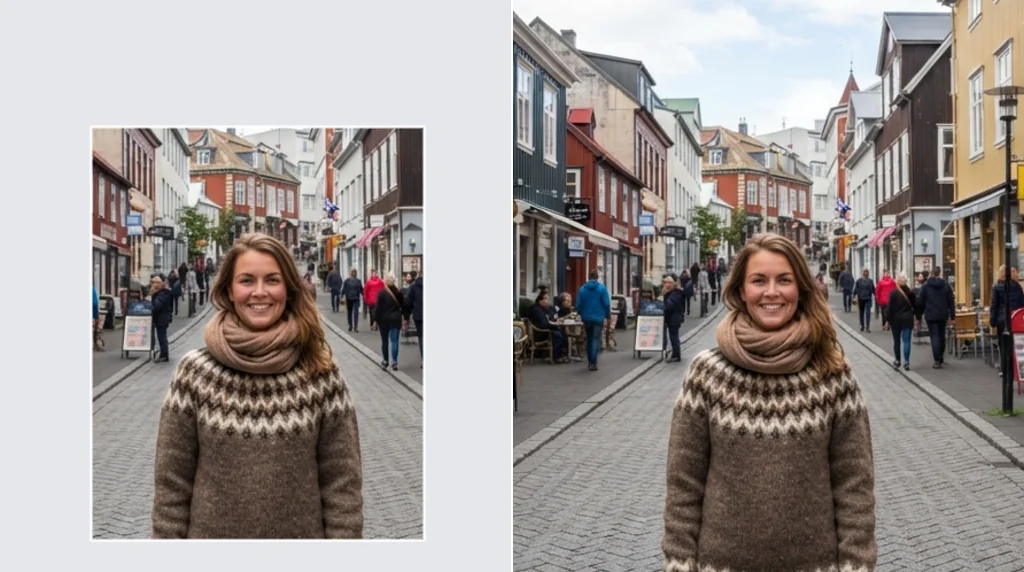
AI-powered image expansion
The AI studies your photo and paints new areas that match its style and details.
Expand images free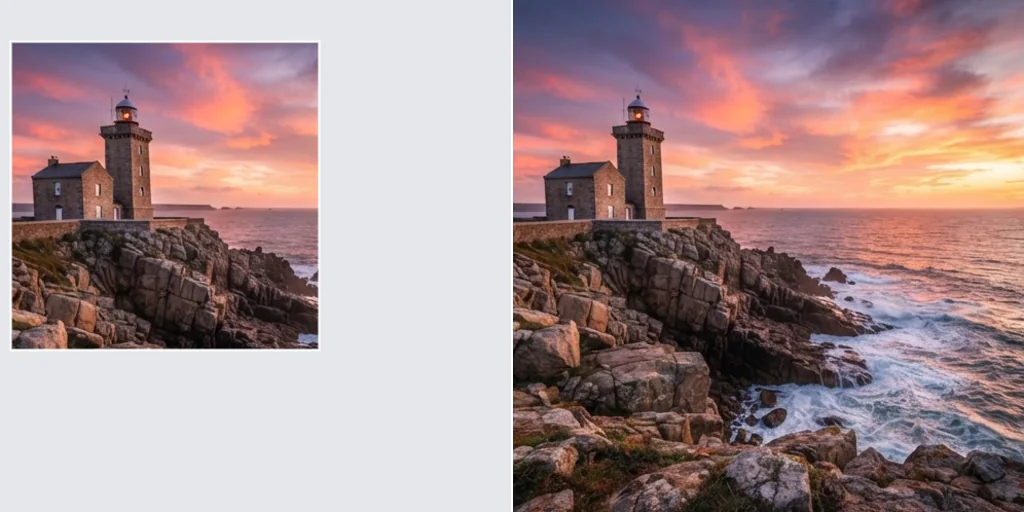
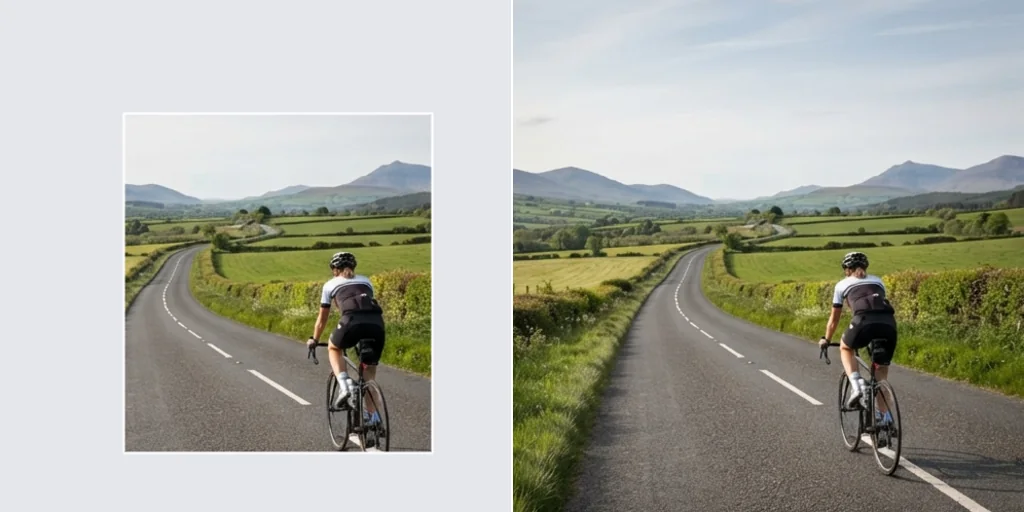
Perfect for social media and photography
Fit any photo to stories, posts, banners or prints without awkward crops.
Expand images free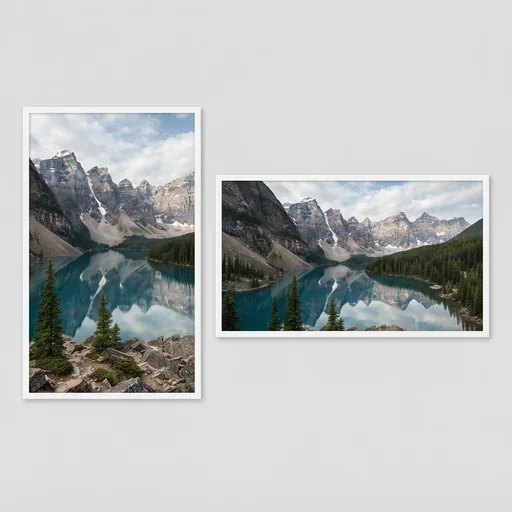
How to use uncrop and expand image AI
- 1
Step 1: Upload your image
Choose a JPEG, PNG or WebP file.
- 2
Step 2: Pick the shape
Select the aspect ratio and optionally describe the new area.
- 3
Step 3: Download
Download the expanded image.
Discover other AI image tools on Jitura

FAQs
What is the uncrop and image expand tool?+
A tool that expands a photo beyond its borders to a new aspect ratio, generating the missing surroundings.
Can I use it for free?+
Yes. Every signed-in account gets free daily operations, and each run uses one. Paid plans add more operations.
How does it expand an image?+
It analyses the edges, colours and perspective and continues the scene outwards.
Which images does it work with?+
JPEG, PNG and WebP up to 10MB.
Will the new areas look natural?+
Usually yes; busy edges with people or text are harder. Describe the new area in the prompt to guide it.
Can I uncrop a photo someone sent me?+
Yes, if you have the right to edit it. The new areas are imagined, not the real original scene.
Is it suitable for professional work?+
Yes. Photographers, designers and marketers use it to fit images to layouts.
How do I get the best results?+
Use a sharp photo and expand to a ratio close to the original first.
Can I customise the new areas?+
Yes. Add an optional prompt describing what should appear there.
How do I download the result?+
Press Download under the result.