
Upload Image*
Click to upload an image
We accept JPEG, PNG, or WEBP formats up to 10MB.
AI Background Prompt
0 / 300Uses 1 daily image generation.
AI Background Generator
Generate a realistic scene around your product or subject.
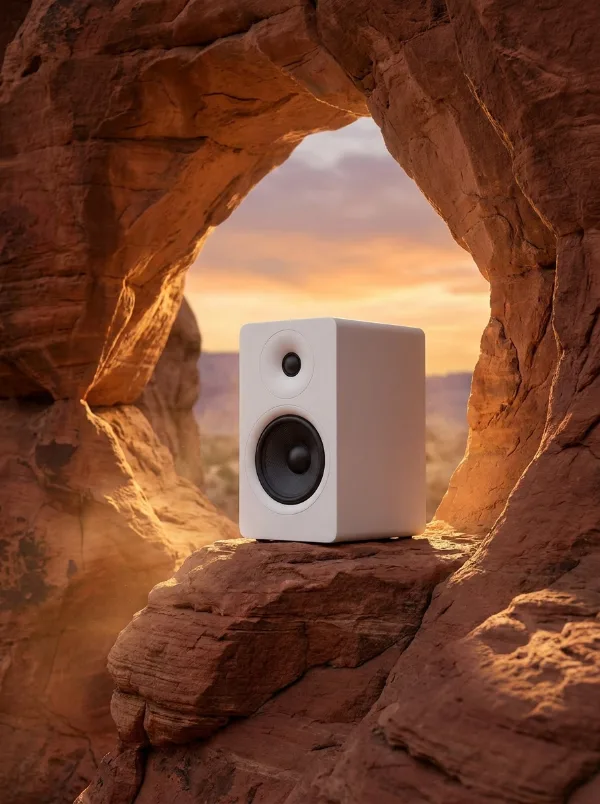
AI background generator for any photo
Create custom backgrounds for your exact needs: keep your product, portrait or artwork and describe the scene you want around it, with light, shadows and reflections that match.
Generate a background free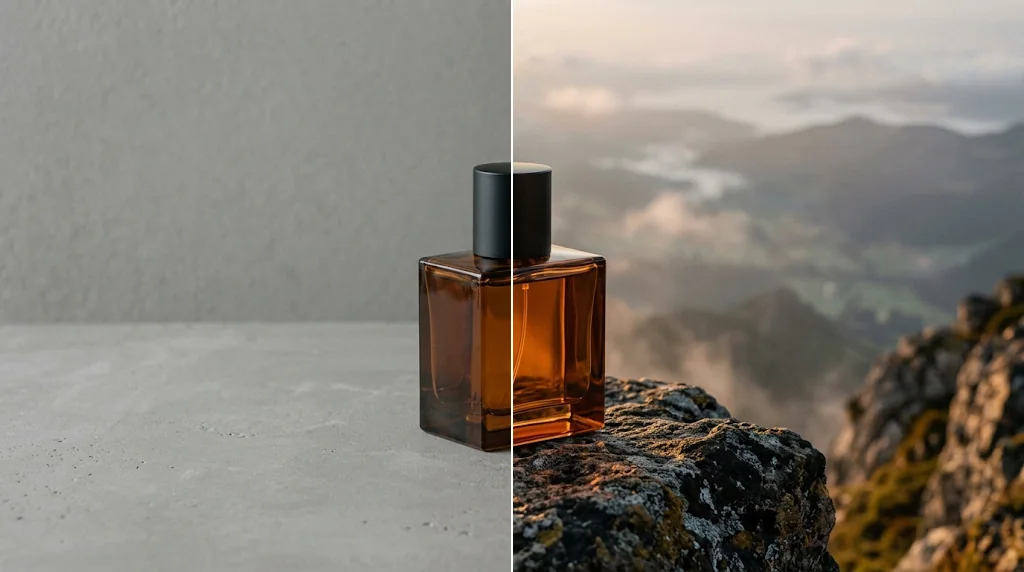
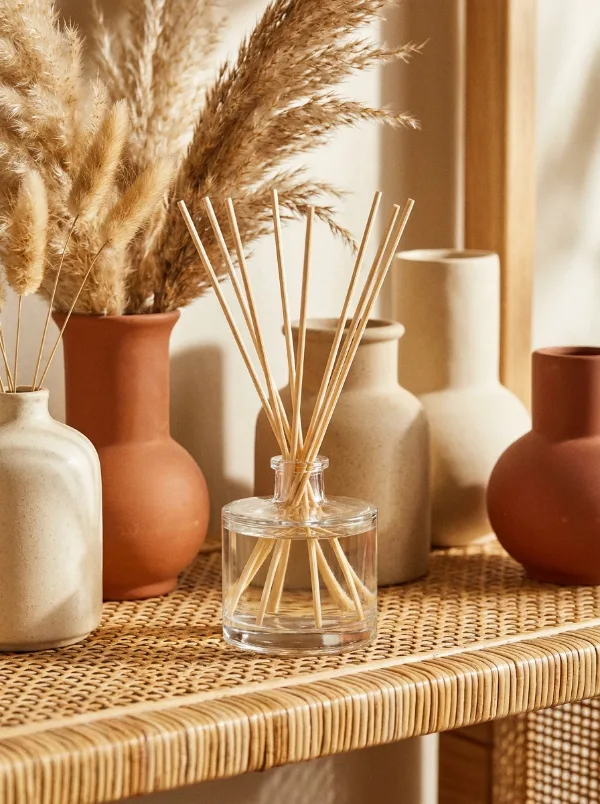
Better product photo backgrounds
Give products custom scenes that fit your brand and campaign.
Generate backgrounds free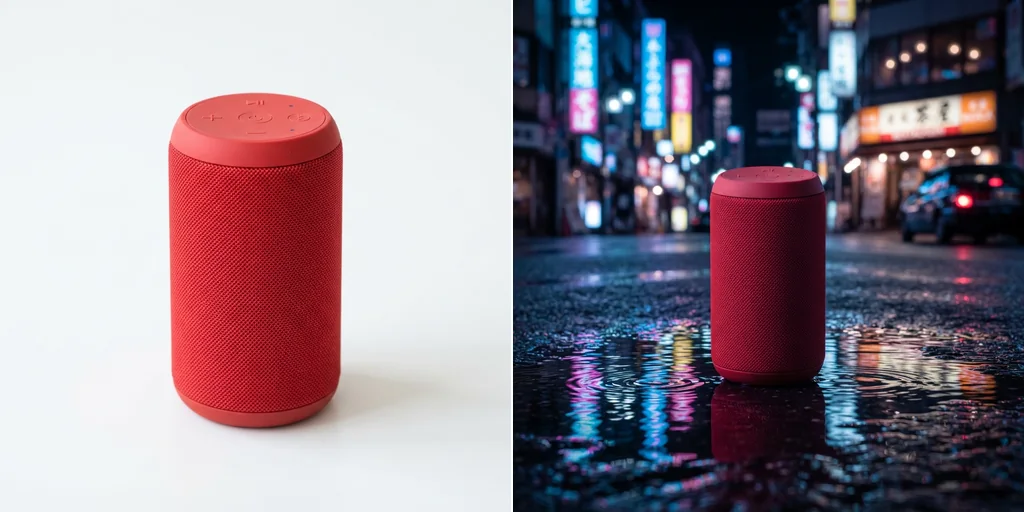
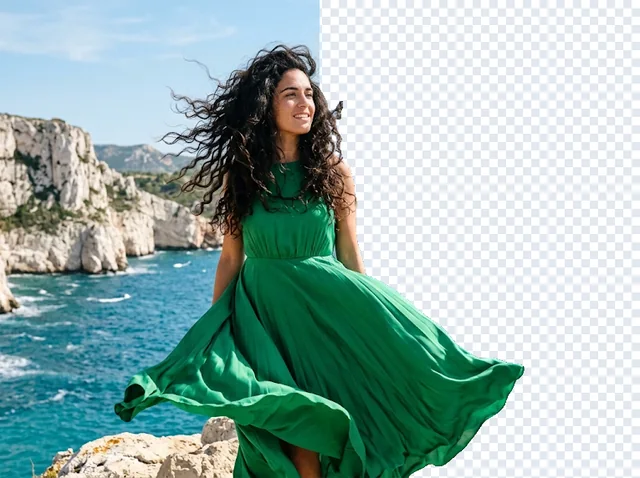
Cool profile picture backgrounds
A backdrop that matches your style for every profile.
Generate backgrounds free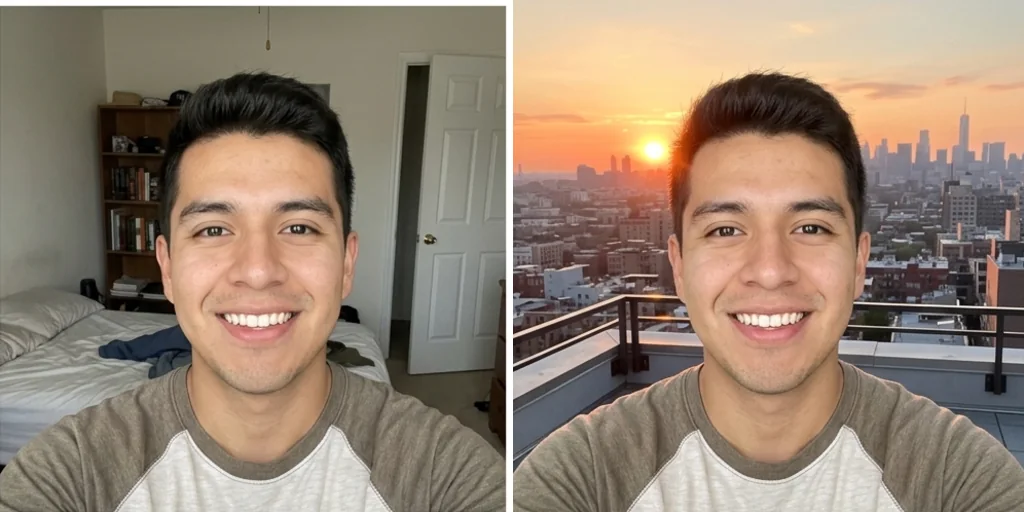
Take your art to the next level
Add depth and atmosphere behind characters and illustrations.
Generate backgrounds free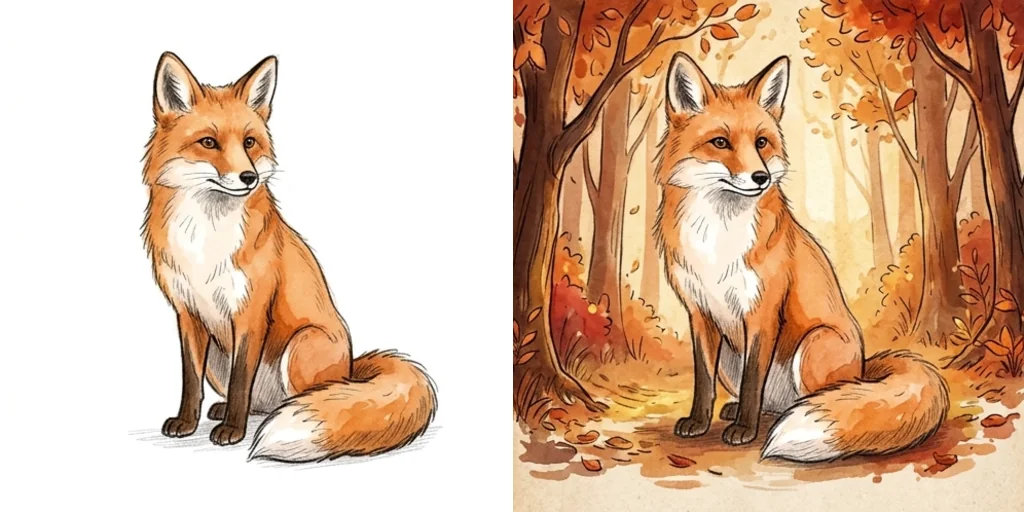
Engaging marketing materials
Scenes for ads, banners and social posts in seconds.
Generate backgrounds free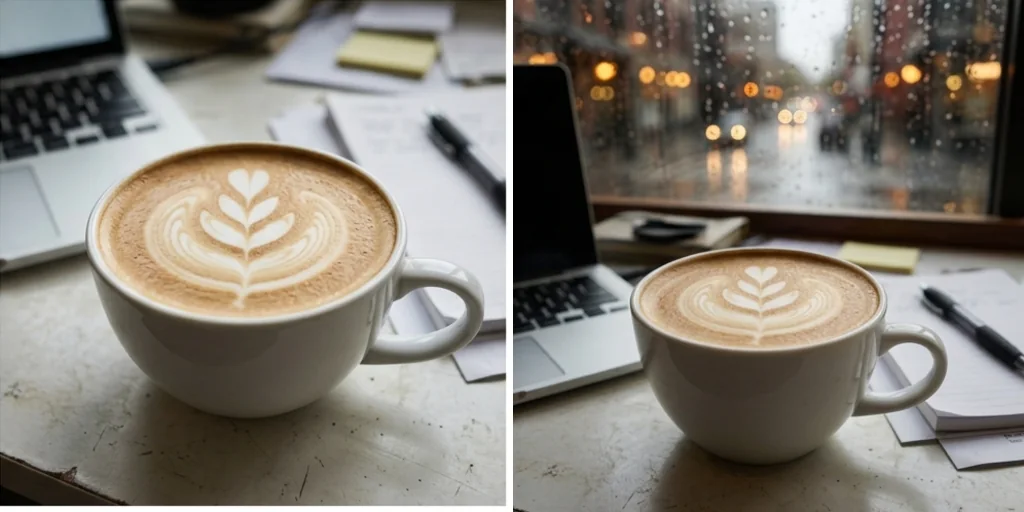
How does the AI background generator work?
- 1
Step 1: Upload your photo
Click to upload or drag in your photo.
- 2
Step 2: Describe the background
Type the scene in the AI Background Prompt box.
- 3
Step 3: Create and save
Press Create and save your new picture.
Your all-in-one AI image studio
Go from a rough idea to a finished asset in one place: generate, edit, enhance and animate with tools built for real creative work.
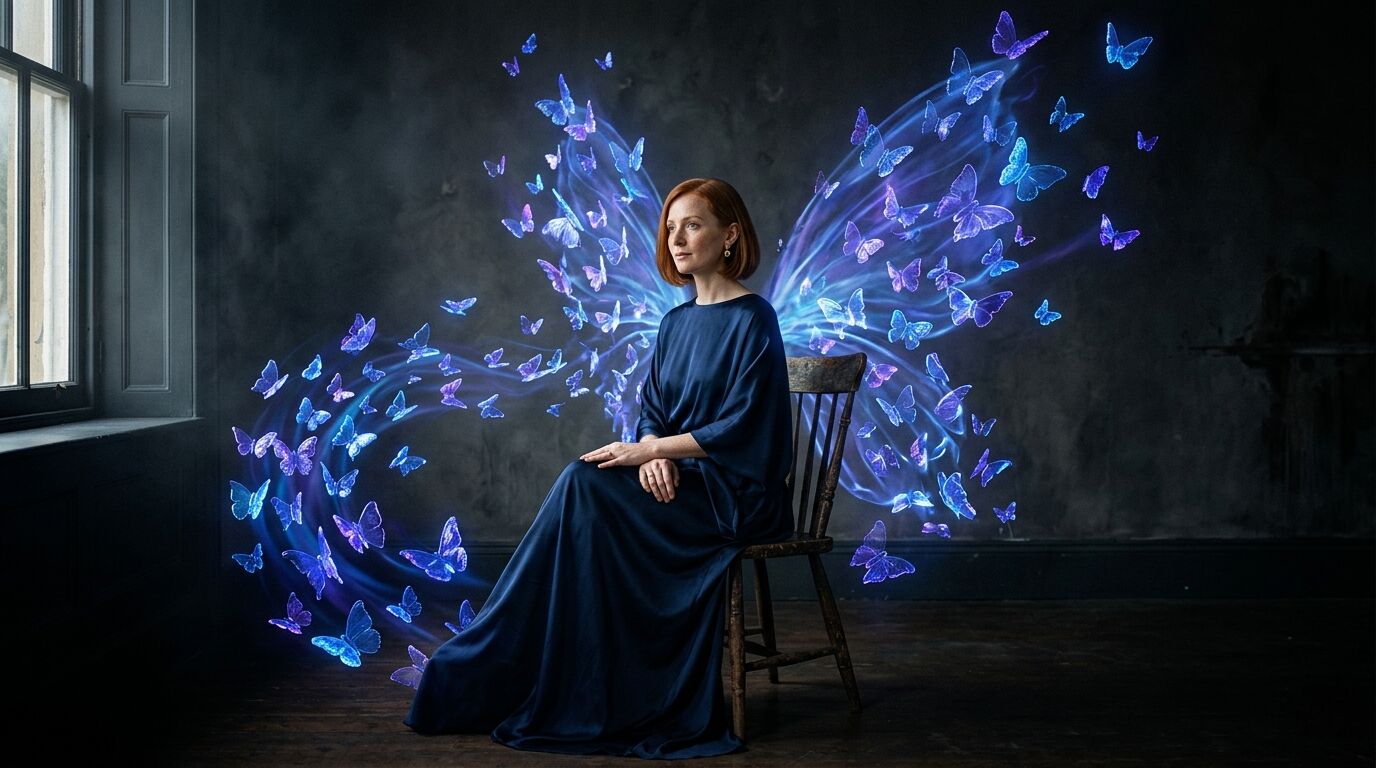
Turn text into images
Describe a scene and get photorealistic or illustrated results in seconds.
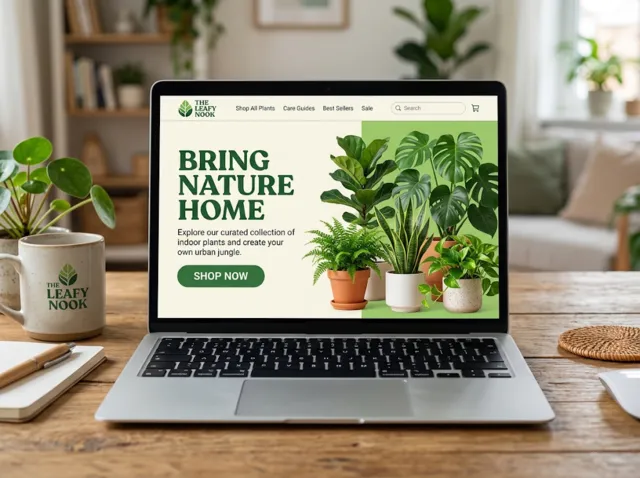
Make platform-ready assets
Posters, banners and flyers sized for social posts, ads and print.
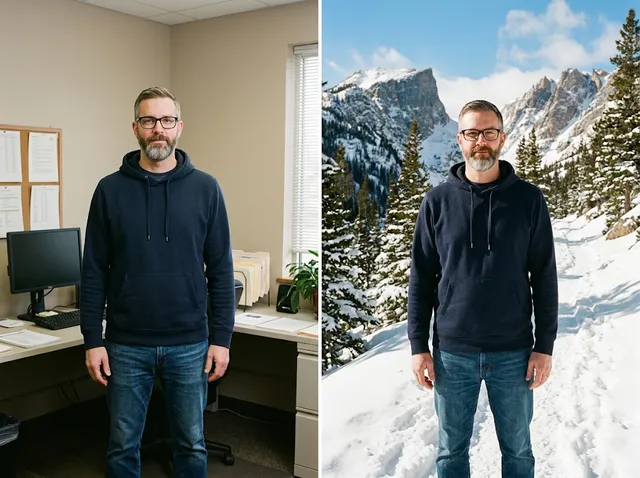
Transform photos
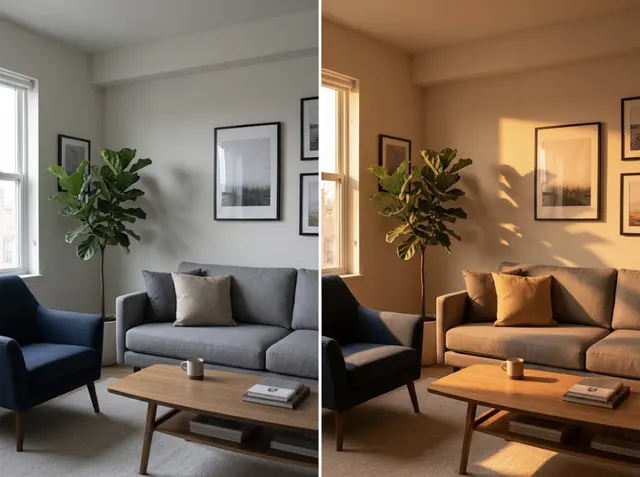
Restyle or change the background of a photo you already have.
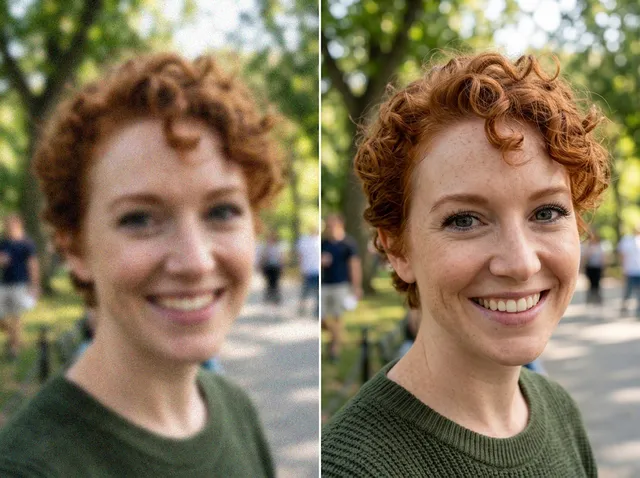
Retouch and enhance
Sharpen faces, remove clutter and upscale images for print.
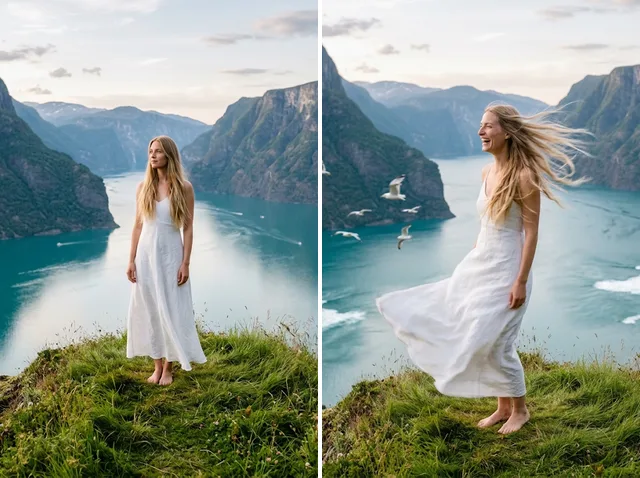
Bring stills to motion
Animate a finished artwork into a short video clip.
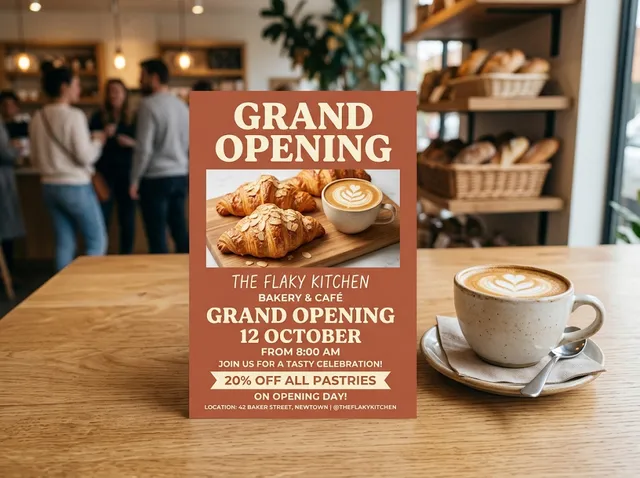
From brief to final asset
Chat with the image, one change at a time, until it is right.
Discover other AI image tools on Jitura
FAQs
What is an AI background generator?+
A tool that keeps the main subject of your photo and generates a new realistic scene around it from your description.
Why use Jitura's background generator?+
It saves photo shoots for products, profile pictures, artwork and marketing, and matches light, shadows and perspective.
What is the best AI background generator?+
One that makes the subject look truly photographed in the new scene. Jitura matches light and reflections automatically.
How do I generate a background?+
Upload your photo, describe the scene and press Create.
Is the background generator free?+
Yes. Every signed-in account gets free daily operations, and each run uses one. Paid plans add more operations.
What kinds of backgrounds can I make?+
Any scene you can describe: nature, cities, studios, interiors, seasons or fantasy worlds.
Are there any restrictions?+
Jitura's content rules apply: no explicit, hateful or misleading images of real people.
Can I try again if I don't like it?+
Yes. Press Create again or change the description; each run uses one daily operation.
How does it work?+
Like an image generator guided by your photo: the model reads your prompt and paints the scene while keeping your subject.
Try the AI background generator free today
Custom backgrounds for all your photos.
Try the background generator