
AI Product Staging
Add a product image and describe the scene you want.
Free outputs may appear in the public gallery. Learn more
Create product photos shoppers can imagine using
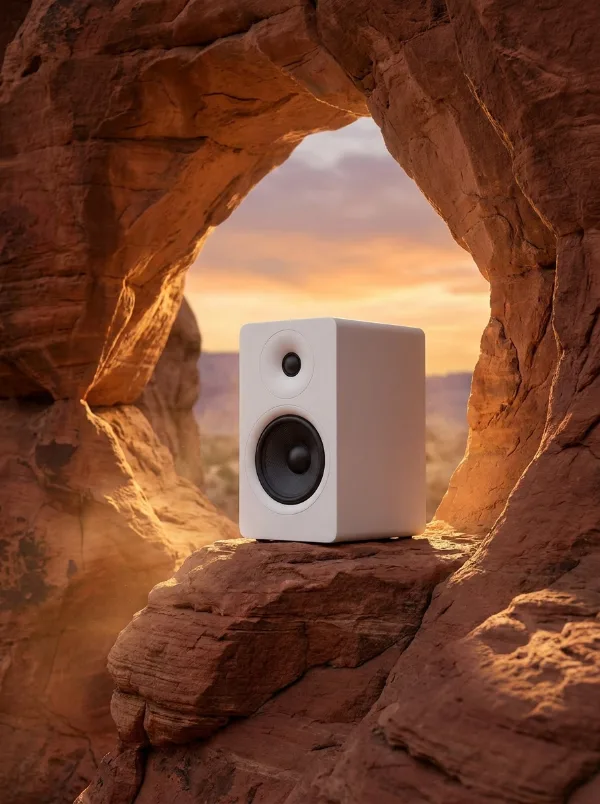
Flat product shots show the item, not the desire. Jitura turns your product photo into realistic lifestyle scenes, so shoppers can picture wearing, holding, using or gifting it.
Stage products free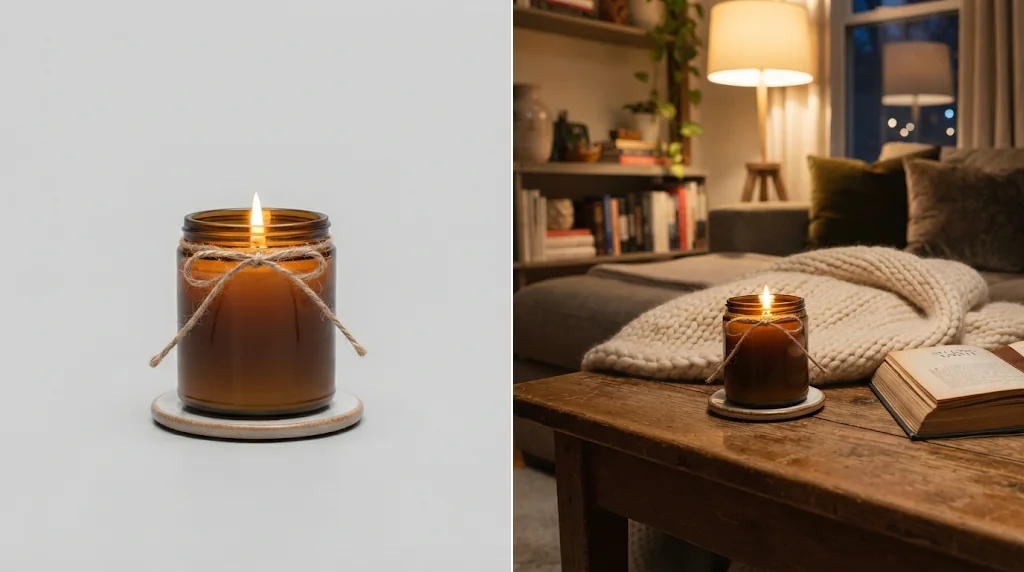
Make products feel ready to own
Real-life scenes help shoppers picture the item in use.
Scenes without editing
Matching background, light, materials and mood, generated for you.
Skip the photo shoot
Listing, launch, seasonal and ad visuals without studios or sets.
Turn product photos into shopping desire
Describe the scene, from a coffee table to a beach campaign, and the product appears in it naturally.
Stage products free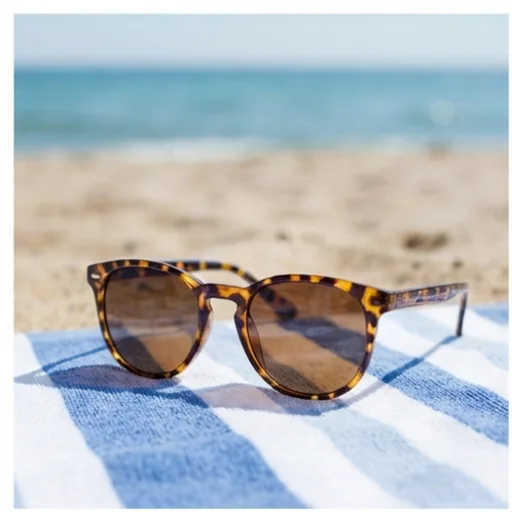
Studio-grade scenes without studio costs
Natural light, styled props, balanced composition and realistic textures without a set or crew.
Stage products free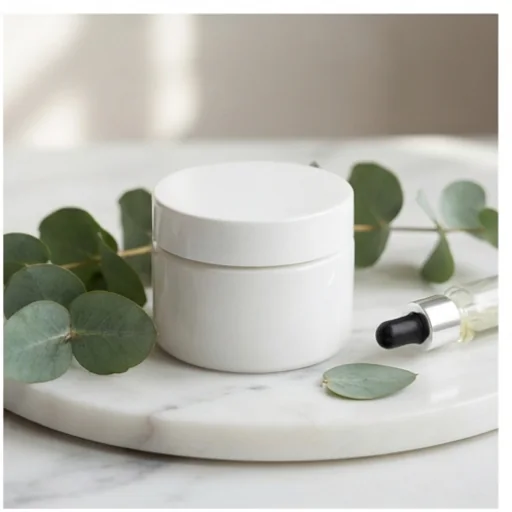
A fresh seasonal angle for every product
Turn one product photo into holiday, summer, gift and sale visuals.
Stage products free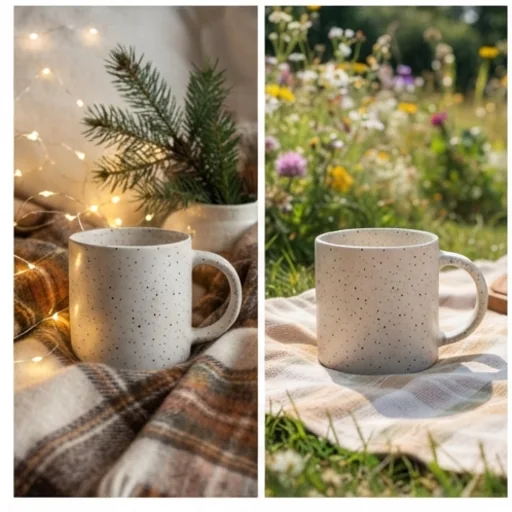
Staging images for every platform
Choose the size for banners, listings and social posts.
Stage products free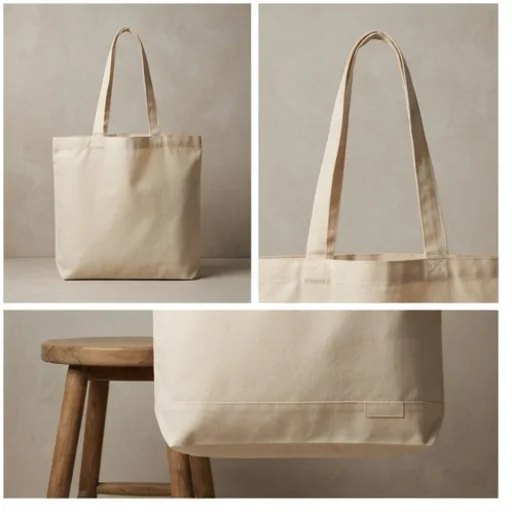
AI product staging for real selling moments
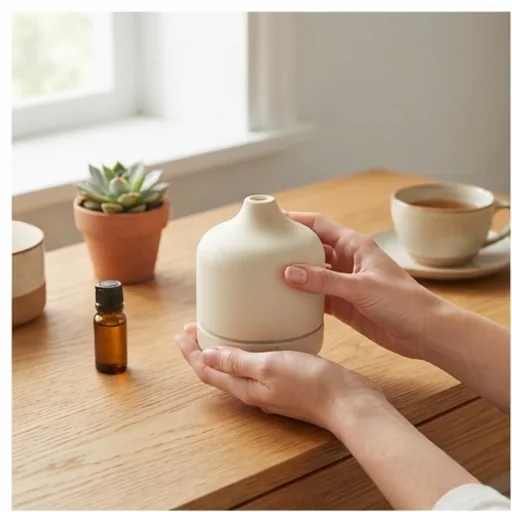
Make the first image feel less flat
Realistic rooms, hands, desks and outdoor scenes.
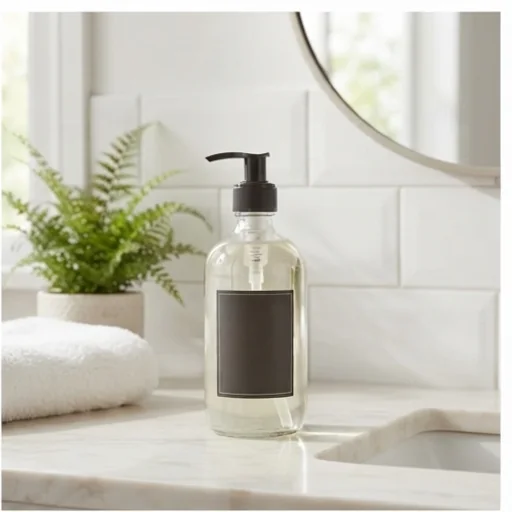
Stop the scroll with real context
Styled, usable-looking scenes for social posts.
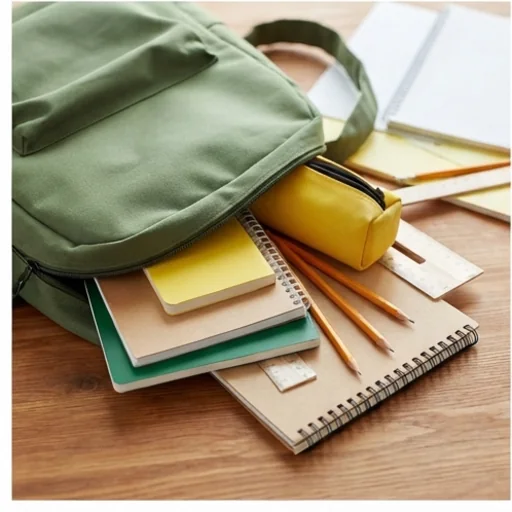
Match the offer to the moment
Holiday, summer or back-to-school scenes without a new shoot.
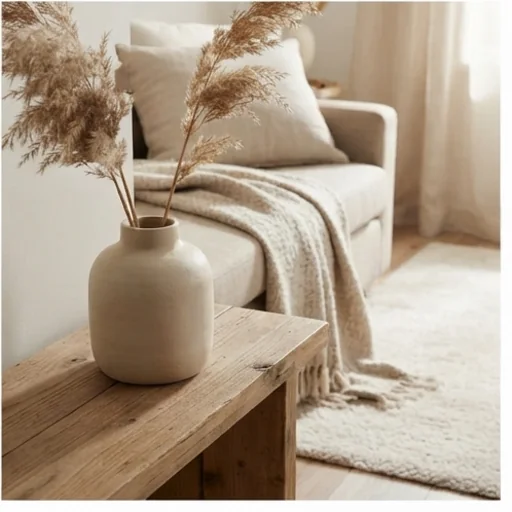
Make more SKUs feel premium
A stronger lifestyle look for plain catalogue photos.
How to create AI product staging images on Jitura
- 1
Step 1: Upload a product photo
Add a clear product photo with the item visible.
- 2
Step 2: Describe the scene
Write the lifestyle scene, mood, setting or campaign goal.
- 3
Step 3: Create and download
Create, review and download the staged image.
Discover other AI image tools on Jitura
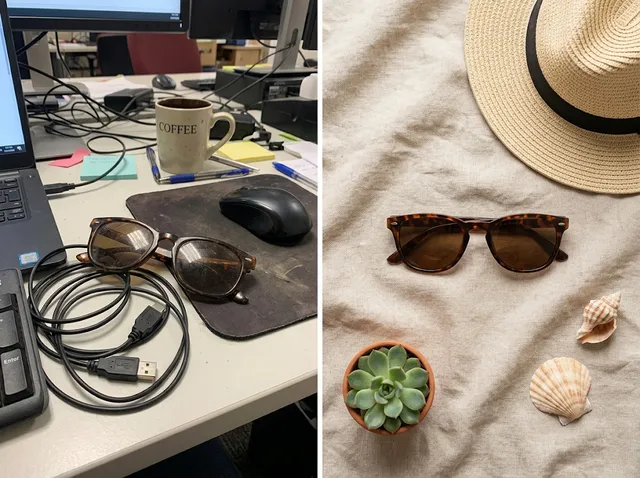
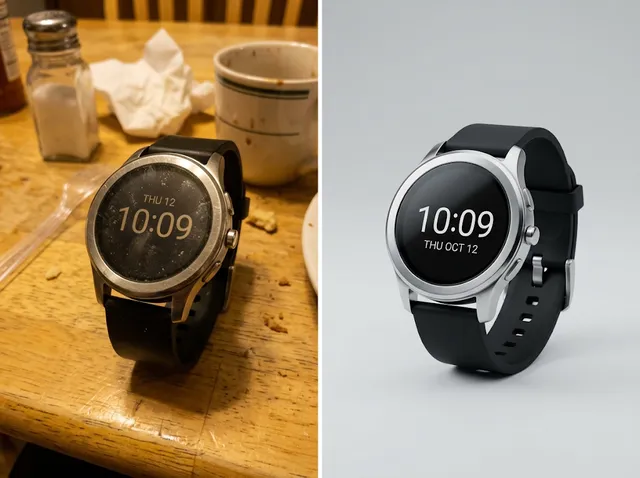
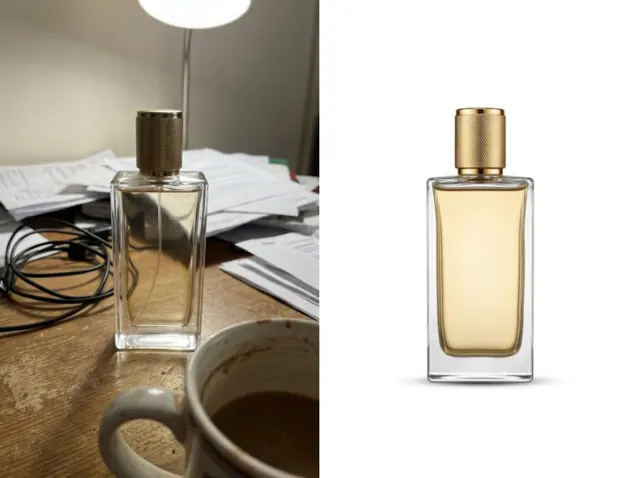
FAQs
What is an AI product staging tool?+
An image tool that places your product photo in realistic lifestyle scenes so shoppers see how it looks in use.
How does it help e-commerce sales?+
Context shows size, use and style at a glance, which builds confidence and makes listings and ads more engaging.
Which products work best?+
Accessories, shoes, bags, jewellery, beauty products, packaged goods, home items and gadgets with a clear photo.
Do I need a studio, photographer or design skills?+
No. Your existing product photo and a short scene description are enough.
Can I control the scene or background?+
Yes. Describe the background, mood, props, season, use and style.
Can I use product staging for free?+
Yes. Every signed-in account gets free daily operations, and each image uses one. Paid plans add more operations, higher resolutions and private outputs.
Turn every product photo into a sales-ready scene
Polished staging images that make items look styled and desirable.
Try AI product staging