
Upload Image*
Click to upload an image
We accept JPEG, PNG, or WEBP formats up to 10MB.
Uses 1 daily image generation.
White Background
Put your product on a clean white studio background.
 BeforeAfter
Add a white background to photos effortlessly
Add a clean white background to any image in one click: perfect for product listings, ID-style portraits and simple social visuals.
Add a white background free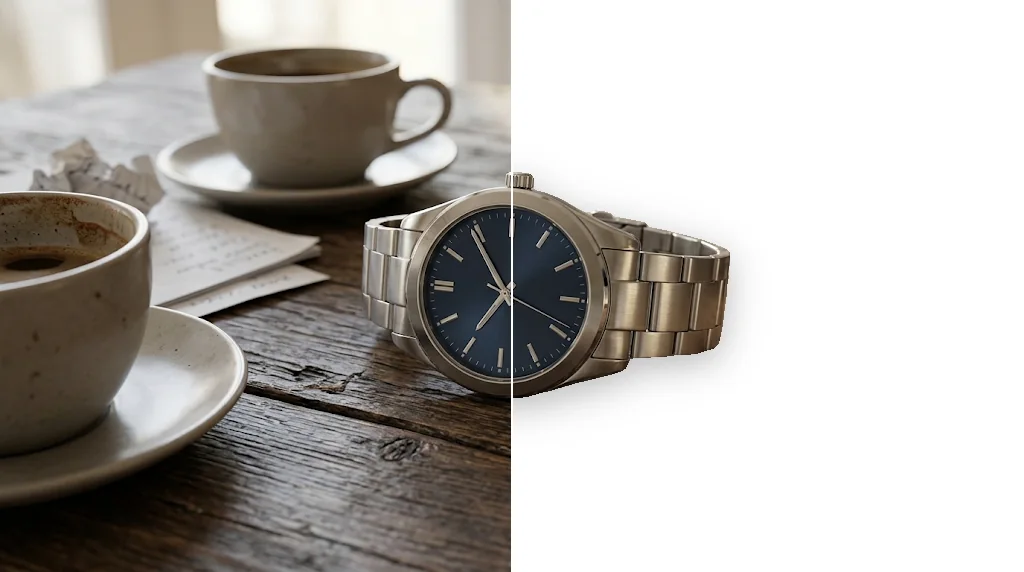
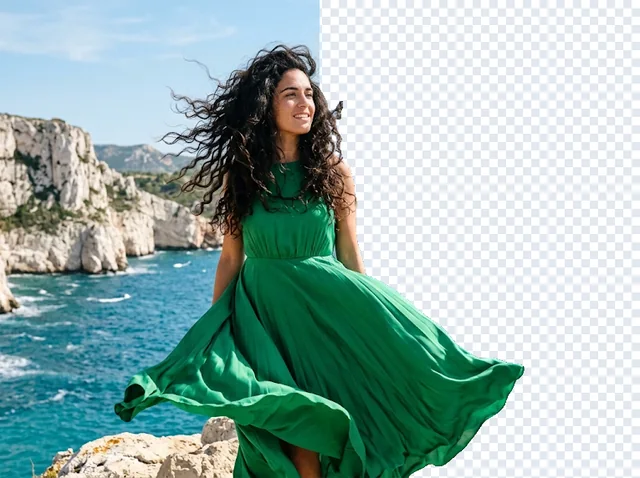
Remove background clutter
Messy backgrounds disappear and your subject sits on clean white.
Add white backgrounds free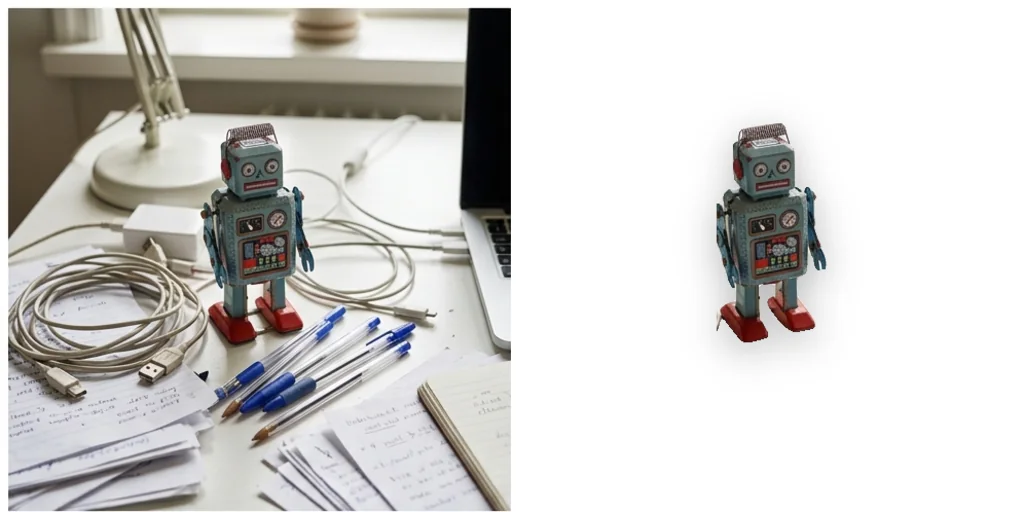
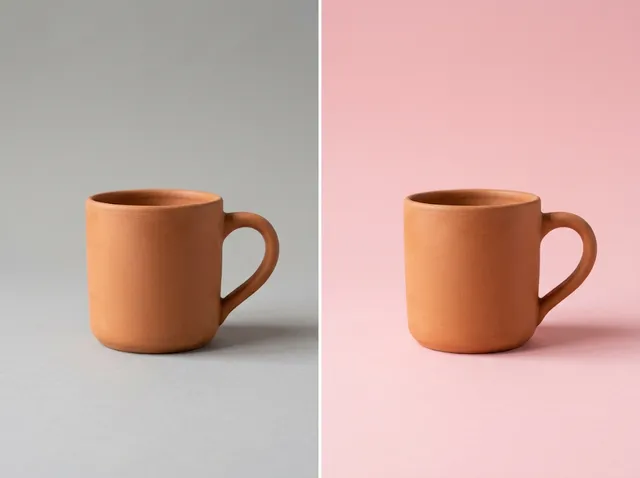
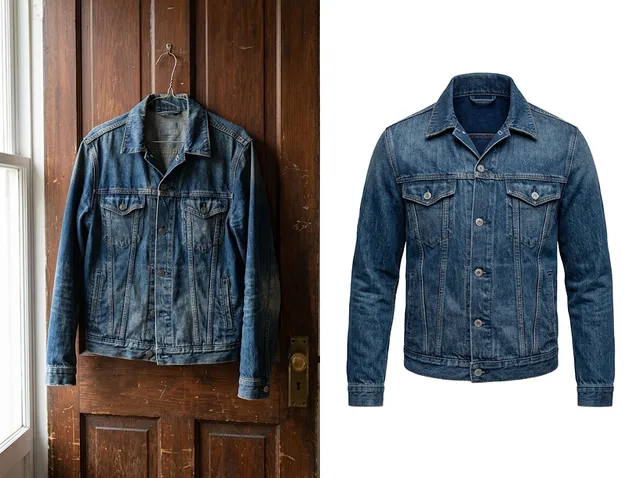
Better e-commerce photos
Marketplace-style white backgrounds with a natural contact shadow.
Add white backgrounds free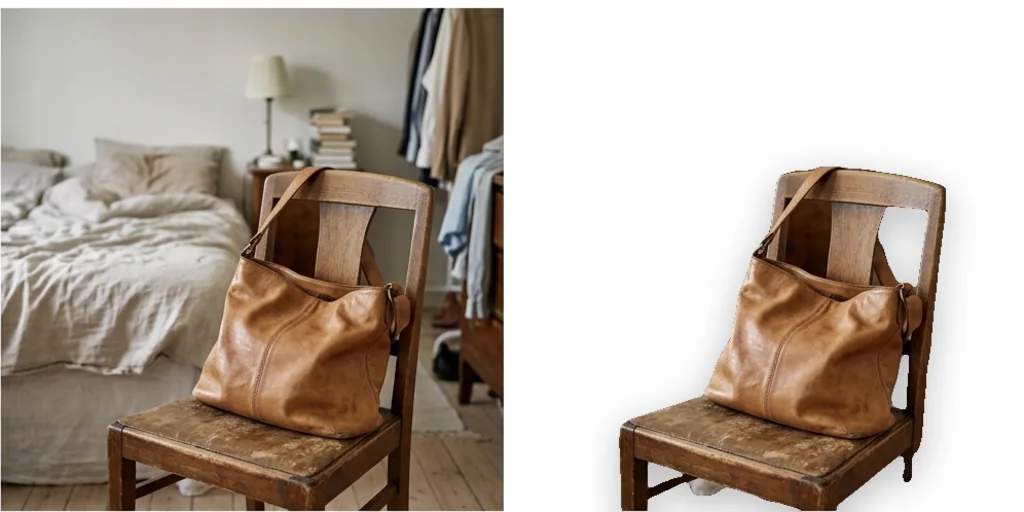
Beautiful personal portraits
Clean white backgrounds for professional or ID-style portraits.
Add white backgrounds free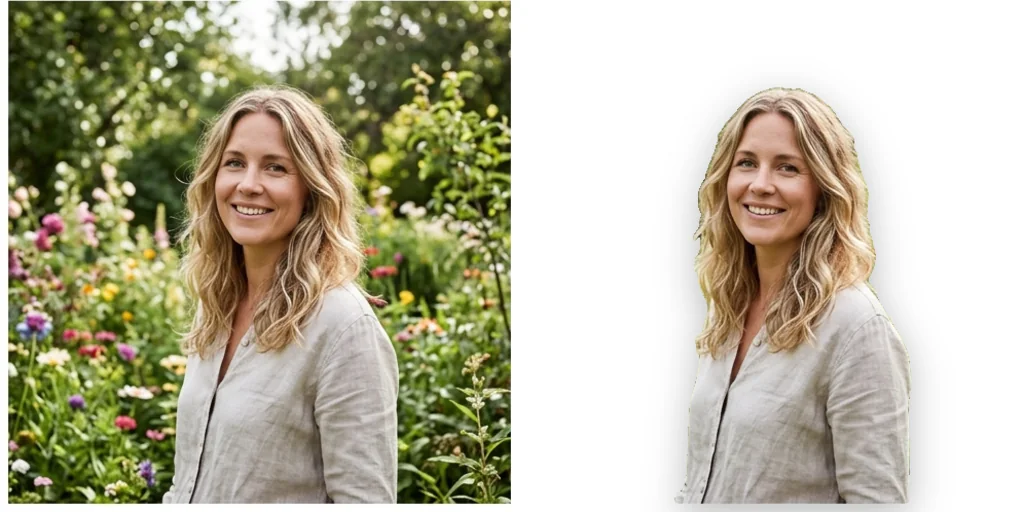

How does the white background tool work?
- 1
Step 1: Upload your photo
Click to upload or drag in your photo.
- 2
Step 2: Create
The AI finds the background and replaces it with pure white.
- 3
Step 3: Download
Download and save the photo.
Discover other AI image tools on Jitura

FAQs
What is a white background tool?+
A tool that removes the background of an image and puts the subject on pure white.
Why use Jitura's white background tool?+
It is fast and gives marketplace-ready product photos and clean portraits with a soft natural shadow.
What is the best AI white background editor?+
One that keeps the subject exact and adds a realistic shadow. Jitura does both in one step.
How do I add a white background with AI?+
Upload the photo and press Create.
Is the white background tool free?+
Yes. Every signed-in account gets free daily operations, and each run uses one. Paid plans add more operations.
Is it accurate?+
It separates the subject cleanly in most photos; check fine edges such as hair or glass before you publish.
Does it work on any photo?+
Any JPEG, PNG or WebP up to 10MB with a clear main subject.
Try the white background tool for free
Add a white background to any photo instantly.
Try white background