
AI Ghost Mannequin Generator
Turn apparel photos into ghost mannequin product shots that show the garment's shape without a visible model.
Free outputs may appear in the public gallery. Learn more
Create ghost mannequin photos faster
Turn apparel photos into clean ghost mannequin shots without studio setups or hours of masking, so collections are ready for stores and marketplaces sooner.
Create ghost mannequin photos free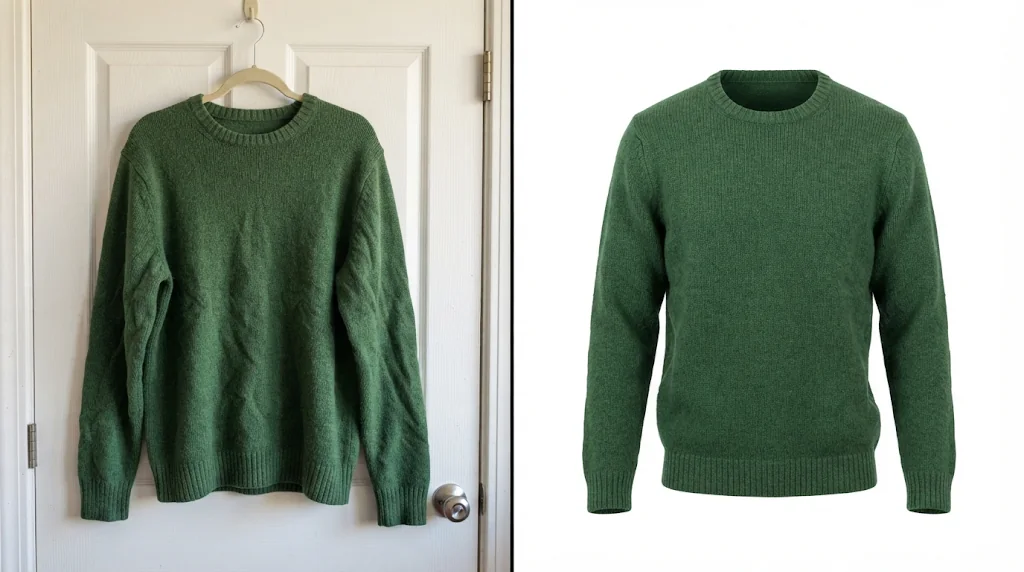
Show shape without a model
Collars, sleeves and drape filled out like a real body.
Consistent e-commerce photos
Clean, matching images for stores and catalogues.
Less retouching for new drops
Refresh colourways and launches without editing queues.
Turn flat lays into filled shapes
Flat lays are easy to shoot but look lifeless; give garments natural 3D volume.
Create ghost mannequin photos free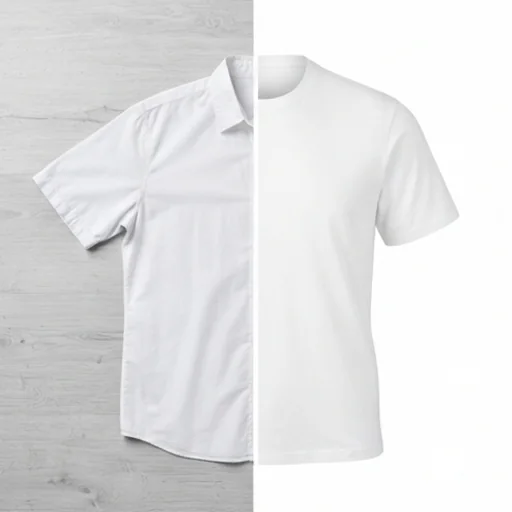
Keep collars, sleeves and fabric clear
Necklines, sleeves, hems and texture stay easy to inspect.
Create ghost mannequin photos free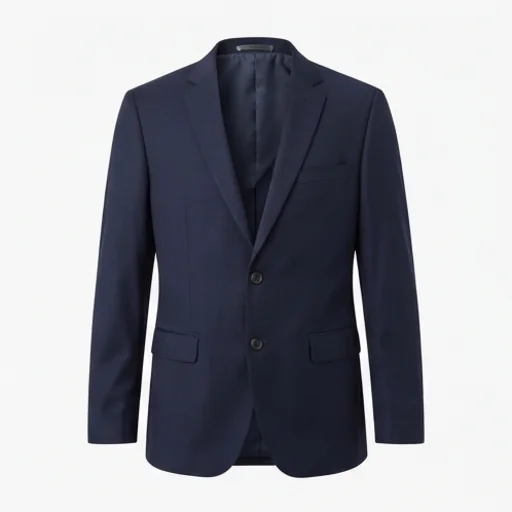
Refresh large catalogues fast
Get many SKUs live without manual editing delays.
Create ghost mannequin photos free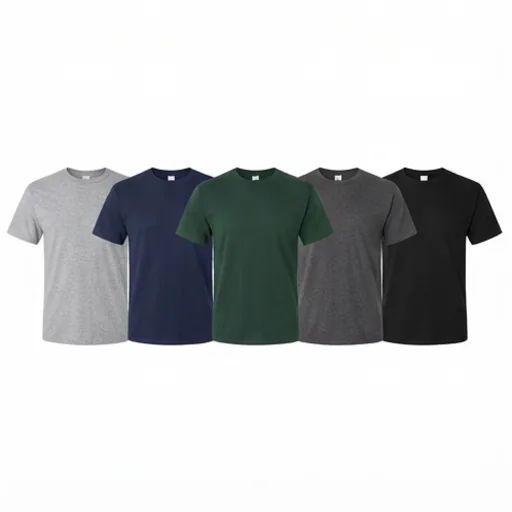
Match store and marketplace standards
Clean white backgrounds and consistent framing.
Create ghost mannequin photos free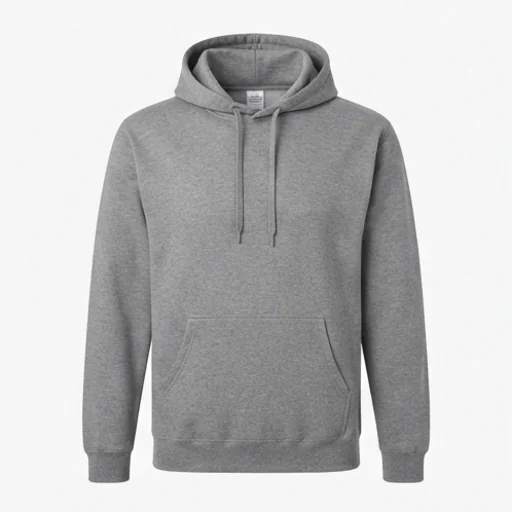
Built for e-commerce apparel visuals
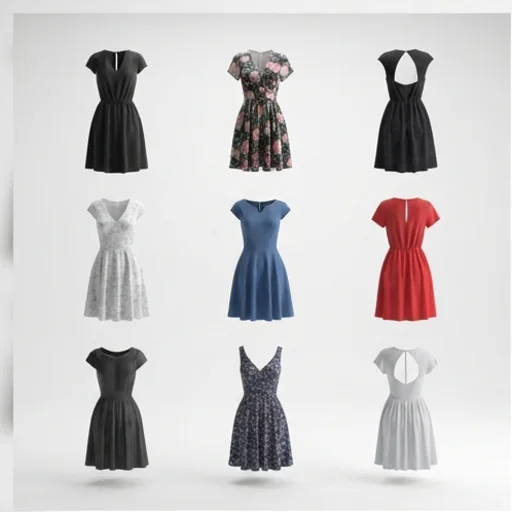
Catalogue-ready image sets
Clean shots to compare silhouettes across a collection.
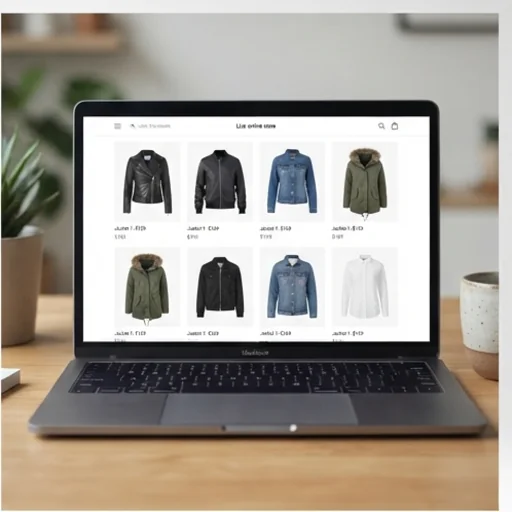
Storefront visuals
Refresh your store before a launch.
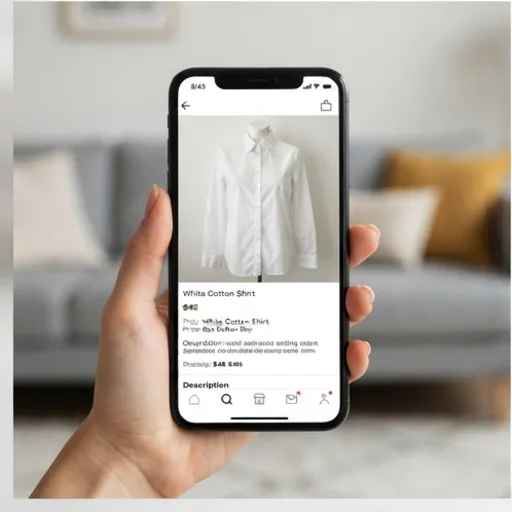
Marketplace photo sets
Front-facing images that meet listing rules.
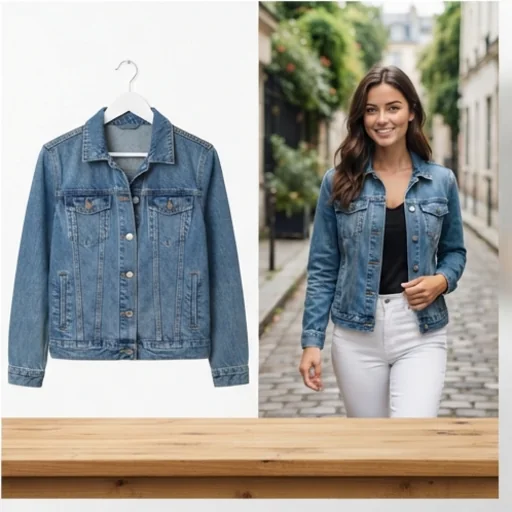
Campaign-ready visuals
A base for campaign concepts and try-ons.
How to create ghost mannequin product photos
- 1
Step 1: Start with the garment
Add a flat lay, hanger or mannequin shot with the full outline visible.
- 2
Step 2: Create
Create; the garment is filled out like an invisible mannequin.
- 3
Step 3: Export
Download the image for your catalogue, listing or ad.
Discover other AI image tools on Jitura
FAQs
What is an AI ghost mannequin generator?+
A tool that turns apparel photos into invisible-mannequin images that show the garment's shape without a model.
What is the best AI ghost mannequin generator?+
One that keeps fabric and print exact while building natural volume. Jitura's generator does both on a pure white background.
Can I try it for free?+
Yes. Every signed-in account gets free daily operations, and each image uses one. Paid plans add more operations, higher resolutions and private outputs.
How do I make a flat lay look like a ghost mannequin photo?+
Upload a clear flat lay with the whole garment visible and create; the AI adds natural 3D volume and the inner neckline.
Which photos work best?+
Clear, front-facing apparel photos with the full outline visible. Sharpen a soft photo with the Image Enhancer first.
How is it different from a photo editing service?+
It creates the result online in seconds instead of manual compositing, so you can refresh large catalogues quickly.
Create ghost mannequin photos for e-commerce
Turn everyday apparel shots into clean, professional product photos.
Try the ghost mannequin generator