
AI Virtual Try-On
Generate try-on photos in minutes for apparel, footwear and accessories: studio-quality shots that sell, without the studio.
Sign in to create. Every account gets free daily operations; each image uses one.
Create realistic on-body images from flat product shots
Go beyond flat product shots. Jitura's virtual try-on puts apparel, footwear and accessories on a real-looking model with natural drape, light and shadows, so shoppers see how it fits.
Try on products free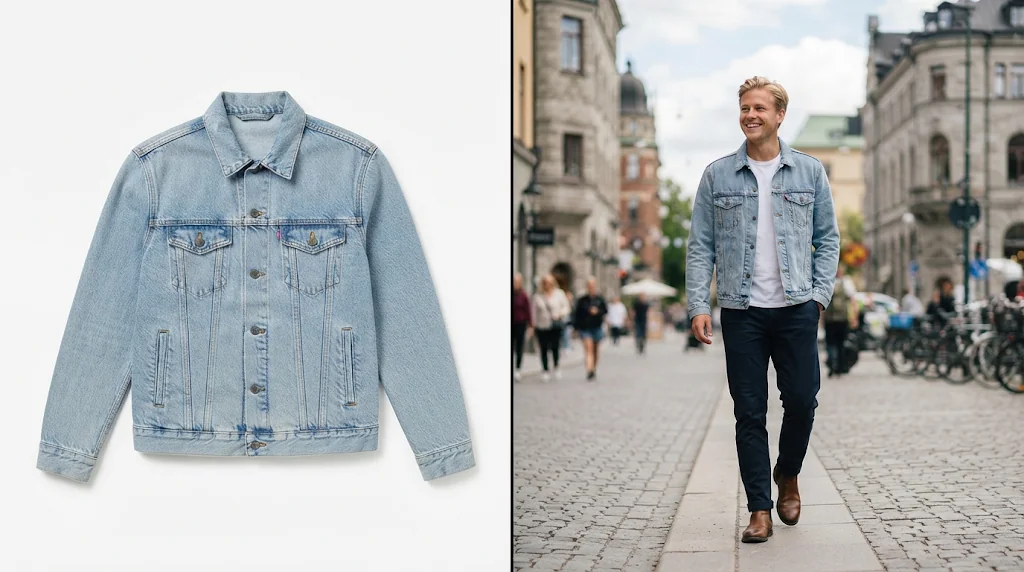
Universal product support
Tops, dresses, shoes, bags and jewellery shot on-model.
No learning curve
Add the model and the product; light and fit are handled for you.
True-to-life drape
Folds and shadows follow the model's body naturally.
From product to ad campaign in seconds
Generate ready-to-use creative for social ads, emails and listings straight from a product photo.
Create try-on photos free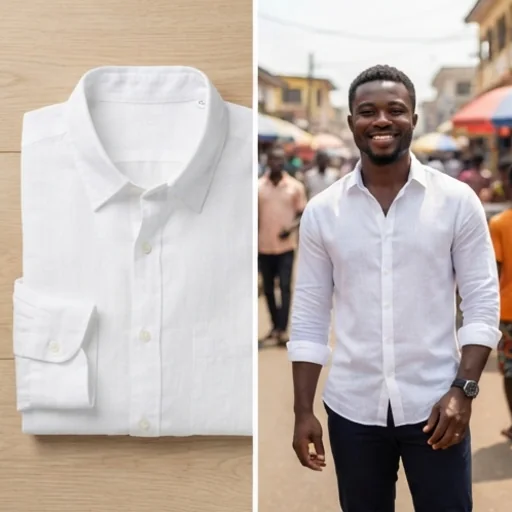
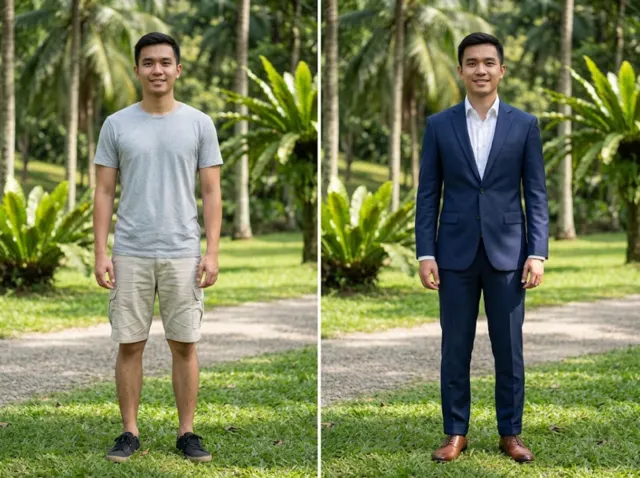
Reach more shoppers with diverse models
Use your own model photo or choose different models to show the product on many people.
Create try-on photos free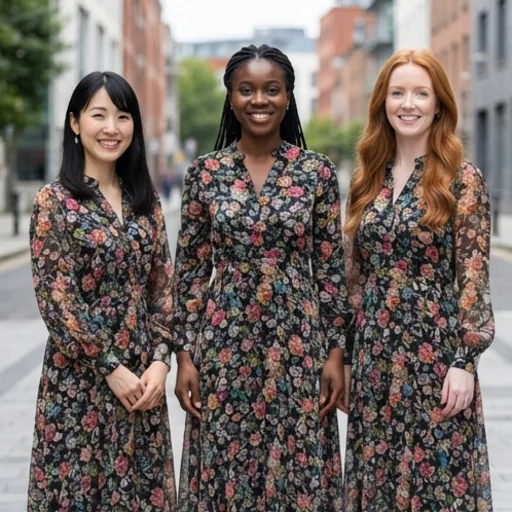
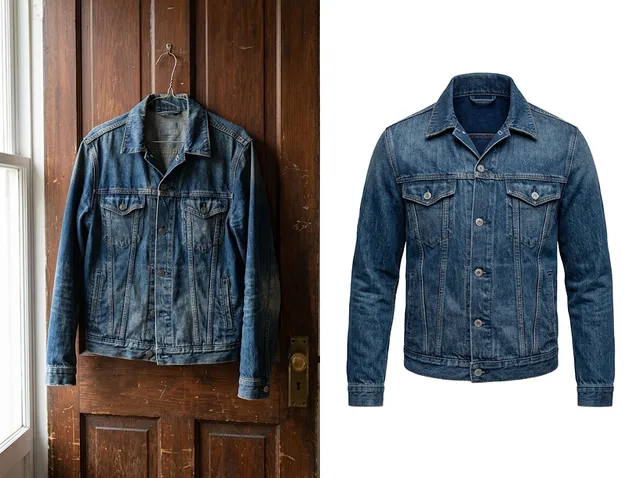
Buyer confidence through fine detail
The flow of silk, the texture of knit and the fit of a collar stay visible.
Create try-on photos free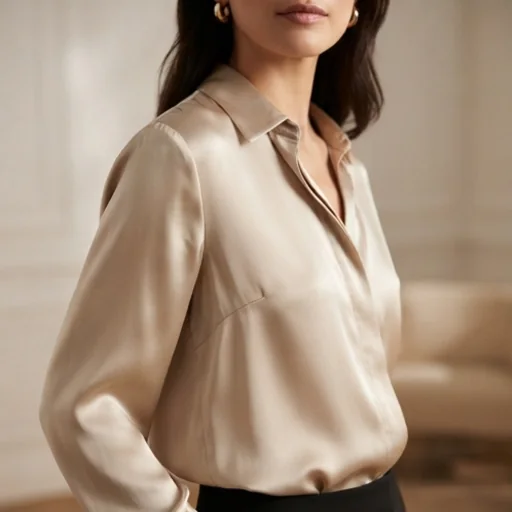
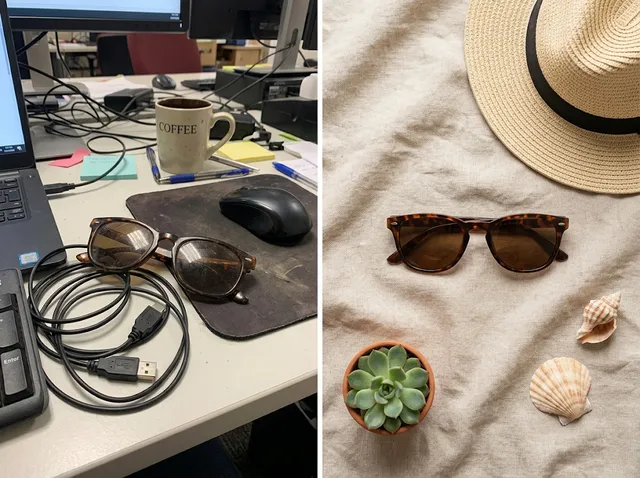
Complete lifestyle looks
Layer clothing and accessories in lifestyle scenes to sell the whole outfit.
Create try-on photos free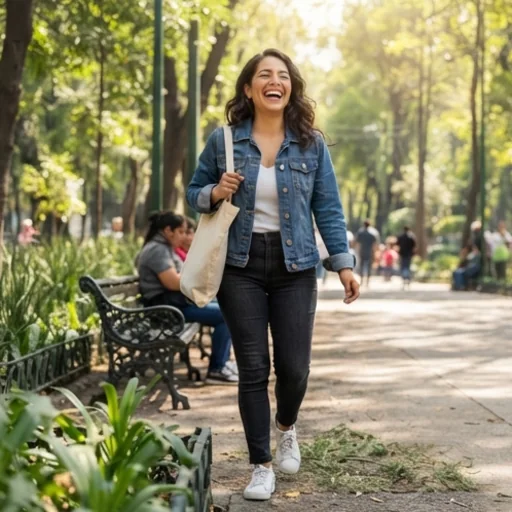
AI virtual try-on for every creative brand
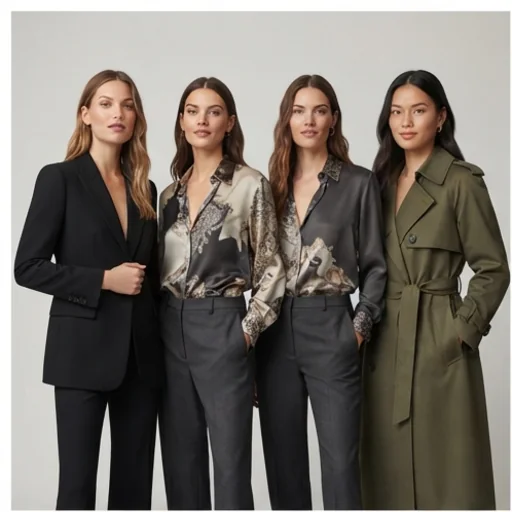
Show your whole catalogue on models
Every piece on a real-looking model, without a shoot.
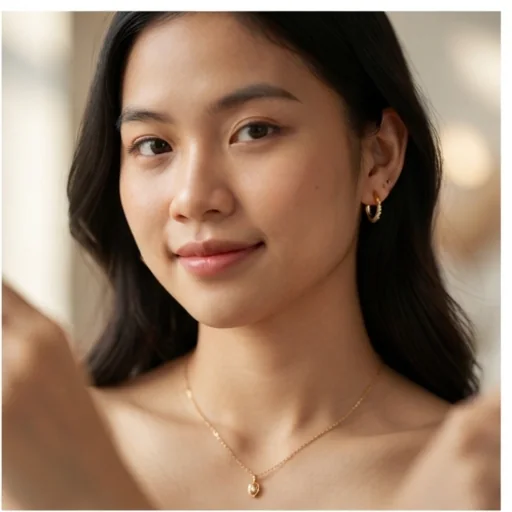
Show fine details at low cost
How a necklace sits or how earrings frame a face.
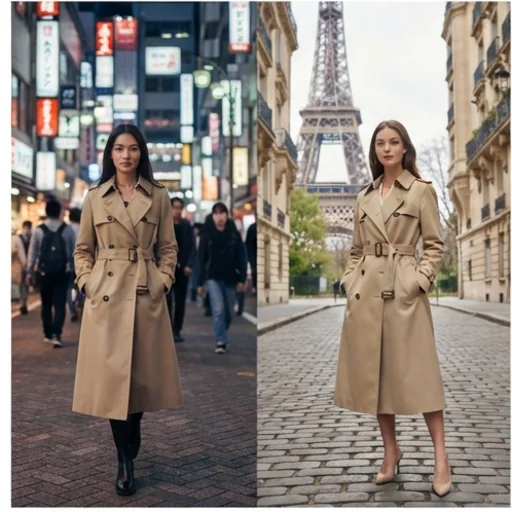
Localise campaigns
Different models and settings for regional markets.
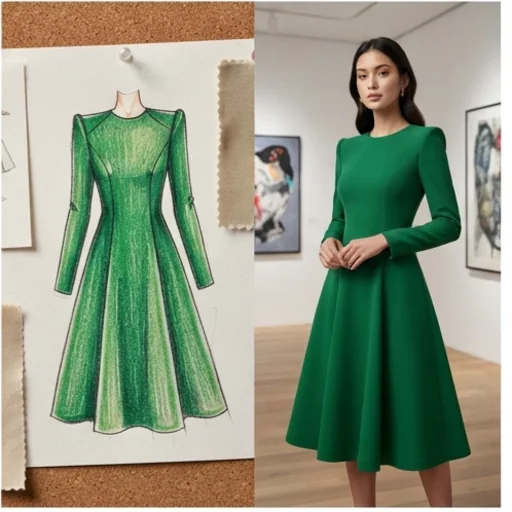
Test new concepts instantly
See a new design on a person before production.
How to create a virtual try-on with Jitura for free
- 1
Step 1: Add the photos
Add the model photo first, then the product, with +.
- 2
Step 2: Describe the shot
Add styling notes such as the pose, setting and light.
- 3
Step 3: Create and save
Press send and download your try-on photos.
Discover other AI image tools on Jitura
FAQs
What is an AI virtual try-on?+
A generator that shows how clothes or accessories look on a person without a photo shoot, from a product photo and a model photo.
Why use Jitura's virtual try-on?+
It keeps the product's design, colours, pattern and logo identical while fitting it naturally to the model, and you can switch to a product image set or product shot in the same box.
Can I use the virtual try-on for free?+
Yes. Every signed-in account gets free daily operations, and each image uses one. Paid plans add more operations, higher resolutions and private outputs.
Does it support different body shapes?+
Yes. Use model photos with different body types, ages and backgrounds to show your product on the people who buy it.
How realistic are the results?+
Very realistic for most clothing and accessories, with natural folds, light and shadows. Check small details such as logos and buttons before publishing.
Can I use the try-on photos in my ads?+
Yes, as long as you have the rights to the product and model photos you upload. Paid plans can keep outputs private.
Get publish-ready virtual try-ons in a few clicks
On-model photos that sell, without the studio.
Try the virtual try-on