
Product
Platform
Language
Aspect Ratio
Content Modules
(0/8)Public Visibility
When this option is enabled, your output image and its unprotected prompt may be selected by Jitura for the community gallery. Reference photos are not included. Visit the gallery for more info.
Add a product photo or link. Each module image uses 1 daily operation.
A+ Content
Create premium A+ content visuals from photos or URLs for sharper, richer online store listings.
Turn product browsers into confident buyers
Plain product pages lose ready-to-buy shoppers. Jitura turns one product photo and your selling points into a matching set of A+ content images, from comparison and specification modules to lifestyle scenes, so shoppers understand the product and buy with confidence.
Create A+ content free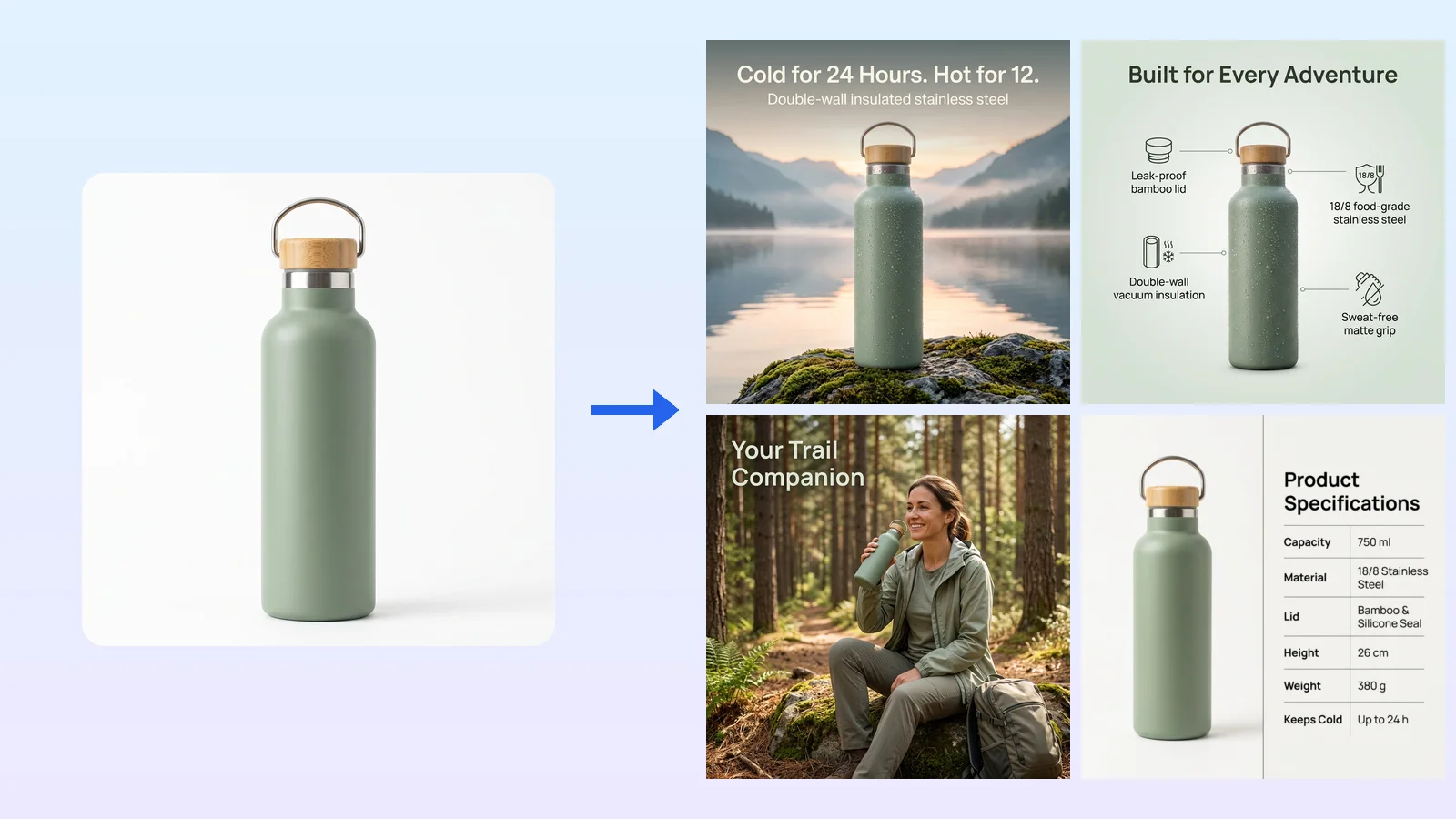
Raise perceived value at first glance
Give the product a polished, consistent presence that makes shoppers stop and look closer.
Turn product questions into purchase confidence
Answer size, material and use questions with clear visuals before shoppers have to ask.
Give every storefront more selling power
Use the same product story for launches, promotions and everyday listings across your shops.
Give shoppers clear reasons to choose your product
Add a product photo or link plus a few highlights, and Jitura brings the strongest selling points forward with feature callouts, icons and short labels that make the value easy to grasp.
Create A+ content free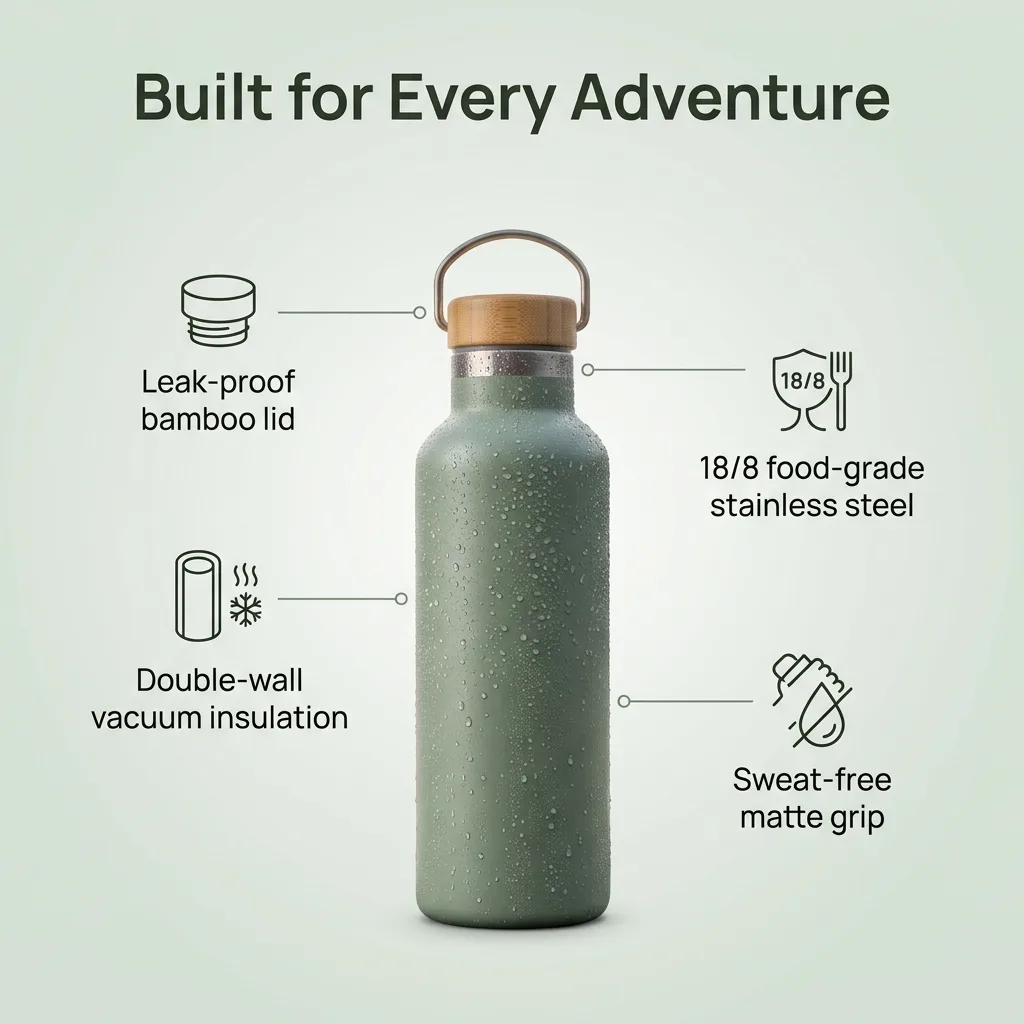
Win trust wherever your customers shop
Pick the storefront and the look follows: bold, phone-first visuals for TikTok Shop, clean detail-rich modules for Amazon, polished brand-store panels for Shopify, and bright marketplace styles for Shopee and Lazada.
Create A+ content free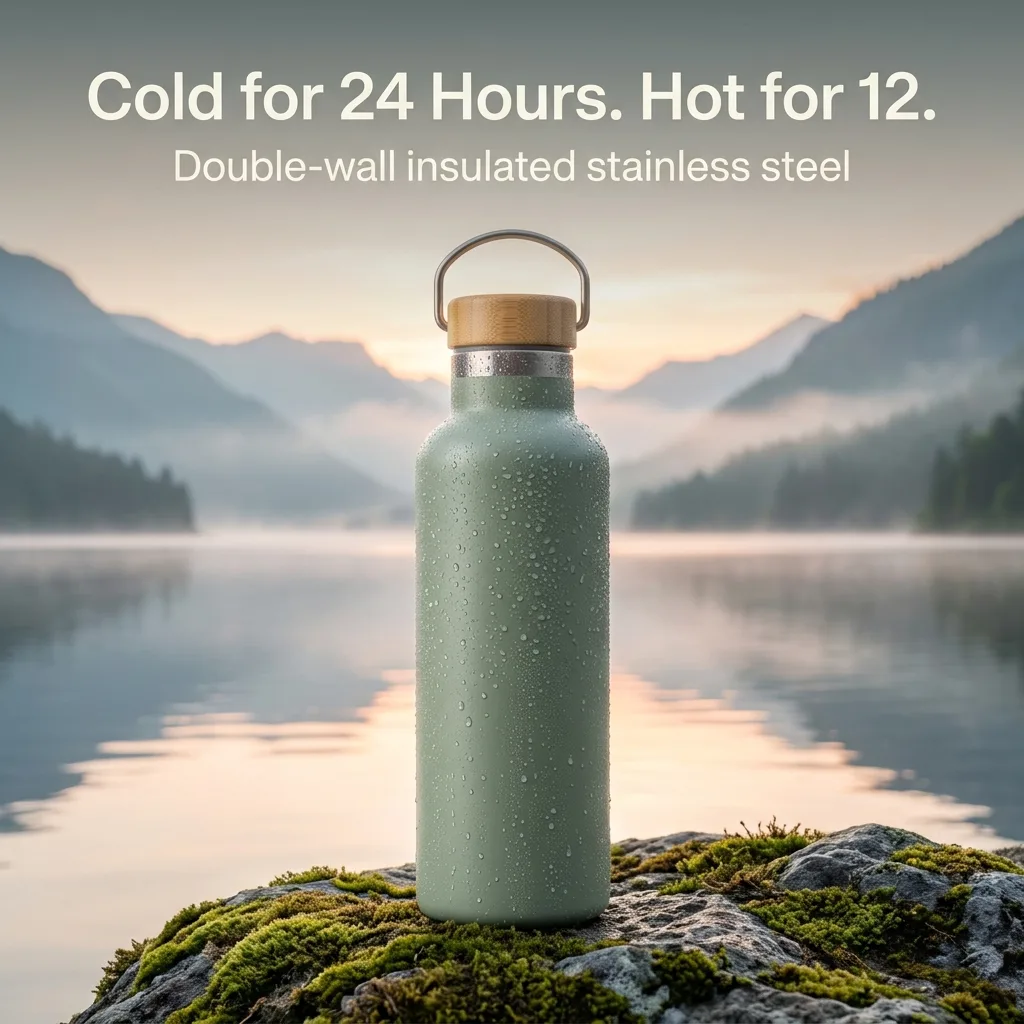
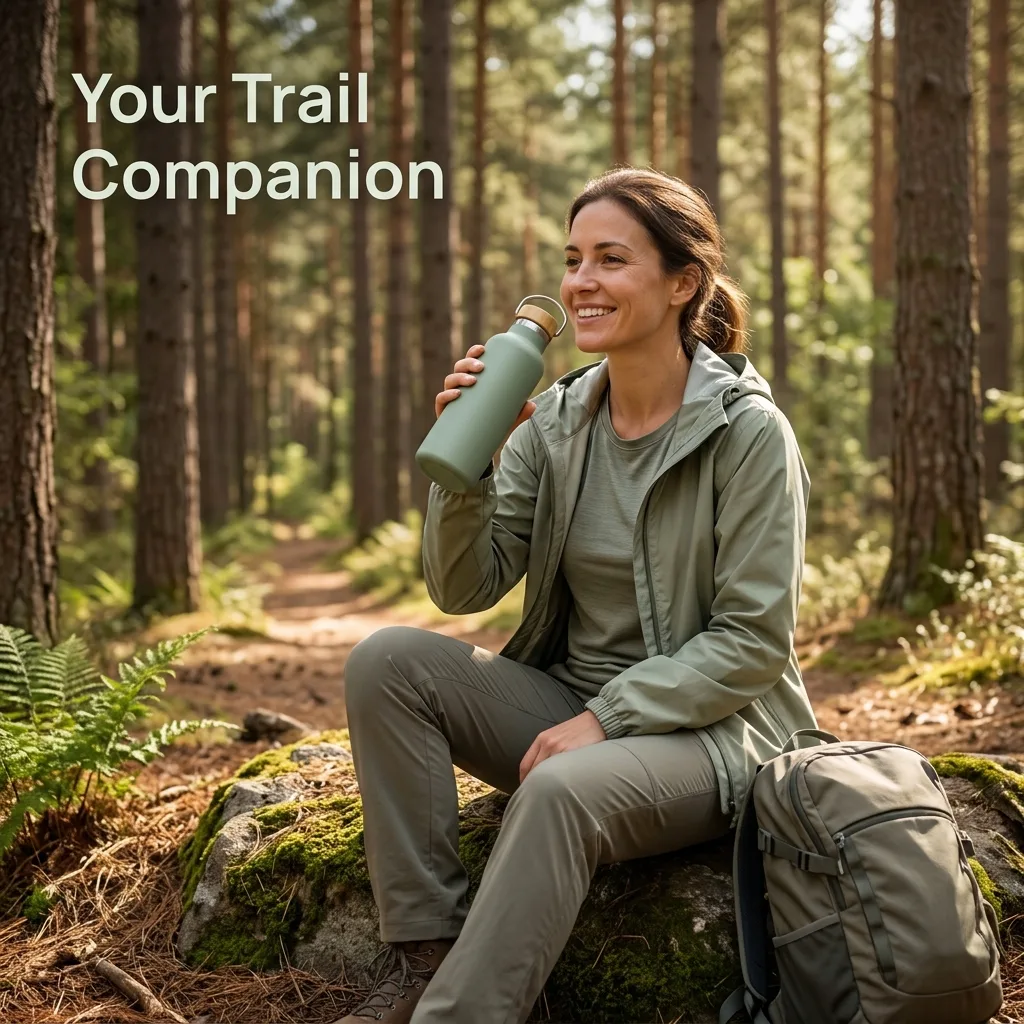
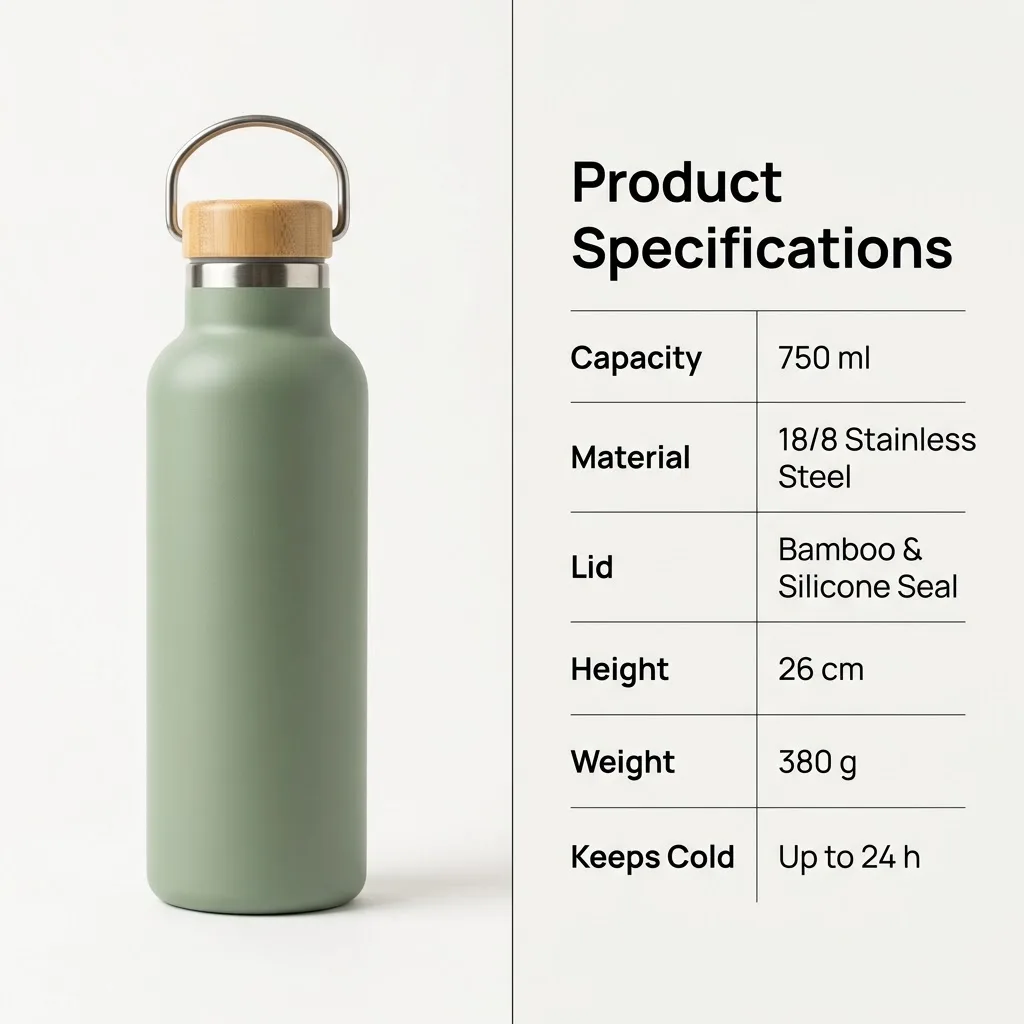
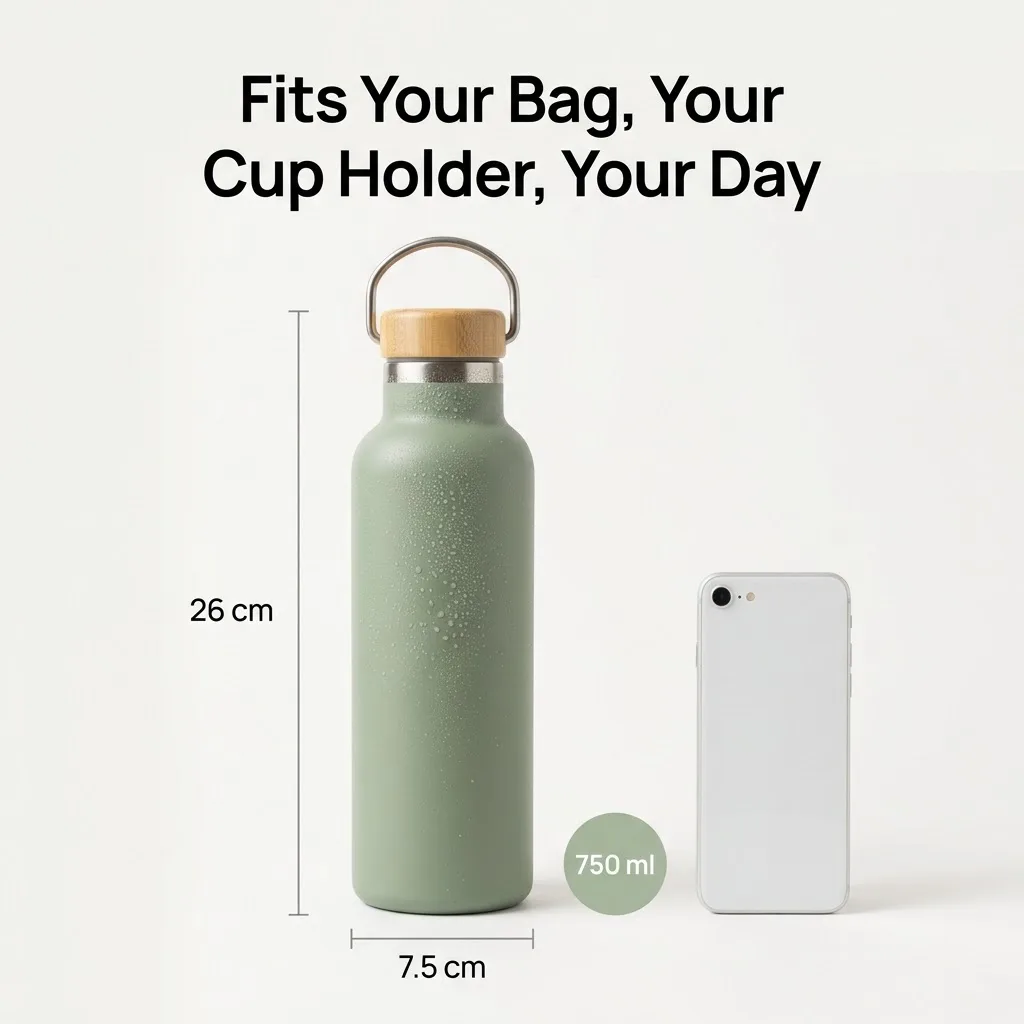
Replace product doubts with the right visual proof
Choose up to eight of sixteen modules and shape them into one buying story: hero images to catch attention, close-ups to show quality, size guides and specification tables to answer questions before they become returns.
Create A+ content free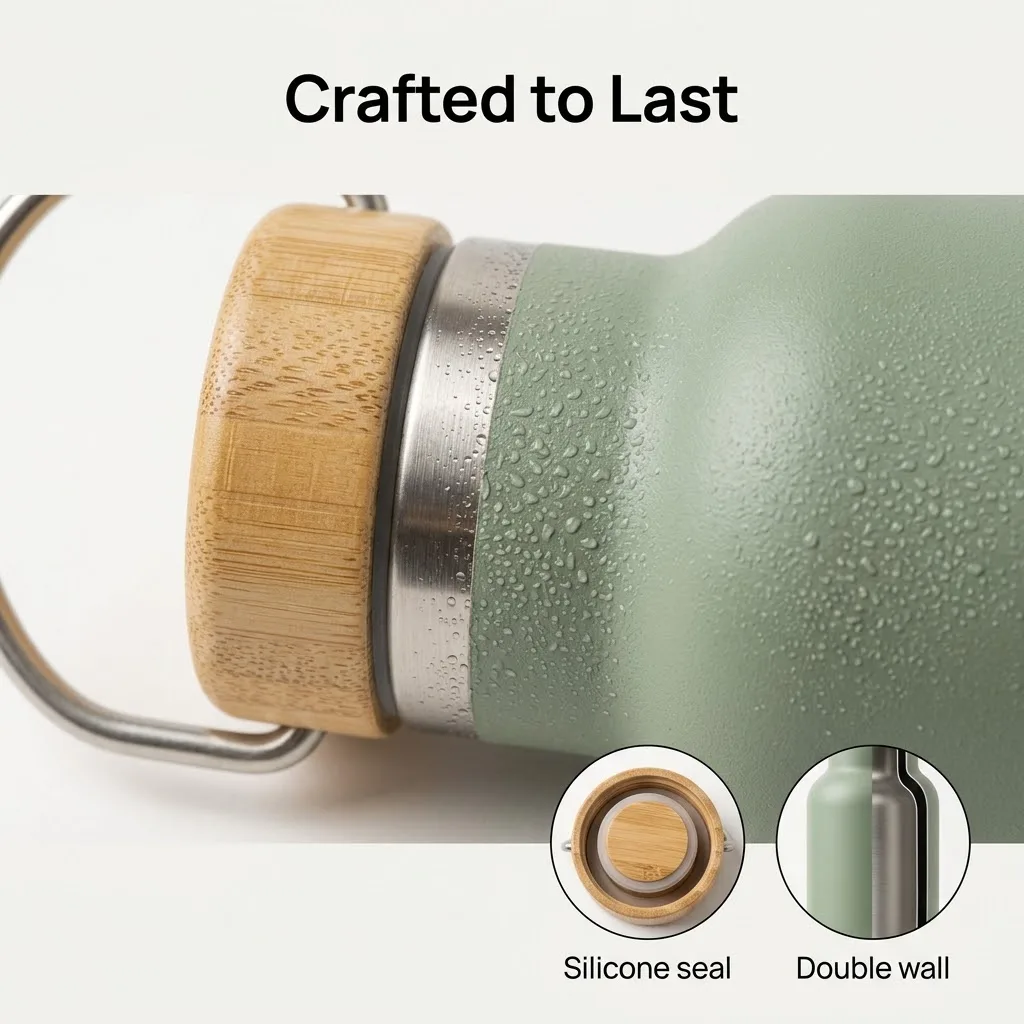
Help global shoppers understand your product faster
Set the language and the on-image text is written in it, so the same product can sell in English, Bahasa Melayu, Chinese, Spanish and more without a separate design job for every market.
Create A+ content free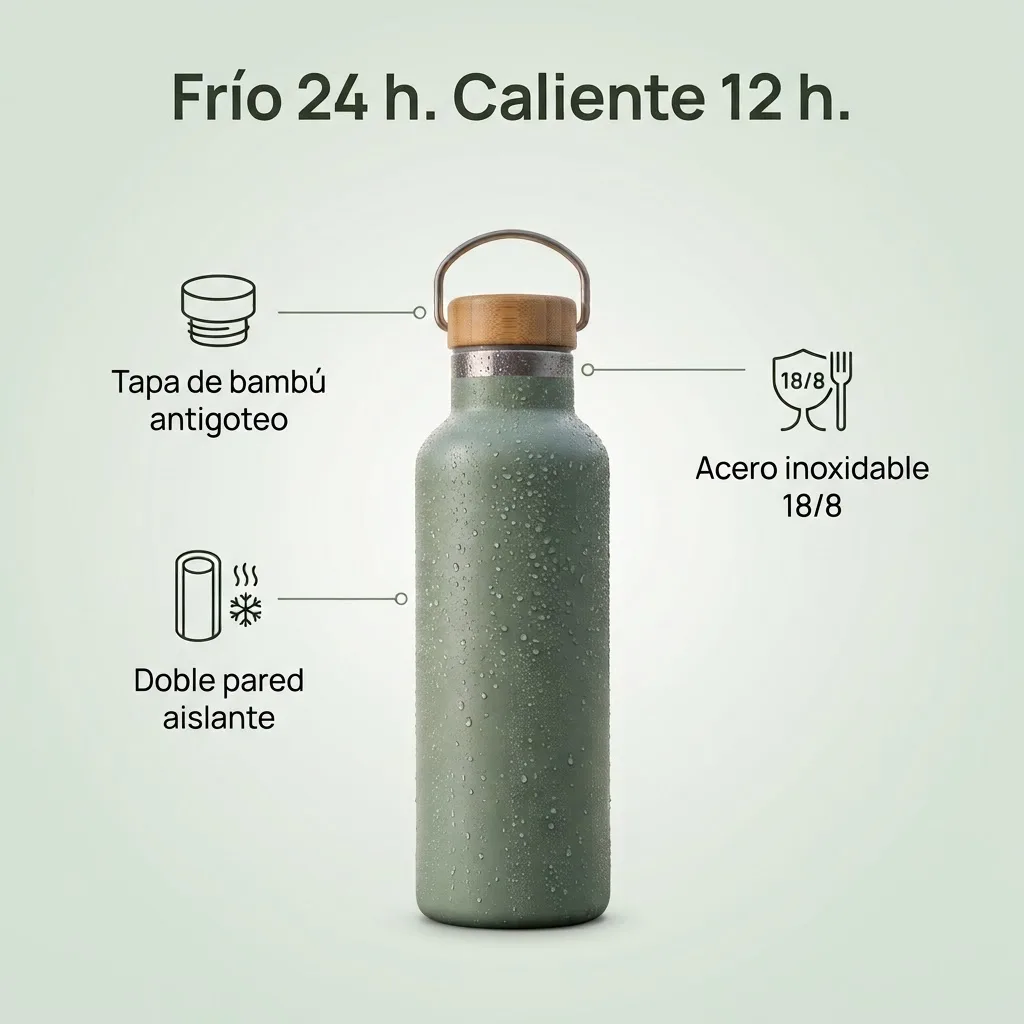
A+ content for real e-commerce selling moments
Build confidence beyond the basic listing
Create Amazon A+ content that combines benefits, comparison details, lifestyle scenes and brand story to reduce hesitation before checkout.
Turn quick attention into clear product desire
Make clean product detail visuals with lifestyle scenes and feature callouts that are easy to understand on a phone.
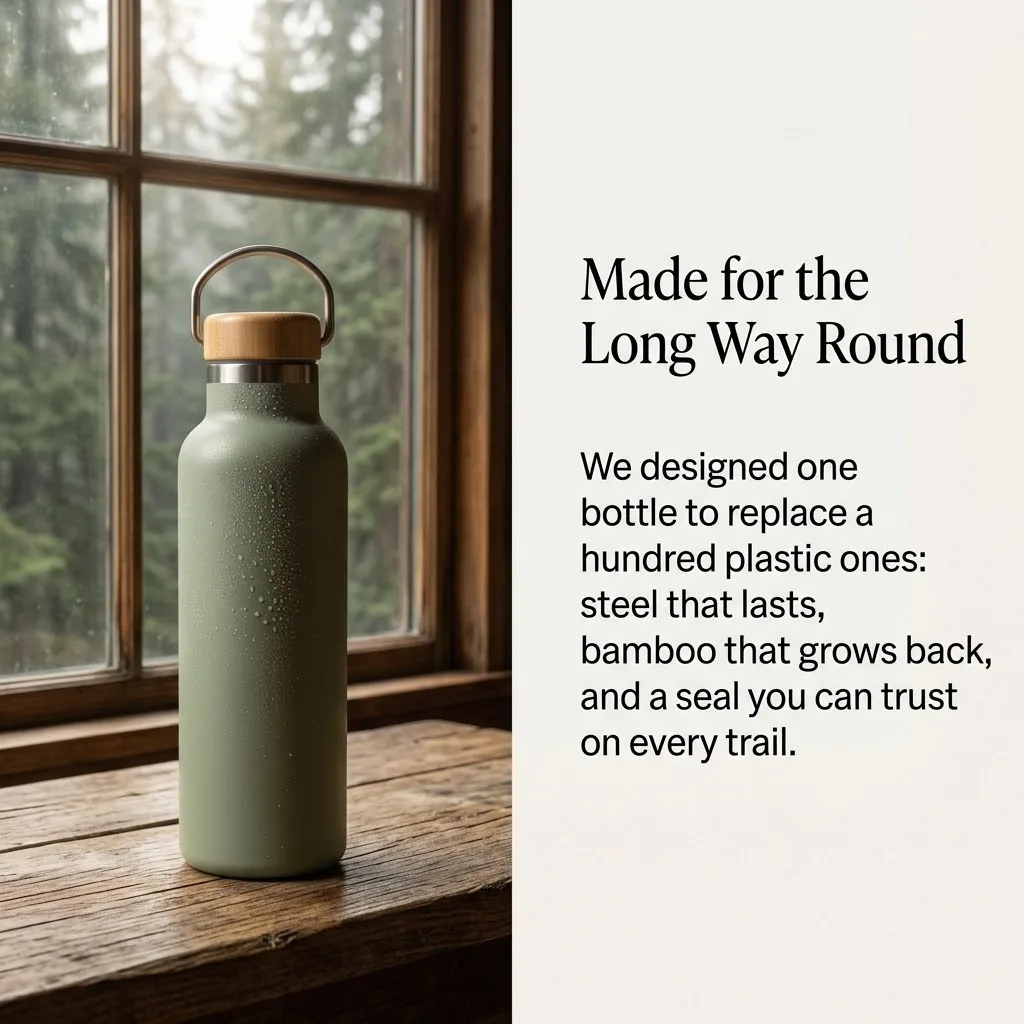
Give product pages more reasons to convert
Build A+ sections for launches, bestsellers, seasonal campaigns and bundles that make a brand-owned store feel credible.
Keep every product story clear across channels
Prepare visuals for Shopee, Lazada, Temu, eBay and AliExpress, adapting the content mix to what each marketplace expects.
How to create A+ content with Jitura
- 1
Step 1: Add your product
Paste a product link or upload a photo, then add highlights (optional).
- 2
Step 2: Set the details
Choose your selling platform, output language and preferred aspect ratio.
- 3
Step 3: Pick modules and generate
Select up to eight content modules, then generate your finished A+ content.
Try Jitura's other image creation tools
FAQs
What is an A+ content generator?+
It turns a product photo or link into the extra images that sit below a product listing: hero banners, feature callouts, comparison and specification modules, lifestyle scenes and more. Marketplaces call this A+ content or enhanced brand content.
Which e-commerce platforms can I create content for?+
Choose TikTok Shop, Amazon, Shopify, Shopee, Lazada, Etsy, eBay, Temu, AliExpress or Walmart. The platform sets the visual style; check each marketplace's own image rules before you upload.
Which visual modules can I include?+
Sixteen: Hero Image, Selling Points, Lifestyle Scene, Multi-Angle View, Styled Scene, Detail Close-Up, Brand Story, Size & Dimensions, Before & After, Specification Table, Crafting Process, Accessories / Gifts, Series Showcase, Ingredients / Materials, After-Sales Badges and Usage Tips.
How many images will I get?+
One image per module you select, up to eight per run. Each image uses one daily operation.
What inputs does this A+ content generator support?+
A product photo (JPEG, PNG or WebP) or a public product page link from stores such as Amazon or Shopify, plus optional product highlights such as selling points, materials, sizes and target audience. Only the facts you give are used for specifications.
Do I need design skills?+
No. Pick modules and press Generate. Check every number and claim in the result before publishing, because the AI writes the on-image text from your highlights.
Can I try the A+ content generator for free?+
Yes. Every signed-in account gets free daily operations. Paid plans add more operations and private outputs.
Create better-converting A+ content
Turn one product photo into visuals that build trust and drive sales.
Create A+ content