
Model
Prompt
Translate PromptReference image (optional)
Style
Aspect Ratio
Resolution
Output Image Number
Public Visibility
When this option is enabled, your output image and its unprotected prompt may be selected by Jitura for the community gallery. Reference photos are not included. Visit the gallery for more info.
Each image uses 1 daily operation.
AI Tattoo Generator
Design a tattoo from your idea and see it as clean line art or on skin.
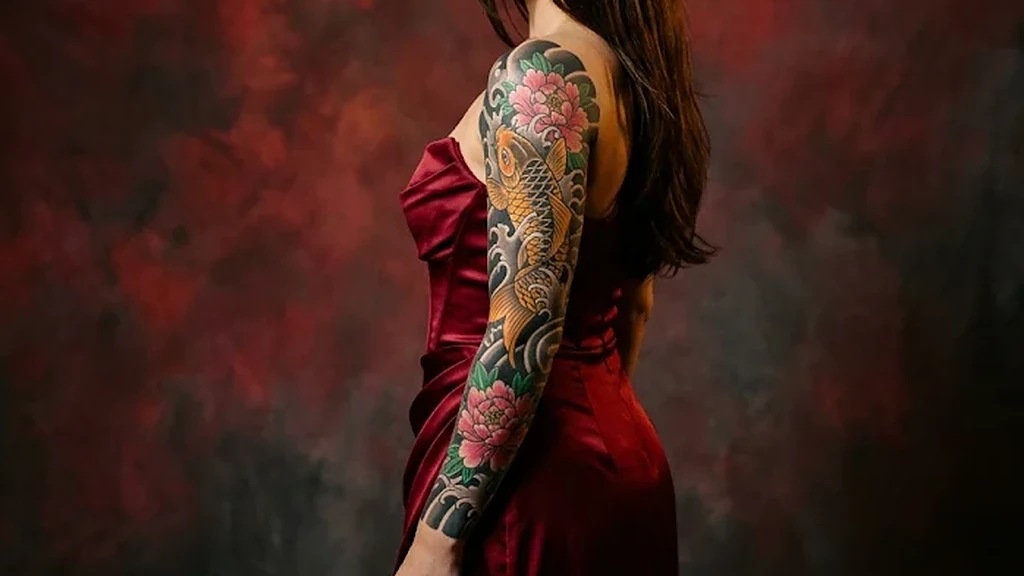
AI tattoo generator for imaginative ink designs
Describe the tattoo you have in mind and Jitura draws it in seconds: a fine-line flower, a bold blackwork piece or a full Japanese-style sleeve. See it as a clean design or as a realistic tattoo on skin before you book the studio.
Try the AI Tattoo Generator freeVarious tattoo styles
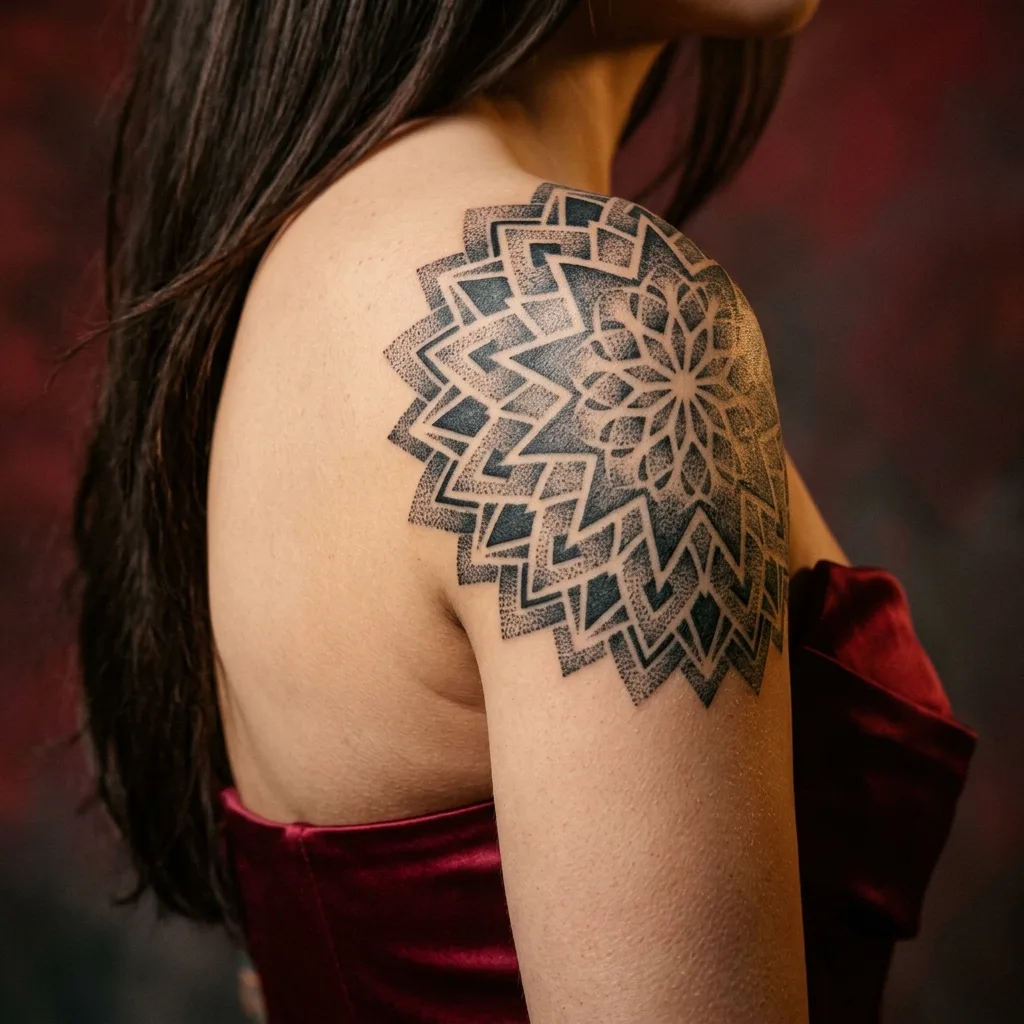
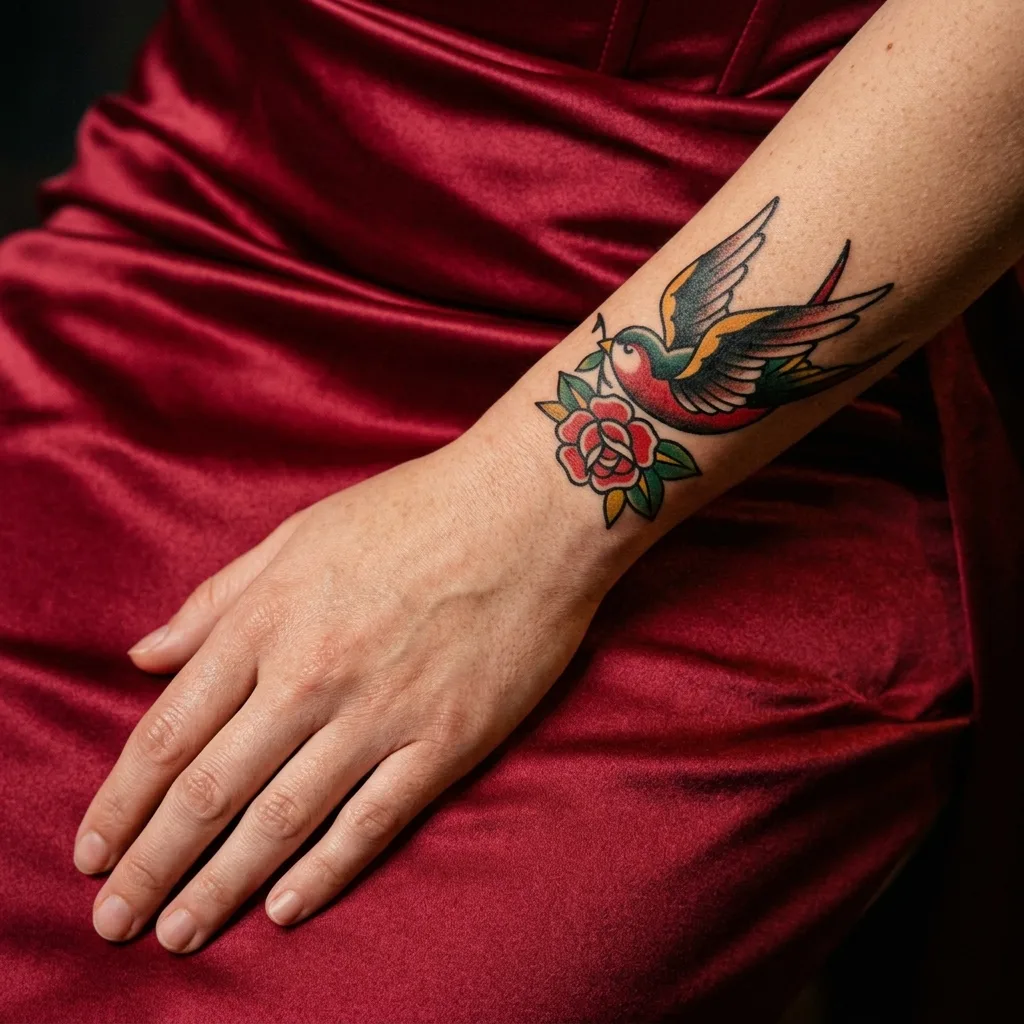
Explore fine line, blackwork, American traditional, watercolour, geometric, tribal and more. Seeing the same idea in different ink styles makes it easier to choose before you commit to the final design.
Design your tattoo free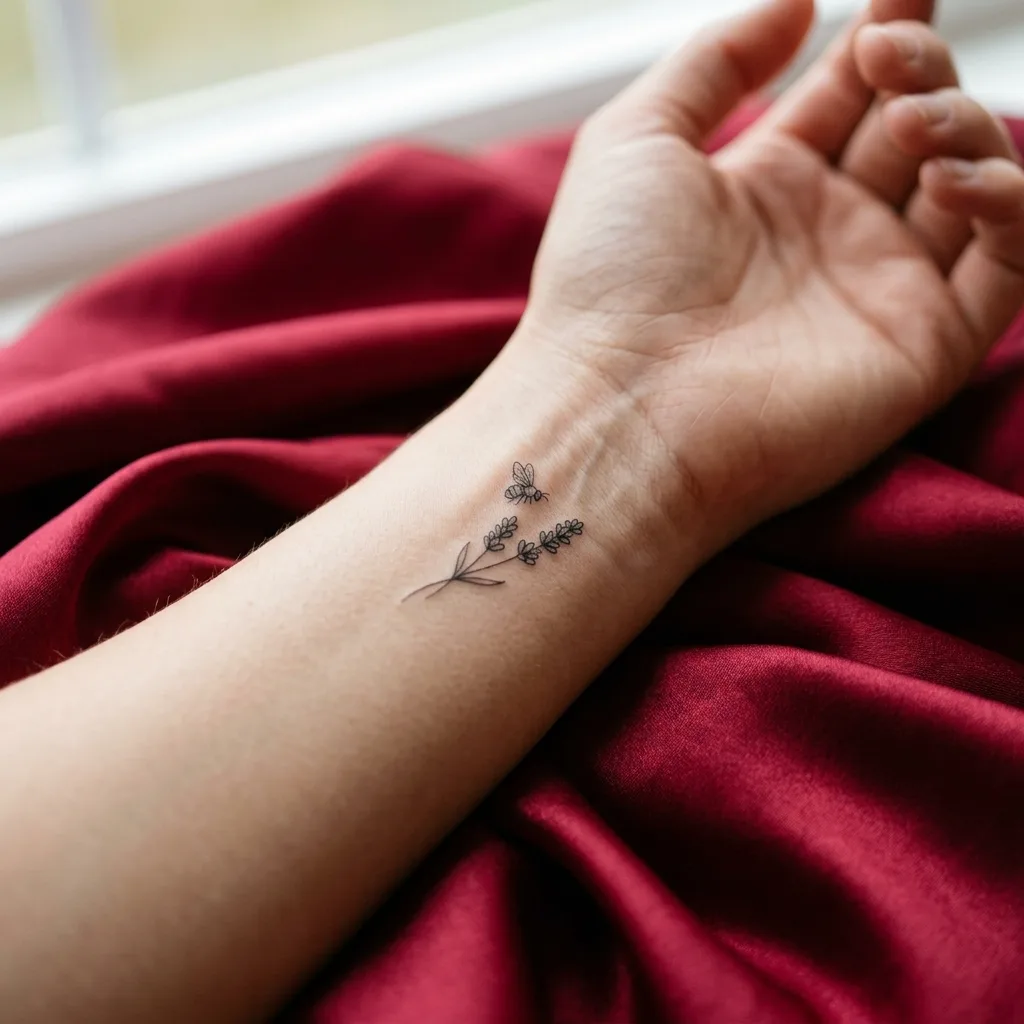
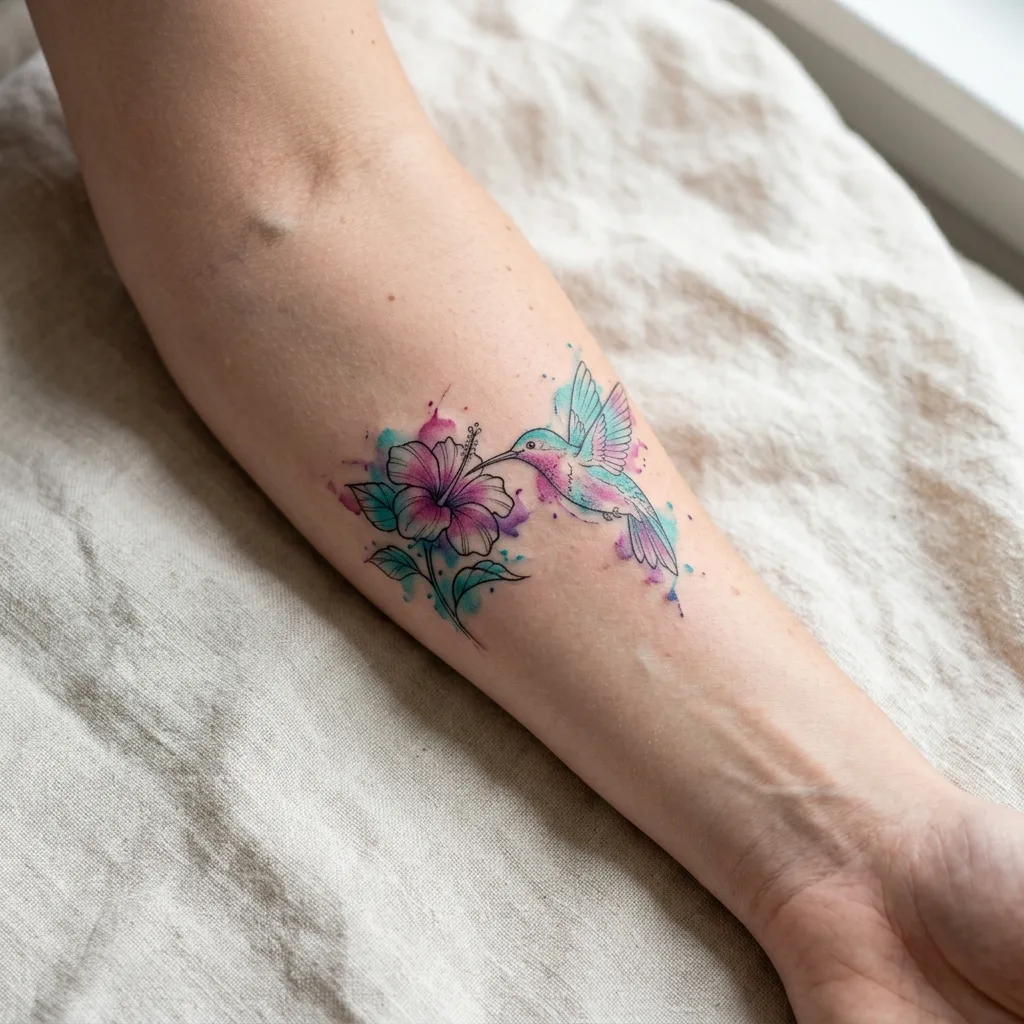
Fast tattoo prototyping
Skip hours of sketching and scrolling for ideas. Generate several concepts at once, keep the strongest, then refine the prompt until the linework and layout match what you see in your head.
Design your tattoo free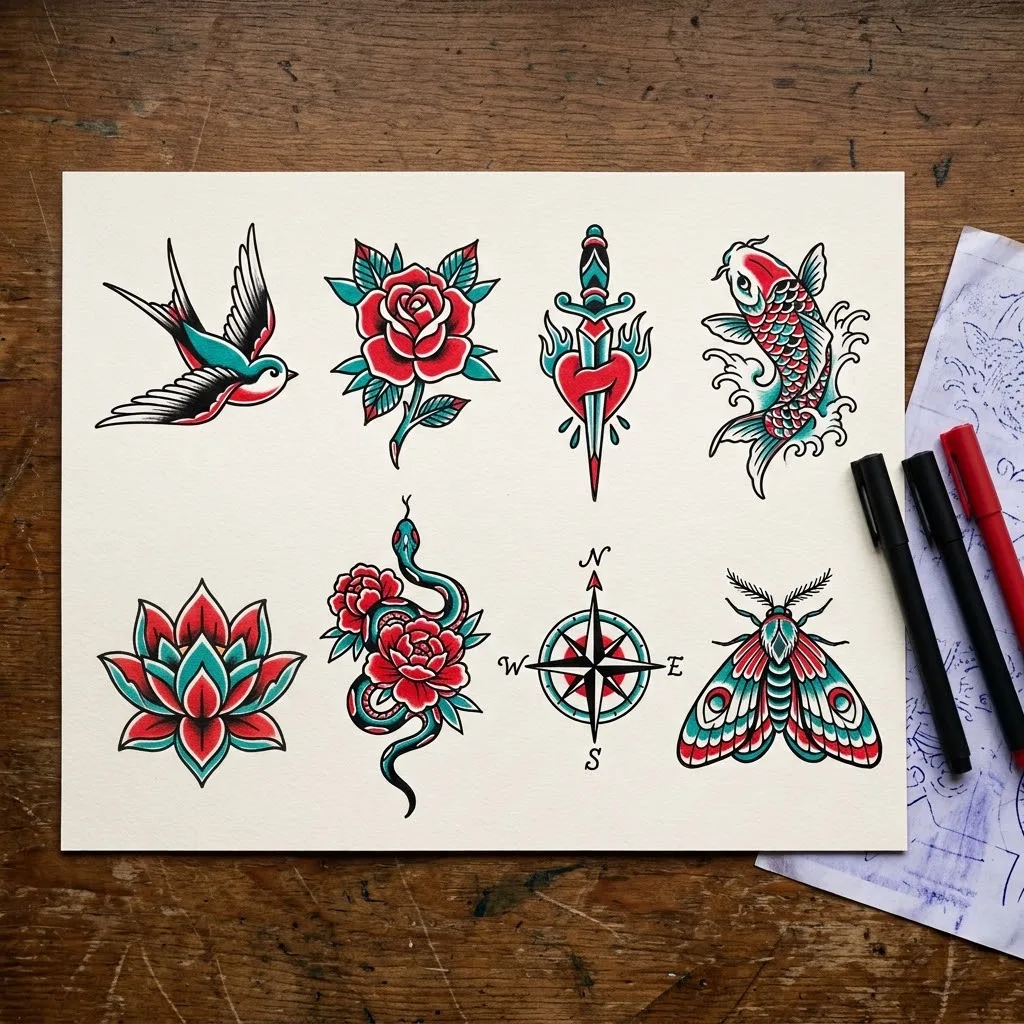
Accurate prompt understanding
Name the motif, style, placement and details in plain words and the design follows them. Generate with AI can write a detailed tattoo prompt from a few words, and Translate Prompt turns prompts in other languages into English first.
Design your tattoo freePrompt
A woman in a red strapless satin dress with a full-colour Japanese koi and peony sleeve tattoo on her arm
Designs you can wear with confidence
Preview the tattoo on the body you want, from a small wrist piece to a shoulder or back design, so you can check size and placement. Avoid copying other artists' work or symbols you do not understand, and take your design to a professional artist to adapt.
Design your tattoo free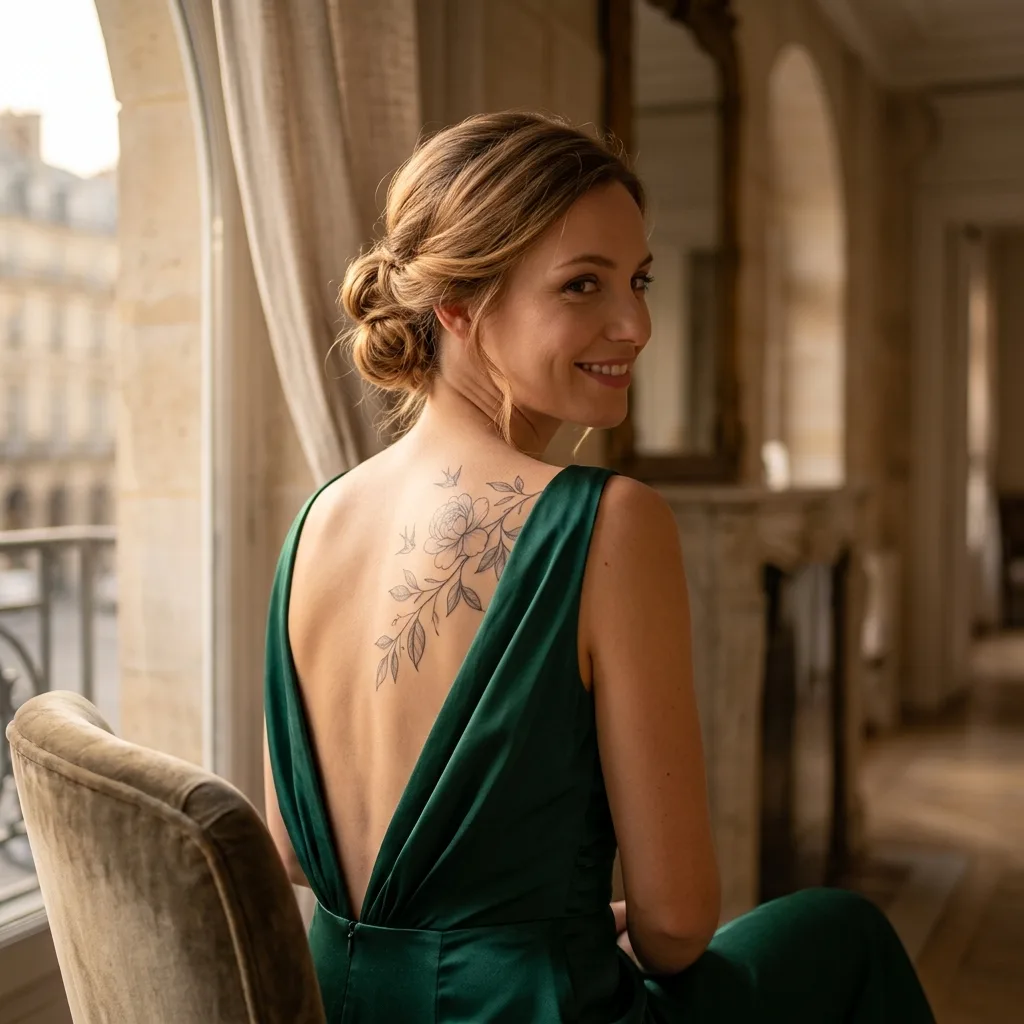
How does the AI Tattoo Generator work?
- 1
Step 1: Describe your tattoo
Write the motif, style and placement, for example a koi and peony sleeve in Japanese style, or let Generate with AI write the prompt.
- 2
Step 2: Create
Choose a style and aspect ratio, then press Create. Your design is ready in seconds.
- 3
Step 3: Download or share
Download the design, show it to your tattoo artist, or share it online.
Your all-in-one AI image studio
Go from a rough idea to a finished asset in one place: generate, edit, enhance and animate with tools built for real creative work.
Turn text into images
Describe a scene and get photorealistic or illustrated results in seconds.

Make platform-ready assets
Posters, banners and flyers sized for social posts, ads and print.
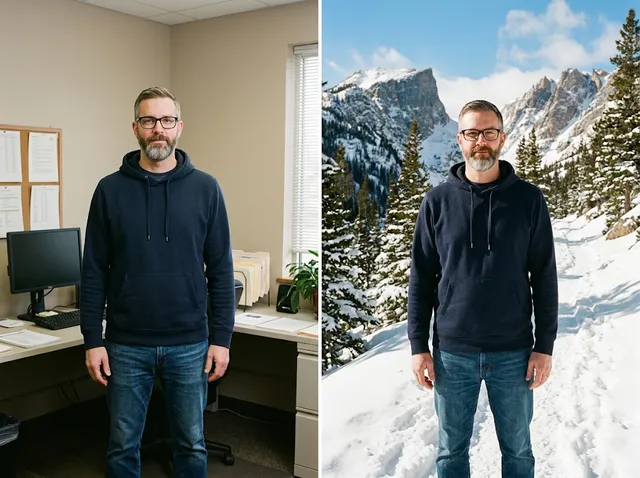
Transform photos
Restyle or change the background of a photo you already have.
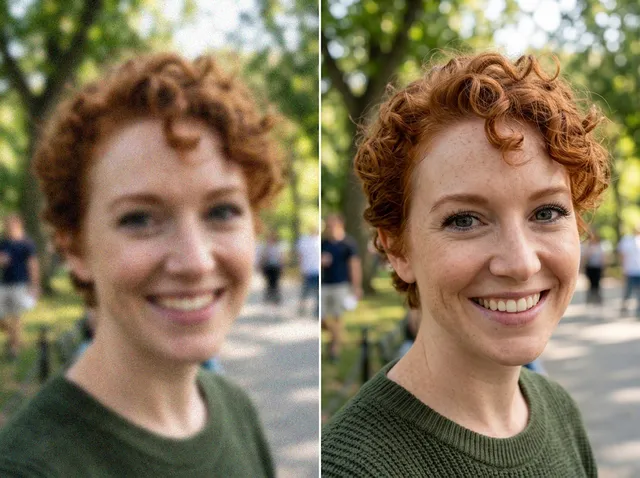
Retouch and enhance
Sharpen faces, remove clutter and upscale images for print.
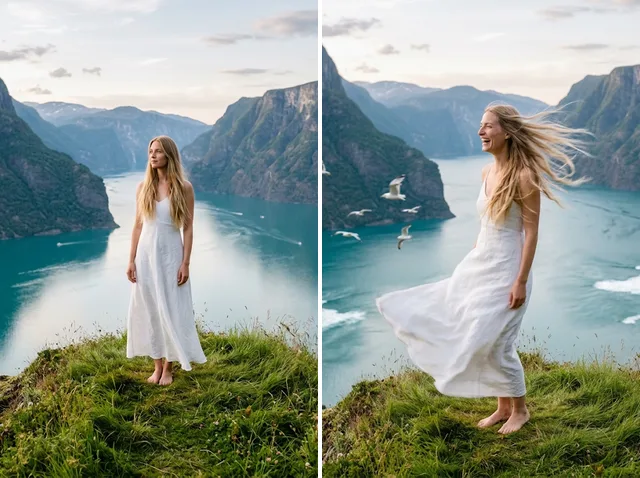
Bring stills to motion
Animate a finished artwork into a short video clip.
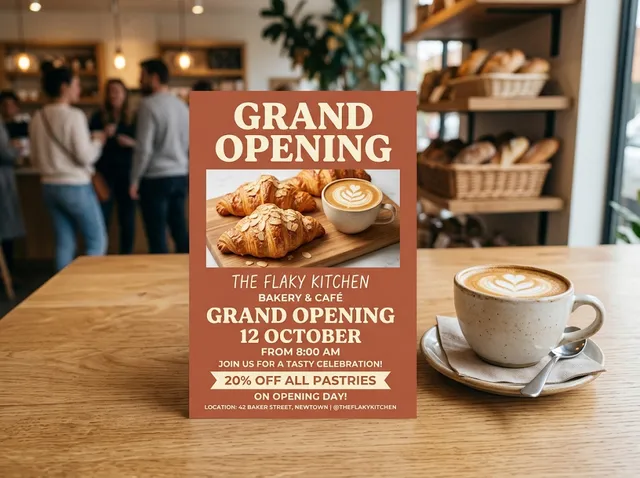
From brief to final asset
Chat with the image, one change at a time, until it is right.
Discover other AI generation tools
FAQs
What is an AI tattoo generator?+
It turns a written idea into a tattoo design. Describe the motif, the style and where it goes on the body, and the AI draws it, either as a flat design on paper or as a realistic tattoo on skin.
Why use an AI tattoo generator?+
You can try many ideas in minutes instead of hours of sketching or searching, see how a design looks on the body before you commit, and bring a clear reference to your tattoo artist.
What can it create?+
Tiny fine-line pieces, blackwork and geometric designs, traditional flash, Japanese-style sleeves, watercolour tattoos, lettering and full back pieces. Ask for a design on white paper, a stencil, or the tattoo shown on an arm, shoulder or back.
Is the AI Tattoo Generator free?+
Yes. Every signed-in account gets free daily operations, and each image uses one. Paid plans add more operations, private outputs and higher resolutions.
Can I change a design after it is made?+
Yes. Edit your prompt and create again, switch the style, or add the design as a reference image and describe the change, such as thinner lines, fewer leaves or a different placement.
Can I use the tattoo designs commercially?+
You can use the designs you create for personal and commercial projects, such as a client sketch, a flash sheet or merchandise, as long as your prompt and any reference image do not copy someone else's artwork or trademark.
Who can use the AI Tattoo Generator?+
Anyone planning a tattoo, tattoo artists who want quick concepts to show clients, and brands looking for tattoo-style artwork. You do not need any drawing or painting skills.
Should I take an AI design straight to the tattoo studio?+
Use it as a starting point. A professional tattoo artist will adapt the linework, size and placement to your skin so the tattoo heals and ages well.
Can I use it on my phone?+
Yes. The page works in any modern mobile browser. The controls stack above the preview so you can write a prompt, choose a style and create on a small screen.
How do I save or share a design?+
Press Download under the result to save the image. Recent results are also kept in this browser, so you can come back to them later from the same device.