
Images
Prompt
Number of Shots
Advanced
Public Visibility
When this option is enabled, your output image and its unprotected prompt may be selected by Jitura for the community gallery. Reference photos are not included. Visit the gallery for more info.
Upload 1-4 images to enable Generate. Each storyboard uses 1 daily operation.
Image Shots
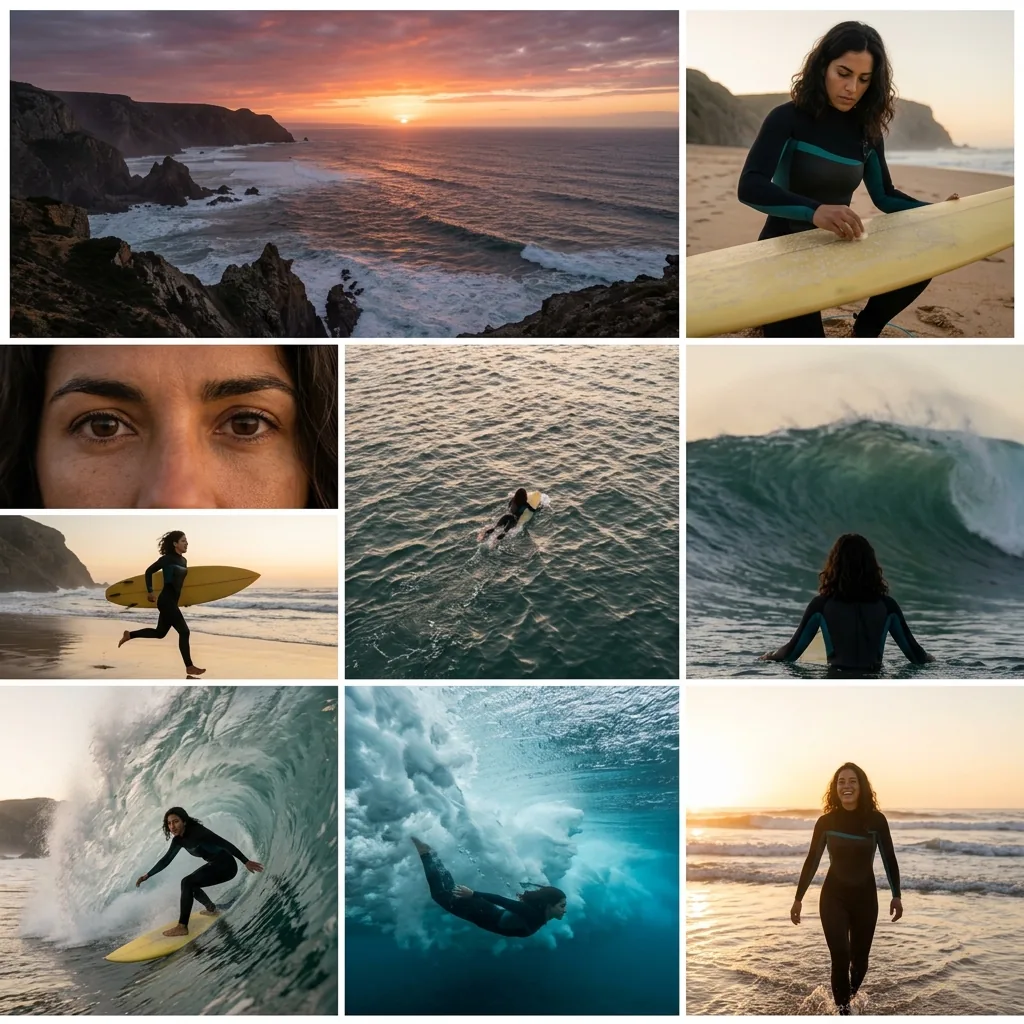
Turn your image(s) into a full storyboard with coherent storytelling, consistent characters, and scene-to-scene continuity.
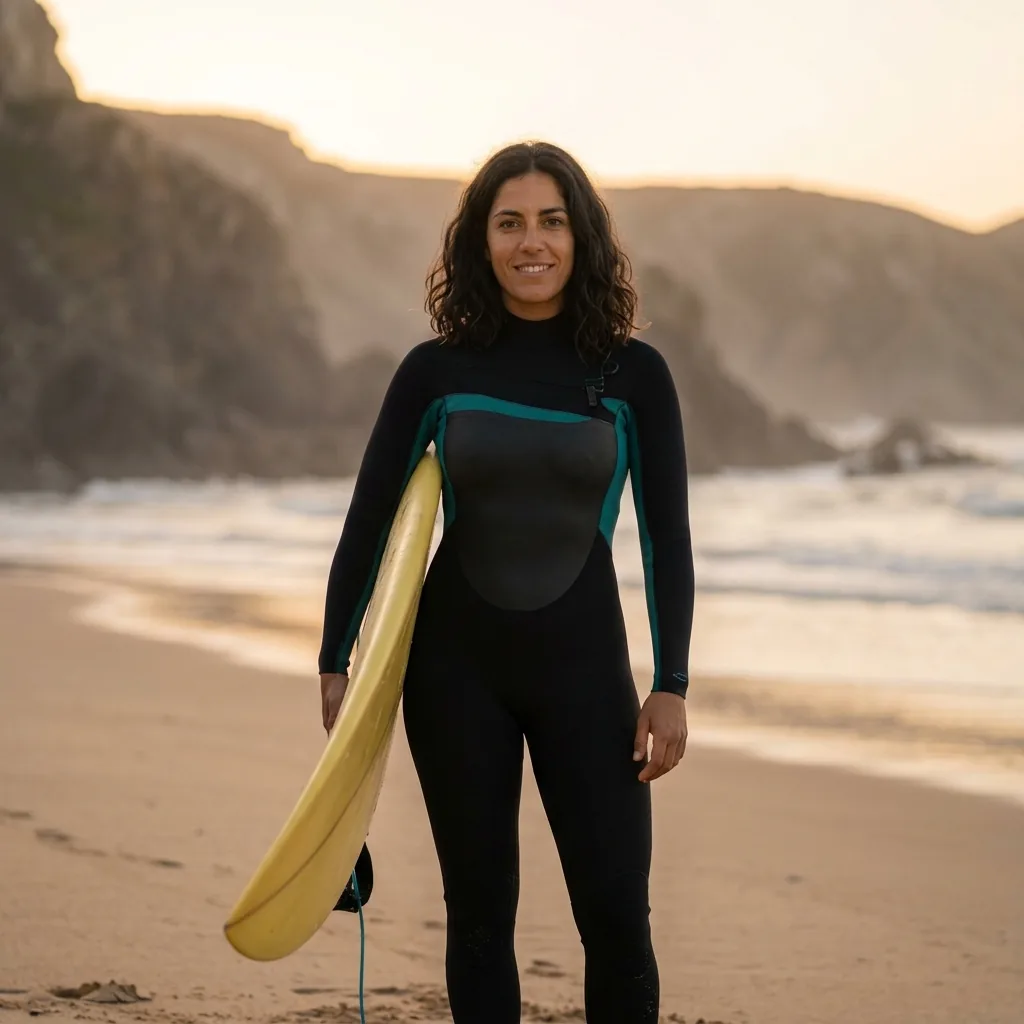
Prompt
She waxes her yellow board on the beach at dawn, paddles out past the rocks, faces a huge wave and rides it, then walks out of the sea smiling.
Cinematic angle generation from a single image
The Image Shots generator turns one photo into a set of professional storyboard angles. The AI explores wide, medium and close-up views of the same scene in seconds, so you can see your creative vision without starting from scratch.
Try the Image Shots generator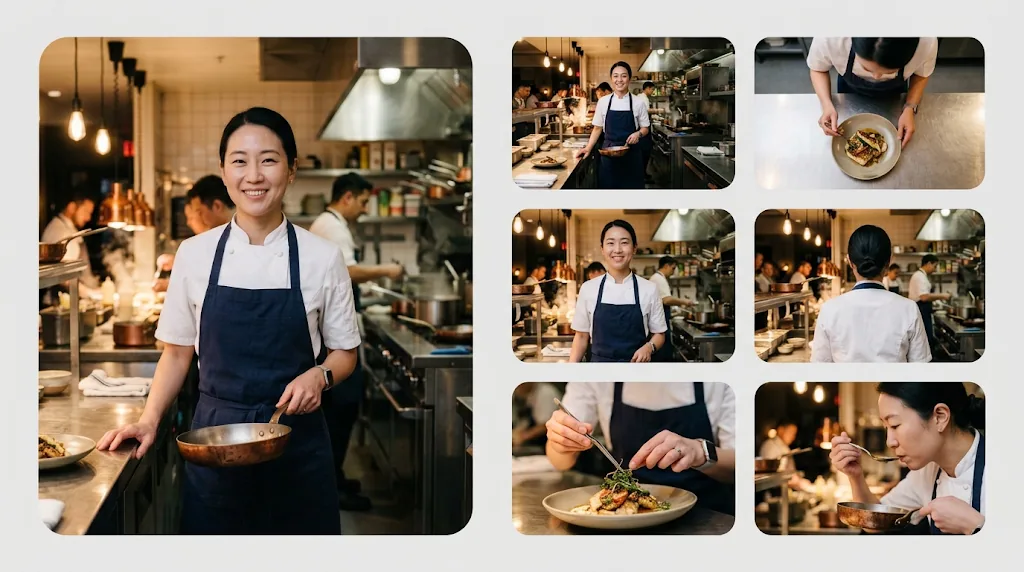
Multi-angle generation from a single source
Turn a still image into a dynamic set of storyboard frames. The AI keeps the character and the scene consistent while it explores every useful angle, from an establishing shot to the final close-up.
Try the Image Shots generatorPro-level control with simple prompts
Take charge of the story. Whether you need a sweeping wide shot or an intimate close-up, describe the scene in plain words and the storyboard follows your direction while the AI handles the cinematography.
Try the Image Shots generator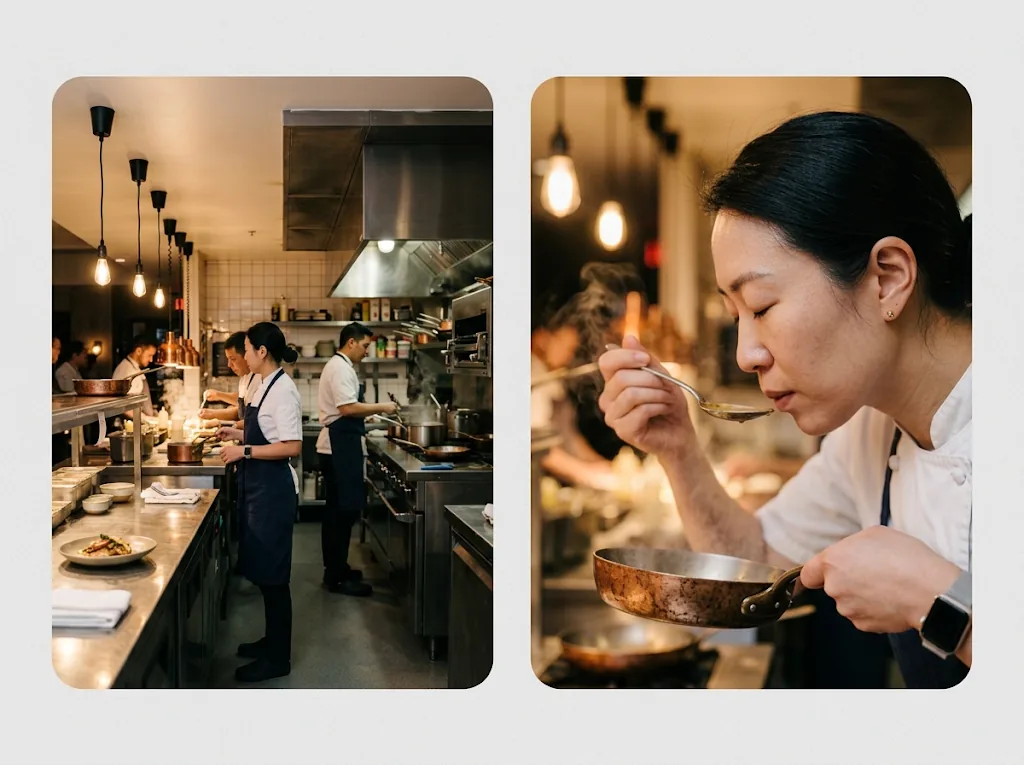
Rapid visualisation for creative workflows
Speed up pre-production. Get high-quality storyboard frames in minutes, refine the story and share clear concepts with your team or clients without waiting for sketches.
Try the Image Shots generator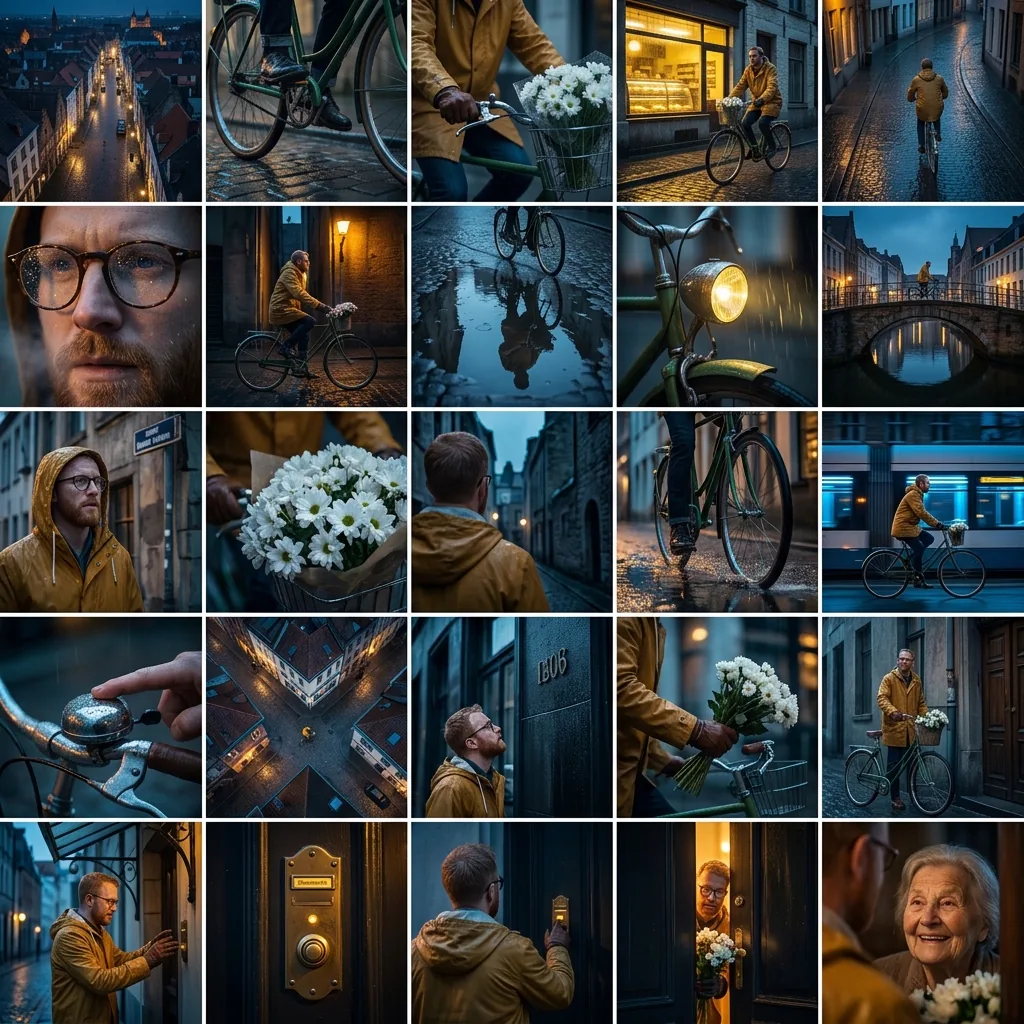
Intuitive design for every creator
Storyboarding is no longer only for trained artists. The simple panel lets anyone turn images into camera angles, with no design experience or technical knowledge needed.
Try the Image Shots generator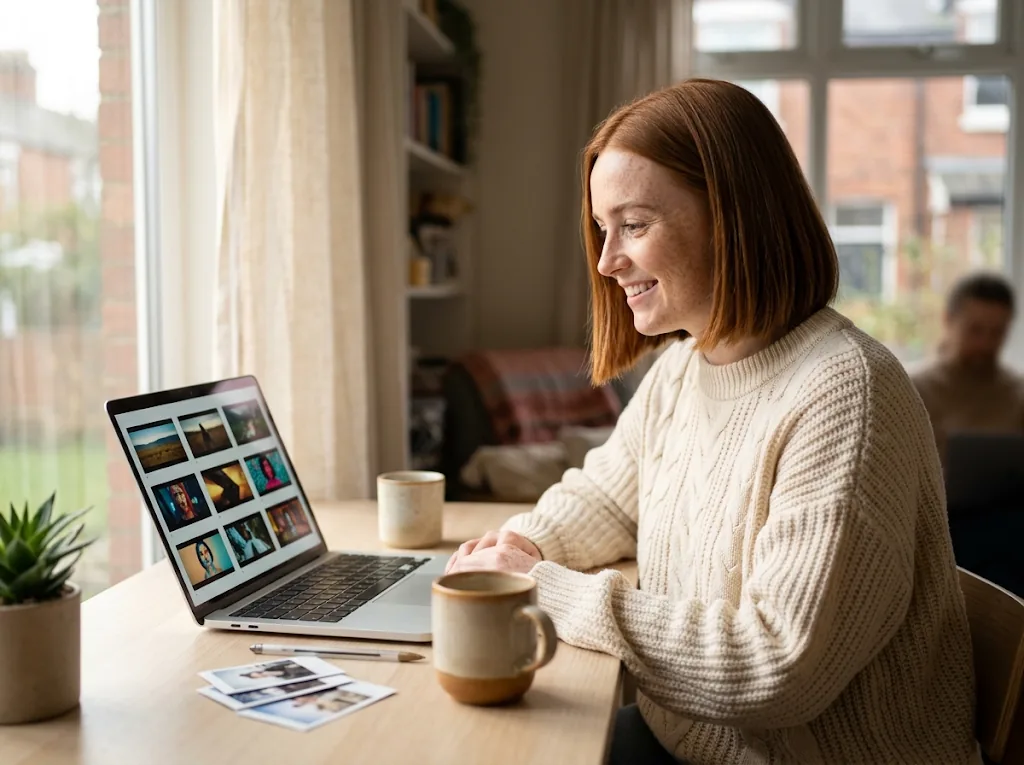
AI storyboards and image shots for every creative
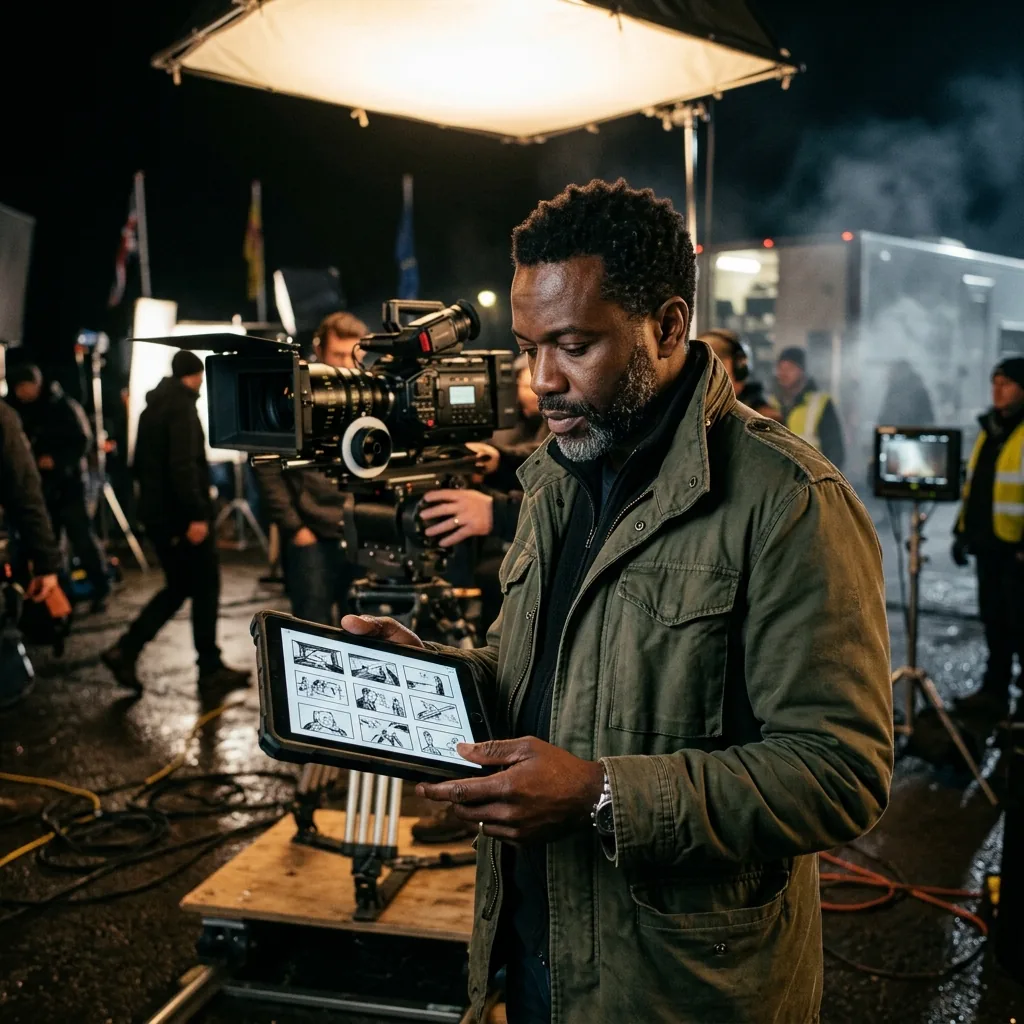
Filmmakers and directors
Plan every angle from a single frame. Turn one reference photo into a full series of cinematic shots, from sweeping wide angles to close-ups, before the shoot day.
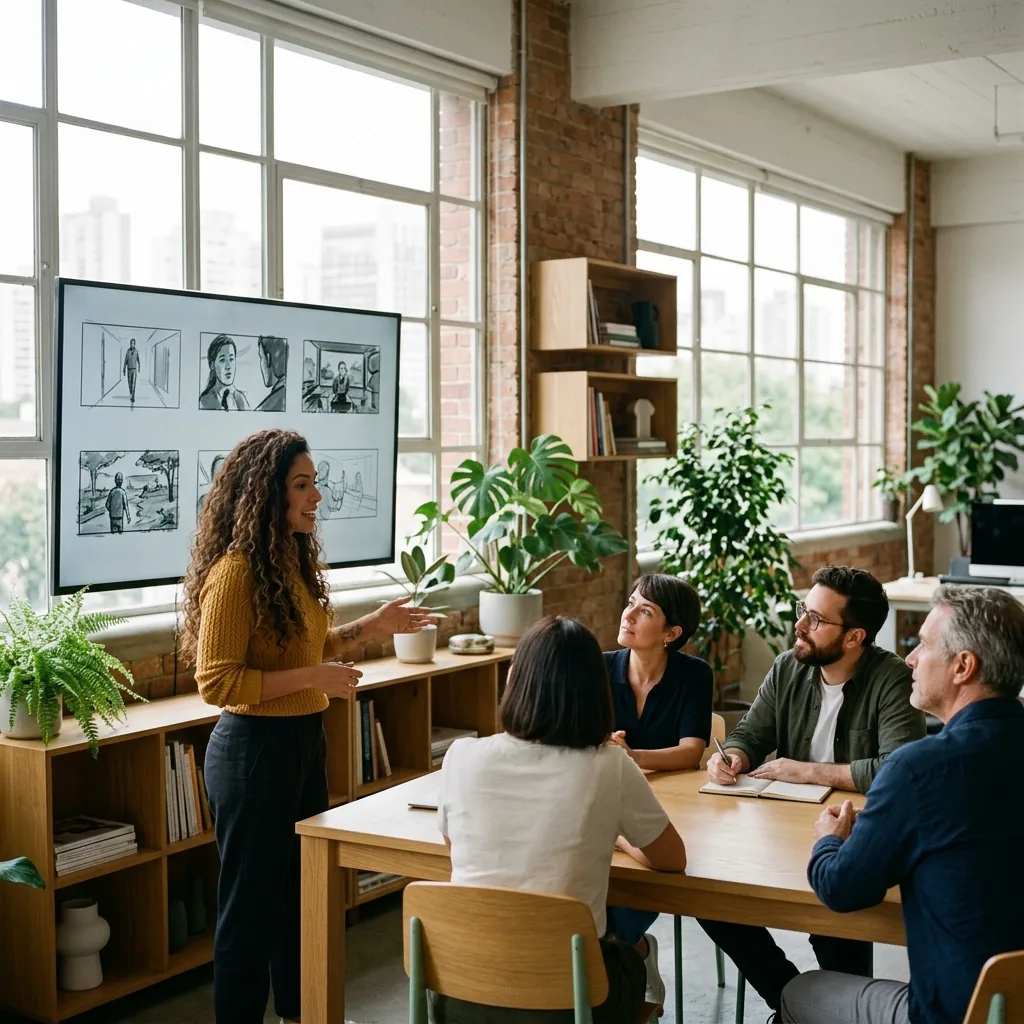
Ad agencies and creative leads
Pitch concepts with professional clarity. Replace rough sketches with polished storyboard frames that show clients exactly how the campaign will play.
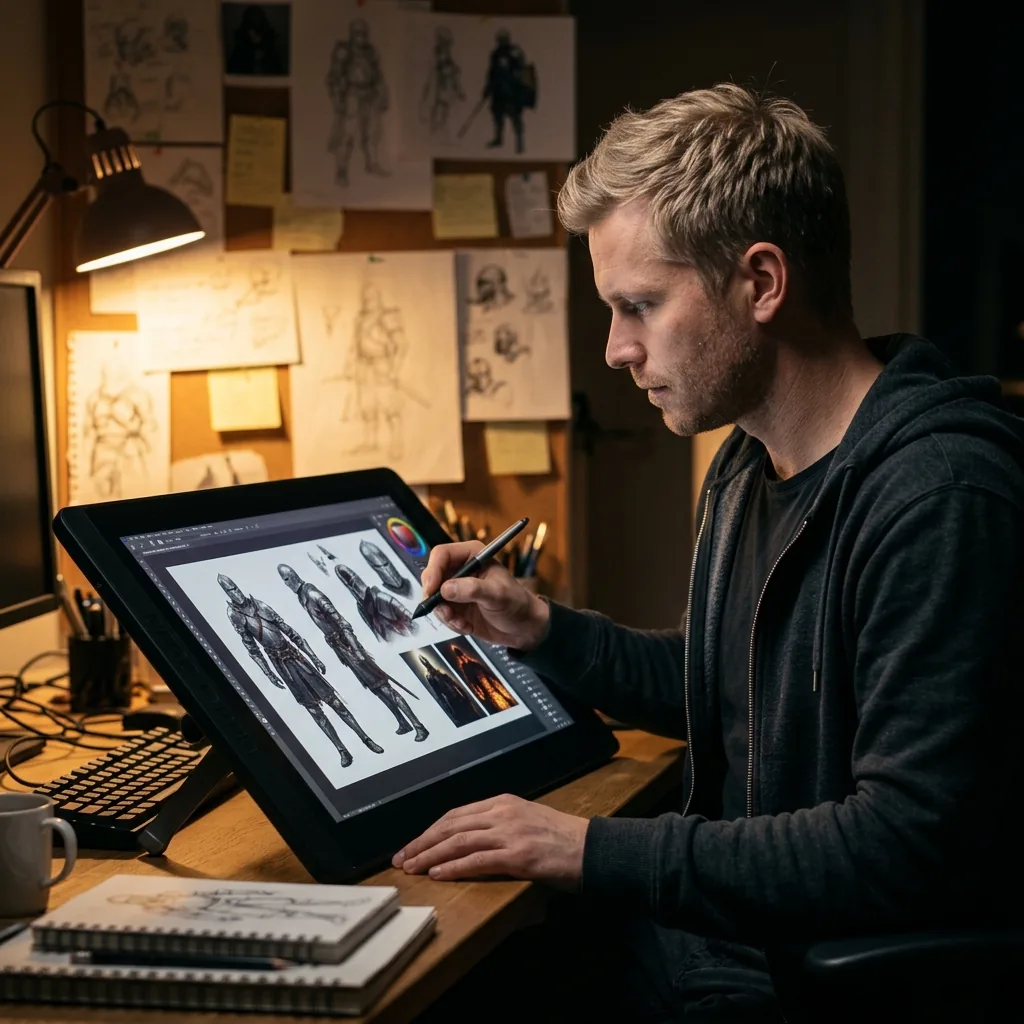
Concept artists and illustrators
Explore new perspectives without starting over. Try dramatic lighting and dynamic framing using your own artwork as the base.
How to create storyboard angles with Image Shots
- 1
Step 1: Upload your images
Upload one to four images of your people, products or places, or try a sample.
- 2
Step 2: Describe your shots
Write the story in a few sentences, or use Generate with AI, then choose 9 or 25 shots.
- 3
Step 3: Generate and download
Click Generate and download your storyboard when it is ready.
Discover other AI creative tools on Jitura
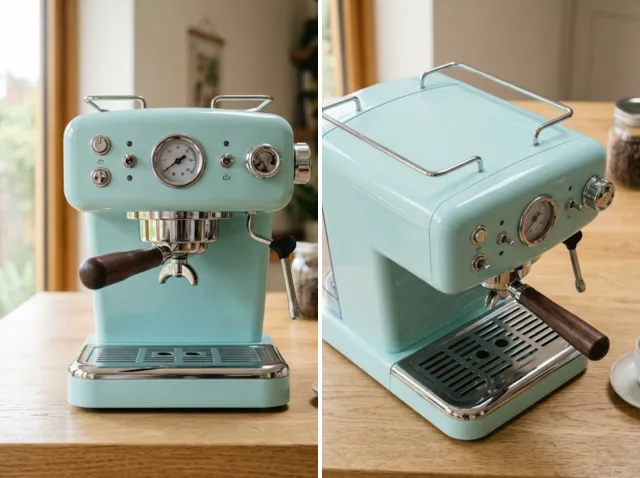
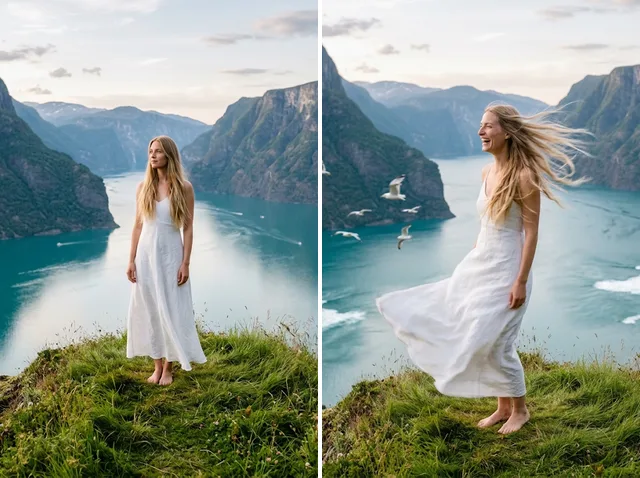
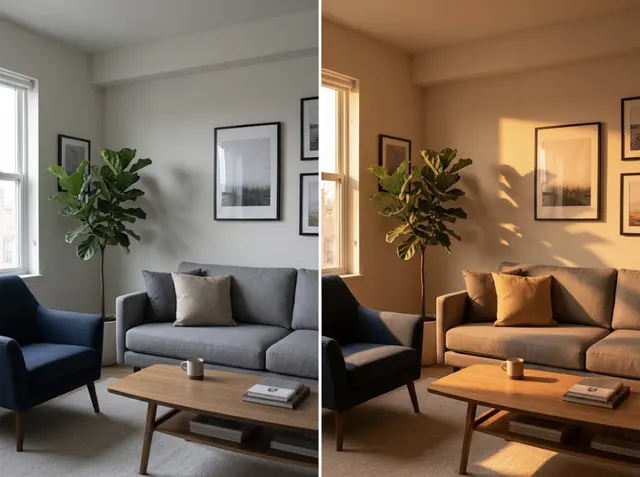
FAQs
What is the Image Shots generator?+
It is an AI storyboard tool. Upload one to four reference images and describe a story, and it draws a storyboard of 9 or 25 cinematic frames with the same people, outfits and places in every shot.
Can I make storyboard angles with Image Shots for free?+
Yes. Every signed-in account gets free daily operations, and each storyboard uses one. Paid plans add more operations and private outputs.
Can I download my storyboard?+
Yes. Every storyboard has a Download button that saves it as an image file, ready for presentations, pitches or further editing in your favourite software.
Do I need a filmmaking background to use it?+
No. Upload your images and describe what happens in plain words. The AI chooses the camera angles, from wide establishing shots to close-ups, so anyone can plan a sequence.
Where are my storyboards saved?+
Your recent results are kept in this browser, so download the ones you want to keep. Free outputs are public and may be picked for the Jitura gallery; paid plans can switch Public Visibility off to keep outputs private.
Elevate your visual storytelling with Image Shots today!
Your next storyboard is a few images and one prompt away.
Try the Image Shots generator