
Upload Image*
Click to upload an image
We accept JPEG, PNG, or WEBP formats up to 10MB.
Rotation
Tilt
Zoom
Uses 1 daily image generation.
Change Photo Angle
Rotate the camera around your subject, tilt it and zoom in, from one photo.
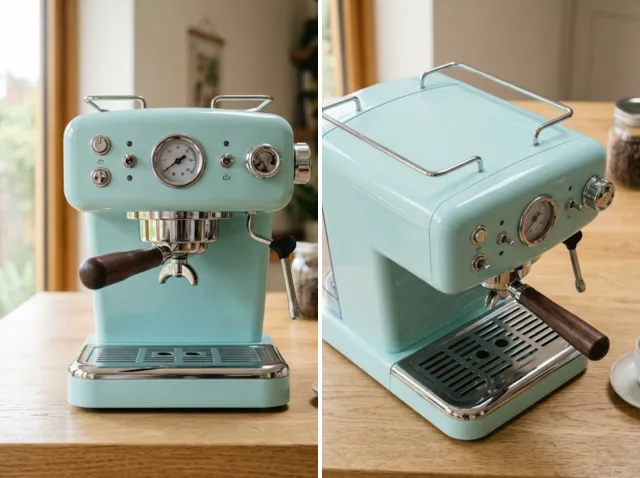 BeforeAfter
Change the camera angle of your photos
Explore new sides of your photos. Rotate the camera left or right, tilt it up or down and move closer, and the AI redraws the scene from the new viewpoint.
Change the angle free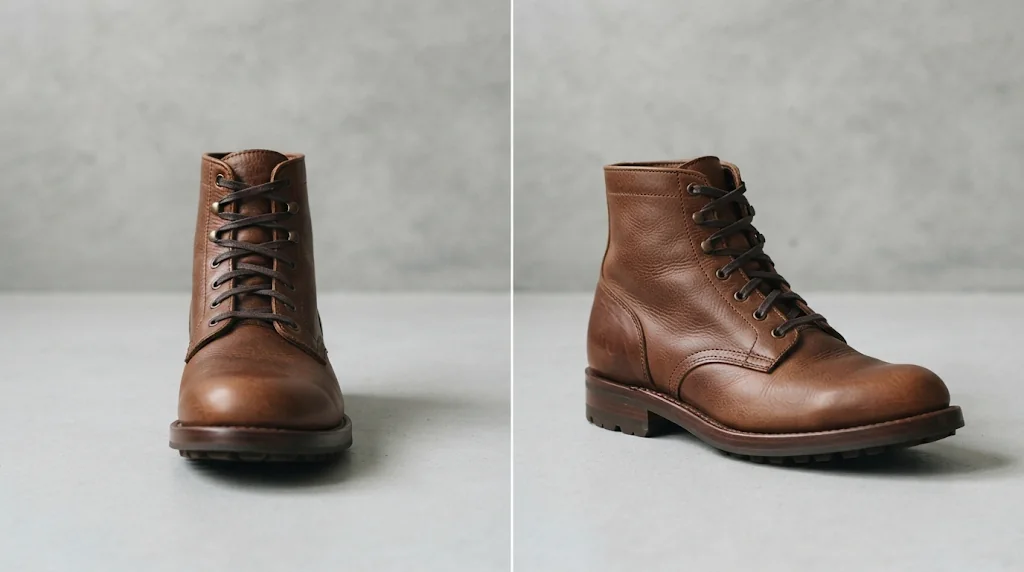
Natural angle changes
Change the viewpoint while the subject and details stay recognisable.
Change angles free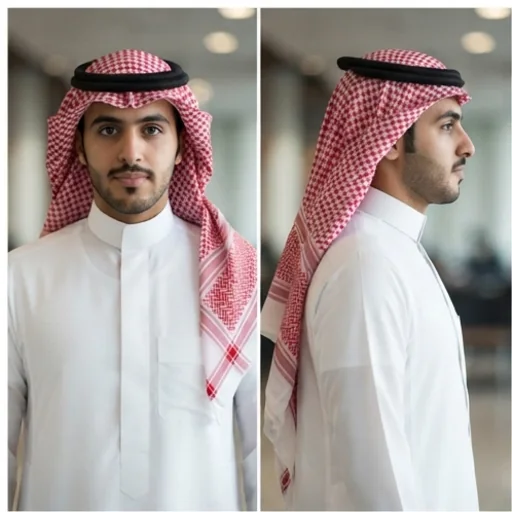
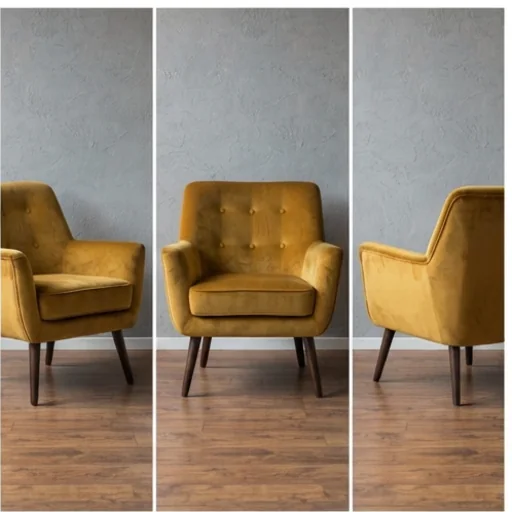
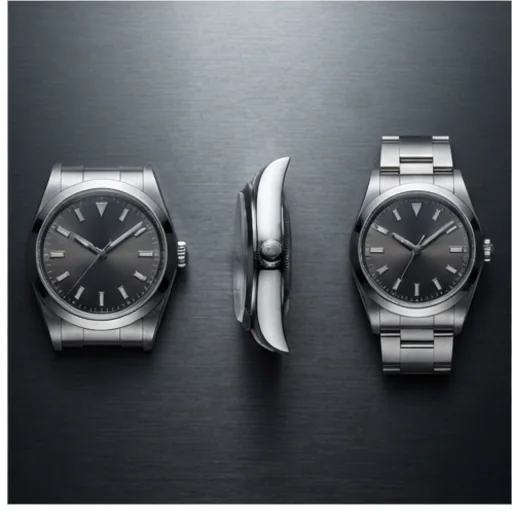
Trending angle edits for social
Try popular low-angle and top-down looks without retaking photos.
Change angles free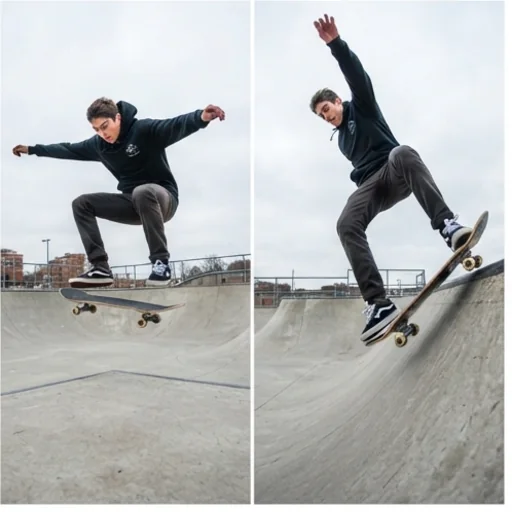
An angle editor for every perspective
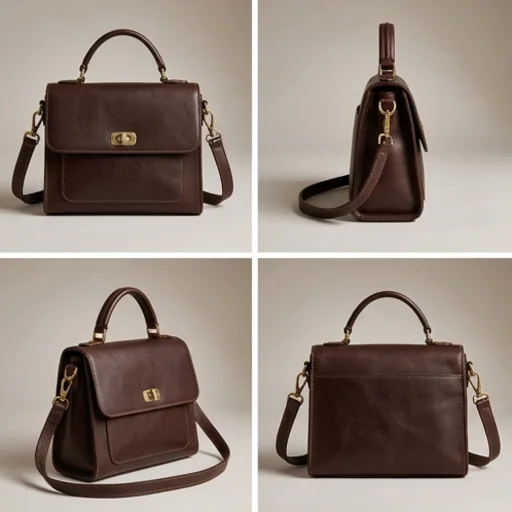
More product views without reshooting
Extra angles for listings from one photo.
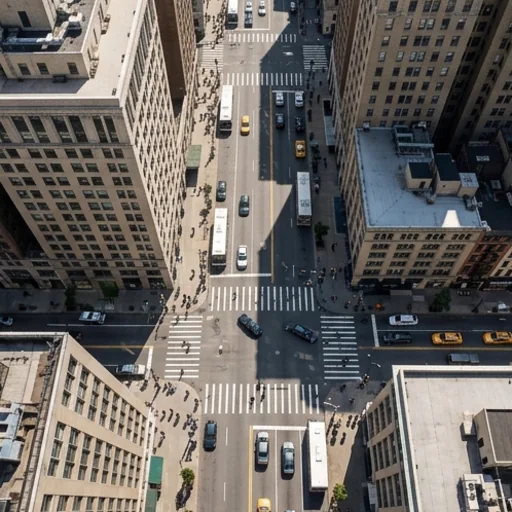
Join trends with existing content
Fresh angles of photos you already have.
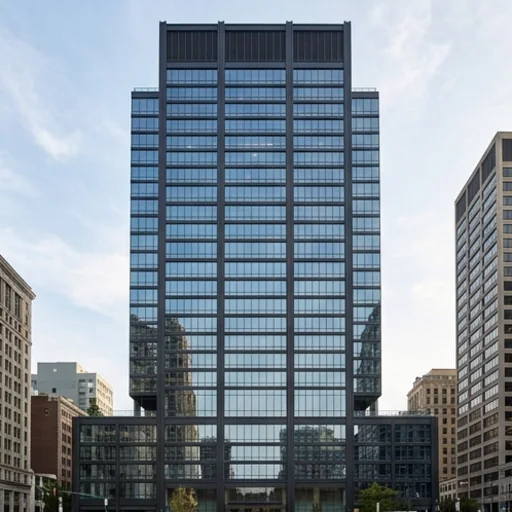
Perfect your frame
Fix awkward perspectives with precise controls.
How to change camera angles with Jitura for free
- 1
Step 1: Upload your image
Upload the photo you want to see from a new angle.
- 2
Step 2: Set the controls
Adjust rotation, tilt and zoom.
- 3
Step 3: Generate
Press Generate and download the new view.
Discover other AI image tools on Jitura
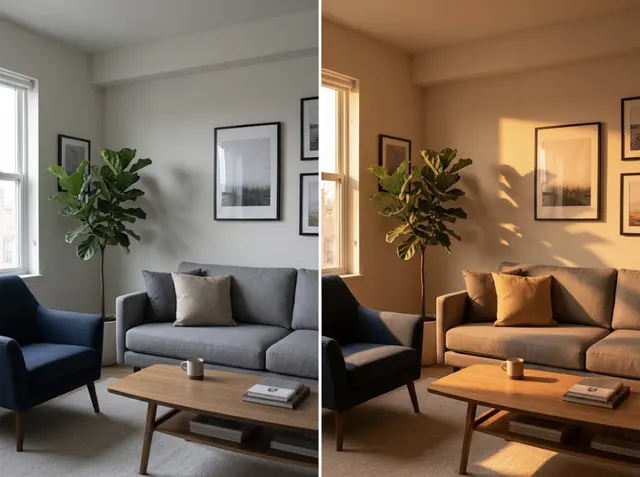
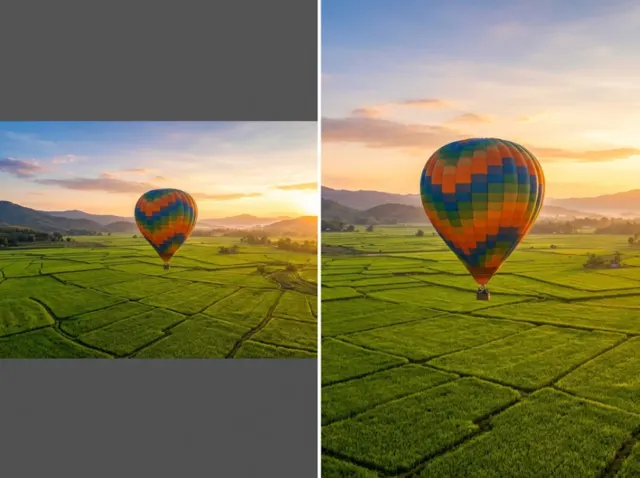
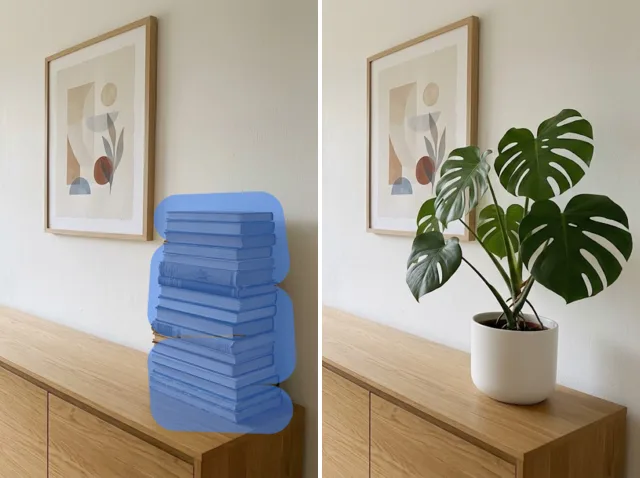

FAQs
What is the AI photo angle editor?+
A tool that changes the camera viewpoint of an existing photo by rotating, tilting and zooming the virtual camera.
Why use it?+
It gives you new perspectives without a reshoot, for products, portraits and social content.
Can I change the camera angle for free?+
Yes. Every signed-in account gets free daily operations, and each run uses one. Paid plans add more operations.
Which angles can I create?+
Rotate up to 90° left or right, tilt from worm's-eye to bird's-eye, and move closer.
Which photos work best?+
Portraits, products, rooms and objects with a clear subject. Big turns reveal more imagined detail.
Who can use it?+
Anyone: sellers, designers, creators and photographers.