
Upload Image*
Click to upload an image
We accept JPEG, PNG, or WEBP formats up to 10MB.
Brush size
Uses 1 daily image generation.
Object Remover
Brush over anything you do not want and it is gone, background filled in.
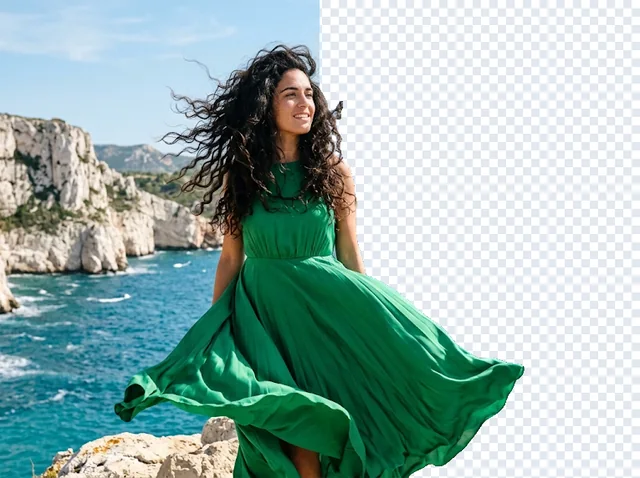
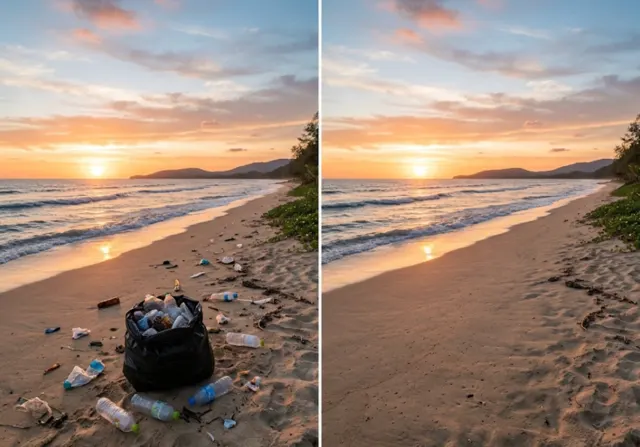 BeforeAfter
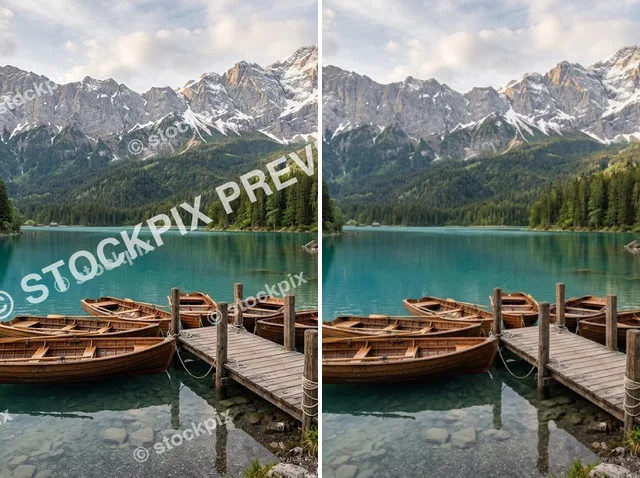
Remove objects from photos instantly
Jitura's object remover erases unwanted things in seconds: a photobomber, background clutter, a sign or a stray cable. Brush over it and the AI fills the space so naturally no one will know it was there.
Remove objects free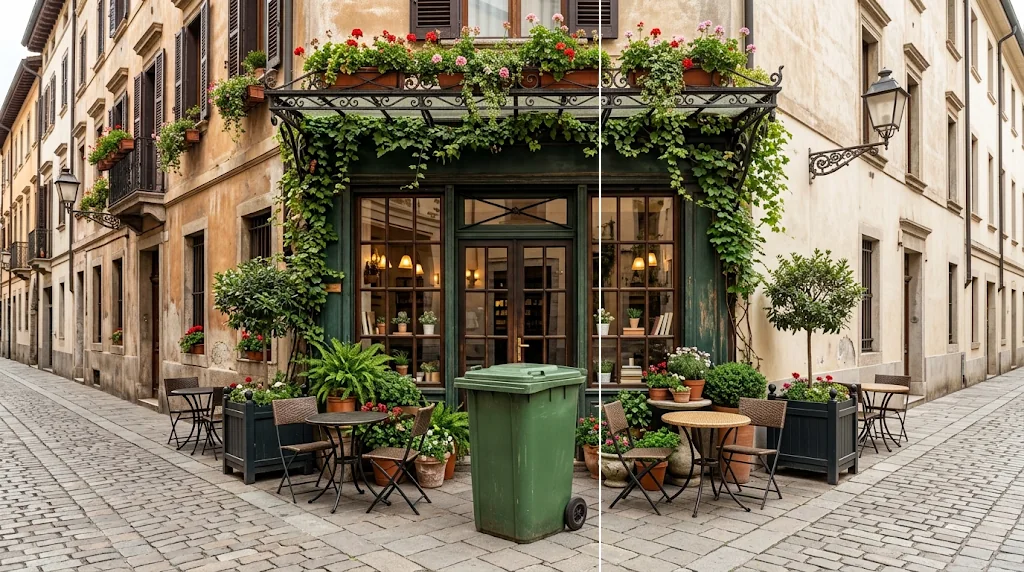
Better product photos
Clear messy backgrounds and stray items so the product gets all the attention.
Remove objects free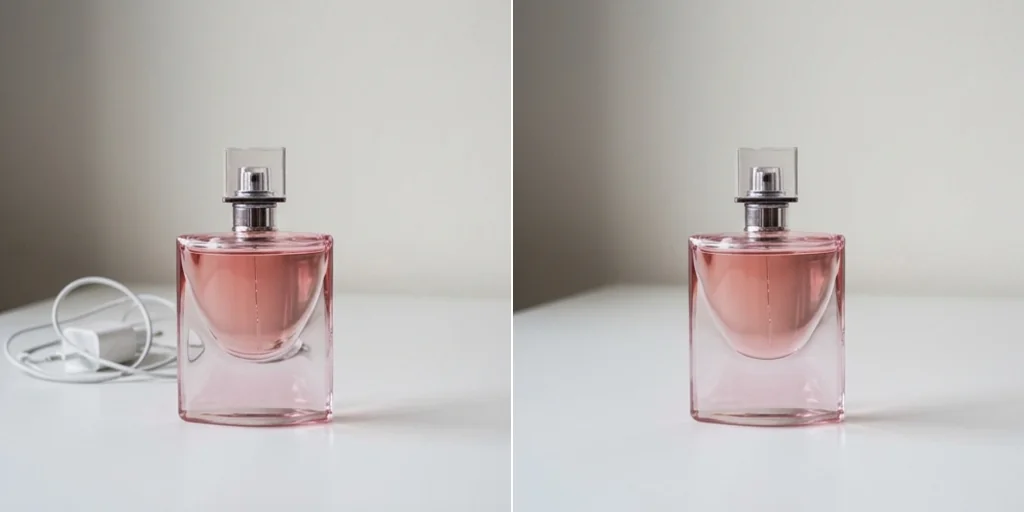
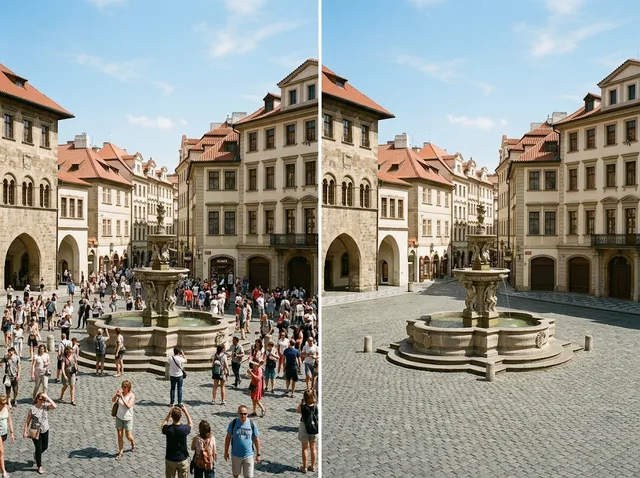
Erase photobombers and distractions
Brush over unwanted people or objects and they disappear in seconds.
Remove objects free
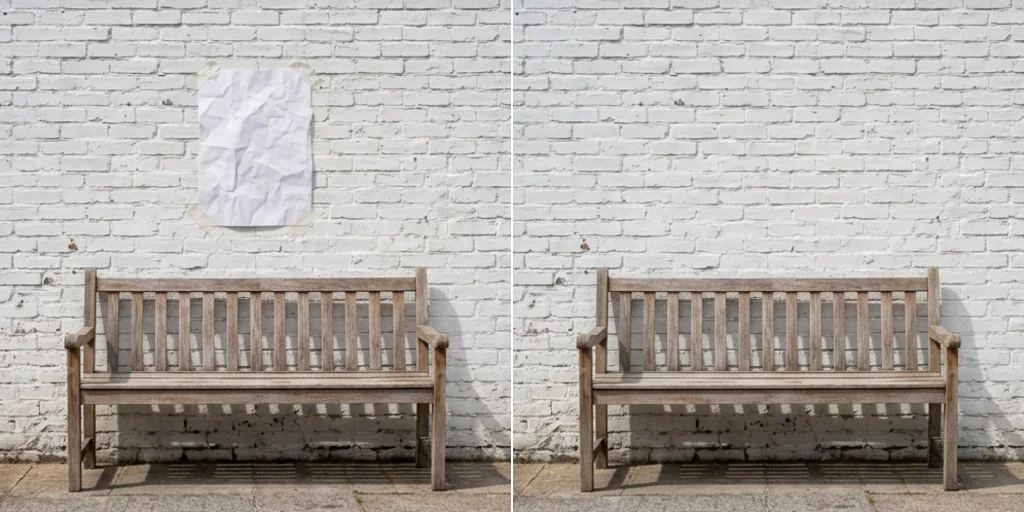
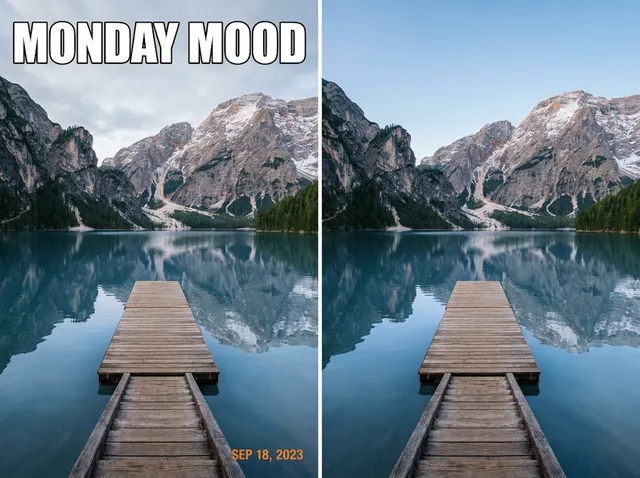
Flawless social media photos
Erase stickers, objects and small imperfections for a clean, engaging feed.
Remove objects free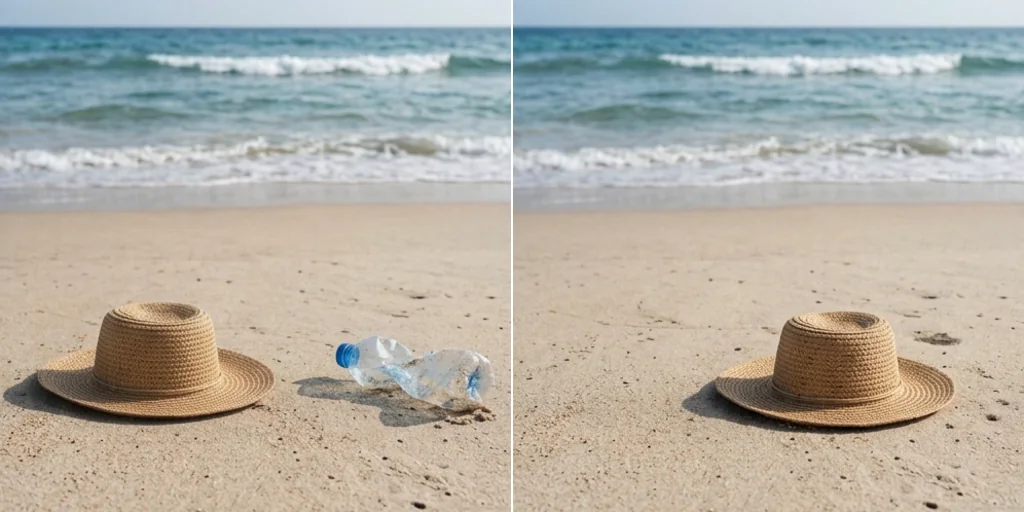
How to remove objects from photos with Jitura
- 1
Step 1: Upload your image
Select and upload your photo.
- 2
Step 2: Brush over the object
Paint over the unwanted element.
- 3
Step 3: Create
Press Create and download the clean photo.
Discover other AI image tools on Jitura
FAQs
What is an object remover?+
An AI tool that erases unwanted objects, people or distractions from an image and fills the area to match the surroundings.
What is Jitura's object remover?+
An inpainting tool: you brush over what you want gone and the model rebuilds the background, in seconds.
Is the object remover free?+
Yes. Every signed-in account gets free daily operations, and each run uses one. Paid plans add more operations.
Can I remove people from a photo?+
Yes. Brush over them, or use the AI People Remover page for crowds in the background.
Does it work on complex backgrounds?+
Yes. It studies the surrounding texture and pattern so the fill blends in; very large areas may need a second pass.
Will it affect image quality?+
No. Only the brushed area changes; the rest of the photo stays as it was.
Can I use it for product photography?+
Yes. Sellers use it to clear stray items and blemishes before a listing.
Does it work on mobile?+
Yes. Brush with your finger on the photo in any modern mobile browser.
How long does it take?+
A few seconds once you press Create.