
Upload Image*
Click to upload an image
We accept JPEG, PNG, or WEBP formats up to 10MB.
Brush size
Uses 1 daily image generation.
Text Remover
Brush over captions, labels and lettering and the AI fills the background behind them.
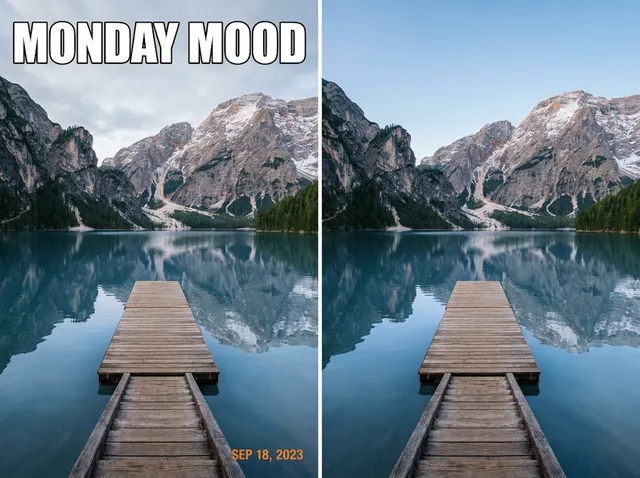 BeforeAfter
Remove text from images instantly
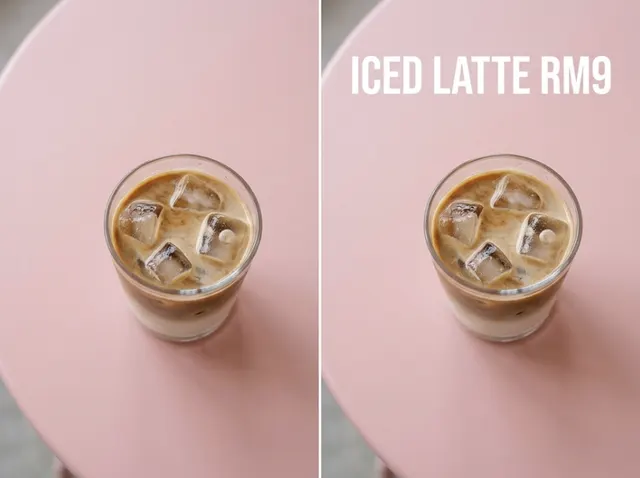
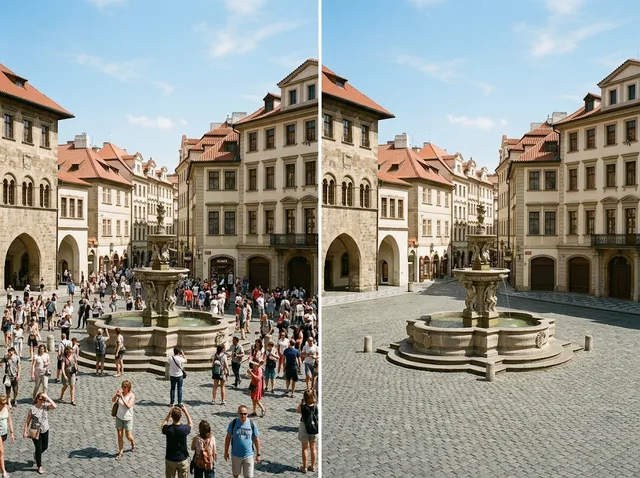
Remove text from images in seconds: captions, labels, timestamps, subtitles or stickers. Brush over the words and the AI rebuilds the background behind them.
Remove text free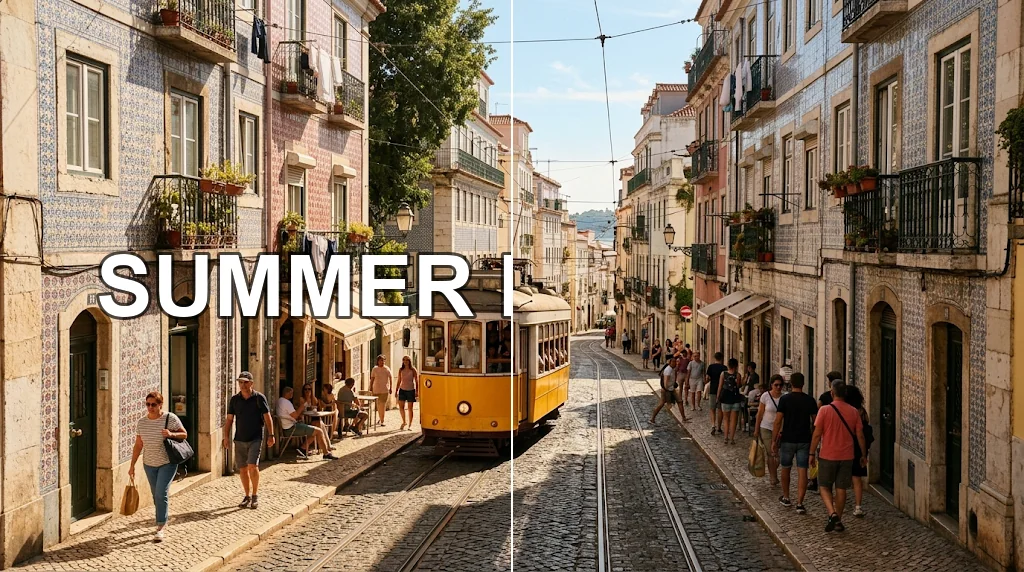
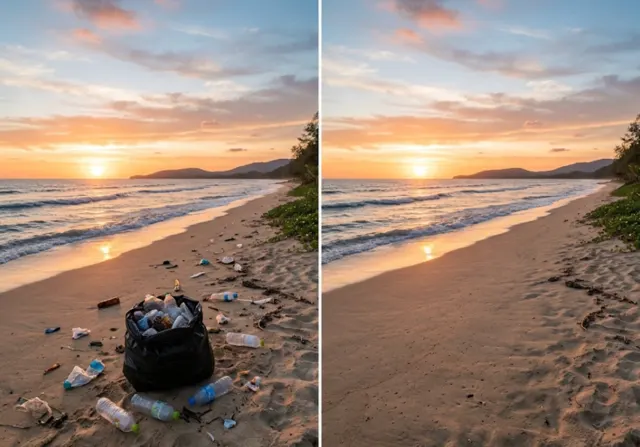
Clear overlays in one pass
Brush over overlaid text on your own photos and get the original scene back.
Remove text free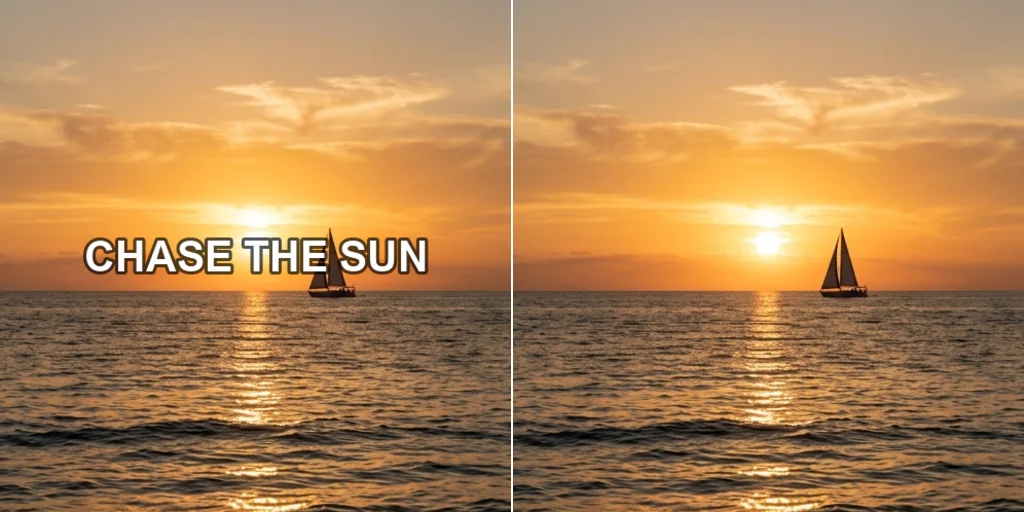
Clean up product photos
Remove promotional text and stickers from your product images for a polished look.
Remove text free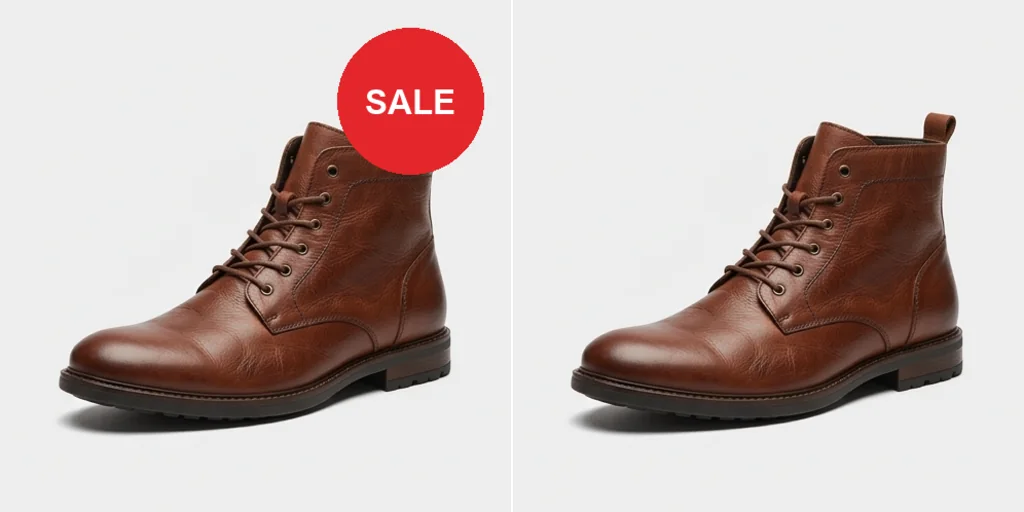
Delete captions and timestamps
Clear captions, dates and subtitles from screenshots, posts and photos.
Remove text free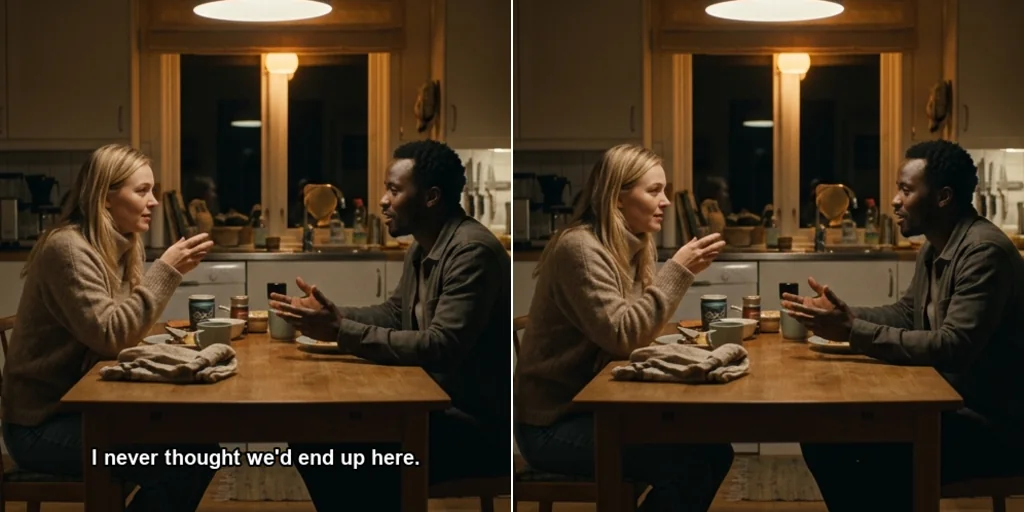
Clean social media graphics
Remove old text from a graphic so you can reuse the design.
Remove text free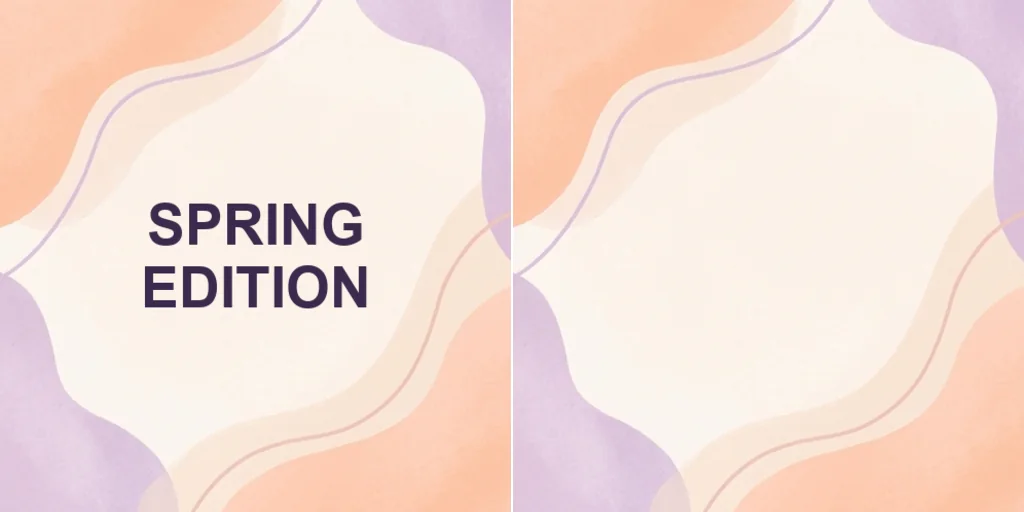
How to remove text from images
- 1
Step 1: Upload the image
Upload the picture with the unwanted text.
- 2
Step 2: Brush over the text
Paint over the words you want to erase.
- 3
Step 3: Create
Press Create and download the clean image.
Discover other AI image tools on Jitura
FAQs
What is a text remover?+
An AI tool that erases unwanted text, captions or stamps from images and rebuilds the background.
What is Jitura's text remover?+
A brush tool: paint over the text, press Create, and an inpainting model fills the area to match.
Is the text remover free?+
Yes. Every signed-in account gets free daily operations, and each run uses one. Paid plans add more operations.
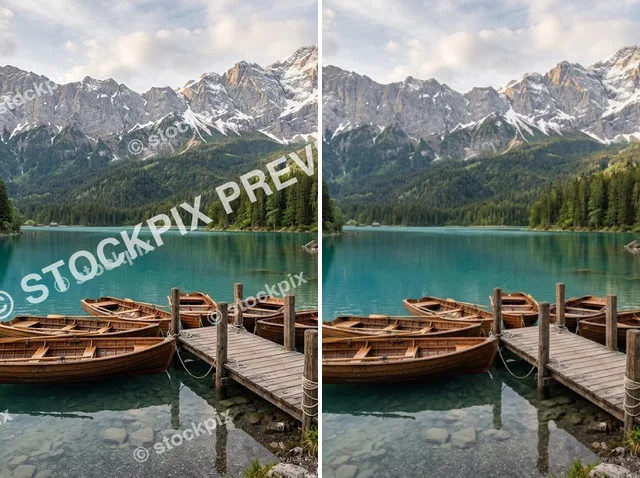
Can it remove watermarks?+
It can remove marks from images you own or may edit. Removing other people's watermarks to reuse their work is not allowed.
Does it work on all kinds of images?+
Photos, artwork, screenshots and scanned documents in JPEG, PNG or WebP.
Will the background stay intact?+
Only the brushed area changes, and the fill is matched to the surrounding texture.
Can I use it for product photos?+
Yes. Clear old labels, prices or promo stickers from your own product images.
Does it work on mobile?+
Yes. Brush with your finger in any modern mobile browser.
How fast is it?+
A few seconds once you press Create.
Make your images clean and professional
Brush over the text, create and download.
Try the text remover