
Edit Text in Image
Replace words, fix typos and update image copy while keeping the result close to the original design.
Free outputs may appear in the public gallery. Learn more
Edit text in images without recreating the design
Need to update text in a finished image without the original file? Tell the AI what to change and it rewrites the words in place with the same font feel, spacing and background.
Edit text free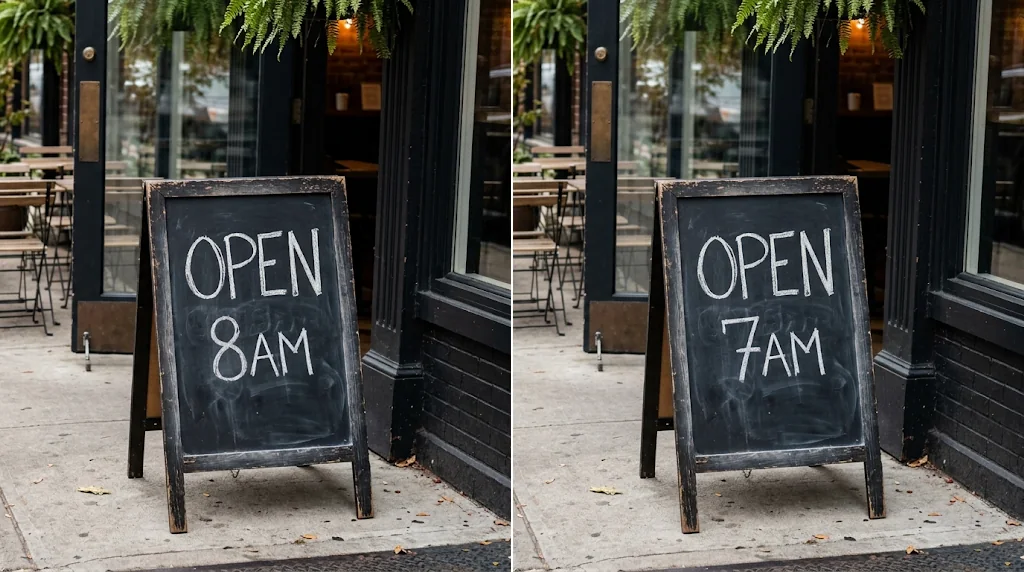
Edit text online
Change text in your browser, no software to install.
Same font and background
Spacing, colour and texture stay consistent.
No design skills needed
Upload, describe the change and create.
Change existing text naturally
Replace words so the new text sits in the image as if it was always there.
Edit text free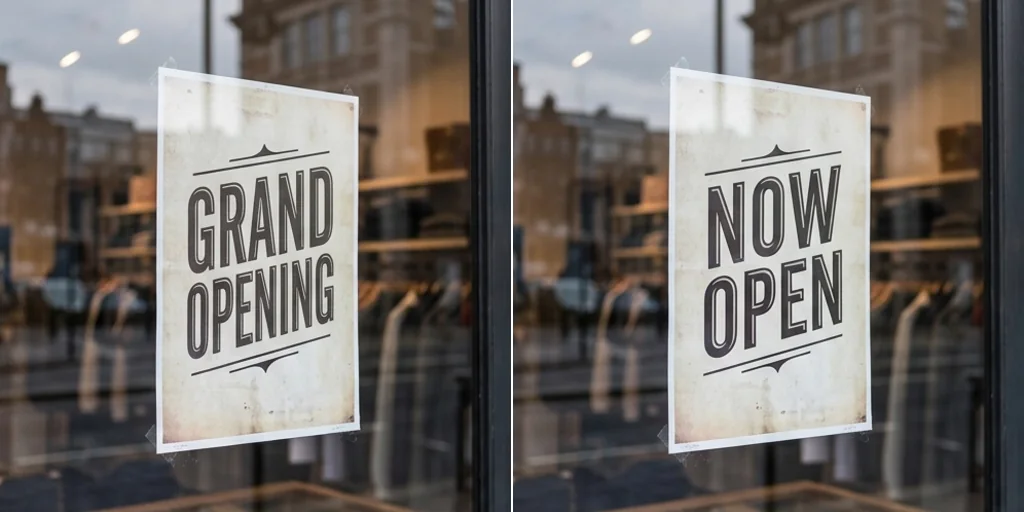
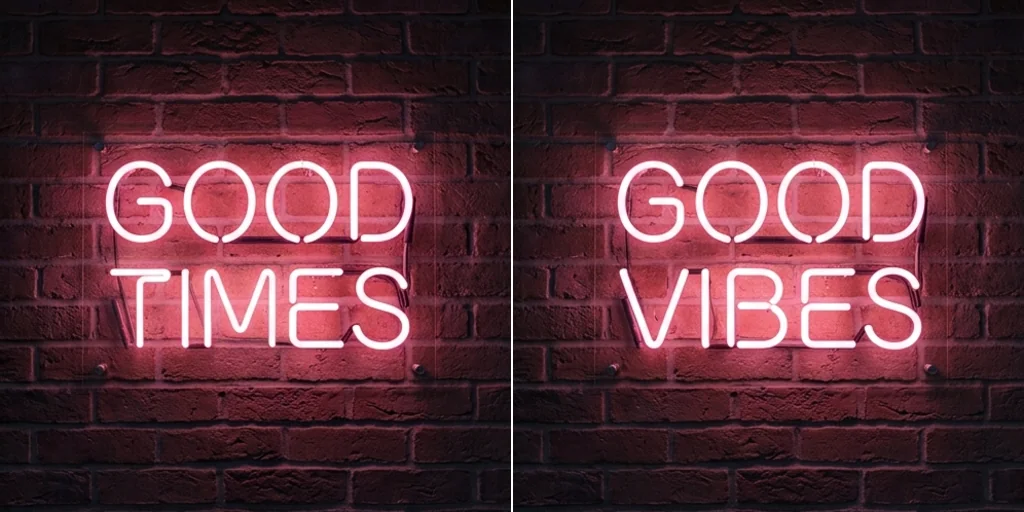
Remove and replace text
Delete outdated words or replace them for sharing, selling or presenting.
Edit text free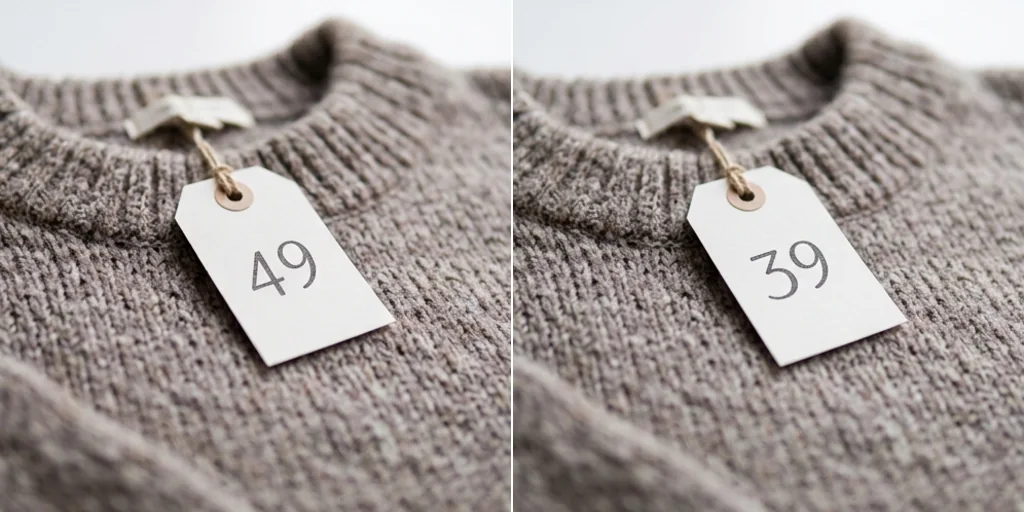
Faster than manual editing
Skip selecting letters, matching fonts and rebuilding the background.
Edit text free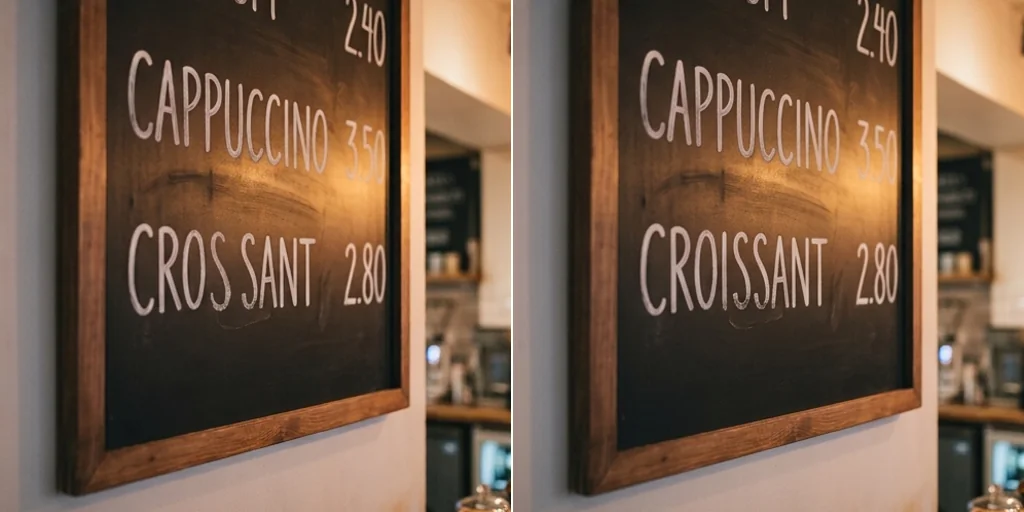
Edit text in images for everyday fixes
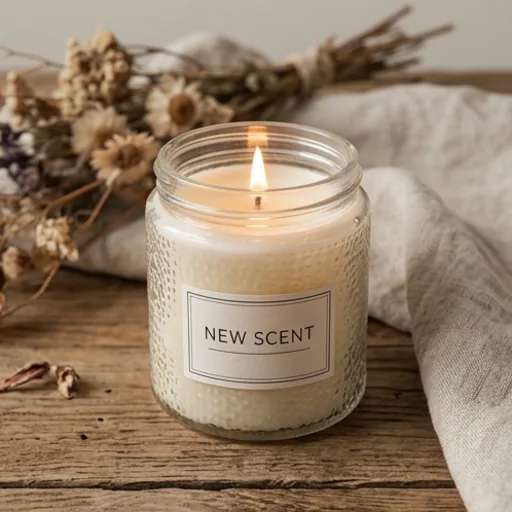
Keep listings accurate
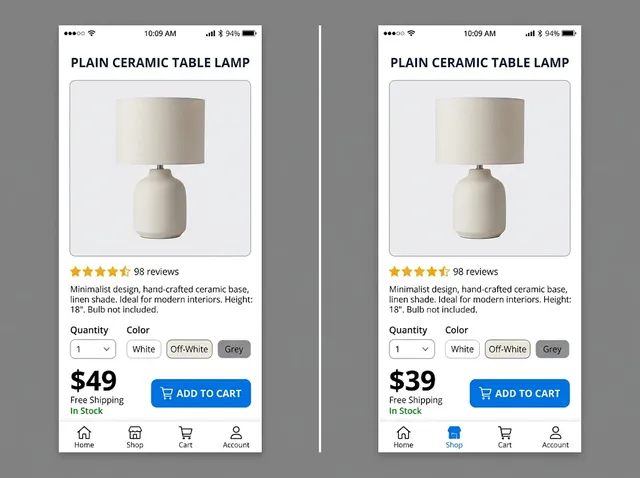
Update labels, prices and promo text on product images.
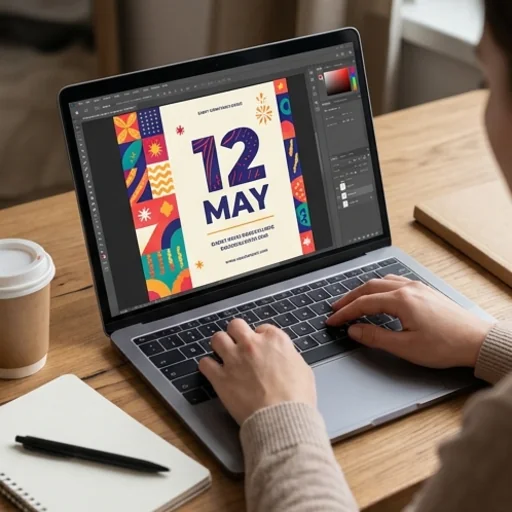
Refresh content fast
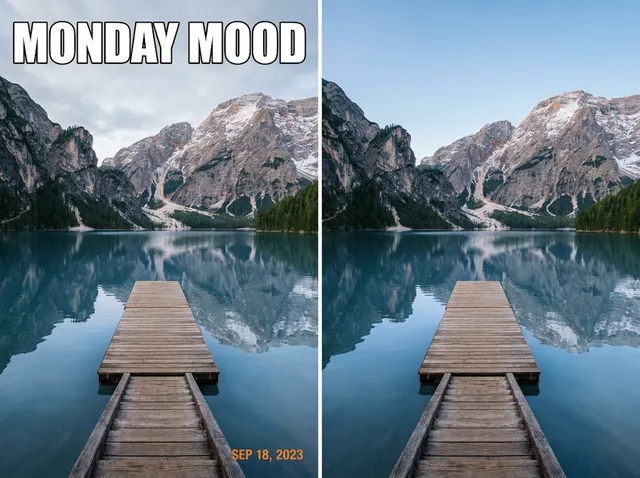
Change captions and dates on finished graphics.
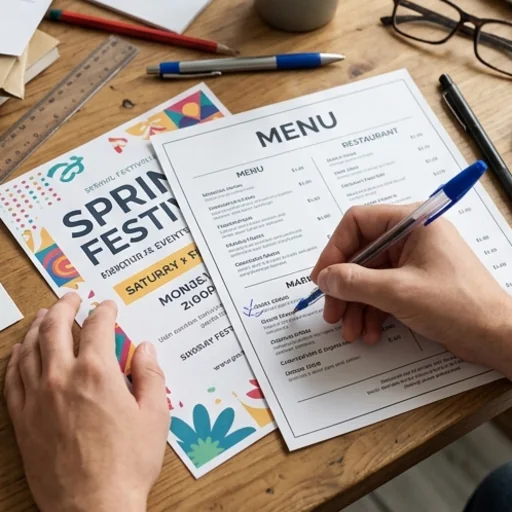
Correct details before sharing
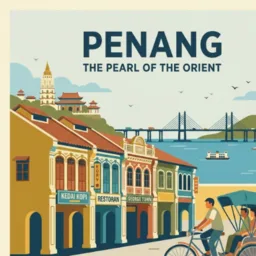
Fix flyers, menus and posters.
Make image text clearer
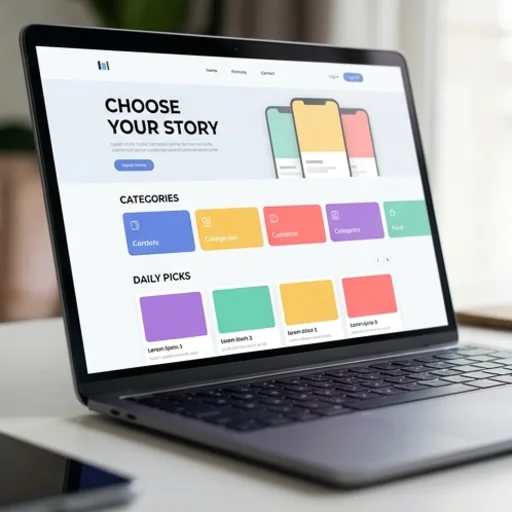
Update text in screenshots and mock-ups.
How to edit text in an image with Jitura
- 1
Step 1: Add your image
Add the image containing the text with the + button.
- 2
Step 2: Describe the change
Write the new text and any font, colour or layout notes.
- 3
Step 3: Create and download
Create the edited image and download it.
Discover other AI image tools on Jitura
FAQs
What is an online AI image text editor?+
A tool that changes the words inside an image while keeping the design, font style and background.
How do I edit text in an image online?+
Add the picture, write which words to change to what, and create.
What is the best online AI image text editor?+
One that matches the original font and leaves everything else untouched. Jitura's editor runs on top models such as Nano Banana, and you can switch models in the same box.
Can I keep the same font?+
Yes. Ask it to match the original font, size and colour; check the spelling in the result.
What kinds of images can I edit?+
Posters, product photos, signs, menus, screenshots, social graphics and mock-ups.
Can I edit text in images for free?+
Yes. Every signed-in account gets free daily operations, and each run uses one. Paid plans add more operations.
Edit text in images with Jitura
Fix words and refresh finished images in seconds.
Try edit text in image