
Upload Image*
Click to upload an image
We accept JPEG, PNG, or WEBP formats up to 10MB.
Brush size
Uses 1 daily image generation.
AI People Remover
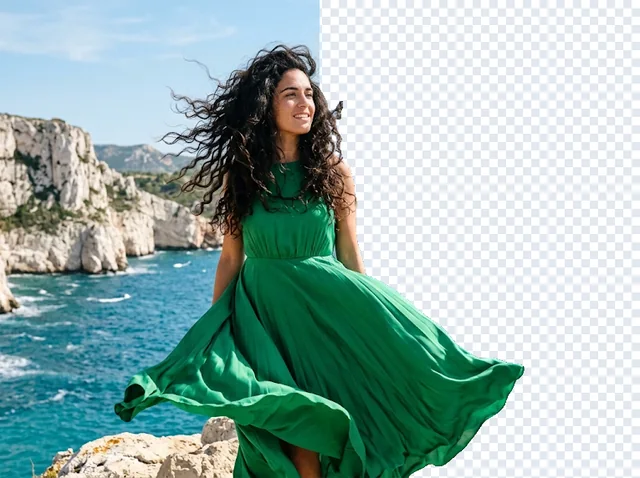
Brush over tourists and passers-by and the AI rebuilds the scene behind them.
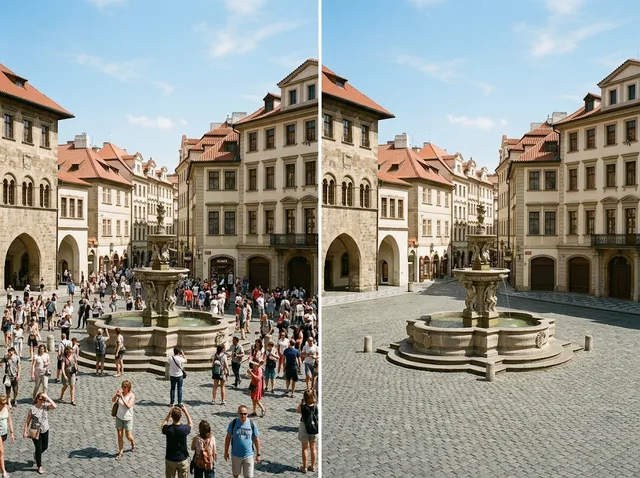 BeforeAfter
Remove people from photos instantly
Took a great photo only to find strangers in the background? Brush over them and Jitura's people remover erases them and rebuilds the scene, so your memories look the way you saw them.
Remove people free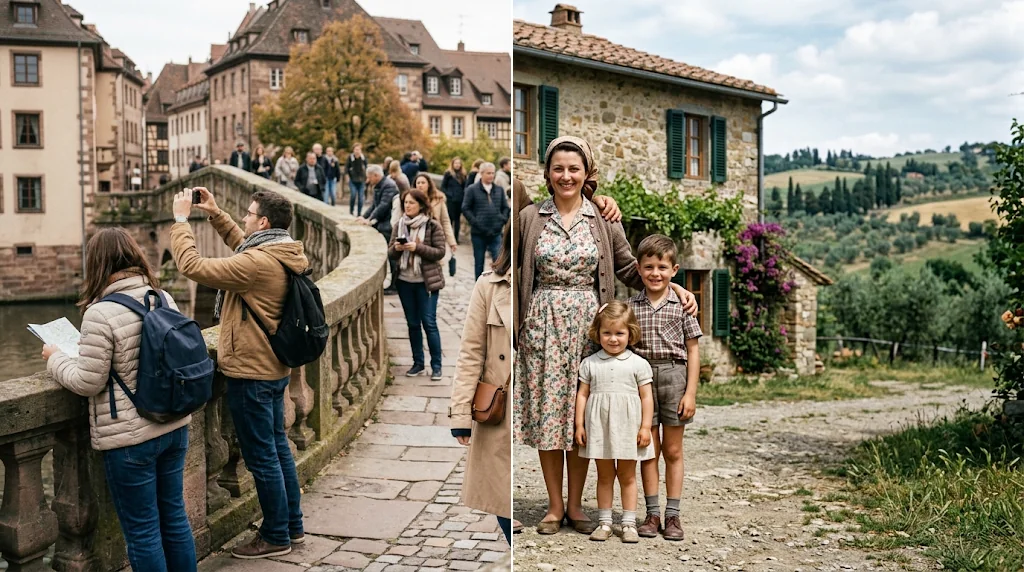
AI-powered people removal
Skip manual cloning: brush over the people and the AI fills the background for professional results.
Remove people free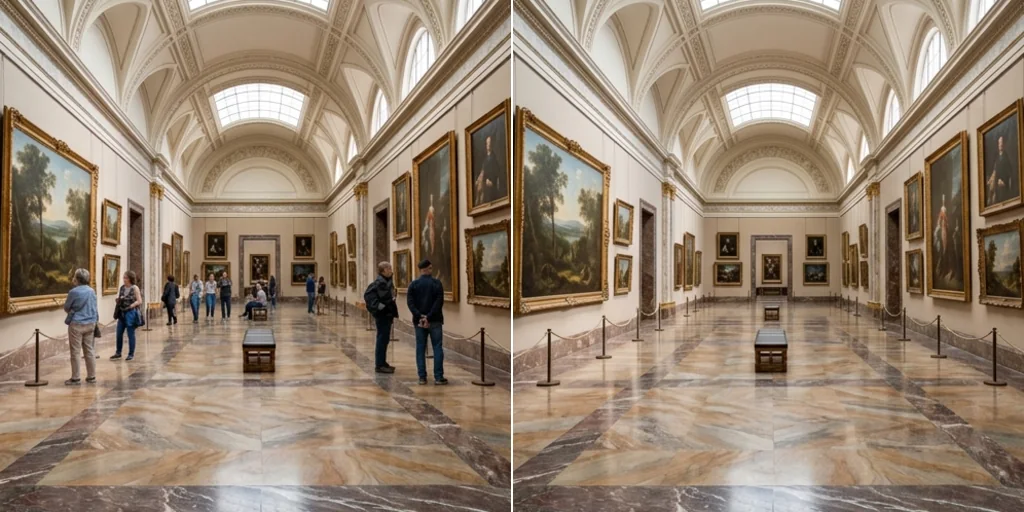
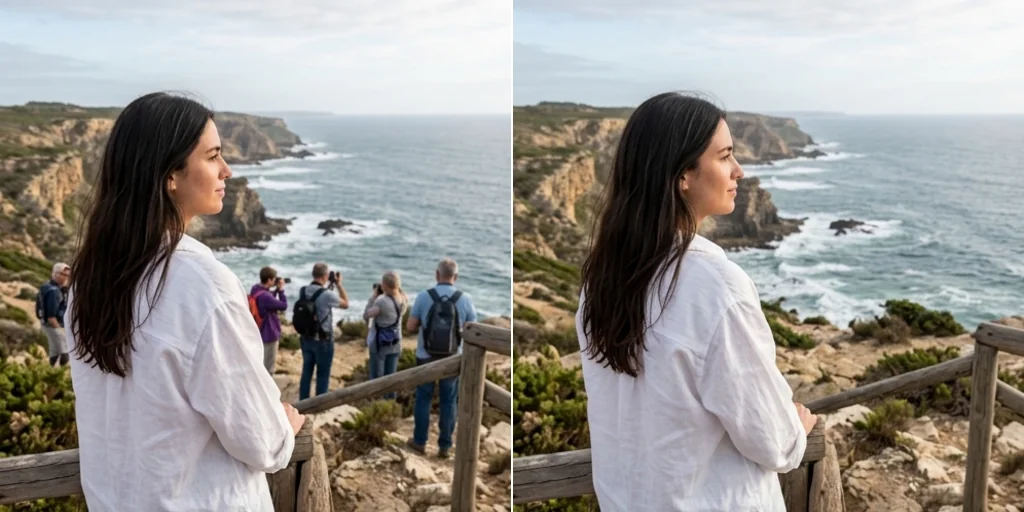
Clean personal and professional photos
Remove distractions from wedding, portrait and event photos.
Remove people free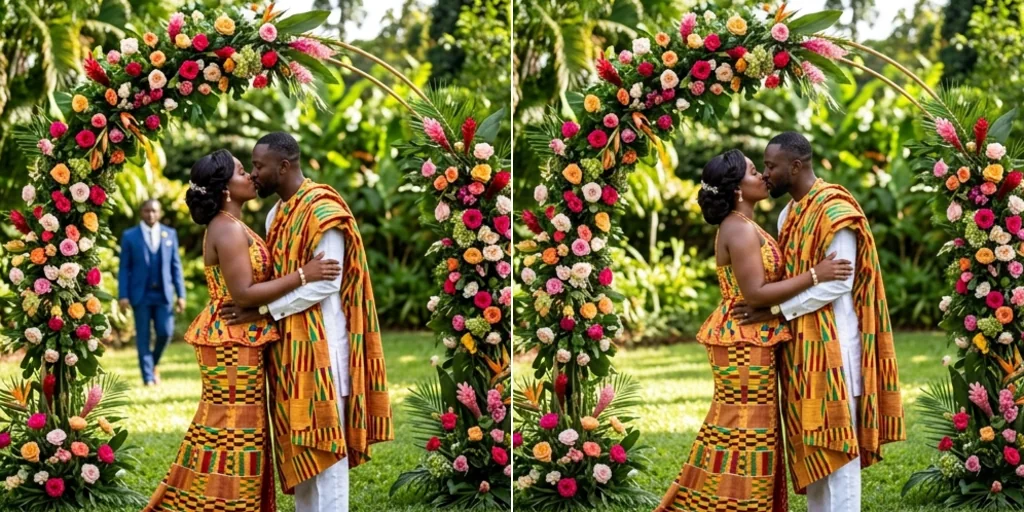
Ideal for social media and e-commerce
Clean backgrounds for storytelling and product shots.
Remove people free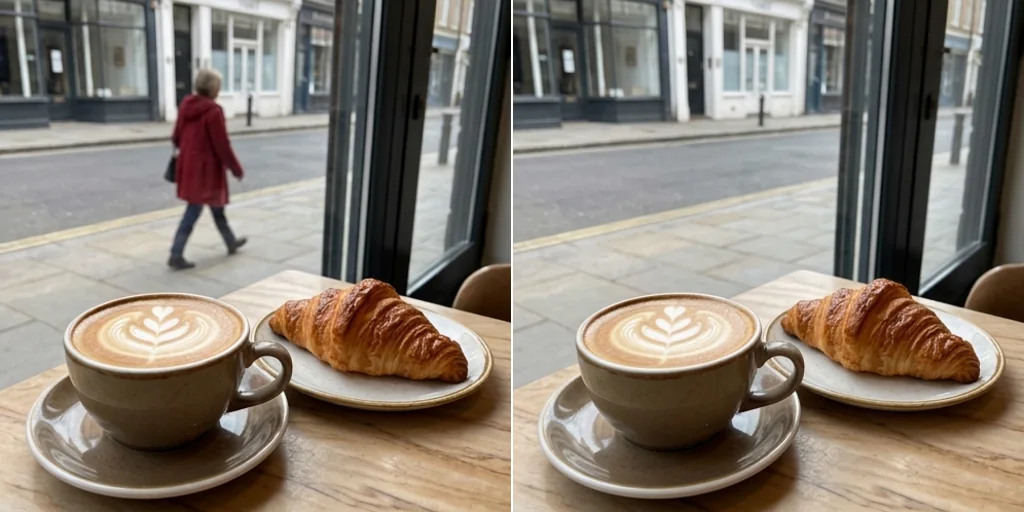
How to remove people from photos
- 1
Step 1: Upload a photo
Upload the photo with people you want to remove.
- 2
Step 2: Brush over them
Paint over each person you want gone.
- 3
Step 3: Create and save
Press Create and download the finished photo.
Discover other AI image tools on Jitura
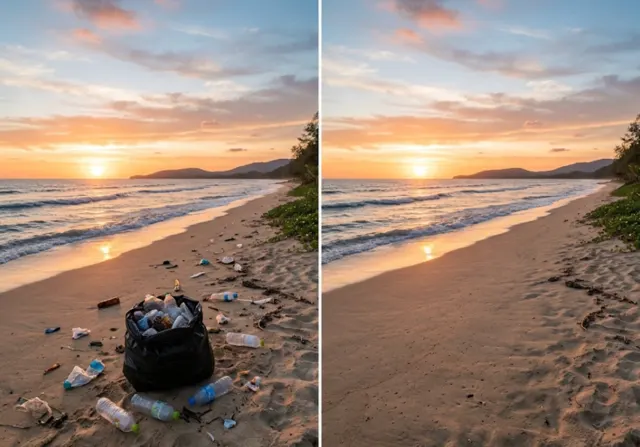
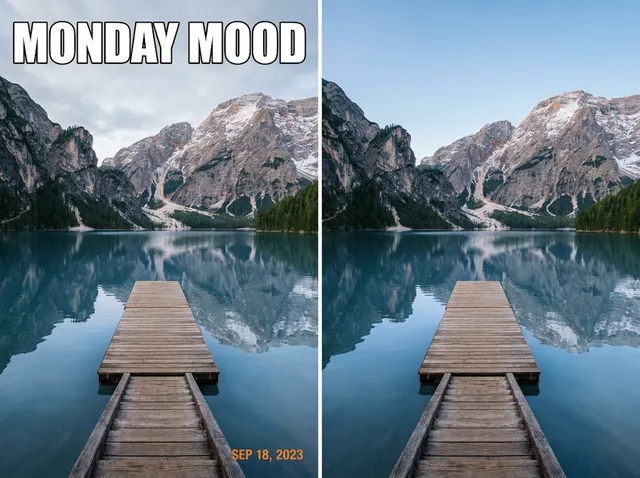
FAQs
What is the AI people remover?+
A tool that removes people from photos and fills the area so the background looks untouched.
Is the people remover free?+
Yes. Every signed-in account gets free daily operations, and each run uses one. Paid plans add more operations.
Will it leave visible marks?+
The brushed area is rebuilt from the surroundings to look natural; large crowds may need a second pass.
Is it suitable for professional photographers?+
Yes, for retouching portraits, weddings and landscapes.
How do I remove someone from a picture?+
Upload the photo, brush over the person and press Create.
Does it work on old or low-quality photos?+
Yes. Run the result through the Image Enhancer afterwards if it is soft.
Can I use it commercially?+
Yes, on photos you own or may edit, for marketing, advertising and real estate.
Which formats are supported?+
JPEG, PNG and WebP up to 10MB.
Does it work on complex backgrounds?+
Yes. The model matches textures and patterns behind the people.
Get perfect photos with the AI people remover
Brush, create and share the photo you meant to take.
Try the people remover