
Upload Image*
Click to upload an image
We accept JPEG, PNG, or WEBP formats up to 10MB.
Hold and drag to change the light direction
Light style
Uses 1 daily image generation.
Image Relight
Move the light source and change its mood without reshooting.
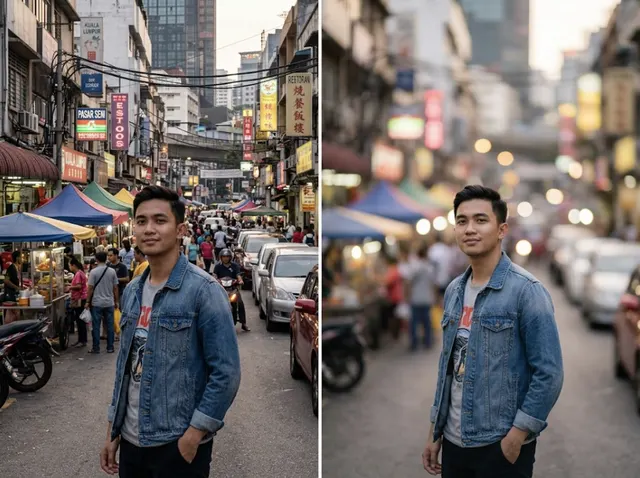
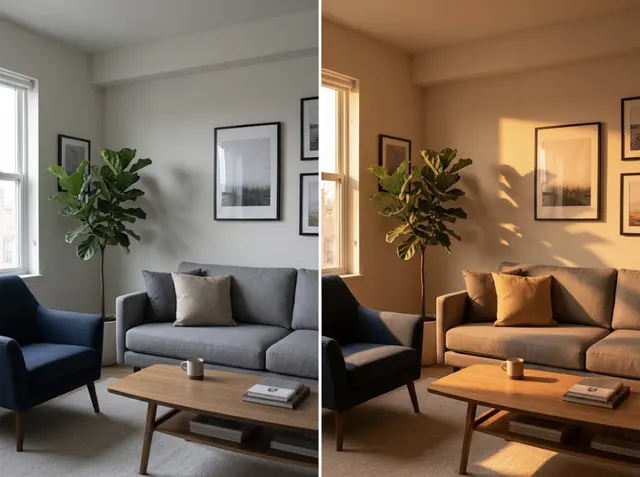 BeforeAfter
Turn flat photos into dynamic visuals
Refine light, shadows and mood after the shot. Choose where the light comes from and its style, and the AI relights the scene while keeping everything else the same.
Relight a photo free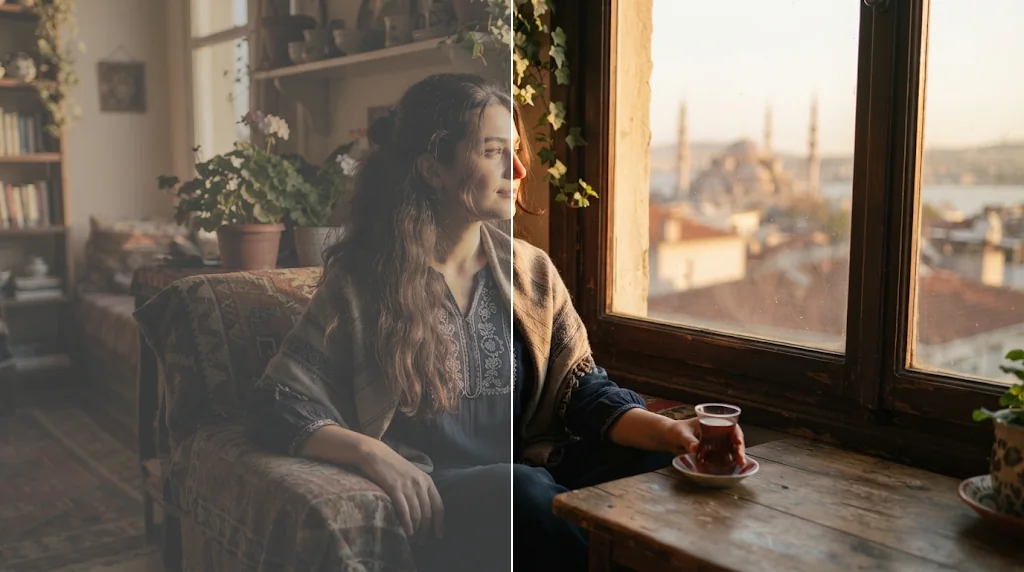
Smart light for professional looks
Balanced brightness and contrast for a polished, studio-like result.
Relight photos free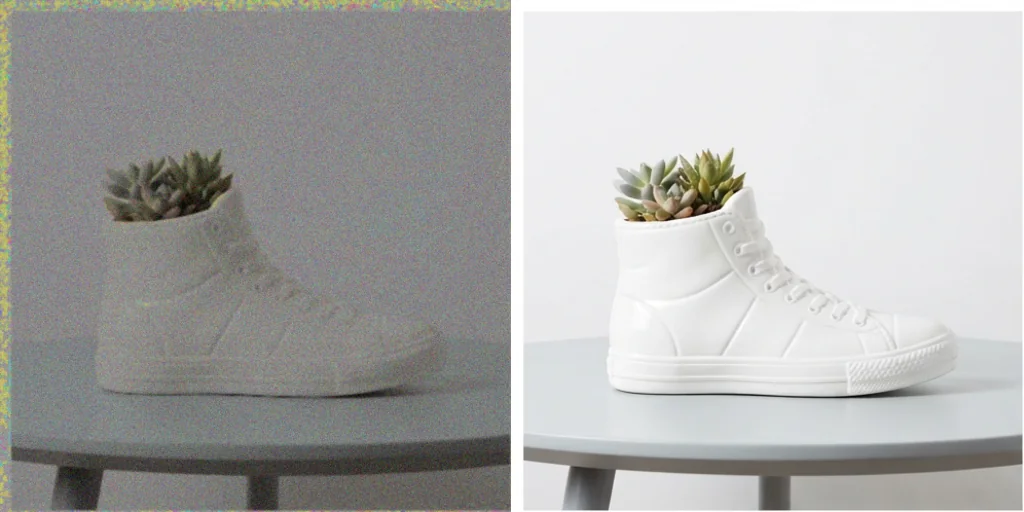
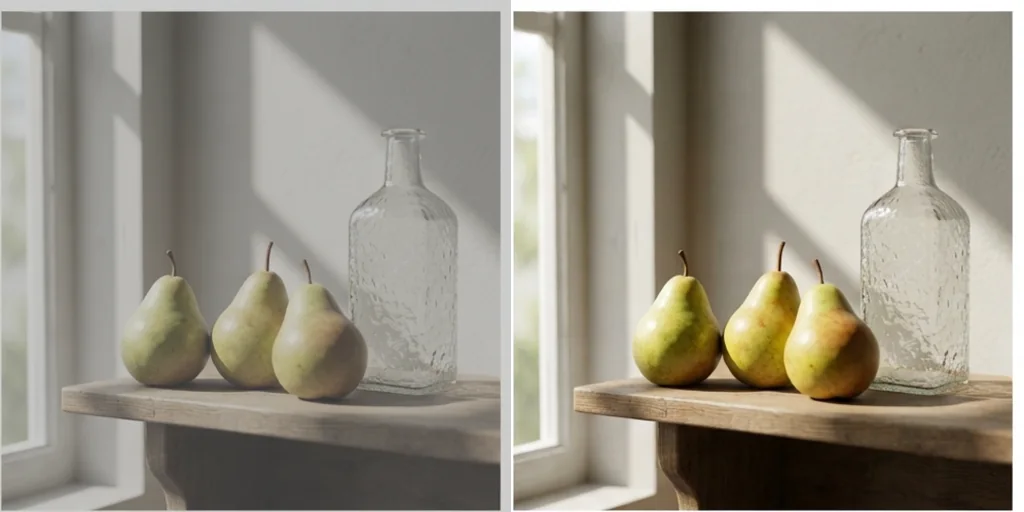
Atmosphere for the right mood
Warm, calm, bright or dramatic: shape the vibe with one setting.
Relight photos free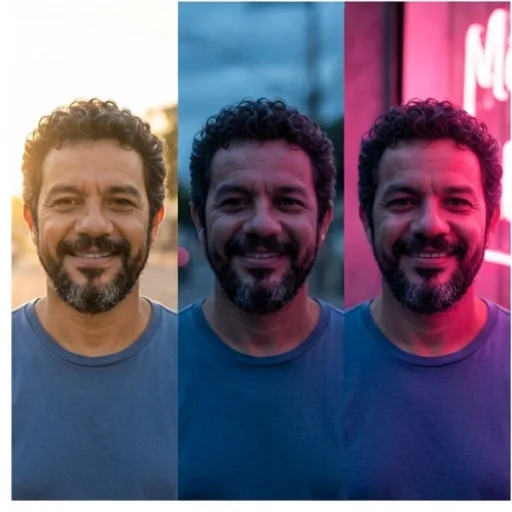
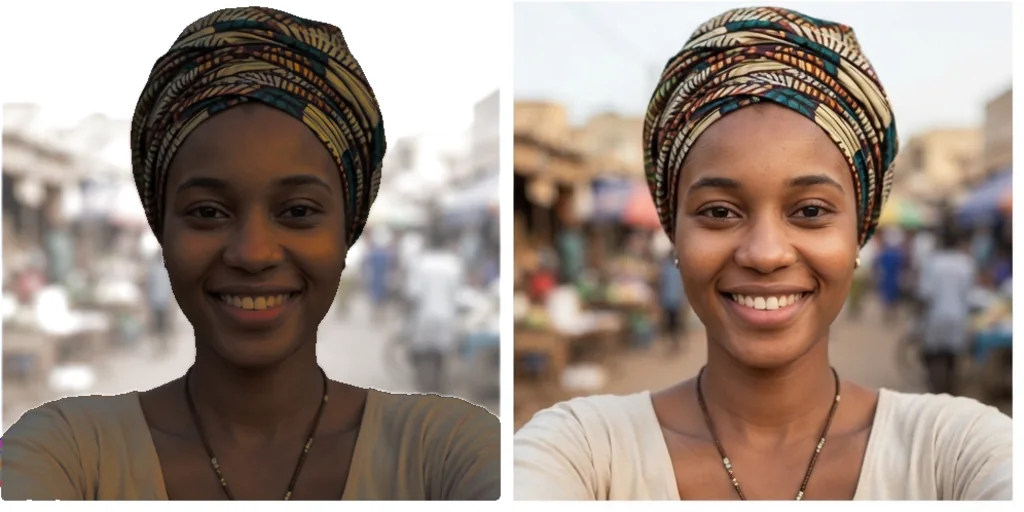
AI relighting for every creative vision
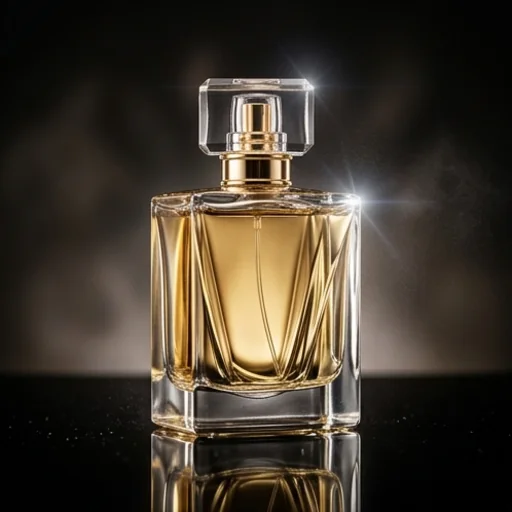
Studio light without the gear
Turn dull product shots into commercial visuals.
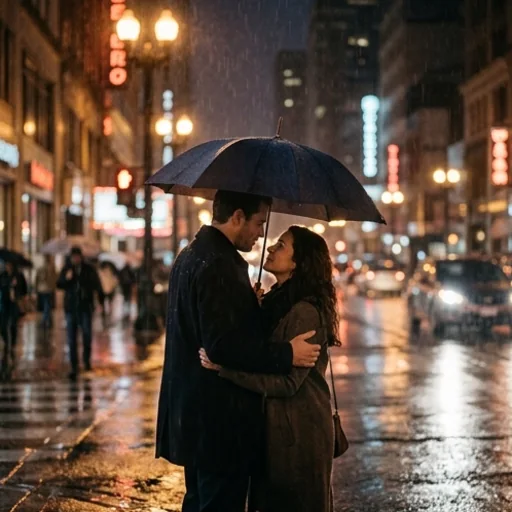
Cinematic mood
Rescue moments shot in poor light.
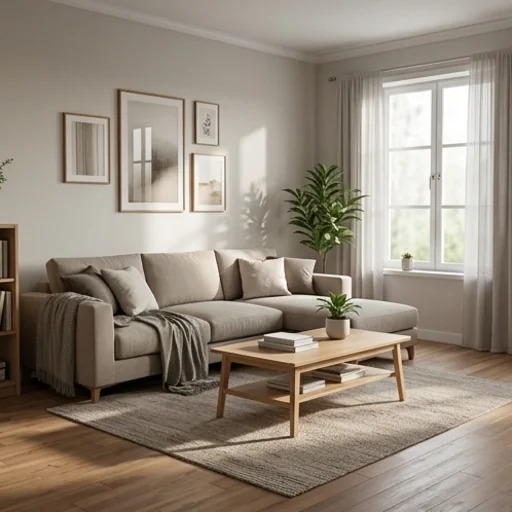
Depth in every scene
Realistic shadows for flat designs and renders.
How to use AI image relighting
- 1
Step 1: Upload your image
Upload the photo you want to relight.
- 2
Step 2: Set the light
Drag to choose the light direction and pick a light style.
- 3
Step 3: Generate
Press Generate and download the photo.
Discover other AI image tools on Jitura
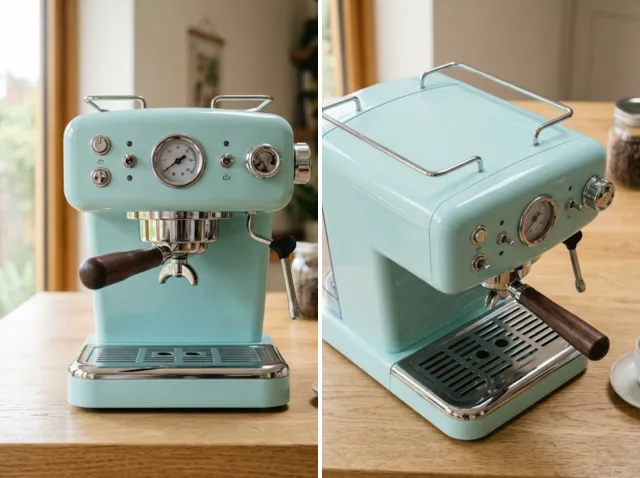
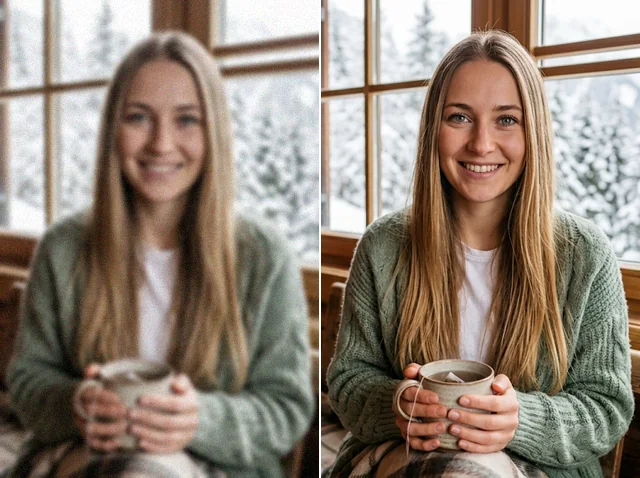
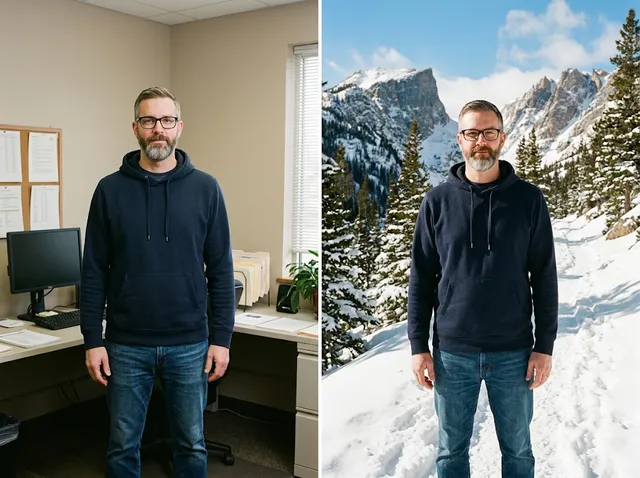
FAQs
What is the AI image relighter?+
A tool that changes the lighting of a photo: direction, colour and mood, while keeping the subject and scene.
Can I use it for free?+
Yes. Every signed-in account gets free daily operations, and each run uses one. Paid plans add more operations.
How fast is it?+
Usually 10 to 30 seconds.
Is it limited to one style?+
No. Choose natural light, sunrise, golden hour, blue hour, moonlight, studio, neon, cinematic red or candlelight, and add your own notes.
Will the relit image keep its details?+
Yes. Only light and shadows change; faces, pose and composition stay the same.