
Upload Image*
Click to upload an image
We accept JPEG, PNG, or WEBP formats up to 10MB.
Aspect Ratio
Uses 1 daily image generation.
Blur Background
Add soft portrait-lens bokeh behind your subject.
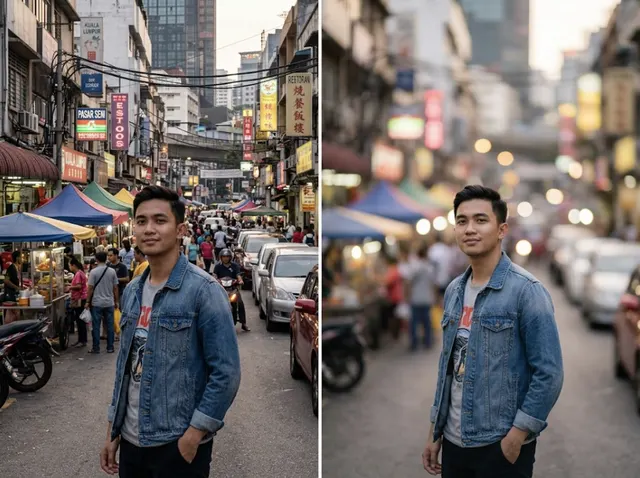 BeforeAfter
Blur backgrounds with AI instantly
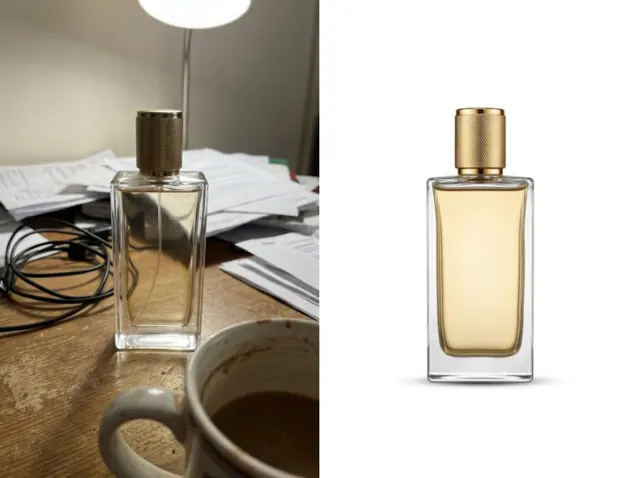
Make your subject the star. Jitura's blur background tool finds the subject and blurs everything behind it with smooth, lens-like bokeh, for social posts, portraits and product photos.
Blur a background free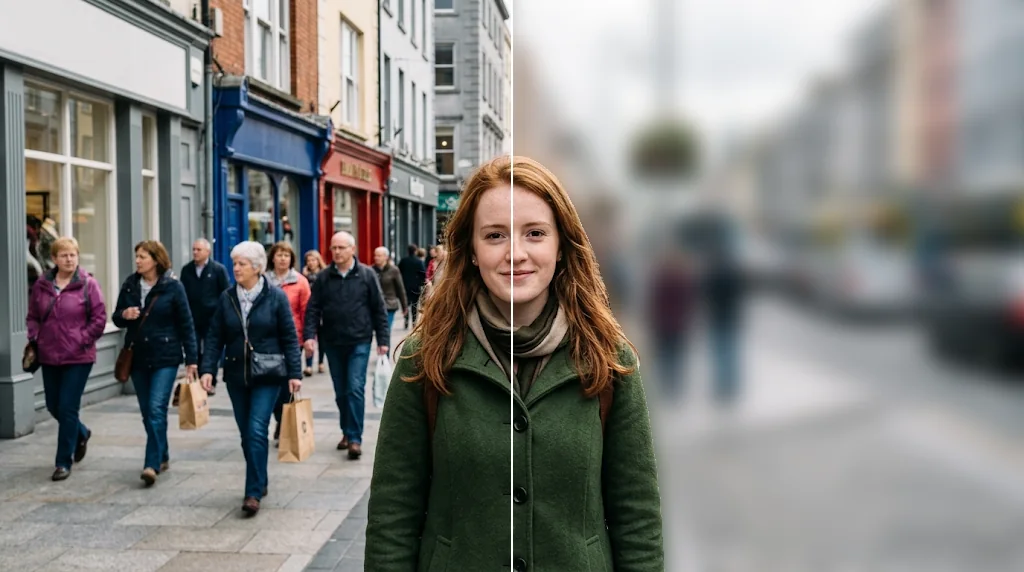
Intelligent background blur
The AI separates subject and background accurately, so hair and edges stay sharp while the rest softens.
Blur backgrounds free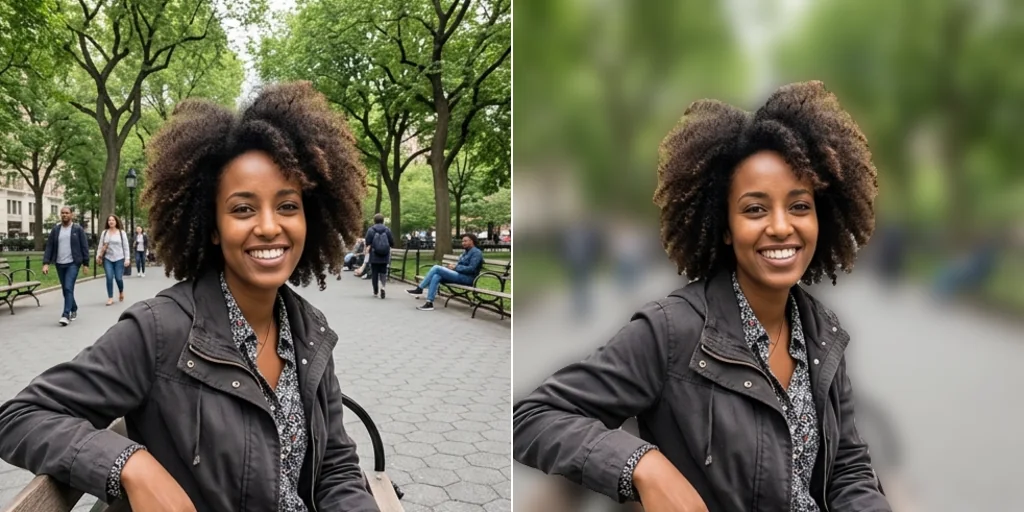
Choose the look
Pick the aspect ratio and get a natural, portrait-lens depth of field; for a stronger or lighter blur, describe it in the AI Photo Editor.
Blur backgrounds free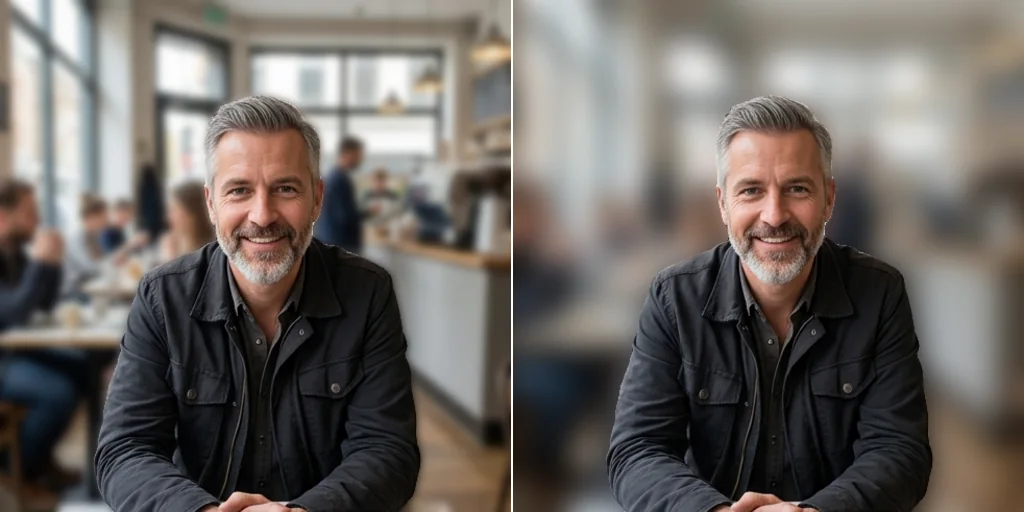
Better e-commerce visuals
Blur busy settings behind your products so shoppers focus on the item.
Blur backgrounds free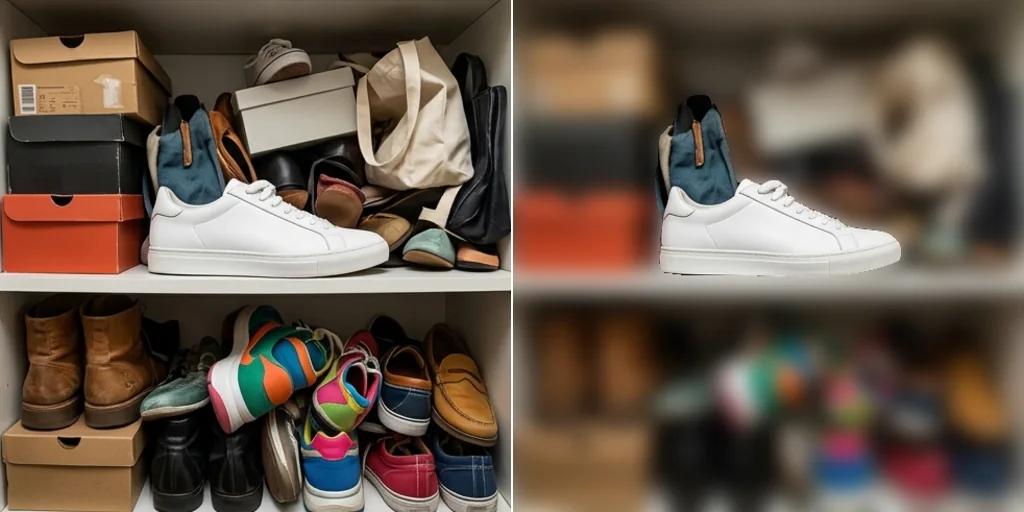
Classy professional portraits
Turn casual phone photos into polished portraits for profiles and CVs.
Blur backgrounds free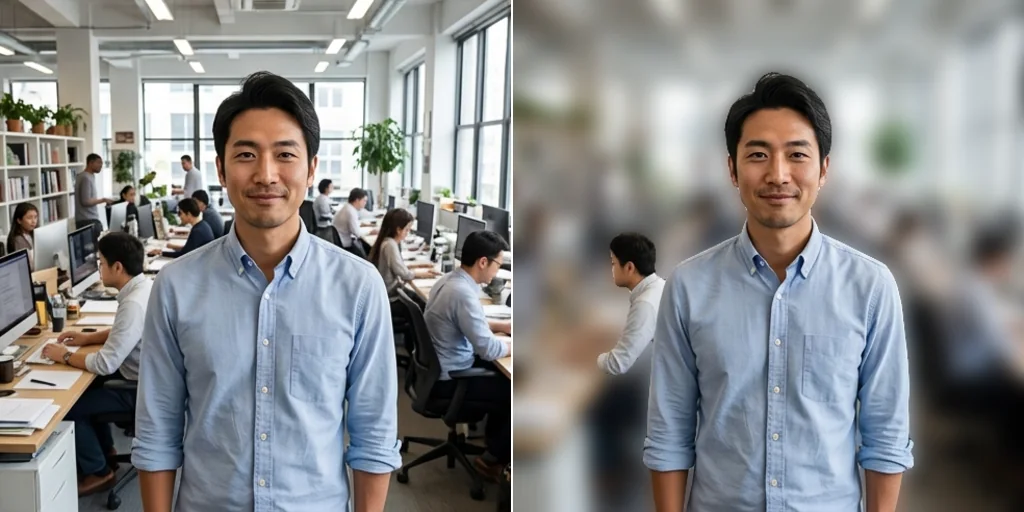
How to blur the background of a picture
- 1
Step 1: Upload your photo
Click to upload or drag in your photo.
- 2
Step 2: Pick the ratio
Choose 1:1, 3:2 or 2:3 and press Create.
- 3
Step 3: Download
Save and share your photo with the blurred background.
Discover other AI image tools on Jitura
FAQs
What is a blur background tool?+
An AI tool that blurs the background of a photo while the subject stays sharp, like a fast portrait lens.
Why use Jitura's blur background tool?+
It is quick, keeps edges such as hair clean and works for portraits, products, pets and travel photos.
What is the best blur background tool?+
One that separates the subject cleanly and blurs naturally. Jitura's tool adds smooth bokeh in seconds with no manual masking.
How do I blur the background of a picture?+
Upload the photo, choose the aspect ratio and press Create.
Is the background blur tool free?+
Yes. Every signed-in account gets free daily operations, and each run uses one. Paid plans add more operations.
Can I adjust the blur level?+
The tool gives a natural portrait-lens blur. For a lighter or stronger effect, open the photo in the AI Photo Editor and describe the blur you want.
How much blur is best?+
A soft blur looks natural for portraits; a stronger blur hides busy or private backgrounds.
Which photos work best?+
Photos with a clear main subject, such as portraits, pets and products.
Does it work with any picture?+
It works on most photos; very cluttered scenes with no clear subject are harder to separate.
Why blur a background with AI?+
It is faster and more accurate than manual selection in editing software, with no skills needed.