
Upload Image*
Click to upload an image
We accept JPEG, PNG, or WEBP formats up to 10MB.
Brush size
Uses 1 daily image generation.
Watermark Remover
Brush over a watermark or date stamp and fill the area to match the photo.
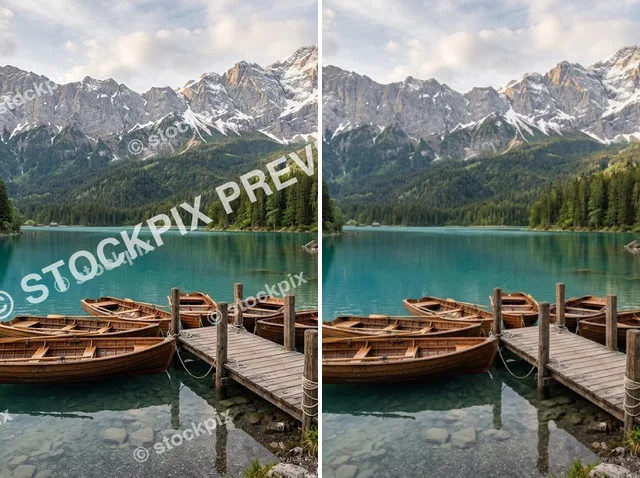 BeforeAfter
Remove watermarks from your photos in seconds
Still letting a mark steal attention? Brush over repeated marks, dates, logos or sample text on photos you own, and Jitura's watermark remover rebuilds the textures and edges underneath, so listings, travel memories and portfolios look natural and focused.
Remove a watermark free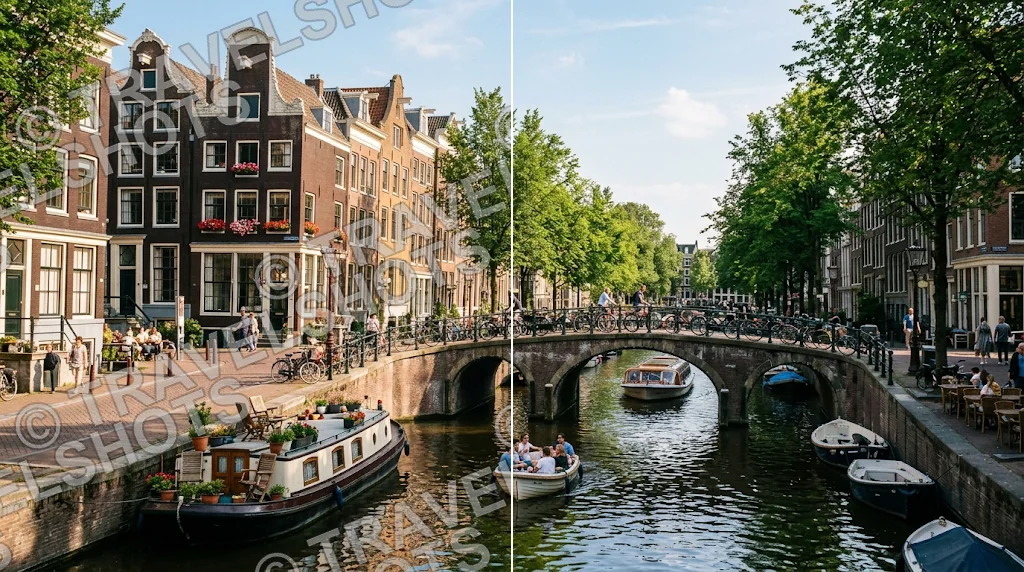
Remove dense marks
Clear repeated marks across a scene and get clean texture back.
Keep every memory clean
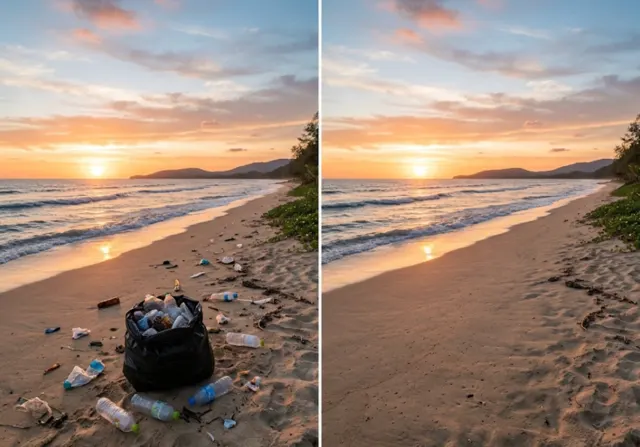
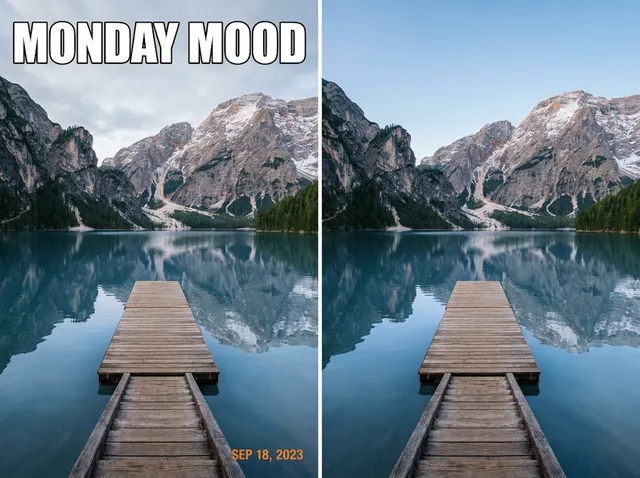
Clear date stamps and camera labels from travel and family photos.
Let products take centre stage
Erase sample text from your product images so shoppers see the item.
Remove repeated marks like they never existed
Brush over repeated text and full-frame overlays and the AI fills the area while keeping fine texture, edges and detail.
Remove watermarks free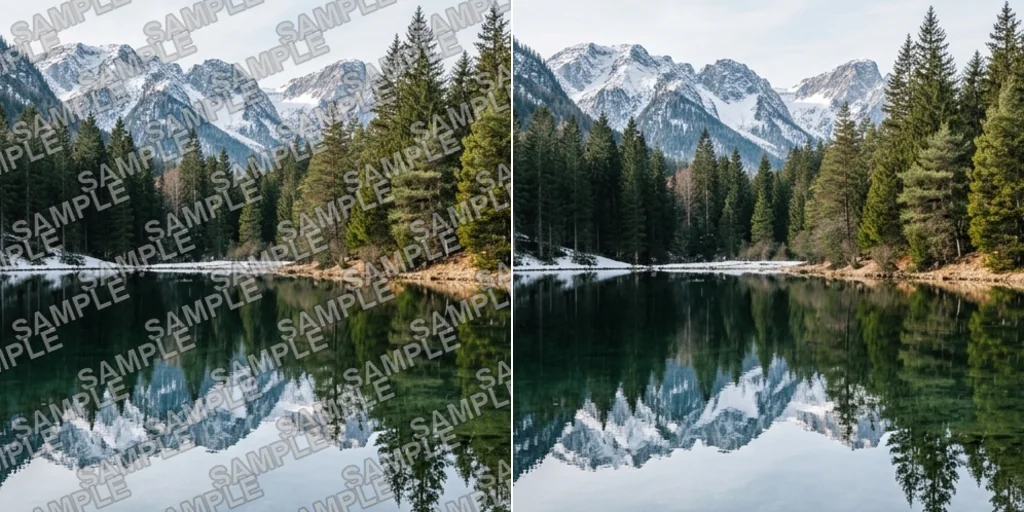
Erase dates and location labels
Remove timestamps, map labels and camera stamps so travel scenes and family snapshots look as you remember them.
Remove watermarks free
Clean marks from your product images
Remove stray marks and stickers from your own product shots and blend the texture, so the product reads clearly.
Remove watermarks free
Delete proof marks from your work
Clear PROOF and sample overlays from your own photos and designs so clients see the real composition.
Remove watermarks free
A watermark remover for cleaner creative work

Show the item, not the stamp
Clean marks off your product photos so materials and finish stay visible.
Keep travel memories focused
Remove date stamps from photos you took.

Make every post clearer
Prepare your own images for feeds and stories.
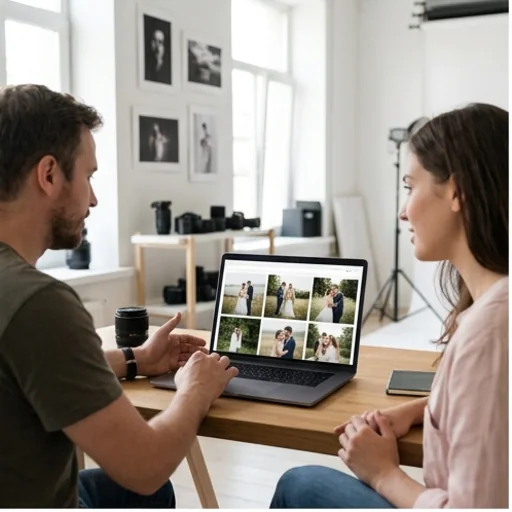
Give clients a clear view
Present clean versions of your proofs.
How to remove a watermark from an image
- 1
Step 1: Upload the image
Drag in or upload your photo with the unwanted mark.
- 2
Step 2: Brush over the mark
Paint over the watermark with a small margin and press Create.
- 3
Step 3: Download
Download the clean image or keep editing it.
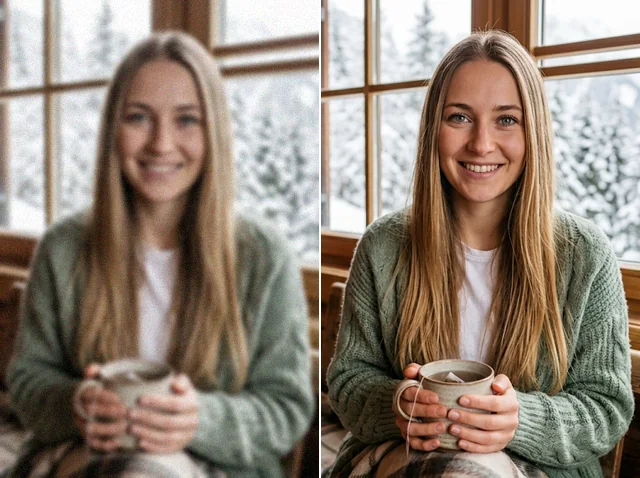
Discover other AI image tools on Jitura
FAQs
What is an AI watermark remover?+
A tool that removes logos, text, stamps and overlays from photos. You brush over the mark and the AI rebuilds what was underneath.
How does Jitura's watermark remover work?+
Brush over the mark, press Create, and an inpainting model fills the area from the surrounding image.
Is the watermark remover free?+
Yes. Every signed-in account gets free daily operations, and each run uses one. Paid plans add more operations.
How do I remove a watermark online for free?+
Upload the photo, brush over the mark including its edges, press Create and download the result.
Which formats are supported?+
JPEG, PNG and WebP up to 10MB.
Can I remove several marks from one photo?+
Yes. Brush over all of them before you press Create, or run it again on the result for any that remain.
Can I check the result before downloading?+
Yes. Compare the before and after with the slider, then download or go back to the original.
Is it legal to remove a watermark?+
Only remove watermarks from images you own or have permission to edit. Removing someone else's watermark to use their work can break copyright law and Jitura's terms.
Can I improve the cleaned image afterwards?+
Yes. Keep editing the result with the Image Enhancer, Image Relight or Background Changer.
Can I create more pictures in the same style?+
Yes. Use the cleaned image as a reference in Jitura's Image to Image to make a matching set.
Can I remove the label from an AI image I generated?+
Only from images you made and are allowed to edit; keep any disclosure your platform or local law requires for AI images.
Get clean photos without watermarks in seconds
Remove distractions and share cleaner photos with confidence.
Try the watermark remover