
Upload Image*
Click to upload an image
We accept JPEG, PNG, or WEBP formats up to 10MB.
Brush size
Prompt (optional)
0 / 1000Uses 1 daily image generation.
Inpaint
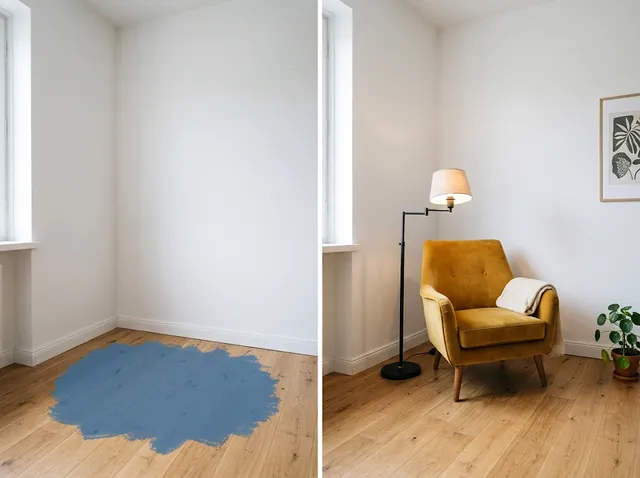
Paint over part of a photo and describe what should appear there instead.
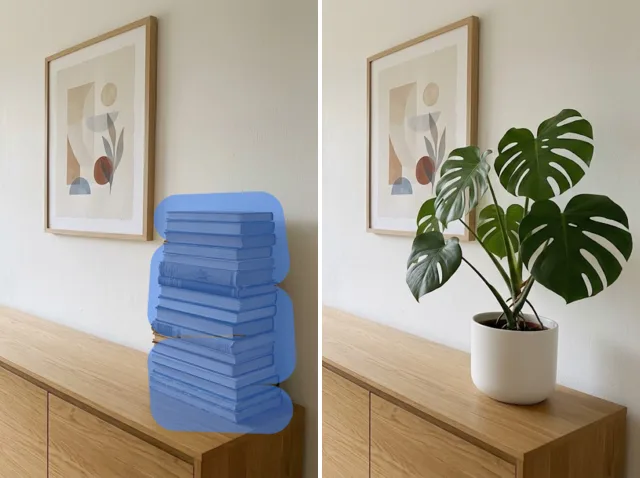 BeforeAfter
Magical AI image inpaint tool
Erase a photobomber, fix a scratched photo or swap one object for another. Brush over the area, describe what should be there, and the AI paints it in naturally.
Inpaint images free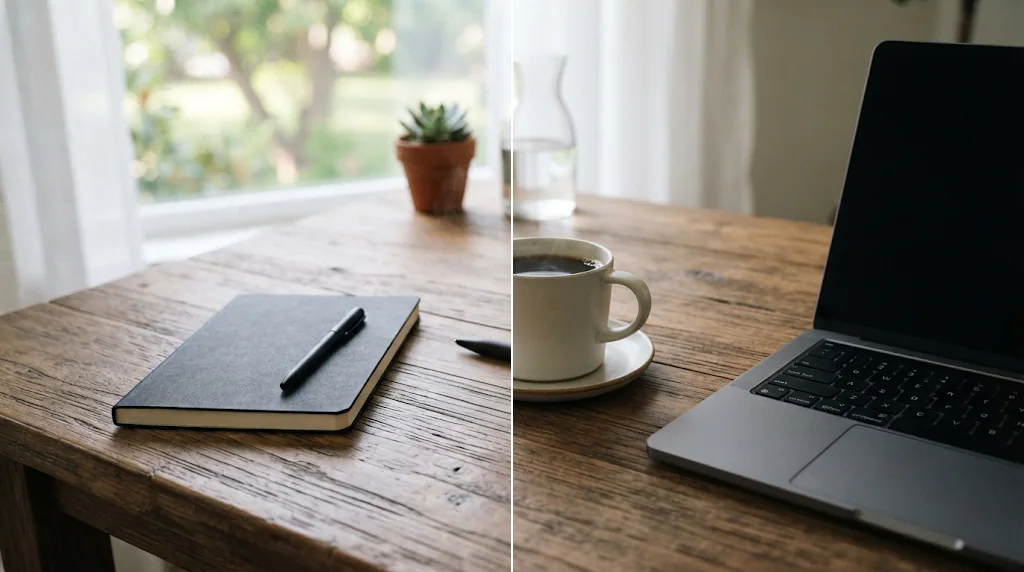
Add or replace any element
Replace a pen with a cup or change a shirt colour: brush it and describe the new element.
Inpaint images free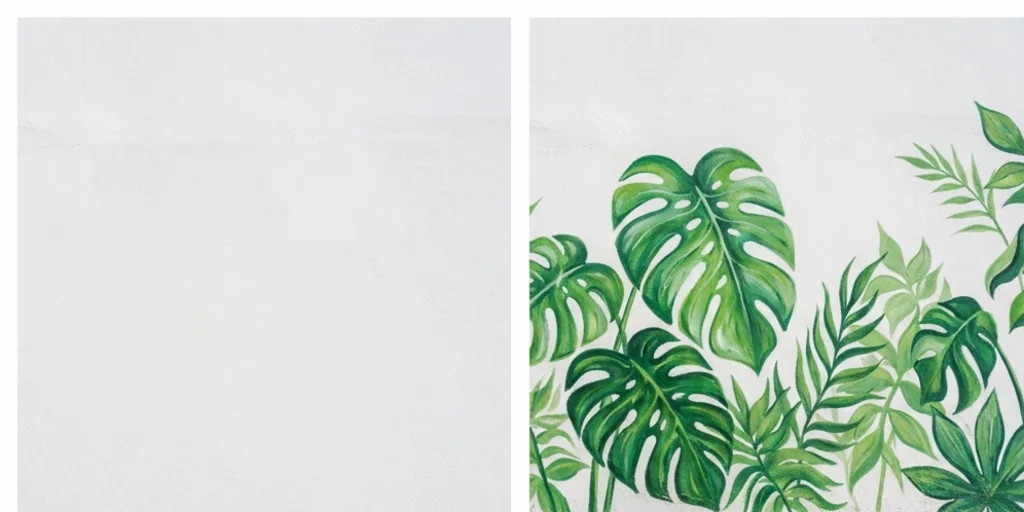
Remove objects instantly
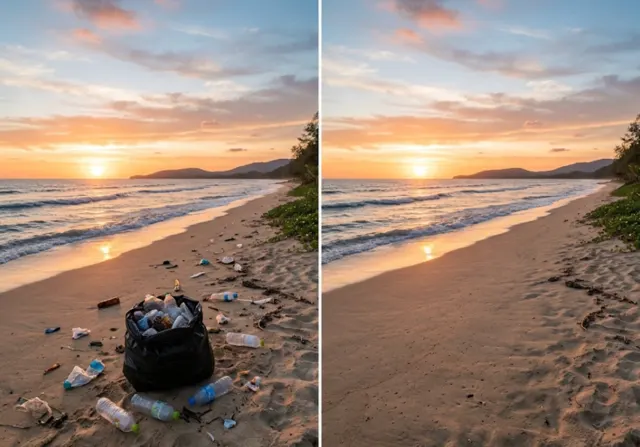
Strangers, bins, blemishes and scratches disappear when you brush them with no prompt.
Inpaint images free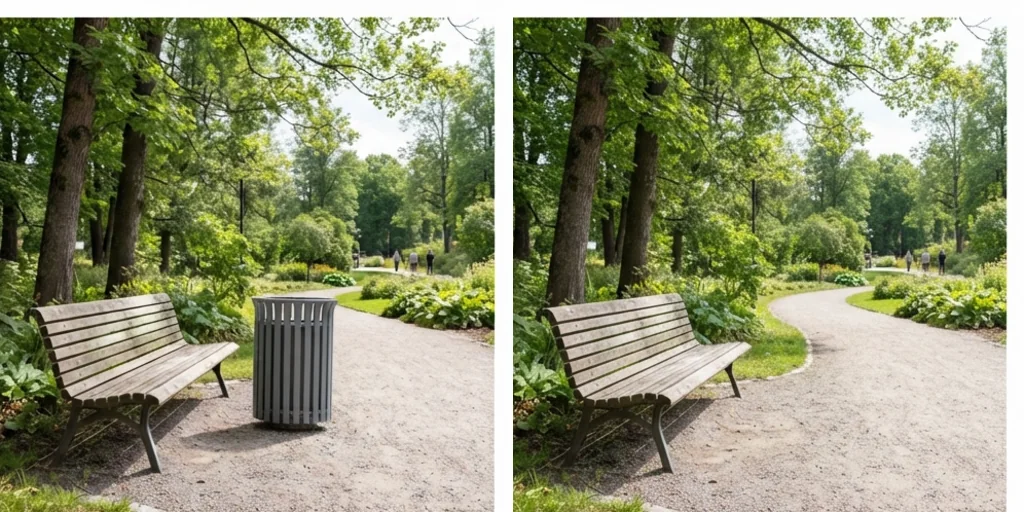
Save hours of editing
Fast, precise edits for photographers, designers and sellers.
Inpaint images free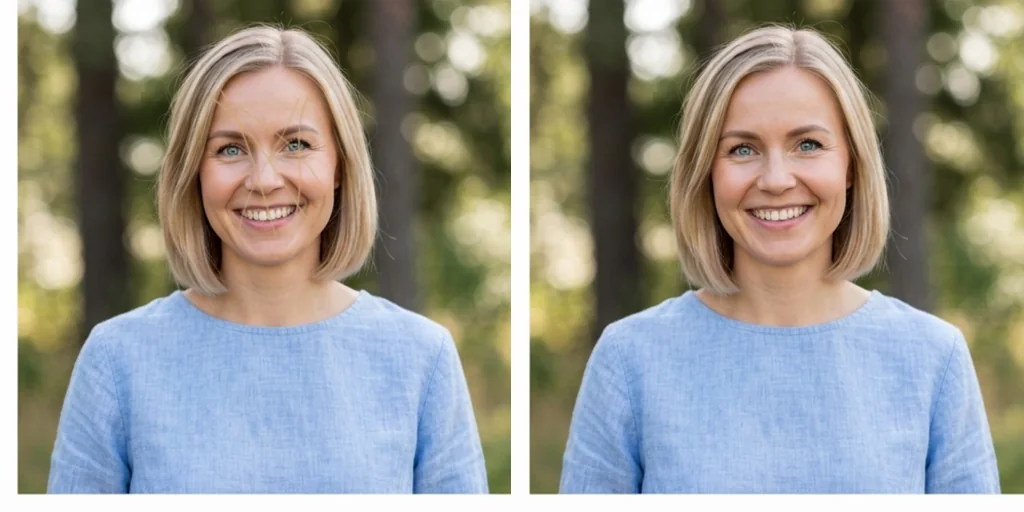
Conversion-driving marketing images
Fix and upgrade product and ad photos without reshoots.
Inpaint images free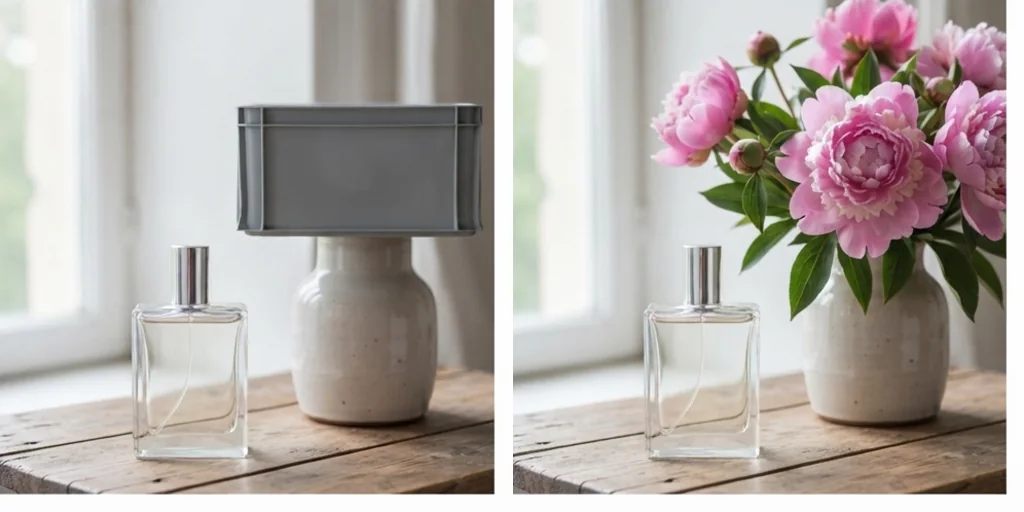
How to inpaint images with Jitura
- 1
Step 1: Upload your image
Upload the image you want to edit.
- 2
Step 2: Brush and describe
Brush over what to remove, replace or fix and describe the result, or leave the prompt empty to remove it.
- 3
Step 3: Create
Press Create and download the edited image.
Discover other AI image tools on Jitura
FAQs
What is image inpainting?+
An AI editing technique that fills a selected area of an image with new content that blends with the rest.
Is the inpainting tool free to try?+
Yes. Every signed-in account gets free daily operations, and each run uses one. Paid plans add more operations.
How accurate are the results?+
Very natural for most edits; large or complex areas may need a second pass or a more detailed prompt.
Will people know I edited my photo?+
A good inpaint blends in, but be honest about edits where it matters, such as news, documents or product condition.
Can I use it for my business?+
Yes, for product photos, social posts and marketing images you own.
How long does an edit take?+
Usually under a minute.