
Upload Image*
Click to upload an image
We accept JPEG, PNG, or WEBP formats up to 10MB.
AI Background Prompt
0 / 300Uses 1 daily image generation.
AI Background Changer
Describe a new background and place your subject in it.
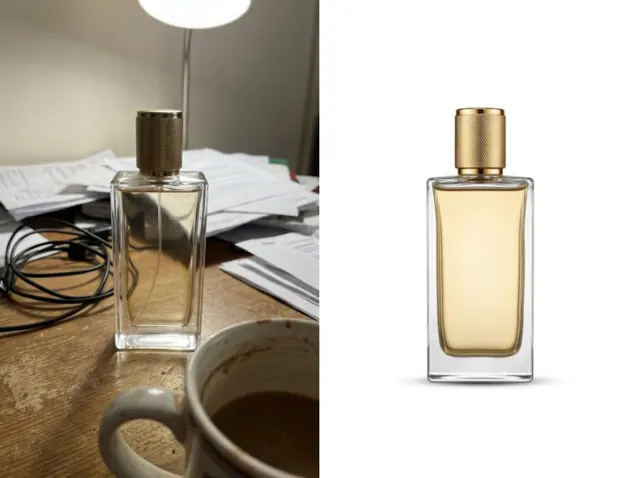
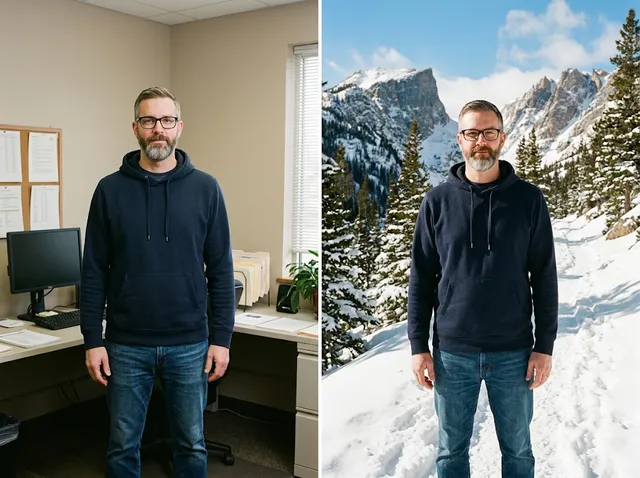 BeforeAfter
Instant AI background changer for your photos
Type a description of the background you want and the AI places your subject in it, matching light, shadows and perspective, for headshots, travel photos, products and social posts.
Change a background free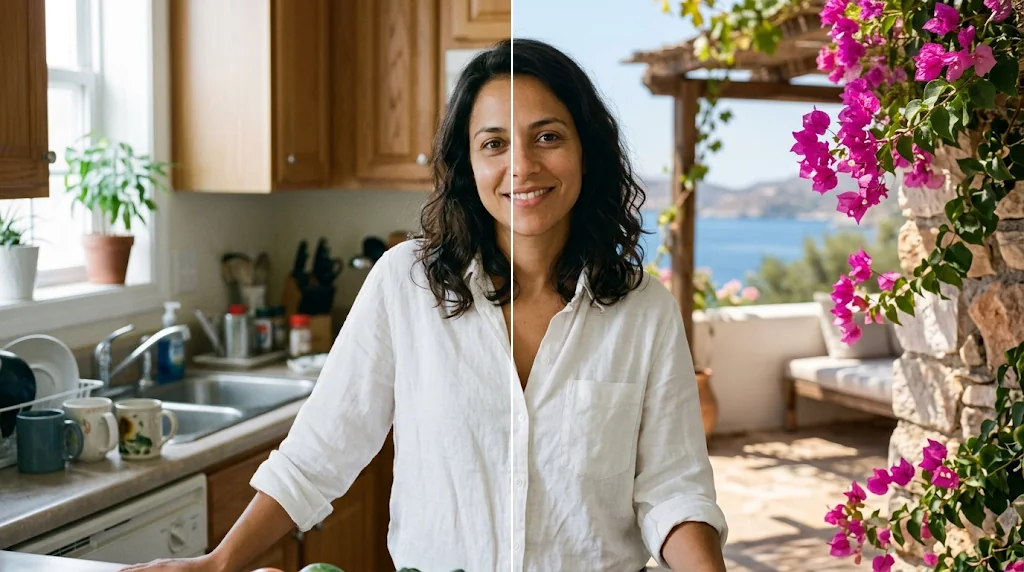
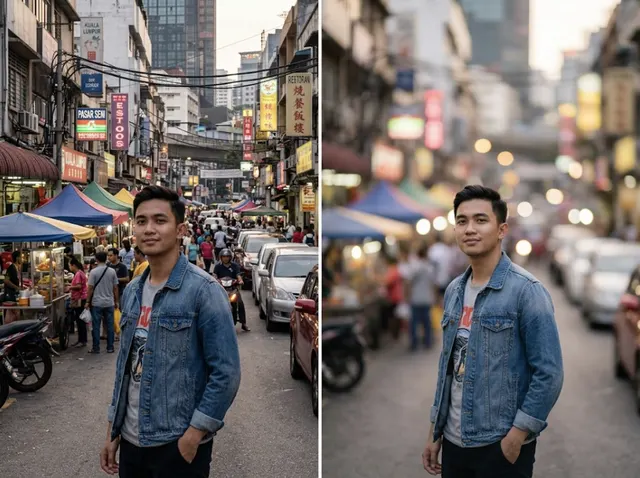
Professional headshots made easy
No studio? Put yourself in front of a clean office or studio backdrop.
Change backgrounds free
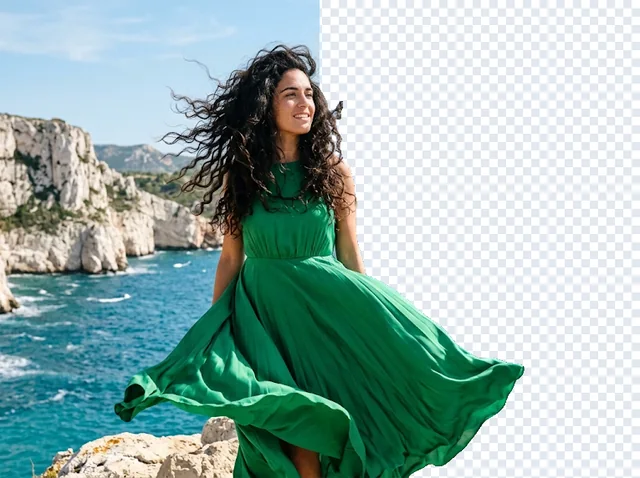
Transform travel photos
Swap a grey sky or a crowded spot for the scene you remember.
Change backgrounds free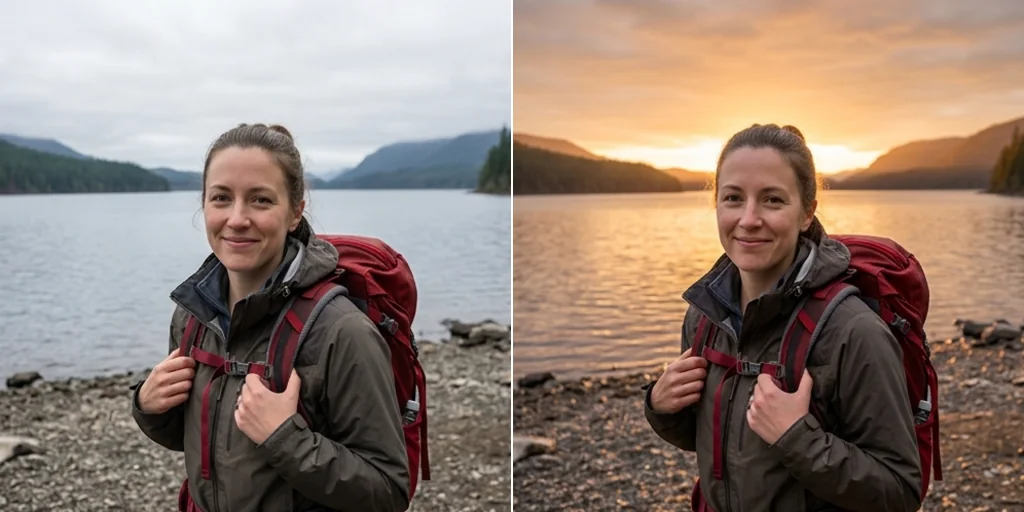
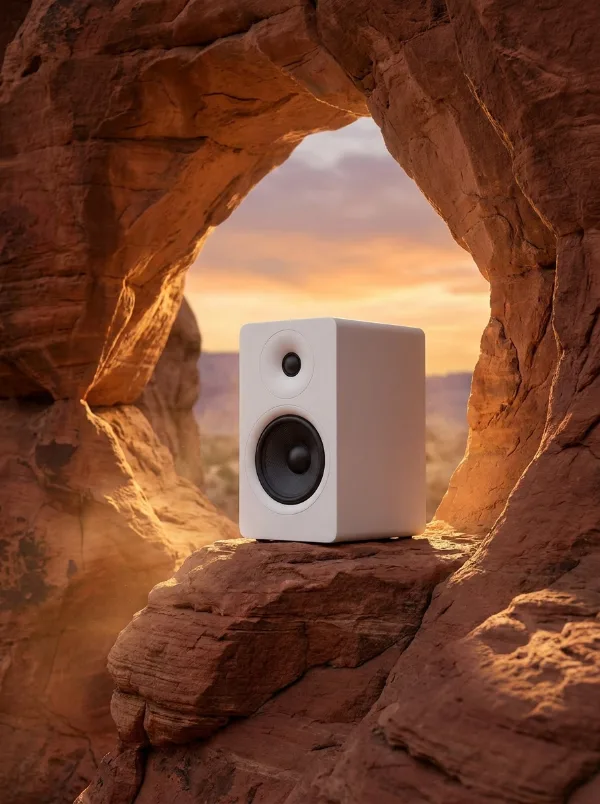
Better e-commerce product images
Put products in eye-catching settings that suit your brand.
Change backgrounds free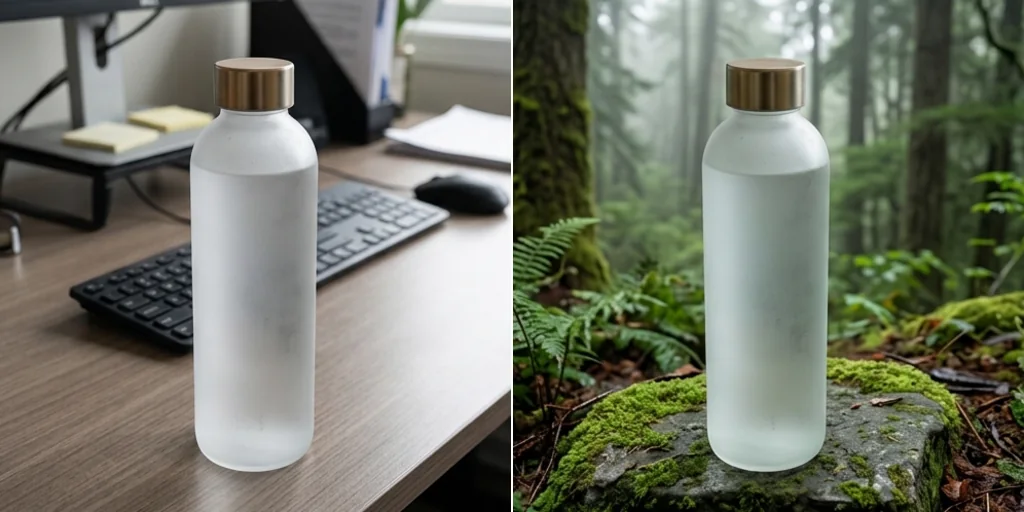
Creative social content
Place your subject anywhere you can imagine for posts that stand out.
Change backgrounds free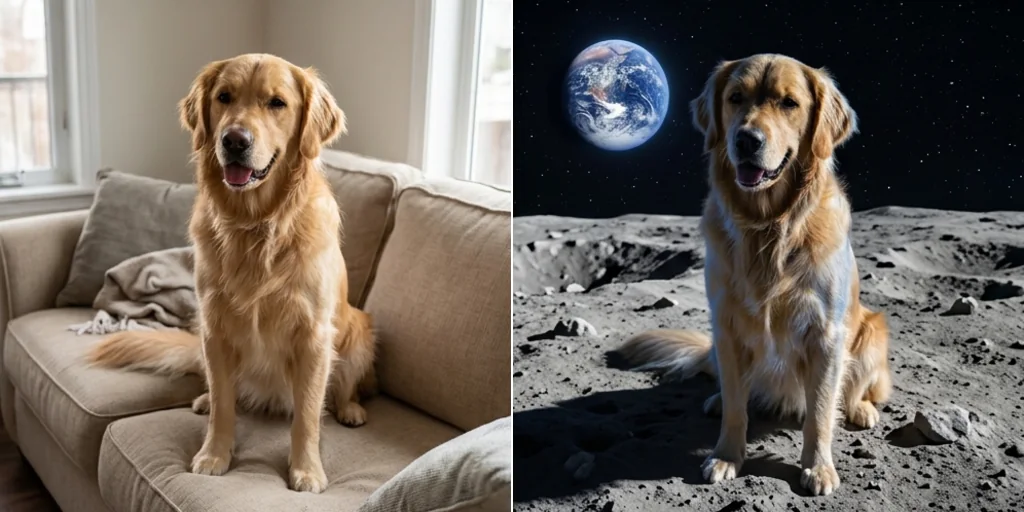
How does the AI background changer work?
- 1
Step 1: Upload your image
Click to upload or drag in your photo.
- 2
Step 2: Describe the background
Type the new background in the AI Background Prompt box and press Create.
- 3
Step 3: Download
Seconds later, download and share your new image.
Discover other AI image tools on Jitura
FAQs
What is an AI background changer?+
A tool that replaces the background of a photo with a new one you describe, keeping the subject the same.
Why use Jitura's background replacer?+
It keeps identity, pose, clothing and edges, and matches light, shadows and perspective to the new scene.
What is the best AI background changer?+
One that makes the subject look truly photographed in the new place. Jitura matches light and shadow automatically.
How do I replace a background with AI?+
Upload the photo, describe the background and press Create.
Is the background changer free?+
Yes. Every signed-in account gets free daily operations, and each run uses one. Paid plans add more operations.
Which formats are supported?+
JPEG, PNG and WebP up to 10MB.
How fast is it?+
Usually 10 to 30 seconds.
Can I change backgrounds on my phone?+
Yes. The page works in any modern mobile browser, so you can upload from your camera roll and download the result on your phone.
Are my uploaded images private?+
Your photo is sent to the model only to make your result, and the result is kept in your browser for you to download. See the Privacy Policy for what Jitura stores and for how long.
Does it work on old images?+
Yes, on old and new, small and large photos; enhance a soft photo first for the best edges.