
Model
Prompt
Translate PromptReference image (optional)
Style
Aspect Ratio
Resolution
Output Image Number
Public Visibility
When this option is enabled, your output image and its unprotected prompt may be selected by Jitura for the community gallery. Reference photos are not included. Visit the gallery for more info.
Each image uses 1 daily operation.
AI Art Generator
Turn a text idea into finished artwork in any of 80+ art styles, from photorealism and anime to oil painting and pixel art.
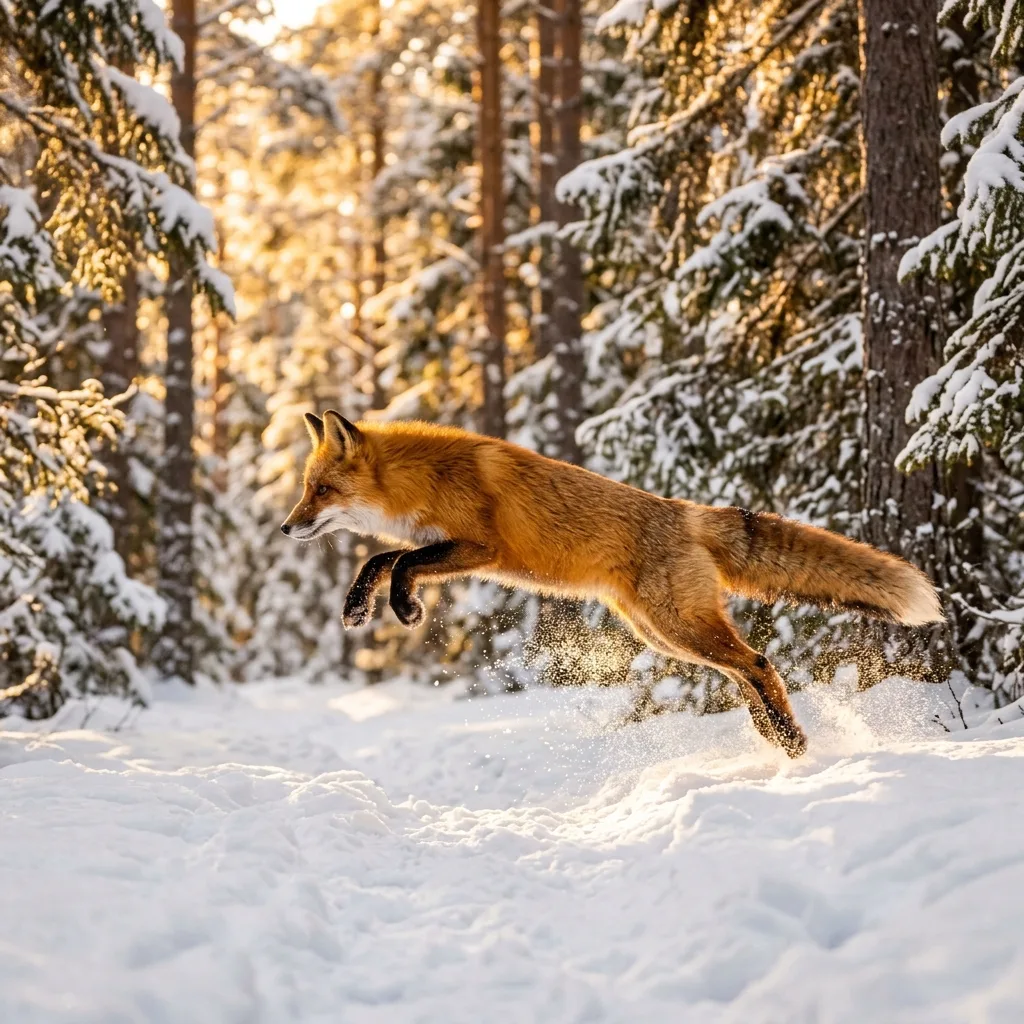
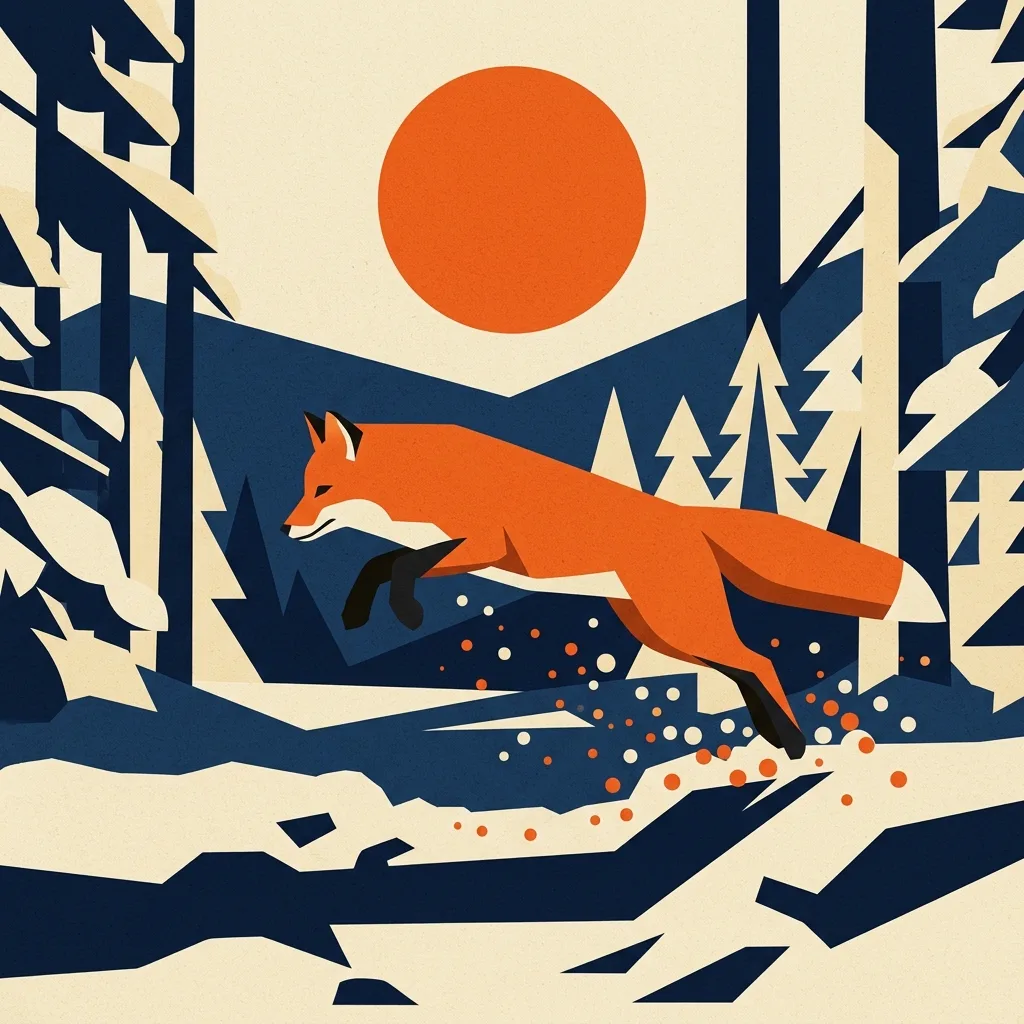
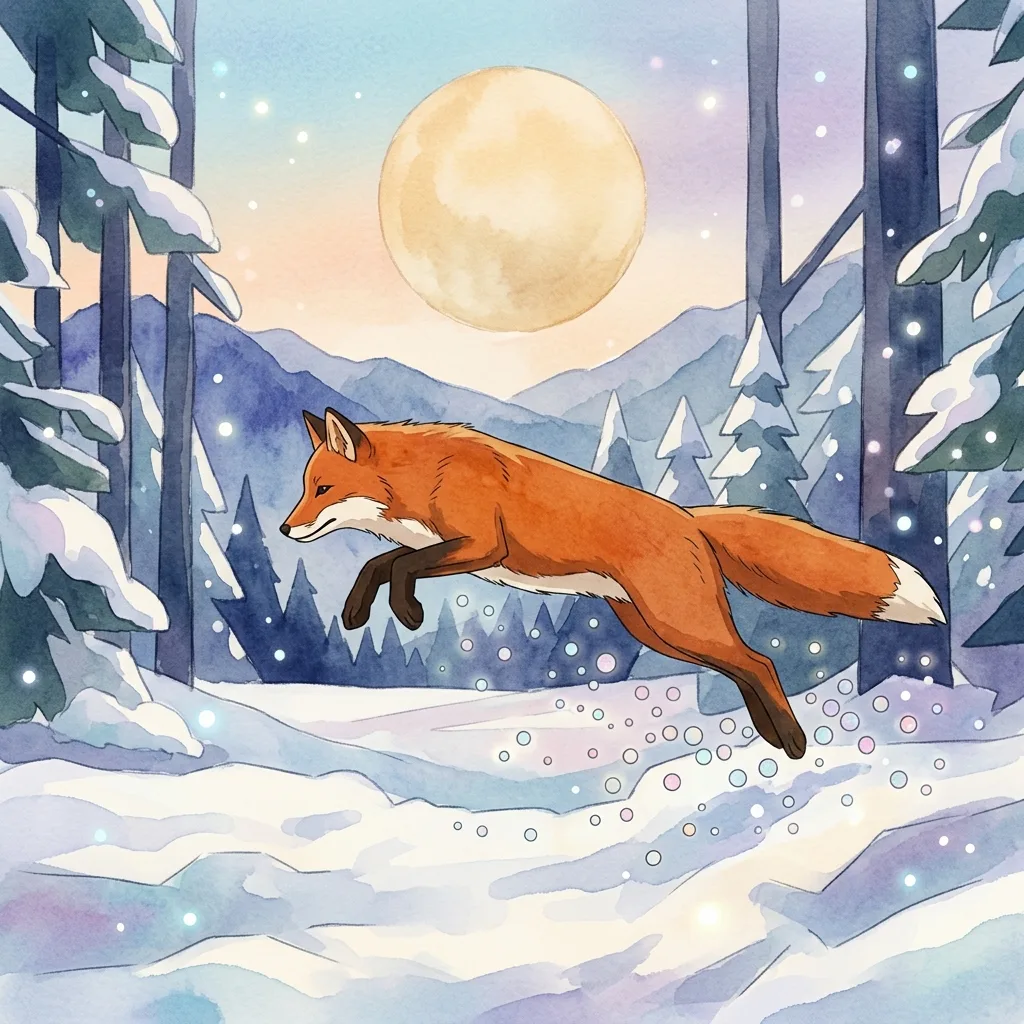
Bring your imagination to life with the AI Art Generator
Write what you see in your head and Jitura paints it: original artwork in seconds, from a soft watercolour to a bold comic panel. Pick a model and a style, press Create, and keep the versions you love.
Try the free AI Art GeneratorExperiment with 80+ artistic styles
Open Style and choose from more than 80 looks, including watercolour, ukiyo-e, thick impasto, Ghibli-inspired anime, film noir and pixel art. Every style card shows a real example, so you know what you will get before you spend an operation.
Try the AI Art Generator free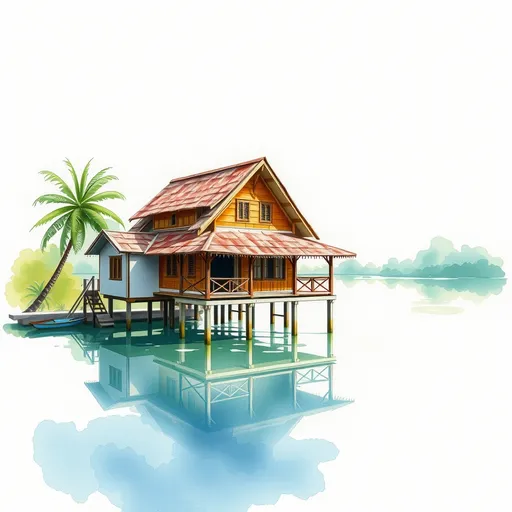
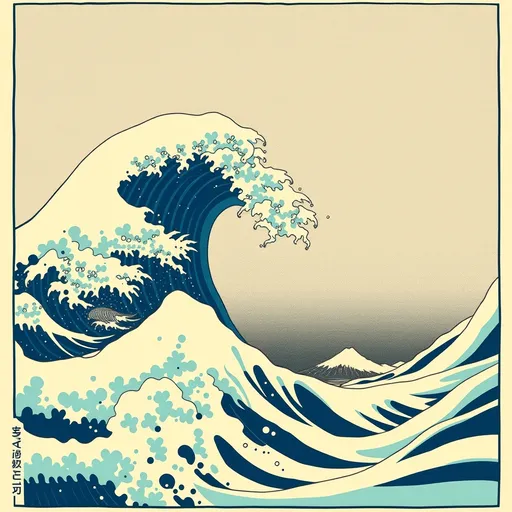
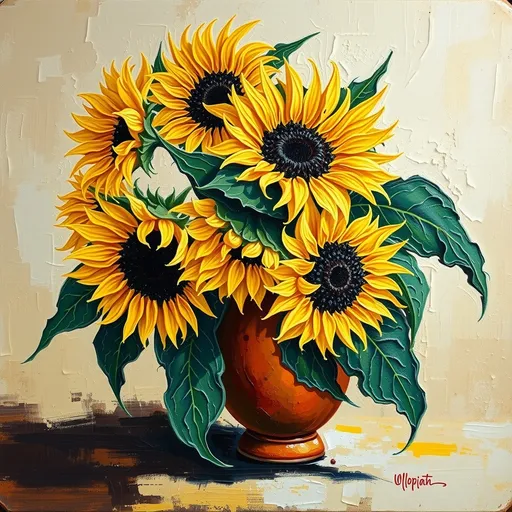
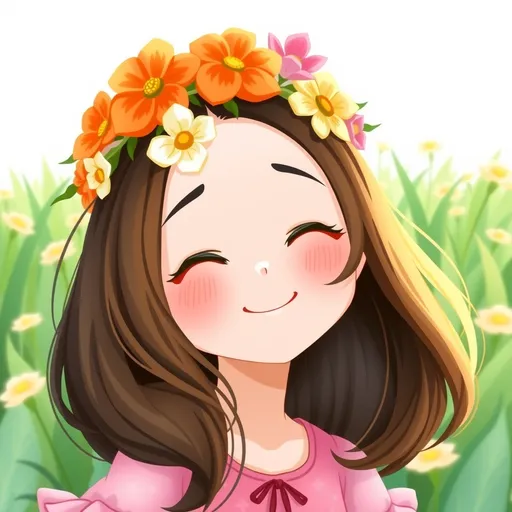
Top image models in one place
GPT Image, Nano Banana, Seedream, FLUX, Kling and Grok Imagine sit in the same Model list. Try one prompt on several models and keep the result that suits your idea, without separate accounts.
Try the AI Art Generator free


Prompts followed closely
Describe the subject, setting, light and mood in plain words and the art follows it. Stuck for words? Generate with AI writes a detailed prompt from a few words, and Translate Prompt turns prompts in other languages into English first.
Try the AI Art Generator freePrompt
A red fox leaping through a snowy pine forest at golden hour
Create any artwork you imagine
Posters, wallpapers, book illustrations, concept art or a gift for a friend: set the aspect ratio for where it will be used, make up to four versions at once and download the ones you like.
Try the AI Art Generator free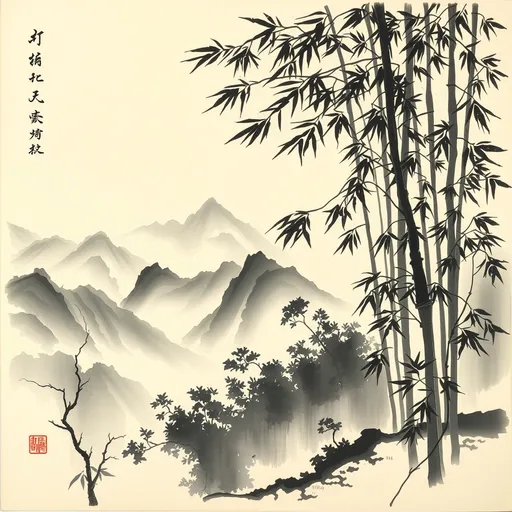
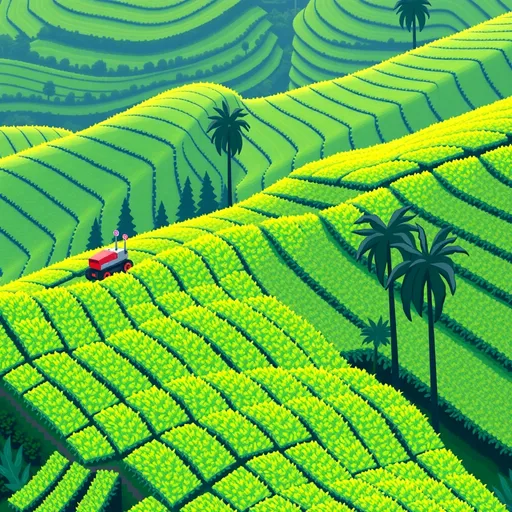
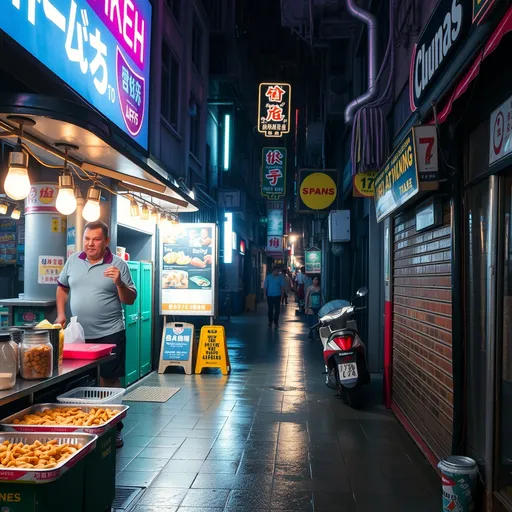
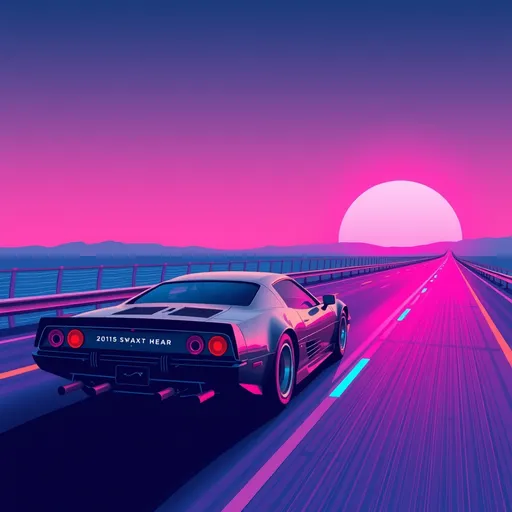
How to use the free AI Art Generator
- 1
Step 1: Describe your idea
Write a prompt, or let Generate with AI write one. Add a reference image if you want to guide the result.
- 2
Step 2: Pick a style and size
Open Style to choose a look, then set the aspect ratio and how many images to make.
- 3
Step 3: Create and download
Press Create. Your art is ready in seconds; download it or try another style.
Your all-in-one AI image studio
Go from a rough idea to a finished asset in one place: generate, edit, enhance and animate with tools built for real creative work.
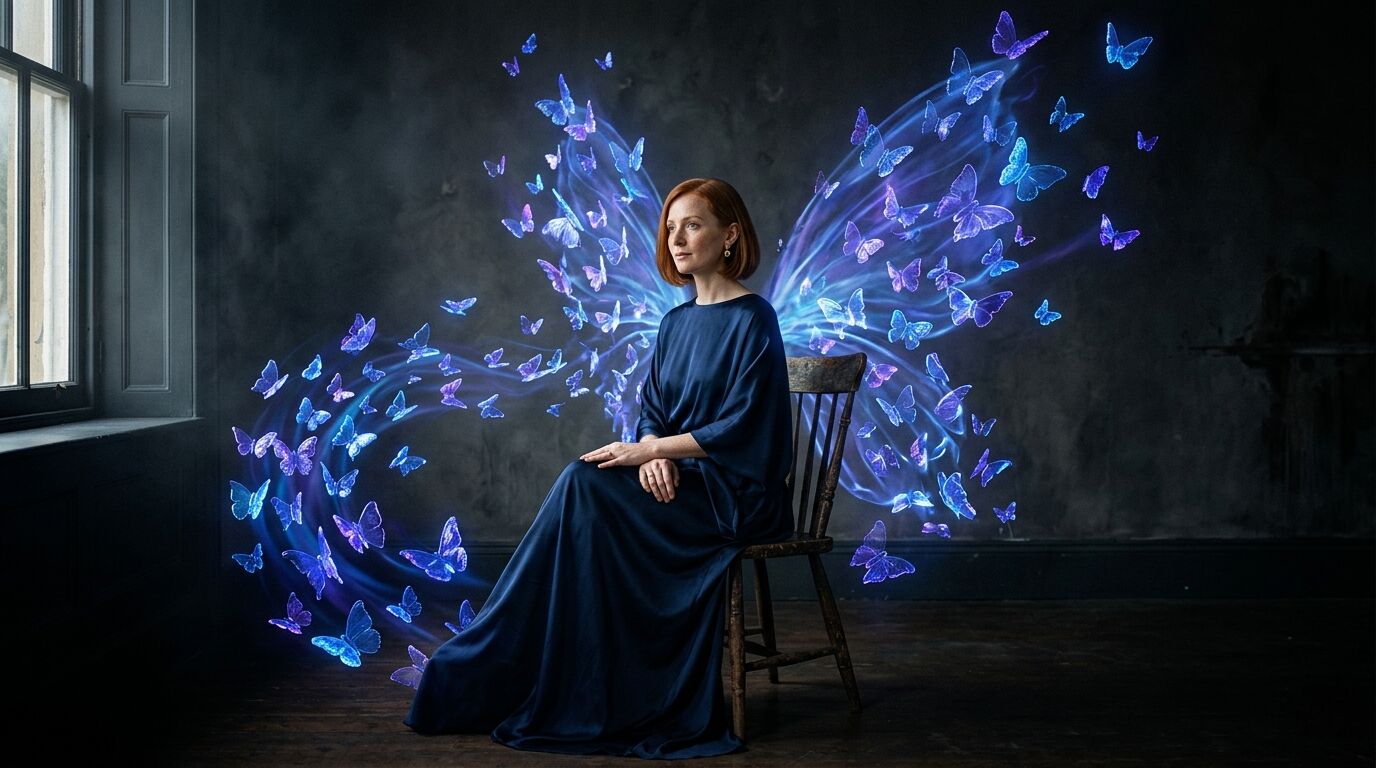
Turn text into images
Describe a scene and get photorealistic or illustrated results in seconds.
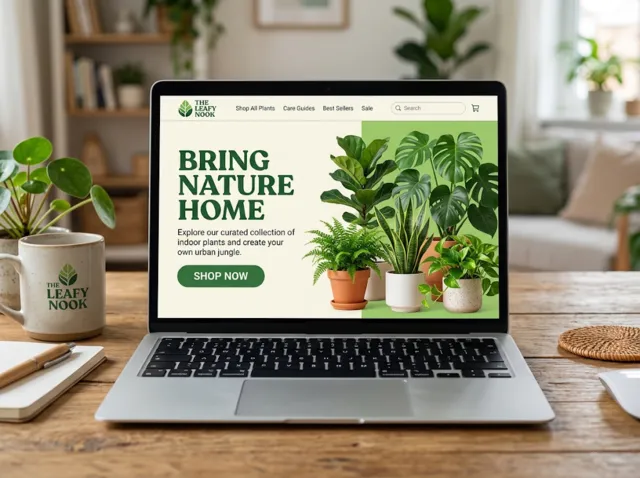
Make platform-ready assets
Posters, banners and flyers sized for social posts, ads and print.
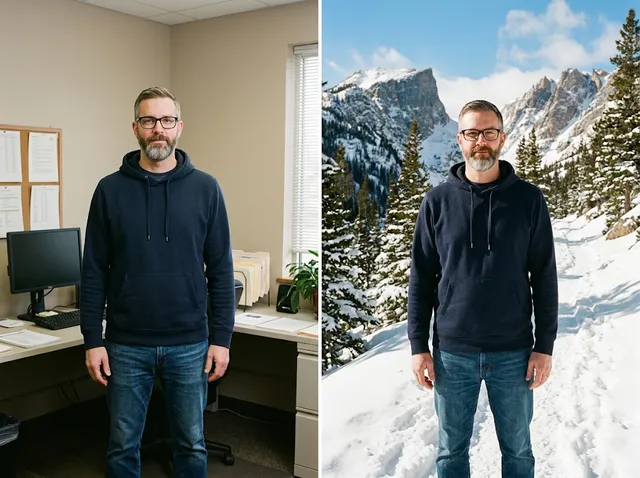
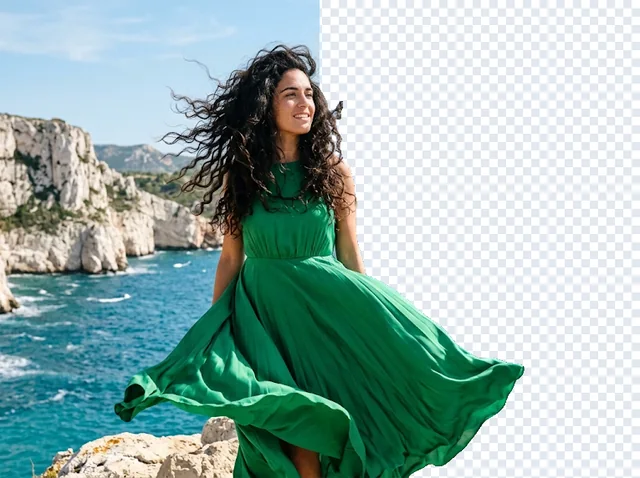
Transform photos
Restyle or change the background of a photo you already have.
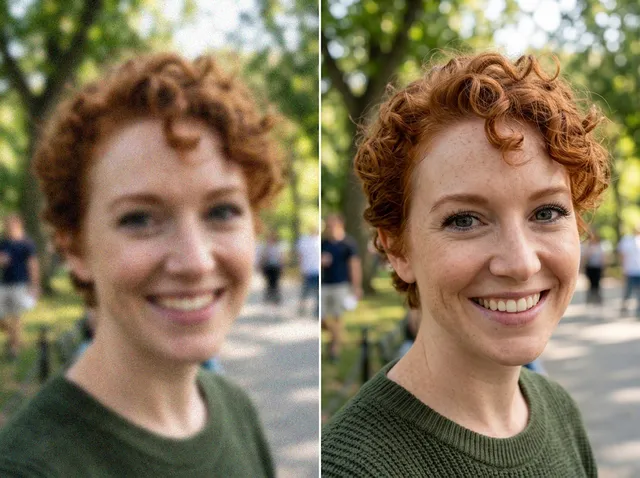
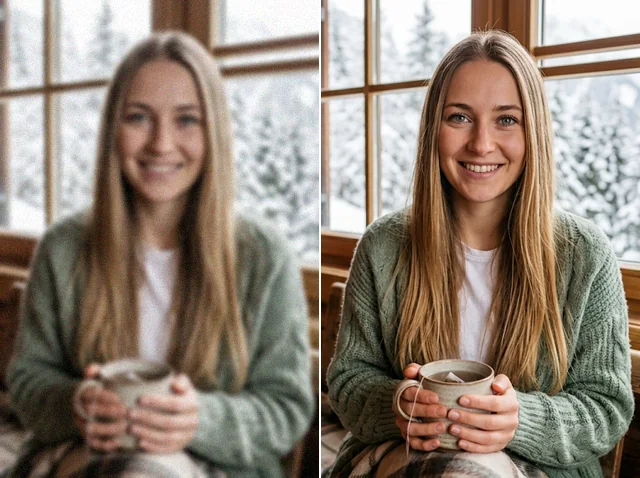
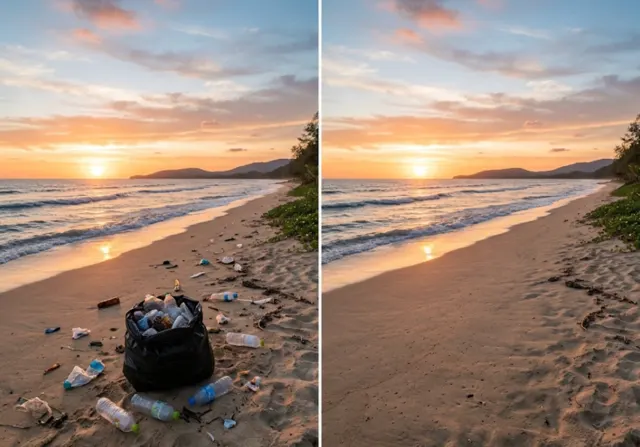
Retouch and enhance
Sharpen faces, remove clutter and upscale images for print.
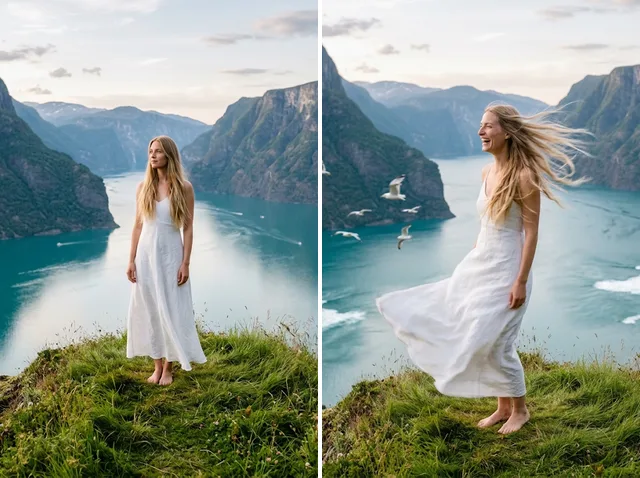
Bring stills to motion
Animate a finished artwork into a short video clip.
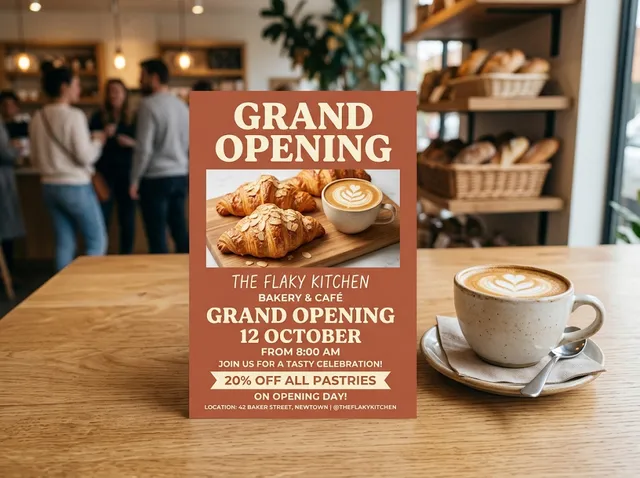
From brief to final asset
Chat with the image, one change at a time, until it is right.
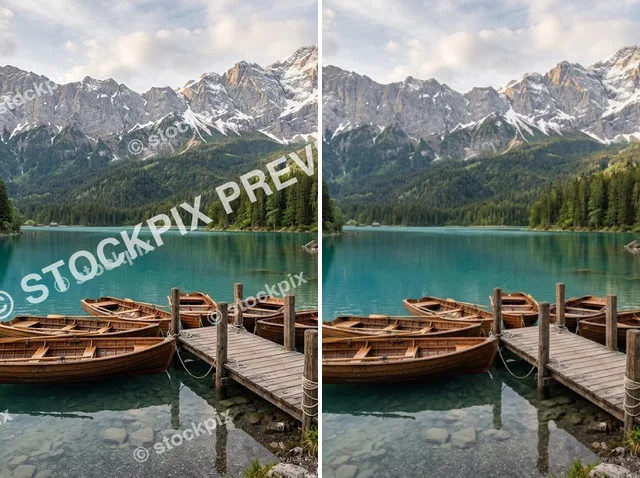
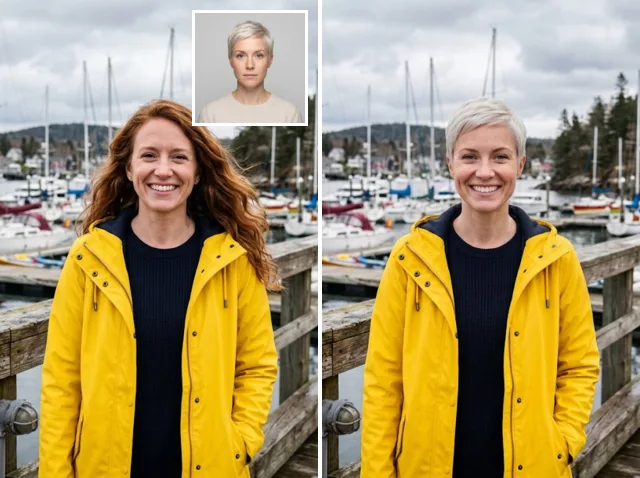
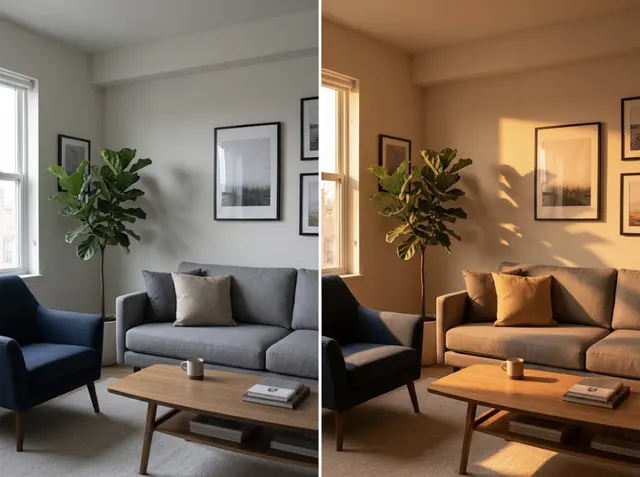
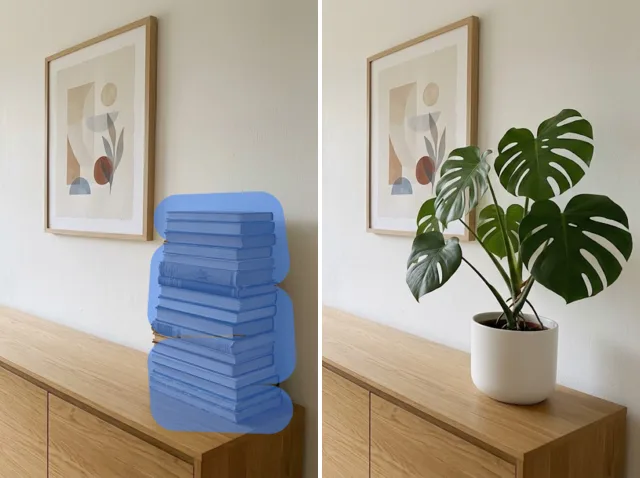
Discover other AI image tools

FAQs
Is the AI Art Generator free?+
Yes. Every signed-in account gets free daily operations, and each image uses one. Paid plans add more operations, private outputs and higher resolutions.
Can I use it on my phone?+
Yes. The page works in any modern mobile browser. The controls stack above the preview so you can write a prompt, pick a style and create art on a small screen.
How long does it take to make a picture?+
Most images are ready in 10 to 60 seconds, depending on the model, the resolution and how many images you ask for at once.
What resolution are the images?+
Images come out at about 1K by default. Models such as Nano Banana 2 offer 2K and 4K on paid plans; choose it under Resolution before you press Create.
Which model should I choose?+
Start with the default. GPT Image models follow long prompts and text closely, Nano Banana is fast and good with references, and Seedream or FLUX suit painterly and cinematic looks. You can switch models without losing your prompt.
Where are my images saved, and who can see them?+
Your recent results are kept in this browser, so download the ones you want to keep. Free outputs are public and may be picked for the Jitura gallery; paid plans can switch Public Visibility off to keep outputs private.