
Upload Image*
We accept JPEG, PNG or WebP images up to 10MB.
Style
Aspect Ratio
Public Visibility
When this option is enabled, your output image and its unprotected prompt may be selected by Jitura for the community gallery. Reference photos are not included. Visit the gallery for more info.
Upload an image to enable Create. Each image uses 1 daily operation.
Cartoon Avatar Maker
Turn a photo of yourself into a cartoon avatar in the art style you choose.
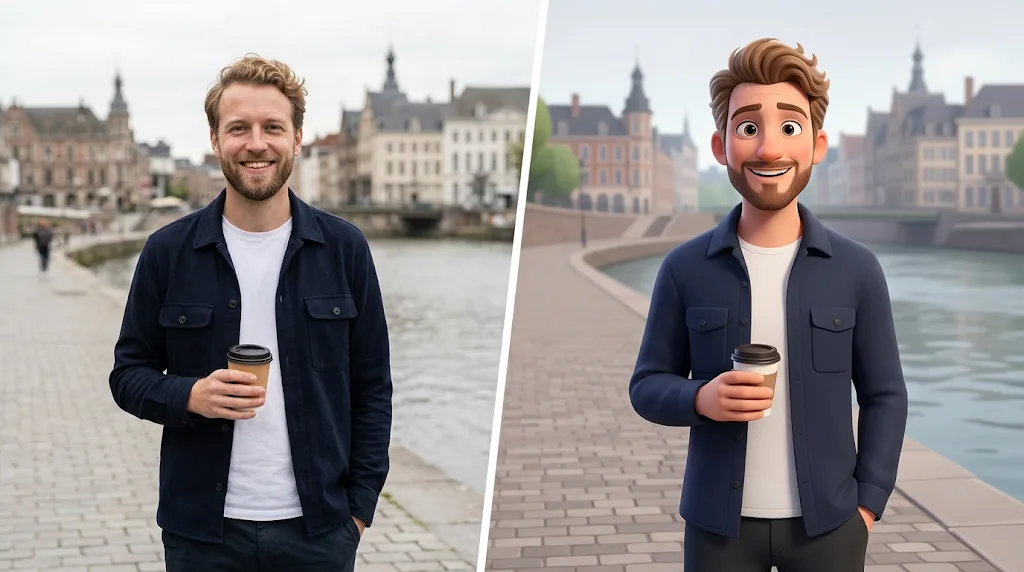
Free cartoon avatar maker with captivating results
Cartoonise yourself in seconds. Upload a photo and Jitura turns it into an avatar that keeps your facial features and expression, in styles such as anime, 3D animation and comic art.
Try our free avatar makerRich art styles
Turn any photo into a cartoon version in dozens of art styles. Make your avatar in 3D, watercolour, pixel art, manga, anime figure and more, and try the same photo in several looks.
Try our free avatar maker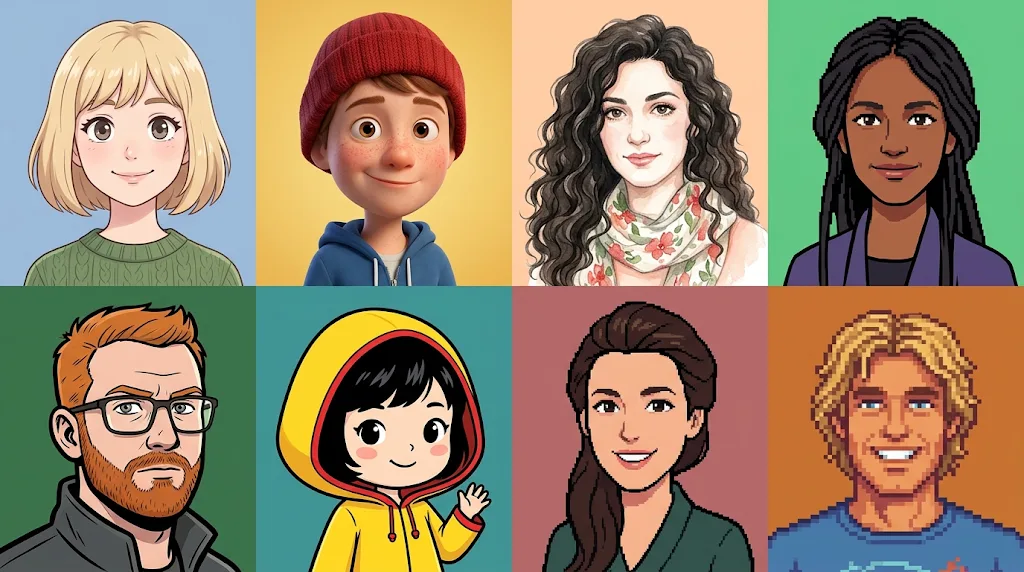
Inviting social media avatars
Stand out on Instagram, X, YouTube and every other platform with an avatar that is friendly and easy to recognise, so followers spot your posts and stop to engage.
Try our free avatar maker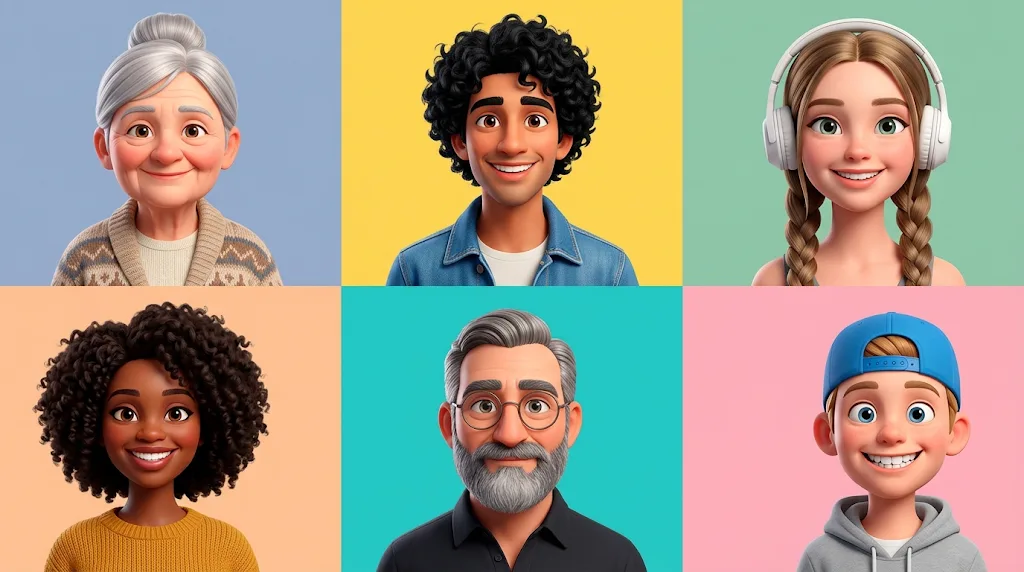
Unique product branding
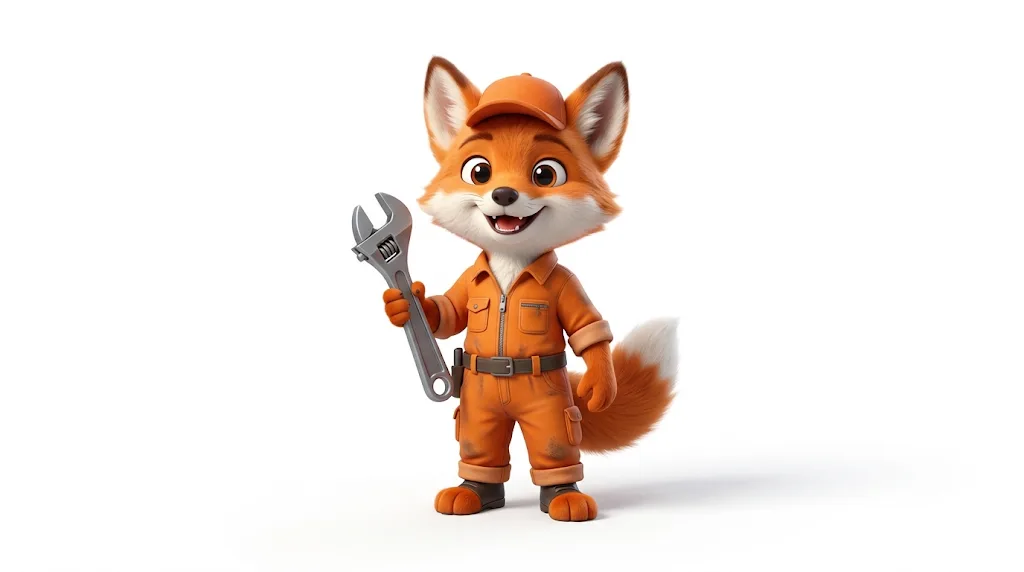
Create a cartoon character for your logo, packaging or merchandise such as T-shirts, mugs and stickers. Give your brand a memorable face that people remember.
Try our free avatar maker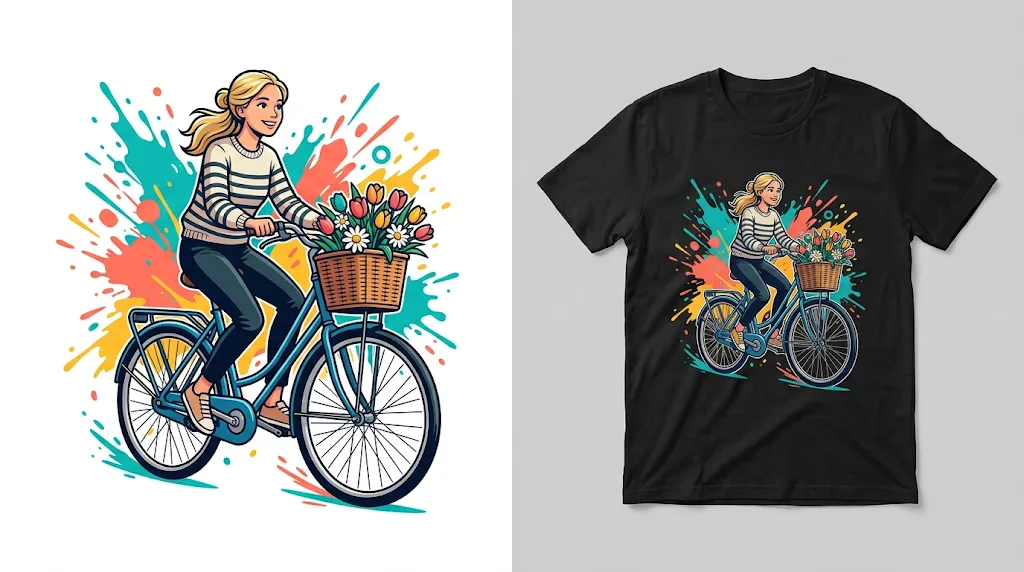
Fitting gaming profiles
Level up your gaming account or channel with an avatar that shows your style and personality. Use it on Discord, Twitch and other platforms to build an audience.
Try our free avatar maker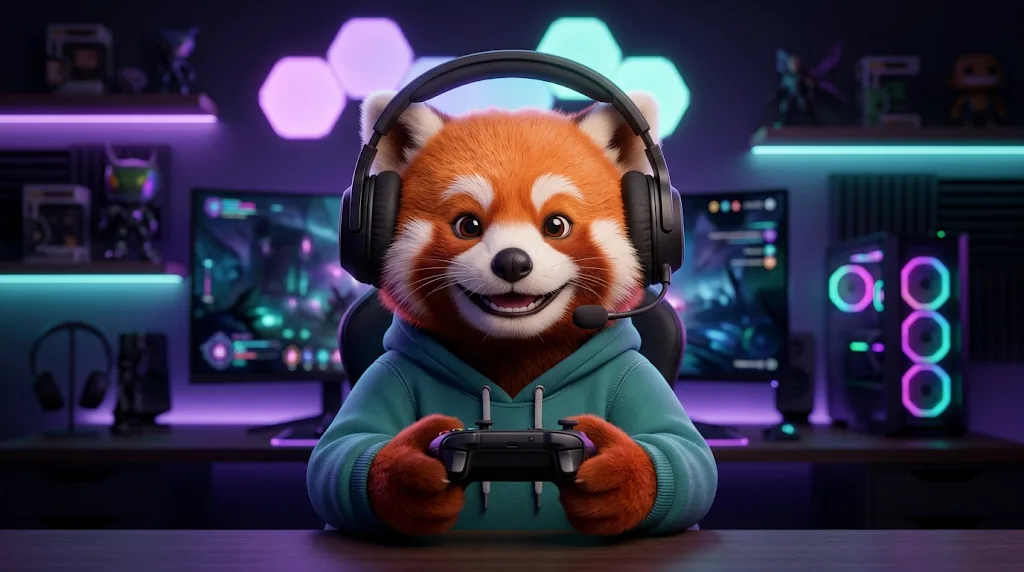
How does our Cartoon Avatar Maker work?
- 1
Step 1: Upload a photo
Upload a real-life photo of the person, with their face clearly visible.
- 2
Step 2: Choose a style and create
Choose a cartoon style, press Create and wait a few seconds for your avatar.
- 3
Step 3: Download or share
Download your cartoon avatar or share it online.
Discover other AI image editing tools
FAQs
What is a cartoon avatar maker?+
It is an AI tool that turns a real photo of a person into a cartoon avatar in a few clicks. Use the result as a profile picture, a gaming or community avatar, a brand character or anywhere else you want a drawn version of yourself.
What is special about our cartoon avatar maker?+
The AI reads the face in your photo first, so the avatar keeps your face shape, hairstyle, skin tone, glasses and expression. You can then render it in more than 80 styles, from Anime Figure and 3D animation to comic, pixel art and watercolour.
Is your cartoon avatar maker free?+
Yes. Every signed-in account gets free daily operations, and each avatar uses one. No card is needed to start. Paid plans add more operations and private outputs.
Why turn your photos into cartoon avatars?+
A cartoon avatar stands out in a feed, stays recognisable at small sizes and hides less flattering photo details. Creators and small brands also use them as a friendly face for posts, merchandise and marketing.
What image formats will the cartoon avatars be in?+
Avatars download as PNG or JPG files, which open on any phone, tablet or computer and upload to social platforms without conversion.
What types of photos are best suited for the cartoon avatar maker?+
A clear, well-lit photo of one person facing the camera works best. Avoid blurry or damaged photos, heavy filters and group shots, because the tool may pick the wrong face or lose detail.
Will the generated cartoon avatars be in a high resolution?+
Avatars come out at about 1K, sharp enough for profile pictures, banners and most social posts. Run the result through Jitura's Image Upscaler if you need a larger file for print.
What if the generated cartoon avatar doesn't meet my needs?+
Press Create again for a new version, or try another style or aspect ratio. A clearer, front-facing photo also gives a closer likeness.
Can I safely upload my images on the cartoon avatar maker?+
Yes. Uploads travel over an encrypted connection and are used only to make your avatar. Only upload photos you have the right to use, and do not upload other people's pictures without their permission. Our privacy policy explains how data is handled.
Can I customize my cartoon avatar after it's been generated?+
The avatar maker itself only turns photos into avatars. To change a finished avatar, open it in Jitura's other image tools to swap the background, remove objects, upscale it or edit details with a prompt.
Create unique cartoon avatars in a flash!
Your photo is one click away from becoming an avatar.
Make a cartoon avatar