
AI Cartoon Generator
Turn written ideas into polished cartoon images instantly.
Free outputs may appear in the public gallery. Learn more
Turn the cartoon in your head into shareable art
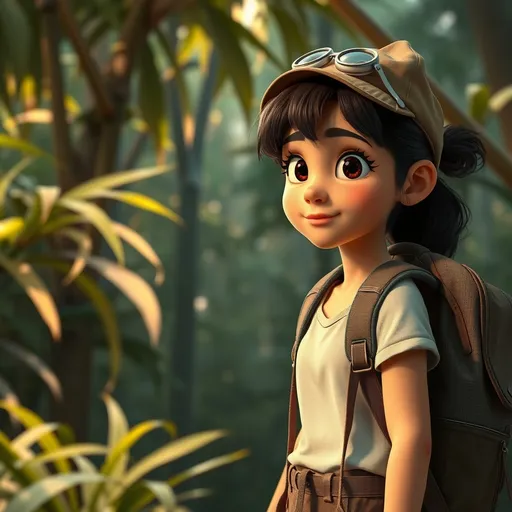
Can't draw the cartoon you can already picture? Jitura's AI cartoon generator turns your description into a finished cartoon with characters, a complete scene and the style you want, for storybooks, comics, mascots and posts.
Create a cartoon free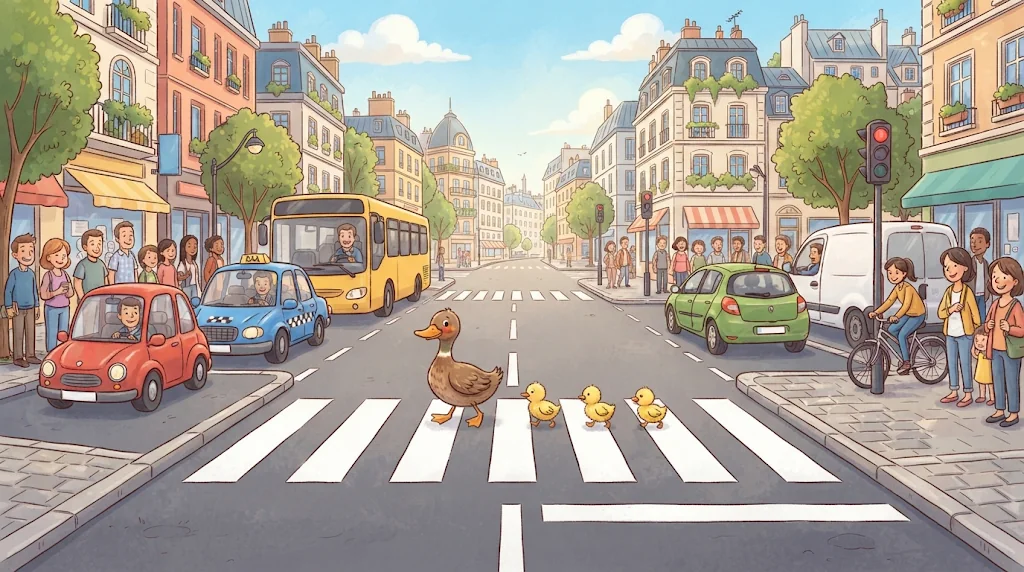
Cartoon art without drawing skills
A description becomes a polished, complete cartoon image.
One generator, every cartoon style
2D, 3D, chibi, retro, hand-drawn and more.
Polished images ready to use
Shareable artwork for stories, campaigns and posts.
A character people recognise
Design people, pets and original characters with their clothes, expressions, poses and accessories.
Create cartoons free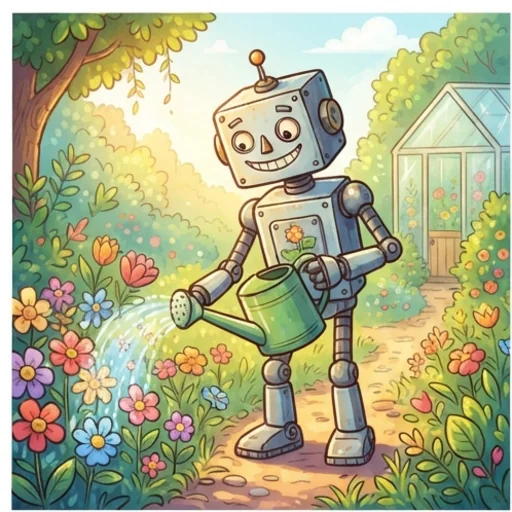
A complete story moment
Arrange characters, setting, objects and actions so one written moment becomes an expressive illustration.
Create cartoons free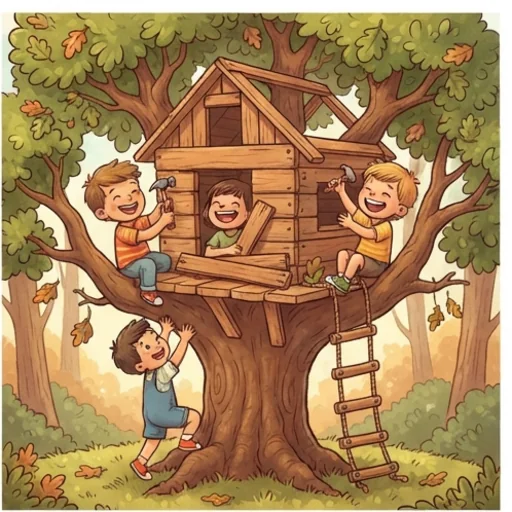
A distinctive look for every cartoon
2D, 3D, chibi, retro, hand-drawn or kawaii looks from your description.
Create cartoons free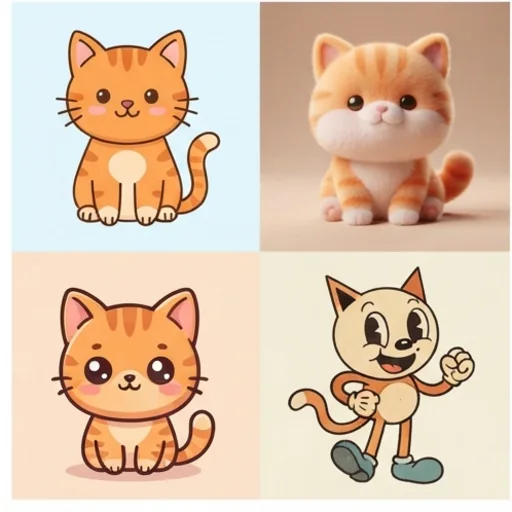
Clear, balanced images
Control placement, viewpoint, composition and colours so panels stay readable.
Create cartoons free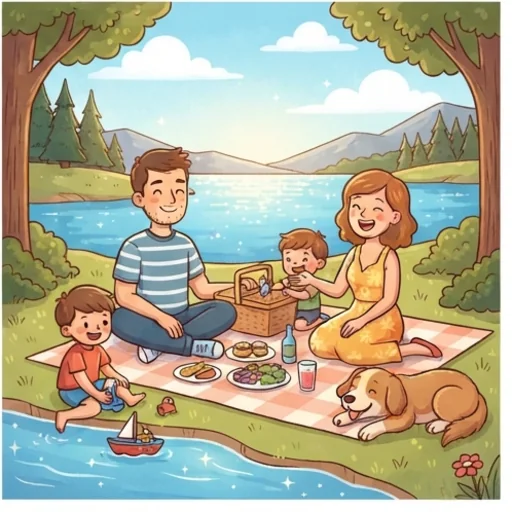
Cartoon images for real creative needs
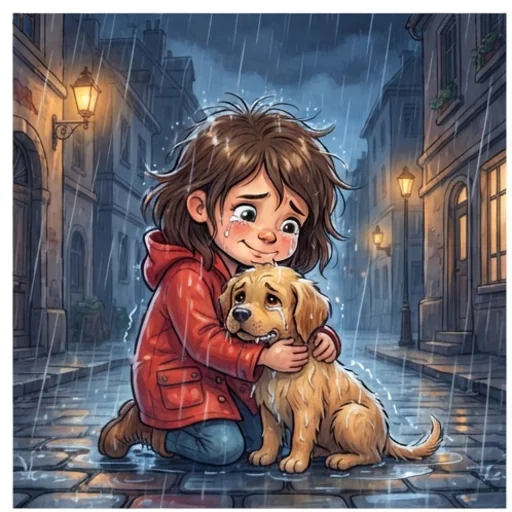
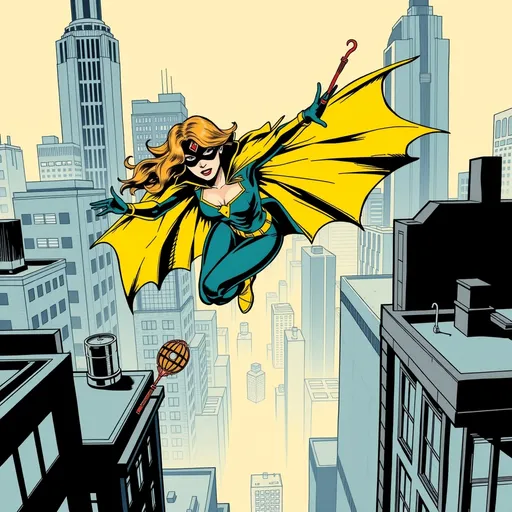
Show the moment readers need to see
One key story moment as an expressive illustration.
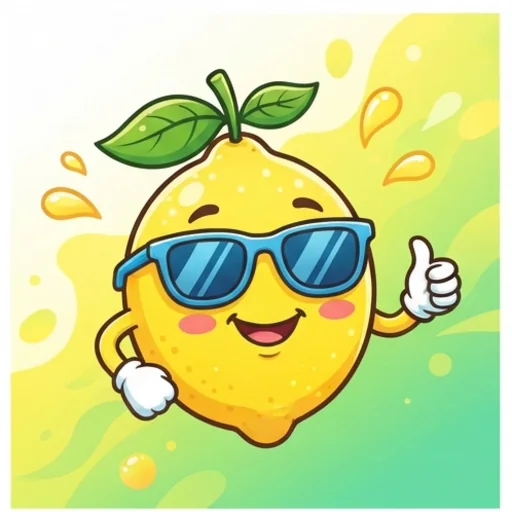
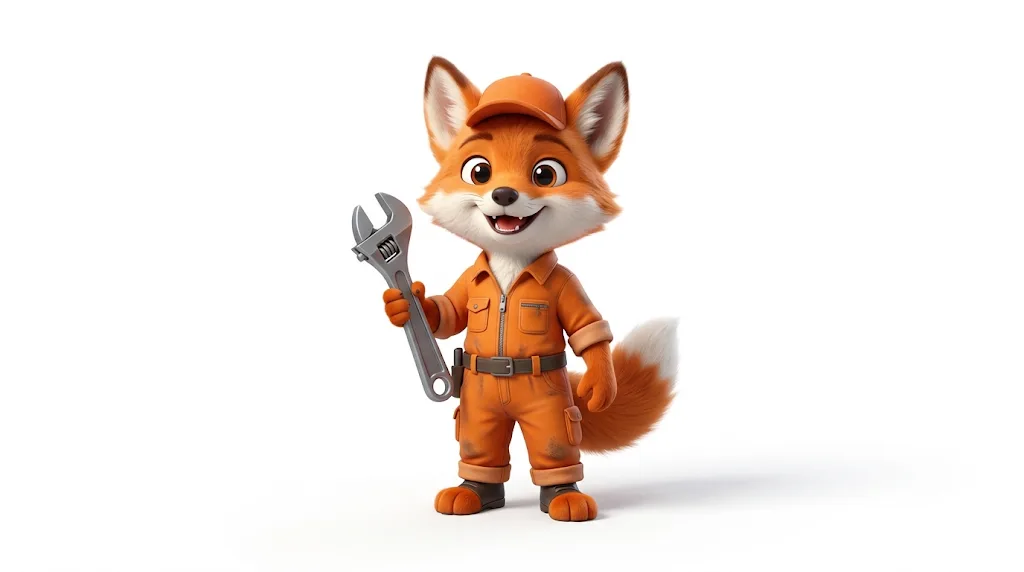
Give your message a recognisable face
Mascots and campaign graphics with personality.
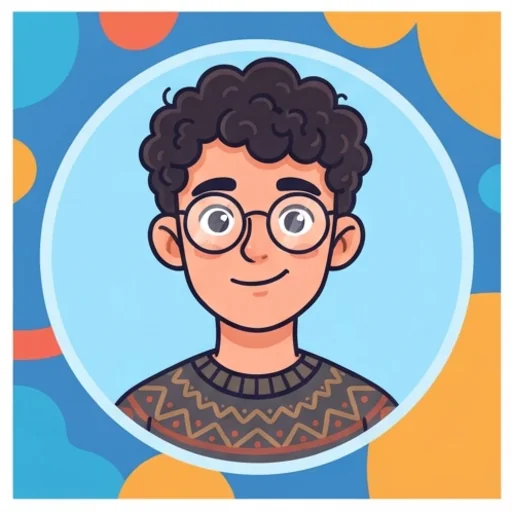
Leave generic profile pictures behind
A cartoon avatar with your features and style.
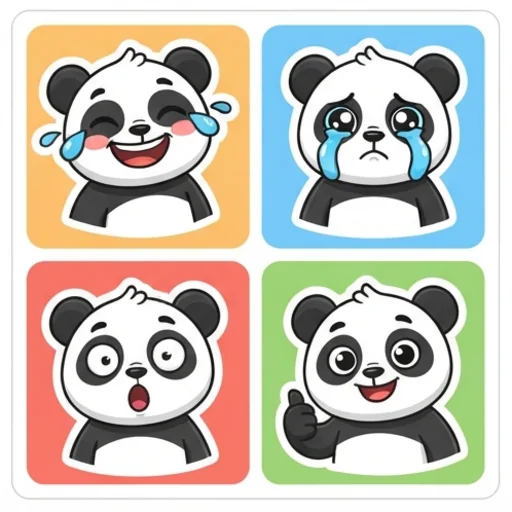
Say more than an emoji
Reaction images and stickers for messages.
How to create cartoon images with Jitura
- 1
Step 1: Describe the scene
Write the characters, setting, objects and actions.
- 2
Step 2: Set the style
Add the cartoon style, composition and colours.
- 3
Step 3: Create and share
Create the cartoon, then download or share it.
Discover other AI image tools on Jitura
FAQs
What is an AI cartoon generator?+
A tool that turns a written idea into a finished cartoon illustration with no drawing skills, interpreting characters, setting, action and style.
How do I use the cartoon image generator?+
Describe the cartoon you want, including the main character and scene, and create. The AI arranges characters, objects and background into one composition.
Can I use AI cartoons for stories and marketing?+
Yes: story illustrations, mascots, campaign artwork and posts. Give one clear subject and purpose for the strongest result.
What styles can it create?+
2D, 3D, chibi, retro, hand-drawn, kawaii and more; describe the style in your prompt.
How do I turn an existing photo into a cartoon?+
Use Photo to Cartoon or the Cartoon Character Maker, which redraw your own photo in a cartoon style.
Can I use the AI cartoon generator for free?+
Yes. Every signed-in account gets free daily operations, and each image uses one. Paid plans add more operations, higher resolutions and private outputs.
Turn your ideas into expressive cartoons
Polished, vivid cartoon artwork from text.
Try the cartoon generator