
AI Sticker Generator
Turn prompts, photos, pets and portraits into standout stickers in seconds.
Free outputs may appear in the public gallery. Learn more
Turn ideas into stickers people want to use
Need custom stickers without design work? Make stickers from prompts and images that keep your subject's details, in the style you want, ready for chats, posts, print sheets and merch.
Make a sticker free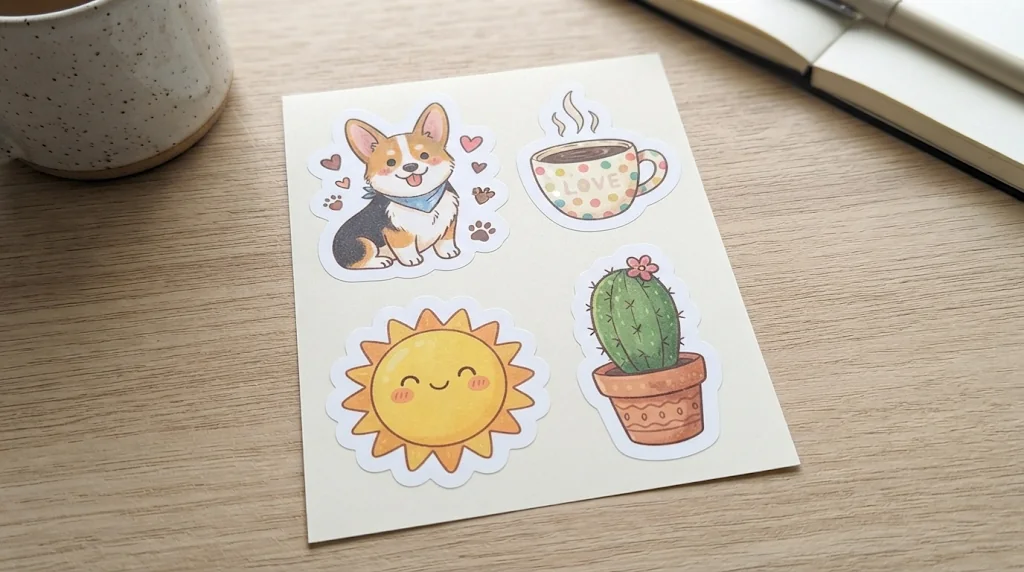
Stickers from text or photos
Describe a mascot or add an image and get a sticker that feels personal.
Try styles without design work
Cute cartoon, chibi, anime or hand-drawn looks to test fast.
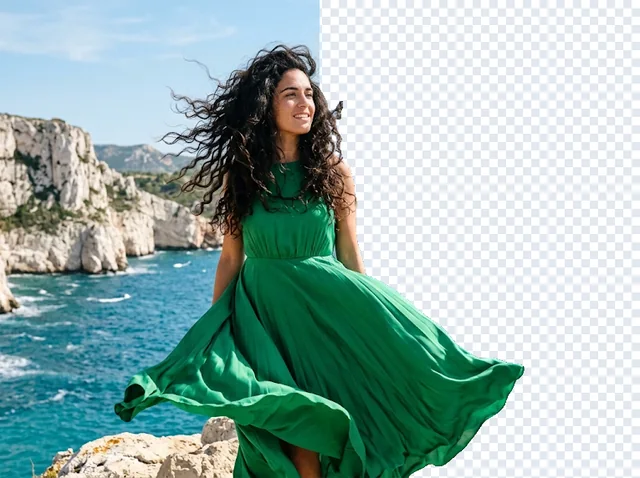
Transparent background
Cut the sticker out with the Background Remover for chats, posts and packs.
AI stickers from any input
Describe a mood, add a selfie or a pet photo, and get a sticker with personality and clean edges.
Make stickers free
Match every sticker to your style
Chibi, anime, kawaii, hand-drawn or playful: build consistent sets with expressive faces and bold outlines.
Make stickers free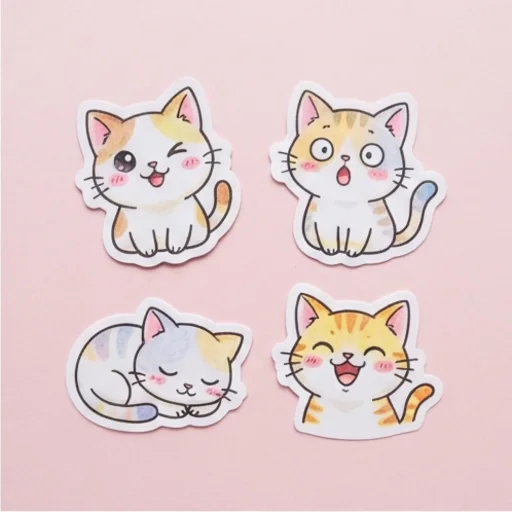
Keep faces, pets and products accurate
Recognisable traits such as a pet's markings or a product's shape are kept while the photo becomes a sticker.
Make stickers free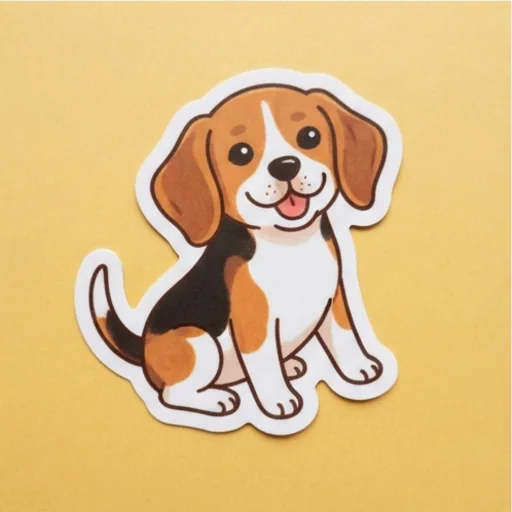
Use stickers anywhere
Clean, balanced stickers that fit chats, packaging drafts and digital packs; remove the background for a transparent PNG.
Make stickers free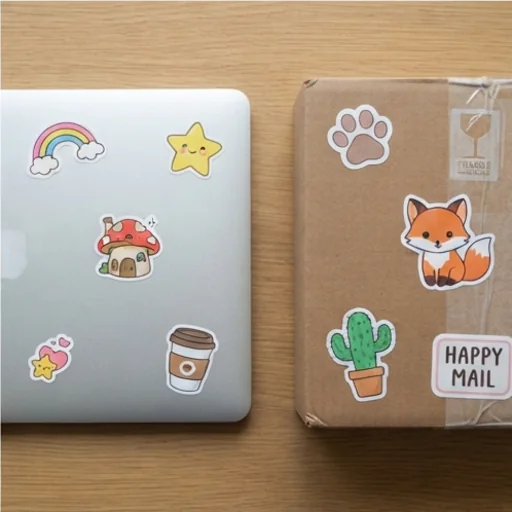
Make a sticker for every creative moment
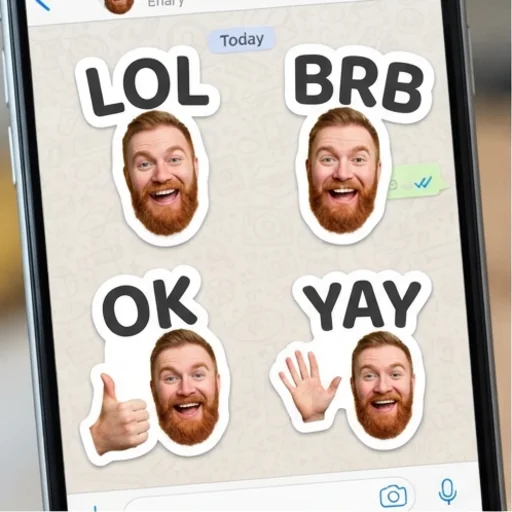
Make messages more personal
Turn selfies, catchphrases or inside jokes into expressive stickers.
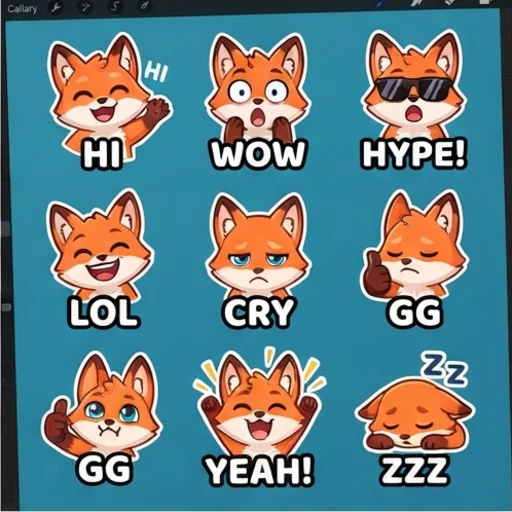
Sticker sets for creators
Mascot reactions and emotes for streamers and communities.
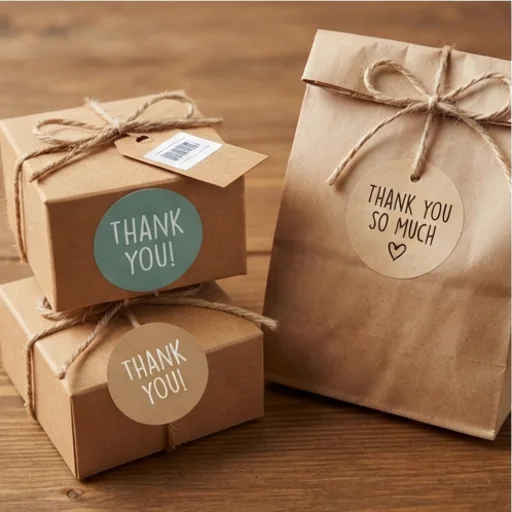
Add character to every order
Thank-you stickers and mascot labels for small shops.
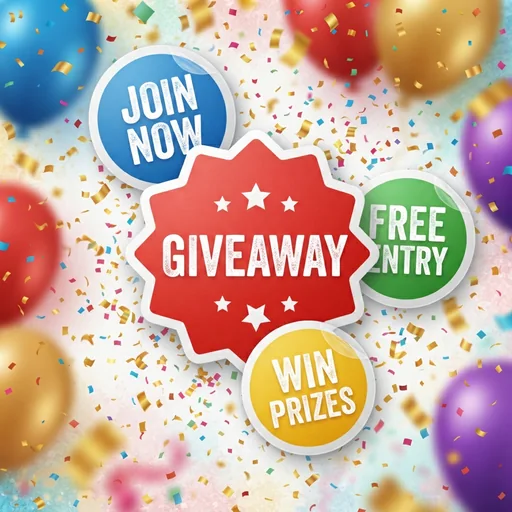
Build a look around the moment
Reaction stickers, event labels and giveaway badges for posts.
How to make a sticker with Jitura
- 1
Step 1: Describe your sticker
Write the idea, mood, subject or message.
- 2
Step 2: Add a photo
Add a photo with + if you like and name the art style.
- 3
Step 3: Create and download
Create, review and download your stickers.
Discover other AI image tools on Jitura
FAQs
What is an AI sticker generator?+
An online tool that creates custom sticker artwork for chats, social media, branding, packaging and print from a prompt or a photo.
What can it make?+
Character, pet and product stickers, icons, event badges and reaction packs.
How does the AI sticker creator work?+
It reads your prompt or image, applies your style and draws sticker-ready art with a white die-cut border, with no manual drawing.
What is the best AI sticker generator?+
One that keeps your subject recognisable and the style consistent. Jitura's generator does both, and Jitura's Background Remover gives the sticker a transparent background.
Can I create stickers from my own photo?+
Yes. Portraits, pets, products and objects become stickers while their key features stay the same.
Can I use the stickers on social media?+
Yes: reaction stickers, emotes, event badges and brand visuals for posts and stories.
Can I use the sticker generator for free?+
Yes. Every signed-in account gets free daily operations, and each image uses one. Paid plans add more operations, higher resolutions and private outputs.
Turn any idea into a sticker worth sharing
Personal, polished stickers in seconds.
Try the sticker generator