
AI Badge Maker
Create memorable badges from simple prompts, with flexible styles and no design experience needed.
Free outputs may appear in the public gallery. Learn more
Bring your ideas to life as memorable badges
Turn an idea into a badge worth remembering. Create a badge with the symbols, shape, colours and style you want, for profiles, communities, clubs, events and rewards.
Create a badge free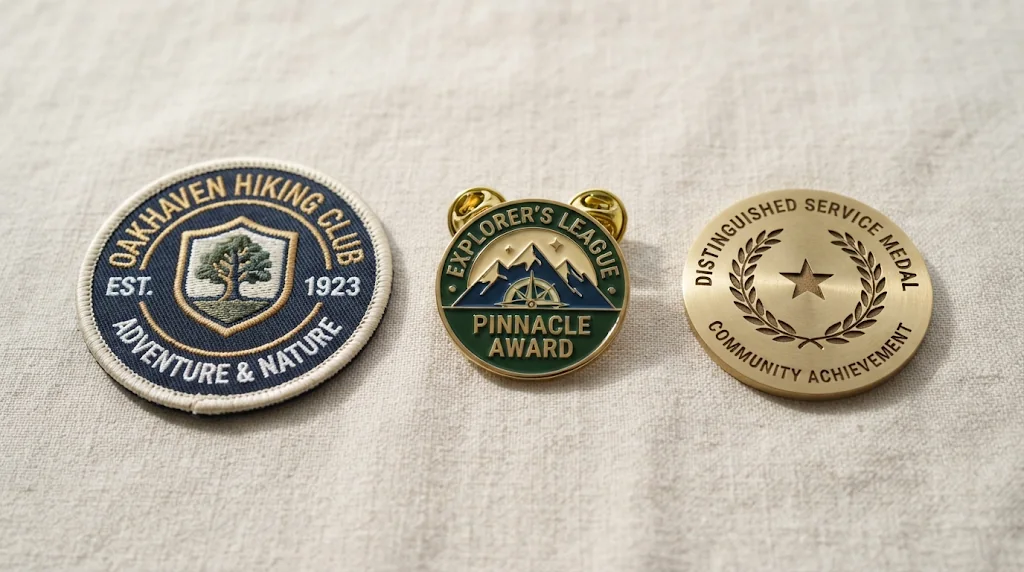
No design skills needed
Polished badges without drawing or design software.
Flexible badge styling
Control shape, colours, symbols, typography and the overall look.
More versions faster
Generate and compare several concepts without starting over.
Express identity through every badge
Make badges for your profile, community, club or project with symbols that show your interests or shared purpose.
Create badges free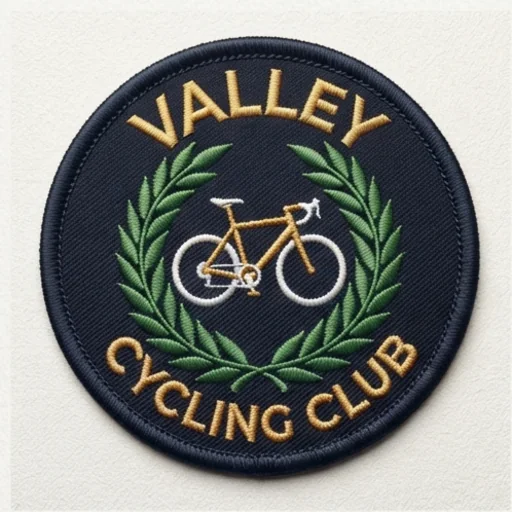
Turn milestones into visual rewards
Design badges for achievements, memberships or events, with wording and symbols matched to each milestone.
Create badges free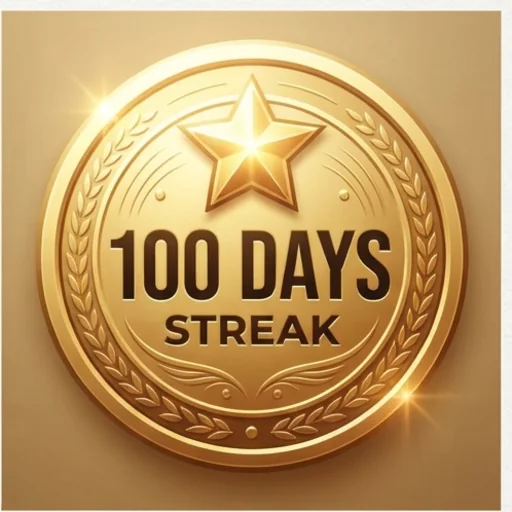
Build cohesive badge collections
Coordinated sets for roles, levels or themes with consistent type, style and colour.
Create badges free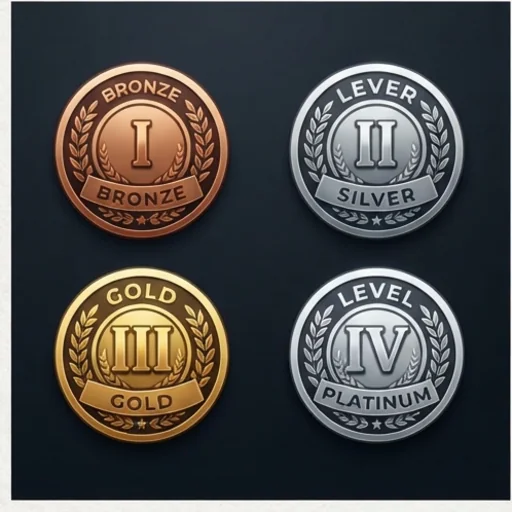
Discover more badge designs
Compare shapes, palettes, symbols and styles to find a stronger direction.
Create badges free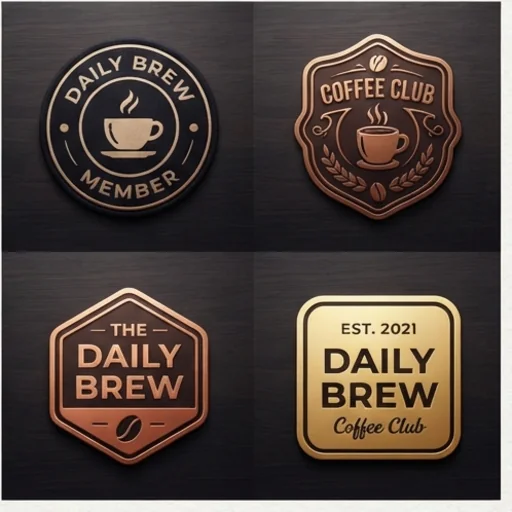
See where your custom badges can stand out
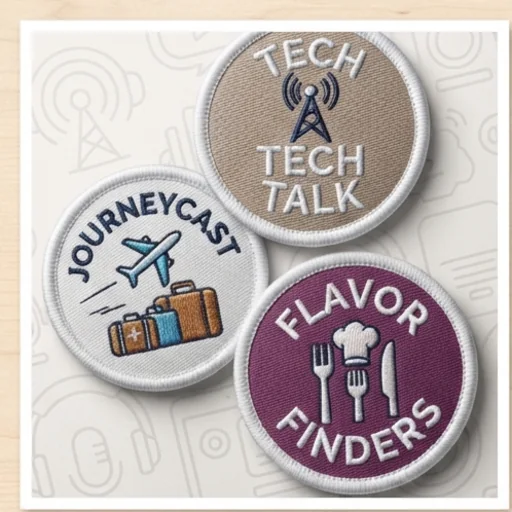
Organise content visually
Badges for recurring video segments, podcast categories or membership levels.
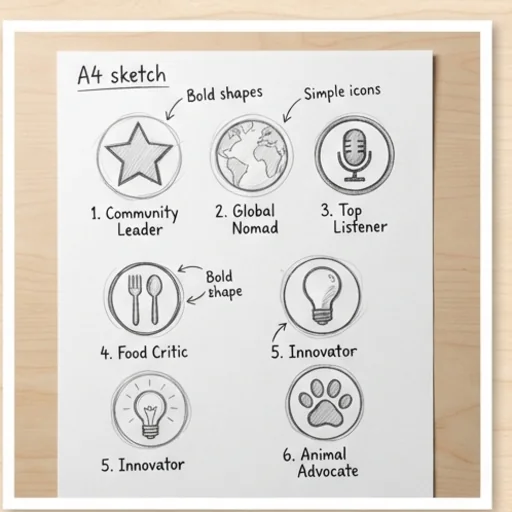
Explore concepts faster
Turn rough briefs into several badge directions for early ideation.
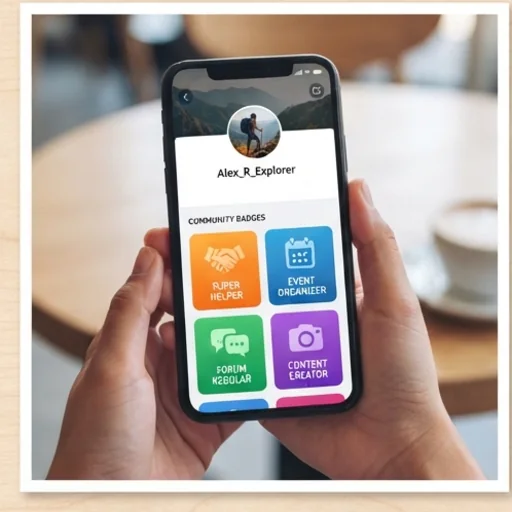
Personalise profiles and communities
Badges for profiles, groups, challenges and milestones.
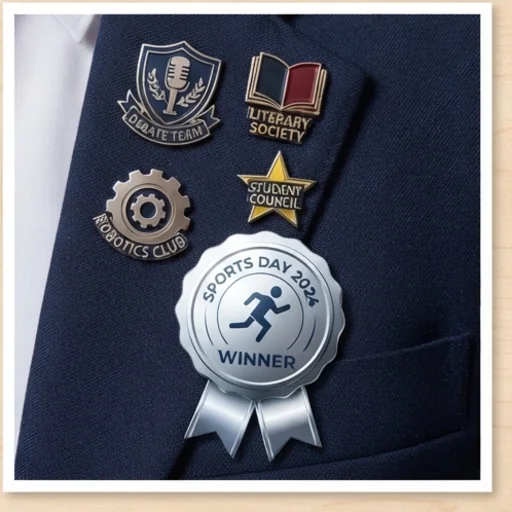
Unify groups and events
Badges for school clubs, teams, events and awards.
How to create a badge with Jitura for free
- 1
Step 1: Describe your badge
Write a detailed prompt for the badge you want.
- 2
Step 2: Add the details
Say the shape, colours, symbols, mood and style.
- 3
Step 3: Create and download
Create your badge and download it.
Discover other AI image generators on Jitura
FAQs
What is an AI badge maker?+
An AI image tool that turns a written prompt into a custom badge: emblems, achievement badges, club patches, pins and more.
How do I make a badge?+
Describe the theme, symbols, wording, shape, colours and style, and create. Edit the prompt and create again to refine it.
What is the best AI badge maker?+
One with an easy workflow, flexible style control and clean results. Jitura's badge maker follows your wording exactly and lets you switch between top models.
Do I need editing or design skills?+
No. A clear idea and a short prompt are enough.
Is the badge maker free?+
Yes. Every signed-in account gets free daily operations, and each image uses one. Paid plans add more operations, higher resolutions and private outputs.
Create custom badges that capture your ideas
Memorable badges with distinctive styles, fast results and no complicated editing.
Try the badge maker