
Photo to Cartoon AI
Create share-worthy cartoon images from your photos without drawing or complex editing.
Free outputs may appear in the public gallery. Learn more
Transform everyday photos into expressive cartoons
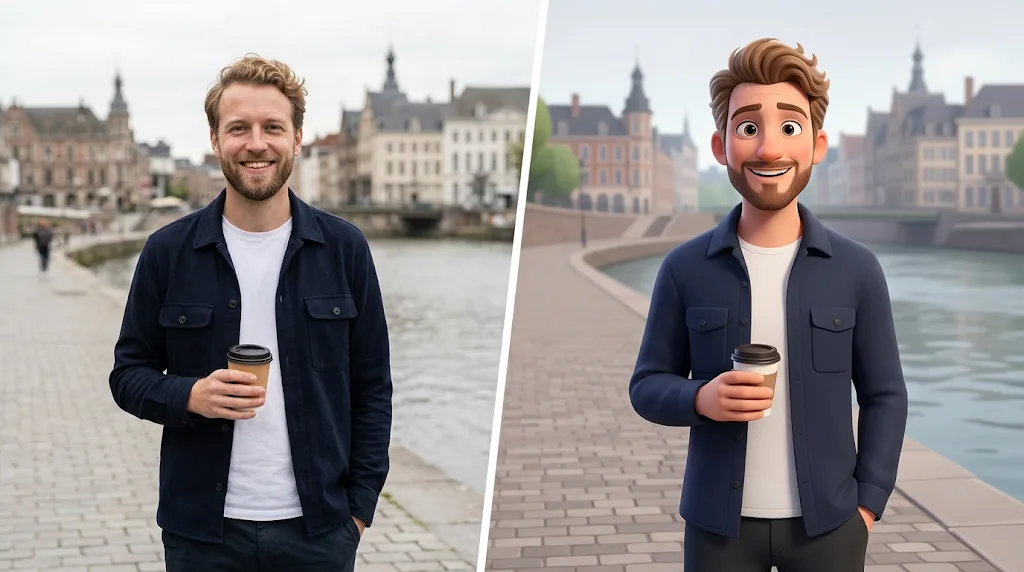
Turn photos of people, pets and places into cartoon images with personality, in the style you like, while keeping what makes them recognisable.
Cartoonify a photo free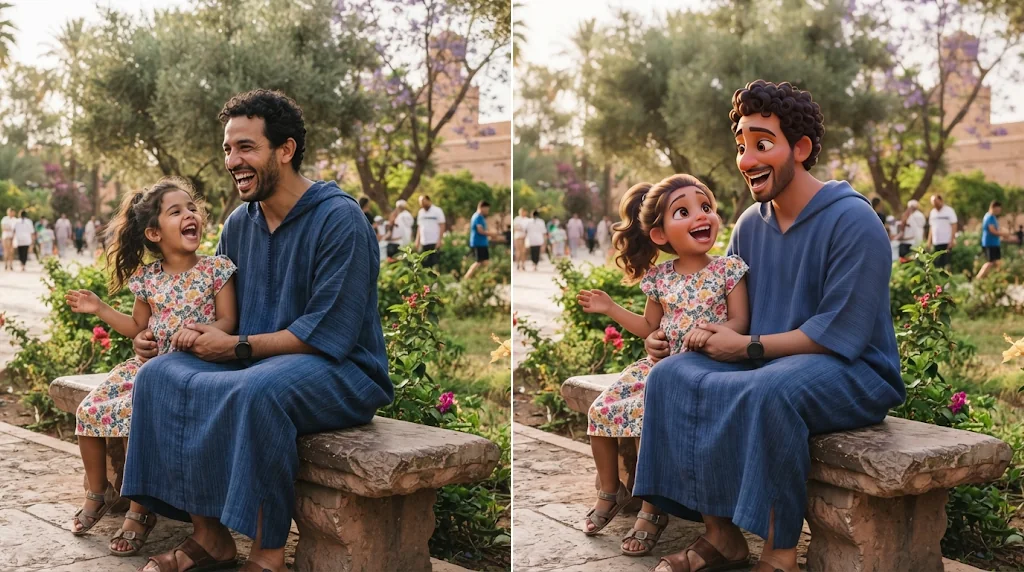
No editing skills needed
Upload and create; no drawing required.
Multiple cartoon styles
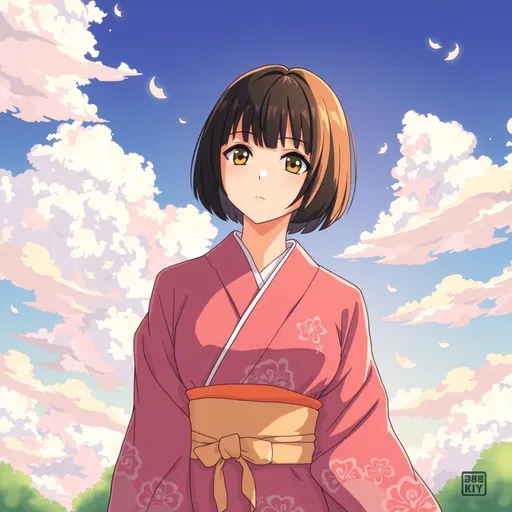
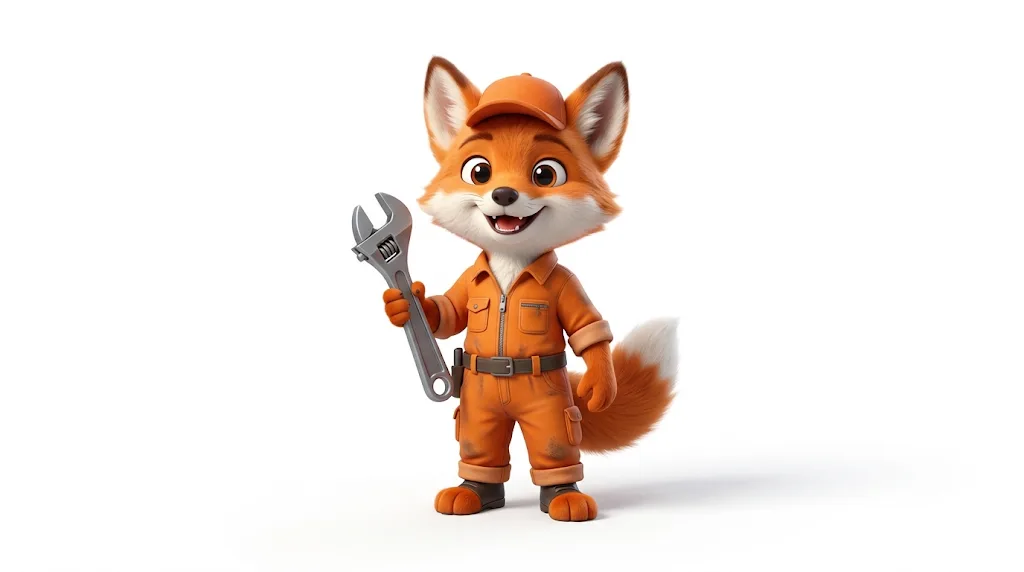
3D, 2D, comic, chibi and more.
Fast cartoon generation
Results in seconds.
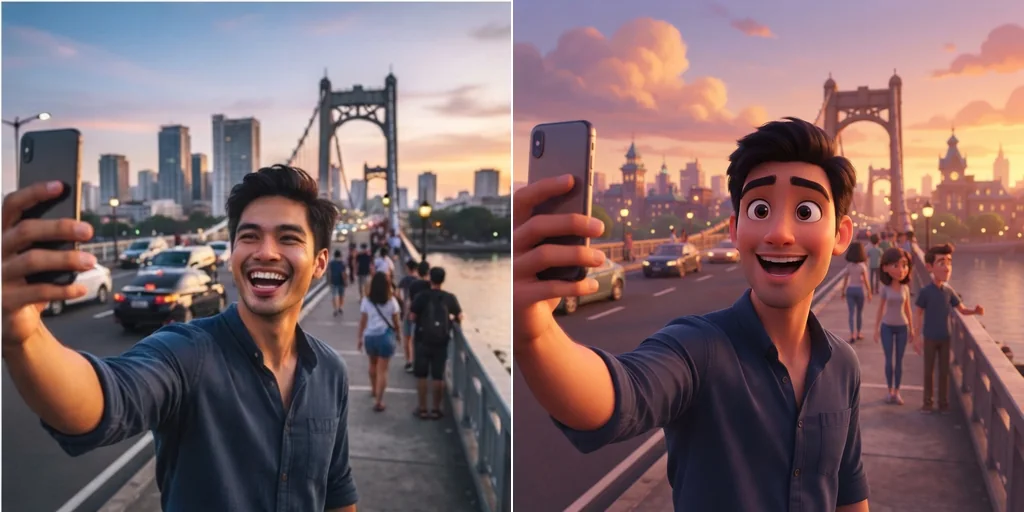
Build a recognisable visual identity
A cartoon version of you for brands and channels.
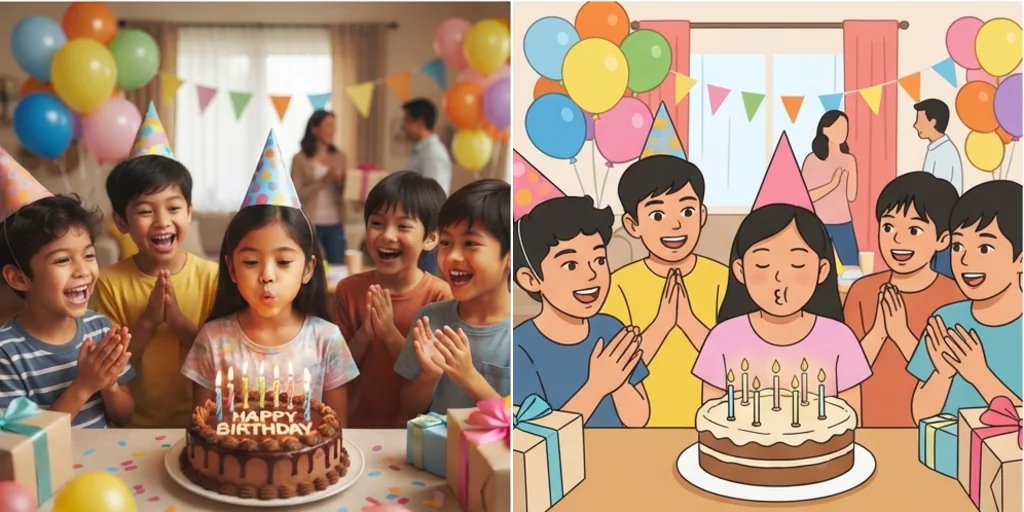
Cartoonify photos free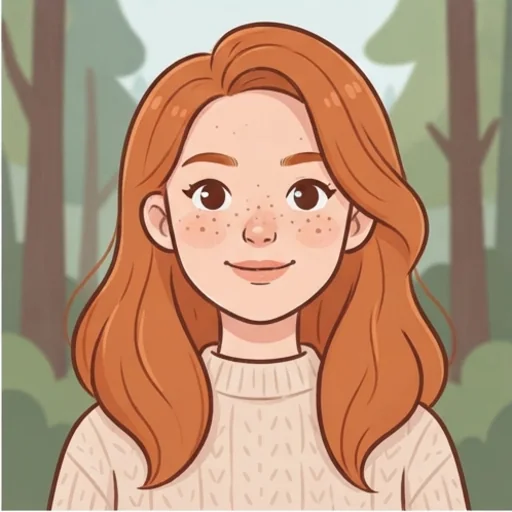
Turn photos into storytelling ideas
Cartoon scenes that spark stories and comics.
Cartoonify photos free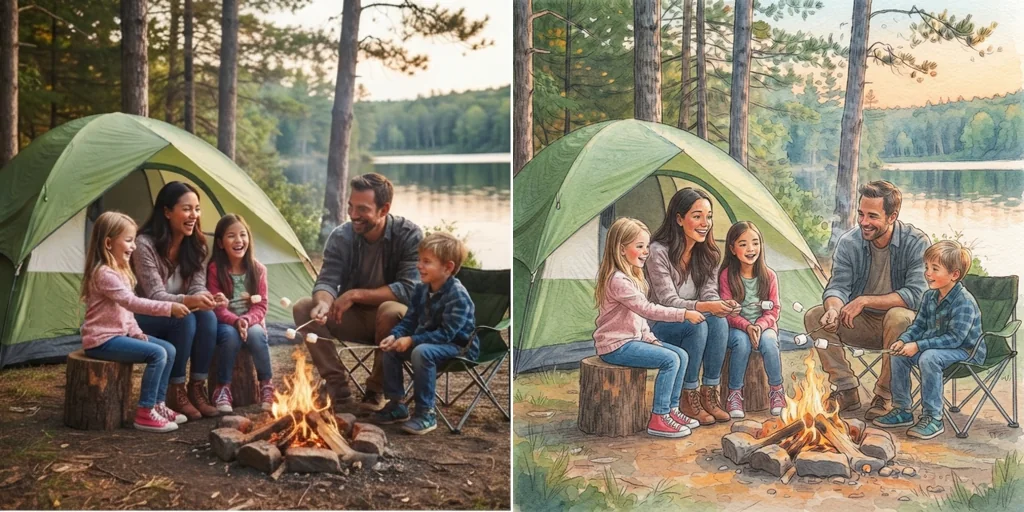
Turn photos into cartoons for every purpose
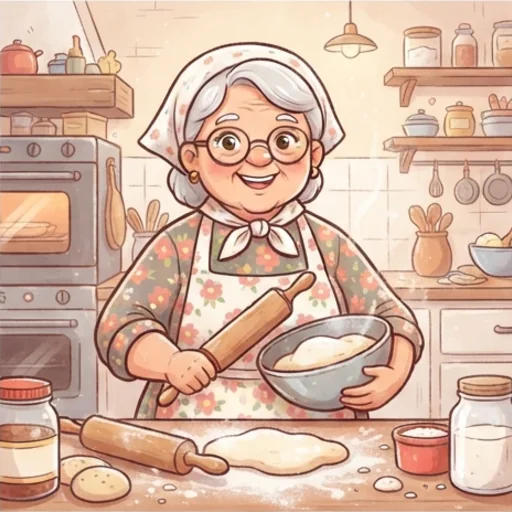
Visualise story characters
Cartoon characters from real people.
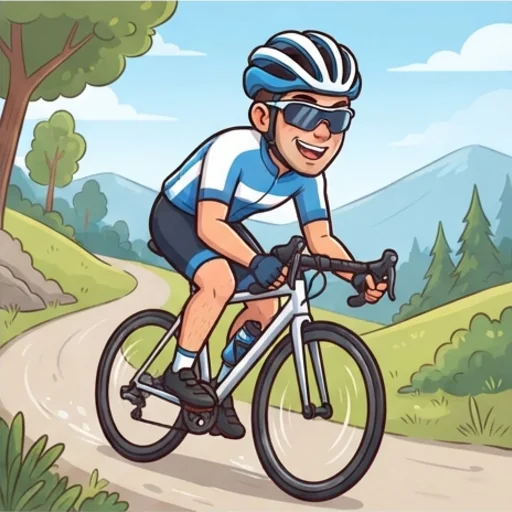
Personalise campaign avatars
Friendly cartoon faces for brands.
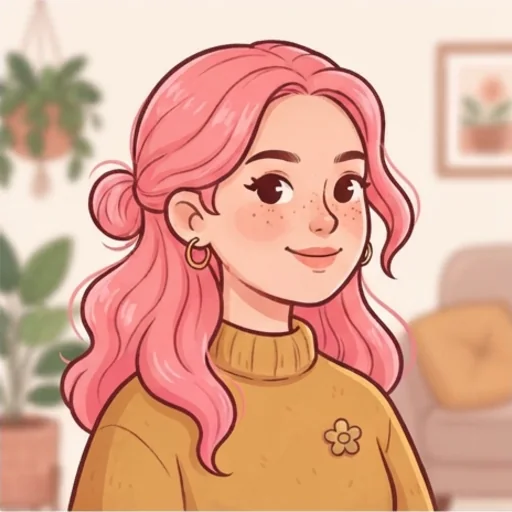
Refresh your online identity
Cartoon profile pictures.
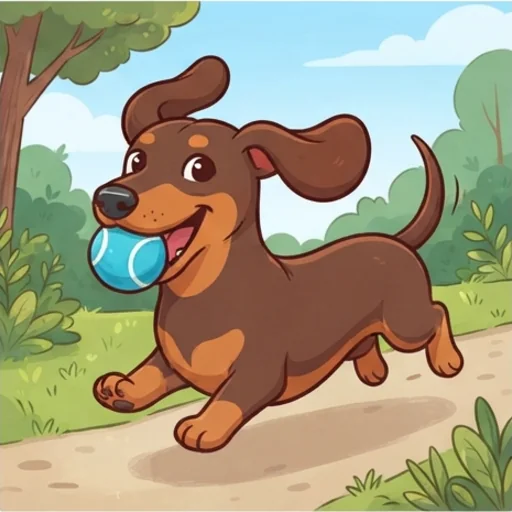
Celebrate your pet
Pet photos as cartoons.
How to turn a photo into a cartoon
- 1
Step 1: Add your photo
Add a photo with the + button.
- 2
Step 2: Pick the style
Keep the 3D cartoon prompt or choose another style.
- 3
Step 3: Create and download
Create and download your cartoon.
Discover other AI image tools on Jitura
FAQs
What is photo to cartoon AI?+
A tool that redraws your photo as a cartoon while keeping the people, pets and places recognisable.
What is the best photo to cartoon AI?+
One with many styles that keeps likeness. Jitura offers 3D, 2D, comic and chibi looks and lets you switch models.
How does it work?+
The model reads your photo and redraws it in the cartoon style from the prompt.
Is it free to use?+
Yes. Every signed-in account gets free daily operations, and each image uses one. Paid plans add more operations and higher resolutions.
What can I create with it?+
Avatars, gifts, story characters, pet portraits and campaign visuals.
Can I customise the style?+
Yes. Describe the style in the prompt or pick one from the Style menu.
Do I need editing or design skills?+
No.