
Photo To Anime
Upload a portrait, selfie or product photo and turn it into a polished anime picture for profiles, posts and designs.
Free outputs may appear in the public gallery. Learn more
Transform your photos into scroll-stopping anime
Tired of photos that disappear in busy feeds? Turn any photo into an anime picture with clean line art, expressive eyes and soft shading, while faces, outfits and composition stay recognisable.
Convert photos to anime free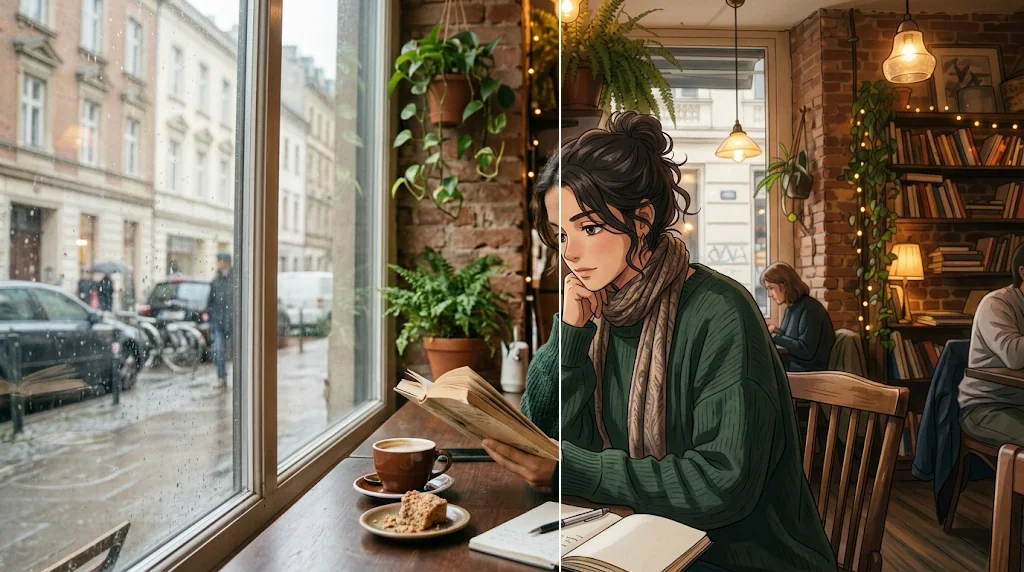
Recognisable anime results
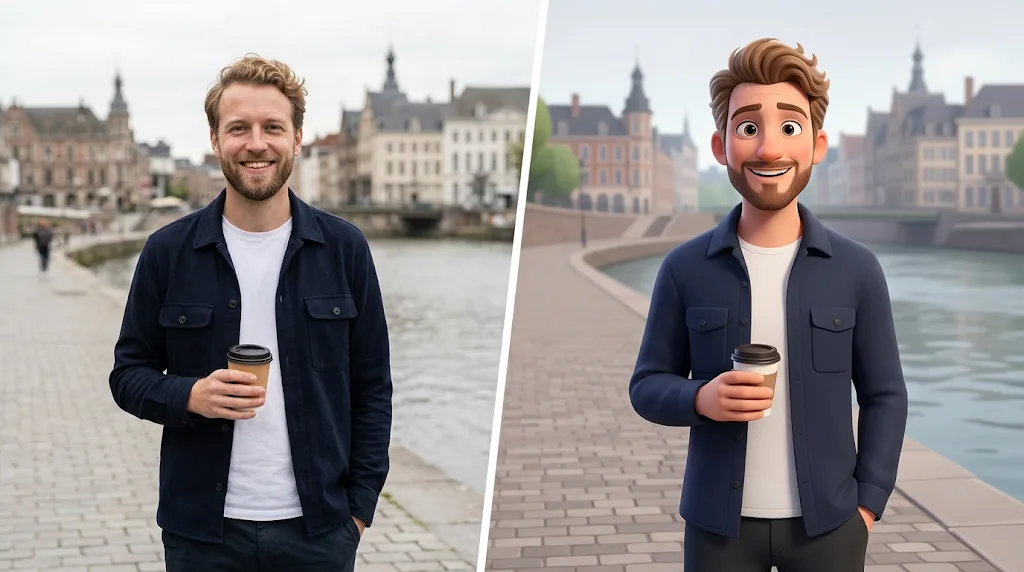
Faces, outfits and poses stay true to your photo.
Polished anime styling
Clean linework, expressive eyes and soft shading.
Ready-to-use anime pictures
Avatars, fan art, posts and campaign visuals.
Anime art without drawing skills
Get polished anime pictures without learning illustration.
Convert photos to anime free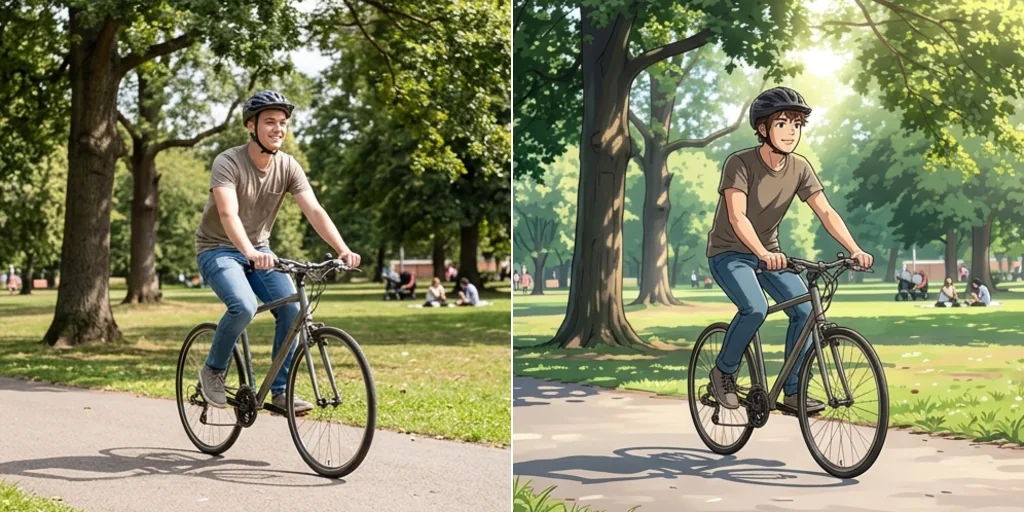
Keep identity while styling
Selfies, portraits and products keep their key features.
Convert photos to anime free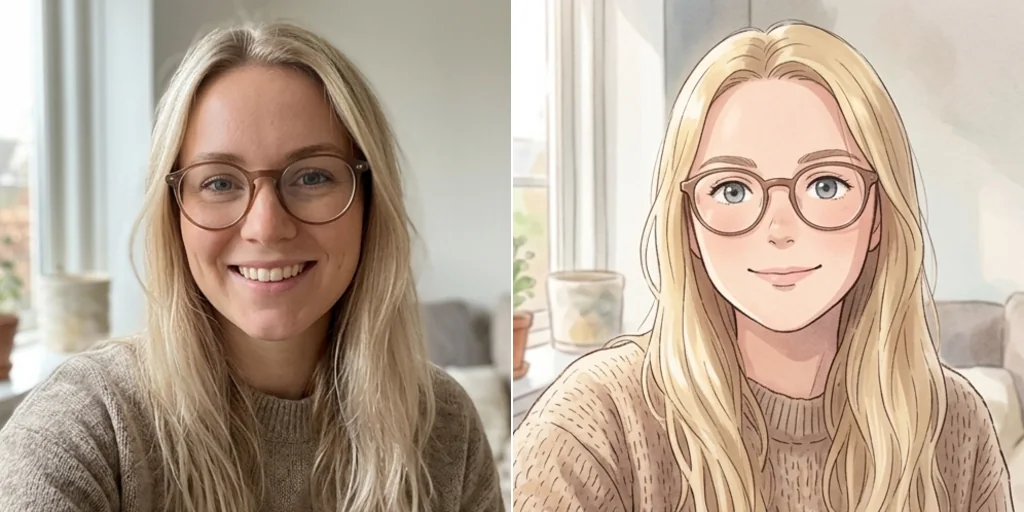
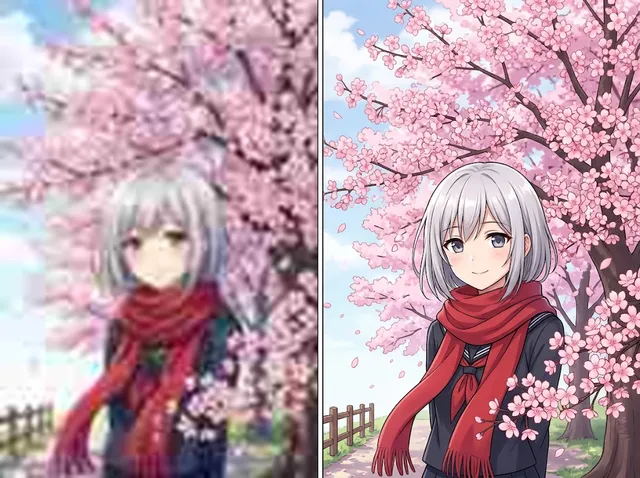
Detailed anime results
Rich backgrounds, light and texture in clean anime form.
Convert photos to anime free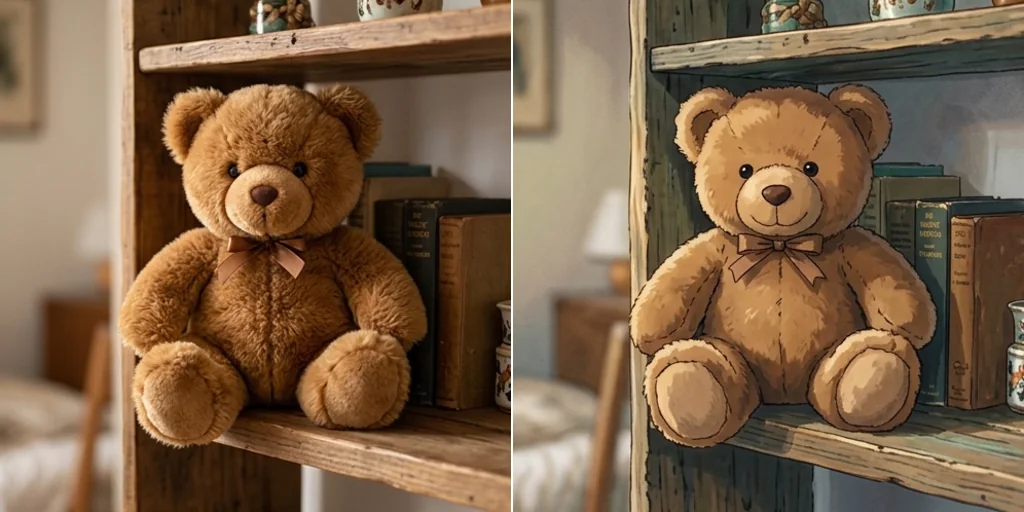
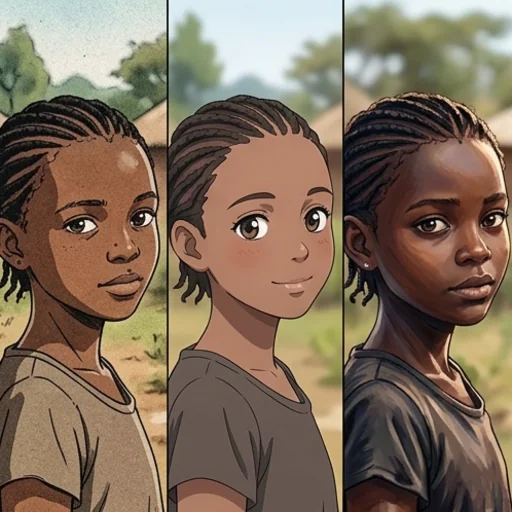
Turn photos into anime for any creative project
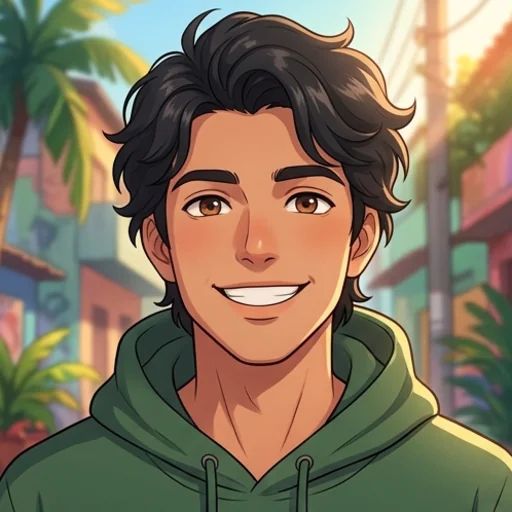
Refresh your profile visuals
Recognisable anime avatars from selfies.
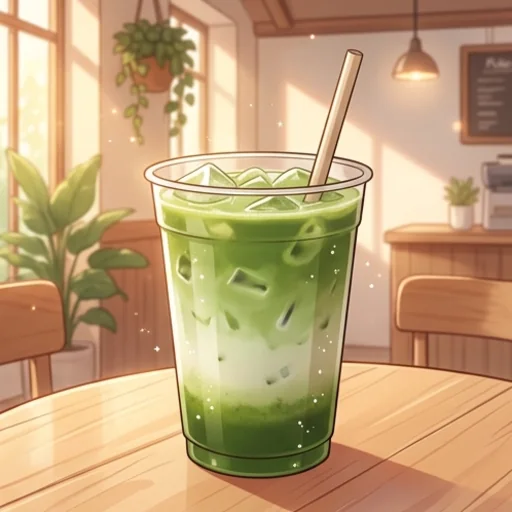
Make products feel playful
Anime-inspired product shots for social.
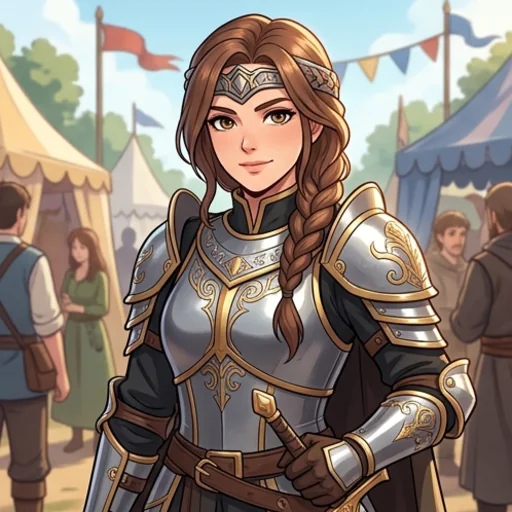
Create shareable anime looks
Portraits and cosplay in anime style.
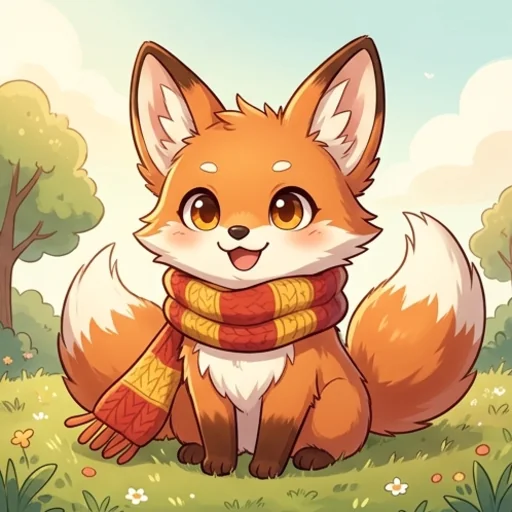
Explore anime concepts
Brand characters and concept tests.
How to convert photos to anime with Jitura
- 1
Step 1: Add your photo
Add a photo, portrait, selfie or product image with +.
- 2
Step 2: Choose the look
Keep the prompt or pick an anime style from the Style menu.
- 3
Step 3: Create and download
Create and download your anime picture.
Discover other AI image tools on Jitura
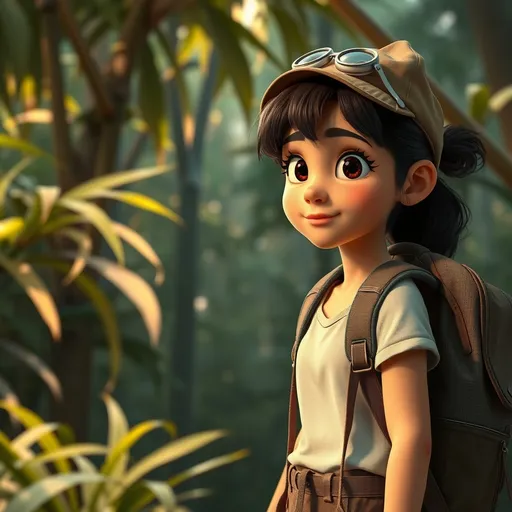
FAQs
What is photo to anime?+
An AI tool that turns your photo into an anime-style illustration while keeping its people, outfits and composition.
How do I turn a photo into anime?+
Add your photo, keep or edit the prompt and create.
What is the best photo to anime maker?+
One that keeps you recognisable with clean anime styling. Jitura lets you pick anime styles and switch models in the same box.
Do I need design skills?+
No. The AI handles line art, colour and shading.
Can I make original anime characters?+
Yes. Start from a photo or describe a new character, or use the AI Character Generator.
Can I use the anime pictures on social media?+
Yes, for photos you own or have permission to use. Yes. Every signed-in account gets free daily operations, and each image uses one. Paid plans add more operations and higher resolutions.
Create polished anime pictures from any image
Stop letting ordinary photos get ignored.
Try photo to anime