
AI Product Listing Image Set Generator
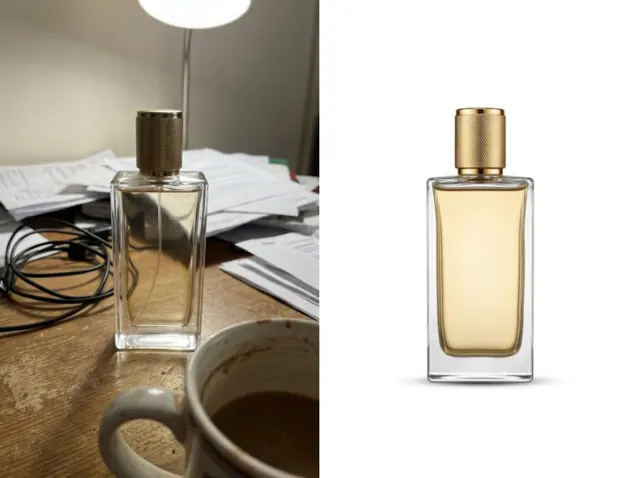
Turn one product photo into a complete set of listing images: main shots, lifestyle scenes, detail images and feature callouts.
Sign in to create. Every account gets free daily operations; each image uses one.
Get a full set of sales-ready listing images in seconds
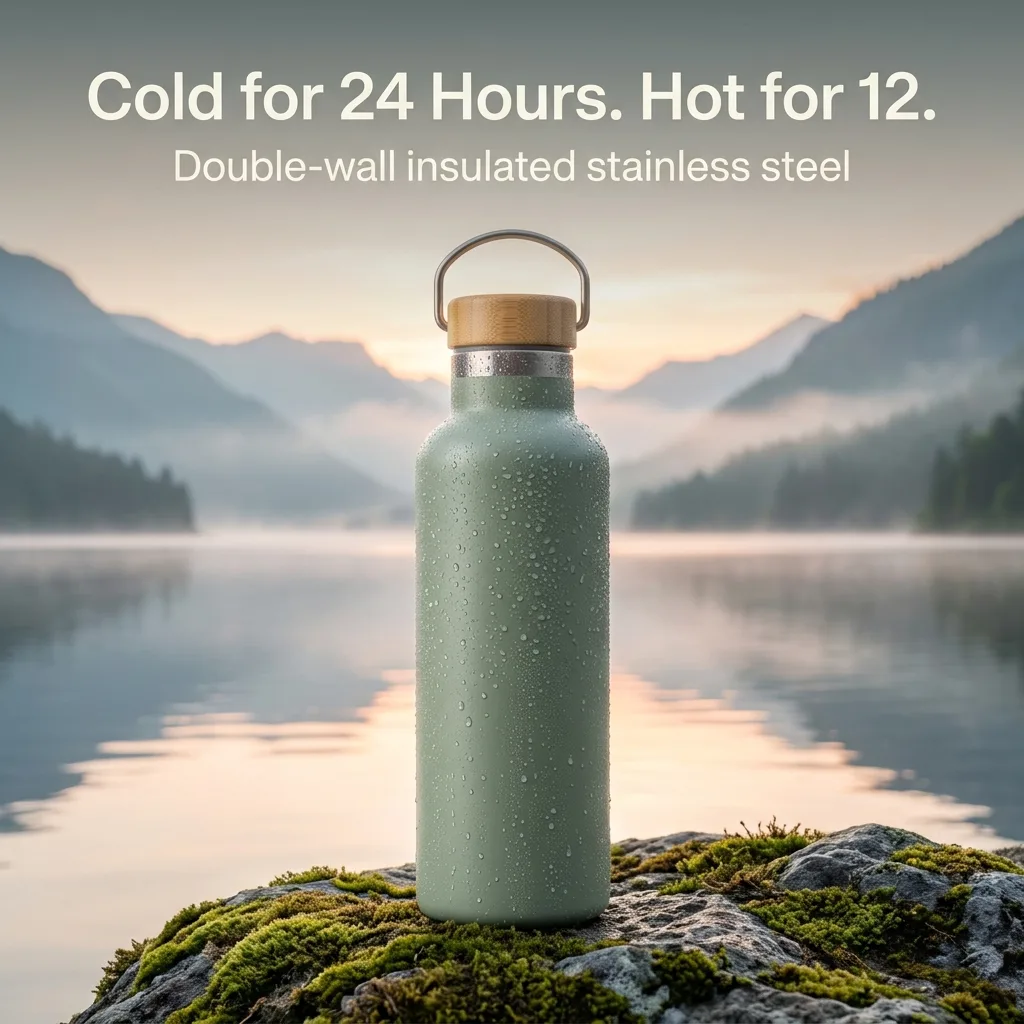
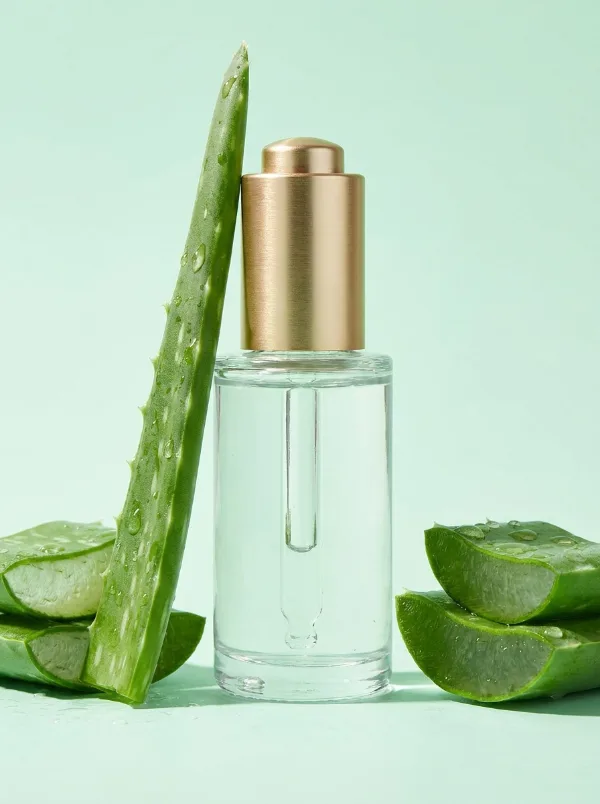
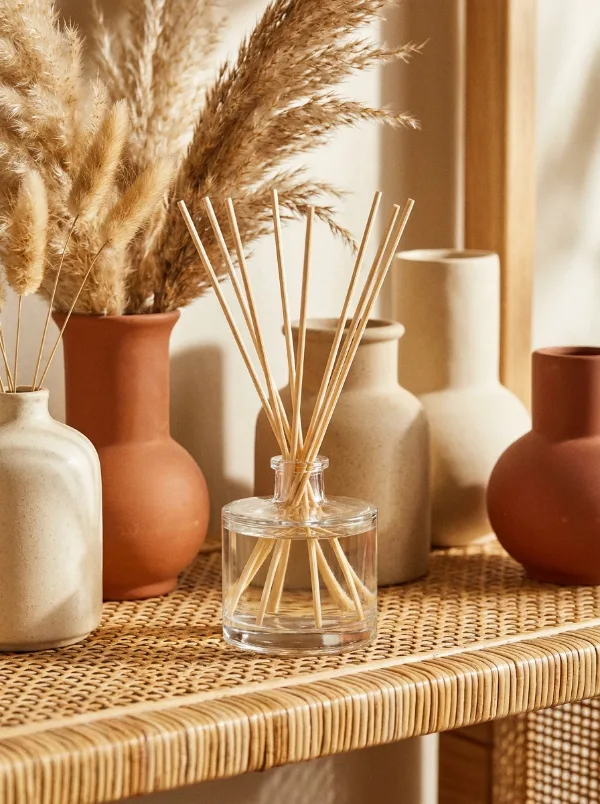
Transform a single product photo into a complete listing set: a clean main image, lifestyle scenes, close-ups and feature callouts that keep your product exactly as it is.
Create a listing set free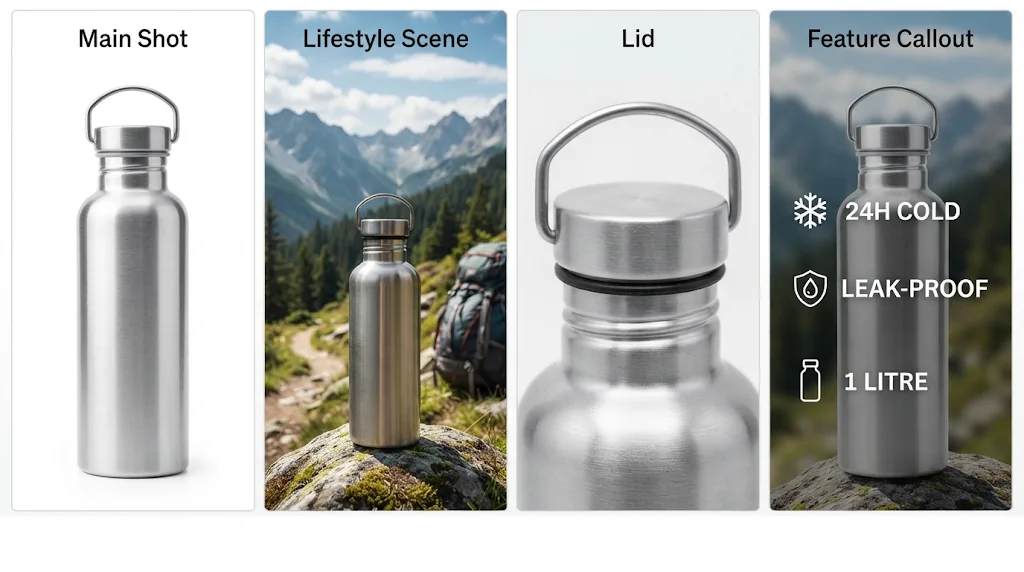
Complete image sets
Go from one photo to a full suite of up to 8 listing images.
Marketplace-ready formats
Square and tall images sized for marketplaces and stores.
No photo shoot required
Polished listing visuals with no camera or editing skills.
Lifelike models on demand
Show the product in use with people, explain key benefits and build trust, with no model bookings.
Create listing sets free
Your product stays exactly the same
Shape, colours, logo and label text stay identical across every image in the set.
Create listing sets free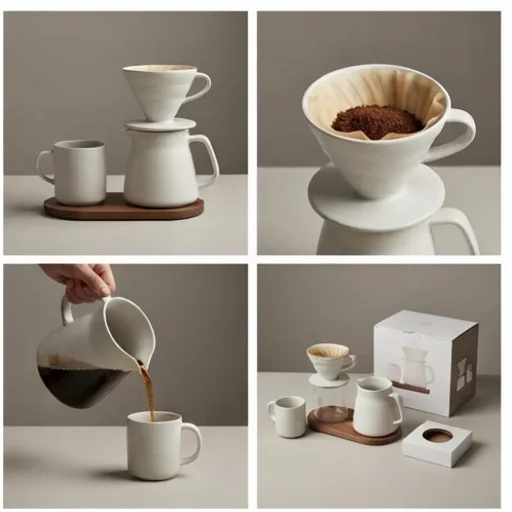
Multi-angle, multi-scene sets
Angles, macro close-ups and lifestyle scenes from one photo.
Create listing sets free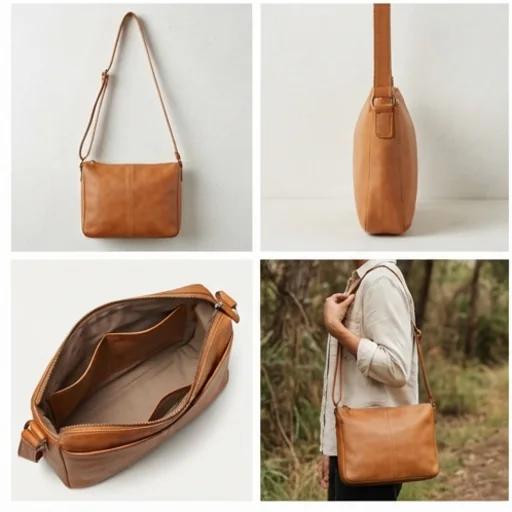
Visuals for every channel
Clean square and tall images that fit listings, stores and ads.
Create listing sets free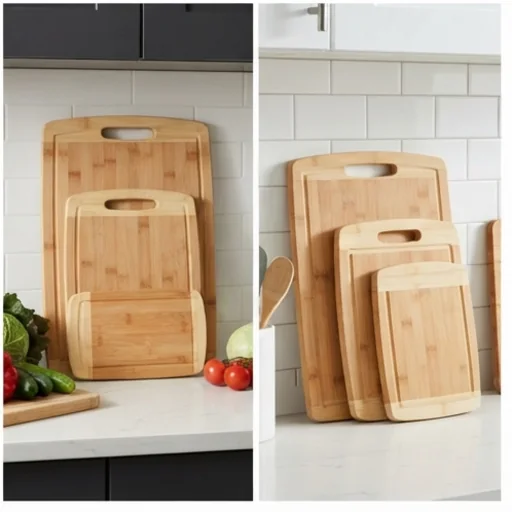
Who the listing image set generator is for
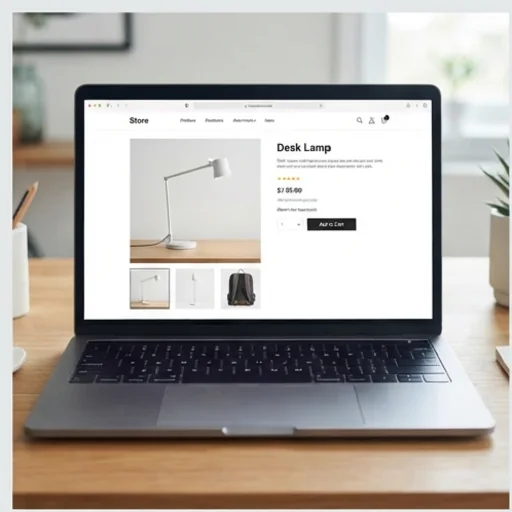
Launch product pages faster
Complete sets for every new product page.
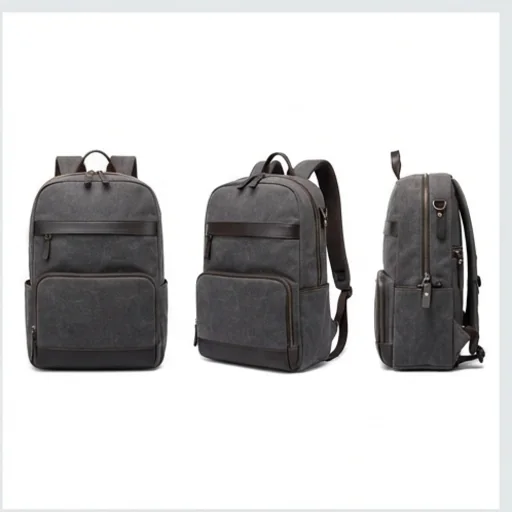
Test more visual angles
Lifestyle scenes and callouts for campaigns.
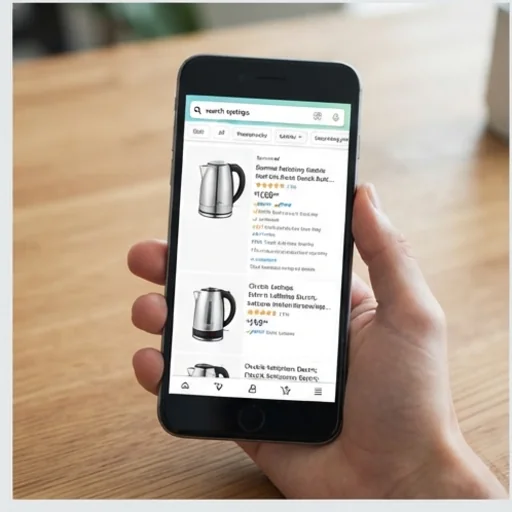
Make sponsored products feel native
Clean visuals for reviews and affiliate posts.
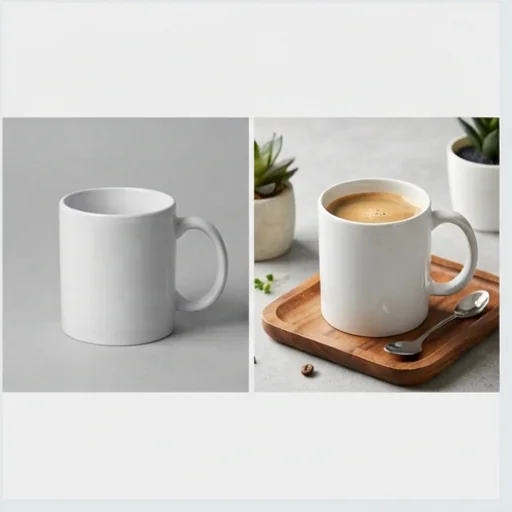
Turn basic photos into store-ready assets
Branded images from plain supplier photos.
How to create a product listing image set with Jitura
- 1
Step 1: Upload your product
Add your product photo with +.
- 2
Step 2: Describe it
Write the product's key facts and selling points.
- 3
Step 3: Create and download
Press send and download the full listing set.
Discover other AI image tools on Jitura
FAQs
How do I create product listing images with Jitura?+
Upload a product photo, write its key facts and press send; you get a set of listing images of the same product.
What is the best tool for listing images?+
One that keeps the product identical across every image. Jitura's set generator does, and you can switch to try-on or product shots in the same box.
Can I create images for large marketplaces?+
Yes: main images on white, lifestyle scenes, close-ups and feature callouts. Check each marketplace's image rules before uploading.
Do I need editing experience?+
No. Upload, describe and create.
How many images can one set have?+
Four per run here; run it again with other angles or scenes for a larger set.
Get a complete set of listing images that sell faster
One photo, a full listing set.
Try the listing set generator