
AI Product Photo Generator
Generate sales-ready product images instantly for your store, social media, ads and campaigns.
Sign in to create. Every account gets free daily operations; each image uses one.
Generate studio-quality AI product photos that drive sales
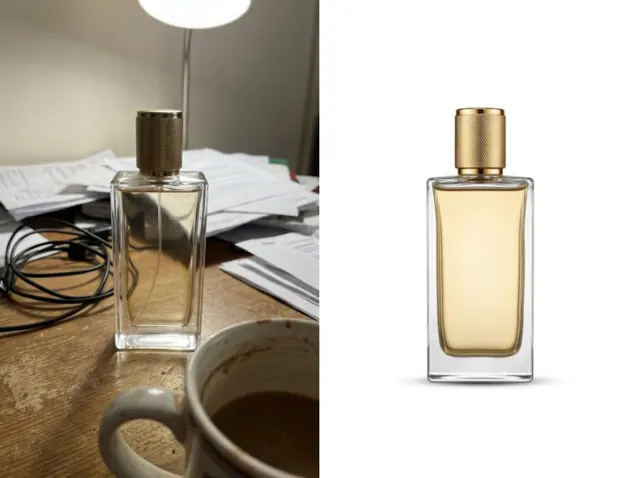
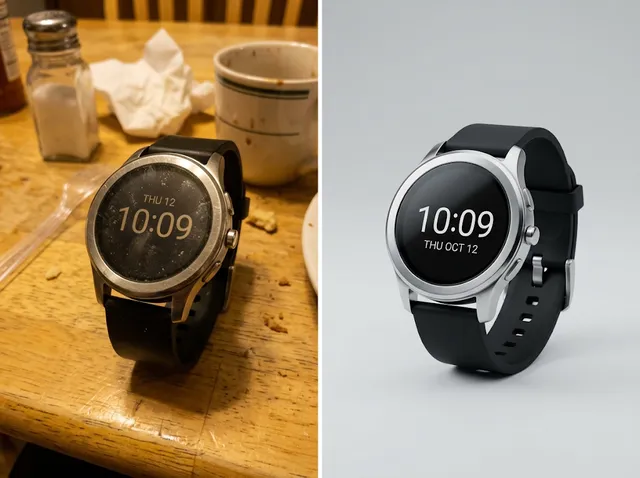
Stop spending time and money on complicated photo shoots. Turn ordinary product photos into studio-quality and lifestyle images that spark interest and drive sales.
Create product photos free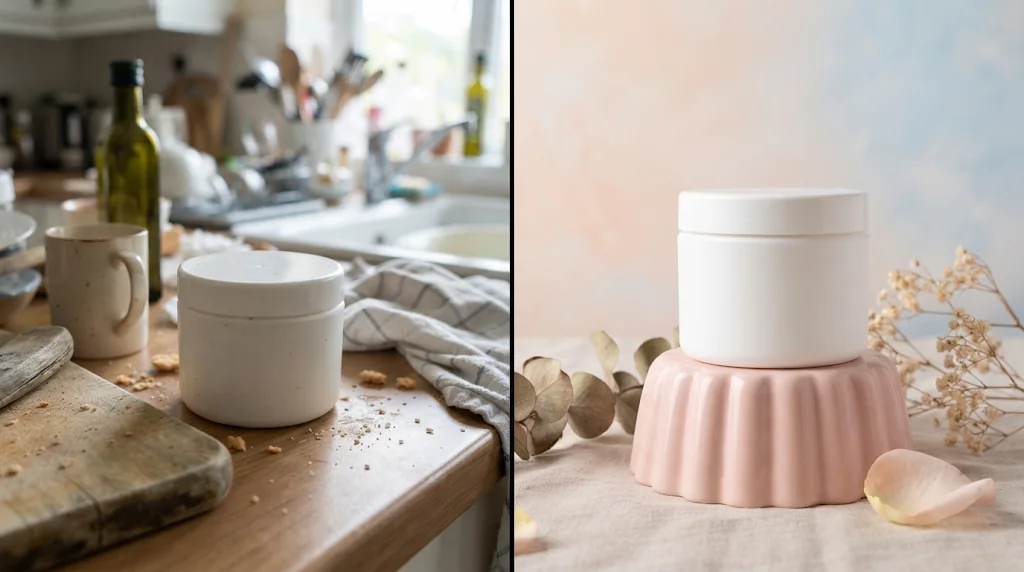
Faster creative production
From product idea to ready-to-use shots in minutes.
More engaging products
Lifestyle-style visuals that feel authentic and appealing.
More content, less cost
High volumes of imagery without models or studios.
Lower photography costs
Studio-quality photos for listings and sales pages without a photographer or studio.
Create product photos free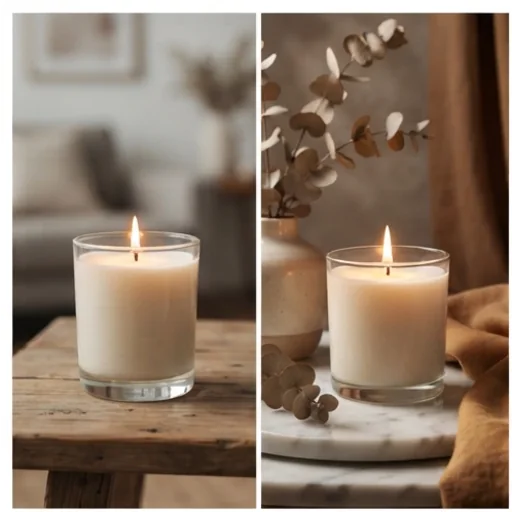
Your product consistent everywhere
Shape, colours, packaging, labels and key details stay recognisable in every scene.
Create product photos free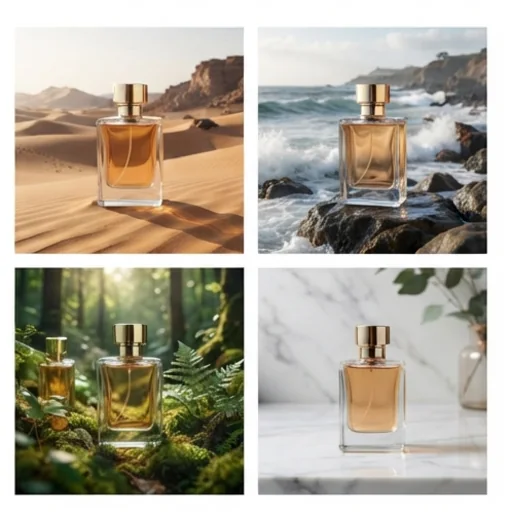
Fresh, relevant campaigns
Seasonal, promotional and audience-specific images from one photo.
Create product photos free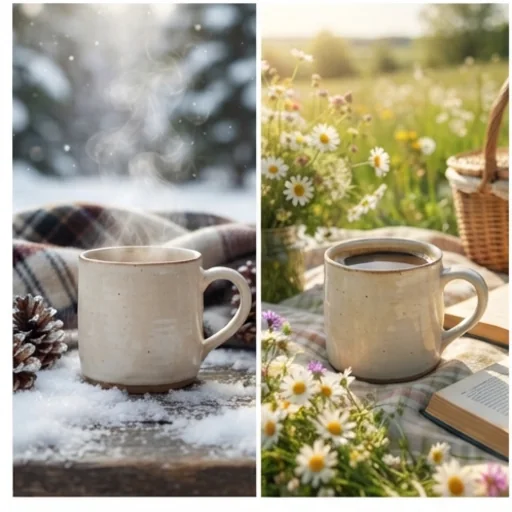
Highlight your selling points
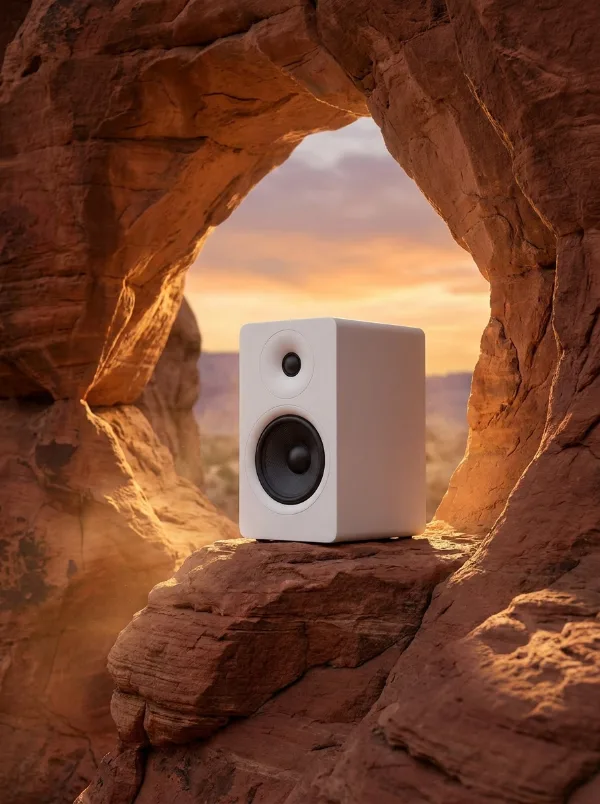
Control the scene, style, light, composition and mood to match your offer.
Create product photos free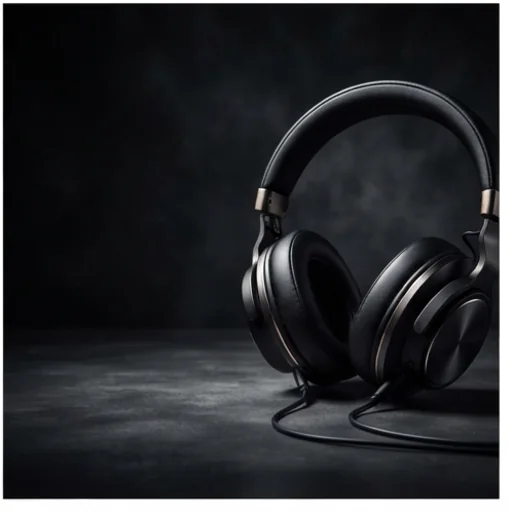
See where your product images drive sales
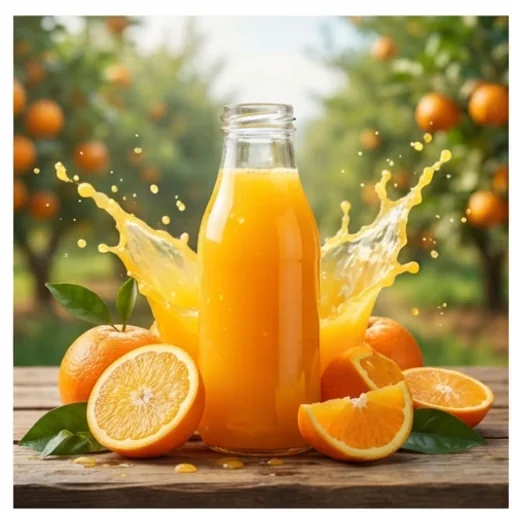
Build stronger campaign visuals
Product images for banners, ads and launches.
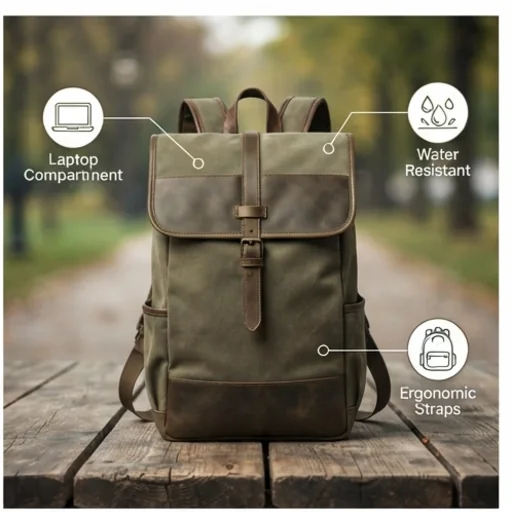
Explain product value clearly
Ad photos and brochures that show benefits.
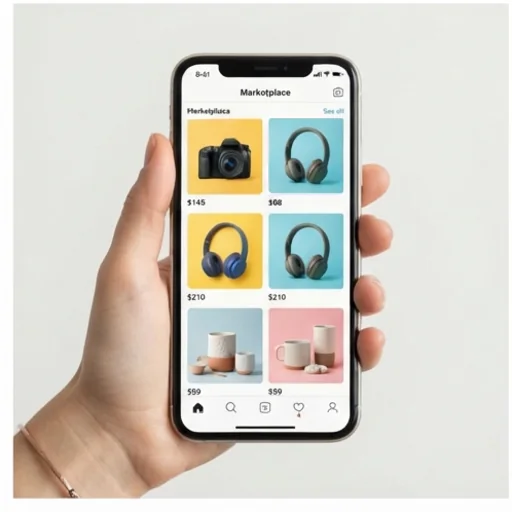
Turn product shots into clicks
Fresh scenes for social feeds.
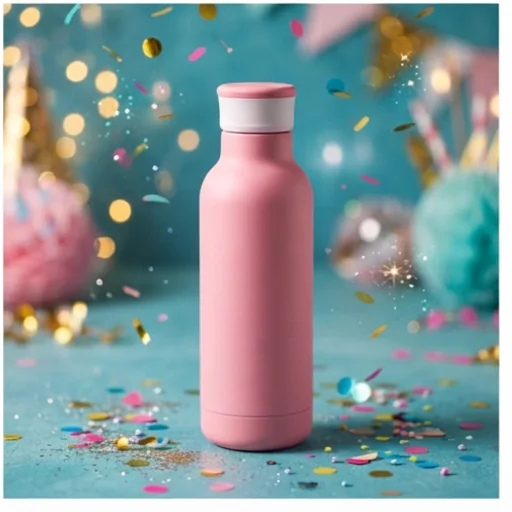
Add more brand personality
Scenes and props that match your brand.
How to use the AI product photo generator for free
- 1
Step 1: Upload your product
Add a clear product image with +.
- 2
Step 2: Describe the scene
Keep Product Shot selected and describe the scene, background and mood.
- 3
Step 3: Create
Press send and download your product photos.
Discover other AI image tools on Jitura
FAQs
What is the AI product photo generator?+
A tool that turns ordinary product photos into professional studio or lifestyle images by building a new scene around your product.
What is the best AI product photo generator?+
One that keeps the product exact while it creates the scene. Jitura's generator keeps shape, colours and label text identical.
Is it free to use?+
Yes. Every signed-in account gets free daily operations, and each image uses one. Paid plans add more operations, higher resolutions and private outputs.
Which products can I use it for?+
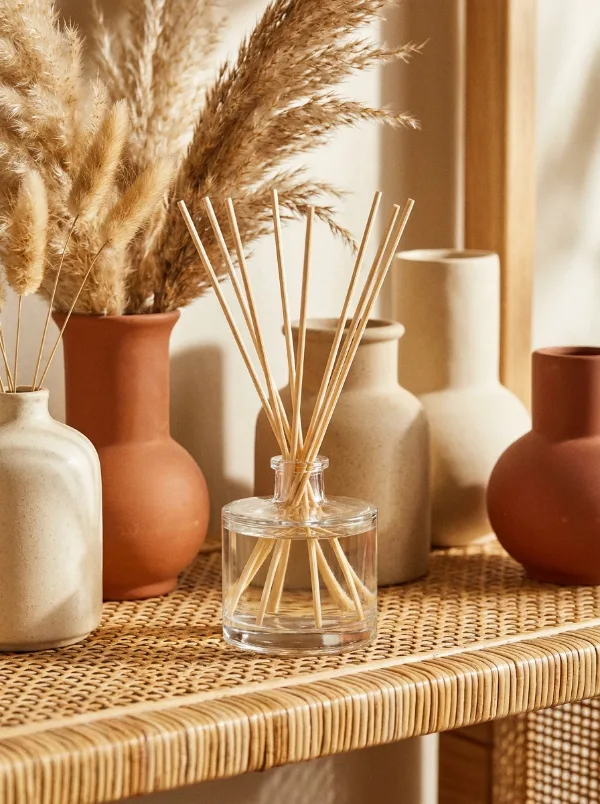
Cosmetics, food and drink, electronics, fashion accessories, home goods, toys and more.
Can I use the photos commercially?+
Yes, for products you own or sell. Paid plans can keep outputs private.
Which formats can I download?+
High-resolution PNG or JPG files for web and print.
What input should I use?+
A clear, well-lit photo of the product alone. Sharpen a soft photo first with the Image Enhancer.
How do I get more creative concepts?+
Change the scene description or try the Image to Image studio for freer concepts with the product as a reference.
Generate professional AI product photos now
Turn simple photos into product images that boost engagement.
Try the product photo generator