
Upload Image*
Click to upload an image
We accept JPEG, PNG, or WEBP formats up to 10MB.
Aspect Ratio
New outfit
0 / 300Uses 1 daily image generation.
AI Clothes Changer
Describe an outfit and put it on the person in your photo.
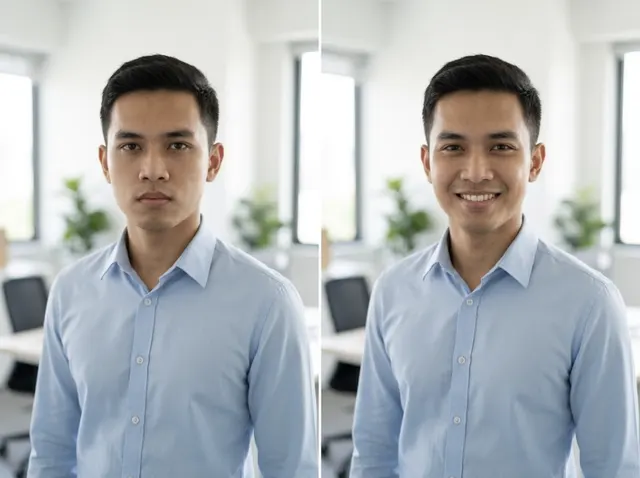
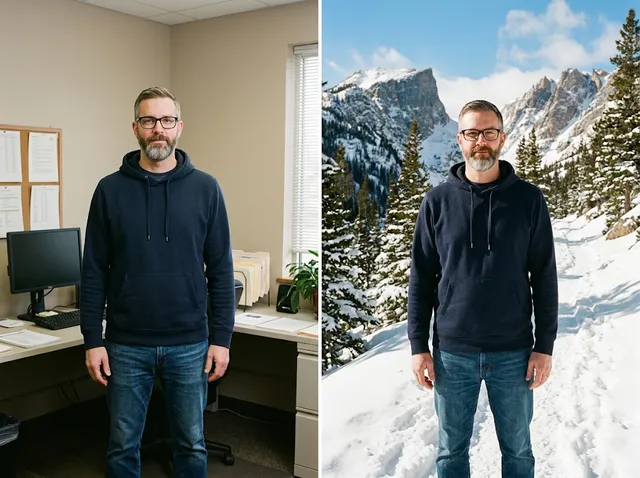
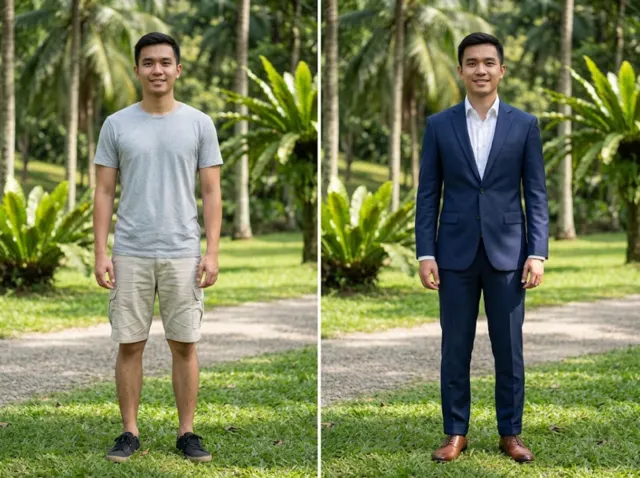 BeforeAfter
Try clothes on models instantly
Upload a clear photo and describe the outfit, and the AI clothes changer dresses the person in it with realistic fit and folds, keeping the face, pose and background.
Change clothes free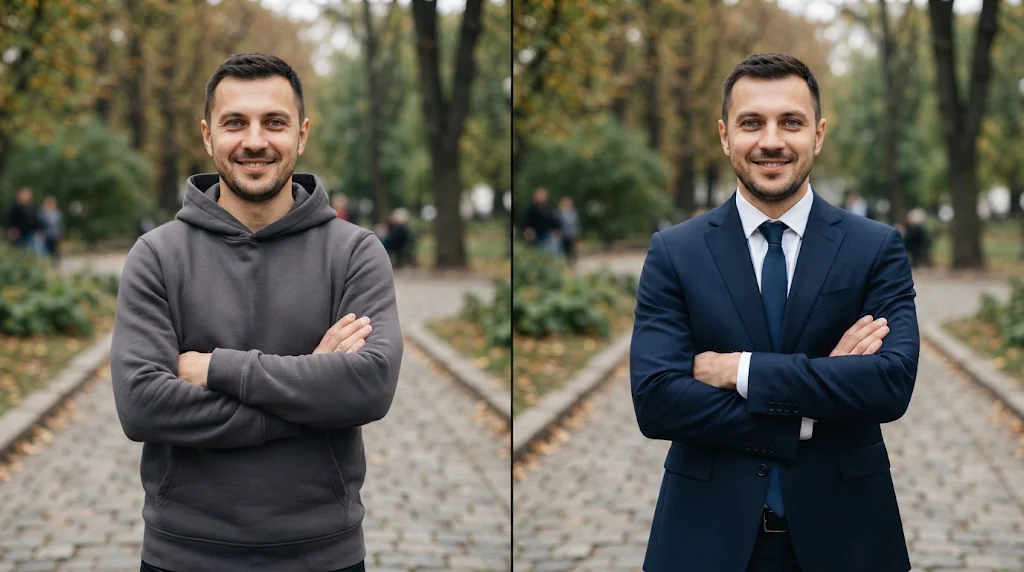
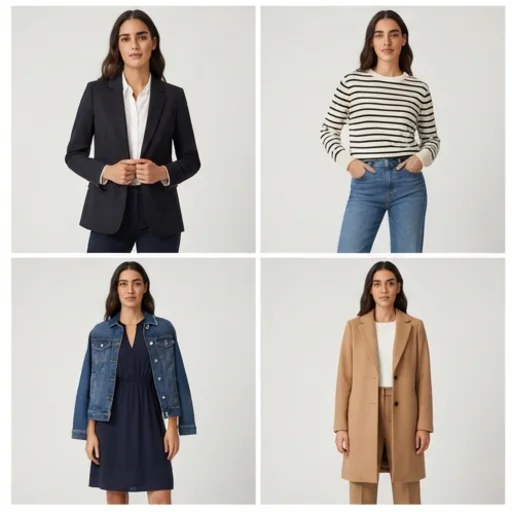
Show designs on diverse models
Try an outfit idea on different people to reach every shopper.
Change clothes free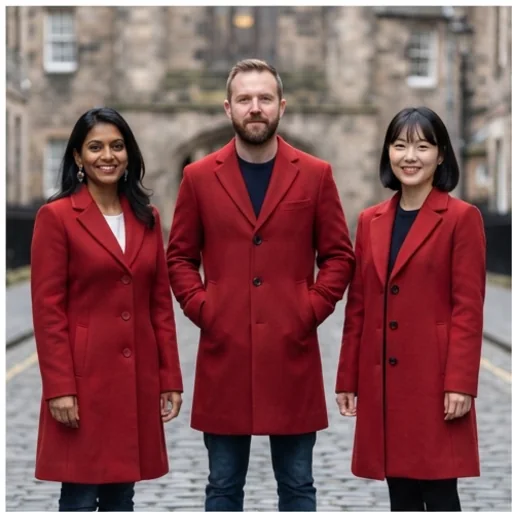
Boost sales with realistic try-ons
Help customers see clothing come to life and buy with confidence.
Change clothes free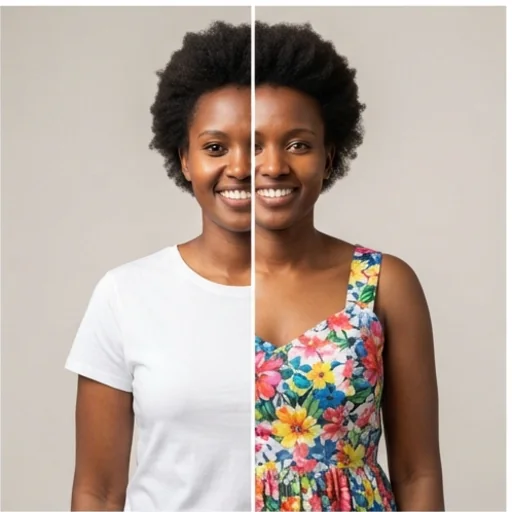
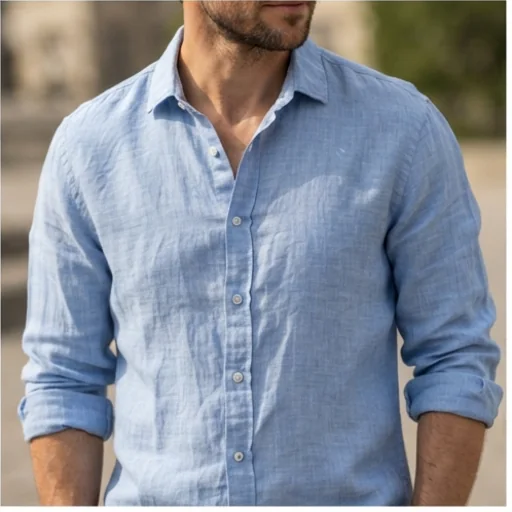
How to change clothes with AI
- 1
Step 1: Upload a photo
Upload a clear photo of the person.
- 2
Step 2: Describe the outfit
Write the new outfit and pick the aspect ratio.
- 3
Step 3: Create
Press Create and download the result.
Discover other AI image tools on Jitura
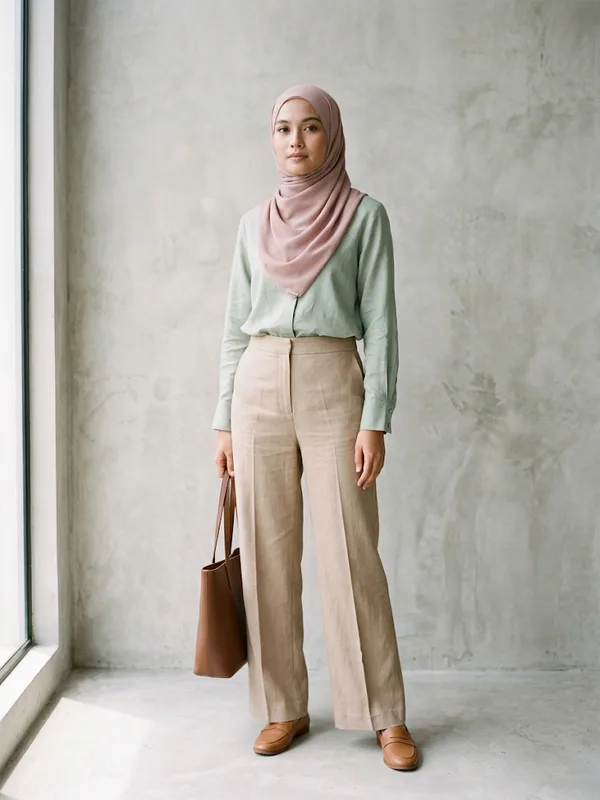
FAQs
What is the AI clothes changer?+
A tool that shows how a different outfit looks on the person in your photo, keeping their face, body, pose and background.
Is the virtual try-on accurate?+
It fits the new clothes with realistic fabric and folds; check small details such as logos and buttons before you use the image.
Can I try clothes on for free?+
Yes. Every signed-in account gets free daily operations, and each run uses one.
Can I upload a photo of myself?+
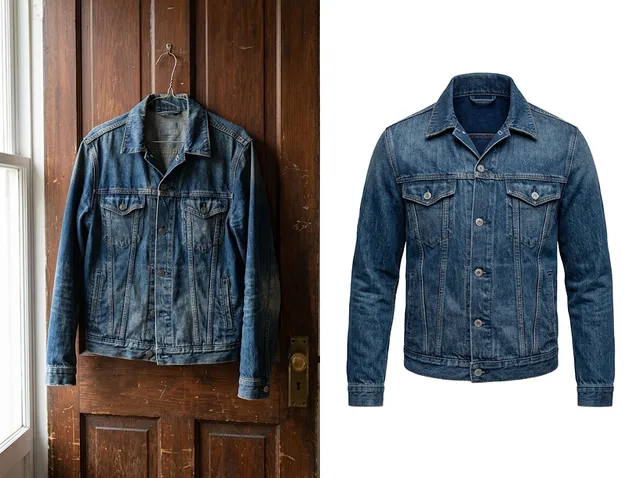
Yes, photos of yourself or of people who agreed. For a specific garment photo, use the AI Virtual Try-On.
Try the AI clothes changer for free today
Realistic outfit changes in seconds.
Try the clothes changer