
AI Flat Lay Generator
Generate store-ready clothing flat lay images from garment photos with clean styling and no studio setup.
Free outputs may appear in the public gallery. Learn more
Create clean flat lay photos that drive clothing sales
Your clothing deserves a better first look. Upload a garment photo, describe the style, and get a neat top-down flat lay that shows fabric, shape and styling, with no arranging or editing.
Create flat lays free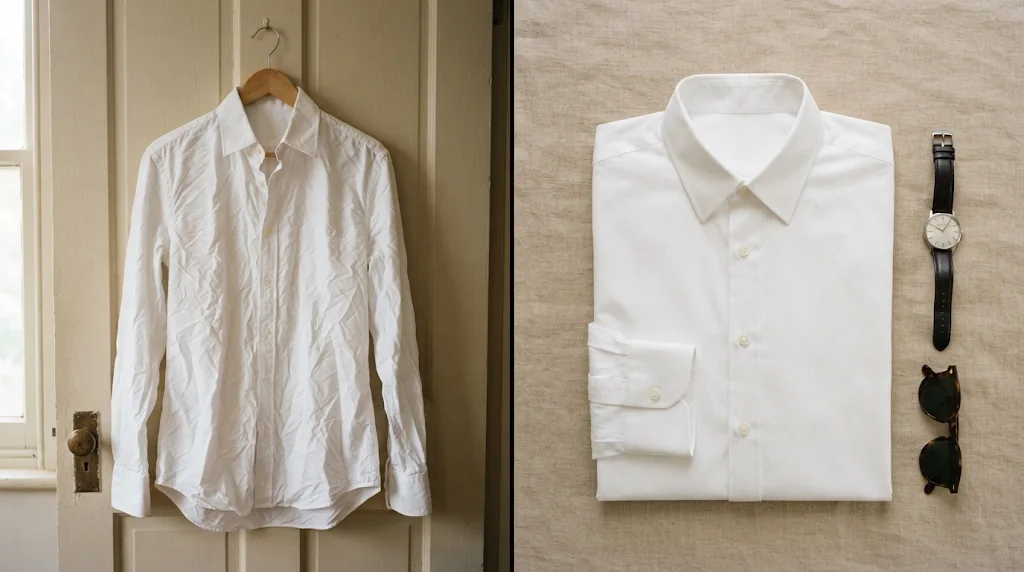
No styling setup needed
Polished flat lays without arranging garments or editing layouts.
Faster creative testing
More outfit directions and seasonal concepts in less time.
Clearer apparel presentation
Fabric, shape and styling details shoppers understand at a glance.
Speed up campaign assets
Flat lays for new arrivals, seasonal drops and offers, ready for campaigns.
Create flat lays free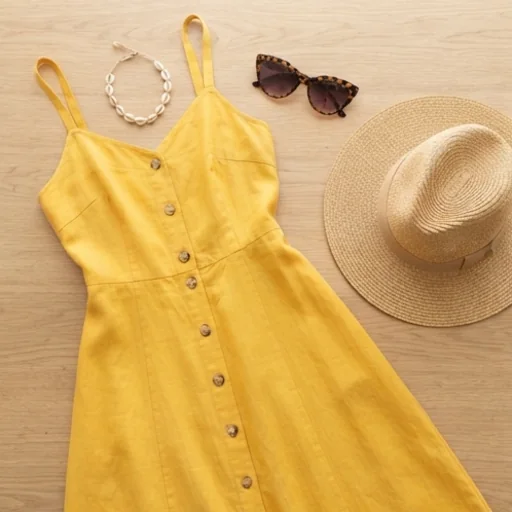
Build a cohesive fashion catalogue
Consistent flat lays across tops, dresses, bottoms and outfit sets.
Create flat lays free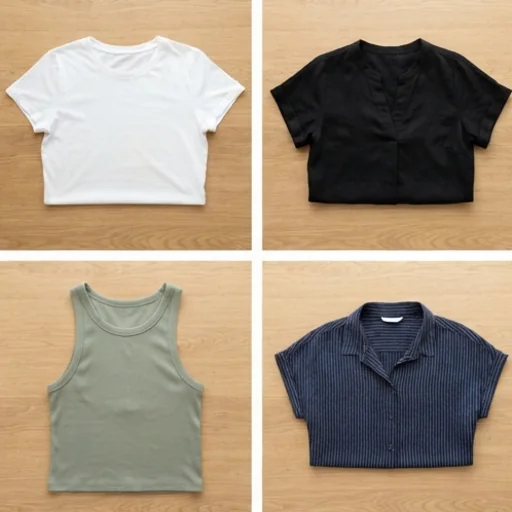
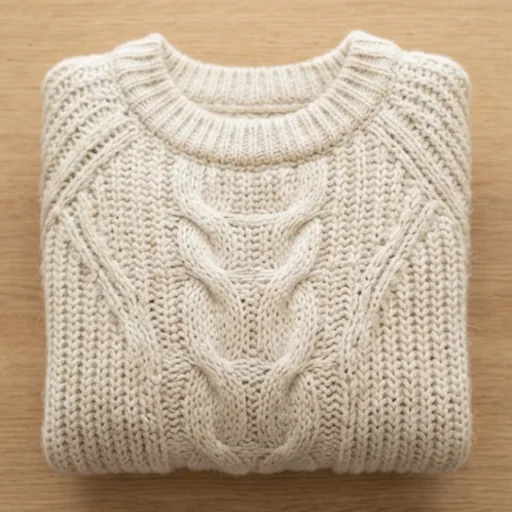
One look across channels
Consistent flat lays for listings, ads, collection pages and social.
Create flat lays free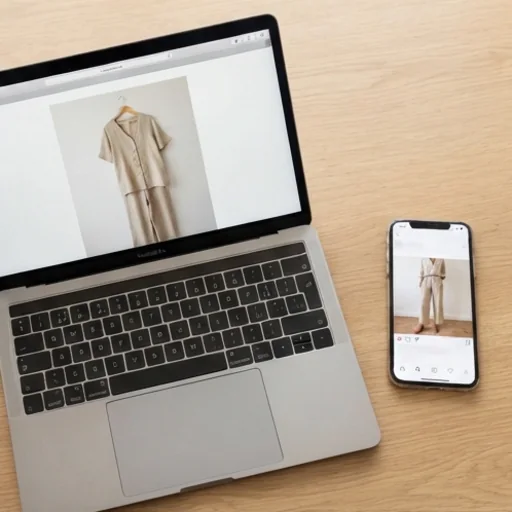
Professional flat lays for every fashion sale
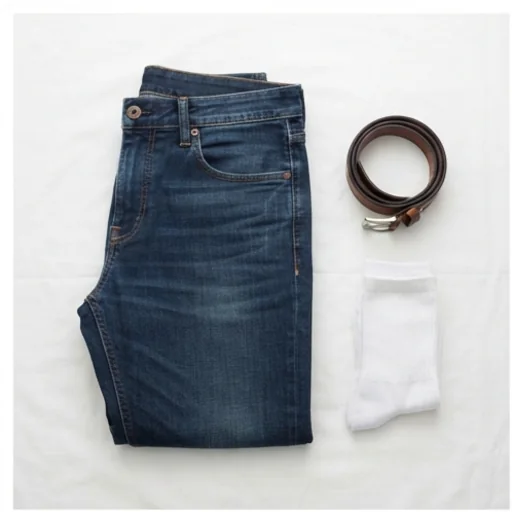
Upgrade clothing listings
Clean flat lays that make listings look professional.
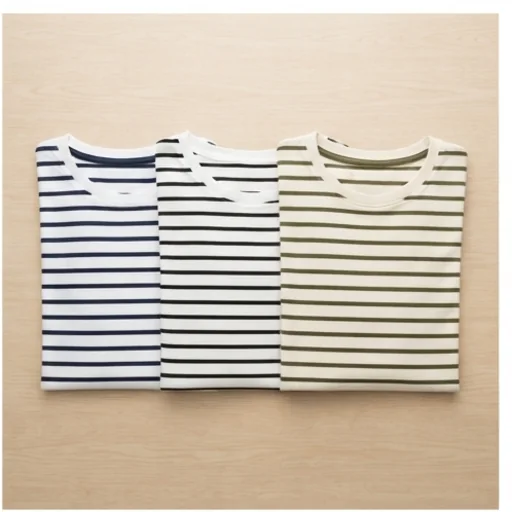
Build a more polished store
A consistent set across your collection.
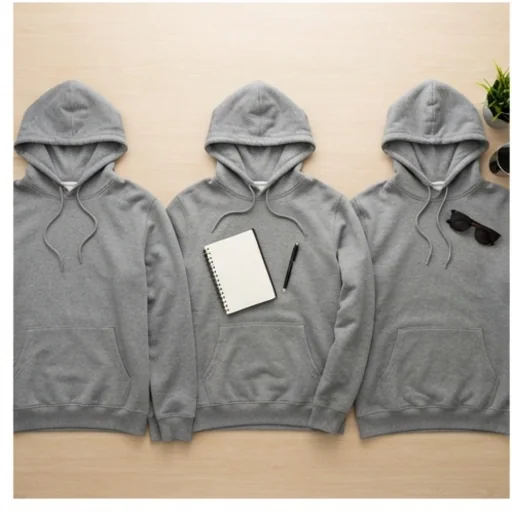
Test more fashion creatives
Several flat lays of one item for different ads.
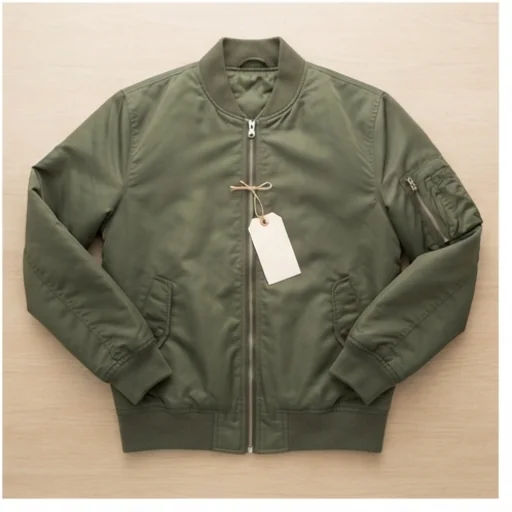
Present new drops better
Launch-ready previews of new pieces.
How to create flat lay clothing photos with Jitura
- 1
Step 1: Upload your clothing
Add a clear photo of the garment or outfit with +.
- 2
Step 2: Describe the style
Edit the prompt with the background, props and look you want.
- 3
Step 3: Create
Create the flat lay, then download and share it.
Discover other AI image tools on Jitura
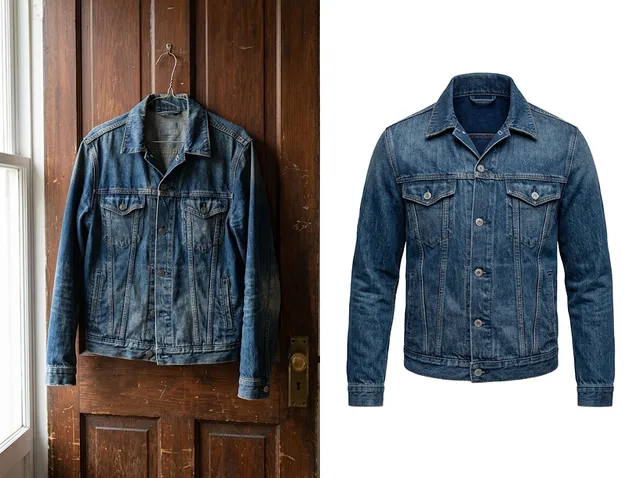
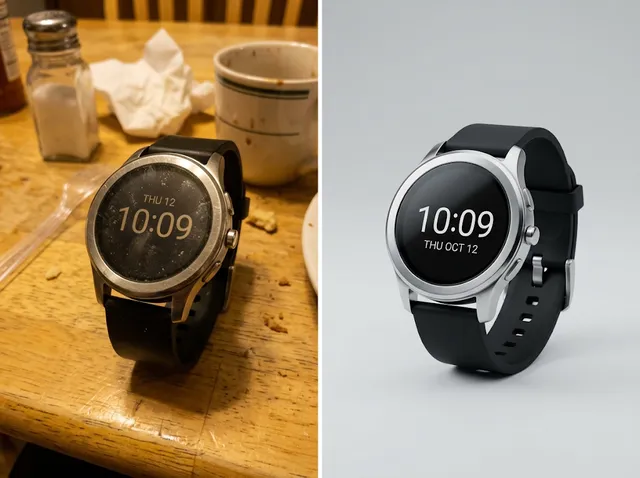
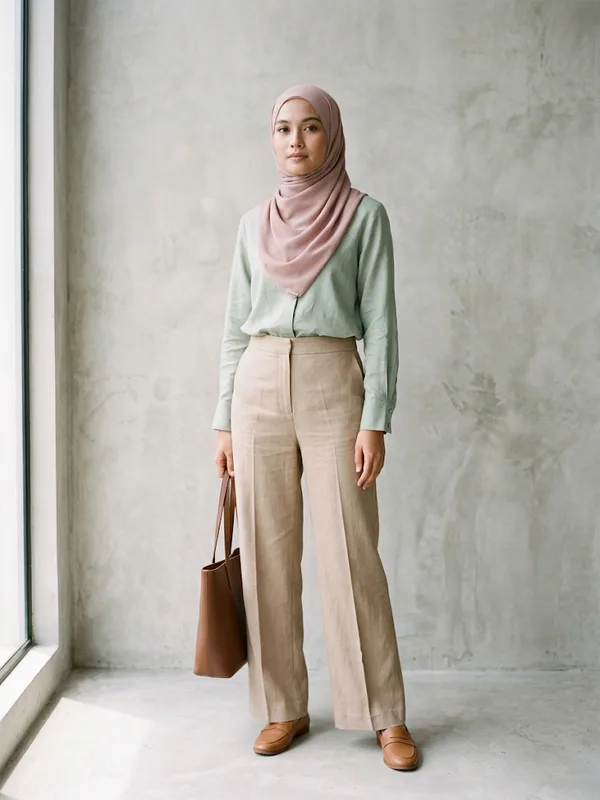
FAQs
What is an AI flat lay generator?+
A tool that creates top-down clothing images from your garment photos, arranging the item neatly with styling and even light.
What is the best AI flat lay generator?+
One that keeps the garment exact while it styles the scene. Jitura's generator keeps shape, colours, print and labels and lets you switch models.
Is it easy to use?+
Yes. Upload a garment photo, adjust the prompt if you like and create.
What can I use flat lay photos for?+
Product pages, store visuals, marketplace listings, ads, lookbooks and social posts.
Can I use the flat lay generator for free?+
Yes. Every signed-in account gets free daily operations, and each image uses one. Paid plans add more operations, higher resolutions and private outputs.
Build sales-ready flat lay photos for free
Store-ready clothing flat lays from garment photos, no design skills needed.
Try the flat lay generator