
Change Background Color of Image
Upload any photo and swap the background for any colour, from white to your brand colour or a hex code.
Free outputs may appear in the public gallery. Learn more
Create clean, professional visuals for any platform
Don't let a messy background distract customers. Replace it with white, a brand colour or any hex code in one step, keeping fine edges and realistic shadows.
Change background colour free
Smart detection
Hair and fine edges stay clean when the colour changes.
Hex code support
Type an exact colour code to match your brand.
Shadow retention
Realistic shadows stay so the subject looks grounded.
Sell faster with clean white backgrounds
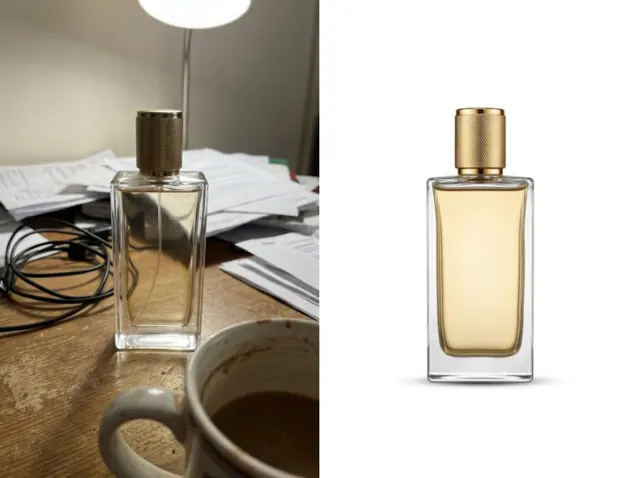
Marketplace-ready white backdrops in seconds.
Change background colours free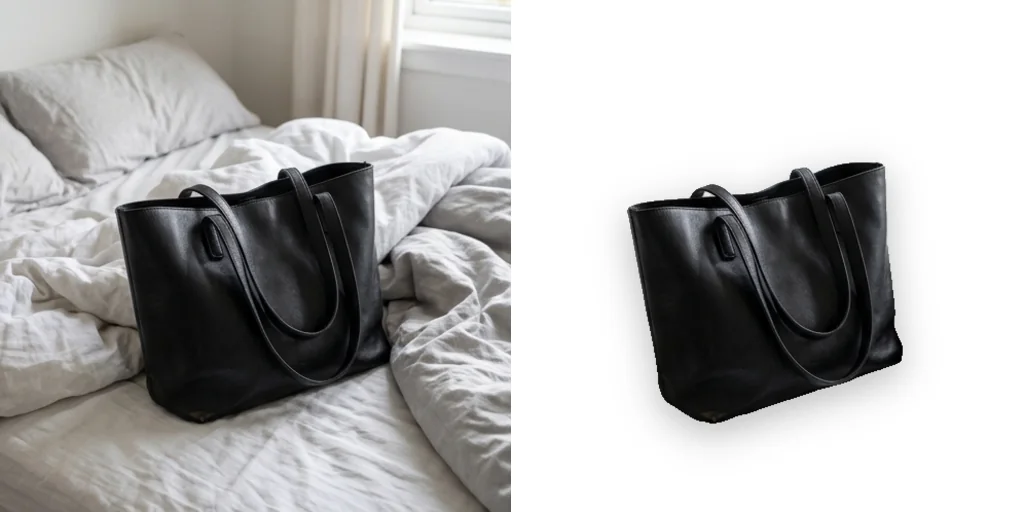
Consistent brand colours
Every product on the same brand colour makes your store look organised.
Change background colours free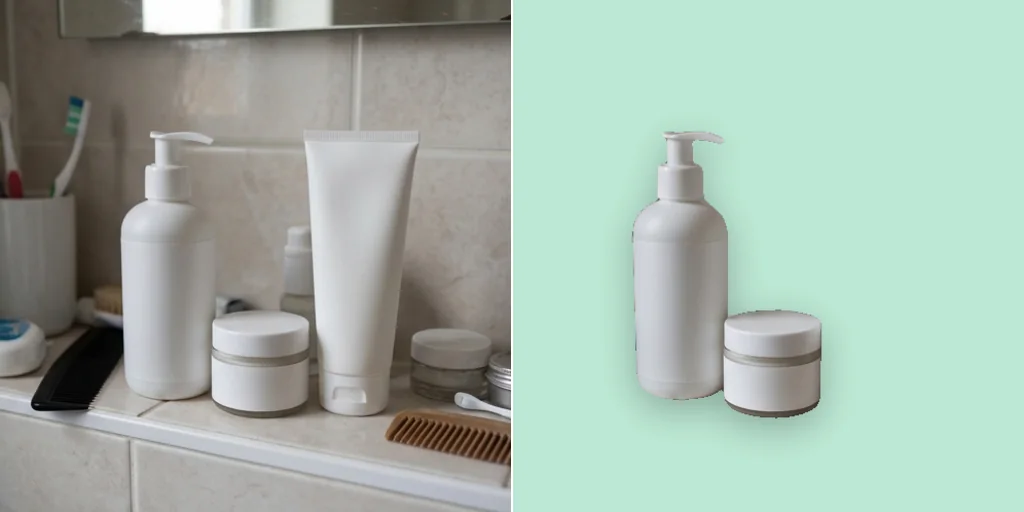
Upgrade headshots in one click
Turn a casual photo into a profile picture with a solid backdrop.
Change background colours free
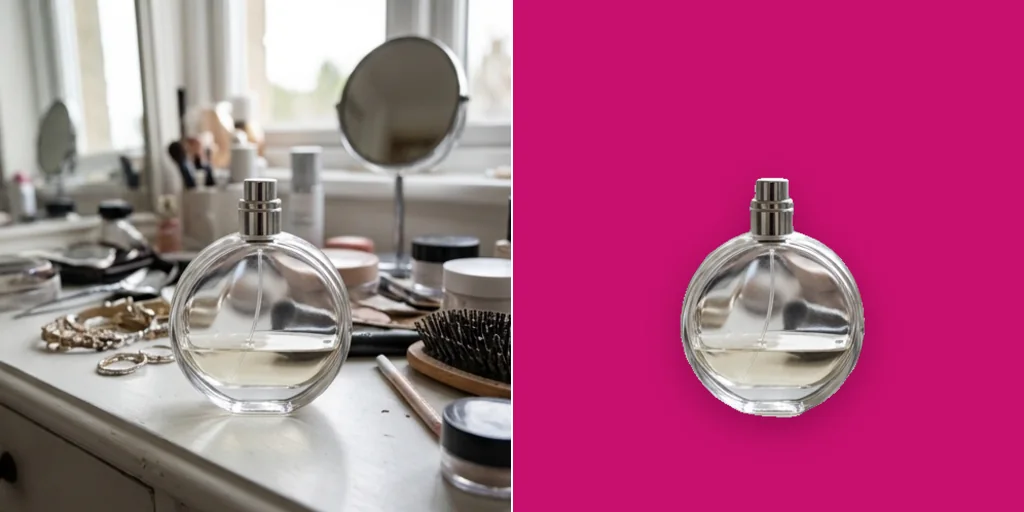
A background colour changer for every field

Scale product listings without a studio
Clean backgrounds for whole catalogues.
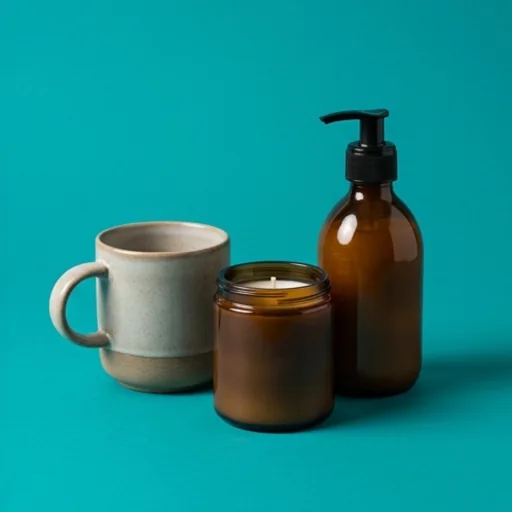
Consistency across a campaign
Match product photos to campaign colours.
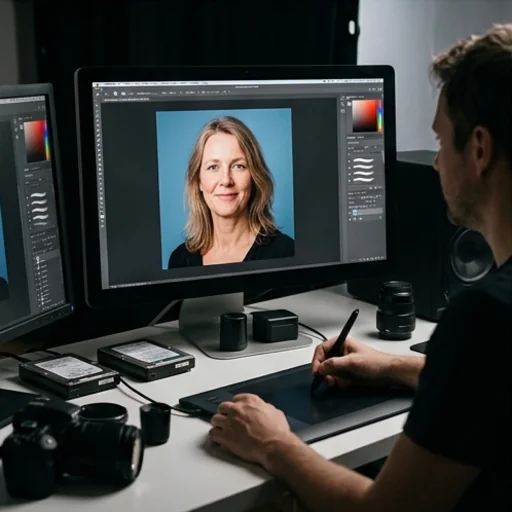
Deliver client photos without reshooting
Fix headshots with the wrong backdrop.

A unified identity on every platform
One colour look for channels and profiles.
How to change the background colour of an image with Jitura
- 1
Step 1: Add your photo
Add your photo with the + button.
- 2
Step 2: Enter the colour
Write the colour name or hex code in the prompt.
- 3
Step 3: Create and download
Create and download the result.
Discover other AI image tools on Jitura


FAQs
What is a change background colour tool?+
An AI editor that replaces the original background with any solid colour while keeping the subject and its shadow.
Can I use it for free?+
Yes. Every signed-in account gets free daily operations, and each run uses one. Paid plans add more operations.
How do I change a background to white?+
Write white (#FFFFFF) as the colour, or use the White Background tool for marketplace-style results.
Can I use a custom colour?+
Yes. Any colour name or hex code, such as #1E40AF.
Does it work with glass or jewellery?+
It handles reflective and transparent items well; check edges on very clear glass before you publish.
Is it good for many photos?+
Yes. Keep the same prompt and colour code for every product for a consistent catalogue.
Swap your background colour instantly
Any clean background colour for any photo.
Try the background colour changer