
Upload Image*
Click to upload an image
We accept JPEG, PNG, or WEBP formats up to 10MB.
Uses 1 daily image generation.
Transparent Background
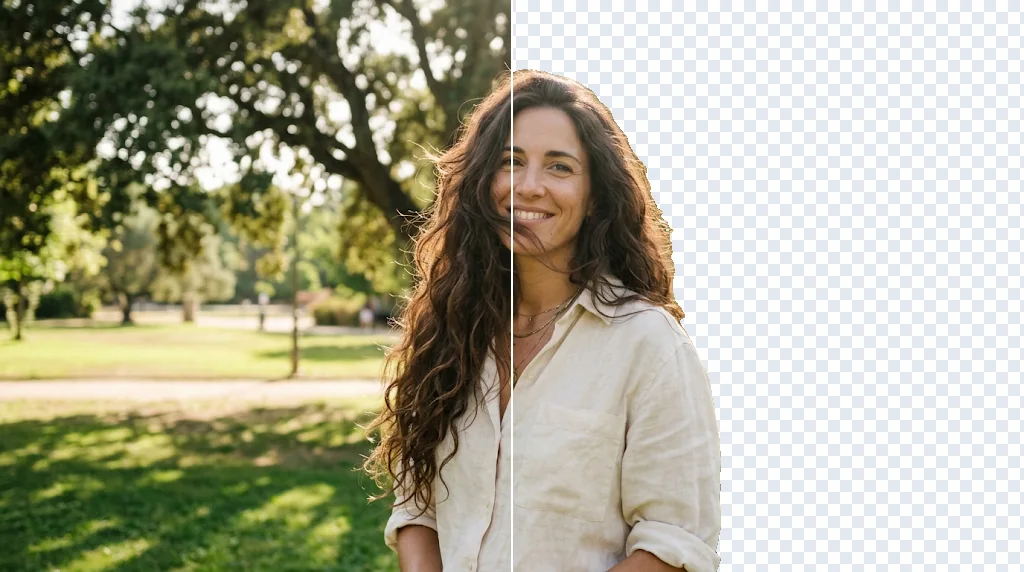
Unlock new designs with a clean transparent background
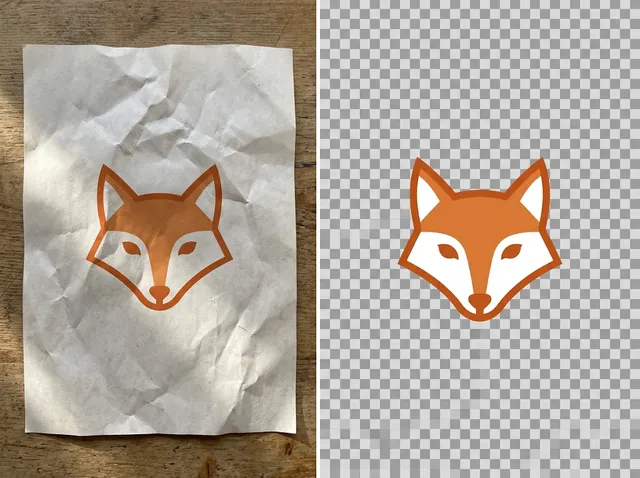
Get a polished cut-out ready for any design. Upload your image and the subject is separated from the background, with fine edges kept, as a transparent PNG.
Make an image transparent free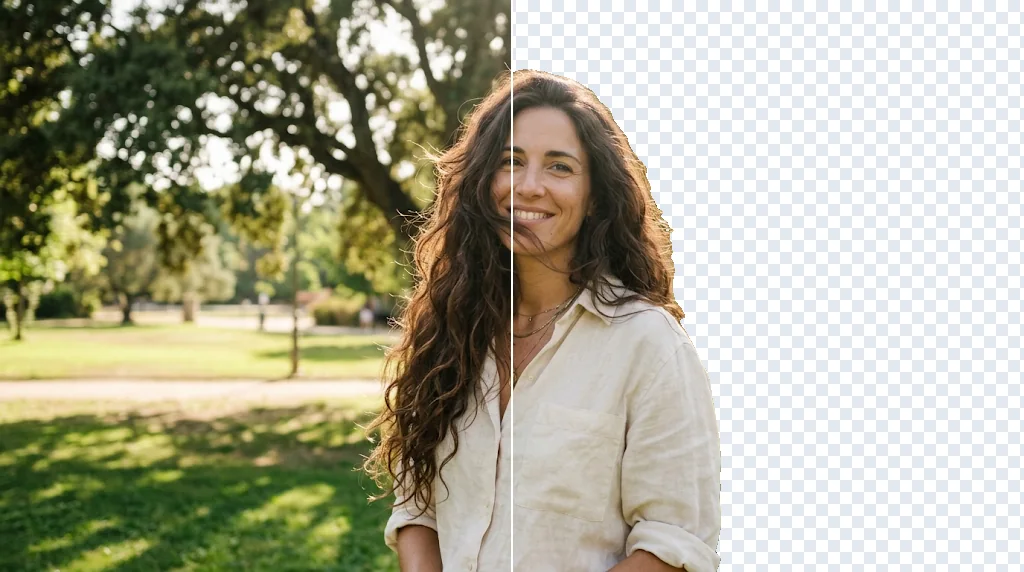
Clean cut-outs in seconds
No tracing edges or building masks.
Fine edge detail
Hair, fur and soft edges stay natural.
Ready for new backgrounds
Place the subject in new scenes and posters.
Turn any photo into a reusable asset
Portraits, products and pets become cut-outs you can reuse anywhere.
Make images transparent free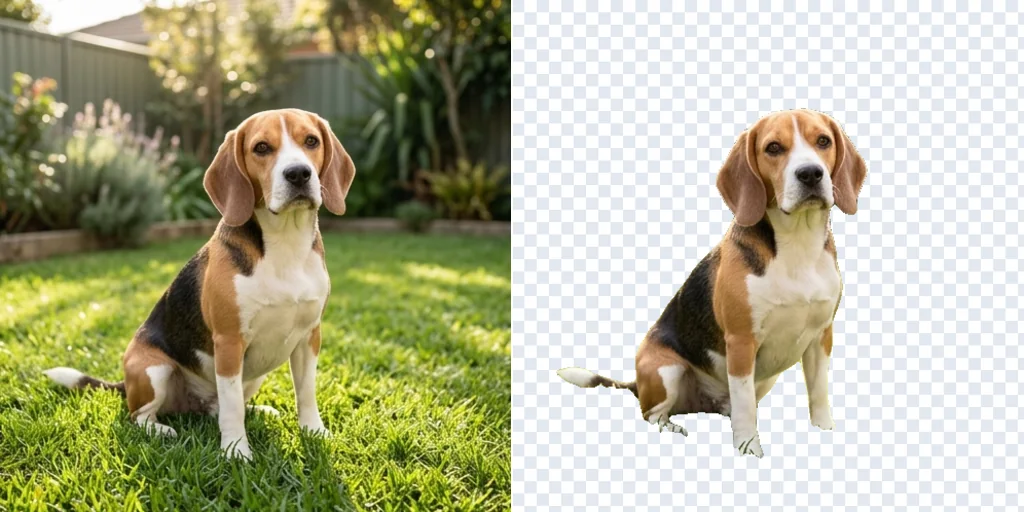
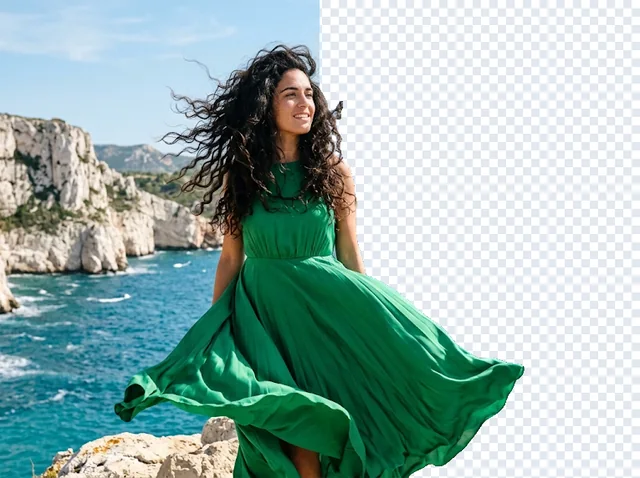
Complex edges with precision
Loose hair, fur, sheer fabric and reflections are kept.
Make images transparent free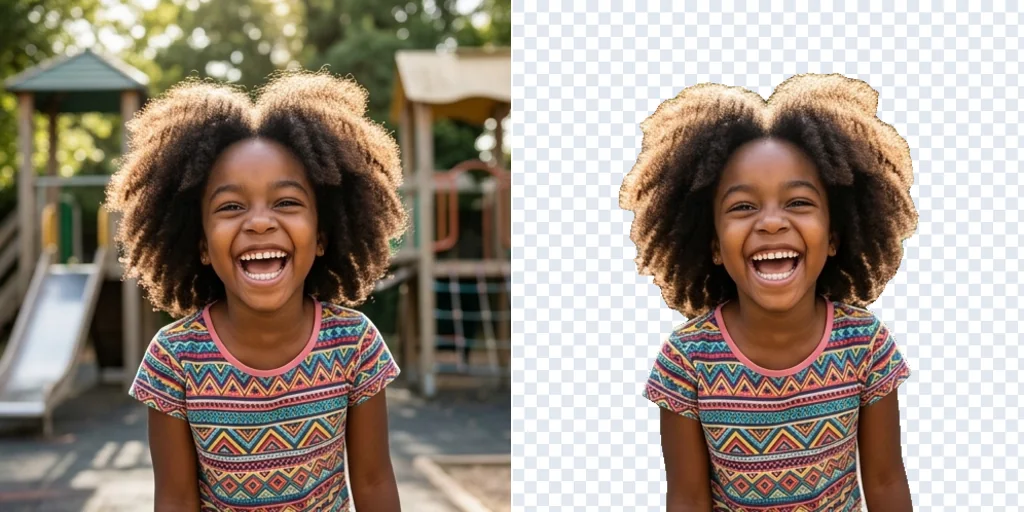
One cut-out, any layout
Use the same transparent image in square, tall and wide designs.
Make images transparent free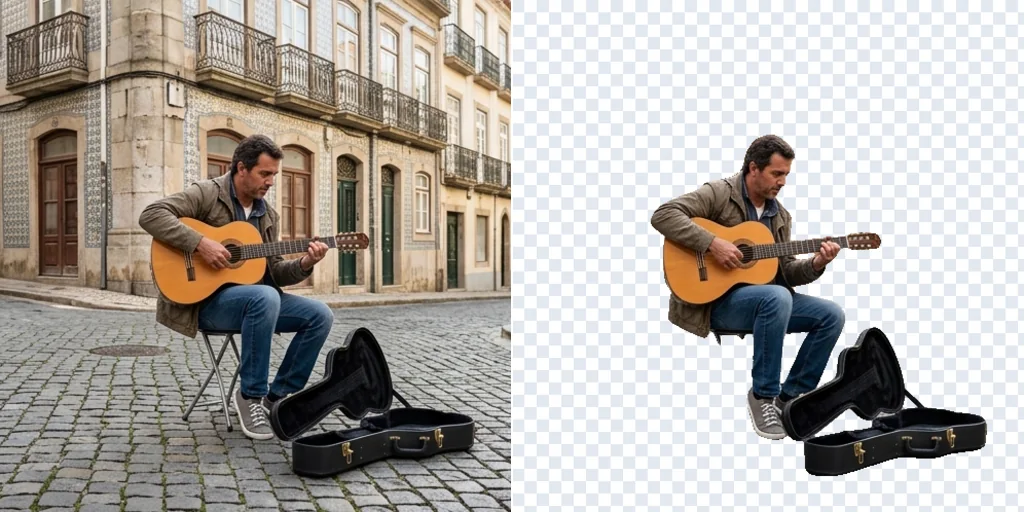
More creative versions
Reuse the cut-out across profiles, stickers and thumbnails.
Make images transparent free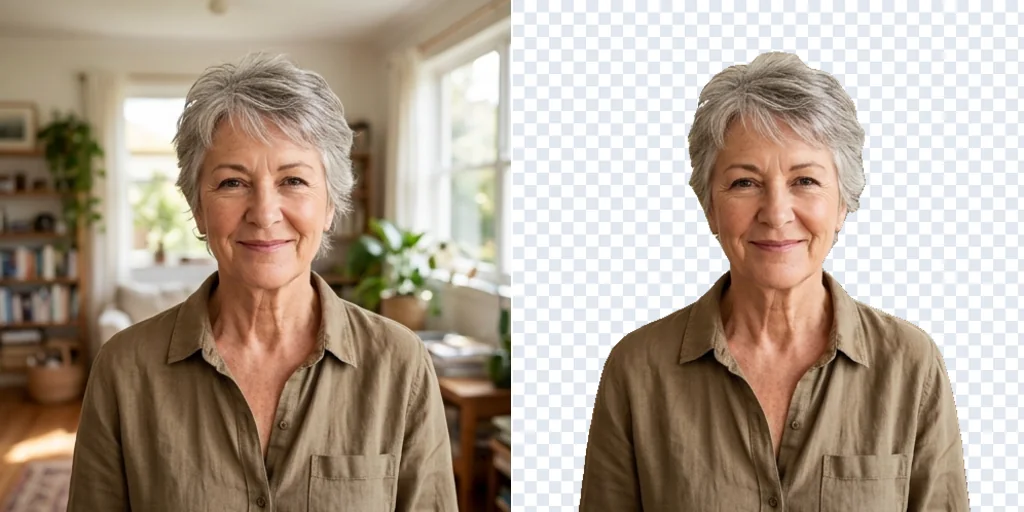
Use transparent images for more needs
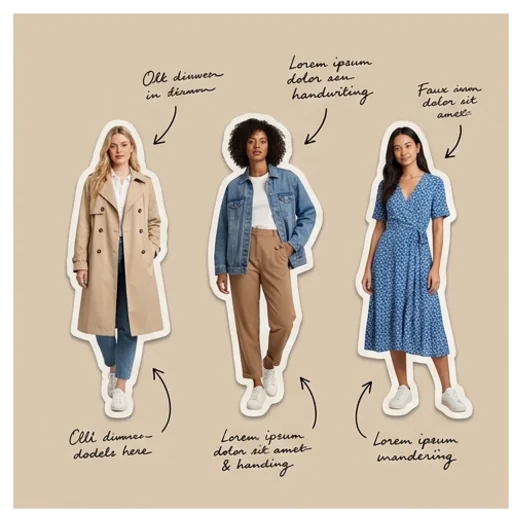
Present every outfit clearly
Isolate models in different outfits for comparison charts.
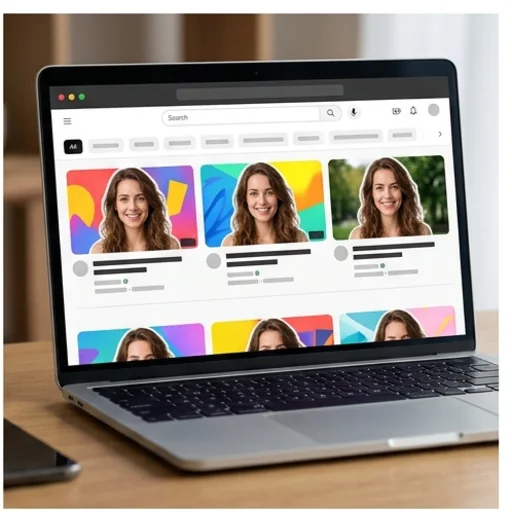
Recognisable channel graphics
The same subject across thumbnails and banners.
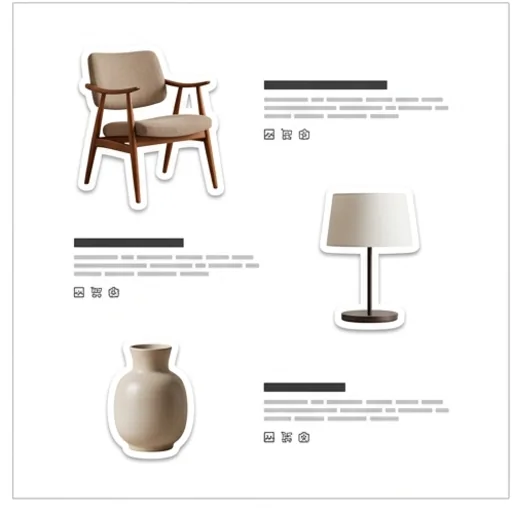
Product images across listings
Clean cut-outs for catalogues and marketplaces.
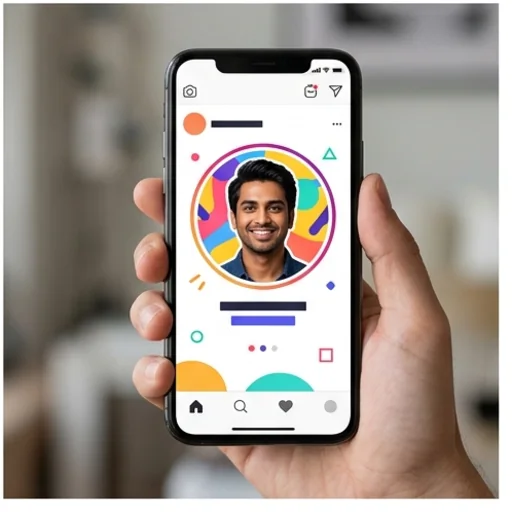
Personalise your online identity
Cut-outs of you for avatars and graphics.
How to make an image transparent with Jitura for free
- 1
Step 1: Add your image
Upload a photo, logo or graphic with a clear subject.
- 2
Step 2: Create
The subject is detected and the background made transparent.
- 3
Step 3: Save
Download the PNG and place it in new layouts.
Discover other AI image tools on Jitura
FAQs
What is an AI transparent background maker?+
A tool that detects the main subject and removes the background, leaving a transparent PNG.
What is the best transparent background maker?+
One that keeps fine edges such as hair and fur. Jitura uses a high-accuracy segmentation model.
How does it work?+
Upload the image, press Create and download the transparent cut-out.
Is it free to use?+
Yes. Every signed-in account gets free daily operations, and each run uses one. Paid plans add more operations.
Do I need editing skills?+
No. No tracing, masks or layers.
Make every image more versatile
Turn any photo into a reusable transparent cut-out.
Try the transparent background maker