
Upload Image*
Click to upload an image
We accept JPEG, PNG, or WEBP formats up to 10MB.
Uses 1 daily image generation.
Black Background Remover
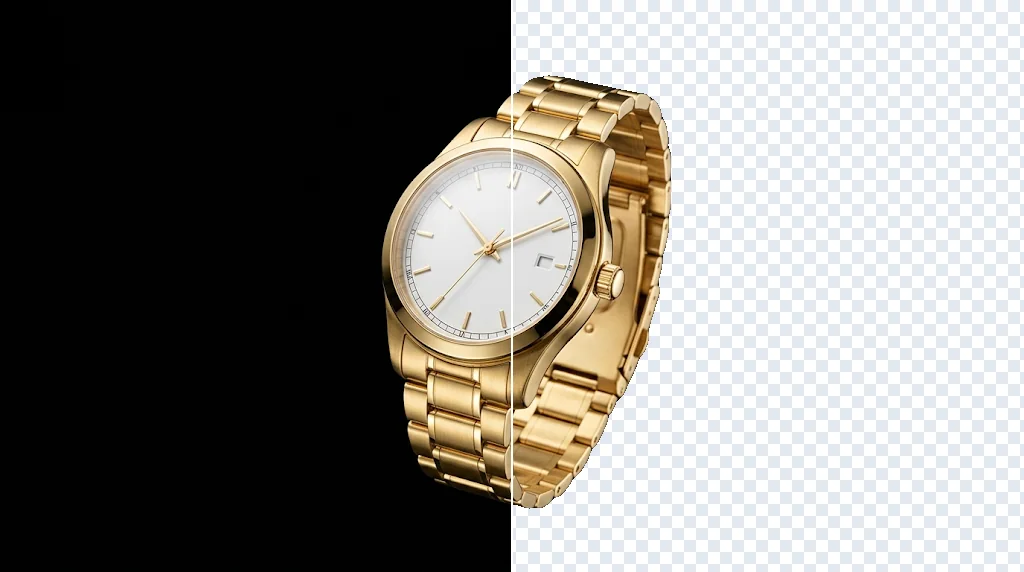
Remove black backgrounds from images
Turn black-background product photos, logos, screenshots, icons and graphics into clean transparent cut-outs you can reuse on any light or coloured design.
Remove a black background free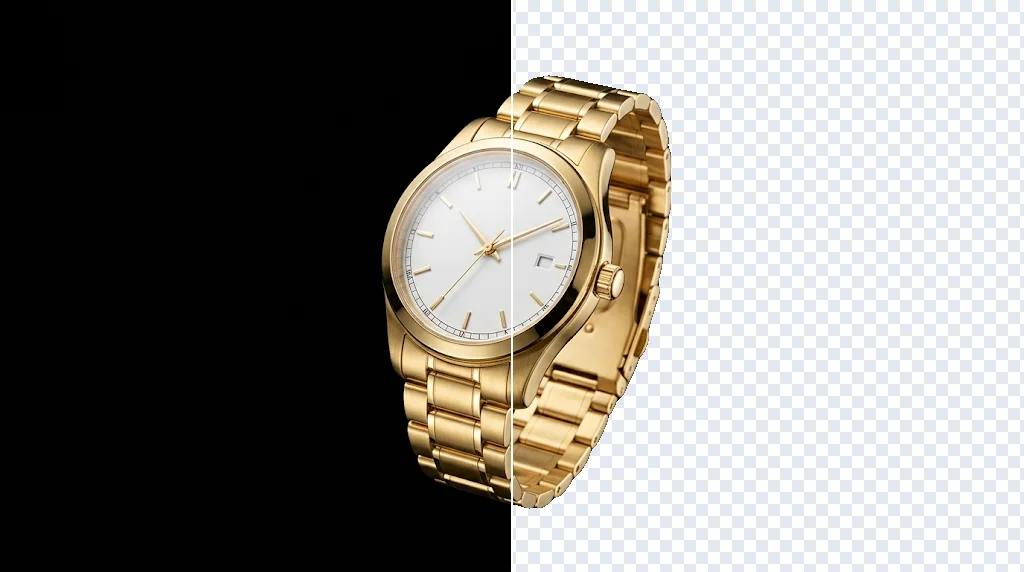
Black to transparent without masking
Upload a dark-background image and get a reusable cut-out, no tracing.
Cleaner edges for real layouts
Products, logos and icons are easy to place on light designs.
Focused clean-up
Black backdrops, borders and boxes go; the subject stays.
Dark product shots into reusable assets
Turn black-backed renders, logo exports, icons and badges into transparent assets for catalogues and slides.
Remove black backgrounds free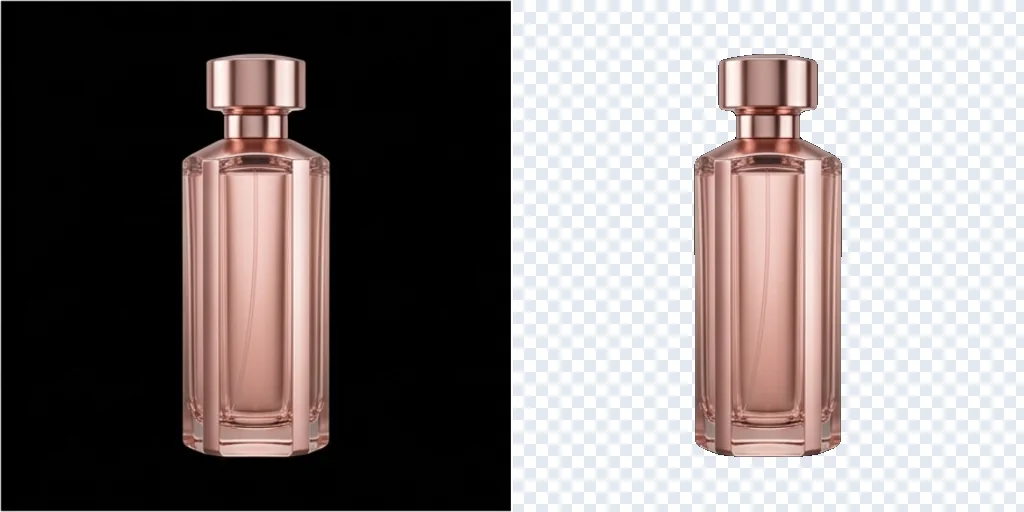
Fine shapes without tracing
The cut follows the subject's real outline, including curves, holes and thin details.
Remove black backgrounds free
Black boxes around saved graphics
Clean screenshots, downloaded graphics and old artwork with a black rectangle around them.
Remove black backgrounds free
Better contrast on new backgrounds
Place the result on light or branded surfaces without the dark block.
Remove black backgrounds free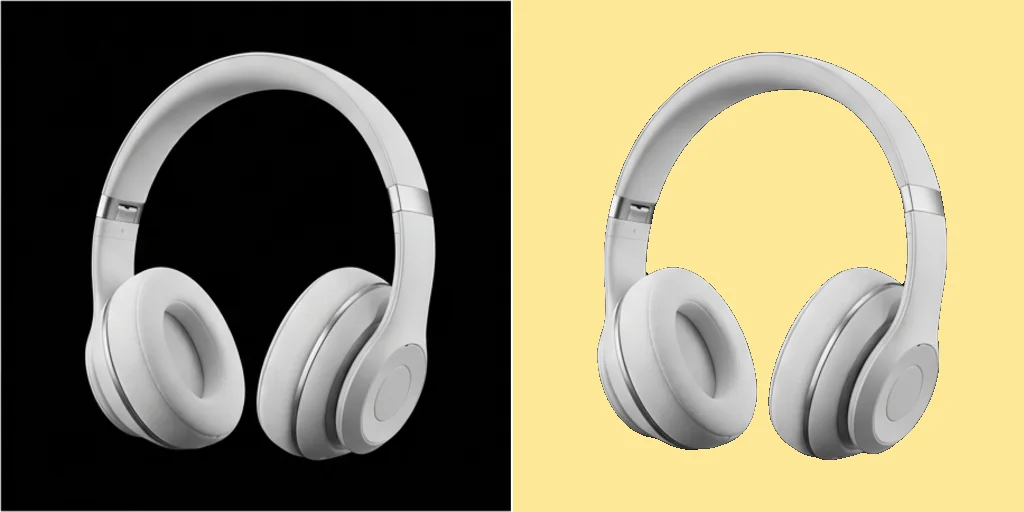
Who needs a black background remover
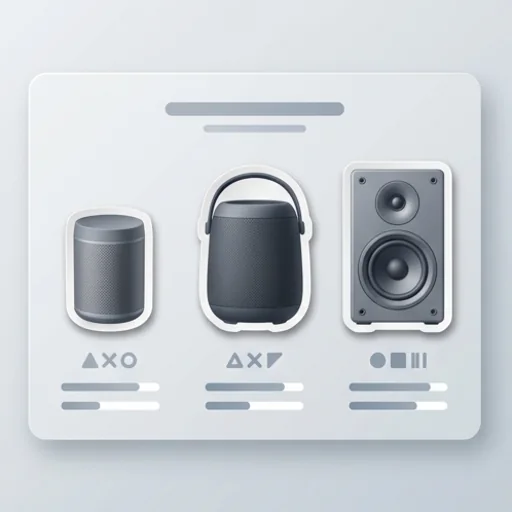
Transparent product images
Product renders for listings and comparison graphics.

Reusable graphic cut-outs
Icons, stickers and artwork for posters and slides.

Logo and badge assets
Team logos and event marks for light banners.

Thumbnail and profile visuals
Flexible cut-outs for thumbnails, icons and profiles.
How to remove a black background
- 1
Step 1: Add your image
Upload the product photo, logo or graphic with a black background.
- 2
Step 2: Create
Press Create; the subject is cut out and the black removed.
- 3
Step 3: Save
Download the transparent PNG and place it in your design.
Discover other AI image tools on Jitura
FAQs
What is an AI black background remover?+
A tool that cuts the subject out of a black background and gives you a transparent image, with no manual masking.
What is the best AI black background remover?+
One that keeps clean edges on dark, low-contrast subjects. Jitura uses a high-accuracy segmentation model and returns a real transparent PNG.
Can I remove black backgrounds for free?+
Yes. Every signed-in account gets free daily operations, and each run uses one. Paid plans add more operations.
How do I remove a black background?+
Upload the image, press Create, check the edge and download the transparent result.
Can I do it without Photoshop?+
Yes. Everything runs in your browser.
Can I remove other background colours?+
Yes, it works on any background. To recolour a background instead of removing it, use Change Background Color.
Remove black backgrounds free
Clean transparent cut-outs for products, logos and graphics.
Try the black background remover