
Upload Image*
Click to upload an image
We accept JPEG, PNG, or WEBP formats up to 10MB.
Brush size
Uses 1 daily image generation.
Magic Eraser
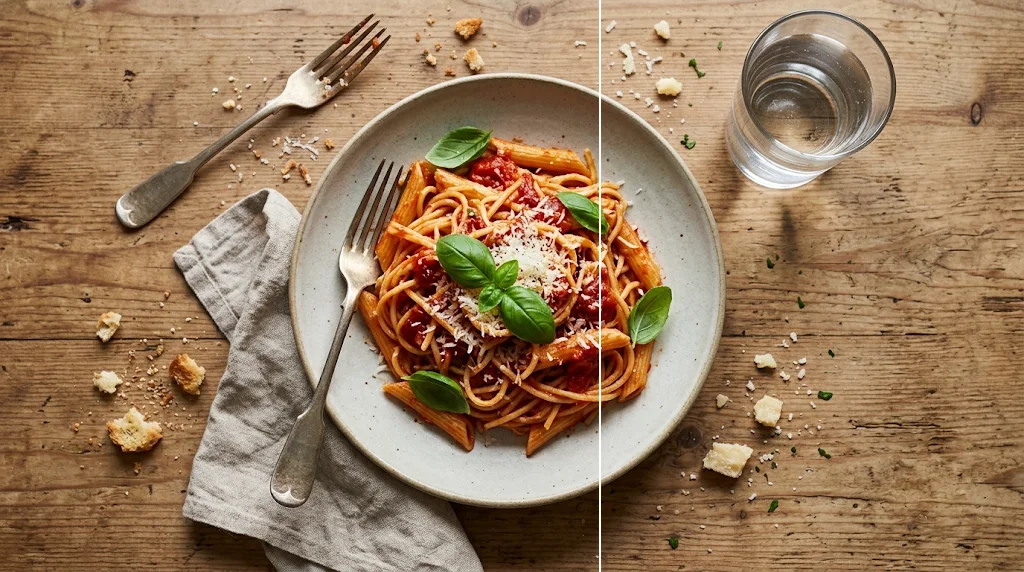
Make cleaner photos that hold attention longer
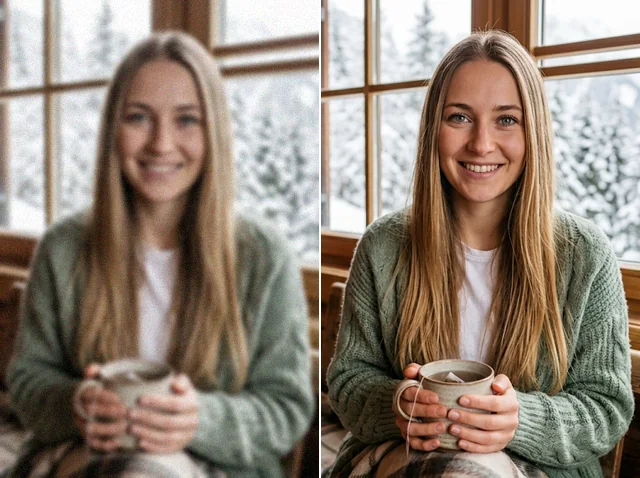
Make your subject stand out by removing distractions instantly. Upload your photo, brush over what you don't want and the magic eraser clears it and rebuilds the area naturally.
Try the magic eraser free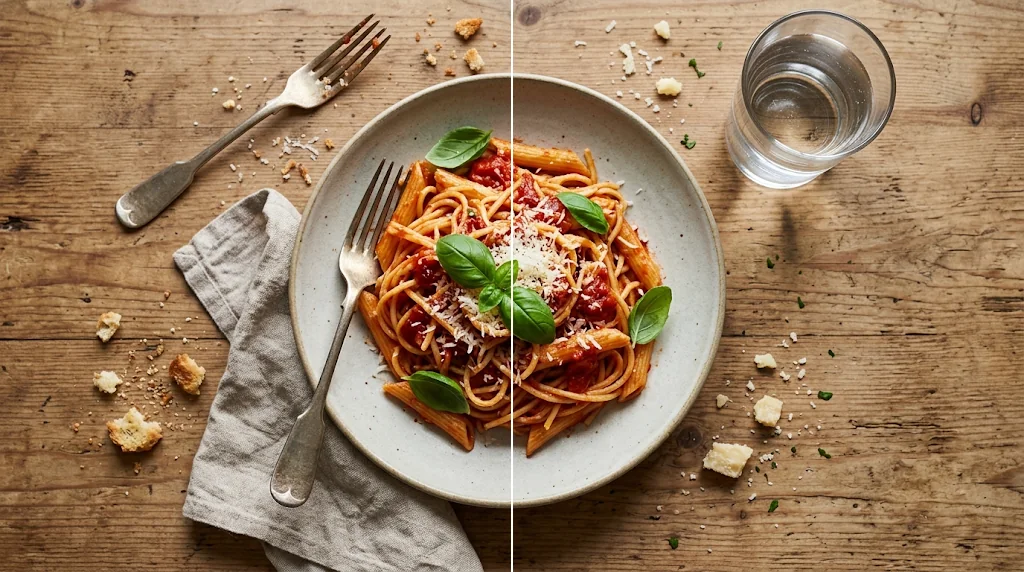
Keep what matters intact
Only the distractions go; your subject and details stay.
Every edit convincing
Erased areas are restored naturally so the photo still feels real.
Guide attention
Clear competing details so viewers see your subject.
Save moments you cannot recreate
Keep family, event and travel photos focused on the people you meant to capture, without disturbing the scene.
Try the magic eraser free
Give existing photos new purpose
Clear outdated text, signs and clutter so photos fit new layouts and campaigns without a reshoot.
Try the magic eraser free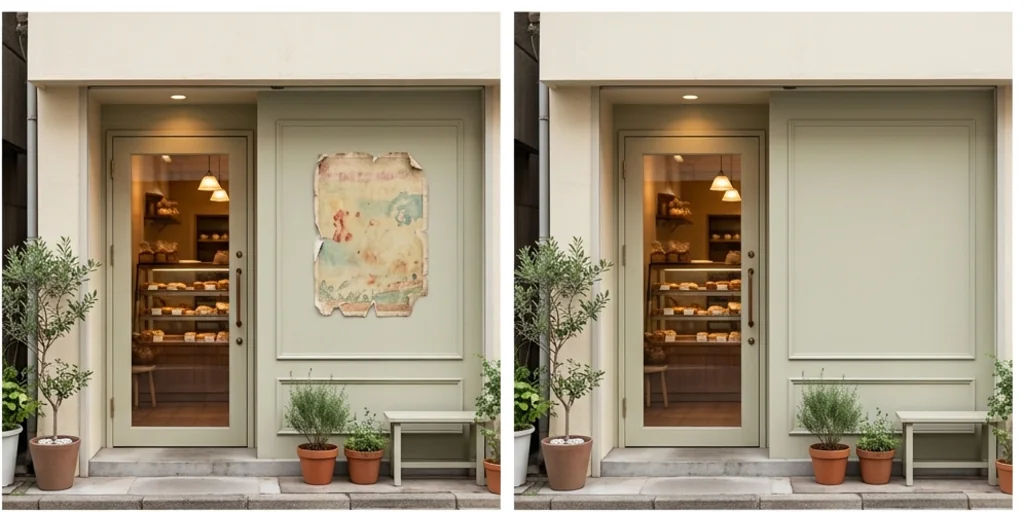
Share more without oversharing
Remove house numbers, number plates and other private details before you post.
Try the magic eraser free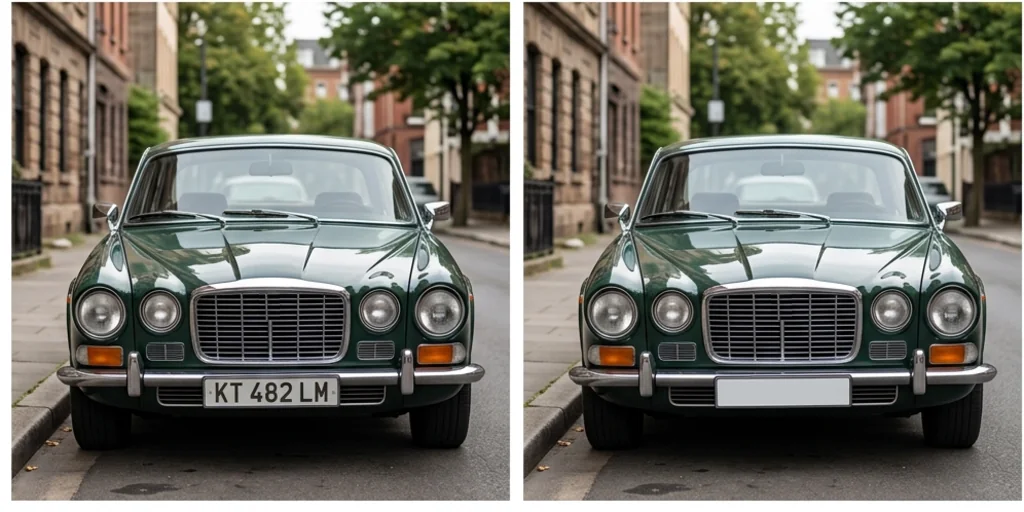
Show people and products at their best
Remove blemishes, dust and scratches so portraits look polished and products well kept.
Try the magic eraser free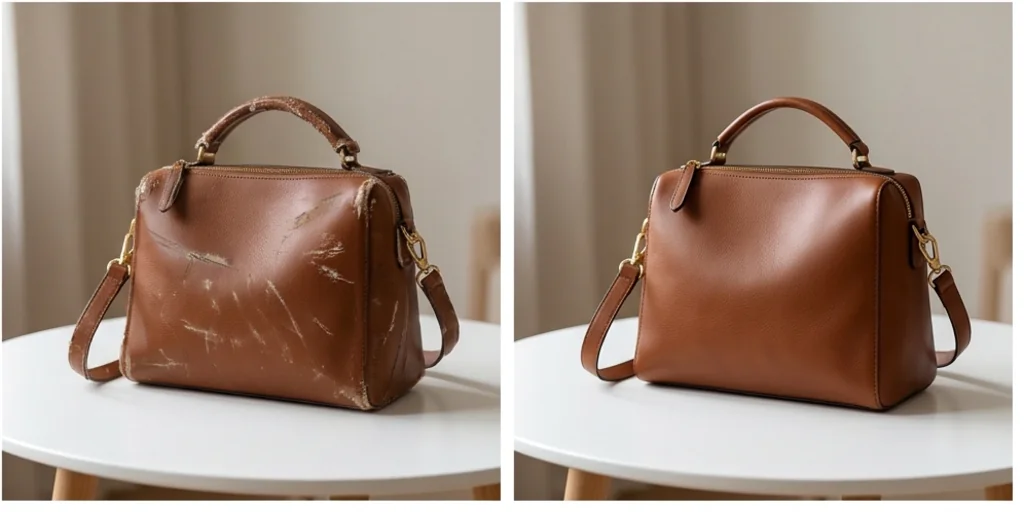
Clean up pictures for every creative project
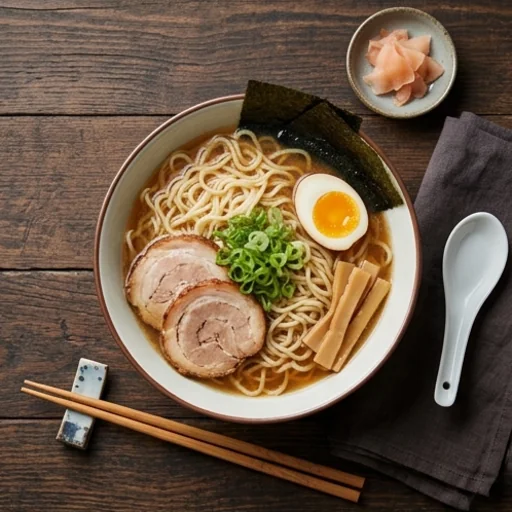
Make every dish more appetising
Clear crumbs and clutter from food photos.
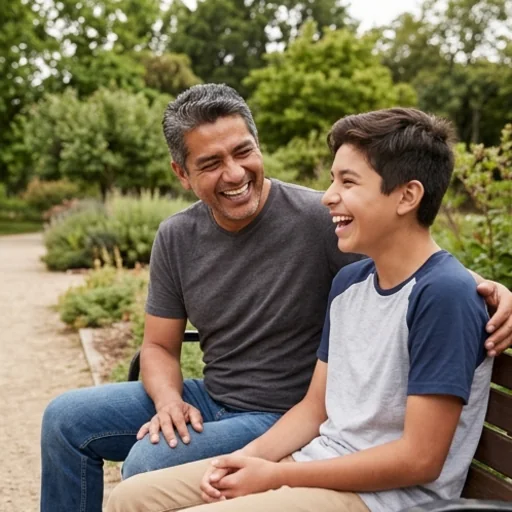
Share moments without distractions
Remove someone or background clutter from personal photos.
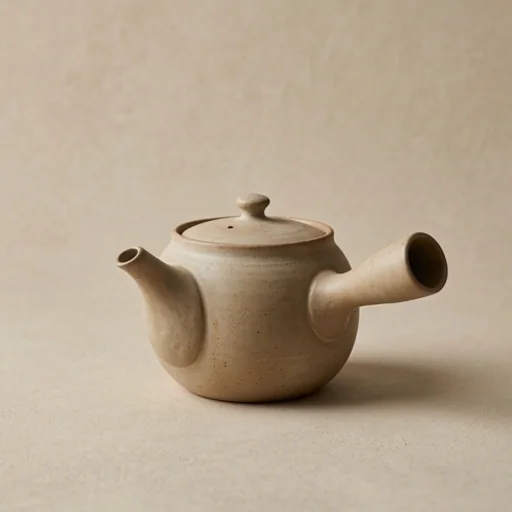
Build buyer trust faster
Clear props and marks from product photos.
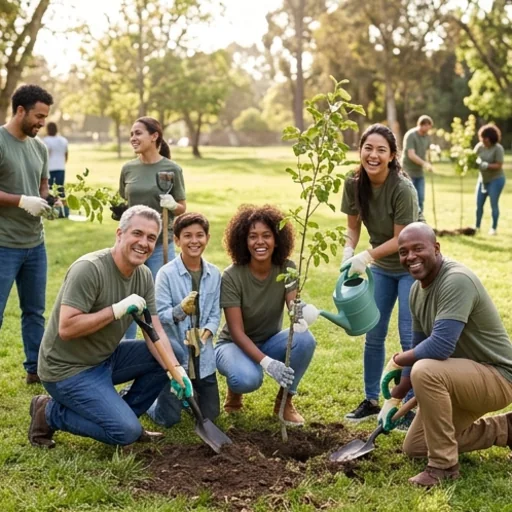
Make your cause easier to notice
Clean photos of volunteer events and fundraisers.
How to use the magic eraser on Jitura
- 1
Step 1: Upload your photo
Upload the photo you want to clean.
- 2
Step 2: Brush over it
Brush over anything you want removed.
- 3
Step 3: Create and download
Press Create, preview and download the cleaned photo.
Discover other AI image tools on Jitura
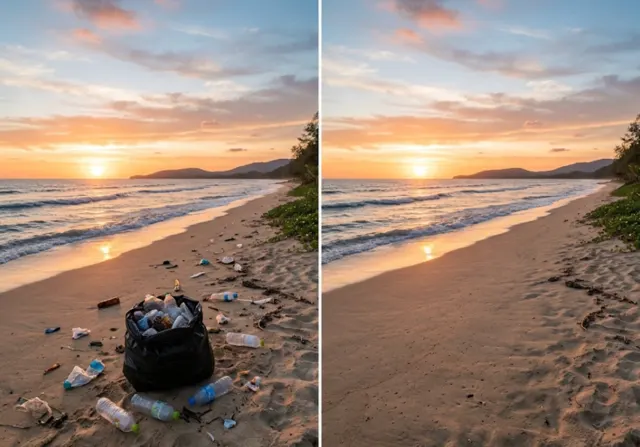
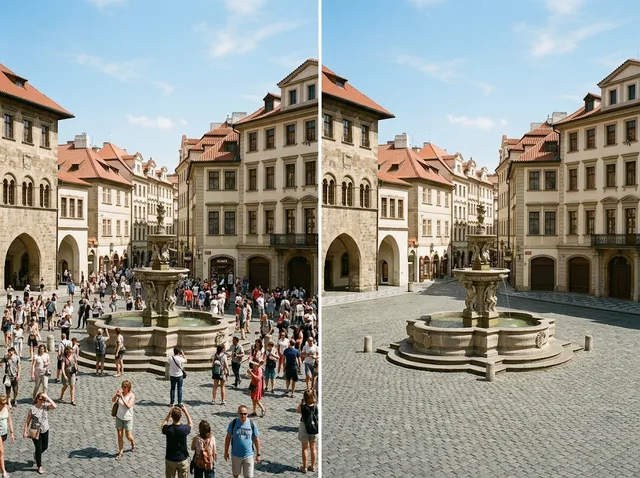
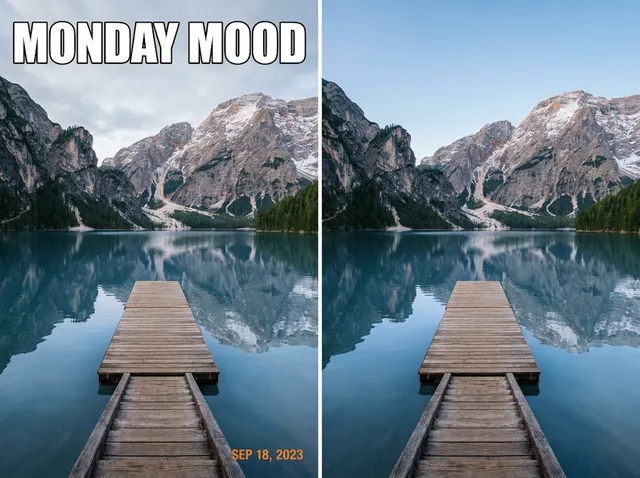
FAQs
What is the AI magic eraser?+
A tool that removes selected people, objects, text, marks or blemishes: you brush over them and the AI fills the area to match.
What is the best AI magic eraser?+
One with precise brush control and natural fills. Jitura's eraser lets you resize the brush, undo and redo before you create.
How does it work?+
The model studies the pixels around your brushed area and paints a fill that continues the texture, light and lines.
Is the magic eraser free?+
Yes. Every signed-in account gets free daily operations, and each run uses one. Paid plans add more operations.
Which formats can I upload?+
JPEG, PNG and WebP up to 10MB; a sharp photo gives the cleanest result.
What if the erased area looks unnatural?+
Brush the whole object including its shadow with a small margin and run it again, or erase large objects in two smaller passes.
Can I remove several objects from one photo?+
Yes. Brush over all of them, or remove one at a time when objects overlap.
Make every photo easier to share and reuse
Erase unwanted details and direct attention where you want it.
Try the magic eraser